A table service POS earns its keep in the moments a sales demo usually skips: a four-top that wants appetizers now and mains in twenty minutes, a server who clocks out with three open tables, a party of eight that splits the check by who ate what. Most vendors can show you a clean floor plan and a fast card tap. Far fewer can show you what happens when service gets messy, and that is where a full-service restaurant actually lives.
This guide is a list of questions to ask in a demo, one per section, with what a good answer sounds like and what a red flag sounds like. It assumes you already know why a full-service dining room needs different tools than a counter; if you want that bigger picture first, read our full-service restaurant playbook. Bring a copy of your menu, your floor plan and your busiest Saturday in mind, and make the salesperson run each scenario live on the screen instead of describing it.
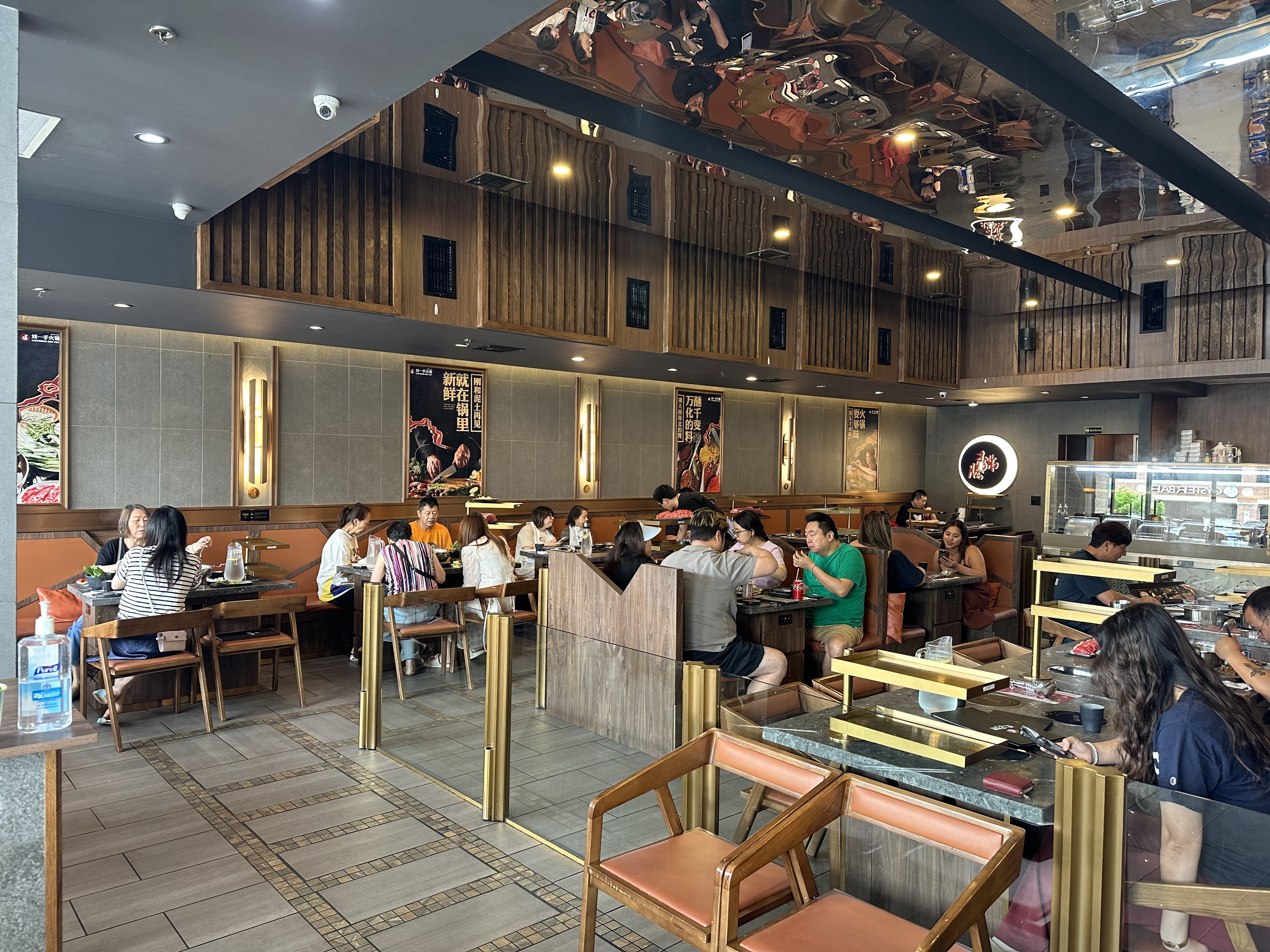
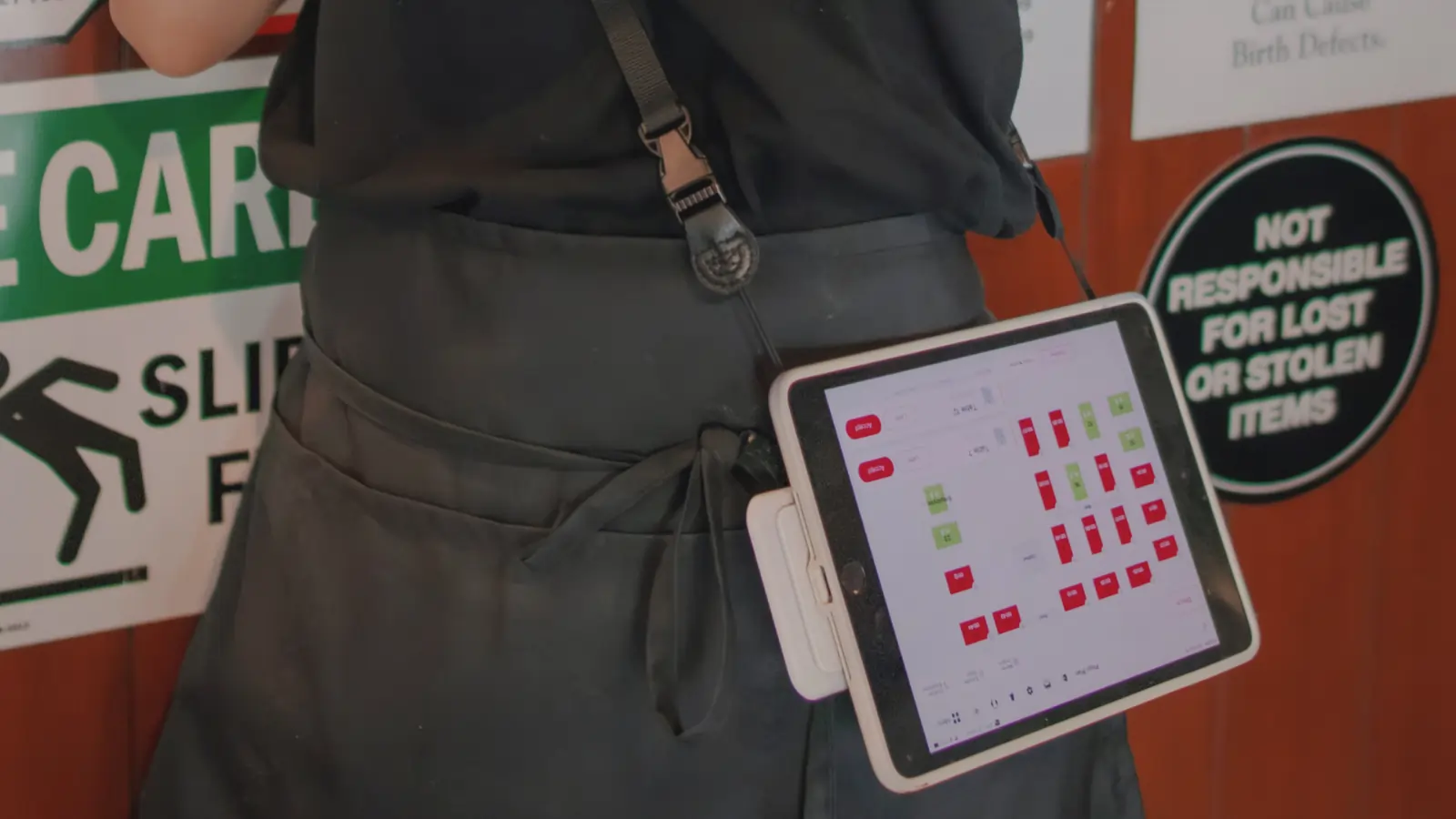
Every table service restaurant POS starts with the table map, so begin there. Ask the vendor to build a corner of your real dining room during the demo: the booths along the wall, the round tables for large parties, the patio that only opens in summer, the bar seats. Then ask them to combine two tables for a party of ten and split them back apart after the party leaves.
A good answer sounds like: "Here's your section of six-tops. I'll drag in a round twelve-top, merge tables 21 and 22, and you can see both checks roll into one. When they leave, the tables return to their own numbers." You should also see table status at a glance (open, ordered, mains fired, check printed, paid, needs bussing) and server sections shown by color, with a way to save separate layouts for lunch, dinner and private events.
A red flag sounds like: "Our onboarding team will set up your layout later." That might be true, but if nobody can edit a table map in front of you, your manager probably cannot do it on a Friday when the patio closes for rain. Another warning sign is a map that shows tables but no status, which means your host is still walking the floor to see what is open.
Seat numbers matter far more in a full-service room than most owners expect. They decide who gets which plate without auctioning food at the table, and they make check splitting possible later. Courses decide whether the kitchen fires everything at once or in the order the guest expects.
Ask the salesperson to take an order for a four-top: two appetizers to share, four mains assigned to seats one through four, a dessert for seat two, and a note that seat three has a shellfish allergy. Then ask to see the kitchen ticket and the check.
A good answer sounds like: "Each item carries its seat number, shared items are marked as table-wide, and the allergy note prints in a way the line can't miss. The mains sit under course two, so they won't print until the server sends them." Check that seat assignment takes one tap per item, because servers will skip a step that takes three.
A red flag sounds like: "Servers usually type the seat number in the item note." Free-text notes do not split checks, do not show up in reports and are easy to forget during a rush. If seats are an afterthought in the software, they will be an afterthought on your floor.
Holds and fires separate a smooth dinner from a cold one. A guest orders everything at once but wants mains to wait until they finish the appetizers. The server needs a way to send the order now so the kitchen can plan, keep the mains on hold, and fire them with one action when the table is ready.
Ask to see three versions: a manual hold the server releases, a timed hold that fires after a set number of minutes, and a hold on a single item (one steak waits while the rest of the course goes out). Then ask what the kitchen sees during the hold.
A good answer sounds like: "The kitchen gets a heads-up that mains are coming for table 14, marked as held. When the server taps fire, the ticket moves to active and the cooks get an alert." The best systems let a manager see every held course in the room, so nothing sits forgotten after a server gets pulled away by a large party.
A red flag sounds like: "Just don't send the mains until they're ready." That turns a software feature into a memory test for your servers, and it means the kitchen has no warning about what is coming. For an existing guide to how coursing works inside a hospitality POS, see our piece on hospitality POS vs retail POS; the point here is to make the vendor prove it under pressure.
Split checks are where demos look easy and real service gets slow. Ask the vendor to split the same check by seat, by item, evenly across a number of guests, and by a fixed dollar amount, then to move one shared appetizer so three guests each pay a third. Finish with one guest paying cash, two paying by card and one using a gift card.
A good answer sounds like: "Tap split by seat and the four checks build themselves from the seat numbers. For the shared appetizer, I'll divide it three ways. Each check can take its own payment type and tip." Watch whether tax, discounts and auto-gratuity follow the split correctly, and whether you can undo a split before payment without voiding anything.
A red flag sounds like: "Splitting by item is easier if you void and re-ring." Voids need manager approval in most restaurants and leave a messy audit trail. If the cleanest way to split a check is to delete items and add them back, your servers will lose minutes on every large table. We cover the guest-facing side of large-party payment in our guide to split checks for large group tables.
Transfers happen every night: a shift change, a section rebalance, a server who goes home sick. Ask the vendor to transfer one table to another server, transfer all open tables at once, and move a single item from one table's check to another (the bar tab that follows a party to their dinner table).
A good answer sounds like: "Select the tables, pick the new server, done. The sales credit and the tip on that check follow the rules you set, and the transfer is logged with who did it and when." Ask how the system handles a server trying to clock out with open checks; a good system warns them or blocks the clock-out until tables are transferred or closed.
A red flag sounds like: "A manager can reassign it in the back office at the end of the night." By the end of the night, the guest at table 12 has already waited for a check nobody owned. Transfers that live only in the back office also make tip and sales reports harder to trust.
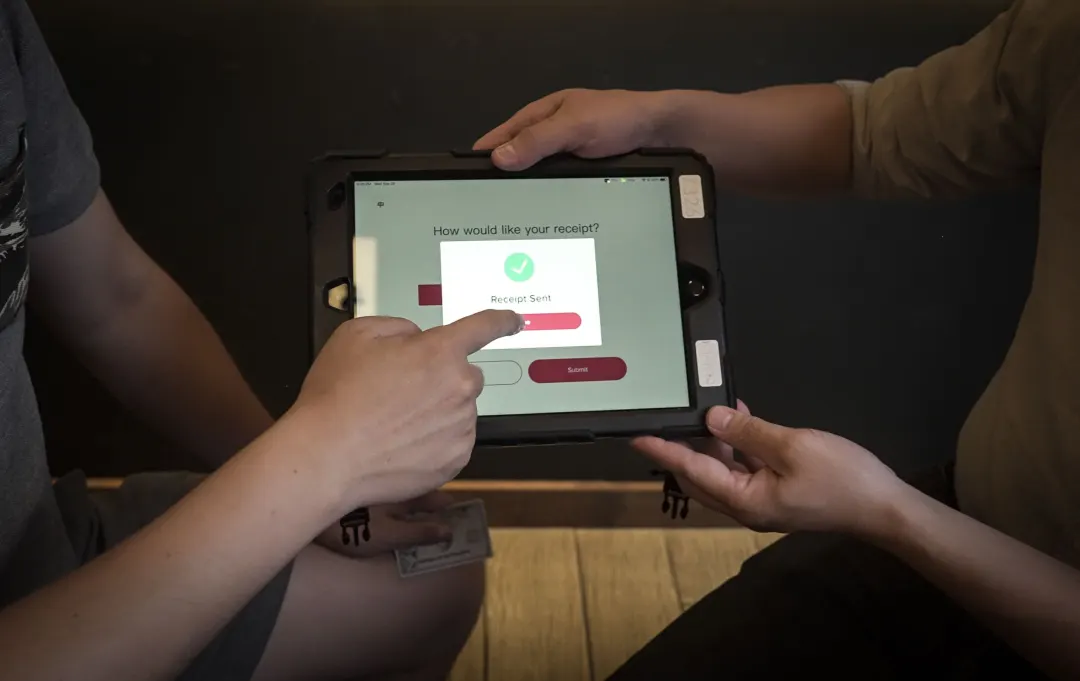
Handhelds change the math of a full-service section. A server who takes the order and the payment at the table skips the walk to a fixed terminal, and guests keep their card in their hands. The question is whether the handheld runs the full POS or a reduced version.
Ask the salesperson to repeat the earlier tests on the handheld: assign seats, hold a course, split a check, transfer a table and take payment with a tip prompt. Ask how it connects (Wi-Fi, cellular or both), how long the battery lasts on a double shift, and whether it prints receipts. The Chowbus handheld POS, for example, has a built-in receipt printer and scanner, connects over Wi-Fi, and lets staff take payments and tips at the table and capture digital signatures.
A good answer sounds like: "Same menu, same buttons, same permissions. Anything you can do on the station, you can do here." A red flag sounds like: "The handheld is for ordering; payments go through the counter terminal." That splits your servers' work across two devices and gives back much of the time a handheld should save.
KDS routing decides whether your kitchen sees one chaotic list or a clear set of tickets for each station. In a full-service restaurant, a single table's order might touch the cold station, the wok, the grill, the fryer and the bar. Ask the vendor to send a mixed order and show where each item lands.
A good answer sounds like: "Apps go to the cold station screen, mains to the hot line, drinks to the bar. The expo screen shows the whole table so the plates go out together." Ask how the KDS handles a held course, a change after the order was sent and a remake. You want the change highlighted, with an alert, on the station that has to act on it. The Chowbus kitchen display system supports multiple station screens with item-level assignments, an expo view of the full order and audio-visual alerts for changes, and it keeps running offline.
A red flag sounds like: "All orders go to one screen and the cooks sort it out." That is a paper ticket rail on a monitor. Also ask what happens when the internet drops in the middle of service; if the answer involves the word "usually," keep asking.
Tips are the part of a table service POS your staff will judge you by. Ask the vendor to show a tip prompt at the table, a tip adjustment on a signed paper slip, an auto-gratuity for a large party and a declared cash tip. Then ask for the end-of-shift report that shows each server's card tips, cash tips and any tip-out owed to bussers, runners or the bar.
A good answer sounds like: "Tips post to the server who closed the check, tip-out percentages are set by role, and payroll exports include the totals." Ask how transferred tables affect tip credit, and whether the system keeps a record of every tip adjustment and who made it.
A red flag sounds like: "Most restaurants calculate tip-outs in a spreadsheet." Spreadsheets break, and tip disputes are a fast way to lose good staff. Tip rules also carry legal weight: under federal law, managers and supervisors cannot keep employees' tips, and states add their own rules on pooling, card fees and payout timing. Read our guide to tip pooling vs tip out and confirm your setup with your state labor department.
The last question connects the front door to the floor. Ask whether reservations and walk-in waitlist entries appear on the same table map your servers use, whether the host can see which tables are about to free up based on check status, and whether a guest's notes (birthday, allergy, preferred booth) follow them from the booking to the server's screen.
A good answer sounds like: "The host sees reservations, the waitlist and live table status in one view. When table 8's check is paid, it shows as ready to clear, and the next party gets a text." A red flag sounds like: "We integrate with a reservation app; your host just keeps both screens open." Two screens means two sources of truth, and the host stand is already the busiest spot in the building at 7 p.m. If you are weighing outside reservation platforms, ask how deep the integration actually goes, table status and check data included, before you sign.

Q1: What is a table service POS?
A table service POS is a point of sale system built for restaurants where staff seat guests, take orders at the table and bring the check. It adds tools a counter POS lacks, such as a table map, seat numbers, coursing with holds and fires, check splitting and server transfers. Most also connect to kitchen displays, handhelds and a reservation or waitlist system.
Q2: How should I run a demo of a table service restaurant POS?
Bring your real menu and floor plan, and write down five or six scenarios from a busy night before the call. Ask the salesperson to perform each one live on the screen, on both the station and the handheld, instead of describing it. Time how many taps each task takes, because servers will repeat it hundreds of times a week.
Q3: Is a table service POS different from a quick service POS?
Yes. A quick service POS is built around one order and one payment at a counter, while a table service POS has to track a table over an hour or more, with multiple courses, seat-based orders, check splits and transfers between servers. Some systems offer both modes, which helps if you run a dining room and a takeout counter under one roof.
Q4: How much does a table service POS cost?
Pricing usually combines software subscriptions, hardware such as stations, handhelds and kitchen screens, and payment processing. Many vendors quote by location and device count, so ask for an itemized quote that lists every add-on, including handhelds, KDS screens, online ordering and reservations. Compare the total over the full contract term, not only the monthly software fee.
Q5: Do I need handhelds if I already have POS stations on the floor?
It depends on your room. Large dining rooms, patios, multi-level spaces and restaurants with long walks between tables and stations tend to gain the most, because servers spend less time walking to a terminal. Smaller rooms with a station in every section may get by with fewer handhelds, but pay-at-the-table still helps with tips and card security.
Q6: What should I do after the demo?
Ask for a test login or a second demo with your own menu loaded, and have your best server and your kitchen lead try the scenarios themselves. Request references from restaurants with a similar format and size, and call at least two of them. Before signing, read the contract for term length, hardware ownership and early-termination fees.
The questions above are deliberately uncomfortable for a salesperson, because each one asks the system to handle a moment that goes wrong on a busy night. A table service POS that passes all of them on the station and the handheld, with your menu loaded, is a system your servers will trust. One that needs a workaround for half of them will cost you time every shift you run it.
If you want to see how one platform handles these scenarios, Chowbus offers a full-service restaurant POS with 24/7 bilingual support in English, Chinese and Spanish. Bring this list to the demo, and to every other demo you book, and score each vendor only on the scenarios they complete live on the screen.