Search "POS system for sale" and you will find three kinds of listings mixed together: new hardware from a manufacturer or POS provider, refurbished units from resellers, and used terminals from restaurants that closed or upgraded. A fourth option rarely shows up in that search but belongs in the comparison: hardware that comes with a POS subscription. The prices range widely, and the cheapest listing is tempting when you are equipping a new location or replacing a broken station.
Price is the last thing to check. A used or refurbished terminal is only a bargain if it can still take payments with your processor, still receives security updates, runs the POS software you plan to use, and comes with some form of warranty. Many secondhand terminals fail at least one of those tests, and the failure usually shows up after the money is gone. This guide is an inspection you can run on any listing or device before paying, in the order that catches deal-breakers fastest.
Before you look at the device, work out what kind of sale this is, because each type carries different risks.
New and subscription-bundled hardware mostly skip the inspection below, though you should still read the ownership terms. Refurbished and used devices need every step. If you have not yet decided which devices your restaurant needs, the point of sale hardware checklist for a new location covers that first.
Ask the seller for the full model number, the hardware version and the serial number, or a photo of the label on the back of the device. A listing that only says "card terminal, works great" is not enough to evaluate.
Card readers that accept PIN entry are tested against the PCI PIN Transaction Security (PTS) standard, and approved devices appear on the PCI Security Standards Council's public list with an approval expiry date. Look up the model there. The Council's guidance says PCI DSS itself does not require PTS-approved devices, but card brands have their own rules, including whether devices past their approval expiry can still be bought or deployed, and it notes that older devices may not withstand newer attacks. If the model's approval has expired, ask your processor before buying whether they will set it up for a new merchant at all, and treat a vague answer as a no.
While you have the model in front of you, confirm it reads chip cards and contactless payments. Since the 2015 EMV liability shift in the U.S., a restaurant taking chip cards on a magstripe-only device generally carries the fraud liability for counterfeit card disputes.
This is where most secondhand terminal purchases go wrong. Many payment terminals are encrypted and configured for a single processor, and some brands are sold through specific processors and only accept payments through that relationship. A device can also stay registered to the previous owner's merchant account until the original seller or processor releases it. Merchant forums for several major terminal brands carry the same warning: a secondhand unit without a proper release may never take a payment for a new owner.
Before paying, get written answers from the seller on which processor the device was set up with, whether it has been removed from their account, and whether it was purchased outright or under a lease. A leased device belongs to the leasing company, so the seller may not have the right to sell it. Then call the processor you plan to use and give them the model and serial number. They can tell you whether they support the model and whether it can be re-encrypted, sometimes called re-keying or re-injection, for their system, and what that costs.
A POS terminal is a computer that handles card data, so the operating system matters as much as the hardware. Older Windows-based POS stations are the most common trap on resale sites. Microsoft ended support for standard Windows 10 editions on October 14, 2025, which means no more free security updates for those machines. Some long-term servicing editions built for commercial devices have later end dates, so check the exact edition, not only the version number.
Tablets raise the same question in a different form. Apple and Android device makers stop delivering new operating system versions to older models, and POS apps eventually require a newer version than an old tablet can run. For Android-based payment terminals, updates come from the terminal maker or the processor, not from Google, so ask the seller or the manufacturer for the device's end-of-support date. If no one can give you that date, assume it is close. For a fuller look at how the two tablet platforms differ for restaurants, see iPad vs Android POS for restaurants.
Hardware and software are often sold separately on resale sites, and the software license almost never transfers with the device. A used station that ran one brand's POS may be useless with another, and a used card reader may not pair with the POS app you choose.
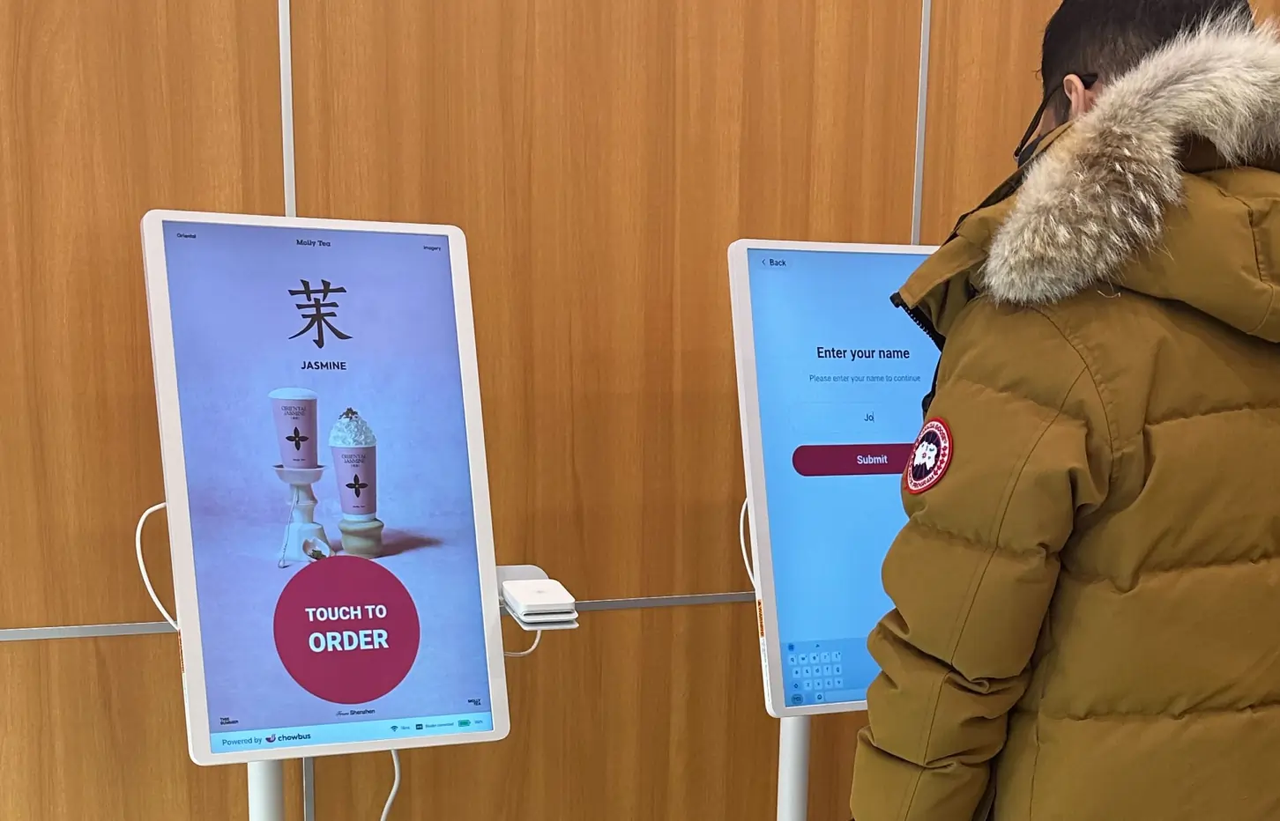
Ask the POS provider you plan to use for its supported hardware list, including minimum operating system versions, before you buy anything secondhand. Chowbus, for example, runs its restaurant point of sale system on iOS-powered Apple devices, so a used iPad would need to run a version of iPadOS the app supports and pass the other checks here. Whatever system you choose, get the compatibility answer from the vendor, not from the seller's listing.
If you can see the device in person, spend ten minutes on it. If you are buying online, ask for clear photos of every side and a short video of the device powering on and running through its menus.
Tampering checks are part of PCI DSS too. Requirement 9.5.1 asks merchants to protect card-reading devices from tampering and substitution, keep an up-to-date list of those devices, inspect them periodically and train staff to spot tampering. A secondhand reader with an unknown history makes that harder, which is one more reason to buy from a source that can document where the device came from. The PCI compliance guide covers the wider requirements.
Many manufacturer warranties cover only the original purchaser, or only devices bought through authorized channels. Ask whether any remaining factory warranty transfers to you, and get the answer from the manufacturer if possible. Refurbished units from authorized resellers often carry their own warranty, commonly shorter than a new device's, so ask for the length and what it covers.
For private sales, the minimum protection is a return window long enough to complete Steps 2 to 4 with your processor and POS provider. If the seller will not accept a return when the device turns out to be tied to their account or unsupported by your software, the low price carries all the risk.
Only now does price come in. Add the listing price, shipping, any re-keying or setup fee from your processor, the cost of missing cables or a power supply, and a repair allowance for the shorter life of an older device. Compare that total with a new unit and with what your POS provider includes in its plan. How to pay for hardware over time, whether you buy, lease, rent or bundle, is a separate decision with its own contract terms. Keep this comparison to one question: once the extra costs are added, is the used device still cheaper, and how many fewer years of updates does it have?
Some answers should stop the purchase on the spot, however good the price:

Q1: What does "POS system for sale" usually include?
Listings range from a single card reader to a full station with a screen, cash drawer and printer. Most secondhand listings include only hardware, because POS software licenses and processing accounts rarely transfer to a new owner. Check exactly which components, cables and power supplies are included before comparing prices.
Q2: How do I check whether a used card terminal will work with my processor?
Get the model and serial number from the seller and call your processor before buying. Ask whether they support the model, whether it can be re-encrypted for their system, and what that costs. Also confirm with the seller that the device has been removed from their merchant account.
Q3: Is refurbished POS hardware better than used?
Usually, if it comes from the manufacturer or an authorized reseller. Refurbished units are tested, reset for a new account and often come with a warranty, while used devices from private sellers may still be tied to the previous owner's account. The refurbished price is higher, but fewer surprises tend to follow.
Q4: How much can I save buying a used POS system?
It depends on the model and its age, and the listing price is only part of the cost. Add setup fees from your processor, missing accessories and a repair allowance, then compare that total with new hardware and subscription-included hardware. An older device with only a year of updates left may cost more per year of use than a new one.
Q5: Can I buy a POS from a restaurant that is closing?
Yes, but run the same checks. Confirm the owner bought the equipment outright, since leased devices belong to the leasing company, and make sure every payment device has been released from their processor account before you pay. Ask for the original purchase records if they have them.
Q6: What should I do before paying for a used POS terminal?
Collect the model, serial number and operating system version, then check the PCI PTS listing, your processor's support and your POS provider's hardware list. Inspect the device or ask for photos and a video, and agree on a return window in writing. Pay only after the answers come back clean.
A secondhand POS terminal can save money when it is the right model, released from its last account, still supported, compatible with your software and covered by a return window. A listing that fails any one of those checks costs more than its price, because the device sits unused while you buy the hardware you needed in the first place.
Run the seven steps on every listing you are considering, and do the processor and software calls before any money changes hands. Those two calls take less time than a lunch rush and settle most of the risk.