"POS app" used to mean a payment app on a phone. Today it usually means one of two things: the point-of-sale software your staff use on tablets and handhelds to take orders and payments, or the companion app an owner or manager uses to watch sales and make changes from anywhere. A good POS app is only as useful as the system behind it, and the right one depends on who is holding the device. An owner at the airport, a general manager on the floor, a server at table nine, a cashier at the counter and a cook at the wok all need different things from the same software.
This guide takes the question role by role. It starts with what a POS app is and how it differs from a full POS system, then walks through what each person in a restaurant needs from it, and ends with a checklist of what to verify before you trust any app with your sales, your staff and your kitchen. The examples come from a typical sit-down Asian restaurant, and they apply to counter service with small adjustments.
Search for a POS app and several different products show up under the same name. A standalone mobile payment app is the simplest: you download it, connect a card reader or turn on tap to pay, and start selling. A full restaurant POS has its own front-of-house app, installed on iPads, Android tablets or handhelds, where staff ring up orders, fire tickets and close checks. Many systems also offer a back-office or owner app, a phone app that reads the same data and lets managers watch, approve and adjust without standing at a terminal.
For a restaurant, the front-of-house app and the owner app matter most, and they should come from the same vendor and share the same data. If the owner app pulls from a separate database that syncs overnight, the numbers you see at 8 p.m. are already out of date. When you evaluate a POS app, ask which kind it is, and whether the other kinds exist and talk to it in real time.
A POS app is the screen your team touches. A POS system is everything that has to work for that screen to be useful in a restaurant: the menu database, kitchen routing, printers and kitchen displays, payment processing, online and delivery orders, staff permissions, reporting, offline handling and support. A standalone app can take a payment. It may not know that the dan dan noodles go to the noodle station, that the lamb skewers are 86'd, or that a delivery order just came in from a third-party platform.
This distinction matters when a restaurant grows, because the gaps that push owners to switch usually sit behind the screen. Kitchen routing, modifiers with price changes, coursing, split checks, tip pooling and multi-location menus are system features, and they are where generic apps fall short. A full system such as Chowbus POS runs its app on Apple devices, syncs data across devices in real time, includes an offline mode for internet outages, and handles in-house, phone, online and delivery orders in one place. Whichever vendor you consider, ask to see the app working with the kitchen and the reports, not only the checkout screen.
The owner of our example restaurant spends Thursday afternoon at a supplier meeting and Friday night on a flight. What she needs from a POS app is a clear, current picture without calling the manager every hour: sales so far, how today compares with last week, which order types are carrying the night, and how the staff are performing. At close, she wants the daily report on her phone before she lands.
Remote control matters as much as remote viewing. If a delivery platform is sending more orders than the kitchen can handle on a short-staffed night, the owner should be able to pause it from her phone. If the restaurant's own website needs pickup turned off for an hour, the same applies. Reviews matter too; seeing a complaint about cold food while the shift is still running is more useful than reading it on Monday.
This is the job of an owner app like Chowbus GO, the merchant app that works with Chowbus POS. It shows real-time sales data with hourly breakdowns, order types, dishes and staff performance, puts daily closing reports on your phone, lets you turn delivery platforms and your website's pickup and delivery on or off with a tap, and lets you monitor customer reviews. It also gives one-tap access to 24/7 support. Whatever app you use, test it on the worst possible night: when the owner is away and something goes wrong.
The general manager lives in the app more than anyone else, and the manager's needs are about control. Who can void an item after it has been sent to the kitchen? Who can comp a dish, apply a discount or reopen a closed check? A POS app you can trust lets you set permissions by role, so a server can request a void but only a manager can approve it, and every action carries a name and a time.
Owner and manager apps differ a lot here. Some let a manager approve voids and discounts from a phone in real time. Others only report them after the fact, which is still useful for review but does not stop a problem during service. Ask each vendor which actions can be approved remotely and which can only be seen in a report. For a deeper look at how voids, comps and cash drops should be recorded, see our article on restaurant manager POS controls.
Menu changes are the other daily task. When the kitchen runs out of beef tendon at 7:15, the manager needs to mark it unavailable everywhere at once: on the server handhelds, the counter, the kiosk, the website and the delivery menus. In any app, check how long a change takes to appear on every channel, and whether price changes need a computer or can be done from the floor.
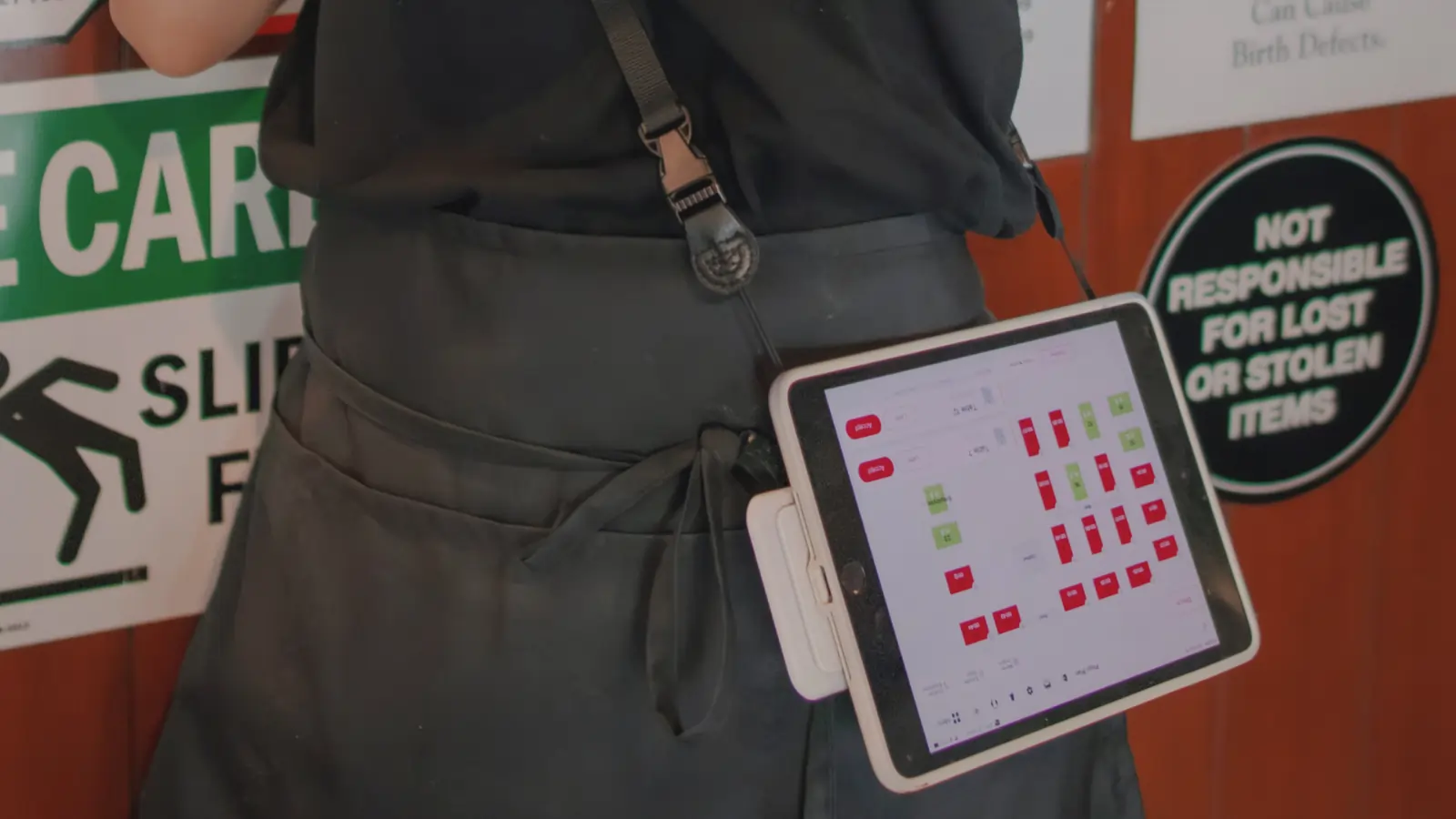
A server's needs are speed and accuracy at the table. The POS app on a handheld or tablet should let them find items fast, apply modifiers without hunting through screens, mark seats and courses, send the order straight to the kitchen and see when dishes are ready. A Sichuan table of six might order a fish in chili oil with a spice level, a dry pot with protein swaps, three cold dishes and rice for everyone. If entering that takes longer than taking it down on paper, the app is slowing service.
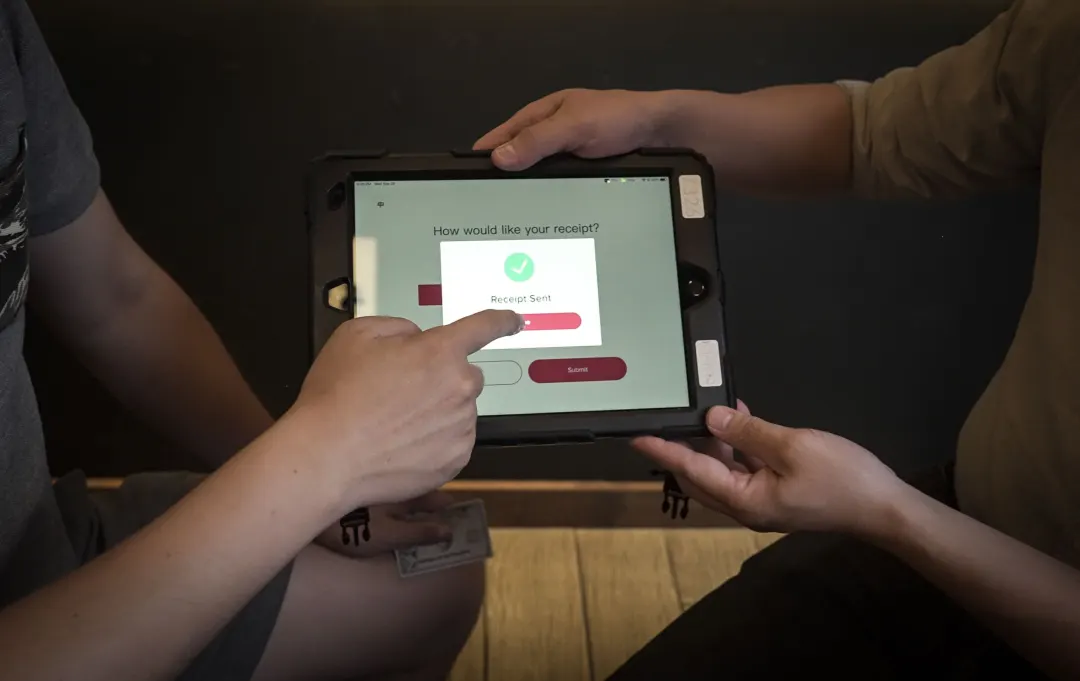
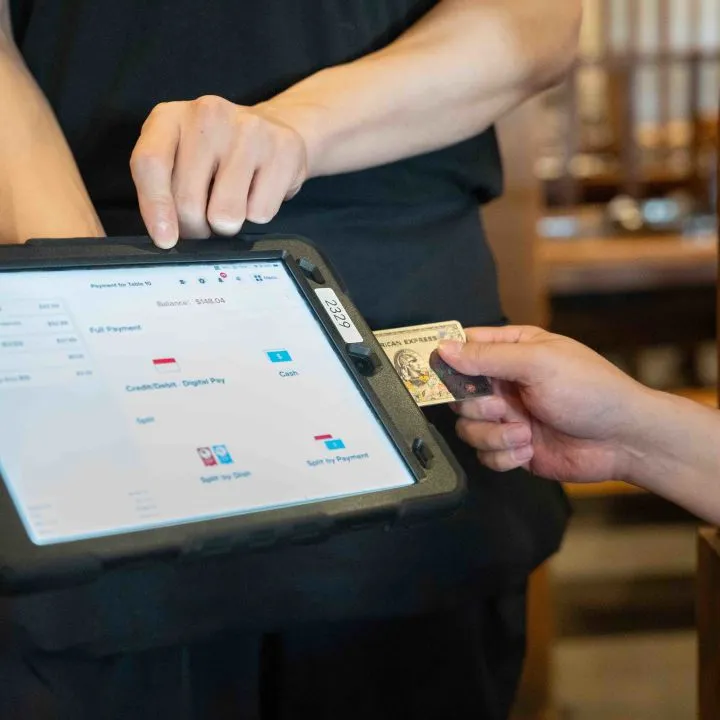
Payment at the table is the other half. Servers need to split checks by seat or item, accept cards and digital wallets, and capture tips without a second trip. Look at how the app handles a party that wants to pay four different ways, because that scenario exposes weak check-splitting faster than any demo. Language matters too. If your staff work better in Chinese or Spanish, check whether the app interface and the printed tickets support it.
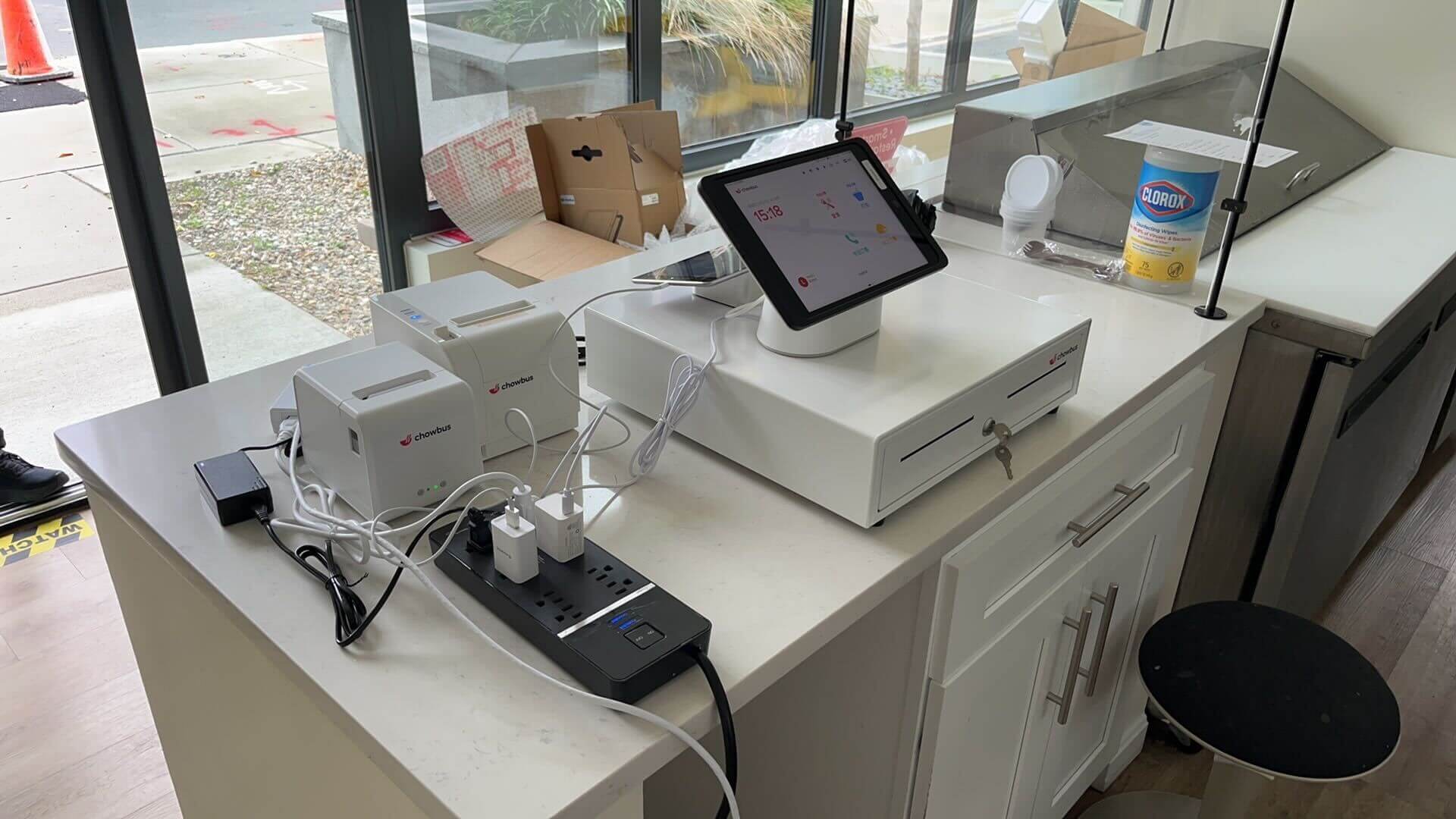
At the counter, the cashier needs an app that handles every payment type without workarounds: card, tap, cash, gift card, loyalty redemption and split tender. Refunds need to be possible but controlled, with a manager approval step and a reason code. Cash handling should be built in, with a starting bank, drops and a closing count that the app reconciles against sales.
The cashier is also the person who handles pickup and phone orders when the dining room is busy, so the app should show takeout, phone and delivery orders in the same queue as walk-ins. If the cashier has to check three tablets and a printer to see what is waiting, orders get missed. Test the end of the shift as well: the cashier should be able to close out and print or view a shift summary without calling the manager over.
Cooks rarely open the POS app, but they live with its output. What the kitchen needs is clean, correctly routed tickets: hot dishes to the wok station, cold dishes to the cold station, drinks to the bar, with modifiers printed clearly and allergy notes impossible to miss. When an item is voided, the kitchen should see that too, so nobody cooks a dish that has already been cancelled.
A kitchen display system connected to the POS adds timing. The line can see how long each ticket has been waiting, which orders are late, and when a table's dishes are ready to run. If you are evaluating an app, ask to see a ticket go from a server handheld to the kitchen screen, then void one item and watch what the kitchen sees. That one test tells you more about how the app fits a restaurant than any feature list.
Once you know what each role needs, use these checks before you sign:
For groups, the multi-location question deserves its own demo. Chowbus multi-location management, for example, lets owners switch between headquarters and store accounts on web or mobile and view reports at both the group and restaurant level. Whatever you choose, run a full test shift with your real menu before you go live.

Q1: What is a POS app?
A POS app is point-of-sale software that runs on a phone, tablet or handheld and lets staff take orders and accept payments. In restaurants, the term also covers the owner or manager app that shows sales and allows remote changes. The most useful POS apps are part of a full system that connects the kitchen, payments, online orders and reporting.
Q2: How do I manage my restaurant remotely with a POS app?
Use an owner app from the same vendor as your POS so it reads live data. Set up alerts and daily reports, decide which actions managers can approve from their phones, and practice pausing delivery or marking items unavailable before you need to. Then check the app at a few fixed times each shift instead of all night.
Q3: Is a POS app the same as a POS system?
No. The app is the screen staff use, while the system includes the menu database, kitchen routing, hardware, payment processing, online ordering, permissions and reporting behind it. A standalone app can take payments, but a restaurant usually needs the full system for kitchen tickets, modifiers and multi-channel orders.
Q4: How much does a restaurant POS app cost?
Pricing usually combines a software subscription, card processing fees and hardware such as tablets, handhelds, printers and kitchen displays. Owner apps are often included with the POS subscription, but confirm this with each vendor. Compare quotes on the total monthly cost for your actual sales volume, and ask for every recurring fee in writing.
Q5: Can I pause delivery orders from my phone if the kitchen is overwhelmed?
Many owner apps allow it if the POS integrates with your delivery platforms. If your current setup requires logging into each delivery tablet separately, that is a sign your POS and delivery channels are not connected.
Q6: What should I do before switching to a new POS app?
List what each role needs, using the owner, manager, server, cashier and kitchen sections above, and ask each vendor to demonstrate those exact tasks with your menu. Run a test shift, including a void, a split check, an offline period and a remote menu change. Plan the switch for a slow week, and keep your old system available until the first full weekend is behind you.
A POS app is the part of your restaurant technology that people actually touch, so it is easy to judge it on how the checkout screen looks. The better test is whether it gives each person what they need: live numbers and remote control for the owner, permissions and quick menu changes for the manager, fast entry for servers, clean payments for cashiers and clear tickets for the kitchen.
Before you commit, walk through a normal week role by role and write down the moments where each person depends on the app. Bring that list to every demo. The vendor that can show you each of those moments working with your menu, on the devices your team will use, is the one to shortlist.