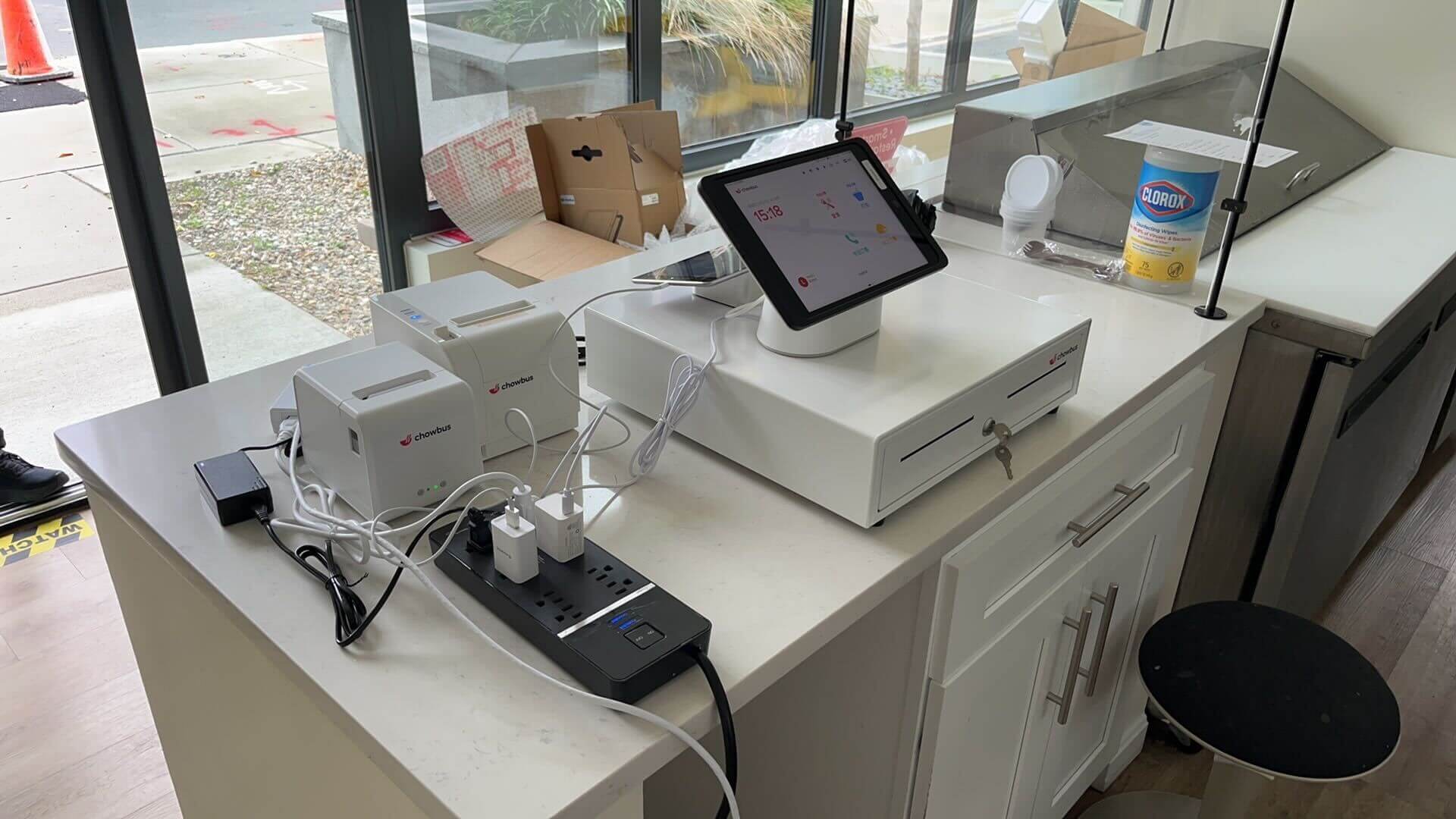
Almost every POS vendor calls its product simple, and most owners shopping for a simple POS system mean something reasonable by it: a screen staff can learn in one shift, orders that take a few taps, and a sales report the owner can read without a manual. The trouble is that a system can look simple in a demo because it is easy, or because it is missing the things that make a restaurant menu hard. Fewer buttons on the screen can mean good design, or it can mean there is no place to put a modifier, no way to send a dish to the right kitchen station, and no second language for the cook who reads the ticket.
The way to tell the two apart is to stop watching the salesperson click through a sample menu and start handing over tasks. This article gives you six tasks to run live during any demo, from ringing a modified order to training a new hire in fifteen minutes, and for each one describes what a simple system does and what a limited one does instead. Run all six and you will know whether you are looking at a good POS system that is easy to use, or a thin one that will push the hard parts back onto your staff.
On a slide, both kinds of system show a clean grid of menu buttons and a large pay button. The difference only appears when the order gets complicated. A simple system hides complexity until you need it: a tap on beef noodle soup opens the choices that belong to that dish, such as noodle type, spice level and extra beef, and nothing else. A limited system has no place for those choices at all, so staff type them into a free-text note, the kitchen reads a handwritten-style comment, and the extra beef never makes it onto the bill.
Here is a useful working definition before you sit down with any vendor. Simple means few taps for common tasks, a short learning curve for new staff, and reports that answer an owner's everyday questions in plain numbers. Limited means the system is short on features your menu actually needs: modifier groups with prices, routing items to the right kitchen printer or display, check splitting by item, menu changes that reach every channel, and support for more than one language on screens and tickets. A good POS system should be simple on the surface and capable underneath.
Asian restaurants tend to expose the gap fast. A hot pot menu has broth choices, per-person pricing and dozens of add-ons. A boba shop sells drinks with sugar level, ice level and toppings on every cup. A dim sum or Sichuan kitchen may route cold dishes, wok dishes and steamed items to different stations. If a demo never touches that kind of order, you have not seen the system yet.
Preparation takes about twenty minutes and changes the whole meeting. Write down the actual order that gives your staff the most trouble today. It might be a table of six ordering family style with two people paying separately, or a takeout order with three drinks at different sweetness levels and a no-peanut request. Bring your current menu, with modifiers, as a PDF or a photo. Bring one of your shift leads if you can, since the person who will use the screen all day notices friction faster than the owner does.
Then ask the salesperson to perform each task below on a live system, with you or your shift lead touching the screen for at least half of them. Time each task with your phone. You are looking for two things: how many taps and screens it takes, and whether the system can do the task at all without a workaround. For questions about offline mode, support response and contract terms, our guide on how to sit through a POS demo and actually learn something covers those topics; this list focuses on daily ease of use.
Ask the salesperson to ring your hardest order exactly as a customer would say it, out of sequence, with changes halfway through. For a noodle shop that might be two beef noodle soups, one with thin noodles and no cilantro, one with wide noodles and extra spicy, plus a side of wontons that the customer later asks to make chili oil wontons instead.
Simple looks like: Tapping the dish opens its modifier groups automatically. Required choices, such as noodle type, cannot be skipped, so the order cannot go to the kitchen incomplete. Priced add-ons, such as extra beef, change the total on their own. Editing the second item takes one tap on that line, without voiding the whole order. The finished ticket prints or displays each modifier clearly under the right dish.
Limited looks like: Modifiers are typed as notes. There is no way to require a choice, so cooks guess. Add-ons have to be rung as separate items, which separates them from the dish on the ticket. Changing one line means deleting and re-ringing it. If the kitchen receives a ticket where the spice level appears three lines below the dish it belongs to, picture that ticket at 7 p.m. on a Saturday.
While the ticket is up, ask where it goes. In a kitchen with a wok station and a cold station, a capable system sends each item to its own printer or kitchen display. A limited one prints everything in one place and leaves an expediter to sort it.
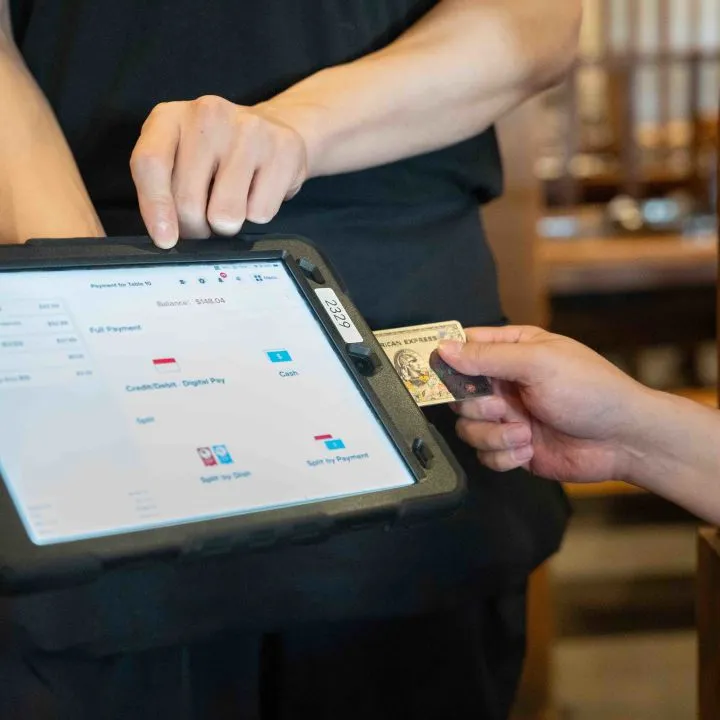
Use a realistic table: four guests, one shared appetizer, one guest who wants to pay for two drinks that someone else ordered. Ask the salesperson to split the check by seat, divide the shared appetizer evenly, move the drinks to the right person, and then take one card payment and one cash payment.
Simple looks like: Items can be dragged or tapped onto seats. Shared items divide evenly with one action. Moving an item after the split takes a tap or two and the totals update immediately, including tax and any service charge. Each guest gets a separate receipt.
Limited looks like: The only option is splitting by equal amounts. Moving an item means undoing the split and starting over. The server ends up with a calculator, which is exactly the step a POS was supposed to remove. Watch for this one at full-service and family-style restaurants, where it happens every night.
Tell the salesperson the kitchen just ran out of pork belly. Ask them to mark it unavailable everywhere guests and staff can order it, then bring it back.
Simple looks like: One action marks the item sold out, and the change reaches the counter screen, any handheld devices, the kiosk, QR ordering and your online menu without anyone logging into a separate system. Bringing it back is the same action in reverse.
Limited looks like: The item disappears from the counter screen but stays live on online ordering, so a guest pays for pork belly the kitchen cannot make. Or the only way to remove it is through a back-office website that the shift lead does not have a login for. Ask how many separate places your staff would need to touch, and count them.
Ask the salesperson to raise the price of one dish by a dollar and one modifier by fifty cents. Then ask to see the new price on every screen where that dish appears, including the guest-facing display and any online menu connected to the POS.
Simple looks like: One edit in one place. The change applies to every location and channel you choose, takes effect right away or at a time you schedule, and leaves a record of who made it. The modifier price change updates in every dish that uses that modifier group, since the group is built once and shared.
Limited looks like: Prices live separately on each device or each channel, so a single change becomes four edits. Modifiers are duplicated per dish, so raising the price of an egg add-on means editing thirty items. If the salesperson needs to call support or "send it to the menu team" to make a routine price change, you will have the same wait every time you update your menu.
Take the screen yourself for this one. Ask for yesterday's total sales, sales by hour, the top ten items, and the split between dine-in, takeout and delivery. Then try to find the same numbers on a phone.
Simple looks like: You find each number within a minute or two without being guided. Reports use plain labels, filter by date, order type and menu category, and match the totals in your payment report. The owner app shows the same figures as the back office.
Limited looks like: There is a daily total and little else. Item reports exist but cannot be filtered by hour or channel. Delivery orders show up in a separate system, so dine-in and delivery never appear on one page. Exporting to a spreadsheet requires a support request. If you cannot answer "how did yesterday go" by yourself during the demo, you will not answer it at midnight after close either.
This is the task that best measures simplicity. Pick someone who has never seen the system, ideally a staff member you brought along, and give the salesperson fifteen minutes to teach them. At the end, the new hire should ring a modified order, take a card payment, apply a discount that needs manager approval, and clock out.
Simple looks like: The screens follow the order of a real transaction, so the new hire learns by doing rather than memorizing menus. Buttons are labeled in words staff recognize. The system can show the menu or interface in the language each employee reads best, and kitchen tickets can print in the language the cooks use. Discounts and voids ask for a manager PIN, so a new cashier cannot make an expensive mistake. Permissions are set by role, so a server sees fewer options than a manager.
Limited looks like: The salesperson spends ten minutes explaining where things are hidden. The interface comes in one language, so bilingual staff translate for coworkers during the rush. There are no role-based permissions, so every employee can void anything. Training happens through a long video library instead of the screen itself. In a restaurant with steady turnover, a fifteen-minute training gap repeats with every new hire.
After the demo, go back through your notes and give each task one of three marks: done in a few taps, done with a workaround, or not possible. Any "not possible" on a task you perform daily should remove the system from your list, no matter how clean the screen looked. Two or more workarounds on daily tasks usually mean your staff will invent their own shortcuts within a month, and those shortcuts tend to show up as errors in your reports.
Weigh the tasks by how often your restaurant performs them. A counter-service boba shop will ring modified drinks hundreds of times a day and split checks almost never, so Task 1 matters most. A family-style Chinese restaurant splits checks every night. Anyone with high staff turnover should treat Task 6 as the deciding test. If you run a small, owner-operated shop, our guide to the best POS for a small, owner-operated Asian restaurant covers the other factors that matter when you are also the IT department, such as setup, reliability and support in your language.
Finally, compare the systems that passed on what happens after the demo. Ask who builds your menu, who trains your staff on site, and how quickly someone answers when the printer stops at dinner. Chowbus, for reference, offers 24/7 bilingual support in English, Chinese and Spanish. A system that is simple on day one stays simple only if you can get help the day something changes.

Q1: What is a simple POS system for a restaurant?
A simple POS system is one that staff can learn quickly, that handles common tasks in a few taps, and that gives owners clear reports. It still supports the features a restaurant menu needs, such as modifiers, kitchen routing and check splitting. Simplicity describes how the system feels in daily use, and a short feature list is a separate thing.
Q2: How do I test whether a POS is easy to use before buying?
Ask the salesperson to perform real tasks live on the system: ring a complicated modified order, split a check, mark an item sold out, change a price, pull yesterday's sales, and train someone new in fifteen minutes. Touch the screen yourself for some of them and time each task. Count the taps and note every workaround.
Q3: What is the difference between a simple POS and a limited POS?
A simple POS hides complexity until it is needed and makes common tasks quick. A limited POS looks clean because it lacks features, so staff work around missing modifiers, kitchen routing or menu sync with notes, calculators and extra logins. The difference usually only shows up when you run your hardest orders during a demo.
Q4: Does a simple POS system cost less?
Not necessarily. Pricing depends on hardware, software plan and payment processing more than on how simple the interface is. A cheaper system that forces workarounds can cost more over time in staff hours, wrong orders and missing sales data, so compare the full monthly cost against how well each system handled your demo tasks.
Q5: What should a good POS system do for a boba shop or noodle shop?
It should handle stacked modifiers on every item, such as sugar level, ice level and toppings or noodle type and spice level, with prices attached to add-ons. It should send items to the right prep station and update sold-out items across counter, kiosk and online menus at once. Clear tickets matter more than extra features in a shop that rings hundreds of customized orders a day.
Q6: What should I do after a POS demo?
Score each task as quick, workaround or not possible, and drop any system that cannot handle a task you do daily. Ask the remaining vendors who builds your menu, how training works and how support is reached during service. Then request a second session with your own menu loaded before you sign anything.
A simple POS system earns the name when your hardest order goes through in a few taps, a new hire is ringing tickets after one short lesson, and you can see yesterday's sales without asking anyone. When the clean screen comes from missing modifiers, missing routing or a single language, the complexity is still there, carried by your staff, your kitchen and your reports instead of the software.
Run the six tasks with every vendor on your shortlist, keep the same order and the same stopwatch, and compare your notes side by side. If you want to see how Chowbus handles them, you can review the Chowbus point of sale system and bring your own menu to a demo.