A POS system cashier machine is whatever sits on your counter and turns an order into a payment: a screen to ring the sale, a card reader, a receipt printer and, if you take cash, a drawer. You can buy that as one all-in-one terminal, with the screen, printer and sometimes a second guest-facing screen built into a single housing, or you can assemble it from parts: a tablet on a stand, a separate printer, a cash drawer and a card reader. Both approaches work. Which one works for you depends mostly on the counter it has to live on, which most spec sheets never mention.
This guide walks through five common counter layouts in Asian restaurants, from a narrow takeout counter to a multi-register quick-service line, and explains which machine setup fits each one and why. It covers single and dual screens, where the cash drawer and printer go, where to place the card reader, counter depth, cables and power, and what happens to each setup when one piece fails. If you are still deciding whether to replace an old register at all, start with the signs your restaurant has outgrown a basic drawer. This article assumes you have decided and are now choosing the hardware for the counter.
An all-in-one terminal puts the main screen, a receipt printer and often the card reader into one body. Many models come in a dual-screen version, with a smaller display on the back facing the guest. The appeal is a single footprint, fewer cables and one box to set up. The trade-off is that the parts are tied together. If the printer mechanism jams for good or the guest screen cracks, the whole unit often goes out for repair or replacement, depending on the model and warranty.
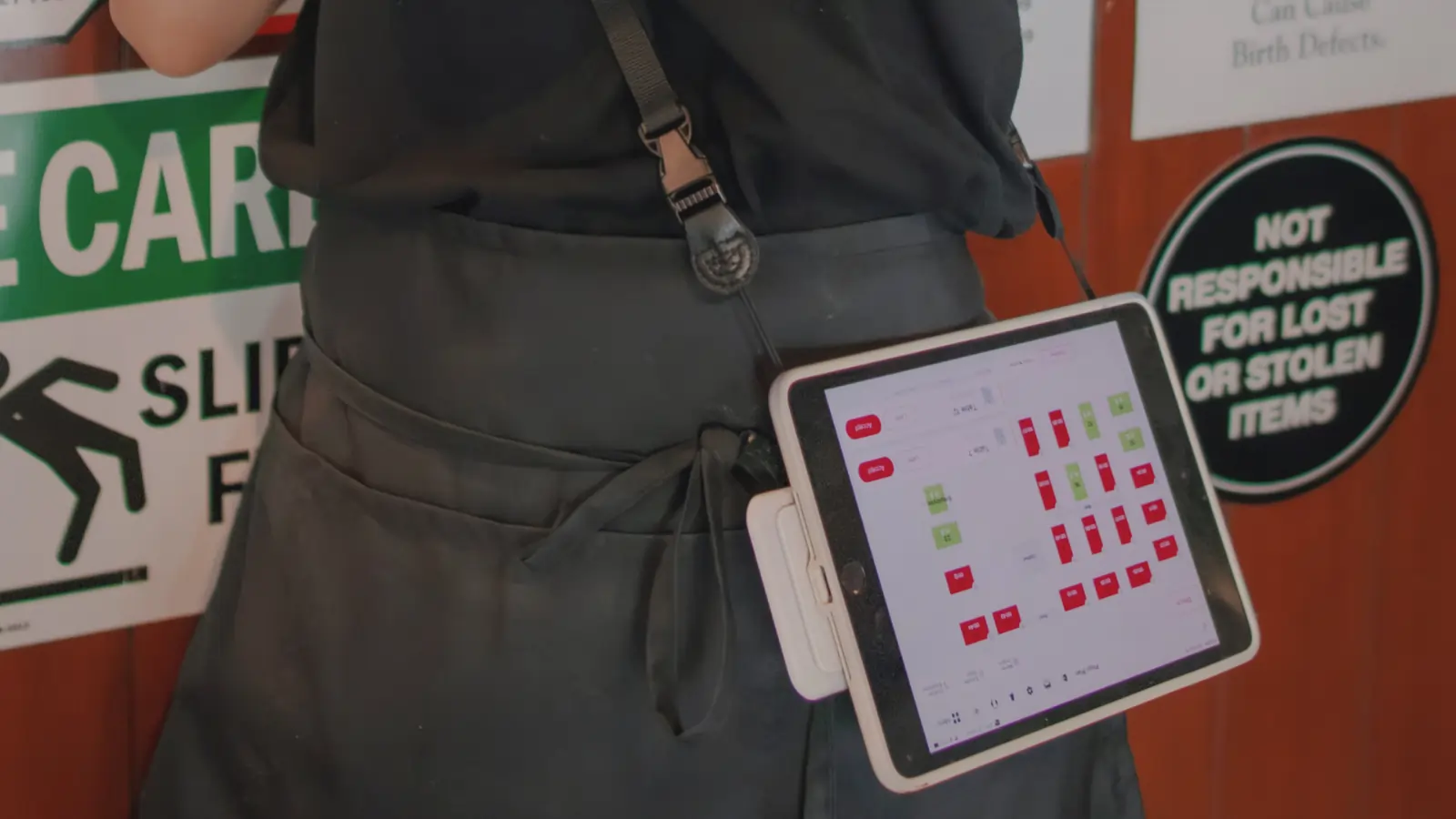
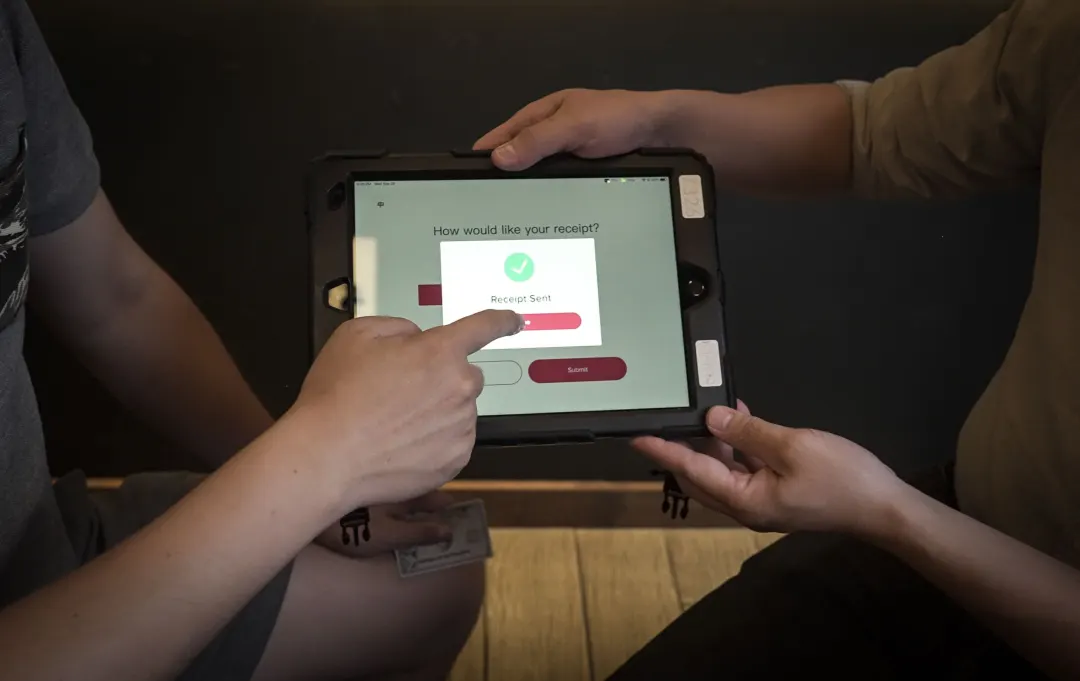
A tablet setup separates the jobs. The tablet sits on a stand and runs the POS. The receipt printer sits wherever it fits, the cash drawer goes under the counter, and the card reader either attaches to the stand or sits on its own on the guest side. Each piece can go where the counter has room, and each can be replaced on its own. The cost of that flexibility is more cables, more devices to pair and more power outlets. Chowbus, for example, runs on iOS-based Apple devices and works with separate receipt printers, label printers and kitchen displays.
A few hardware details shape every layout below:
Before you look at any product page, take a tape measure to the counter. Note the depth from the staff edge to the guest edge, the usable width, and where the outlets and network ports are. Mark which side guests stand on and how high the counter is. Many owners discover after delivery that a dual-screen terminal's guest screen faces a wall, or that the only outlet is under the opposite end of the counter.
Counter height matters for guests as well as staff. Under the 2010 ADA Standards for Accessible Design (section 904.4), a sales or service counter generally needs a portion at least 36 inches long and no more than 36 inches above the floor for a parallel approach, with a slightly different rule for a forward approach. The card reader and any guest-facing screen should be reachable from that portion. Rules for new construction and alterations vary by state and city, so confirm the requirements with your local building department or an accessibility specialist; this summary reflects the federal standard as of November 2026.
Then count power and cables. A tablet setup at one register can easily need separate power for the tablet, the printer, the card reader's charger and nearby network gear, plus the drawer cable to the printer. Plan a surge protector and a route that keeps cables off the counter surface and out of walkways. Our guide to iPad POS stand setup covers stands, locks and cable routing in detail, so this article stays with the layout question.
Picture a noodle or dumpling shop where the counter is a shallow ledge in front of the kitchen pass. Most sales are takeout and phone pickups, a few guests eat at a wall bar, and one person handles the register and bags orders between rings. Depth is the constraint. A dual-screen terminal may not leave room for bagging, and its guest screen may hang over the edge.
The setup that usually fits is a tablet on a slim stand that swivels toward the guest, with the receipt printer and cash drawer on a shelf below the counter or on a back counter within arm's reach. The card reader sits on the guest side, either clipped to the stand or on its own small base. Turning the tablet to show the order replaces a separate customer screen, which saves the depth a second display would take. If the shop runs mostly card payments, the drawer can go under the back counter, where it stays out of the bagging area.
A compact all-in-one can work here too if the counter is deep enough for the unit plus a bagging zone. Check the terminal's footprint on its spec sheet against your measurements, and leave space for bags, sauces and the pickup tickets that pile up during lunch.
A boba shop usually has an order point at one end, a long bar where drinks are made, and a pickup shelf at the far end. Almost every drink carries modifiers, such as sugar level, ice level and toppings, and guests often change their minds while ordering. Confirming the order on a screen they can see saves remakes, so a customer-facing display earns its space here.
That points to either a dual-screen terminal at the order point or a tablet on a guest-facing swivel stand. The more important printer decision is the label printer for cups, which belongs at the start of the drink station, not next to the register. A receipt printer and drawer can stay at the order point. Card readers should face the line so guests can tap while the cashier moves to the next order.
The pickup shelf is its own small layout. Instead of calling numbers over the noise of shakers, many shops mount a display above the shelf. Chowbus's customer pickup screen runs on an internet-connected smart TV and supports voice announcements in English and Chinese. If you add self-ordering later, kiosks typically go near the door, so plan an outlet and network drop there even before you buy one.
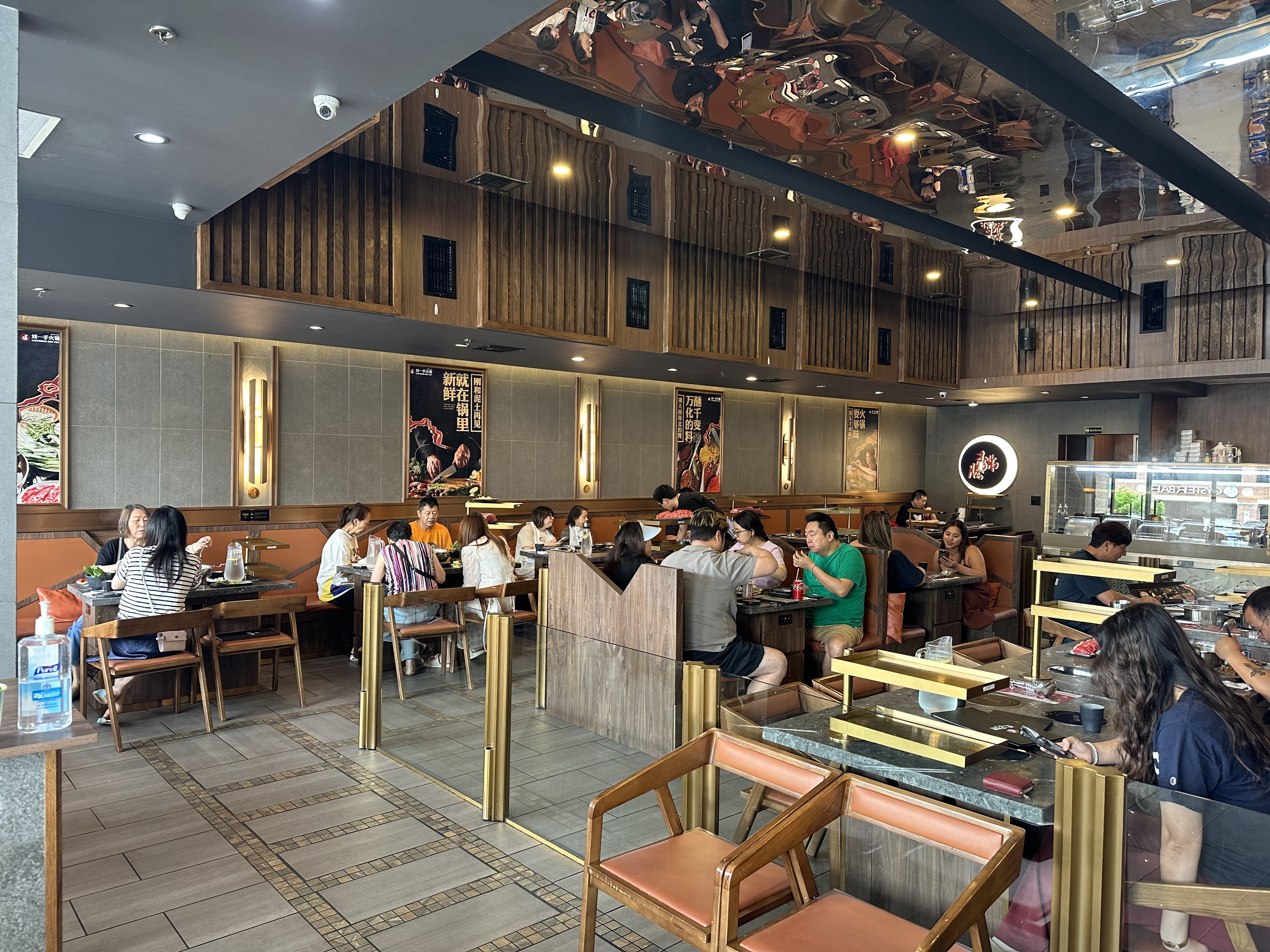
In a full-service Korean BBQ or hot pot restaurant, the counter is not where most payments happen. Servers take orders and payments at the table on handheld devices, and the front of the restaurant has a host stand and often a bar. The cashier machine question splits into smaller decisions for each spot.
The host stand needs little: a tablet for the waitlist, reservations and takeout pickups, and a card reader for guests who pay on the way out. A drawer is optional unless takeout guests often pay cash. The bar needs a full station with a drawer for cash payments and tips, a receipt printer and a reader that bar guests can reach without leaning over glassware. Bar tops are usually deep but crowded, so many bars mount the screen on the back bar and keep only the reader on the guest side.
A server station in the back of the dining room rarely needs a guest-facing screen at all. A tablet and a printer for checks is enough. Putting an all-in-one there buys you a customer display nobody looks at. Before buying, list every payment point in the room and give each one only what it needs.
A food hall stall shares a building with other vendors, which brings limits you do not control. The landlord may set the counter design, the number of outlets and the network. Counter space is small, and there may be no back counter for a printer or drawer. Some halls encourage card-only payment. Before going cashless, check local law: as of November 2026, Pew Research Center counts at least 10 states and 10 local governments, including New Jersey, New York, New York City, Philadelphia and San Francisco, that require most in-person businesses to accept cash, with exceptions. Confirm the current rules with your city or state before you remove the drawer.
For a stall, fewer pieces usually win. A compact all-in-one with a built-in printer and reader keeps cables to a minimum, or a tablet with a small printer on a single mount does the same. Ask the hall operator whether you can run a wired network connection and whether the shared Wi-Fi is separated from the public network. Confirm whether your POS keeps taking orders during an outage. Halls often supply their own pickup buzzers or screens, so check what is provided before buying a pickup display.
A busy quick-service restaurant with two to four registers side by side has a different priority: every station should be identical. Staff move between registers during a shift, and they should find the screen, drawer, reader and printer in the same place at each one. Mixing a dual-screen terminal at one register with tablets at the others slows the person who has to switch.
Give each register its own drawer if more than one person handles cash, so each count belongs to one cashier. Line the card readers up with the queue so guests reach them in order, and give every register a guest-facing view of the order. Send kitchen tickets to a kitchen display or a kitchen printer instead of the front receipt printers, so a front printer jam does not stop the kitchen. Keep one spare tablet or terminal configured and ready, since a four-register line usually loses its busiest register at the worst time.
When the line still backs up, more registers are not always the answer. Self-ordering kiosks or a handheld for line-busting can add capacity without more counter space. Our point of sale hardware checklist for a new location explains how to count stations for your peak hour and which devices can wait until you have real sales data.
Every counter eventually loses a device in the middle of service, and the two setups fail differently. Walk through each failure for your layout before opening.
In general, all-in-one terminals reduce the number of things that can come unplugged, and tablet setups reduce how much of the counter stops when one thing breaks. Small single-register shops often prefer the first. Busy counters with several registers often prefer the second, plus a shelf of spares.

Q1: What is a POS system cashier machine?
It is the hardware at the counter that rings orders and takes payment: a screen running POS software, a card reader, a receipt printer and, if you accept cash, a cash drawer. It can come as a single all-in-one terminal or as separate devices built around a tablet.
Q2: How do I set up a POS cashier machine at a small counter?
Measure the counter depth, width and outlet locations first. On a shallow counter, put the tablet or terminal on top, move the printer and drawer to a shelf below or a back counter, and place the card reader on the guest side. Route cables off the counter surface and onto a surge protector.
Q3: Is an all-in-one terminal better than a tablet with separate printer and drawer?
Neither is better everywhere. An all-in-one has fewer cables and one footprint, which suits small single-register counters. A tablet setup lets you place each piece where it fits and replace one piece without losing the whole register, which suits deep, busy or multi-register counters.
Q4: How much does a POS cashier machine cost?
Costs vary widely by vendor, number of devices and whether hardware is bought, leased or bundled into a software plan. A single-register setup usually includes a screen, card reader, printer and drawer, plus software and payment processing. Get itemized quotes for each device and for spares so you can compare setups fairly.
Q5: Does a boba shop need a dual-screen cashier machine?
A guest-facing screen helps in a boba shop because nearly every drink has modifiers that guests want to confirm. That can come from a dual-screen terminal or a tablet that swivels toward the guest. The cup label printer at the drink station usually matters more than the second screen.
Q6: What should I do before ordering POS hardware?
Sketch each payment point in your restaurant with measurements, outlets and the side guests stand on. Decide what each point needs, such as a drawer, a guest screen or only a reader, and plan one spare for the device you can least afford to lose. Then ask vendors to quote against that list.
The right POS system cashier machine is the one that fits the counter you actually have. A narrow takeout ledge, a boba bar, a host stand, a food hall stall and a four-register line each ask for a different mix of screens, drawers, printers and readers, and the cost of getting it wrong shows up every day as reaching, waiting and remakes.
Start with a tape measure and a sketch, decide what each payment point needs, and plan for the day one piece fails. If you would like to see how a tablet-based setup could be arranged on your counter, you can review the Chowbus point of sale system and the devices that work with it.