An owner visits a busy hot pot restaurant, sees tablets on every table, and decides to add them to her noodle counter. Another sees kiosks at a burger chain and puts one in a full-service dining room. Both end up with a restaurant self ordering system that works, technically, but fights the way their guests actually eat.
Kiosks, table tablets, and QR code ordering all let guests order for themselves. Each one fits a different service style. The right choice comes down to four plain questions about your dining room: where guests order, whose device they use, how many times they order during a visit, and when they pay. This article walks through those questions and then matches each common service style to the system that fits it.
Where does the guest order? If guests order before they sit down, at a counter or on the way in, a kiosk fits that moment. If they order after they are seated, the device needs to be at the table, which points to tablets or QR codes.
Whose device is it? Kiosks and table tablets are restaurant hardware. QR ordering runs on the guest's own phone. That difference affects cost, but it also affects comfort. Some guests are happy to scan and order on their phone. Others, often older guests, prefer a large screen they don't have to set up.
How many times do they order? A lunch counter guest orders once. A hot pot or all-you-can-eat table may order eight or nine rounds. Systems that make repeat ordering easy matter far more in the second case.
When do they pay? Kiosks collect payment before the food is made. Table tablets and QR ordering can work either way: pay first, pay at the end through the device, or pay a server at the end. Your answer here also shapes how tips and split checks work.
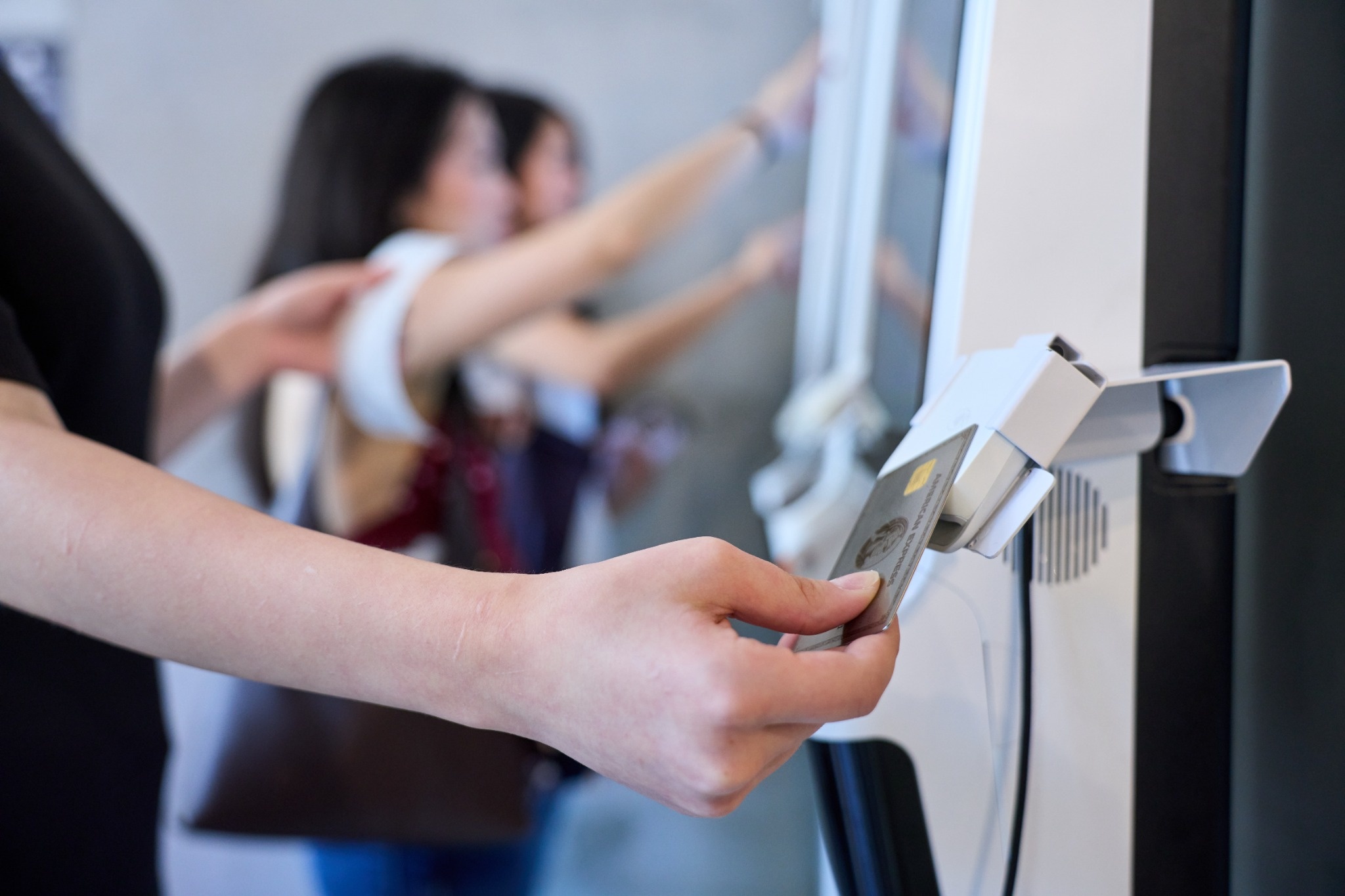
In counter-service restaurants, guests order and pay before they sit down or leave. That matches the kiosk exactly. Several guests can order at once, the line moves while the slow decider takes their time, and orders go to the kitchen without a cashier re-entering them.
Kiosks work best here when the menu has visual appeal and plenty of options, such as bowls with bases and toppings or combo meals. They also give guests a natural moment to join a loyalty program. Plan the pickup step along with the kiosk, since faster ordering tends to move the crowd to the pickup counter. For a closer look at hardware choices, see this comparison of an iPad kiosk and a dedicated kiosk.
Drink shops and bakeries share the counter model, with one twist: almost every order is customized. Sweetness, ice, toppings, milk choices, and sizes make each order slow to take by voice and easy to mishear. Kiosks shine here because guests set every option themselves, and the order reaches the drink station exactly as chosen.
Some shops with seating also put QR codes on tables so returning guests can order a second drink without getting back in line. That works well as an addition to the kiosk, rather than a replacement, because most first orders still happen at the counter.
Fast casual restaurants sit between counter service and full service. Guests often order at the counter, sit down, and later want another drink or a dessert. A kiosk handles the first order well. A QR code on the table handles the second without sending the guest back to the line.
The important detail is that both channels feed the same POS and kitchen. If QR orders and kiosk orders print in different formats or land on different screens, the kitchen ends up managing two systems. Ask any provider to show both channels arriving on one kitchen display.
In a full-service restaurant, the server relationship is part of what guests pay for. Self-ordering here usually works as support for the server. QR ordering can let guests add drinks or extra dishes without waiting to flag someone down, while the server still greets the table, explains the menu, and handles the first order.
Table tablets can work in full-service settings with large menus and many photos, especially where guests like to browse. Kiosks rarely fit here, since guests are already seated and the main ordering moment happens at the table. For payment at the end of the meal, many full-service restaurants rely on servers with handheld devices or QR payment at the table. This look at QR payment at the table covers where it helps and where it doesn't.
Hot pot and all-you-can-eat restaurants are where table ordering earns its keep. Guests order many rounds of small plates, and without self-ordering, servers spend the night walking orders back and forth. Table tablets let several diners order at once and add dishes whenever they want, and large screens with dish photos suit guests who don't want to order on their phones.
QR ordering can work too, especially at smaller tables, and it saves the cost of a tablet per table. Whichever you choose, the ordering controls matter as much as the device. Chowbus's all-you-can-eat POS supports item limits, round limits, intervals between rounds, and dining timers on both table tablets and QR ordering, so the same rules apply whichever device a table uses.
Many Asian restaurants run more than one service style under one roof: a takeout counter at the front, a dining room at the back, and delivery orders all day. In that case, the answer is often a combination, such as a kiosk for takeout, QR or tablets for the dining room, and integrated delivery orders on the same kitchen screen.
The risk with combinations is fragmentation. Each channel should share one menu, so a sold-out item disappears everywhere at once, and every order should land in the same POS and kitchen display. Before adding a second or third self-ordering channel, confirm that it runs on the same system as the first. Reporting is the other reason to keep one system. When every channel feeds the same POS, you can see sales by channel side by side, such as how much of lunch came through the kiosk versus the dining room, and decide where the next tablet or kiosk would pay off. Separate systems make that comparison a spreadsheet exercise every month. Chowbus offers kiosk, table tablet ordering, and QR code ordering on its POS, with QR menus available in multiple languages.
Take your answers to the four questions and match them. Guests order before sitting and pay up front: kiosk. Guests order at the table many times: table tablets, or QR if tables are small and guests are comfortable with phones. Guests order once at the table with a server: QR as an add-on, with handheld payment at the end. Mixed service: a combination, built on one system.
Then test the choice with real guests before rolling it out everywhere. Put one kiosk or a few tablets in place for two weeks, watch how guests use them, and ask staff where they still step in. That small trial tells you more than any brochure about whether the system fits your service style.

Q1: What is a restaurant self ordering system?
It is any system that lets guests place orders themselves instead of through a cashier or server. The three common types are kiosks at the counter, tablets on the table, and QR code ordering on the guest's own phone, all connected to the POS and kitchen.
Q2: How do I choose between a kiosk, table tablets, and QR ordering?
Look at where guests order, whose device they use, how many times they order per visit, and when they pay. Counter service usually fits kiosks, multi-round dining fits tablets or QR, and full service often uses QR as an add-on.
Q3: Is QR code ordering cheaper than table tablets?
Usually, since QR ordering runs on guests' phones and needs no tablet per table. Tablets cost more upfront but suit guests who prefer a large screen and restaurants with many rounds of ordering.
Q4: Do self-ordering systems work in full-service restaurants?
They work best as support for servers. QR ordering lets guests add items without waiting, while servers still greet the table, take the first order, and handle payment, often with handheld devices.
Q5: What is the best self ordering system for a hot pot restaurant?
Table tablets or QR ordering, combined with controls for item limits, round limits, and dining timers. The controls matter as much as the device, so confirm they work on whichever channel you choose.
Q6: Can a restaurant use more than one self-ordering channel?
Yes, and many do. Make sure every channel shares one menu and sends orders to the same POS and kitchen display, so sold-out updates and tickets stay consistent.
Kiosks, table tablets, and QR codes each solve a different ordering moment. When the system matches the moment, whether that is ordering before sitting down, ordering round after round at the table, or adding a drink without waiting, guests use it without being told to, and staff time moves to the parts of service that need a person.
Answer the four questions for your own dining room, pick the channel that matches, and run a short trial before committing. If you mix channels, build them on one system from the start, so your kitchen sees one stream of orders no matter where they come from.