A family of twelve does not want to cook on Thanksgiving, so on a Tuesday night in early November someone opens your website and orders two trays of fried rice, a whole roast duck, three dozen dumplings, and a vegetable dish for pickup on Wednesday at 4:30. Multiply that by sixty or a hundred households and you have a holiday pre-order program. Handled well, it is some of the most predictable revenue of the year, because the food is paid for in advance and the kitchen knows exactly what to make. Handled loosely, it turns Wednesday afternoon into a crowd at the counter, missing bags, and a kitchen cooking for orders it never had the capacity to take.
The difference is almost entirely in the setup. Follow that one order from the moment it is placed to the moment the family carries it to the car, and each step shows a decision you need to make before the menu goes live.
Holiday catering menus fail most often because they copy the dine-in menu. Dishes that are perfect off the wok can turn soggy after forty minutes in a container and a car ride. Choose items that hold well, reheat well, and scale in a tray: braised dishes, roasted meats, noodles that are tossed rather than sauced heavily, dumplings that can be steamed or pan-fried at home, and sides that travel cold.
Sell in sizes that make the guest's planning easy. Half trays and full trays labeled with how many people they feed, or bundles for six, ten, and fifteen guests, cut down on phone calls asking "how much should I order?" They also make your prep math far simpler, because every order breaks down into the same handful of units.
Keep the menu short. Eight to twelve items is plenty for most restaurants. Every extra item adds a prep station, a container type, and another way for an order to come out wrong.
Run the holiday menu as its own menu in your ordering system rather than as extra items on the everyday one. Chowbus Online Ordering, for example, supports multiple menus with their own hours and advance orders placed well before the pickup date, so a Thanksgiving tray menu can sit beside the regular takeout menu without guests mixing the two.
The single most important setting in a holiday pre-order program is the cap: how many orders, or how many trays, the kitchen can actually produce for each pickup day. Set it based on your oven, steamer, and wok capacity and the number of prep hours you scheduled, not on how many orders you hope to sell. When the cap is reached, the ordering page should stop taking orders for that day automatically. Turning away orders online is far better than accepting them and failing on Wednesday.
Pair the cap with a hard cutoff date, commonly the Sunday or Monday before Thanksgiving. A cutoff gives you a final count with enough time to order ingredients and plan prep. Orders that arrive after the cutoff can go on a short waitlist in case of cancellations, which is easier to manage than squeezing them in.
Take full payment at checkout, and publish the change and cancellation policy right on the ordering page. A clear rule, such as changes allowed until the cutoff and no refunds after it, removes most of the awkward conversations later.
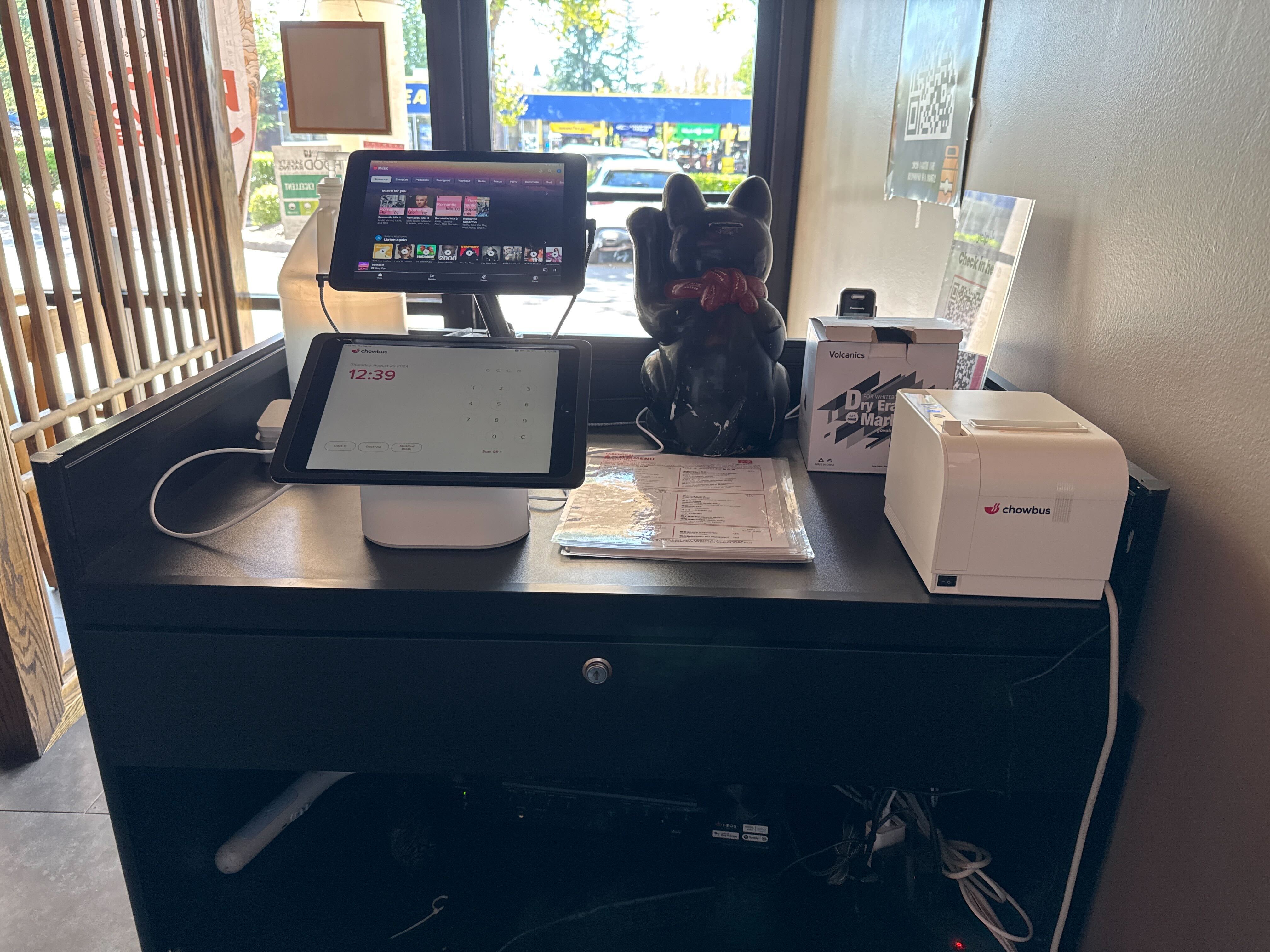
Once the cutoff passes, the orders need to become a production plan. Total every item across all orders by pickup day, then convert trays into raw quantities: pounds of duck, number of dumplings, quarts of sauce. This is where pre-orders entered directly into your POS save the most time. If orders come in through a separate form or by phone and get copied by hand, every total is one transcription error away from a short tray. When online orders flow into the same system as the rest of your sales, item totals by day come from a report instead of a calculator.
Split prep across the days before the holiday. Sauces, marinades, and dumpling folding can happen Monday and Tuesday. Proteins that hold well can be cooked Tuesday night. Wednesday should be finishing, portioning, and packing, not cooking everything from raw while pickup guests wait.
Print labels in advance with the guest's name, pickup time, order number, and each item in the bag, plus simple reheating instructions. A label that says "Duck: 325°F oven, 15 to 20 minutes, uncovered" prevents the most common complaint, which is food that was reheated badly at home.
Do not let every order choose any time on Wednesday. Offer pickup windows, such as every 15 or 30 minutes, with a cap on orders per window. Without windows, most people choose the same convenient time and the counter gets swamped for an hour while the rest of the afternoon stays quiet.
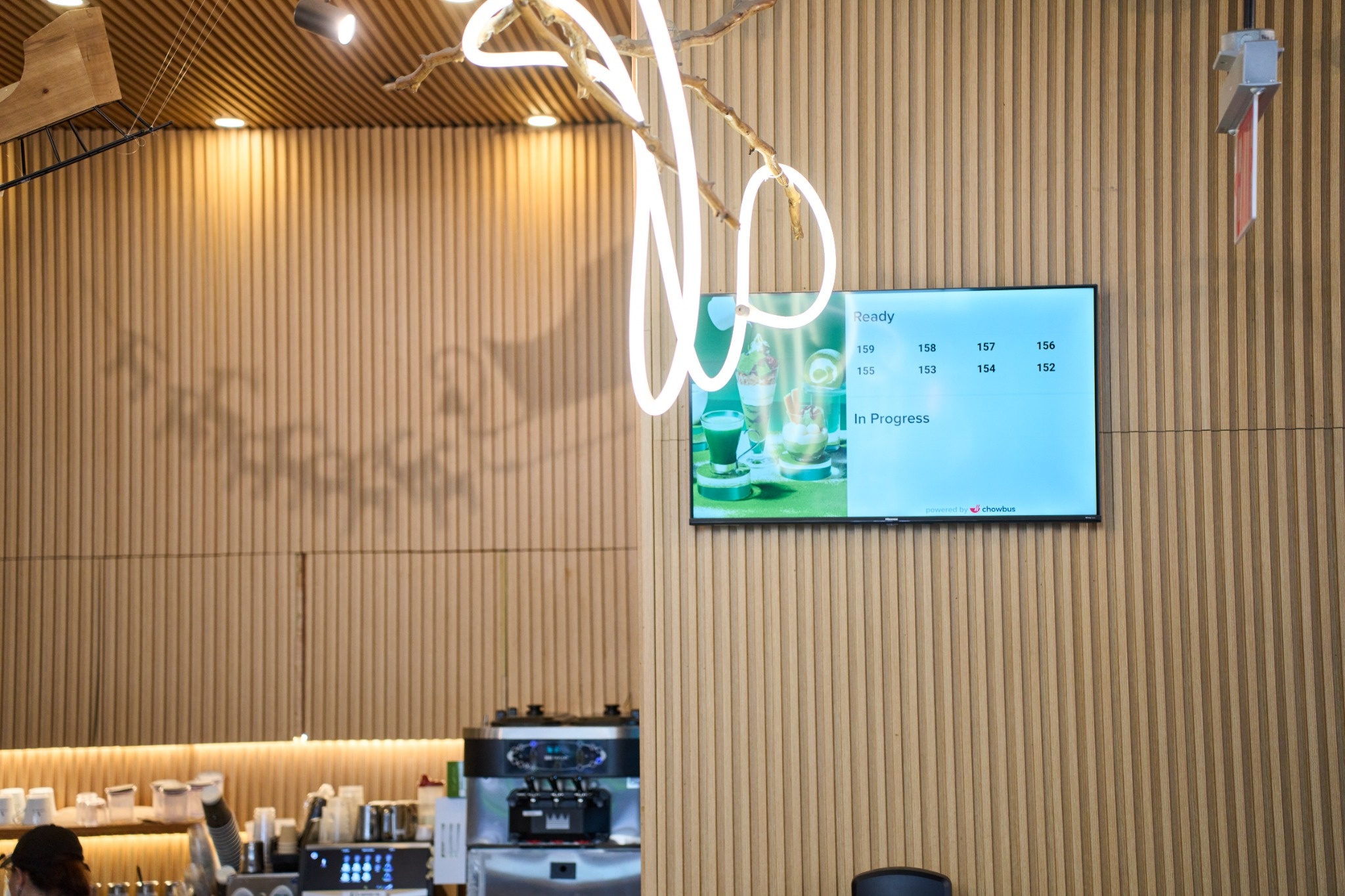
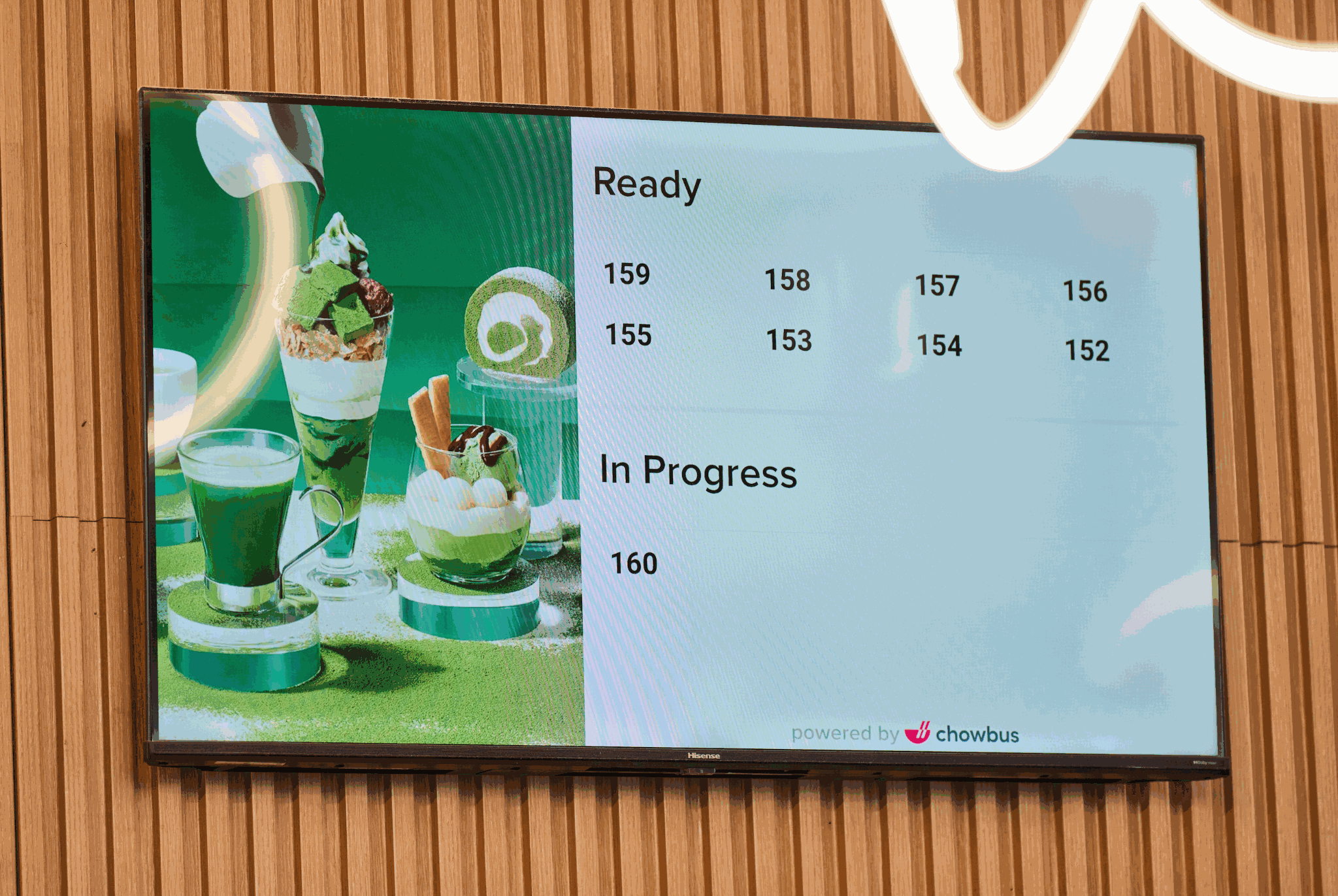
Set up a separate pickup area away from the dine-in host stand if you have the space, with shelves organized by pickup window and then alphabetically. Assign one person whose only job during pickup hours is the handoff: find the name, check the label against the order, hand over the bags, and confirm the guest has everything. That person should not be taking phone orders or running food to tables at the same time.
Send a reminder message the day before pickup with the time, address, and parking or curbside instructions. A short reminder cuts down on late arrivals and on guests who show up on Thursday thinking the restaurant is open.
Delivering holiday catering sounds like a way to sell more, but it adds a different kind of risk. Large trays need careful packing, third-party drivers may not be set up for multi-bag orders, and a late driver on Wednesday afternoon means a family's dinner arrives cold or not at all. For a first year, many restaurants keep holiday catering to pickup only and add delivery later once they know their volume. If you do offer delivery, give it its own cap and its own earlier time windows, so a delayed driver does not push the whole schedule back.
Even with good setup, a few problems show up every year, and it helps to decide in advance how the pickup lead handles them. A guest arrives an hour early: hand over the order if it is packed, otherwise give a realistic wait time rather than "a few minutes." A bag is missing an item: check the label against the order on screen, fix it on the spot, and note the item so the same mistake does not repeat for the next order with that dish. A guest shows up for an order that is not in the system: look it up by phone number and email before assuming anything, because it may have been placed under a different name.
No-shows are less common when orders are prepaid, but they still happen. Decide how long you will hold an unclaimed order before closing, and call the guest once before then. Write these rules on a card at the pickup station so whoever is on duty does not have to make policy decisions in the middle of a rush.
Holiday pre-order customers are some of the easiest guests to bring back next year, because you already know what they ordered and how many people they fed. Keep the order history and contact details in your system rather than in a spreadsheet that gets lost. Next November, a message to last year's catering customers a few weeks before Thanksgiving is one of the simplest marketing pushes you can make. For more on choosing tools for catering orders in general, see this guide to catering POS systems.

Q1: What is catering online ordering for a restaurant?
It is an online ordering setup that lets guests place larger, scheduled orders, such as trays or bundles for a holiday meal, and pay in advance for pickup or delivery on a chosen date and time. For Thanksgiving, it usually runs as a limited pre-order menu with a cutoff date.
Q2: How far in advance should Thanksgiving pre-orders close?
Many restaurants close holiday pre-orders on the Sunday or Monday before Thanksgiving. That leaves time to order ingredients, finalize prep quantities, and print labels before the Wednesday rush.
Q3: How do I stop taking more Thanksgiving orders than my kitchen can handle?
Set a cap on orders or trays per pickup day based on your actual equipment and prep hours, and have the ordering page close automatically when the cap is reached. Add per-window caps on pickup times so orders spread across the afternoon.
Q4: Should I take full payment for holiday catering orders upfront?
Yes, for most restaurants. Full prepayment at checkout reduces no-shows and protects you on food you have already bought and prepared. Post the change and cancellation policy on the ordering page so guests see it before they pay.
Q5: What dishes work best for a Thanksgiving catering menu at an Asian restaurant?
Dishes that hold and reheat well work best: braised meats, roast duck or pork, fried rice, noodle dishes that are not heavily sauced, and dumplings that guests can steam or pan-fry at home. Sell them in tray sizes or bundles labeled by number of guests.
Q6: What is the first step to setting up holiday catering pre-orders?
Decide your kitchen capacity per pickup day. Once you know how many trays you can realistically produce, you can set caps, choose a cutoff date, build a short menu around it, and open ordering a few weeks before Thanksgiving.
A holiday pre-order program works when the kitchen sets the limits and the ordering system enforces them. Build a short menu that travels well, cap orders at what you can actually cook, turn the order totals into a prep plan days ahead, and run pickup in windows with one person at the handoff. The result is a Wednesday that feels busy but controlled, and a list of happy catering customers to contact next year.