Holiday pickup orders bring a payment problem most restaurants only notice when the line backs up. On a normal night, a few takeout guests walk to the counter, tap a card, and leave. During Thanksgiving week, a steady stream of cars pulls up out front, guests text that they have arrived, and staff run bags to the curb. If those orders are not paid yet, someone has to take a card at a car window in the cold, with three more cars waiting and a tablet beeping inside.
Mobile payment processing gives restaurants several ways to handle this, from collecting everything at online checkout to taking payment on a handheld device at the curb. Each option changes how fast the handoff goes, how many mistakes happen, and how much risk you carry. This guide compares the main approaches for pickup and curbside orders and explains how to choose a setup before the holiday rush arrives.
Every pickup order gets paid at one of three moments: when the guest places the order, when the guest arrives, or, in less common cases, after the food is handed over. Most restaurants mix these without deciding on purpose. Online orders are prepaid, phone orders are paid at the counter, and curbside orders are handled however the person running them prefers that night.
For a regular Tuesday, that mix works. During a holiday week, it creates two lines at the counter, cash and card handling at the curb, and staff who are never sure whether a bag has been paid for. The goal is to move as many orders as possible to the first moment, and to make the other two simple and consistent when they are needed.
When guests pay at online checkout, pickup turns into a handoff instead of a transaction. Staff only need to match a name to a bag. The line moves faster, the money is already in the batch, and nobody has to handle a card in the parking lot. Prepayment also cuts down on orders that are never picked up, since the guest has already committed.
Chowbus Online Ordering, for example, accepts credit cards, debit cards, and Apple Pay at checkout, and includes risk controls such as blacklists for problem accounts. If most of your holiday pickup volume comes through your own online ordering, make prepayment the default for the week and say so on the ordering page. Phone orders can be steered toward a payment link sent by text so the guest pays from their own phone before arriving.
Prepayment also changes tipping. When guests tip at checkout, the tip is captured with the order. If you allow tips at pickup instead, staff need a way to add them without re-running the card. Decide which approach you will use during the holiday and make sure the pickup staff know it.
Orders placed through delivery marketplaces for customer pickup are usually paid inside the marketplace app, not at your counter. During a busy week, a new staff member may try to charge those guests again or ask for a card. Label marketplace pickup orders clearly, keep them on their own shelf section, and make sure everyone at the pickup station knows that these guests only need to show a name or order number.
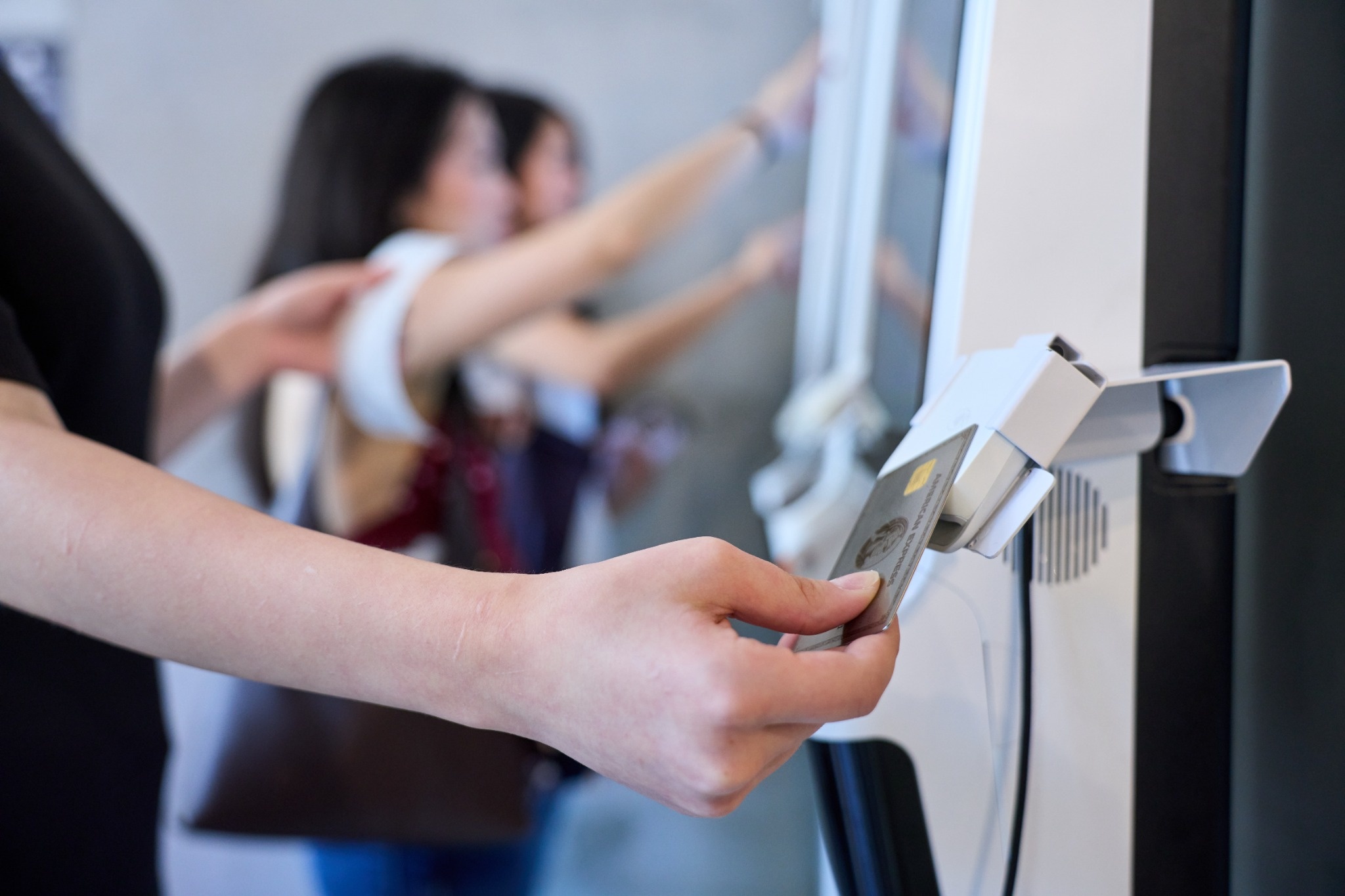
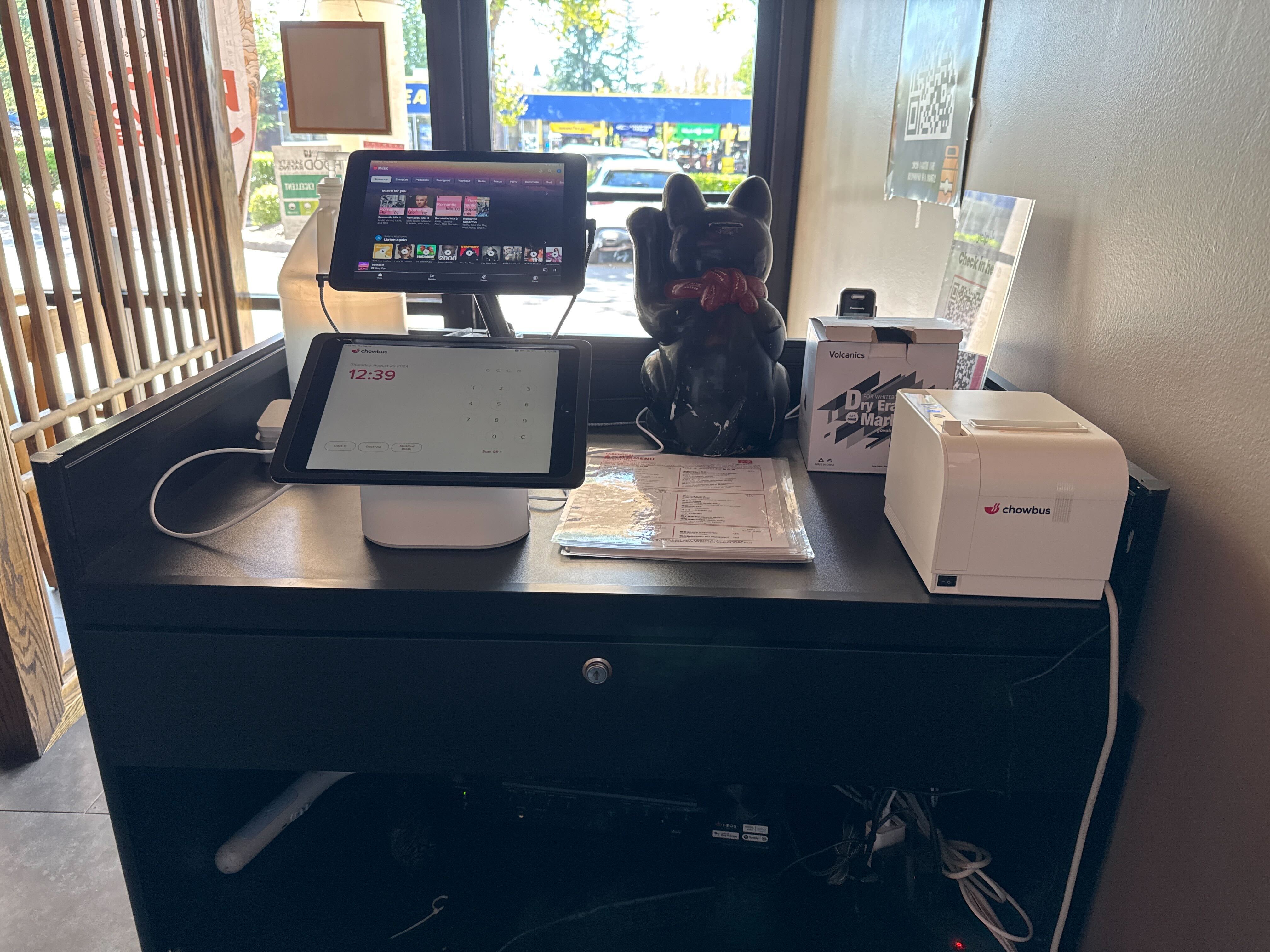
Some guests will always want to pay when they arrive, especially regulars who call in. If they walk in to pay, keep that payment point separate from the host stand and the dine-in register if you can. A small pickup station with its own card reader and a printed list of unpaid orders keeps takeout guests from standing in the same line as diners waiting for a table.
Mark unpaid orders clearly on the bag label and in the POS. A simple rule, such as a colored sticker on bags that still need payment, prevents the most common holiday mistake: handing over an unpaid order because the person at the shelf assumed it was prepaid.
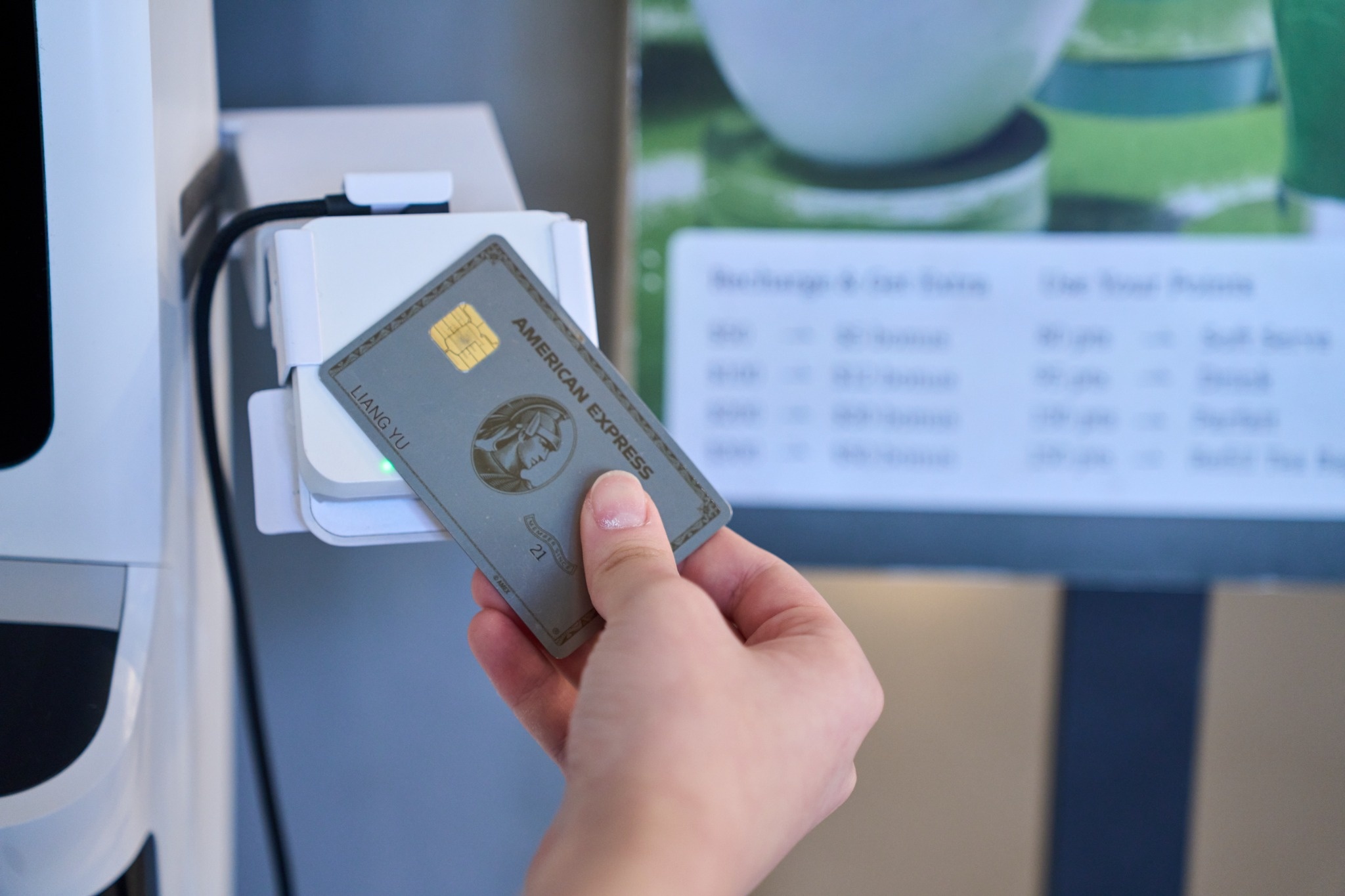
Curbside payment works best with a handheld device that can take tap, chip, and mobile wallet payments and print or text a receipt on the spot. Contactless payments are faster at a car window and avoid handing a card back and forth. A handheld POS connected to the main system also updates the order as paid immediately, so the counter and the kitchen see the same status.
Check Wi-Fi coverage at the curb before the holiday. A handheld that loses signal in the parking lot is worse than no handheld at all, because the runner has to walk back inside to finish the payment while the guest waits. Walk the curb with a device during a test payment and note the dead spots.
Avoid writing card numbers down or reading them over a walkie-talkie to someone inside. If the curb device is not working, ask the guest to come in, pay with a payment link on their phone, or pay at the counter. Card numbers on paper create a security risk, even on the busiest night of the year.
Holiday pickup produces the same handful of payment questions every year, and it helps to decide the answers before service. When a guest says an item is missing after they have already paid, the simplest fix is to bring the item out and note it on the order, rather than issuing a partial refund at the curb. If a refund is needed, issue it from the POS against the original payment so it matches in reporting, and avoid refunding in cash from the drawer.
When a guest wants to change the order at pickup, such as adding a dessert, add it to the existing order and take a separate payment for the difference rather than voiding and re-ringing the whole order. That keeps the original prepaid transaction intact and the records clean.
When someone other than the cardholder picks up a large prepaid order, confirm the name on the order and, for high-value catering, ask for the order number. Prepaid orders are generally card-not-present transactions, which makes clear pickup records useful if a charge is ever disputed later.
Cash at the curb is slow and hard to reconcile. Someone has to carry change, count bills in the dark, and bring the money back to the right drawer. Many restaurants accept cash for pickup at the inside counter only during the holiday week and ask curbside guests to pay by card or in advance. If you do take cash at the curb, assign one person to carry a small bank and settle it at the end of the shift.
The right mix depends on how your holiday pickup orders arrive. If most come through your own online ordering, prepayment covers nearly everything and a single handheld can handle the exceptions. If many come by phone, payment links and a separate pickup station matter more. If you rely on curbside, invest in reliable signal and contactless-ready handhelds before you invest in anything else.
Whichever setup you choose, write it on one page, train everyone who will work the pickup station, and run a few test transactions the week before. Payment is often the last interaction a holiday guest has with your team, so it helps to make it quick and predictable.

Q1: What is mobile payment processing for a restaurant?
It covers taking payments away from a fixed register, such as on a handheld device at the table or curb, through a payment link on the guest's phone, or at online checkout. For pickup orders, it lets restaurants collect payment wherever the handoff happens.
Q2: Should holiday pickup orders be prepaid?
For most restaurants, yes. Prepayment at online checkout turns pickup into a quick handoff, reduces orders that are never collected, and keeps card handling out of the parking lot. Keep a simple option for guests who need to pay on arrival.
Q3: How do I take payment for curbside orders?
Use a handheld device that accepts tap, chip, and mobile wallet payments and updates the order as paid in your POS. Test Wi-Fi coverage at the curb in advance, and never write card numbers down if the device fails.
Q4: Is a payment link better than taking a card over the phone for pickup orders?
Usually yes. A payment link lets guests enter their own card on their phone, keeps card numbers away from staff, and supports mobile wallets. It also means the order is paid before the guest arrives.
Q5: How should we handle refunds for missing items at pickup?
Bringing the missing item out is usually the simplest fix. If a refund is needed, issue it from the POS against the original payment so it reconciles correctly, rather than giving cash from the drawer.
Q6: What should I test before the holiday pickup rush?
Run test payments on every device that will be used for pickup, including at the curb, check that paid and unpaid orders are clearly marked, and confirm staff know the refund and cash rules.
Holiday pickup payment goes smoothly when most of the money is collected before the guest arrives and the exceptions follow one clear routine. Make prepayment the default, give pickup its own payment point, equip the curb with devices that actually connect, and decide the refund and cash rules in advance. The cars keep moving, and the counter stays free for the guests eating inside.