
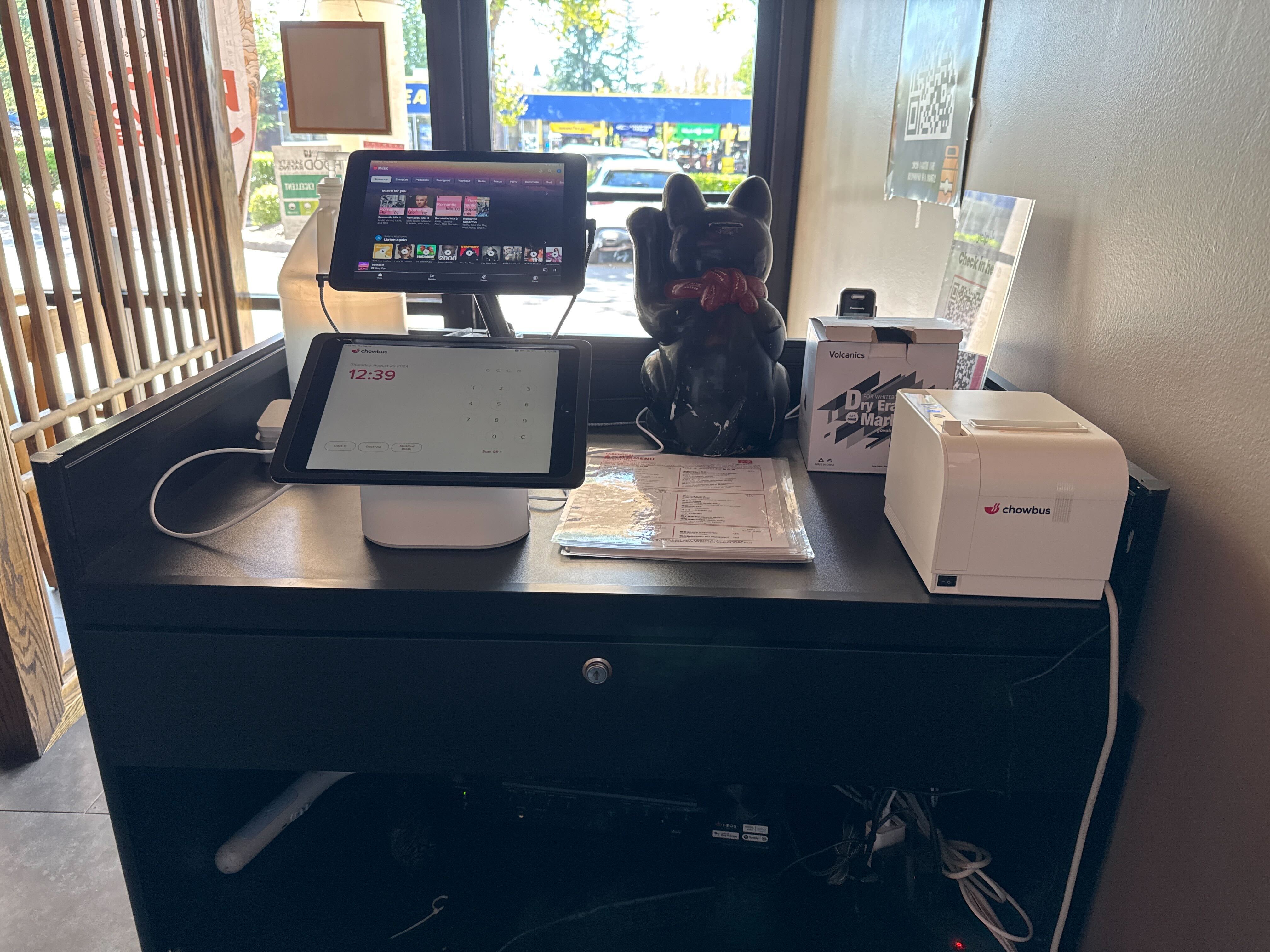
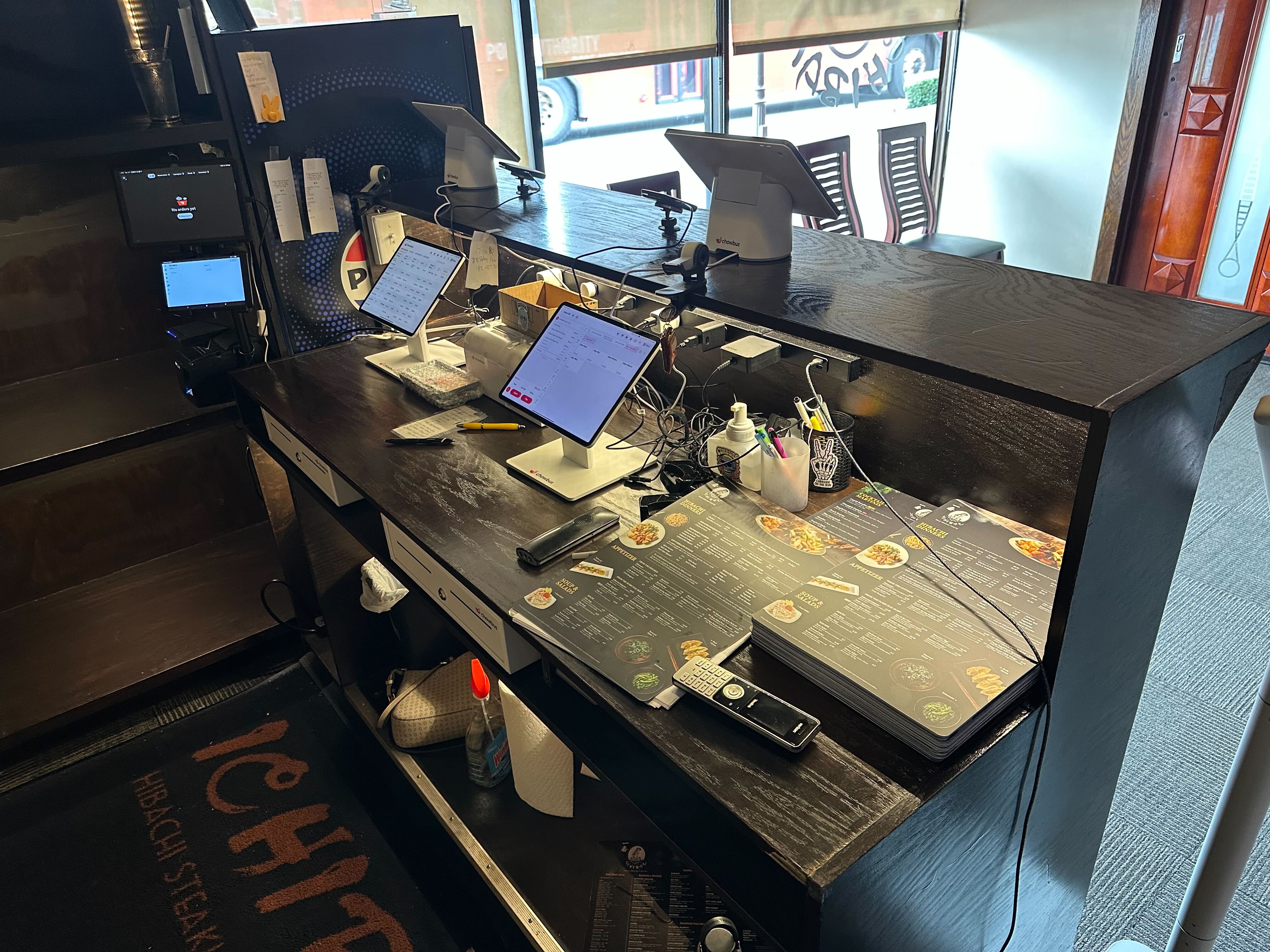
An owner running four delivery tablets side by side — one for DoorDash, one for Uber Eats, one for Grubhub, one for a direct ordering channel — usually reaches the same conclusion eventually: this needs to be one dashboard instead of four screens. That decision is the easy part. The harder part is that "one dashboard" isn't a single, standardized product — consolidation tools vary enormously in what they actually consolidate, and an owner who picks one without asking specific questions often ends up with a dashboard that looks unified on the surface while several of the underlying problems from the tablet days are still quietly there.
The gap between a dashboard that genuinely solves this and one that just moves four screens onto one shows up in a handful of specific, checkable details — not in the sales demo, which tends to look identical across most vendors, but in exactly how the tool handles menu updates, outages, commission reconciliation, and reporting once it's actually running a live service.
The most basic promise of a delivery consolidation tool is that a menu change made once applies everywhere. The detail to confirm directly is whether that sync is genuinely two-way and continuous, or whether it's a one-time push that has to be manually repeated every time something changes. A tool that only pushes a menu update once, at setup, leaves an owner back where they started the next time a price changes or an item sells out — updating each platform separately, just now with an extra dashboard layer on top rather than instead of the original problem.
The specific question to ask a vendor: if a menu item is marked 86'd in the restaurant's own POS during service, does that update automatically flow out to every connected delivery platform within seconds, or does someone still need to go into each platform separately to mark it unavailable? The answer to this single question tends to separate a genuine integration from a dashboard that's mostly cosmetic.
Every delivery platform has occasional outages and API disruptions, and a consolidation dashboard sitting between a restaurant and four separate delivery services inherits some dependency on all four staying up. The direct question to ask is what happens to orders from a specific platform during that platform's outage — do they simply stop coming through with no visibility into what was missed, or does the dashboard flag the disruption clearly so kitchen staff know a channel is down rather than silently assuming no orders are coming in from it?
A restaurant that finds out about a missed batch of orders only when a frustrated customer calls to ask where their food is has a dashboard that hid a problem instead of surfacing it, which in some ways is worse than the original multi-tablet setup, where at least a dark, unresponsive tablet screen was an obvious visual signal that something was wrong.
Every delivery platform charges a different commission structure, and some vary the rate by promotion, order type, or delivery distance. A consolidation dashboard that just shows total delivery revenue as one combined number is hiding exactly the information an owner needs to evaluate whether a specific platform is actually worth the commission it charges. The more useful version breaks revenue and commission down by platform, so an owner can see, for example, that one delivery service consistently nets less per order than another after its fees, information a combined total simply erases.
This detail matters most for a restaurant actively deciding whether to keep, drop, or renegotiate with a specific delivery platform — a decision that requires per-platform numbers, not a single blended figure that averages away the platform actually costing the most.
Consolidating four delivery apps onto one dashboard doesn't automatically mean orders reach the kitchen any differently than they did before — if the dashboard's output is still a single screen an expediter has to read aloud or manually re-key into a kitchen display system, the consolidation has solved a front-of-house problem while leaving the actual kitchen workflow untouched. The more complete version of this integration routes every consolidated order directly into the restaurant's existing kitchen display or ticket system, the same way an in-house or dine-in order would arrive, rather than creating a separate consolidated queue that still has to be bridged into the kitchen manually.
An owner should ask specifically whether "integration" in a vendor's pitch means the dashboard connects to delivery platforms, connects to the kitchen, or both — since these are two different integrations, and a tool can genuinely accomplish one without the other.
A restaurant evaluating its own delivery performance needs to see revenue, order volume, and average ticket size broken out by platform, by day-part, and over time, in a way that supports actual decisions — which platform to push harder on, which to reconsider, whether delivery volume during a specific day-part justifies the staffing it requires. A dashboard that consolidates order intake but still requires exporting separate reports from each platform and combining them manually in a spreadsheet has moved the reporting problem, not solved it.
Test this directly during a trial or demo rather than taking a vendor's word for it: ask to see an actual report comparing performance across platforms over a real time period, and judge whether it's something a manager could read in two minutes or something that still needs manual reassembly first.
Delivery platforms generally own the guest's contact information and order history by default, which limits a restaurant's ability to market directly to its own delivery customers regardless of which consolidation dashboard sits on top. Some consolidation tools include a path to capture guest information at the point of delivery order — a discount code that requires opting into direct communication, for example — that builds a restaurant's own guest list over time even for orders that started on a third-party platform. This isn't guaranteed by consolidation itself, and it's a specific capability to ask about rather than assume comes bundled with the core dashboard.
Five specific questions, asked directly during a sales call rather than inferred from a general demo, separate a dashboard that solves the underlying problem from one that mostly repackages it: does menu sync run continuously in both directions or require manual repetition; what happens visibly to orders during a specific platform's outage; does reporting break commission and revenue out by platform or only as one combined number; does order routing reach the kitchen display directly or still require manual re-entry; and is there a path to capture direct guest contact information from delivery orders. An owner who gets clear, specific answers to all five is evaluating a genuine consolidation tool. An owner who gets a general "yes, we handle all of that" without specifics is likely looking at a dashboard that solves the visible problem — too many screens — while leaving several of the underlying ones in place.

Q1: What should I ask before consolidating delivery apps into one dashboard?
Confirm whether menu updates sync continuously in both directions, what happens to orders during a specific platform's outage, whether commission and revenue reporting break out by platform, whether order routing reaches the kitchen display directly, and whether the tool offers a path to capture direct guest contact information.
Q2: Does a delivery consolidation dashboard automatically fix menu sync issues across platforms?
Only if the sync is genuinely two-way and continuous. Some tools only push a menu update once at setup, which means an owner is still manually updating each platform separately every time something changes — just with an extra dashboard layer on top of the original problem.
Q3: What happens to orders if a specific delivery platform has an outage?
This varies by dashboard. The better ones flag the disruption clearly so kitchen staff know a specific channel is down, rather than silently missing orders with no visibility into what was lost — confirm this detail directly with any vendor.
Q4: How much does a delivery consolidation dashboard typically cost?
Pricing varies by provider and by how deep the integration goes — a tool that only consolidates order intake typically costs less than one that also routes orders directly to a kitchen display system, so it's a fair comparison to make against what each level of integration actually saves in labor and error reduction.
Q5: Does consolidating delivery apps mean I lose access to per-platform performance data?
It shouldn't, though some dashboards only show one combined total. Ask specifically whether reporting breaks revenue and commission out by individual platform — that level of detail is what actually supports a decision about which platform to keep, drop, or renegotiate with.
Q6: Can I still build my own customer list from delivery orders after consolidating?
Only if the specific tool includes a path for it, since delivery platforms generally own guest contact information by default. Ask a vendor directly whether the dashboard includes a way to capture direct guest opt-in at the point of a delivery order.
Consolidating delivery apps into one dashboard is the right instinct, but the value of doing it lives entirely in the specific details a sales demo doesn't always volunteer. An owner who asks these five questions directly, and gets specific rather than general answers, ends up with a tool that actually removes the underlying problems — not just the extra tablets sitting on the counter. For the broader cost-and-time case behind this decision, this framework covers what to weigh before choosing a path.


.jpg)
