The price you see on a KDS vendor's website is rarely the full number. Hardware, software, installation, support, and integration add up in ways that most restaurant operators don't map out before they sign. Understanding the full cost picture upfront prevents the kind of mid-year budget surprise that makes operators regret a system they otherwise like.
At the same time, the cost question isn't just "what does it cost." It's "what does it cost relative to what it saves." For restaurants experiencing frequent order errors, slow service, or communication breakdowns between the front and back of house, the right KDS pays for itself faster than most operators expect.
In this guide, you'll find a clear breakdown of what kitchen display systems cost in 2026, what drives price variation, where the hidden costs live, and how to calculate whether the investment makes financial sense for your operation — so you can budget accurately and evaluate options fairly.
Price is one variable. Total cost of ownership is the one that matters.
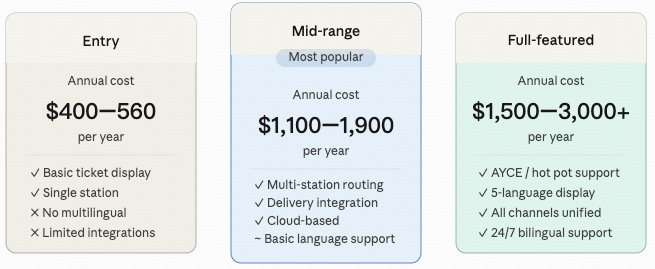
A kitchen display system has four cost components that need to be budgeted separately, because vendors present them in different ways and it's easy to compare the wrong numbers.
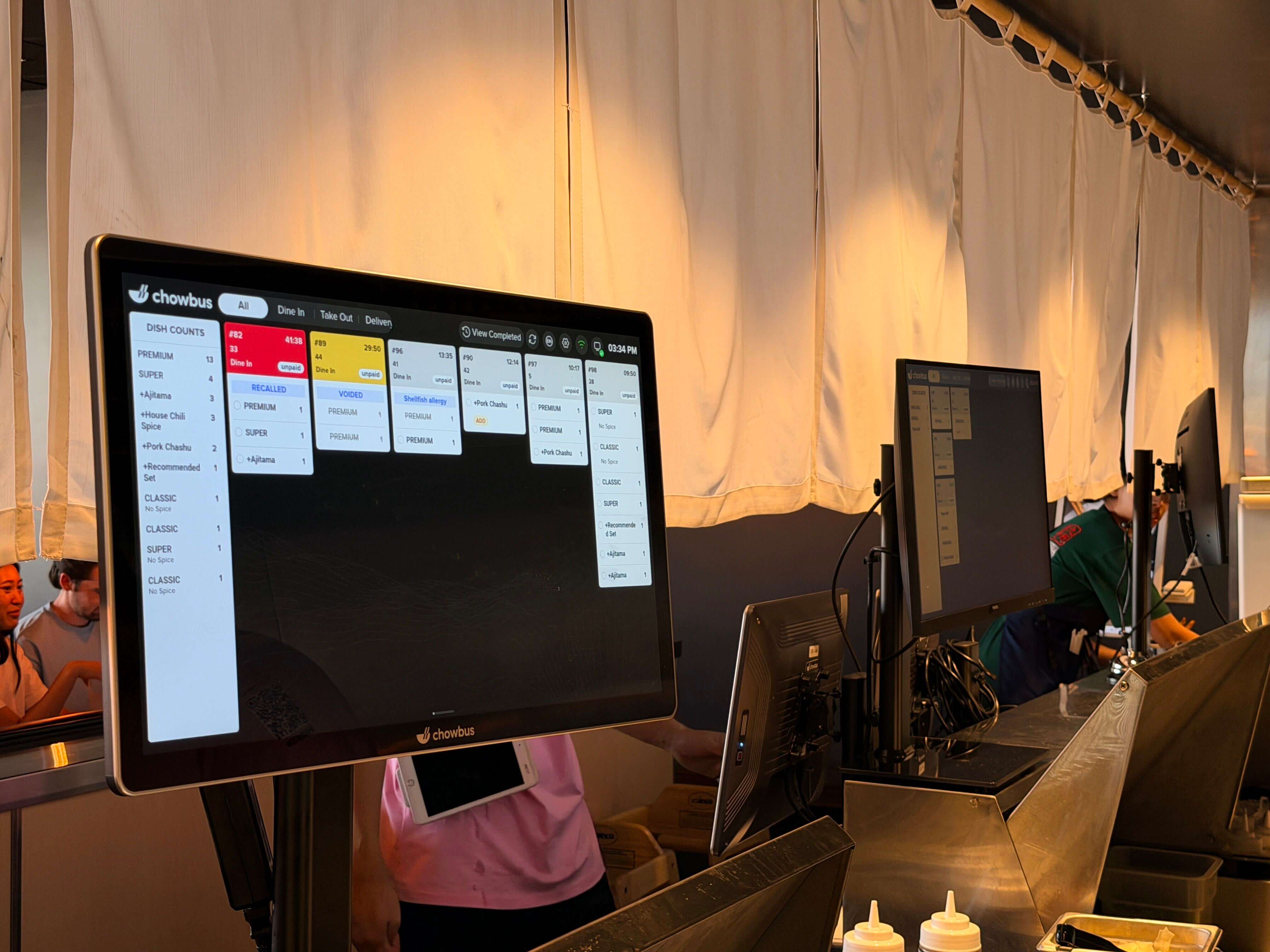
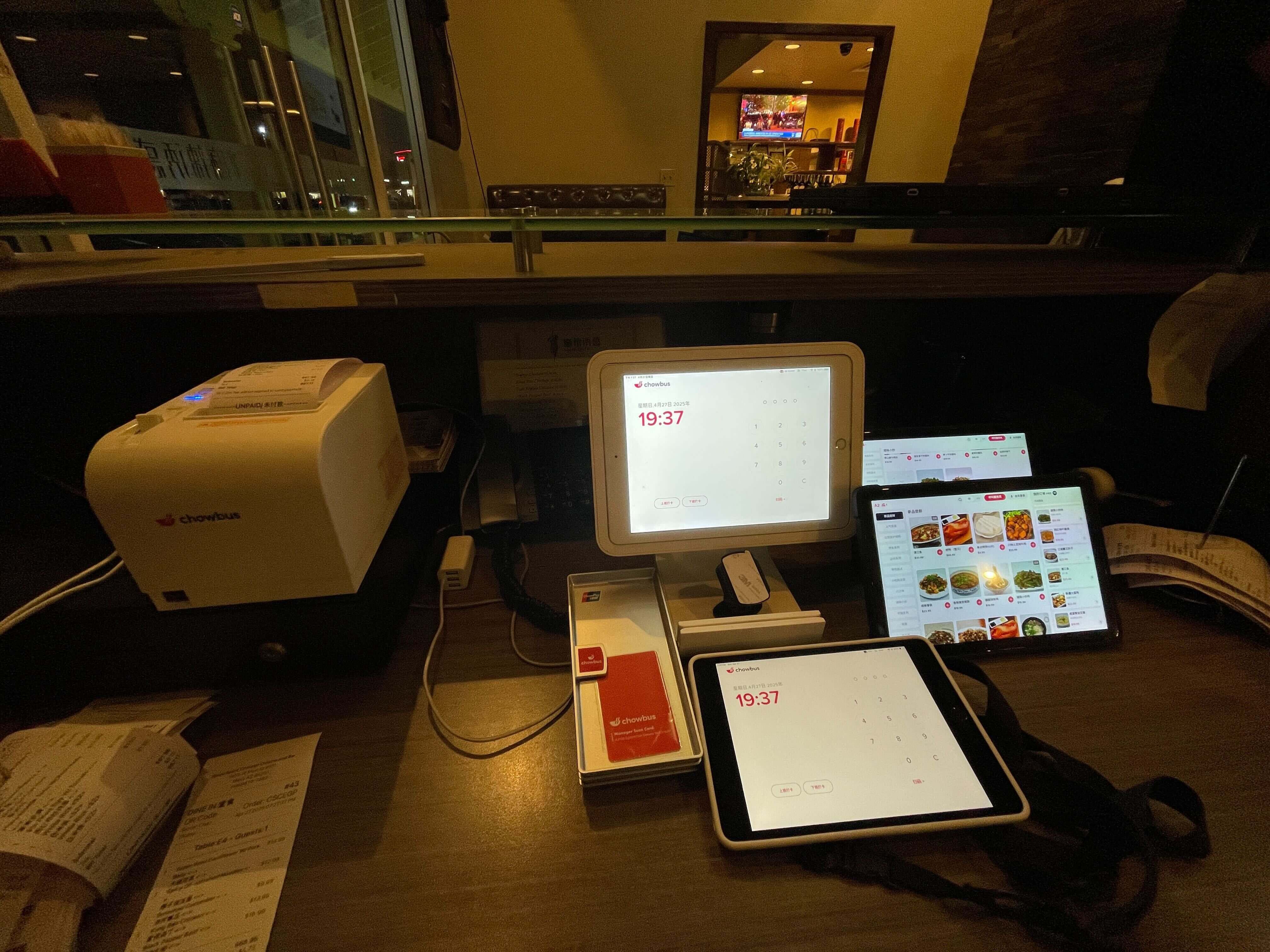
Hardware. This is the physical screen — or screens — and the mounting hardware. Consumer-grade tablets and monitors start around $150–$300. Commercial-grade kitchen displays purpose-built for restaurant environments run $400–$900 per screen, depending on size and specification. A restaurant setting up two stations plus a pass screen is looking at $1,200–$2,700 in hardware before anything else.
Software subscription. Most KDS solutions are priced as a monthly subscription, ranging from free (entry-level, limited features) to $20–$60 per location per month for commercial platforms. Some vendors charge per screen rather than per location. When comparing software pricing, confirm whether the quoted price includes all features or whether multi-station routing, advanced reporting, and other capabilities are add-ons.
Installation and setup. Wall mounting, cable routing, and network configuration typically run $200–$500 for a standard installation by a professional. Some operators handle this themselves; others require a technician. If the system requires network switch upgrades or dedicated wiring, costs increase.
Ongoing support. Many vendors include basic support in the monthly subscription. Premium support — faster response times, dedicated account management, bilingual assistance — may cost extra or may be bundled at a higher tier. For a restaurant dependent on its KDS, the real cost of inadequate support shows up when something breaks mid-service and no one answers.
Two KDS systems priced differently aren't necessarily providing different value. And two systems priced the same may be dramatically different in what they actually deliver. The factors that legitimately drive price variation include:
Hardware quality and certification. A commercial-grade screen with an IP55 enclosure and a 500-nit brightness rating costs significantly more than a consumer tablet. The durability premium is real — a commercial unit lasting five years in a kitchen costs less per year than a consumer unit failing after eighteen months and requiring replacement.
Software depth. A KDS with basic display functionality costs less than one with multi-station routing, course-firing control, AYCE re-order management, bilingual display, and advanced reporting. The features you need depend on your format — but you should pay for what you need, not for a cheaper system that can't handle your kitchen.
Platform integration. A KDS that is a native component of a full POS platform may appear to cost more because the KDS price is bundled with the POS. When the cost is unbundled and compared, native integration systems are often competitive with or cheaper than standalone KDS solutions that require a separate POS integration bridge.
Support model. Vendors with 24/7 human support — especially multilingual support — build that cost into their pricing. It's not padding. It's the cost of being reachable when service is running.
The number on the quote sheet is the starting point, not the end. Three categories of costs that operators frequently miss:
Hardware replacement. Consumer-grade hardware that fails after eighteen months in a kitchen environment costs as much to replace as a commercial-grade unit would have cost upfront — but you've also experienced the operational disruption of the failure. Budget for commercial hardware from the start; the total cost of ownership is lower.
Integration troubleshooting. Third-party KDS integrations sometimes require paid professional services to configure correctly when a POS update changes data formats. This cost is invisible until it happens and can range from a few hundred to over a thousand dollars depending on the complexity of the fix.
Service disruption. This is the hardest cost to quantify but the most significant. When a KDS goes down during a dinner service and a hundred covers are in house, the cost isn't in the repair bill — it's in the orders that get delayed, the tables that leave, and the reviews that follow. A reliable system at a higher price point has a lower total cost than a cheaper system that creates periodic service crises.
The ROI calculation for a KDS is straightforward for operations experiencing measurable order errors.
Start with error frequency. How often does your kitchen receive an incorrect order, a missed modification, or a missed allergy instruction per service? In a high-volume operation, even two to three errors per service is significant.
Calculate the cost per error. A remade dish costs the food plus labor. A comped meal costs the average check value. A guest who leaves a one-star review from a food-allergy incident costs far more than the meal. Conservatively, a meaningful error in a restaurant costs $20–$60 per incident when all factors are included.
At five errors per service, two services per day, five days per week, that's $200–$600 per week in measurable error cost — or $10,000–$30,000 per year. A $1,500–$2,500 KDS investment, at those error rates, recovers its cost within weeks to months.
The calculation isn't always this stark. But for any operation where order errors are a regular occurrence — rather than an occasional exception — the investment calculus generally favors acting.
The price of a kitchen display system is meaningful, but it's the second question, not the first. The first question is whether the system handles what your kitchen needs. The second is whether the total cost of ownership — hardware longevity, integration reliability, support quality, and the cost of the errors it prevents — justifies the investment.
For Asian restaurants, that second question has a specific shape: the features that matter — bilingual display, AYCE management, multi-station routing — are only available in certain systems. Choosing the cheapest option that lacks them means paying less for a system that still allows the errors those features were supposed to prevent. That is not a savings.
Budget for what you actually need, compare total cost over three years rather than monthly fees, and verify support quality before you sign. Those three disciplines turn a price comparison into a real investment decision.
Q1: How much does a kitchen display system cost in 2026?
A: A single commercial-grade kitchen display screen costs $400–$900 in hardware. Software runs $0–$60 per location per month depending on the platform. A complete two-screen setup for a standard restaurant typically costs $1,000–$2,500 upfront plus monthly fees. Full-featured platforms designed for complex operations — including Asian restaurant-specific features — run $1,500–$3,000+ for initial setup. These are market estimates; actual pricing depends on the specific vendor and configuration.
Q2: Is a more expensive KDS worth it?
A: If the higher-priced system has the features your kitchen format requires — multi-station routing, AYCE re-order handling, bilingual display, deep POS integration — then yes, the premium is justified. A cheaper system that can't handle your service format creates operational workarounds and error rates that cost more than the price difference. The question to ask isn't "is it expensive" but "does it handle what my kitchen needs."
Q3: Can I reduce KDS costs by using a consumer tablet instead of commercial hardware?
A: In the short term, yes. In the long term, consumer hardware in a kitchen environment fails faster than commercial hardware. A $200 tablet replaced every 18 months costs more per year than a $700 commercial unit replaced every 4–5 years — and the disruption from an unexpected mid-service failure costs more than either. Commercial hardware is the lower total-cost-of-ownership choice for any restaurant with regular service volume.
Q4: Are there any hidden fees I should ask about before signing a KDS contract?
A: Yes — specifically: installation charges, per-screen vs per-location software pricing, charges for additional features (reporting, routing, multi-language), support tier pricing, and contract length requirements. Ask for a full 12-month cost breakdown including all fees before signing. Also ask what happens to pricing if you add screens or locations.
Q5: Does Chowbus charge separately for its kitchen display system?
A: Chowbus's KDS is part of its all-in-one POS platform, which means it's bundled with the broader system rather than priced as a standalone add-on. For Asian restaurant operators evaluating Chowbus, the relevant comparison is the full platform cost versus assembling a POS, KDS, QR ordering, and delivery integration from separate vendors — where the total cost typically exceeds the bundled platform.