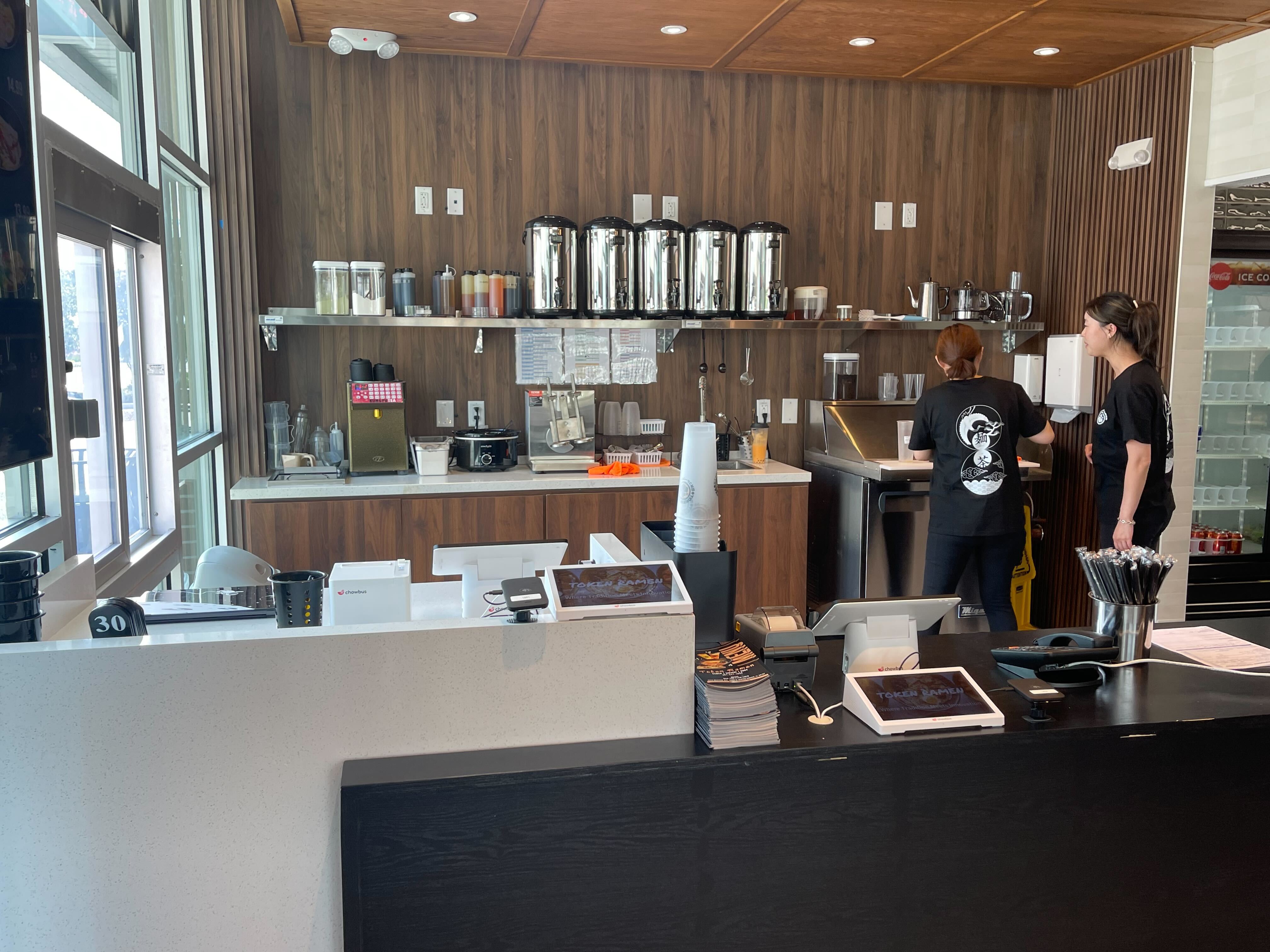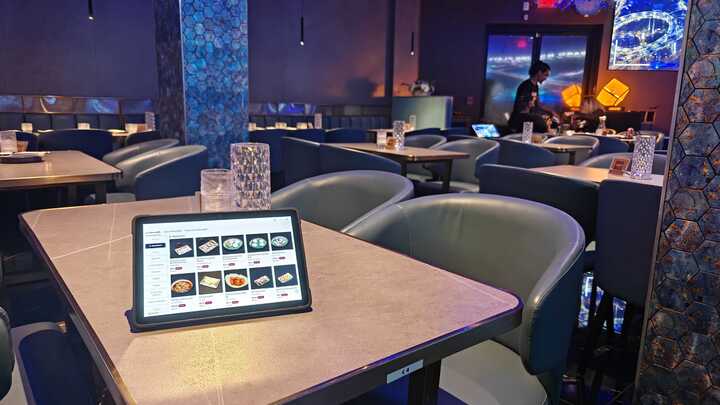
For most restaurant owners, the POS system is something you interact with every single day—but rarely stop to fully think about. Orders go in, payments come out, reports show up at the end of the day. Simple, right?
Not exactly.
Today’s restaurant POS systems do far more than process transactions. According to industry research, over 70% of U.S. restaurants now use cloud-based POS systems to manage not only orders and payments, but also reporting, staffing insights, and customer engagement. In other words, your POS is no longer just a checkout tool—it’s the operational backbone of your restaurant.
So, how does a POS system work in a restaurant, and what should owners and operators really understand before choosing one?
This guide breaks it down in plain language, using real restaurant workflows—not technical jargon.
A restaurant POS (Point of Sale) system is a combination of software and hardware designed specifically for foodservice operations. Unlike traditional cash registers, modern POS systems connect the entire restaurant—from the front counter to the kitchen to management dashboards.
At its core, a restaurant POS system helps you:
If you’ve ever wondered how does a restaurant POS system work beyond payments, the short answer is: it turns daily chaos into structured, usable data.
Let’s walk through what happens during a typical service.
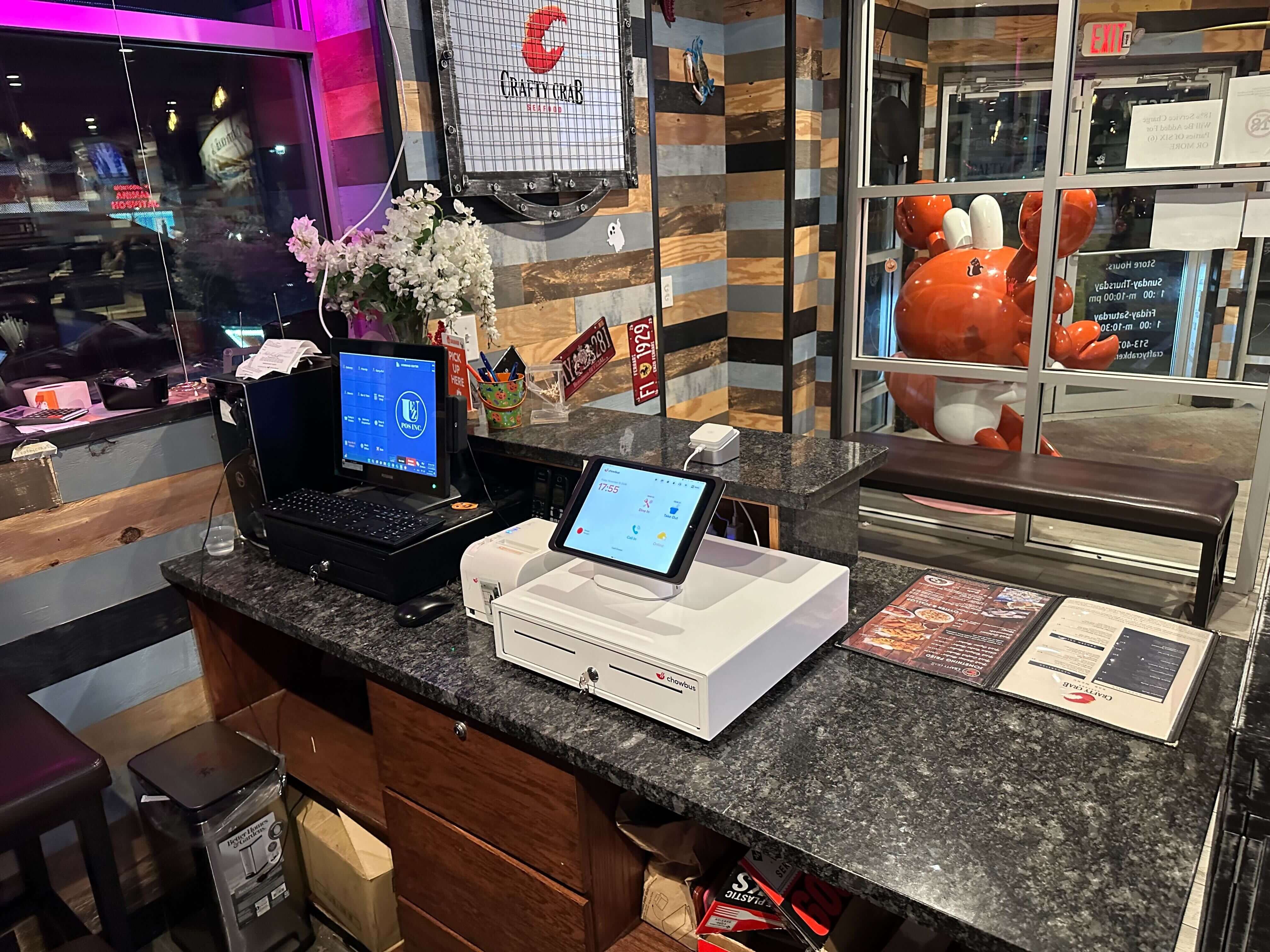
Orders are entered through:
Staff select menu items, modifiers, and combos. Pricing rules apply automatically, which reduces errors and speeds up service—especially during rush hours.
This is where learning how to use a POS system in a restaurant really matters. A well-designed system lets new staff get comfortable in hours, not weeks.
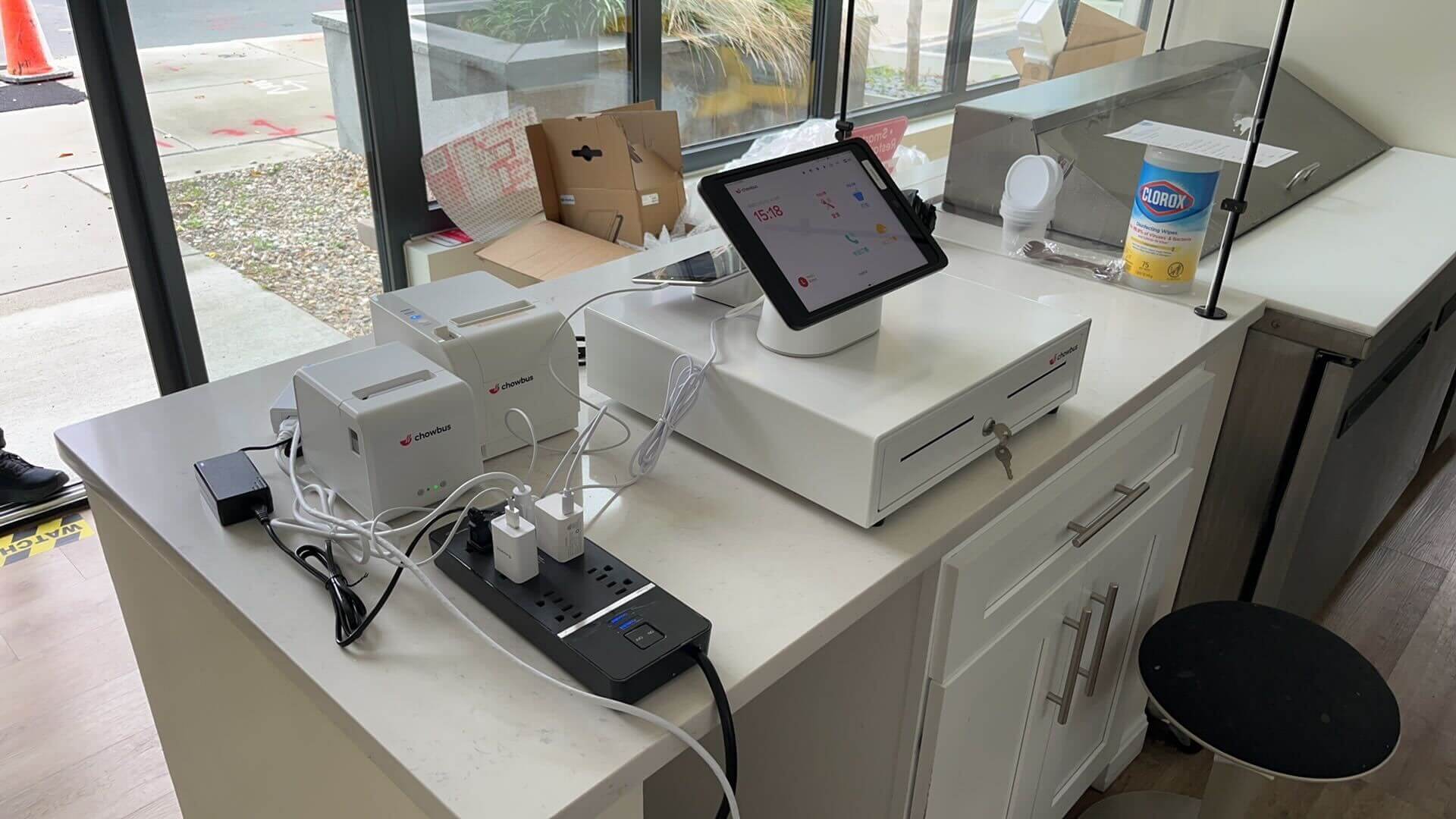
Once the order is submitted, the POS routes it instantly to:
Each station only sees what it needs to prepare. This cuts down on miscommunication and helps kitchens move faster under pressure.
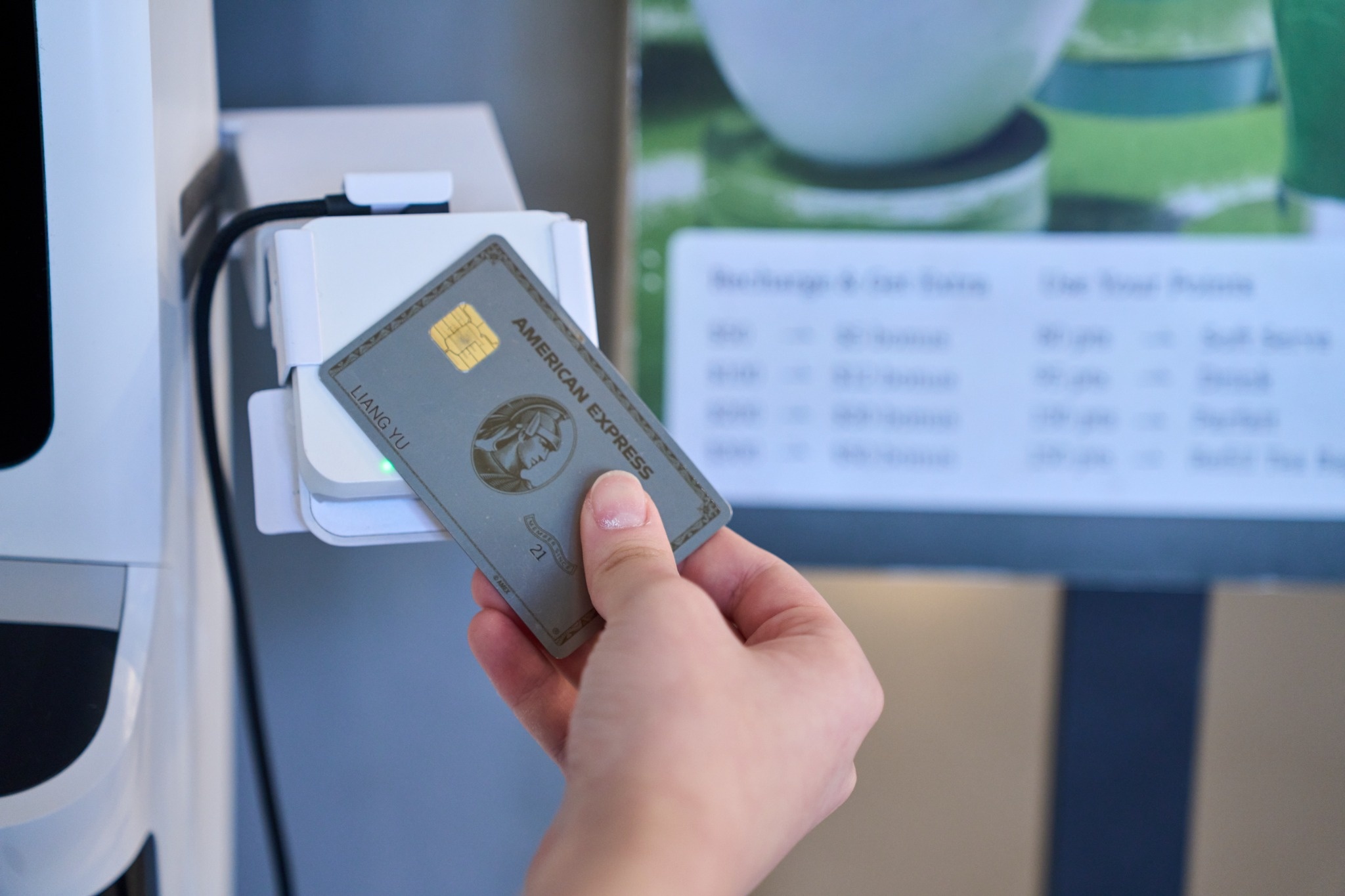
When guests are ready to pay, the POS handles:
Payments sync instantly with sales data. There’s no end-of-day guesswork or manual reconciliation.
Every order and payment feeds into real-time reports, showing:
This visibility is why many operators start searching for the best POS system for restaurant growth, not just transaction speed.

Not all POS systems are created equal. The best ones focus on how restaurants actually operate.
One checkout flow, multiple payment methods—no juggling separate systems.
Operators who review data weekly are significantly more likely to adjust staffing and menus profitably, according to restaurant analytics studies.
Cloud POS systems allow owners to check performance from anywhere—especially valuable for multi-location operations.
Modern POS systems often connect with:
Less switching between tools means fewer mistakes.
Restaurants operate on thin margins. Small inefficiencies add up quickly.
Clear order flow reduces remakes and comped items.
Instead of guessing, operators can see what’s working—and what’s not—in real time.
A clean interface reduces onboarding time and stress during busy shifts.
As restaurants expand locations or sales channels, the POS system should scale without friction.
Speed, high volume, and simple workflows are key.
Table management, split checks, and coursing support matter most.
Tabs, fast payments, and beverage tracking keep lines moving.
Centralized reporting ensures consistency across locations.
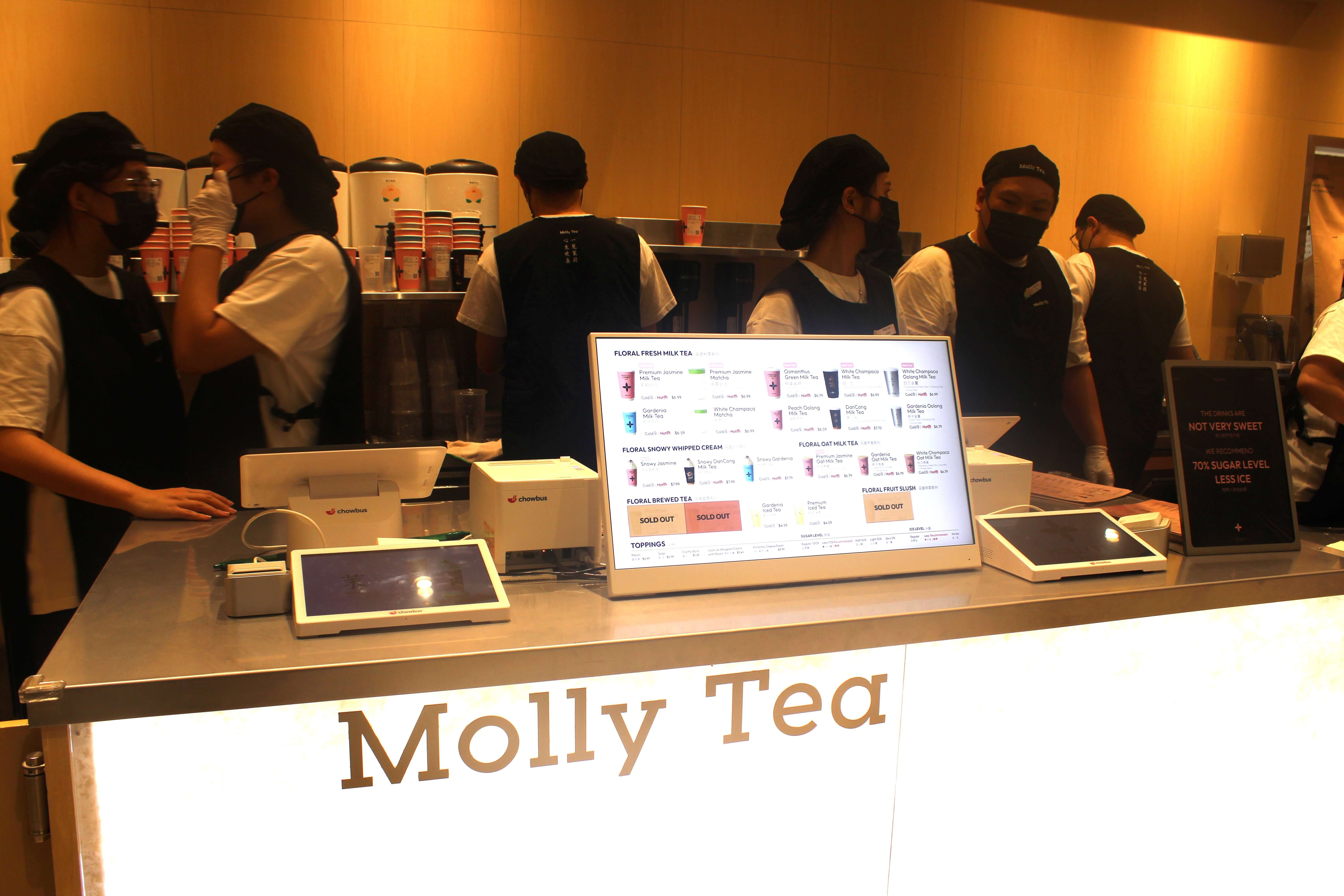
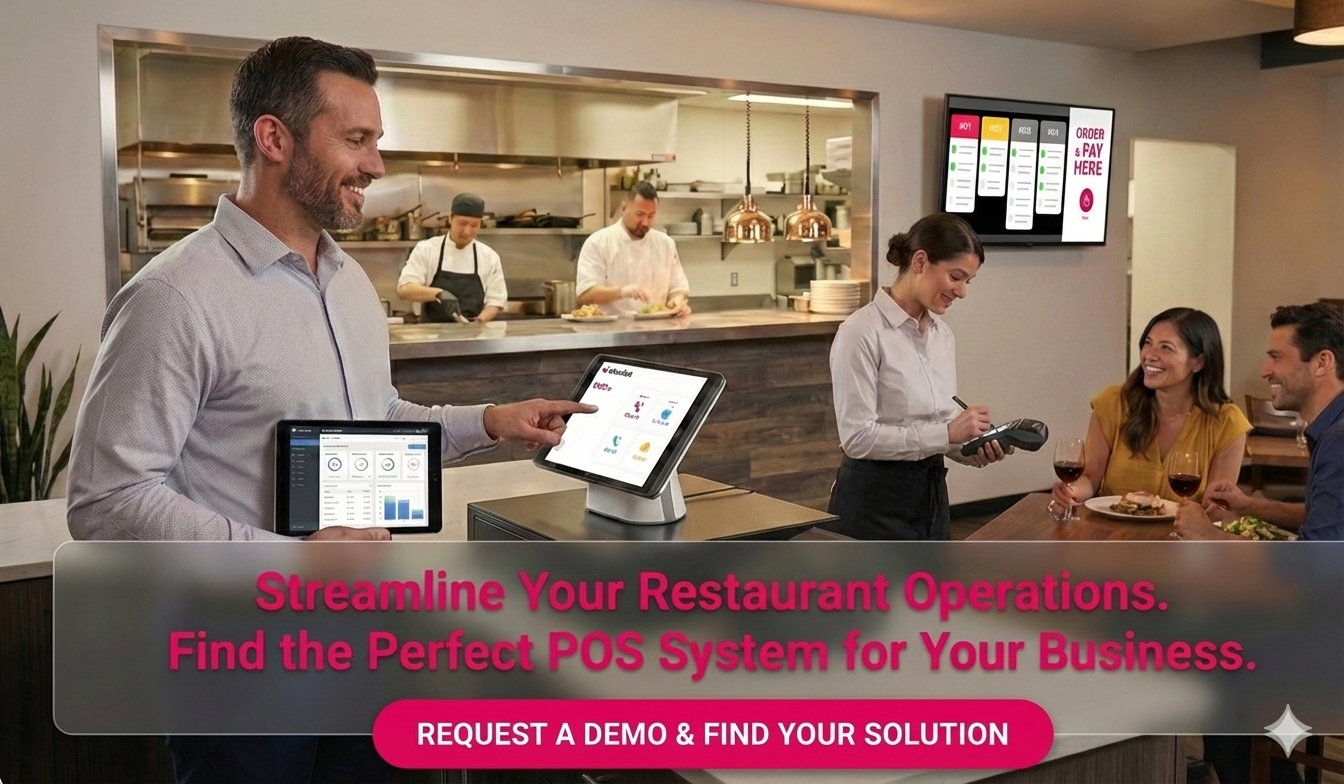
Curious what a modern restaurant POS looks like in real-world use?
Learn more about how today’s POS systems support ordering, payments, and operations—all in one connected platform.
Instead of chasing feature lists, ask practical questions:
The best POS system for restaurant operations is the one that fits your workflow today and doesn’t limit you tomorrow.
1. How does a POS system work in a restaurant?
It connects ordering, payments, kitchen communication, and reporting into one system.
2. How does a restaurant POS system differ from retail POS?
Restaurant POS systems support menus, modifiers, kitchens, and table service.
3. How do you use a POS system in a restaurant?
Staff enter orders, manage payments, and communicate with the kitchen through POS terminals or handheld devices.
4. Is cloud-based POS better for restaurants?
For most modern restaurants, yes—cloud systems offer flexibility, updates, and scalability.
5. What should I look for in the best POS system for restaurant use?
Ease of use, real-time data, integrations, and growth support.
Understanding how does a POS system work in a restaurant isn’t about technology—it’s about operations. A good POS system reduces friction, improves visibility, and helps restaurants run better day by day.
The right system works quietly in the background—so you can focus on food, service, and growth.
Want to see how a modern POS system fits into real restaurant workflows?
Request a demo or talk to our team to explore how an all-in-one restaurant POS platform works in practice.
You can also scan the QR code to see it in action and decide if it’s right for your operation.
Recommended Articles:
How to Choose Best POS for Quick Service Restaurants
How to Choose the Best POS System for Small Restaurant?
Finding the Right Fit: Best POS Software for Your Restaurant
Restaurant POS Systems Cost: What Restaurants Actually Pay—and What It’s Really Worth
Exploring the List of Restaurant POS Systems: How to Find the Right One for Your Business
List of POS Systems for Restaurants: What Your Options Really Look Like—and How to Choose Wisely
How Much Is a POS System for a Restaurant? Here’s What You Need to Know
Cloud Based Restaurant POS Systems: What Restaurant Owners Should Know Before Choosing One
Top Restaurant POS Systems: What the Best Systems Really Do and How to Choose One That Fits Your Restaurant
Top Restaurant POS Systems Are Going Cloud-Based: Why More Restaurants Are Making the Switch
Los Angeles Restaurant Owners Roundtable — January 20
Chowbus New Feature — AI Digital Marketing
What Is the National Restaurant Association? The 2026 Insider’s Guide for Modern Operators