Choosing the best POS for quick service restaurants (QSRs) is a critical decision that impacts your day-to-day operations. In an industry where speed, accuracy, and consistency can make or break your business, the POS system is more than just a payment tool—it's the heart of your operations.
This guide walks you through what a POS system for quick service restaurants is, how it works, and which features you should look for to make an informed decision. By the end, you’ll have a clear understanding of how to choose a system that fits your business today—and supports your growth tomorrow.
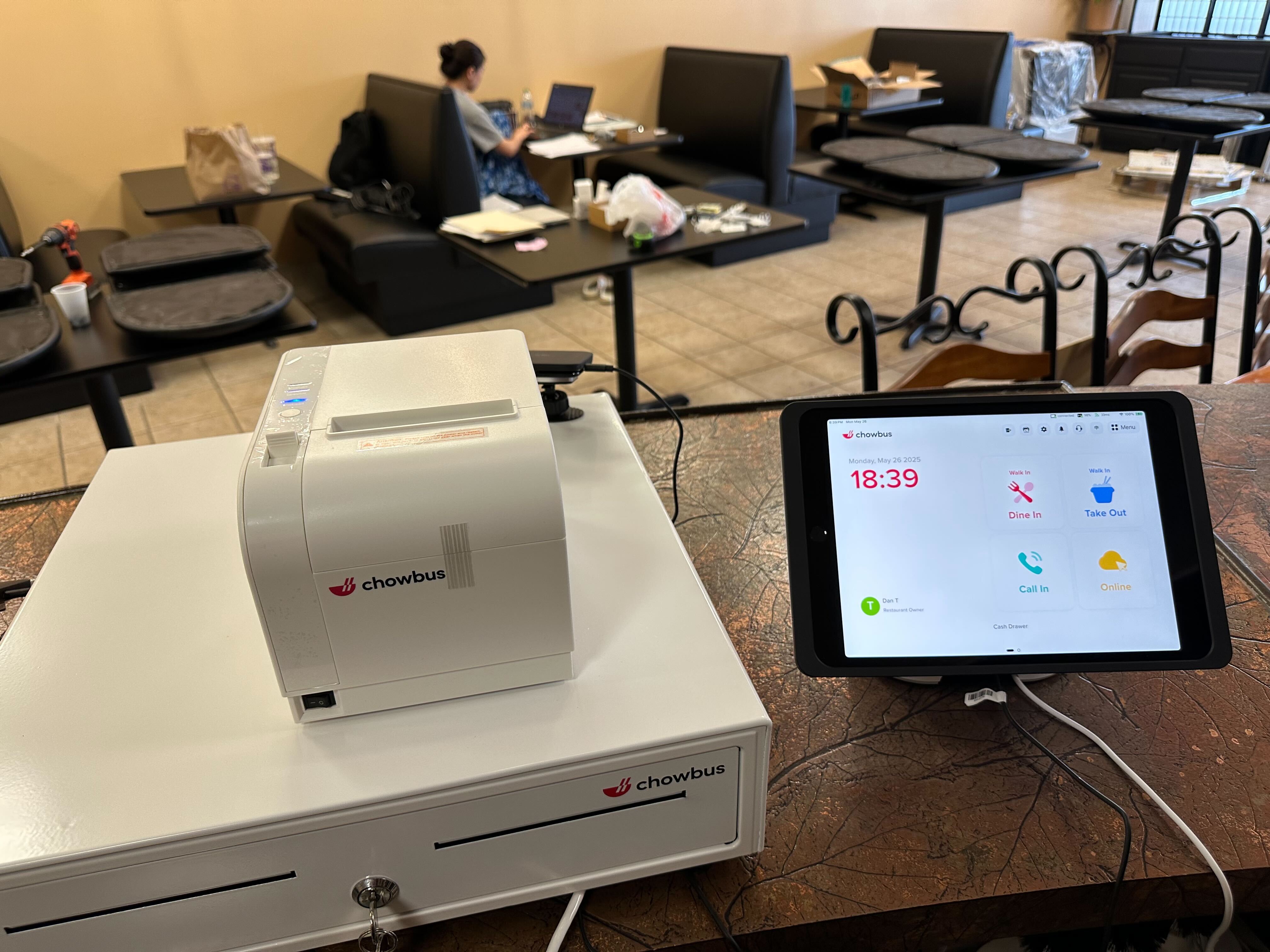
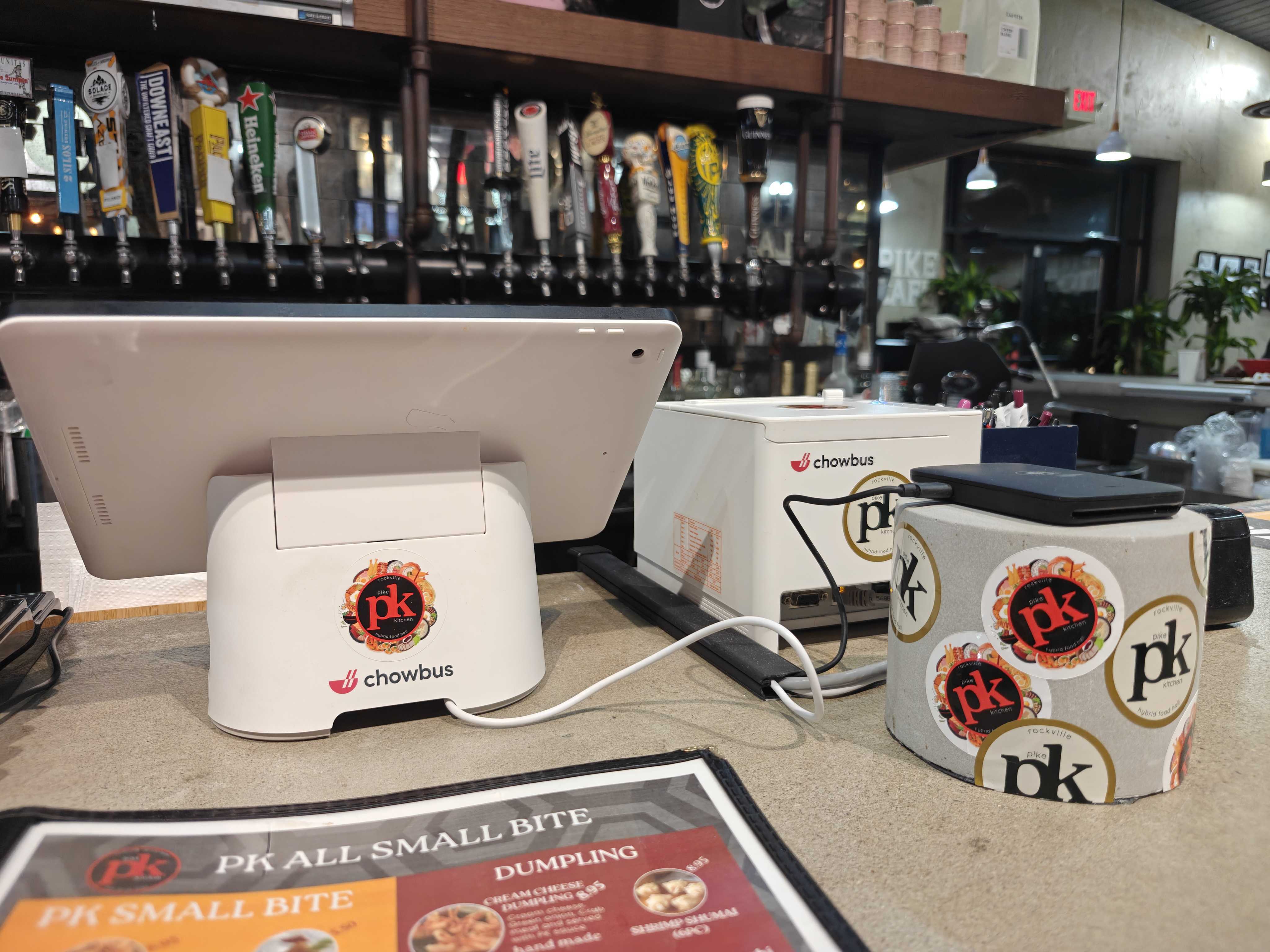
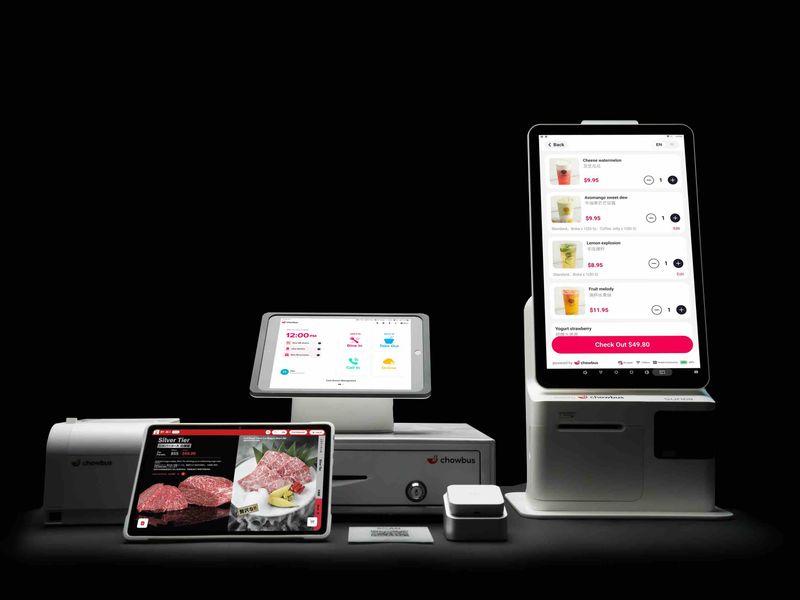
A POS system for quick service restaurants combines both software and hardware to streamline order taking, payment processing, and restaurant operations. Unlike traditional cash registers, modern POS systems are designed to handle high-volume orders, fast service, and integrate with various restaurant tools.
In QSRs, the POS typically takes care of:
The best POS for restaurants—especially in fast-paced quick service environments—does more than just process payments. It helps reduce friction and keeps the workflow smooth throughout the service.
Quick service restaurants rely heavily on speed and consistency, and the POS system plays a crucial role in making sure everything moves efficiently. Here’s how it works:
Orders are placed by customers at the counter, via tablets, or through online ordering systems. The POS software ensures the menu is accurate, and any customizations or modifications are automatically applied.
Once an order is placed, it’s immediately routed to the kitchen or prep stations. This eliminates delays and miscommunication, ensuring that food is prepared quickly and accurately.
Payments are processed quickly through cards, mobile wallets, or other supported methods, and transactions are recorded in real time. This keeps your financials updated instantly.
Sales data, peak hours, item performance, and staff efficiency are tracked automatically, giving managers visibility into key metrics. This real-time data helps improve decision-making and operational efficiency.
This interconnected workflow is what makes a POS system so effective in fast-moving QSR environments.
Not all POS systems are built with the same goals in mind. For quick service restaurants, the ideal POS system should include these key features:
The system should minimize unnecessary clicks and steps. This ensures that orders can be taken quickly—even during rush hours—keeping everything flowing smoothly.
Quick service menus often feature combos, add-ons, and limited-time items. The best POS systems allow for easy menu updates, so your staff can stay on top of changes without a hassle.
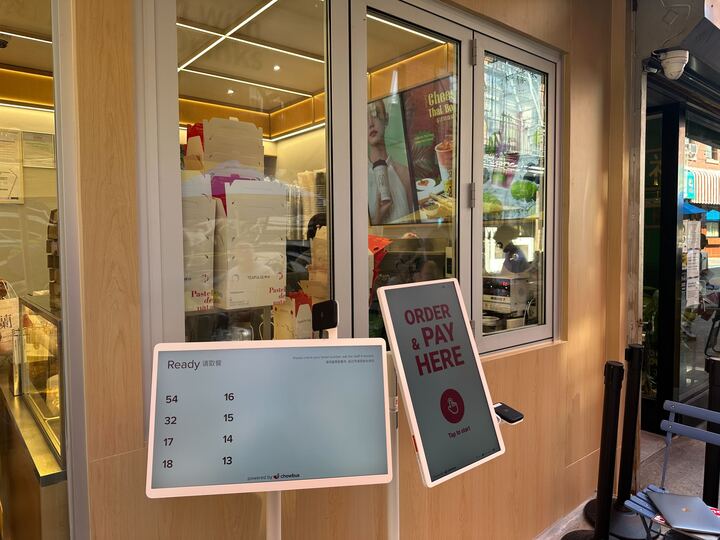
Tablet ordering and handheld devices allow staff to take orders directly at the table or anywhere on the restaurant floor, speeding up service and improving accuracy.
A top POS system for QSRs integrates seamlessly with online ordering, so orders placed online are automatically routed into the same system as in-store orders, avoiding duplication and minimizing errors.
Live dashboards allow managers to monitor sales, labor costs, and peak periods in real time. This helps ensure efficient restaurant operations without waiting for end-of-day reports.
In a quick service restaurant, downtime can have a direct impact on revenue. A reliable POS system that works without interruption is a must-have.
The right POS system can deliver measurable improvements across your restaurant’s operations. Here’s how:
Streamlined order and payment processes reduce wait times and increase the number of orders that can be processed during peak hours.
With clear menus, automatic modifier application, and direct kitchen communication, POS systems help reduce errors and improve customer satisfaction.
The data gathered by the POS system allows restaurant managers to make informed decisions about staffing, menu offerings, and daily operations, all while ensuring that everything runs smoothly.
Whether you’re expanding to new locations or adding new channels like online ordering, a flexible POS system can grow with your business, supporting new functionalities without a complete overhaul.
Although this guide focuses on QSRs, many POS systems are adaptable to other types of restaurant formats. Here’s a look at how different restaurant types use POS systems:
For QSRs, the best POS system should prioritize fast order entry, simple workflows, and integration with online ordering. Speed and efficiency are top priorities in these environments.
For smaller restaurants, a POS system should be easy to use and affordable while providing core functionalities like sales tracking and reporting.
Restaurants planning to scale benefit from POS systems that offer centralized reporting, consistent menus, and the ability to manage multiple locations from one platform.
When evaluating POS options, it's important to focus on fit rather than hype. Here are a few questions to ask yourself:
The best restaurant POS system for your needs is one that seamlessly integrates with your operations and offers the features that matter most.
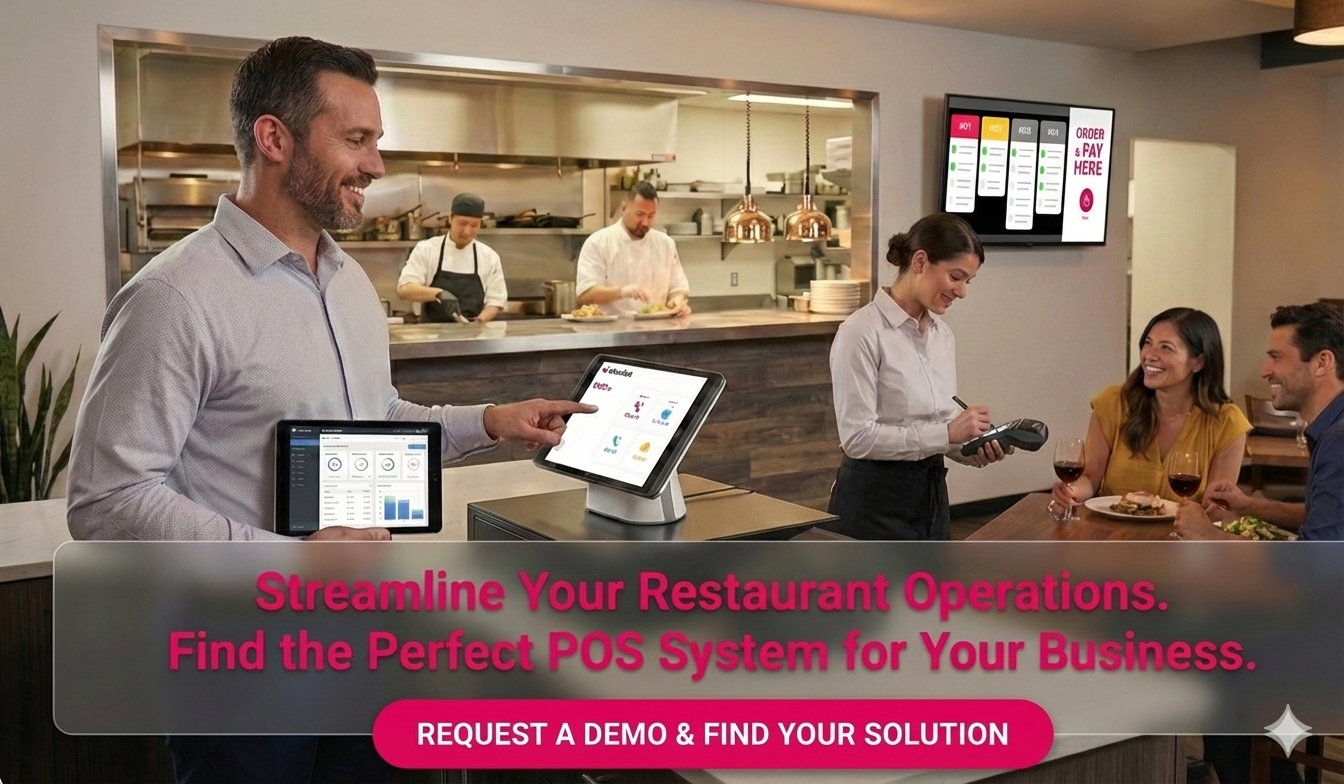
A great POS system for QSRs prioritizes speed, ease of use, and reliable order routing while supporting high volumes of transactions.
Yes, cloud-based POS systems offer real-time data access, easier updates, and scalability, making them ideal for growing QSRs.
Many modern POS systems integrate directly with online ordering platforms, reducing manual entry and errors.
Tablet ordering is highly beneficial in QSRs because it reduces lines, speeds up service, and improves order accuracy.
Even small QSRs can benefit from investing in a POS system that helps improve efficiency, reporting, and the customer experience.
Choosing the best POS for quick service restaurant operations means prioritizing speed, reliability, and the ability to scale. The right POS system helps streamline workflows, improve the customer experience, and provide valuable insights to make smarter decisions.
As customer expectations continue to evolve, investing in the right POS system will be crucial for long-term success.