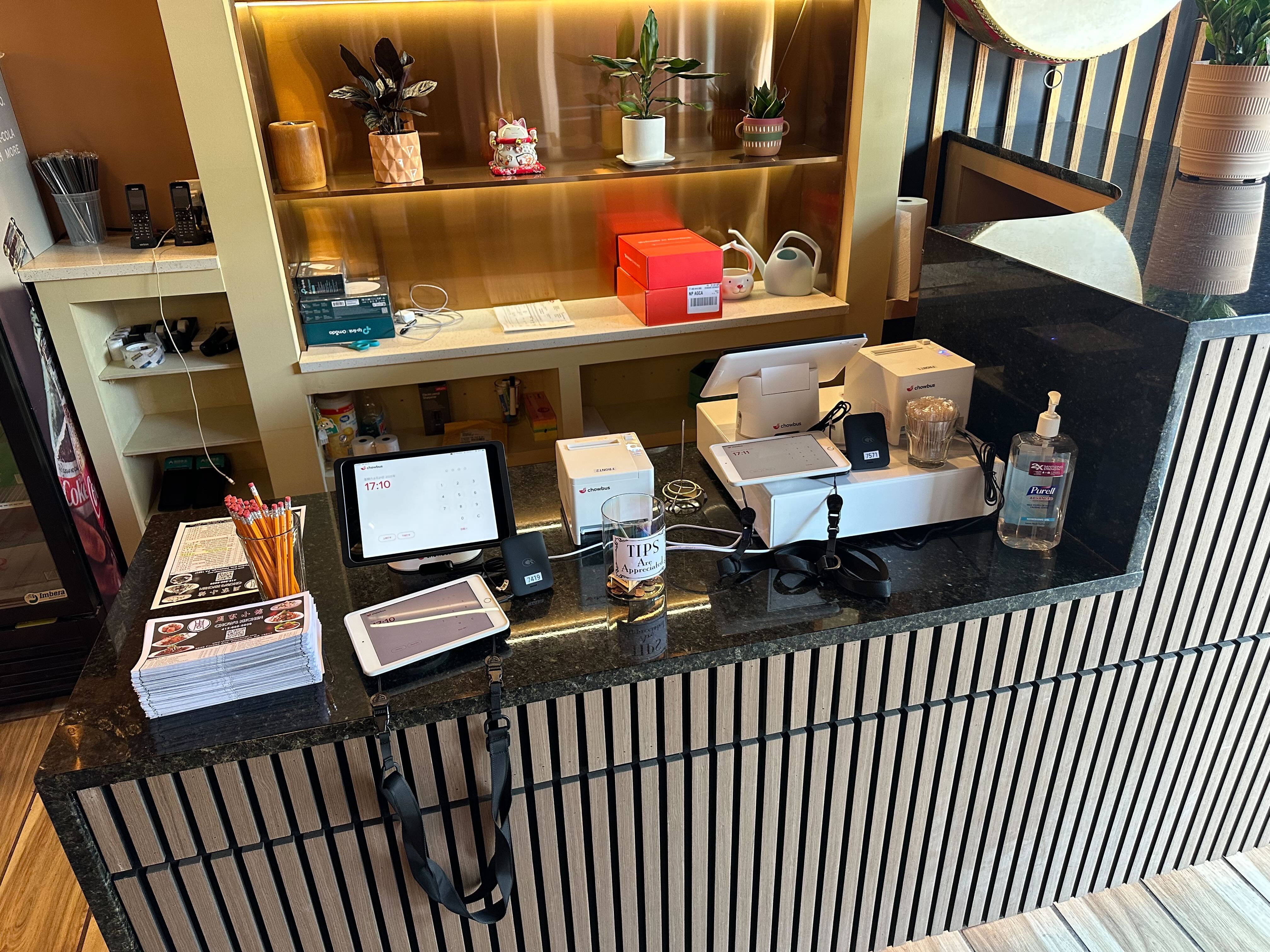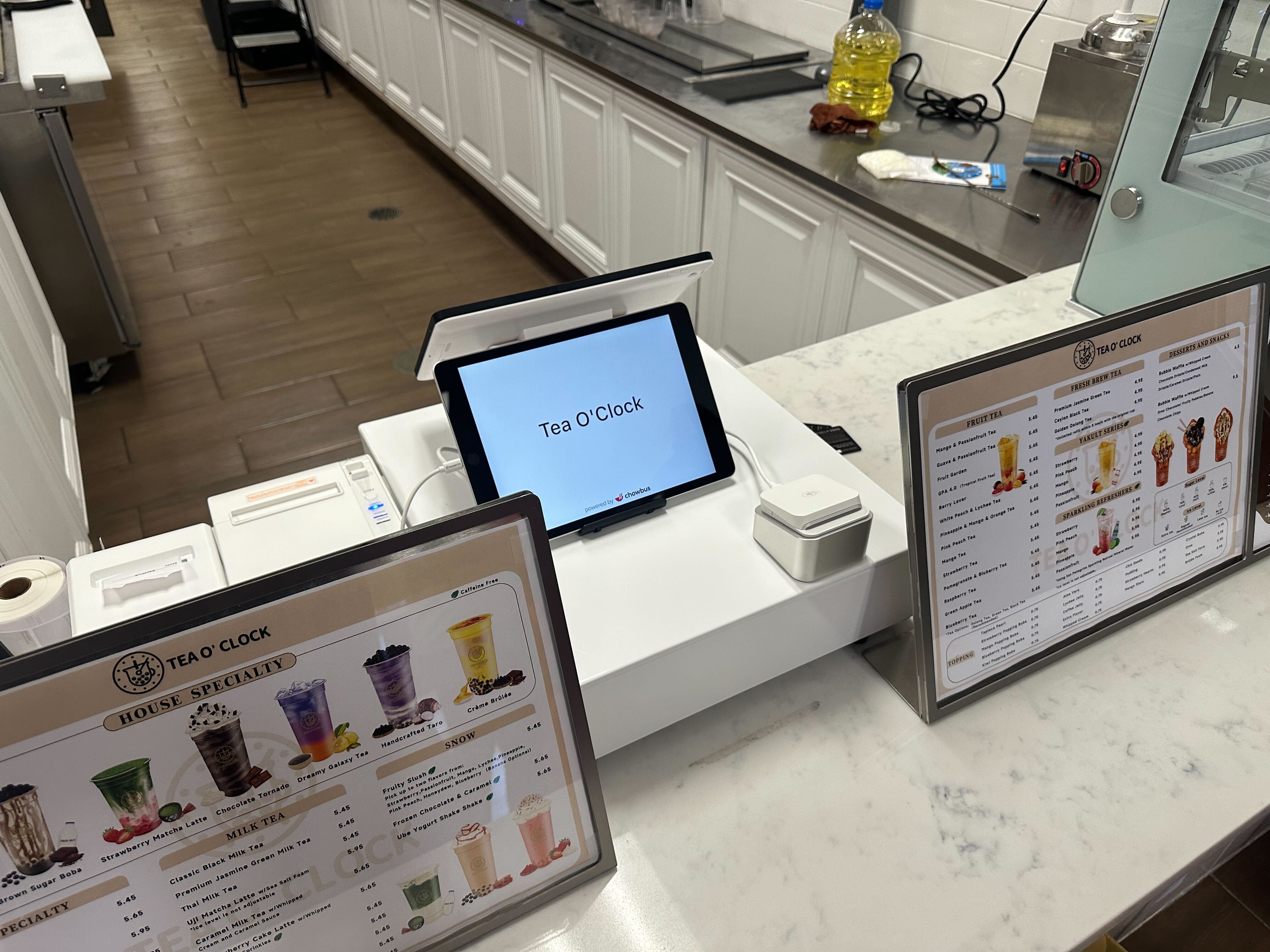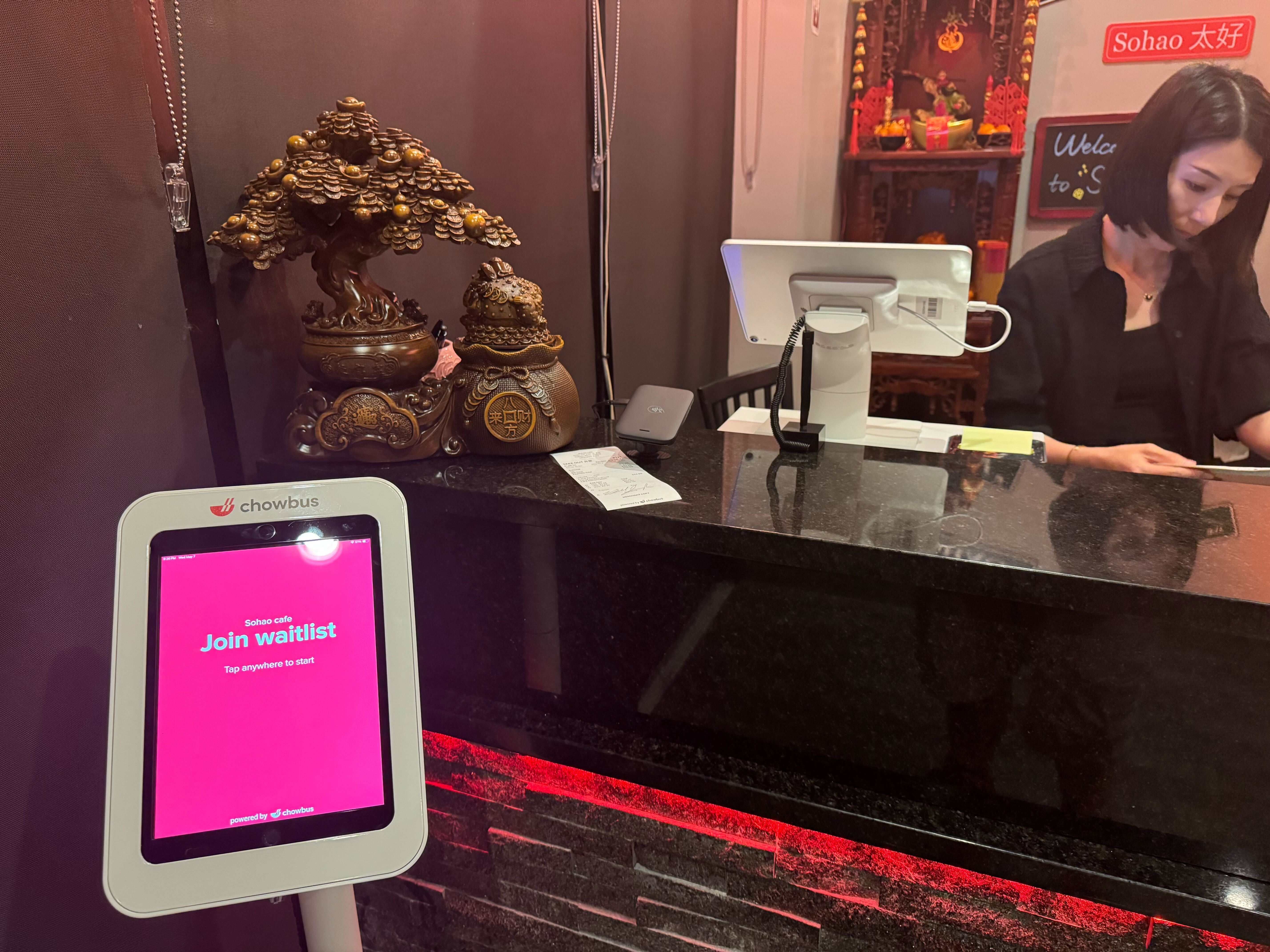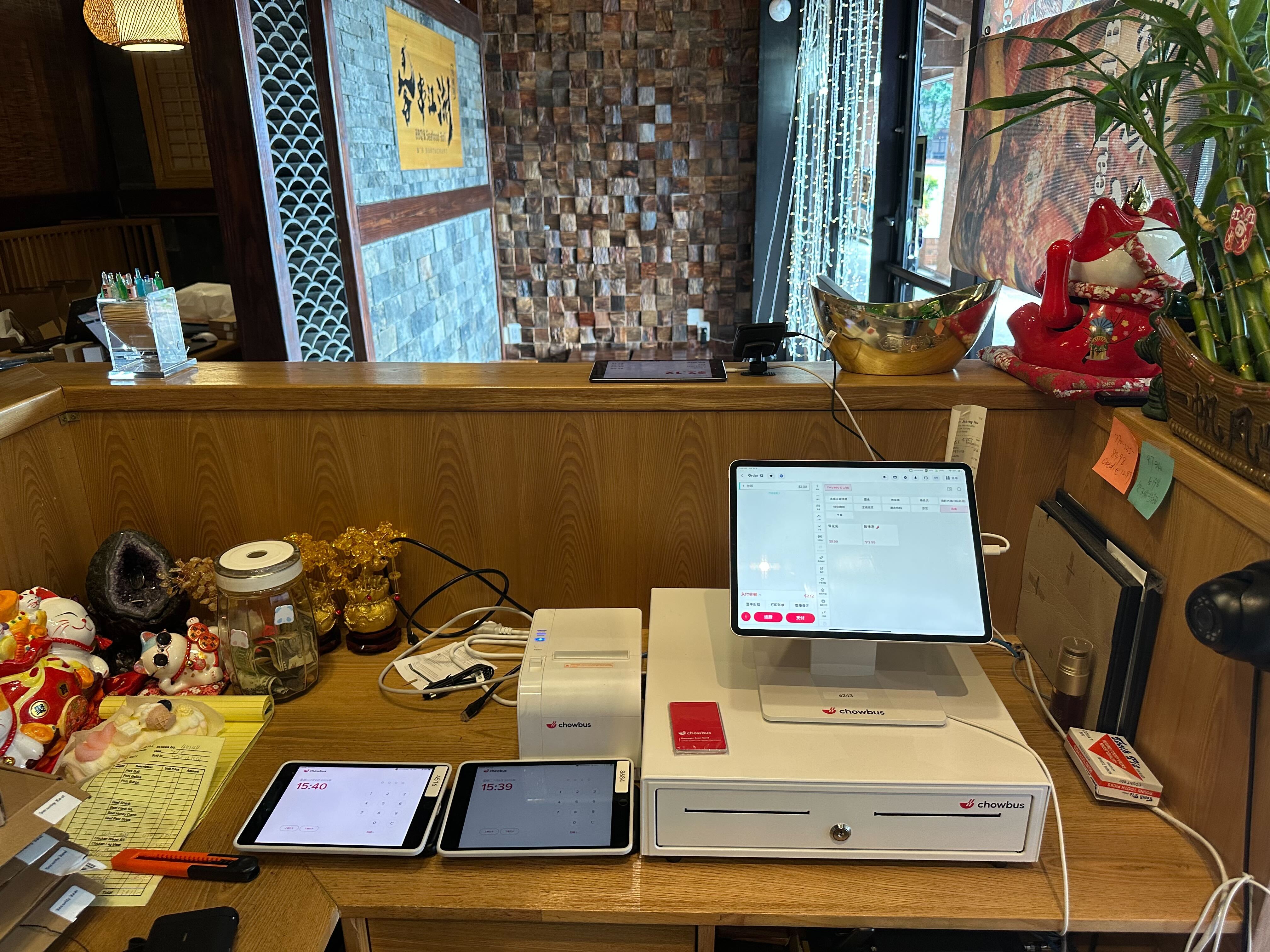
If you’ve ever searched for a list of POS systems for restaurants, you already know the problem:
there are too many options, and most of them sound the same.
Every POS claims to be “all-in-one,” “easy to use,” and “built for restaurants.”
But according to industry surveys, over 40% of restaurant operators switch POS systems within five years—often because the original choice didn’t actually fit their day-to-day workflow.
So instead of naming brands or pushing features, this guide focuses on what really matters:
how to understand your options, what types of POS systems exist, and how to choose the right one for your restaurant.
At its core, a restaurant POS (Point of Sale) system helps you take orders and get paid.
In reality, it’s the central nervous system of your restaurant.
Modern POS systems connect:
When reviewing a list of POS systems for restaurants, it’s important to remember:
you’re not just buying software—you’re choosing how information moves through your restaurant every day.
Understanding how POS systems work makes comparisons far easier.
Orders are placed via counter terminals, tablets, or handheld devices. Modifiers, combos, and upsells are applied automatically, reducing mistakes during busy shifts.
Payments—cards, mobile wallets, or cash—are processed instantly and logged in real time. Tips, split checks, and refunds are handled within the same system.
Orders route directly to the kitchen or prep stations through printers or kitchen display systems, cutting down on miscommunication and ticket loss.
Managers can view sales, peak hours, and item performance through dashboards—often remotely. This visibility is one reason cloud-based POS adoption now exceeds 70% among U.S. restaurants.
When reviewing a list of POS systems for restaurants, flashy features matter far less than workflow fit.
Menus change constantly. A good POS should handle modifiers, combos, and special items without workarounds—especially for pizza, bar, or full-service concepts.
High staff turnover is a reality in restaurants. Systems that take weeks to train often slow service and increase errors.
Support for cards, mobile payments, tips, and split bills isn’t optional anymore—it’s expected.
Operators need answers fast:
What’s selling? What’s slowing down service? Where is labor creeping up?
Cloud POS systems allow owners to check performance from anywhere and receive automatic updates—without on-site IT headaches.
Some systems track ingredient usage and alert you before shortages become service issues.
Built-in CRM and loyalty features help restaurants turn repeat visits into predictable revenue.
Why Restaurants Invest in POS Systems (Beyond Payments)
The right POS system delivers value far beyond checkout.
Streamlined workflows can reduce order times by 15–30% in high-volume environments.
Automated order routing significantly lowers remakes and comps.
Shorter wait times and smoother payments directly impact reviews and repeat visits.
Data replaces guesswork—helping owners adjust menus, pricing, and staffing with confidence.
Common POS Use Cases by Restaurant Type
Not all POS systems work equally well for every concept.
Speed and reliability matter most. Systems must handle high volumes with minimal friction.
Table management, coursing, and split checks are critical.
Open tabs, fast payments, and alcohol inventory tracking are essential.
Advanced customization and order routing are non-negotiable.
Simplicity, affordability, and room to grow are key factors.
Instead of asking “Which POS has the most features?”, ask:
The best POS system isn’t the most popular one—it’s the one that fits your workflow today and tomorrow.
What is a restaurant POS system?
A platform that manages orders, payments, and operations while connecting front- and back-of-house teams.
How much do restaurant POS systems cost?
Most subscription-based systems range from $50–$200 per month, plus hardware.
What’s best for small restaurants?
Cloud-based POS systems that are easy to use and scalable.
Do POS systems support online ordering?
Yes—many integrate directly to keep orders in one workflow.
Can POS systems help with inventory?
Some systems track ingredient usage and alert you to low stock in real time.
A list of POS systems for restaurants is just the starting point.
The real decision comes down to fit, flexibility, and long-term value.
The right POS system simplifies operations, reduces stress for your team, and gives you the clarity needed to run a healthier business.
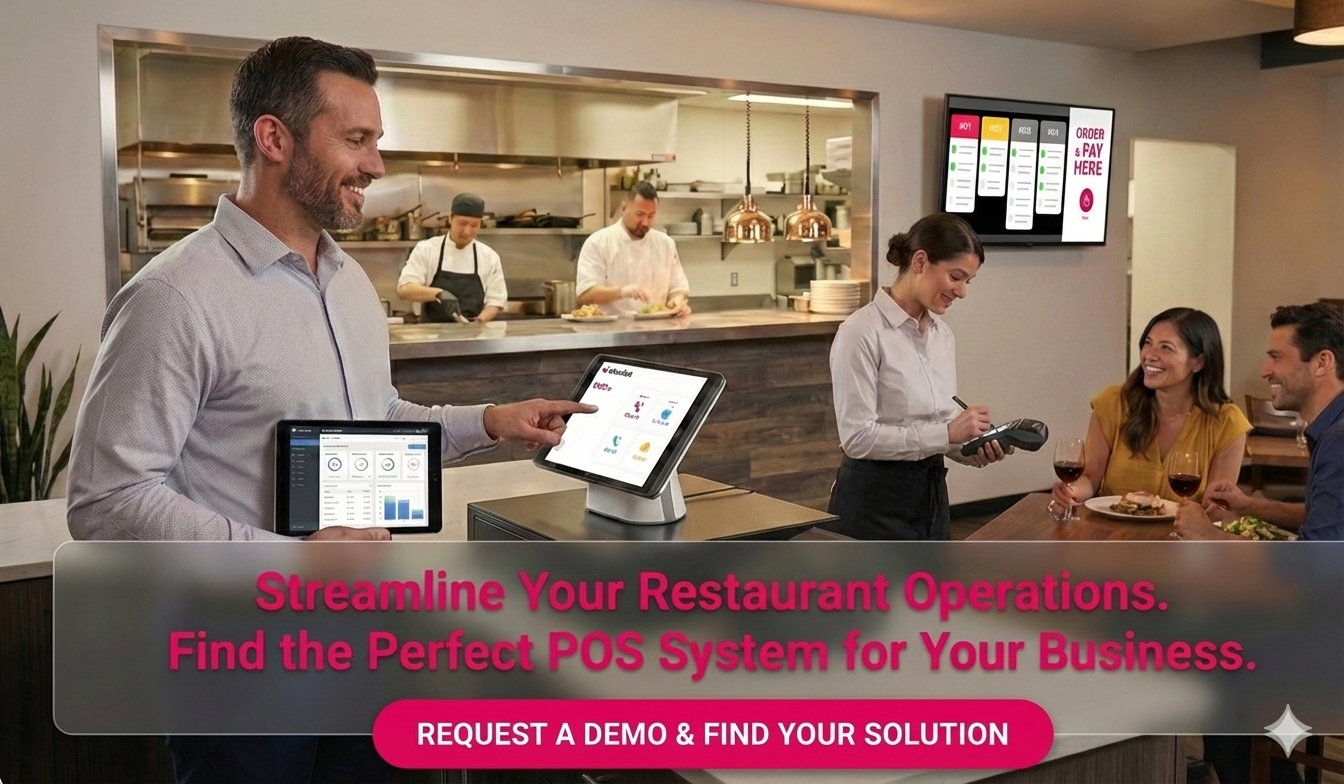
If you’re exploring POS options and want to see how modern systems support real restaurant workflows, our team can help you evaluate what fits best.