Searching for Top Restaurant POS Systems often leads to long feature lists, pricing tables, and sales promises.
But here’s the reality: according to industry data, more than 70% of U.S. restaurants now rely on cloud-based POS systems, and many still change providers within a few years—not because the technology failed, but because it didn’t match how the restaurant actually operates.
Whether you’re running a small café, a busy bar, or multiple locations, the best POS system isn’t the one with the most features. It’s the one that fits your workflow, your team, and your growth plans.
This guide breaks down what truly matters when evaluating top restaurant POS systems—without the jargon.
At a basic level, a restaurant POS system helps you take orders and accept payments.
In practice, it’s the operational backbone of your restaurant.
A modern POS system typically brings together:
The top restaurant POS systems unify all of these functions, reducing manual work and giving owners real-time visibility into what’s happening on the floor.
How Restaurant POS Systems Work in Day-to-Day Operations
Understanding how a POS works makes it easier to compare systems.

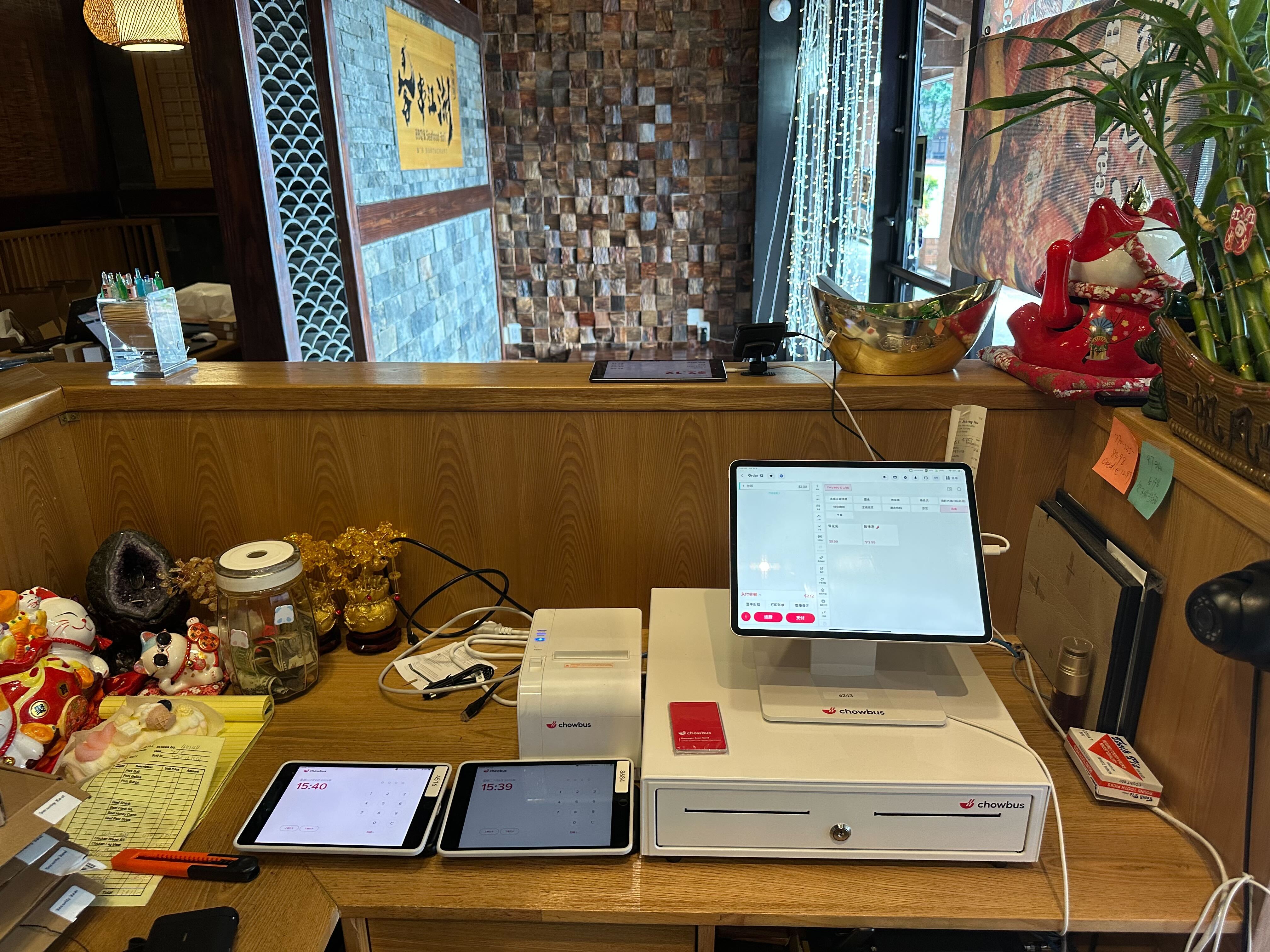
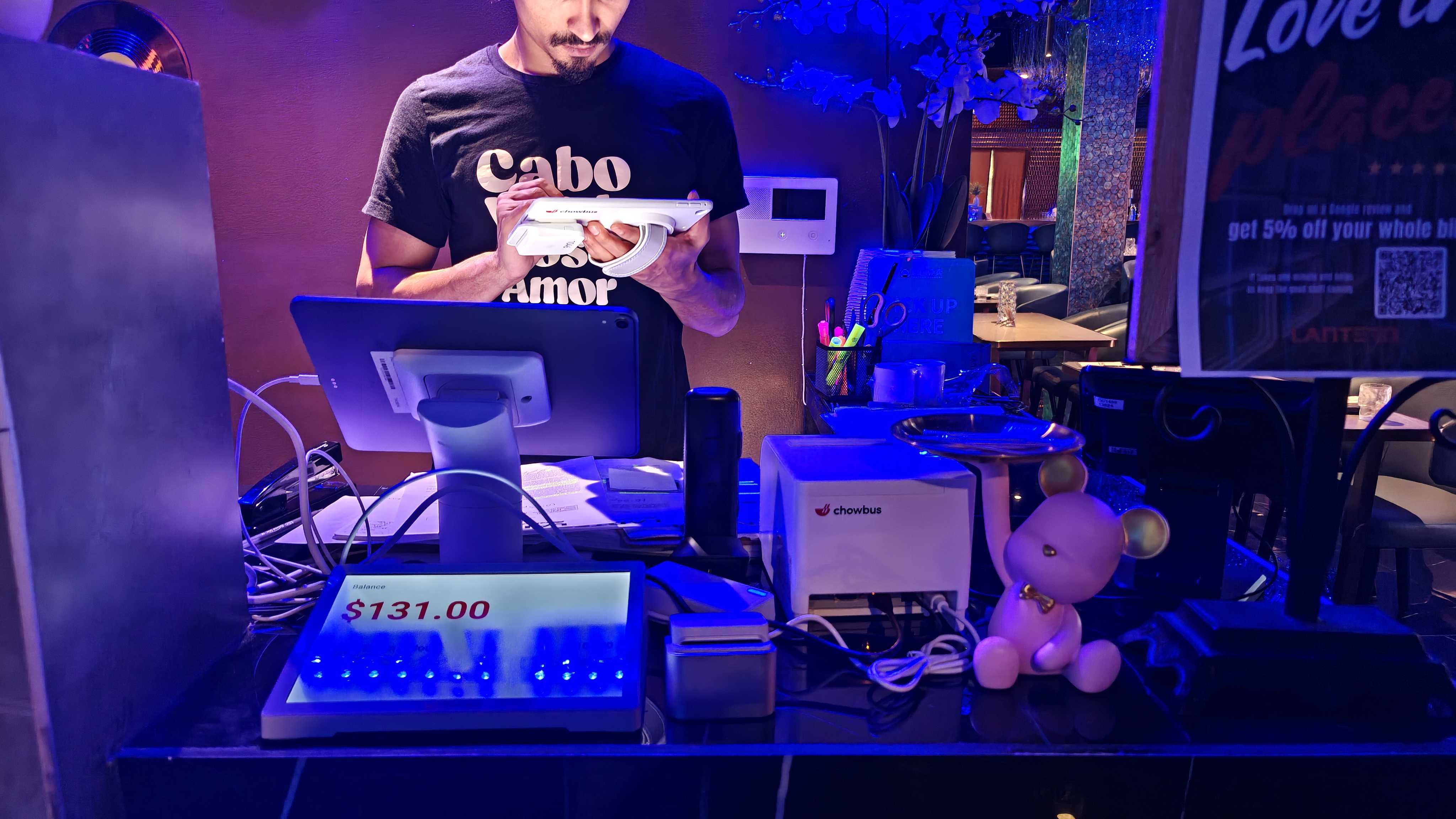
Servers or cashiers enter orders via terminals, tablets, or handheld devices. Modifiers, combos, and upsells are built into the workflow, helping teams move faster during rush hours.
Payments are completed through cards, contactless options, mobile wallets, or cash. Transactions are recorded instantly, giving managers live sales data.
Orders are routed automatically to the kitchen or bar via printers or kitchen display systems, reducing miscommunication and ticket loss.
Sales, inventory levels, and labor data are tracked in real time. Many POS systems also integrate with online ordering, delivery platforms, and accounting tools—something over 60% of restaurants now consider essential.
When comparing top restaurant POS systems, these are the features that truly make a difference.
Menus change, guests customize, and speed matters. The best systems handle modifiers and complex items without slowing staff down.
From split checks and tipping to contactless payments, flexibility at checkout is no longer optional—it’s expected.
Clear, real-time insights help owners answer critical questions:
What’s selling? Where are costs creeping up? Which shifts are most profitable?
Cloud POS systems allow owners to monitor performance remotely and receive automatic updates—one reason cloud adoption continues to rise across the industry.
Top POS platforms connect with online ordering, inventory management, loyalty programs, and accounting software, reducing the need for manual workarounds.
The benefits go far beyond taking payments.
Automated workflows can reduce order times by 15–30% in fast-paced environments.
Direct order routing lowers mistakes, comps, and re-fires.
Faster service, accurate orders, and smooth payments translate directly into better reviews and repeat visits.
With real data, operators can optimize menus, staffing, and inventory instead of relying on gut instinct.
The best POS systems grow with your business, supporting new locations without forcing a complete system overhaul.
Different concepts require different strengths.
Speed, reliability, and high-volume handling are critical.
Table management, split checks, coursing, and guest tracking matter most.
Open tabs, fast payments, and alcohol inventory tracking are essential.
Advanced customization for sizes, toppings, and delivery integration is key.
When evaluating top restaurant POS systems, focus on these questions:
Price matters, but value over time matters more. Most restaurant POS systems cost between $50 and $200 per month, plus hardware. The right system often pays for itself through saved labor and fewer errors.
How much does a restaurant POS system cost?
Most systems range from $50–$200 per month, depending on features and scale.
What’s the best POS for small restaurants?
Cloud-based systems that are easy to use and affordable tend to work best.
Are free POS systems worth it?
Free versions often lack reporting, integrations, and scalability.
Can POS systems integrate with online ordering?
Yes, most modern POS platforms support online and delivery integrations.
The top restaurant POS systems don’t just process payments—they shape how your restaurant runs every day.
By choosing a system that aligns with your operations and future plans, you can reduce friction, improve guest experiences, and make smarter business decisions.
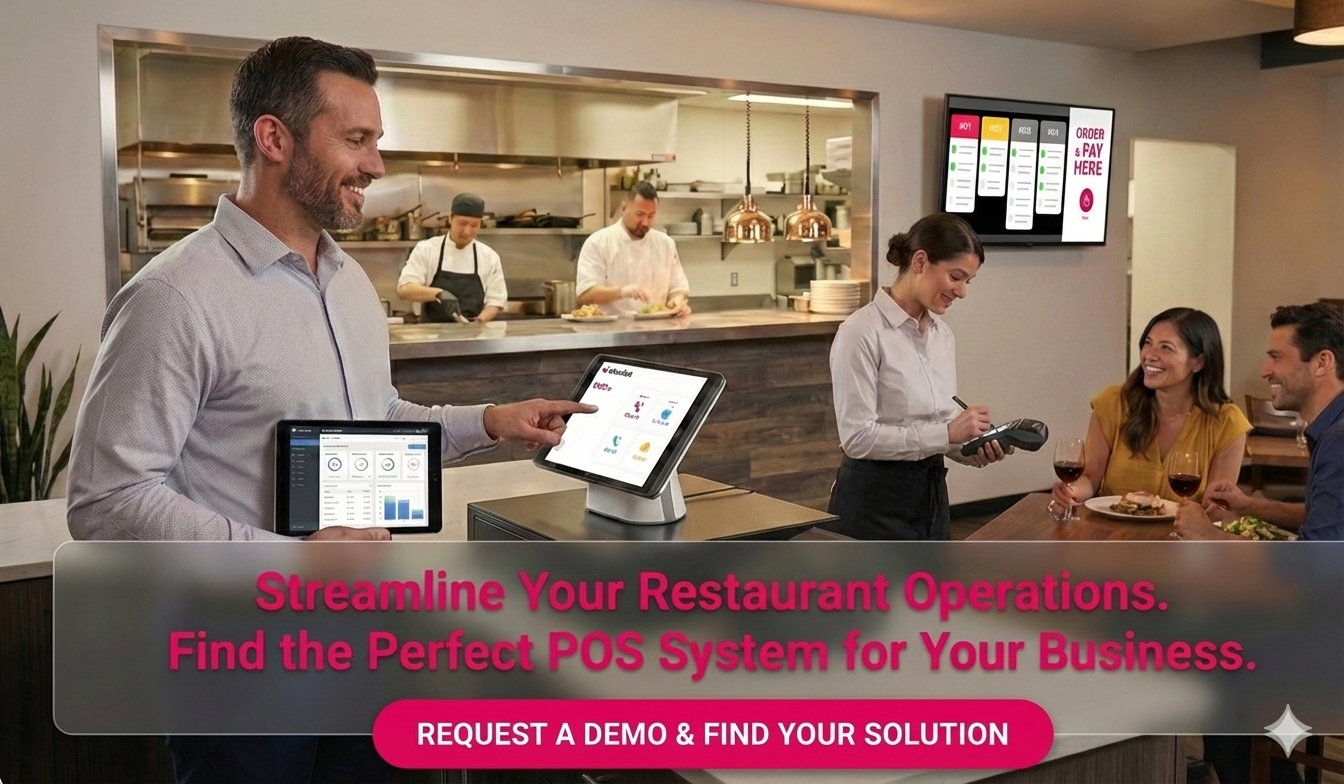
If you’re exploring POS options and want help understanding what fits your restaurant best, a guided demo or expert conversation can save months of trial and error.