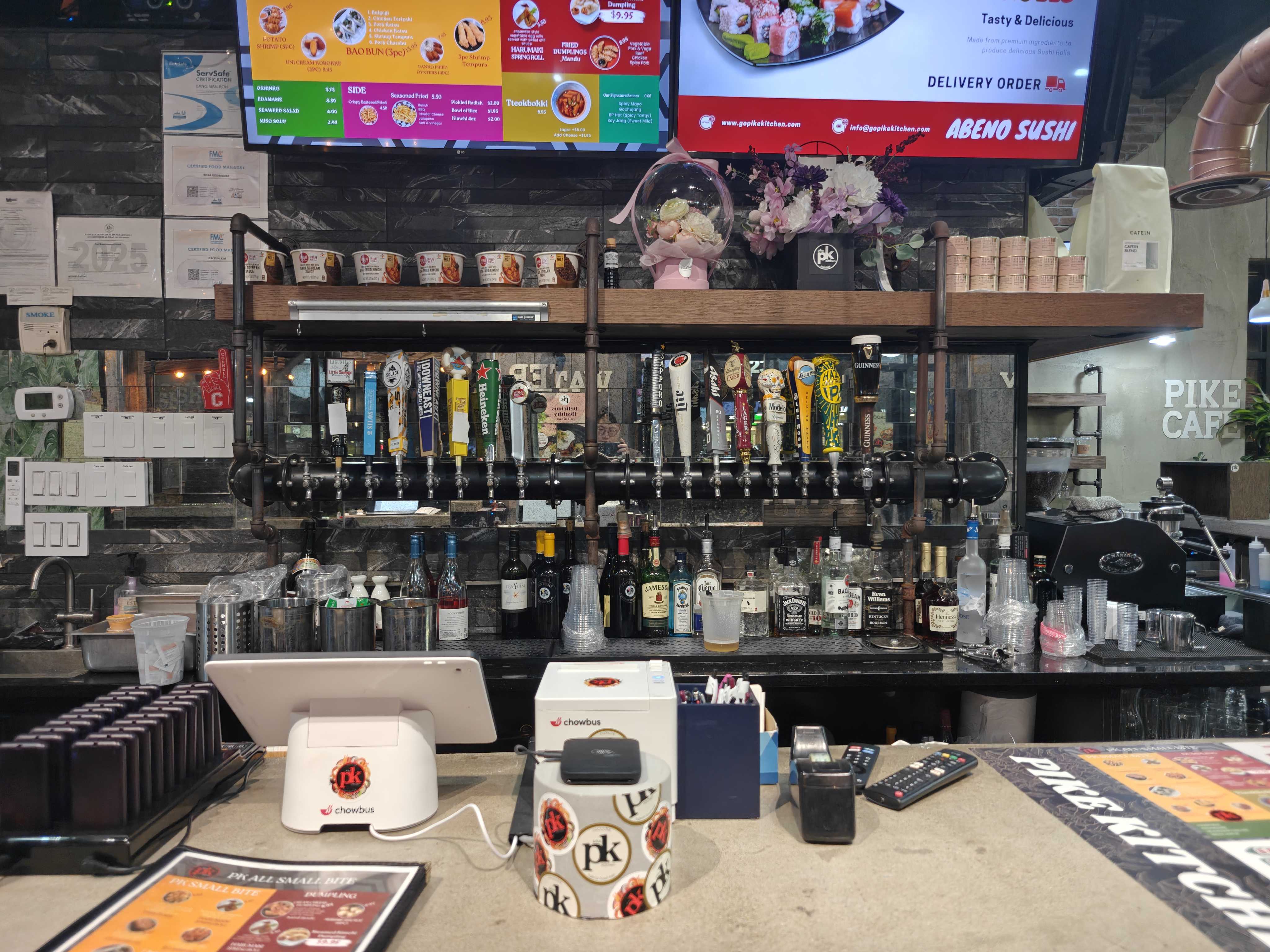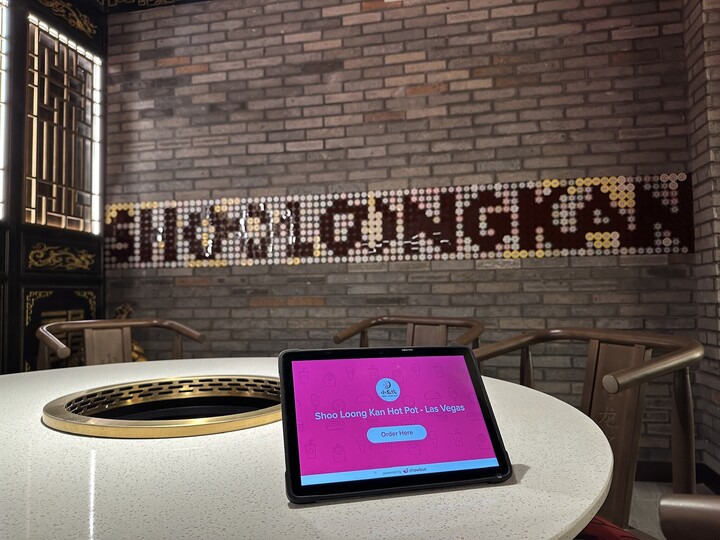
Choosing the best POS for small restaurant operations might seem like a daunting task, but it doesn’t have to be. With small teams, tight margins, and little room for inefficiency, restaurant owners need technology that simplifies their daily operations—not adds complexity. A modern POS system can play a vital role in helping small restaurants run smoothly, serve customers faster, and make smarter decisions.
In this guide, we’ll walk you through what a POS system is, how it works in a small restaurant setting, which features are most important, and how to compare options to confidently choose the best solution for your business today—and in the future.
A POS (point-of-sale) system is a combination of software and hardware that restaurants use to take orders, process payments, and manage key parts of their operations. For small restaurants, the POS system often becomes the central hub connecting order taking, payment processing, and reporting—all in one place.
Unlike traditional cash registers, modern POS systems are designed to:
The best POS software for small restaurants focuses on simplicity, reliability, and flexibility, giving you more time to focus on your customers and business growth.
For small restaurants, the right POS system needs to be user-friendly and easy to set up. Here’s what a typical POS workflow looks like:
Orders are entered via a counter terminal, tablet, or mobile device. Menus, item modifiers, and combos are applied automatically, ensuring accuracy and reducing errors.
Customers pay quickly using credit cards, mobile wallets, or other payment methods. Payments are processed in real-time, with all transactions synced to the system instantly.
Orders are sent directly to the kitchen or prep stations. This seamless communication minimizes delays and errors, making it easier to serve customers promptly.
Sales, peak periods, popular menu items, and staff performance are tracked in real-time. You’ll have instant access to reports, allowing you to make smarter decisions without relying on spreadsheets.
For small teams, this streamlined workflow helps save time and reduce stress, making operations more efficient.
When evaluating POS systems for your small restaurant, it’s important to prioritize features that directly support your daily operations. Here are the key features to look for:
The system should be intuitive so that new staff can get up to speed quickly without extensive training.
Menus in small restaurants change often. The best POS systems make it easy to update items, prices, and modifiers—ensuring your menu is always accurate.
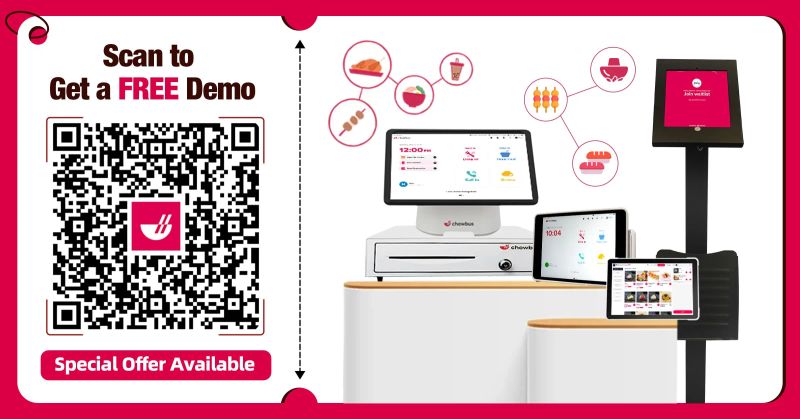
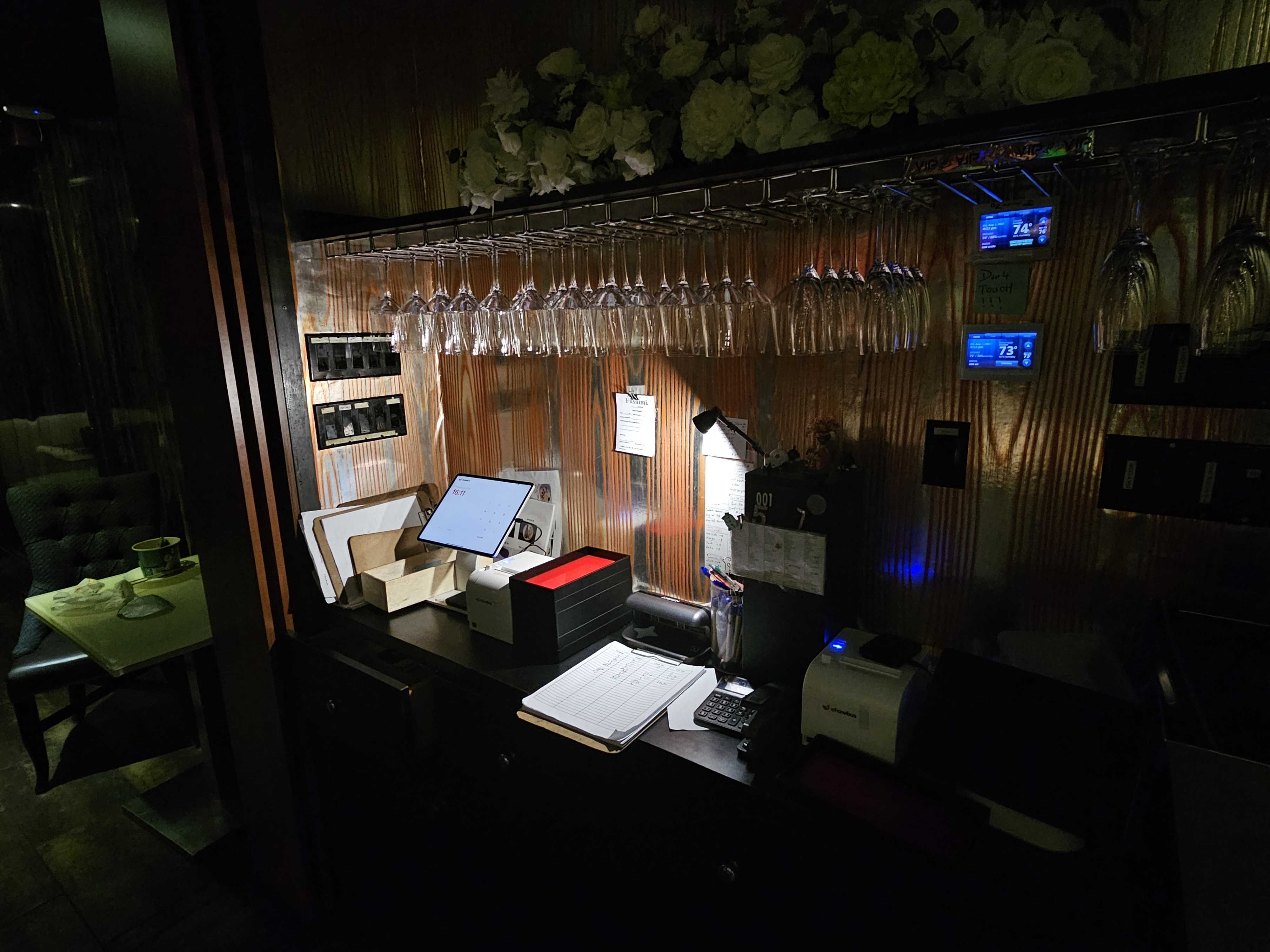
Tablet ordering systems and compact hardware setups save space and improve mobility in tight restaurant layouts, making them ideal for smaller spaces.
The best POS systems allow for seamless integration with online ordering platforms, ensuring that both in-store and off-premise orders flow into the same system, reducing duplicate work.
Clear, live dashboards give you visibility into sales trends, peak hours, and daily performance—allowing you to track progress at a glance and make adjustments on the fly.
Even if you only operate one location right now, the POS system should support your business growth, whether you’re adding more locations or introducing new ordering channels.
Investing in the best POS for small restaurant operations can provide significant benefits across your business. Here’s how the right POS system can help:
Automated order flow and quick payment processing reduce manual work, speeding up service and minimizing wait times for customers.
Clear order entry, automatic modifiers, and direct communication with the kitchen minimize mistakes and wasted food, ensuring customers get exactly what they ordered.
With sales reports and performance trends at your fingertips, you’ll have the data you need to optimize your menu, staffing, and hours, leading to smarter business decisions.
Whether you're adding online ordering, expanding to multiple locations, or introducing tablet ordering, a flexible POS system can grow with you, making expansion easier and more seamless.
While this guide focuses on small restaurants, many POS needs overlap with other types of establishments. Here’s how different restaurant types benefit from POS systems:
For small restaurant owners, simplicity, affordability, and control are key. The best POS for small restaurants strikes a balance between functionality and ease of use.
For QSRs, speed is critical. The best POS for quick service restaurants streamlines order-taking and ensures quick transactions, helping staff manage high volumes of orders efficiently.
As your business expands, a POS system that offers centralized reporting, standardized operations, and scalable features will make managing multiple locations easier.
When comparing POS systems, it’s important to focus on how well a system fits with your restaurant’s specific needs—not just on pricing or flashy features. Ask yourself these questions:
The best POS restaurant solution is one that aligns with your day-to-day workflow and supports your future plans.

The best POS for a small restaurant is one that’s simple to use, reliable, and flexible enough to handle menu changes, payments, and reporting without complications.
Yes! Cloud-based POS systems are perfect for small restaurants because they offer real-time data access, easy updates, and the scalability to grow as your business expands.
Definitely. Modern POS systems integrate seamlessly with online ordering platforms, making it easier to manage both in-store and off-premise orders in one place.
Yes! Tablet ordering helps save counter space, improves mobility, and speeds up service, especially in smaller dining areas where space is limited.
Many modern POS systems are designed for fast onboarding, and setup typically takes just a few hours, depending on the system and the complexity of your restaurant.
Selecting the best POS for small restaurant operations is about choosing technology that works with your team, not against it. The right system helps improve efficiency, provides valuable insights, and supports your restaurant’s growth.
As customer expectations evolve and more ordering channels emerge, investing in a modern POS system is essential for staying competitive and positioning your restaurant for long-term success.