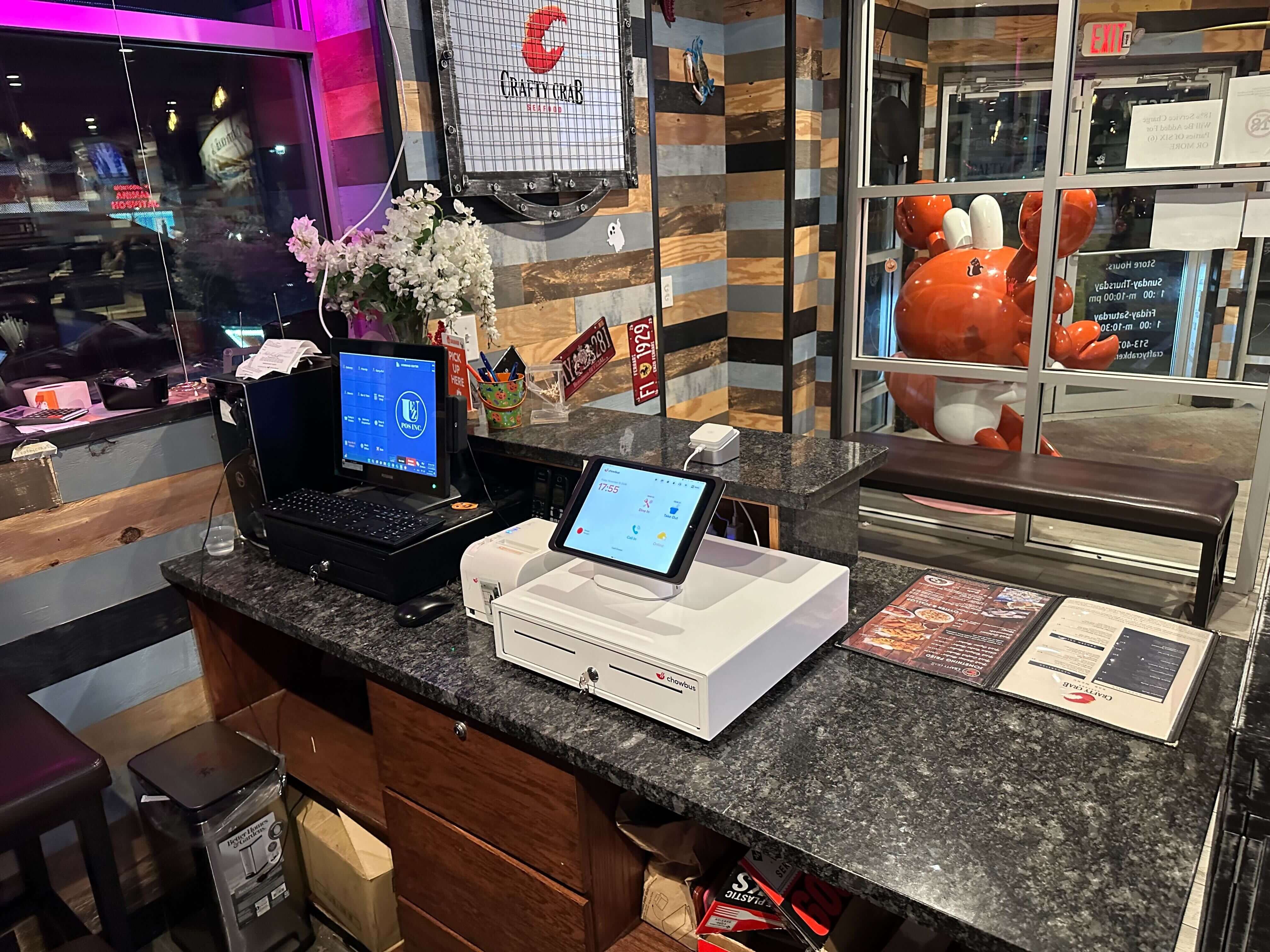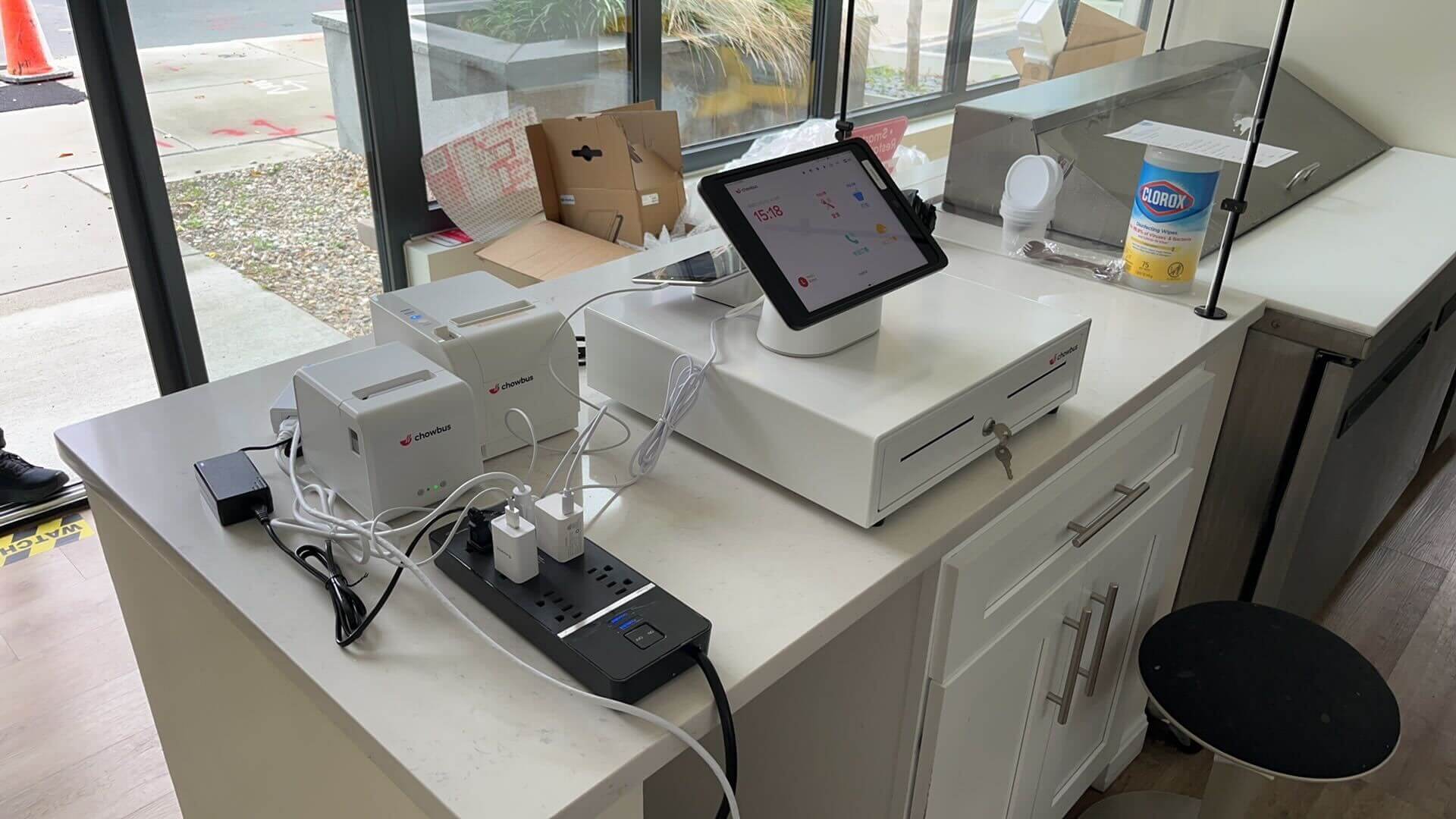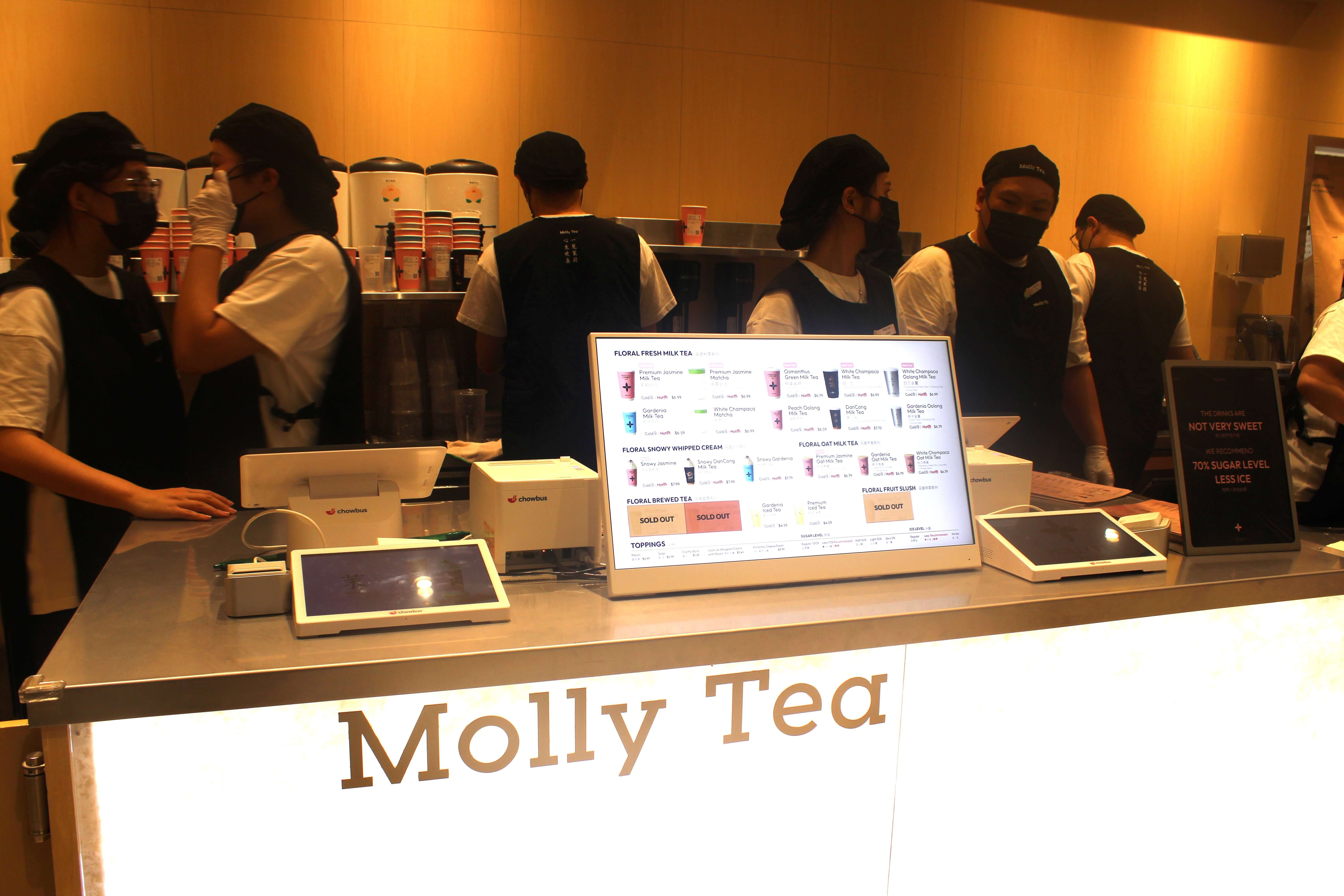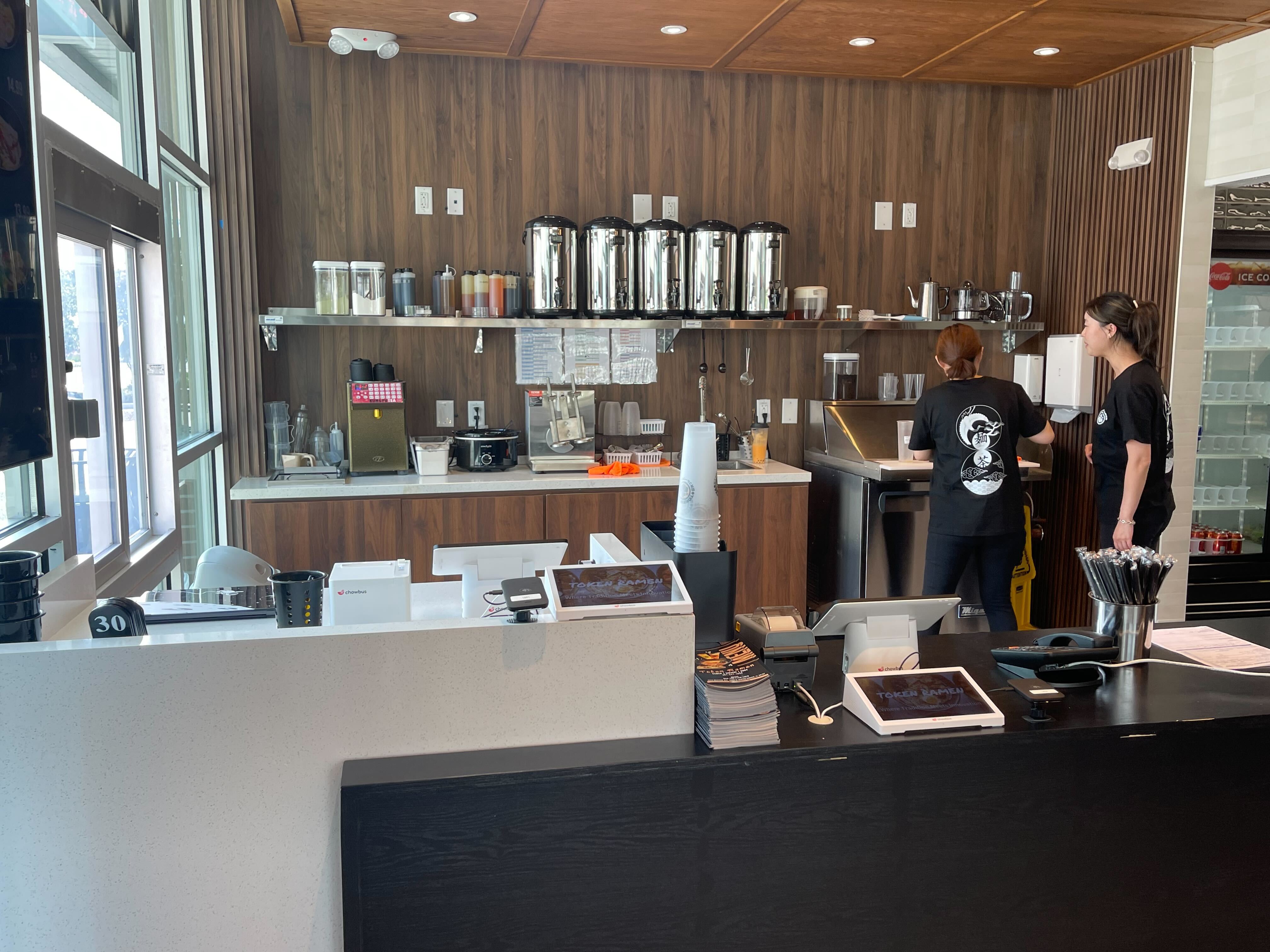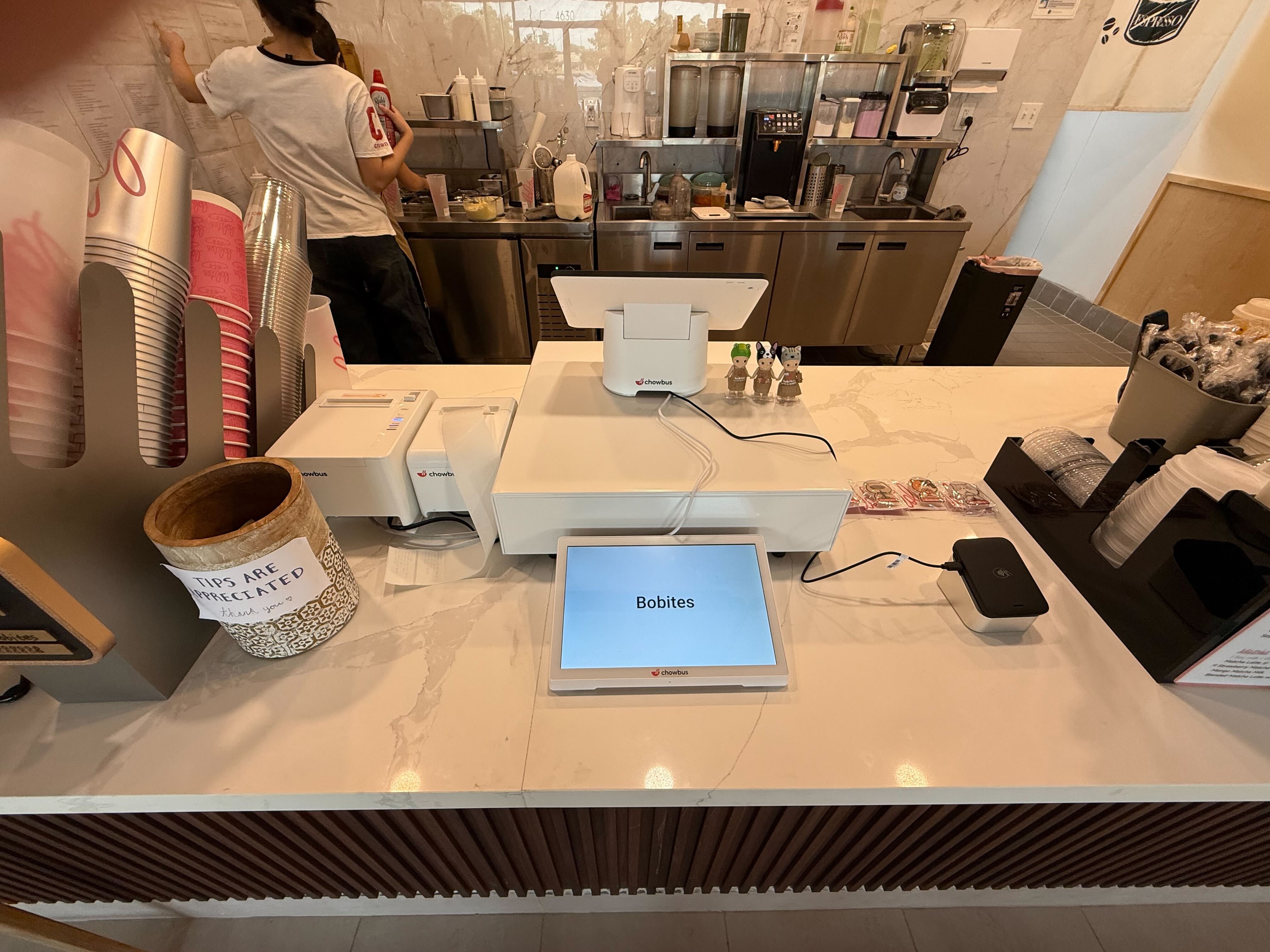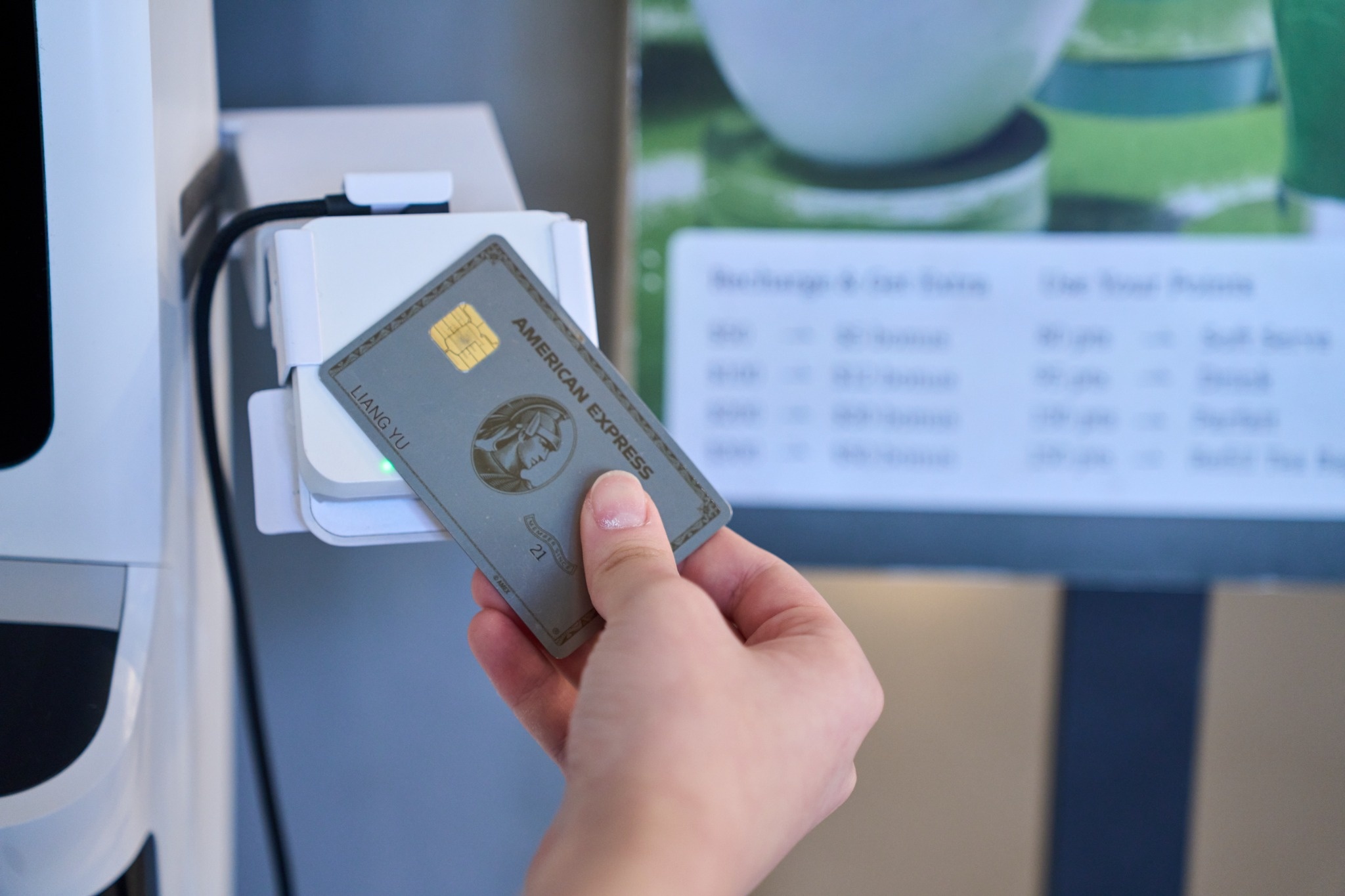
Internet outages rarely pick a quiet Monday. They show up when the router is busiest, when the delivery tablets, the kitchen printers, the card readers, and forty guests on the restaurant Wi-Fi are all on the same connection, which on a holiday week means the Wednesday before Thanksgiving. A cloud-based point of sale system is built to keep running through short outages, but the staff on shift still need to know what that looks like and what to tell guests. The time to find out how your setup behaves is a slow afternoon in October, not 7:15 PM on November 25.
This article is a rehearsal plan. It walks through a short outage drill you can run before the holiday, what should keep working, what will pause, and what to put in place so a dropped connection costs you a few minutes instead of a night.
Two different failures get called "the Wi-Fi went down," and they behave differently. In the first, the internet connection from your provider drops, but the router and your local network stay on. Devices can still talk to each other and to printers inside the building; they just cannot reach the cloud. In the second, the router or local network itself fails, so devices lose each other too.
Most cloud POS systems with an offline mode are designed around the first case. Orders can still be created and sent to kitchen printers on the local network, while syncing with the cloud waits until the internet returns. The second case is harder, because printers and other devices may no longer be reachable. Your drill should test the first case and your backup plan should cover the second.
Offline modes differ by provider, so check your own system's documentation. As one example, Chowbus POS documents an offline mode that switches on automatically after about 30 seconds without a connection. In that mode, staff can keep creating orders, send them to the kitchen printer as long as the local Wi-Fi is on, take cash and card payments, print receipts, and collect tips. Orders are saved on the device and upload to the cloud automatically once the connection is back.
The same documentation lists what pauses while offline: gift card sales and redemptions, loyalty points, coupons, syncing orders between devices, and guest-facing ordering through tablets, QR codes, and kiosks. That list is exactly what your staff needs to know before the holiday, because each item is something a guest may ask for during an outage.
Pick a quiet hour in October, tell the team it is a practice run, and unplug the modem or the cable from your internet provider while leaving the router powered on. Then work through a normal flow and watch what happens.
Have a server ring in a dine-in order on the main POS and confirm it prints in the kitchen. Take a card payment and a cash payment. Ring an order on a second device, if you use more than one, and note that it will not appear on the first device until the connection returns. Try a coupon and a gift card so staff see the message they will get. Check what your guest-facing channels show: QR menus, tablets on tables, and kiosks. Look at the third-party delivery tablets, too, since those depend on the internet and will stop receiving new orders.
While the connection is out, note how long the devices took to switch into offline mode and what the screen showed when they did. Staff who have seen that message once will not panic and start restarting devices during a real outage. Restarting is the one move to avoid: offline orders are stored on the device until they sync, so closing or reinstalling the app before the connection returns can put those orders at risk.
Plug the internet back in, wait for the devices to reconnect, and confirm the offline orders uploaded. In Chowbus POS, the sync status appears under the system queues menu. Then pull the day's sales report and check that the drill orders are there. The whole exercise takes about twenty minutes and turns a written policy into something the team has actually seen.
After the drill, write a one-page outage card and tape it near the POS and in the kitchen. Keep it short enough to read in the middle of a rush. It should say who decides that the restaurant is in outage mode, which features are paused and what to tell guests about them, how to handle QR, tablet, and kiosk orders that cannot go through, and when to switch the delivery apps to paused or busy so drivers do not arrive for orders that never reached the kitchen.
Include simple scripts. "Our system is updating for a few minutes; your server will take your order directly" is better than a host explaining internet providers to a table of ten. If gift cards cannot be redeemed offline, decide in advance whether you will honor them later by noting the card number on the check, so staff are not improvising.
An offline mode buys time; a backup connection removes most outages altogether. Many restaurants keep a cellular hotspot or a router with a cellular backup that switches over automatically when the main line drops. On a holiday night, that keeps delivery tablets, online orders, and loyalty working while the main provider is down. Test the backup during the same drill: unplug the main line and confirm the devices move to the backup connection.
Power matters as much as the internet. A short power flicker can restart the router and the modem, and they may take several minutes to come back. A small battery backup on the modem, router, and the main POS station keeps the network up through brief interruptions. Make sure every POS device and card reader is fully charged before service on the holiday, and keep chargers where staff can reach them without leaving the floor.
Even with offline mode and a backup line, keep a small paper kit for the worst case where the local network itself fails: order pads with table numbers, a few pens, a printed copy of the menu with prices, and a simple log sheet for payments taken. Decide who will enter those paper orders into the POS once the system is back, so sales and inventory stay accurate. Most nights you will never touch the kit. On the night you need it, it saves the service.
If an outage happens during the holiday week, check the next morning that every offline order synced and that payment totals match your processor's report. Review what guests asked for that could not be done offline, and whether the outage card answered the staff's questions. For a broader explanation of how cloud systems store and sync data, see what a cloud POS is, and for the hybrid approach in general, this overview of offline and hybrid POS systems.

Q1: What happens to a cloud-based point of sale system when the internet goes down?
If the system has an offline mode, staff can usually keep taking orders and payments, and orders sync to the cloud when the connection returns. Features that rely on the cloud, such as online orders, guest-facing QR or kiosk ordering, and some loyalty or gift card functions, typically pause until then.
Q2: Can a cloud POS still print kitchen tickets without internet?
Often yes, as long as the local network is still up, because the POS and printers communicate inside the building. Chowbus POS, for example, can send offline orders to kitchen printers while Wi-Fi stays on. If the router itself fails, printers may not be reachable.
Q3: How do I test my POS offline mode before Thanksgiving?
During a slow hour, unplug the internet connection while leaving the router on, then ring orders, take card and cash payments, and test coupons and gift cards. Reconnect and confirm the offline orders synced and appear in the day's sales report.
Q4: Does a restaurant need a backup internet connection?
For restaurants that rely on online ordering and delivery, a cellular backup that switches over automatically keeps those channels working during an outage. It is especially useful on peak nights such as the Wednesday before Thanksgiving.
Q5: What features usually stop working in POS offline mode?
It depends on the provider. Chowbus documents that gift cards, loyalty points, coupons, syncing orders between devices, and tablet, QR, and kiosk ordering pause while offline, while ordering, kitchen printing, card and cash payments, receipts, and tips continue.
Q6: What should go on a restaurant outage card?
Who declares outage mode, which features are paused and what to tell guests, how to handle QR, tablet, and kiosk orders, when to pause delivery apps, and who enters any paper orders into the POS once the system is back.
A cloud POS with an offline mode is designed for exactly the kind of short outage that tends to happen on the busiest nights. Running a twenty-minute drill in October, writing a one-page outage card, and adding a backup connection and battery power turn that design into something your team can rely on. When the connection drops on the Wednesday before Thanksgiving, the kitchen keeps printing, payments keep going through, and the night continues.