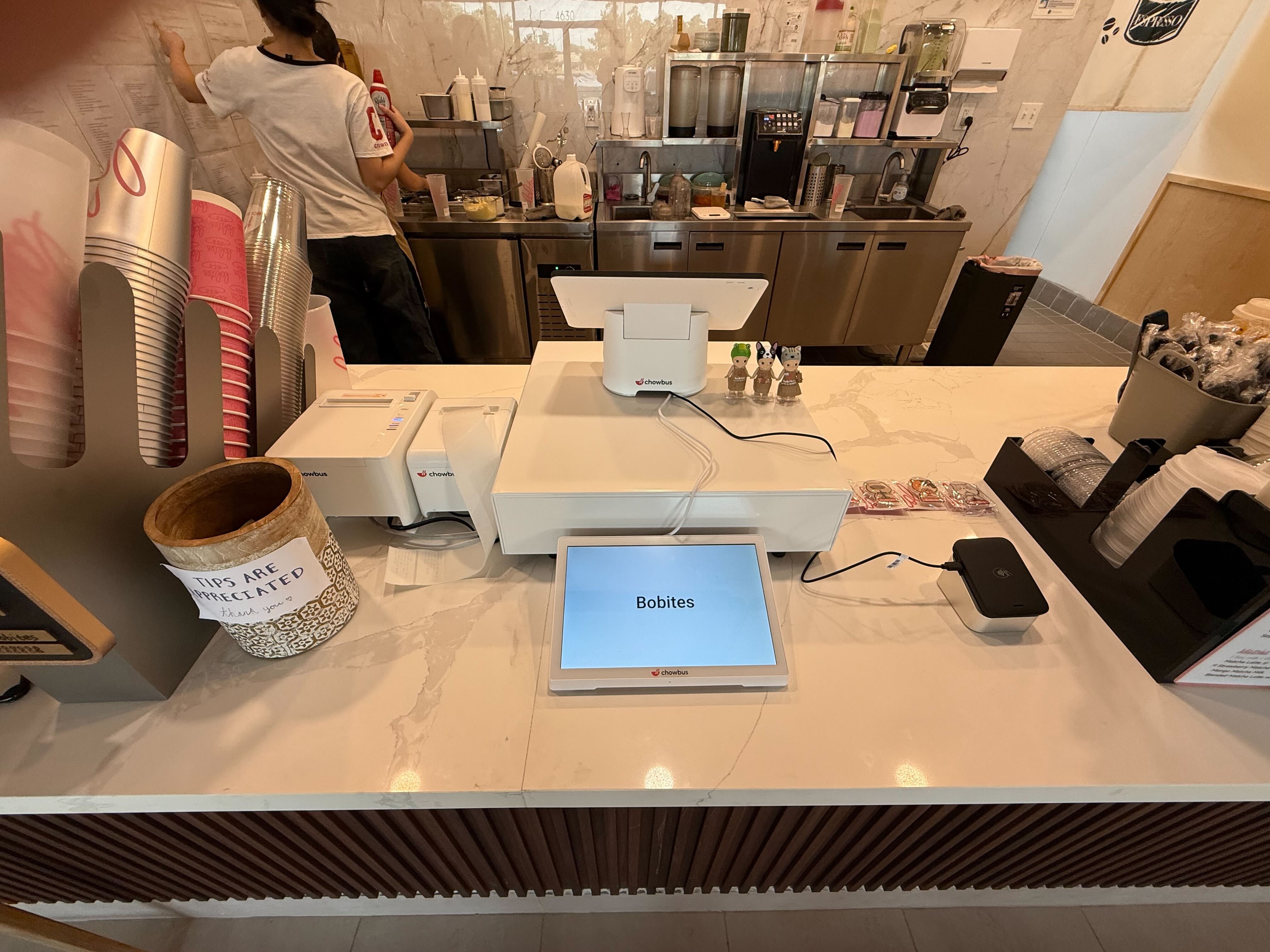
The call comes in on a Tuesday afternoon: an office manager wants trays for forty people the Friday before Thanksgiving and needs to pay today so the order goes through her company card. Ten minutes later, a regular calls to put down a deposit for a party of fourteen. Neither guest is standing at your counter, so neither card can be tapped or dipped. Many restaurants handle this by writing the card number on an order slip and running it later, which is risky for the guest and for you.
A virtual terminal is one of the tools built for exactly this situation. Holiday catering and large-party deposits make it more relevant in November than any other month, so here is how virtual terminal payment processing works for a restaurant, what it costs compared with in-person payments, and when a payment link or online checkout is the better choice.
A virtual terminal is a secure web page, provided by your payment processor, where staff can type in a card number, expiration date, security code, and billing ZIP code to charge a card without the card being present. It turns a computer or tablet into a card terminal for phone and mail orders. The money settles into the same merchant account as your regular sales, and the transaction appears in the processor's reporting.
In payment terms, these are card-not-present transactions, the same category as online orders. That label matters because it changes the cost, the fraud checks, and who is responsible if the charge is disputed.
Most restaurants use a virtual terminal for a small set of situations: phone catering orders, deposits for large parties or private events, corporate customers who pay by card over the phone, and the occasional balance due after an event. In holiday season, all of these increase at once. Even a catering program that takes most orders online tends to get some of its largest orders by phone, often from people booking for a company or an extended family who want to talk through quantities first.
Before the holiday, confirm a few practical details with your processor: whether a virtual terminal is already included in your account or needs to be turned on, which staff logins can use it, and how refunds are issued if a catering order is cancelled. It is far easier to sort this out in October than on the Monday before Thanksgiving with a guest waiting on the line. Limit access to managers and the person running catering, so keyed payments stay with people who know the routine.
For everyday takeout, a virtual terminal is usually the wrong tool. Guests who order regular meals online should pay at checkout, and guests who pick up in person can pay at the counter. Keeping the virtual terminal for the exceptions keeps the volume of manually keyed cards low, which matters for both cost and risk.
Keyed and online transactions generally carry higher processing costs than tapped, dipped, or swiped cards, because the card networks treat them as higher risk. The exact difference depends on your processor and your pricing plan. If you are on flat-rate pricing, your processor may list a separate, higher rate for keyed or online transactions. If you are on interchange-plus pricing, the higher cost shows up in the interchange category itself. Check your current statement or contract before the holiday so you know what a large catering charge will actually cost you.
For a $600 catering order, a small difference in rate is a few dollars, which is easy to absorb, and it is a fair price for getting a large holiday order paid before the food is made. What adds up is using the virtual terminal for orders that could have been paid in person or through online checkout. For a deeper look at how pricing models work, see this guide to restaurant payment processing.
When a card is tapped or dipped at your terminal, the card's chip helps verify that the real card was there. With a keyed transaction, that proof is missing, so in a dispute about an unauthorized charge, the merchant is generally in a weaker position. Holiday catering is a common time for this: a large order is placed by phone, the food is picked up by someone else, and weeks later the cardholder says they never authorized it.
A few habits lower that risk. Always enter the security code and billing ZIP code so the processor can run its address and code checks, and pay attention when they fail. Send the guest an emailed receipt that lists the order, date, and pickup time. For very large orders from a new customer, ask for a callback number and confirm it. At pickup, check the name on the order against the person collecting it. These steps cannot guarantee you win every dispute, but together they give you a clear record if a charge is questioned.
In phone payments, paper is often the weakest link. Card numbers written on order slips, sticky notes, or a catering notebook can be seen by anyone who walks past and are hard to destroy reliably. Payment card security standards also prohibit storing a card's security code after the payment is authorized.
The safer routine is simple: enter the card directly into the virtual terminal while the guest is on the phone, read back only the last four digits to confirm, and never write the full number anywhere. If staff must call the guest back, call back for the card details again rather than keeping them. More detail on the security requirements is in this overview of PCI compliance.
Many processors and ordering systems can send a payment link by text or email. The guest opens it and enters their own card, which keeps card numbers out of your staff's hands entirely and lets the guest use a mobile wallet if they prefer. For catering orders where the guest is not in a hurry, a link is often better than taking the card over the phone.
Better still, steer catering orders toward your online ordering system when you can, so the guest picks trays, chooses a pickup time, and pays at checkout in one step. Chowbus Online Ordering, for example, accepts credit cards, debit cards, and Apple Pay at checkout and includes risk controls such as blacklists. Phone orders then become the exception for guests who need to talk something through, rather than the default.
For large-party deposits and catering orders taken by phone, write down one routine and train the staff who answer the phone. Take the order details first, then send a payment link if the guest can receive one. If they cannot, enter the card in the virtual terminal during the call, including the code and ZIP. Send an emailed receipt with the order, date, and cancellation terms. Record the payment against the order in your POS so the kitchen and the pickup lead see it as paid. Having this written down matters most during the holiday rush, when the newest person on the team may be the one who picks up the phone.

Q1: What is virtual terminal payment processing?
It is a way to charge a card without the card being present, by entering the card details into a secure web page from your payment processor. Restaurants use it mainly for phone catering orders, event deposits, and corporate customers paying over the phone.
Q2: Do virtual terminal transactions cost more than in-person payments?
Generally yes, because keyed and online transactions are treated as higher risk by card networks. How much more depends on your processor and whether you are on flat-rate or interchange-plus pricing, so check your statement or contract.
Q3: How do I take a catering deposit over the phone safely?
Send a payment link if possible so the guest enters their own card. If you must take the card by phone, enter it directly into the virtual terminal during the call, include the security code and ZIP code, and never write the card number down.
Q4: Is a payment link better than a virtual terminal?
For many catering orders, yes. A payment link keeps card numbers out of staff hands and lets guests use mobile wallets. A virtual terminal is still useful when a guest wants to finish the payment during the call.
Q5: Who is responsible if a phone payment is disputed?
For card-not-present transactions, the merchant is generally in a weaker position in an unauthorized-charge dispute than with a chip or tap payment. Using address and code checks, sending receipts, and confirming the pickup name all strengthen your records.
Q6: Should restaurants use a virtual terminal for regular takeout?
Usually not. Regular takeout is better paid through online checkout or in person at pickup. Keeping the virtual terminal for catering, deposits, and other exceptions keeps costs and risk lower.
A virtual terminal is a small tool with a big role in November. Use it for the phone orders and deposits that cannot be paid any other way, steer everything else toward online checkout or in-person payment, and give staff a written routine that keeps card numbers off paper. The holiday catering money comes in on time, and you avoid the disputes and security problems that tend to follow rushed phone payments.