When restaurant owners search for the cheapest POS system for restaurant, they’re often driven by one primary concern: cost. Yet, in today’s hospitality landscape, cost alone doesn’t tell the whole story. While finding a budget-friendly point of sale solution is important—especially for independent operators and small restaurants—the real priority should be value over price.
A POS system touches every part of your restaurant operation: ordering, payments, inventory, reporting, labor tracking, and even customer engagement. Choosing based solely on “lowest price” without understanding what that system actually does can lead to hidden costs, operational headaches, and missed opportunities.
In this guide, we break down what to consider when looking for the cheapest POS system for restaurant, including costs you see and costs you don’t, what features matter most for long-term operational success, and how to make a smart choice that supports both today’s budget and tomorrow’s growth.
At first glance, the cheapest POS systems on the market may look enticing. Some come with free or low-cost software plans, inexpensive hardware, or minimal setup fees. But the cost you pay up front is only one part of the financial picture.
A restaurant POS system may involve:
The key insight is this: the cheapest sticker price can be the most expensive choice if it lacks integration, scalability, or reliable support.
The smartest operators learn to evaluate total cost of ownership (TCO) — not just low entry price.
Here’s how total cost typically breaks down:
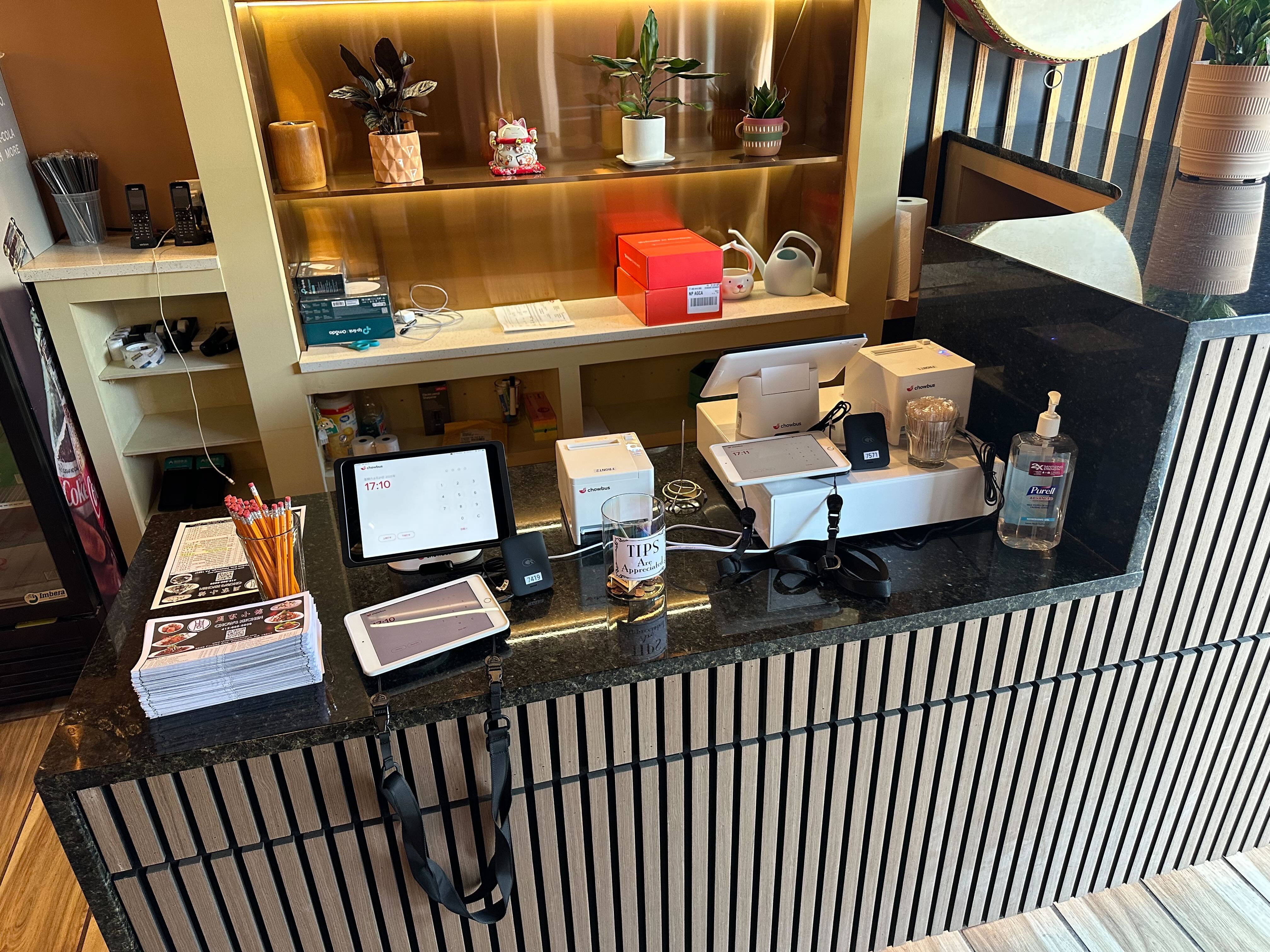
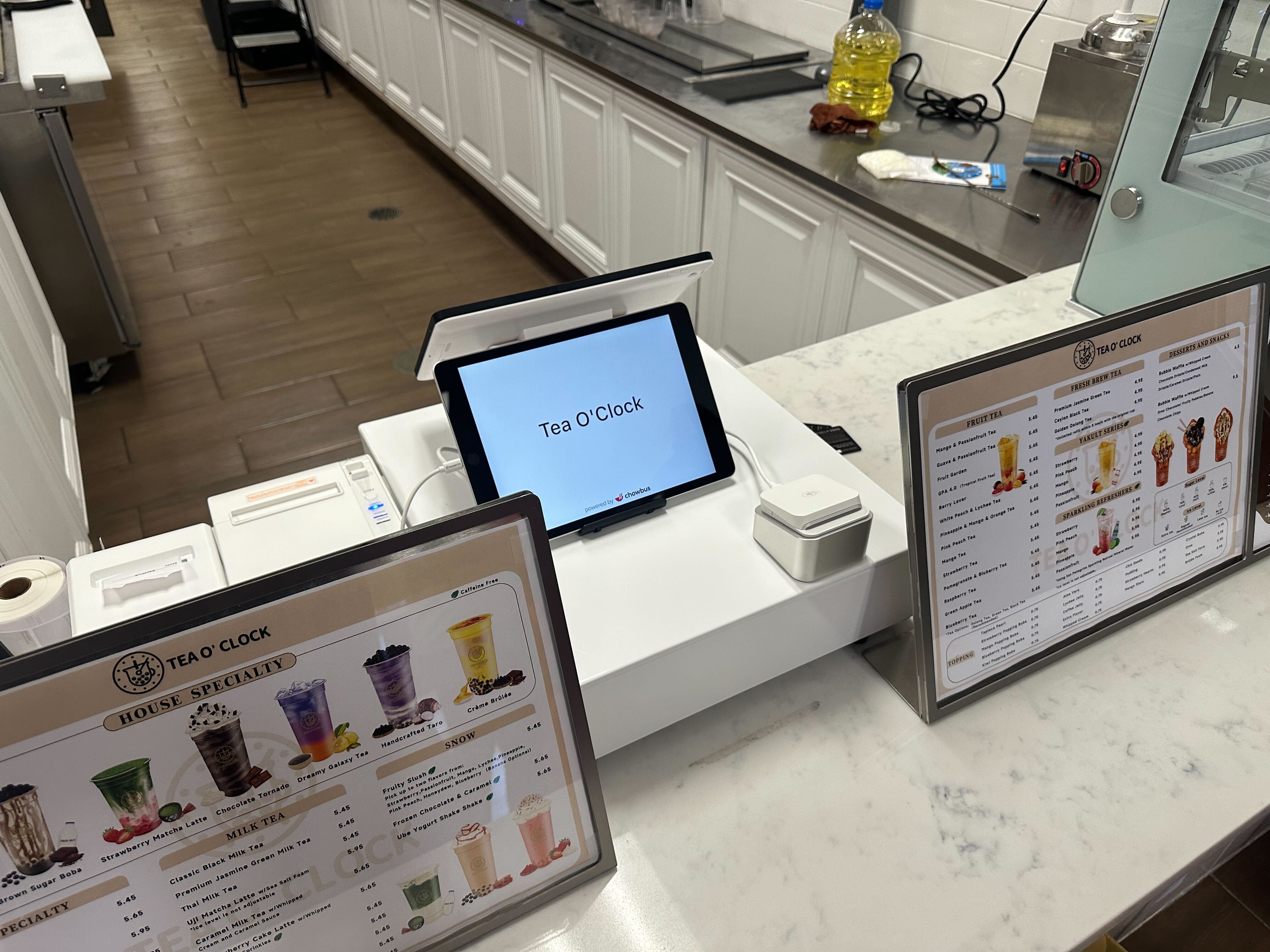
A basic POS setup might include a countertop terminal or tablet. Those devices can be inexpensive, but cheaper hardware may wear out faster or lack durability in busy environments.
Consider whether inexpensive hardware will survive:
Lower hardware cost can reduce upfront investment, but it doesn’t reduce long-term replacement risk.
Some POS systems advertise “free software,” but free plans often include limited features and higher processing fees. Or they may lack:
Software fees can vary widely — some are per terminal, some per location, and others based on transaction volume. Carefully evaluate what is included in the base price and what costs extra.
Even the cheapest POS system still needs to process payments. This means:
Restaurants often overlook payment costs when evaluating price, but these can add up quickly — especially if rates are opaque or bundled.
A common hidden cost is support. When a system breaks, or when staff need help, how quickly can you get live assistance? Cheaper systems may rely on email-only support or limited help hours, forcing management to handle issues internally.
Training time also consumes labor hours — another indirect cost.
When evaluating inexpensive POS options, here’s where quality matters even if the price is low:
The system should consolidate dine-in, takeout, delivery, and online orders in one interface. Without this, staff waste time switching screens.
Even basic ingredient tracking helps avoid stockouts and reduces waste — a critical factor in controlling food cost.
Your POS should give you visibility into sales trends, best-selling items, labor performance, and daily performance metrics. Without it, you’re flying blind.
The cheapest systems often skimp on integrations with delivery marketplaces, accounting software, and loyalty platforms. Lack of integration means manual data entry — a cost in time and accuracy. If you’re comparing systems, make sure to assess not just the price but how well the system integrates with your workflow.
If you’re evaluating POS systems and want to see how different features impact your operational cost and efficiency — not just the price tag — explore how modern POS solutions unify ordering, payments, and reporting in a single platform. This can help you forecast real savings versus perceived low cost.
Let’s turn “cheap” into context by looking at common restaurant scenarios:
For small cafés with limited menu complexity and moderate traffic, a POS with basic features and low subscription may suffice — as long as real-time reporting and reliable support exist.
In this case, prioritizing simplicity over bells and whistles makes sense, but basic inventory tracking and multi-channel order entry should still be included.
QSR environments require speed and reliability. A cheap system that can’t manage high throughput or integrate with third-party delivery will slow down service, creating indirect costs in staff time and customer frustration.
For QSRs, the cheapest system must still support:
Full-service concepts face both volume and complexity. Here, the lowest-cost system is often too limited. Issues like table management, tip distribution, and advanced reporting require richer functionality.
A “budget-friendly” system with advanced features is often more cost-effective long-term than a barebones system that forces manual workarounds.
Many operators who initially chose ultra-low-cost systems eventually replaced them within 12–24 months. The drivers weren’t always feature gaps — often they were:
These indirect consequences highlight why cost evaluation should include operational impact — not just sticker price.
Some systems offer free plans, but they often come with limited features and higher processing fees. “Free” may cost more in the long run.
Budget varies based on restaurant type and volume. Small cafés may need less, while high-volume or multi-location restaurants require more robust systems.
Not always. Integration availability depends on system architecture — often the cheapest plans exclude advanced integrations.
Sometimes yes. Hardware quality, support responsiveness, and cloud infrastructure stability often correlate with cost.
Consider upfront fees + subscription fees + processing fees + integration costs + training support + internal labor time.
The cheapest POS system for restaurant isn’t necessarily the best value if it undermines operational efficiency. True cost should be evaluated in terms of operational impact, data intelligence, integration capabilities, and long-term scalability.
Price matters — but only in context.
If you want to see how cost and capabilities align for real-world restaurant operations, consider requesting a demo or consultation to evaluate systems based on your specific service model and volume.