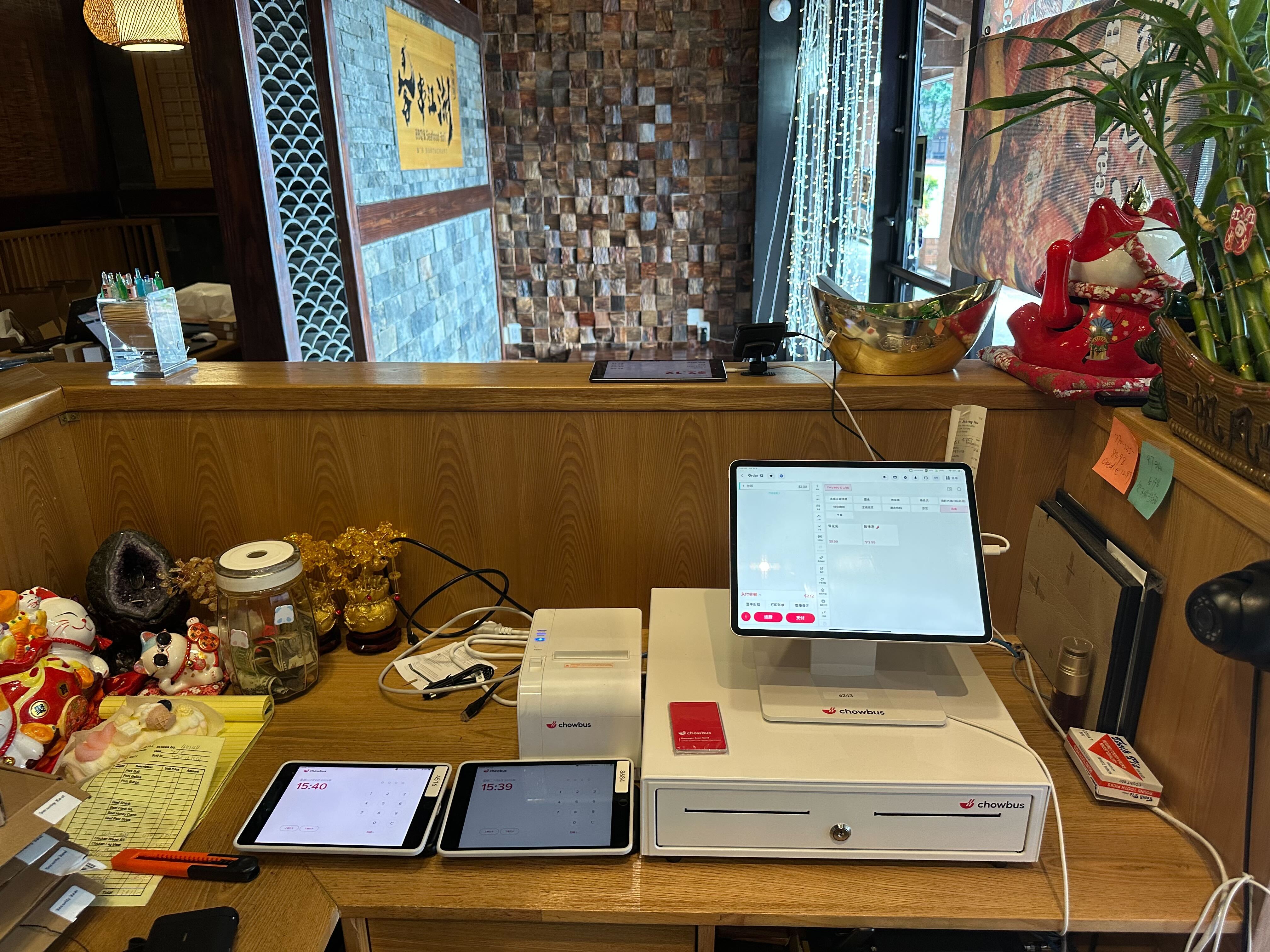
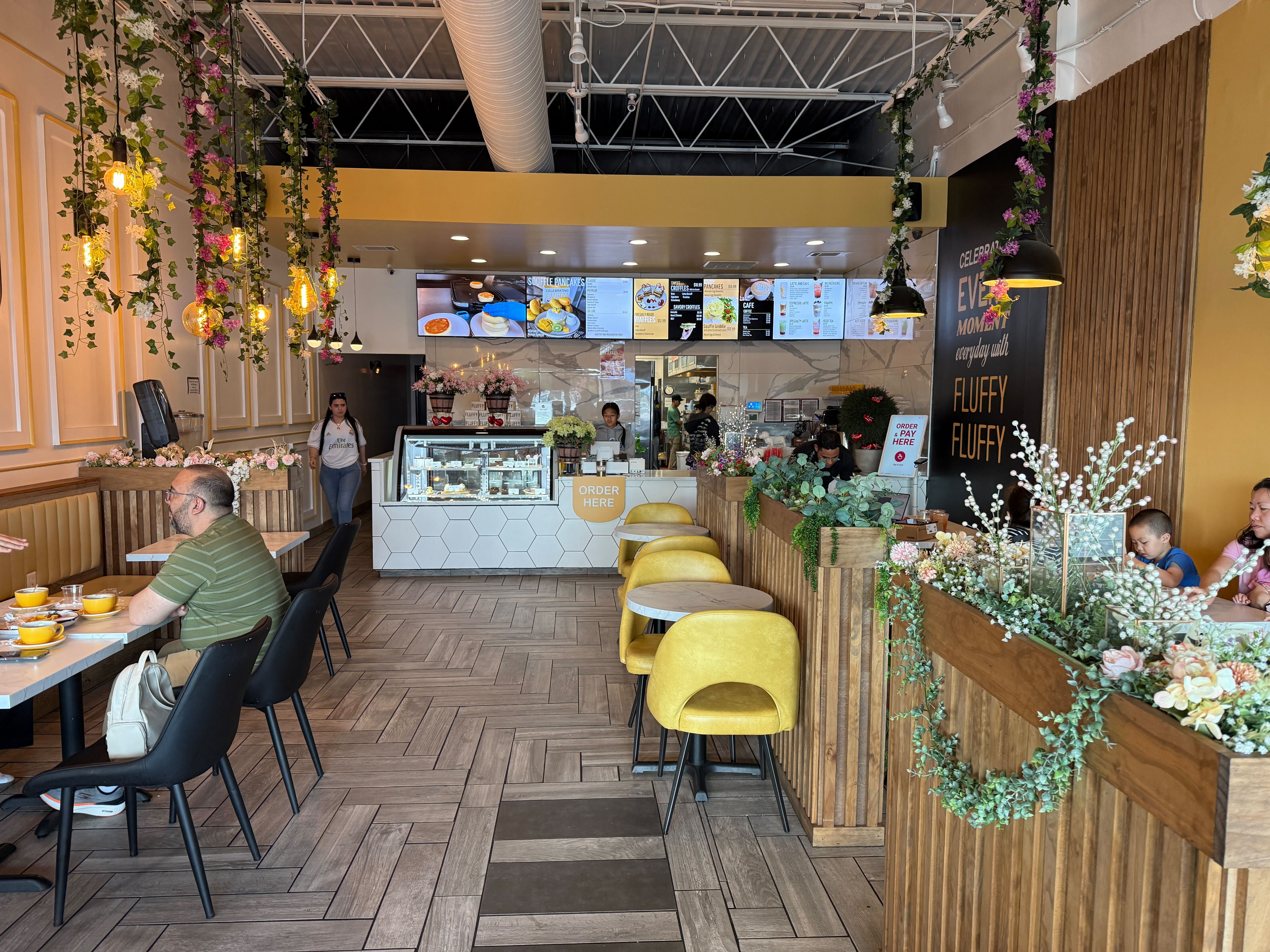
Most restaurant owners interact with their POS system hundreds of times per day. Orders are entered. Payments are processed. Reports are reviewed at closing time. But very few operators truly understand how a restaurant POS system works at a structural level—and that gap in understanding often limits how effectively the system is used.
In 2026, a restaurant POS system is not simply a transactional tool. It is a real-time data infrastructure that connects front-of-house service, kitchen execution, financial accounting, inventory control, and customer intelligence into one unified operational engine. When configured strategically, it becomes the central nervous system of the restaurant.
This article breaks down what actually happens inside a modern POS system—from order input to business intelligence output—and why understanding the mechanics can materially impact profitability.
A modern restaurant POS system operates as a layered architecture composed of:
When a server taps an item on a tablet, it may look like a simple action. But internally, the system executes multiple automated processes simultaneously: validation of menu rules, application of pricing logic, tax calculation, inventory mapping, routing logic, and timestamp logging.
Every transaction becomes structured data, and that structured data feeds downstream systems across the business.
Understanding this layered structure explains why modern POS systems can support multi-location scaling, remote reporting, and automation workflows that traditional registers never could.
To truly understand how a restaurant POS system works, it helps to follow a single order from beginning to end.
When a guest orders—whether via counter service, table-side tablet, QR code, kiosk, or online ordering platform—the system captures more than just item names. It records modifiers, bundle rules, discounts, timestamps, sales channel, staff ID, and service type (dine-in, takeout, delivery).
This structured capture enables deeper analysis later. For example:
Without structured order logic, these insights would not be possible.
Once the order is confirmed, the POS system determines where each item should be prepared. Modern systems rely on routing rules tied to kitchen display systems (KDS).
Instead of printing a single paper ticket, the system breaks orders into preparation segments. Appetizers go to one station. Beverages go to another. High-priority delivery orders may be flagged differently.
This routing automation reduces human communication errors and ensures synchronized preparation timing. The POS system effectively becomes a traffic controller between front-of-house and back-of-house operations.
At checkout, the POS system initiates encrypted communication with the payment processor. It sends transaction data securely through a payment gateway and receives authorization in seconds.
Behind the scenes, several automated calculations occur:
At day’s end, the system groups transactions into settlement batches that are submitted for bank processing. The reconciliation data feeds directly into financial reports.
What appears to be a simple “Tap to Pay” interaction actually triggers multiple financial workflows simultaneously.
One of the most powerful aspects of how a restaurant POS system works lies in its inventory integration capability.
When menu items are mapped to ingredient-level recipes, each sale deducts raw materials from inventory counts. Over time, this creates real-time theoretical usage data.
Managers can compare:
This comparison is critical. Without automated tracking, identifying cost leaks becomes guesswork.
For multi-unit operators, centralized inventory reporting can reveal purchasing inefficiencies and supplier pricing inconsistencies across locations.
Every action within a POS system is tied to user credentials. This allows tracking of:
When managers understand how the system logs performance, they can design incentive programs based on real metrics instead of intuition.
For example, if data shows that one server consistently generates higher add-on sales, management can replicate that behavior through training.
The POS system becomes a behavioral data engine, not just a sales recorder.
Most modern restaurant POS systems operate on cloud infrastructure. This means transaction data is stored on secure remote servers rather than local hard drives.
The implications are significant:
For operators planning expansion, cloud architecture removes many scaling barriers. Instead of managing isolated store systems, leadership gains unified oversight across all locations.
However, stable internet infrastructure and cybersecurity practices remain essential considerations.
In 2026, POS systems rarely function in isolation. They connect with:
When these systems integrate seamlessly, data flows automatically between departments. Sales totals sync to accounting software. Customer purchase history feeds into marketing segmentation tools. Loyalty redemptions appear instantly at checkout.
Integration reduces manual data exports and minimizes human error. The true power of a POS system emerges when it operates within a broader technology ecosystem.
If you're evaluating your current restaurant technology setup, it may be worth stepping back and mapping how data flows across your operation. Seeing how ordering, kitchen workflow, payments, and reporting connect can reveal inefficiencies that are otherwise invisible.Understanding how a restaurant POS system works internally can often clarify where operational friction begins.
Understanding the mechanics also highlights common mistakes:
A POS system is only as powerful as its configuration discipline. Operators who invest time in setup and optimization typically see significantly better outcomes than those who treat it as a basic payment device.
Most cloud-based systems include offline functionality that stores transactions locally until connectivity is restored, at which point synchronization occurs automatically.
Yes. Tax rates are configured based on jurisdiction, and calculations occur instantly during checkout.
Cloud-based systems allow centralized menu management, pricing updates, and reporting oversight across locations.
By providing real-time sales analytics, inventory tracking, and labor performance data, the system supports data-driven operational decisions.
While not mandatory, integration streamlines order management and reduces manual entry errors.
A restaurant POS system works by converting every operational interaction into structured, analyzable data. When fully leveraged, it improves communication, financial accuracy, cost control, and managerial decision-making.
For restaurant owners navigating competitive markets in 2026, understanding the internal logic of your POS system is not a technical exercise—it is a strategic advantage.
If you're exploring how an integrated restaurant POS platform aligns with your operational model, you may consider requesting a tailored walkthrough to see real-world workflows in action.