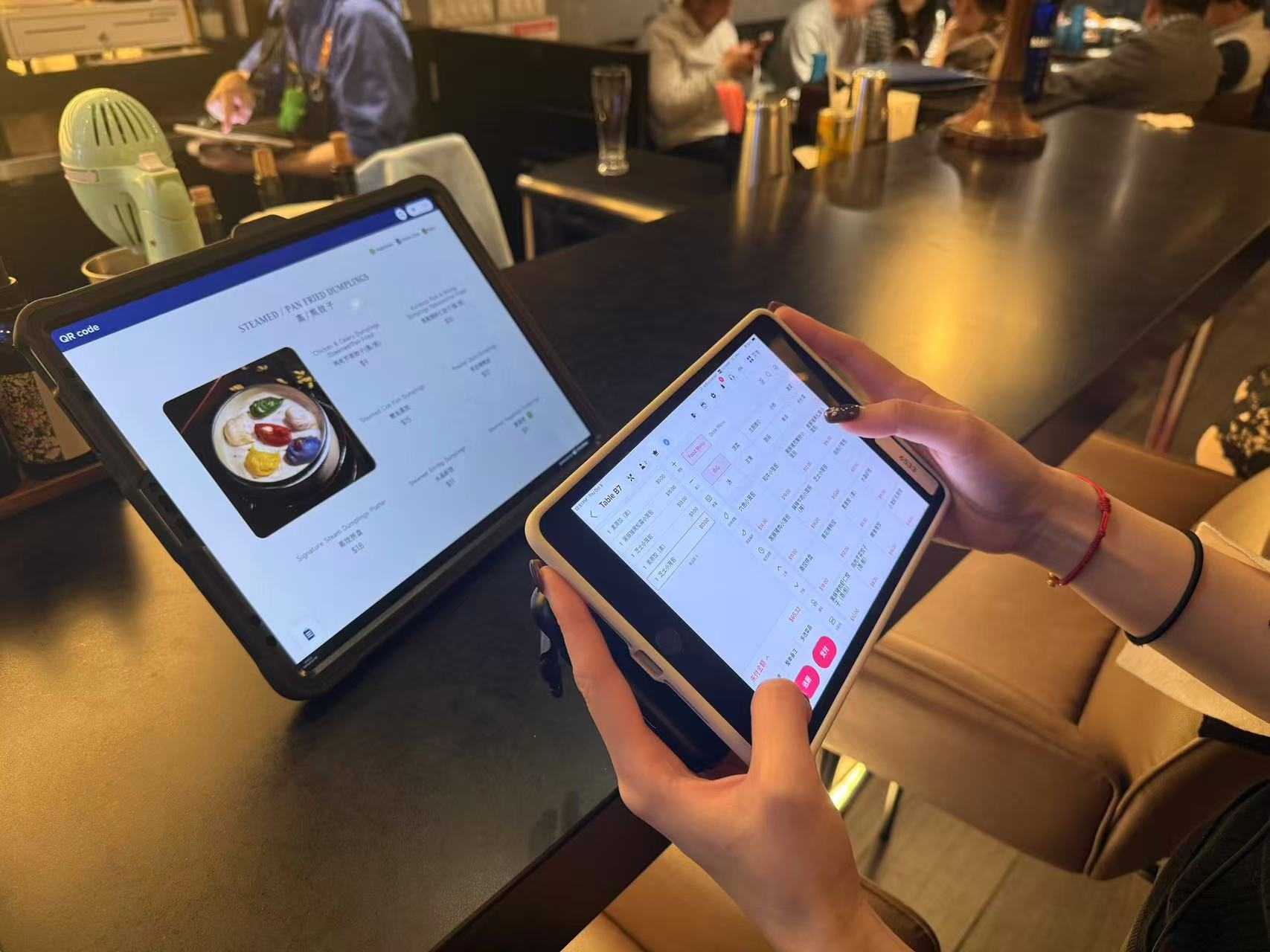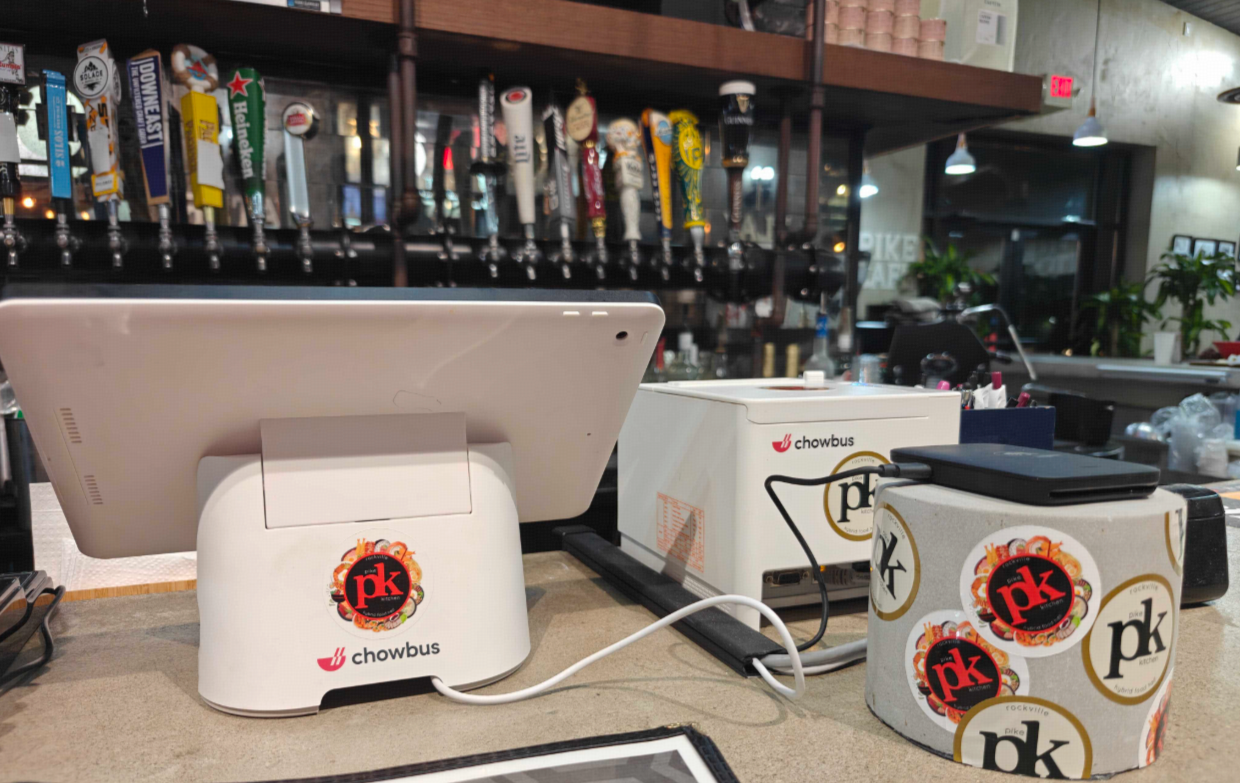
QR code ordering went from pandemic stopgap to permanent fixture for a simple reason: when it's done well, it makes restaurants faster and leaner at the same time. A customer scans a code, browses the menu on their own phone, orders, and pays — no waiting to flag a server, no app to download, no line at the counter. But "done well" is the operative phrase; a QR menu that's just a PDF of your printed menu misses almost all the value. This guide explains how real QR ordering works, where it pays off, and how to think about the return — especially for busy and Asian restaurants.
The short version: QR code ordering lets guests scan, order, and pay from their own phone, with orders flowing straight to your kitchen. The ROI comes from faster table turns, lower labor per cover, higher average checks, and — when it's tied to your POS and loyalty — captured customer data. The key is integration, not a static PDF menu.
There are two things people call "QR menus," and only one of them is QR ordering.
A static QR menu just links to a PDF or web page of your menu — useful for viewing, but the guest still orders through a server. That's a digital menu, not QR ordering.
QR code ordering is the real thing: the guest scans a code at the table (or for takeout), browses a live, interactive menu, customizes items, places the order, and often pays — all from their phone. The order flows directly into your POS and kitchen display with no server re-keying. Because it's live and connected, an 86'd item disappears in real time and the check stays accurate. That connection to your system is what separates QR ordering that delivers ROI from a PDF that just saves on printing.
QR ordering pays off in four concrete ways:
Faster table turns. Guests order the moment they're ready instead of waiting to catch a server, and continuous rounds (in formats like hot pot and Korean BBQ) flow without flagging staff — so tables turn quicker at peak.
Lower labor per cover. When guests self-order, a smaller team covers more tables, redeploying server time from order-taking to hospitality and food running.
Higher average checks. A relaxed, browse-at-your-own-pace menu with photos and prompts tends to lift orders — guests add the extra side or drink they might have skipped, and there's no pressure of a server waiting.
Captured customer data. When QR ordering ties to loyalty, a scan can enroll or recognize a member, turning an anonymous transaction into a known customer you can bring back.
For multilingual and Asian restaurants there's a fifth: a QR ordering menu in the guest's own language removes the ordering friction and errors that come from language gaps — especially valuable in tourist-heavy areas.
QR ordering isn't right for every format or every table, and forcing it where it doesn't fit creates friction. It shines in high-volume and round-based settings: bubble tea and cafés at peak, hot pot and Korean BBQ where parties order continuously, and casual and quick-service where speed matters. It fits less naturally in fine dining, where the service itself is the product — though even there it can handle reorders or payment. The best operators offer it as an option alongside server ordering rather than forcing it, letting guests who want speed self-serve while staff focus on those who want full service. Think of QR as another lane into the same kitchen, not a replacement for service.
The return on QR ordering is straightforward to reason about. On the cost side, it's typically part of your POS platform — a modest software cost, not a per-order commission. On the benefit side, the gains compound: even a small reduction in table-turn time adds covers across a busy service; redeployed labor lowers cost per cover; and a lift in average check flows mostly to the bottom line. Add captured loyalty data, and a single QR scan can pay back across future visits, not just the current order. The one caveat: the ROI depends on integration. A standalone QR tool that doesn't connect to your POS forces re-keying and reconciliation that eat the savings, while QR built into your platform delivers the full return.
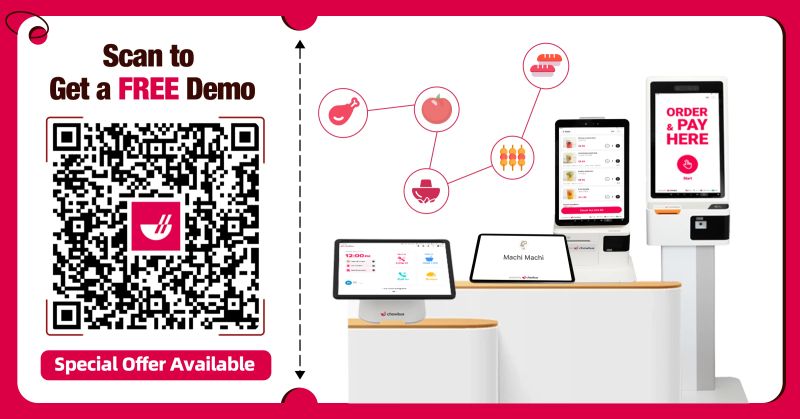
QR ordering is one of several self-serve tools, and the smartest operators use them in combination rather than picking just one — each fits a different moment. QR ordering shines at the table and for takeout re-orders: no hardware to buy, guests use their own phones, and it scales to every seat at once, which is ideal for dine-in, hot pot rounds, and patios. Self-ordering kiosks fit the counter and entrance, where a fixed screen absorbs a walk-up line in quick-service, bubble tea, and cafés. Handheld POS is server-driven, for full-service rooms where staff take orders tableside but you still want speed and tableside payment. They're not competitors; they're lanes for different traffic. A busy full-service Asian restaurant might run QR at the table, a kiosk at the door for the wait, and handhelds for served sections — all feeding one kitchen. The key is that they share one system, so menus, 86s, and orders stay consistent no matter which lane a guest uses, rather than fragmenting into separate tools.
The difference between QR ordering that lifts your numbers and QR ordering that frustrates guests is almost entirely in the rollout. Start by making the scan-to-order path obvious and effortless: a clear table tent or sticker with a short instruction, a menu that loads fast on a phone, and a flow that lets a guest order in under a minute without creating an account. Don't force it — present QR as an option alongside server ordering, so guests who prefer a server still get one and those who want speed self-serve. Brief your staff on how it works so they can help a confused guest in seconds rather than waving them off; a server who can say "scan here, or I'm happy to take it" turns a potential friction point into a smooth choice.
Pay attention to the details that quietly determine adoption. Make sure the menu behind the QR is the live, current menu — nothing erodes trust like ordering something that's 86'd. For diverse or tourist-heavy areas, offer the menu in multiple languages so the scan actually removes friction instead of adding it. Place codes where they're genuinely useful — on tables for dine-in, on packaging and receipts for re-orders and takeout. And watch the data after launch: which tables and dayparts adopt it, where guests drop off mid-order, and adjust the menu layout and prompts accordingly. Rolled out thoughtfully, QR ordering becomes the fastest lane in the restaurant; rolled out carelessly, it's a confusing sticker people ignore — and the difference is entirely in the execution.
QR code ordering earns its place when it's the real thing — live, interactive ordering that flows into your POS and kitchen — not a static PDF that just saves printing. Done that way, it turns tables faster, lets a smaller team cover more, lifts average checks, and captures customers into loyalty, all at once. Offer it as a lane alongside service rather than forcing it, lean into it where speed and continuous rounds matter, and make sure it's integrated with your POS so the ROI isn't eaten by a new silo. For Asian and high-volume restaurants, a connected QR ordering experience — bilingual, tied to loyalty, flowing to the kitchen — is one of the cleaner operational upgrades available. Explore QR code ordering built into one platform.
It's a system where guests scan a code at the table or for takeout, browse a live interactive menu on their phone, order, and often pay — with orders flowing straight into the POS and kitchen. It's different from a static QR menu (a PDF), which only displays the menu while a server still takes the order.
Faster table turns, lower labor per cover, higher average checks, and captured customer data when tied to loyalty. For Asian and multilingual restaurants, a QR menu in the guest's language also reduces ordering errors.
For high-volume and round-based formats (bubble tea, cafés, hot pot, Korean BBQ, quick service), usually yes — the gains in turns, labor, and check size compound. It fits less naturally in fine dining. The ROI depends on integrating it with your POS rather than running a standalone tool.
No — the best approach offers it as an option alongside server ordering. Guests who want speed self-serve while staff focus on full-service tables, so QR adds capacity rather than replacing hospitality.
Yes, for the full ROI. QR ordering integrated with your POS flows orders to the kitchen with no re-keying, syncs 86'd items in real time, and captures loyalty data; a standalone tool forces re-keying and reconciliation that erode the savings.
By the Chowbus Team · Updated 2026. Chowbus is the all-in-one AI POS purpose-built for Asian restaurants, used across 9,000+ restaurants in all 50 U.S. states and Canada.

.jpg)