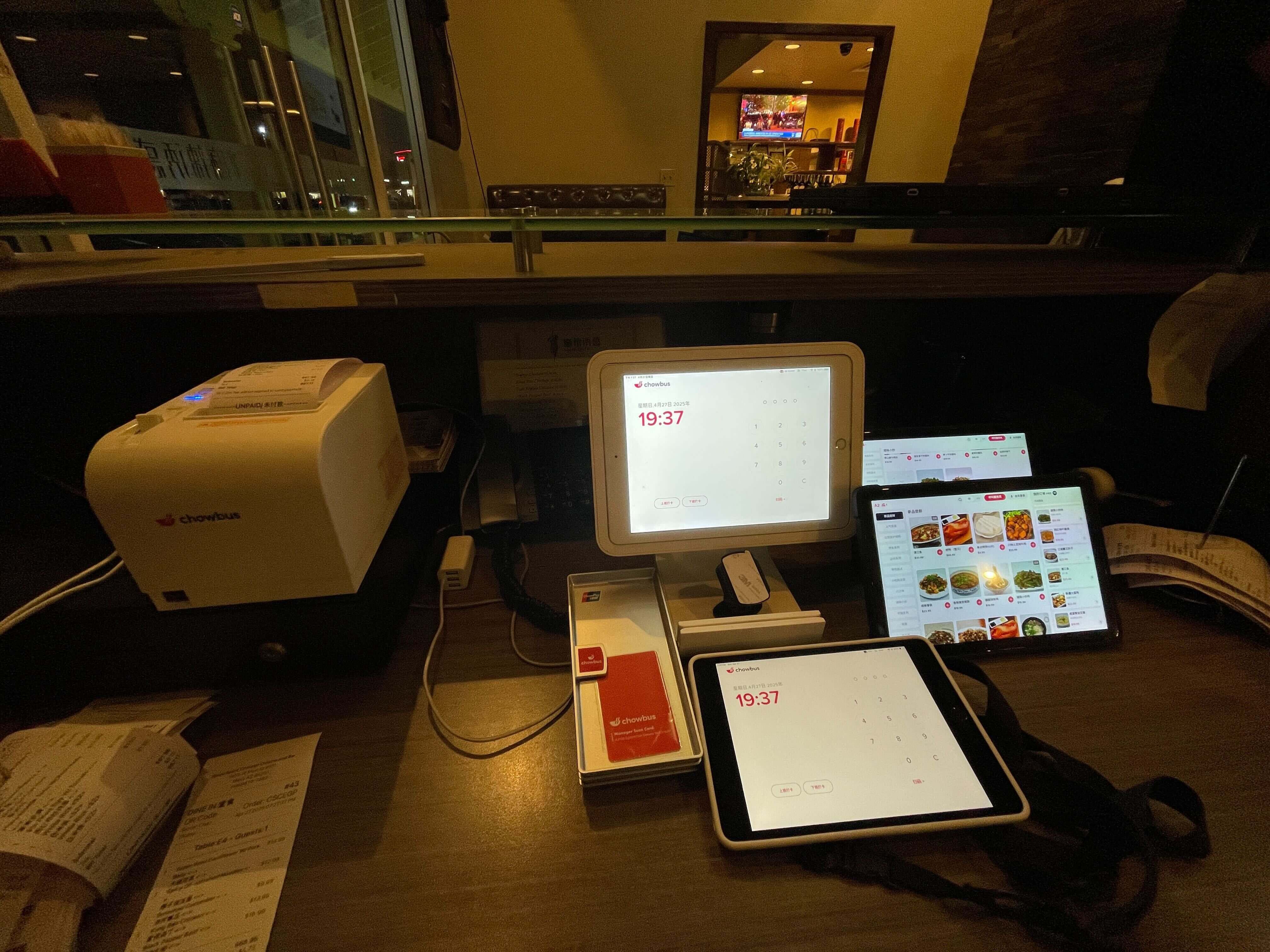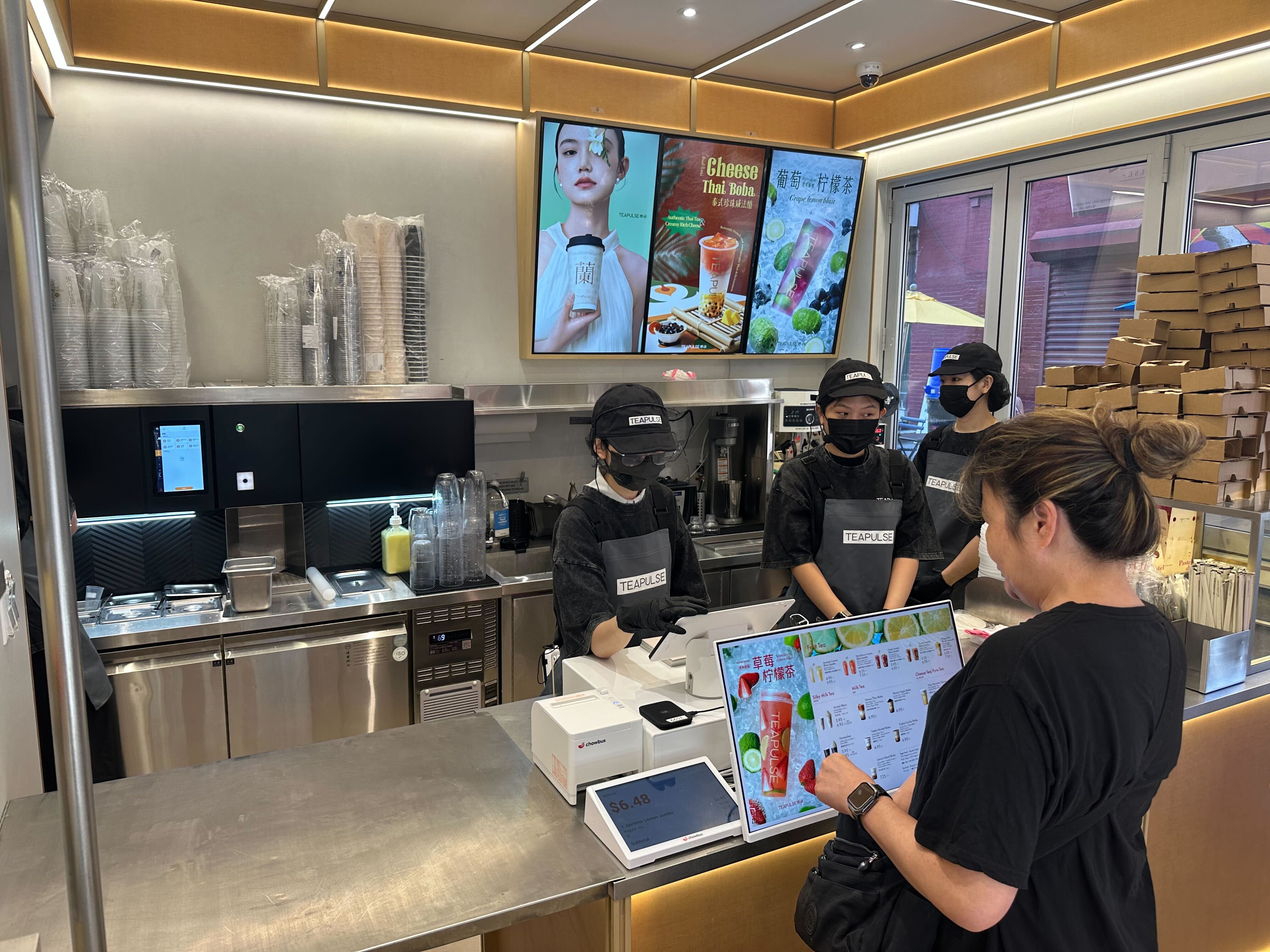
The paper ticket has had a century-long run, and in most kitchens it's still hanging on — literally, from a rail above the pass, curling in the heat, waiting to fall into the fryer at the worst possible moment. The industry around it has transformed: orders now arrive from the counter, the table QR code, the kiosk, the website, and three delivery apps at once, and the rail was never designed to merge seven channels into one cooking sequence. That's the actual case for a restaurant POS with a kitchen display system — not screens for their own sake, but a single synchronized queue for a kitchen that no longer has a single source of orders. Across 9,000+ restaurants on Chowbus's platform, the KDS has become standard equipment for exactly this reason. Here's how the POS-plus-KDS combination works, what it changes on the line, and how to configure it for different kitchen styles.
A busy modern restaurant kitchen pass with a mounted kitchen display screen showing order queue, chef in whites plating a dish under heat lamps, line cooks working stations in the background, stainless steel surfaces, warm functional lighting with steam rising, shot on Canon EOS R5, 35mm lens, shallow depth of field, ultra-realistic, photorealistic, no text, no watermark — no logos, no text overlay, no watermark, no cartoon, no illustration, no CGI
When every order walked in through the front door, the rail worked: first in, first out, slide left as you cook. Today's order flow broke each of its assumptions.
Channels multiplied. Dine-in from servers, direct online orders, QR table orders, kiosk orders, and third-party delivery all hit the kitchen simultaneously — and on a paper system, several of those arrive on separate printers (or separate tablets someone re-keys), each with its own format and no shared sequence.
Timing got harder. A delivery order promised in 40 minutes shouldn't fire before the dine-in four-top seated ten minutes ago, but paper has no concept of promised times. Coordination got harder too: one table's order spans the wok station, the fryer, and cold prep, and three stations working from three ticket fragments synchronize by shouting.
And paper remembers nothing. Average ticket times, which dishes bottleneck the line, how Friday's pace compares to last Friday's — the rail burns its own records every night.
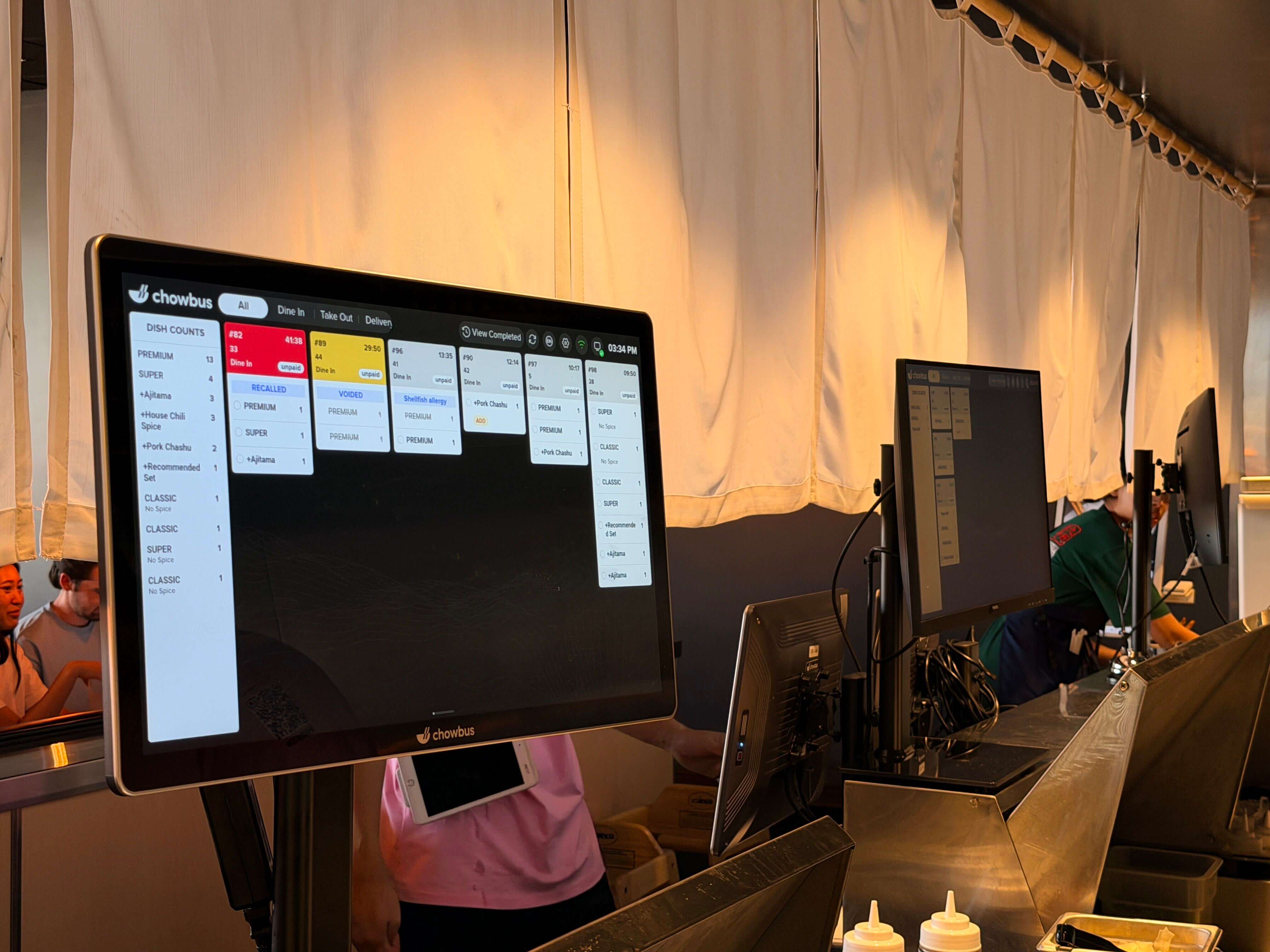
A kitchen display system is screens at the kitchen stations, fed directly by the POS, replacing printed tickets with a live queue. The "POS-native" part is what makes it work: when the KDS and POS are one platform, every channel lands in the same queue with the same format, automatically.
One sequence, every channel. Dine-in, QR, kiosk, direct online, and delivery-app orders merge into a single prioritized flow — sequenced by promised time, not arrival time. The kitchen stops being ambushed by the delivery tablet.
Station routing with table grouping. Each station's screen shows its own items, while the system tracks the whole table so the expo sees when all components of table twelve are ready to plate together. The shouting layer of kitchen coordination becomes a glance.
Timers and flagging. Every order carries a running clock; items aging past target change color and rise. Rushes become visibly managed instead of vibes-managed, and the new cook can see priority instead of having to feel it.
Language per station. In bilingual kitchens — the daily reality of most Asian restaurants — a POS-native KDS displays each station's queue in the language that station reads. Chowbus renders kitchen screens and tickets in English, Chinese, Japanese, Korean, or Spanish per station; in a kitchen where the wok line reads Chinese and the fry station reads Spanish, this single feature removes the largest error source in the building.
Memory. Every bump and completion becomes data: true ticket times by daypart, station bottlenecks, item-level prep durations. The reports that justify a second fryer or a menu simplification come from the screen that replaced the rail.
The same technology wears differently across formats.
A quick-service line wants one or two screens running a tight queue with aggressive timers — the goal is throughput, and the KDS is the pacing engine for a fast-food-speed operation. A full-service kitchen wants station screens plus an expo screen, with coursing support so appetizers fire ahead of mains and the pass assembles complete tables. Continuous-service formats — hot pot, KBBQ, izakaya — want round-based grouping: the screen organizes by table and round so the third meat round doesn't tangle with the first. And takeout-heavy kitchens want promised-time sequencing front and center, so the 6:45 pickup fires at 6:30 regardless of when it was placed.
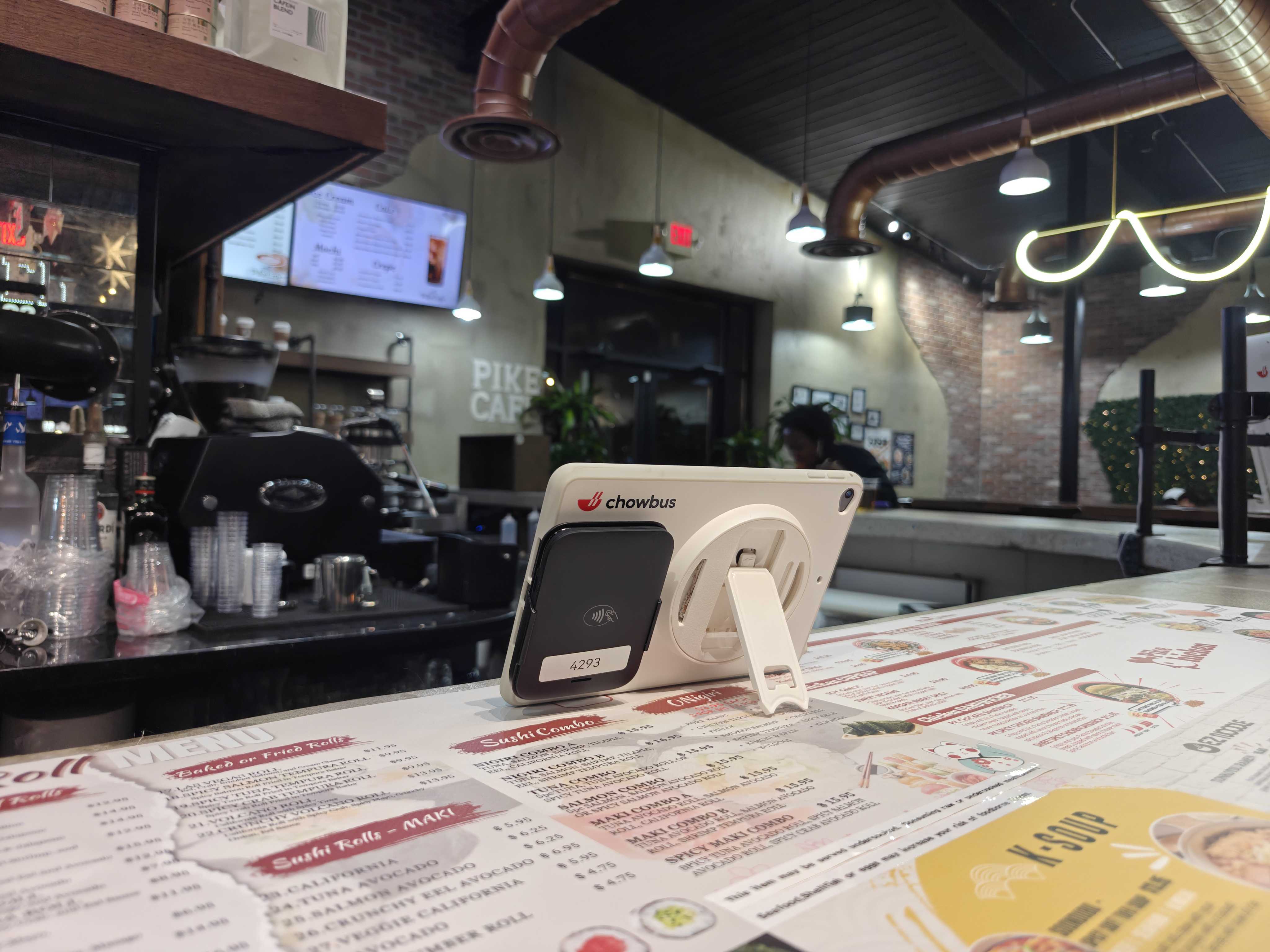
Hardware is the boring-but-decisive detail: kitchen-grade screens rated for heat and grease, mounted where the line actually looks, with bump bars or touch depending on how messy hands get. Plan one screen per major station plus expo for full-service; a single well-placed screen often carries a compact QSR line.
Kitchens are conservative for good reason, and the rail-to-screen transition fails when it's imposed overnight. The pattern that works runs in three steps.
Run parallel first: screens live alongside printers for a week, so the line builds trust while paper remains the safety net. Configure routing honestly — match the screens to how your stations actually divide labor, not to a template; a wok-centric Chinese kitchen routes nothing like a sushi bar. Then cut over station by station, starting with the calmest, and keep a printer configured as fallback for offline scenarios. Vendors who serve your format will have done this rollout hundreds of times; ask specifically who configures station routing and what the first-week support looks like. (With Chowbus, that support runs 24/7 in English, Chinese, and Spanish — which matters most during exactly this transition.)
Total cost stays modest against the rest of the stack: KDS screens are a hardware line plus, on generic platforms, a per-screen monthly fee that's often bundled in all-in-one ecosystems. Weigh it against the recurring costs it deletes — printer paper and repairs, remade dishes from lost or misread tickets, and the expo labor spent narrating the rail aloud.
The honest summary: if your kitchen takes orders from one channel and rarely breaks a sweat, the rail still works. The moment orders arrive from three or more sources — and for most restaurants, that moment passed years ago — a POS with a kitchen display system stops being an upgrade and becomes the missing piece of the architecture: the place where every channel finally merges into one cookable sequence.
For multilingual kitchens, the case is stronger still: per-station language rendering fixes order accuracy at the infrastructure level, where training never could.
Run the math on one week of remakes, lost tickets, and expo shouting — then price a KDS against it. The screen usually wins before the week is out — and unlike most kitchen investments, this one keeps paying in data long after it's paid for itself in paper.
What is a restaurant POS with a kitchen display system?
It's a POS platform where kitchen display screens are a native component rather than a third-party add-on: every order channel — dine-in, QR, kiosk, online, delivery apps — flows into one synchronized kitchen queue with station routing, timers, and table grouping. Native integration is what guarantees one format and one sequence across all channels.
Is a KDS better than kitchen printers?
For multi-channel kitchens, decisively: a KDS merges all order sources into one prioritized queue, sequences by promised time, groups items by table across stations, tracks ticket times automatically, and never loses an order to grease or a draft. Printers retain one role — as configured backup for offline scenarios.
Can a kitchen display show orders in Chinese or other languages?
On platforms built for multilingual operations, yes — per station. Chowbus renders each station's KDS queue and tickets in the language that station reads (English, Chinese, Japanese, Korean, Spanish), independent of the order's original language. For bilingual kitchens this is the single highest-impact accuracy feature available.
How much does a kitchen display system cost?
Expect kitchen-grade screen hardware per station, plus software that generic platforms price as a per-screen monthly fee and all-in-one platforms typically bundle. Against the costs it removes — remakes from misread tickets, printer maintenance, slower ticket times — most kitchens recover the investment within months. Quote it as part of your full POS configuration.
How many KDS screens does a restaurant need?
Compact quick-service lines often run on one well-placed screen; full-service kitchens typically want one per major station (wok, fry, cold prep) plus an expo screen at the pass; continuous-service formats like hot pot and KBBQ add round-based grouping on the same layout. Configure to how your stations actually divide work — that mapping matters more than screen count.
What happens to the KDS if the internet goes down?
Quality systems run offline: terminals and kitchen screens keep communicating locally and sync when the connection returns, with a printer configured as additional fallback. Test this in the demo — ask the vendor to pull the network cable mid-order and watch what the kitchen sees.