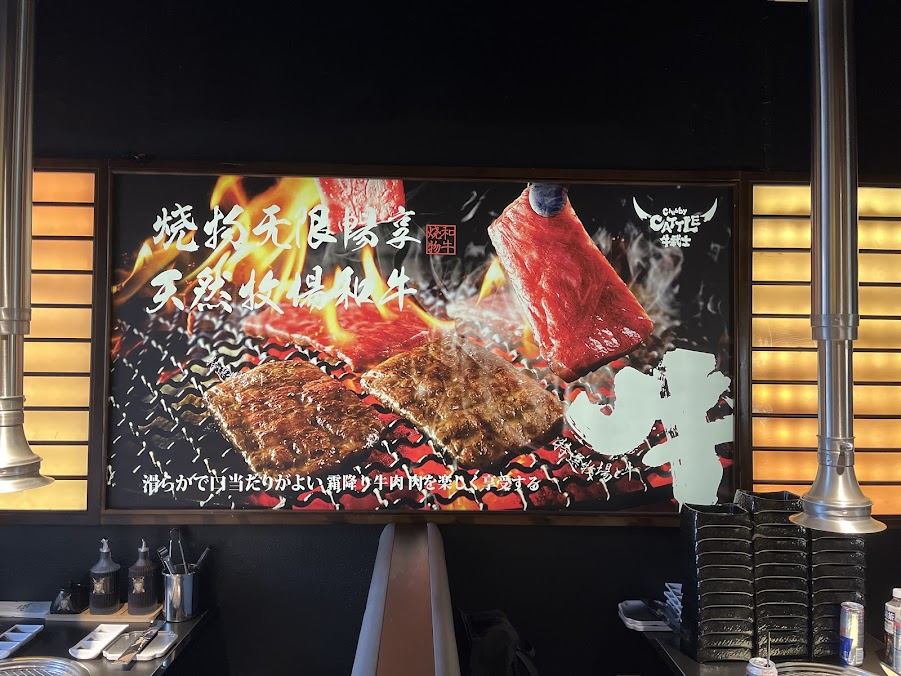
A soggy paper ticket falling off the rail during a Friday dinner rush isn't just messy — it's a lost order, an angry table, and a line cook guessing what to fire next. Multiply that by a hot pot restaurant running six stations at once, and you get the kind of chaos that quietly eats into profit every single night. Chowbus works with 9,000+ restaurants across all 50 U.S. states, and kitchen communication breakdowns are one of the most common — and most fixable — problems owners bring up. In this guide, you'll learn what a kitchen display system actually is, how it changes the way a kitchen runs, and how to decide if it's the right move for your restaurant — so you can cut ticket times, reduce errors, and get a calmer kitchen even on your busiest night. Before getting into the "should I buy one" question, it helps to start with what a kitchen display system actually does.
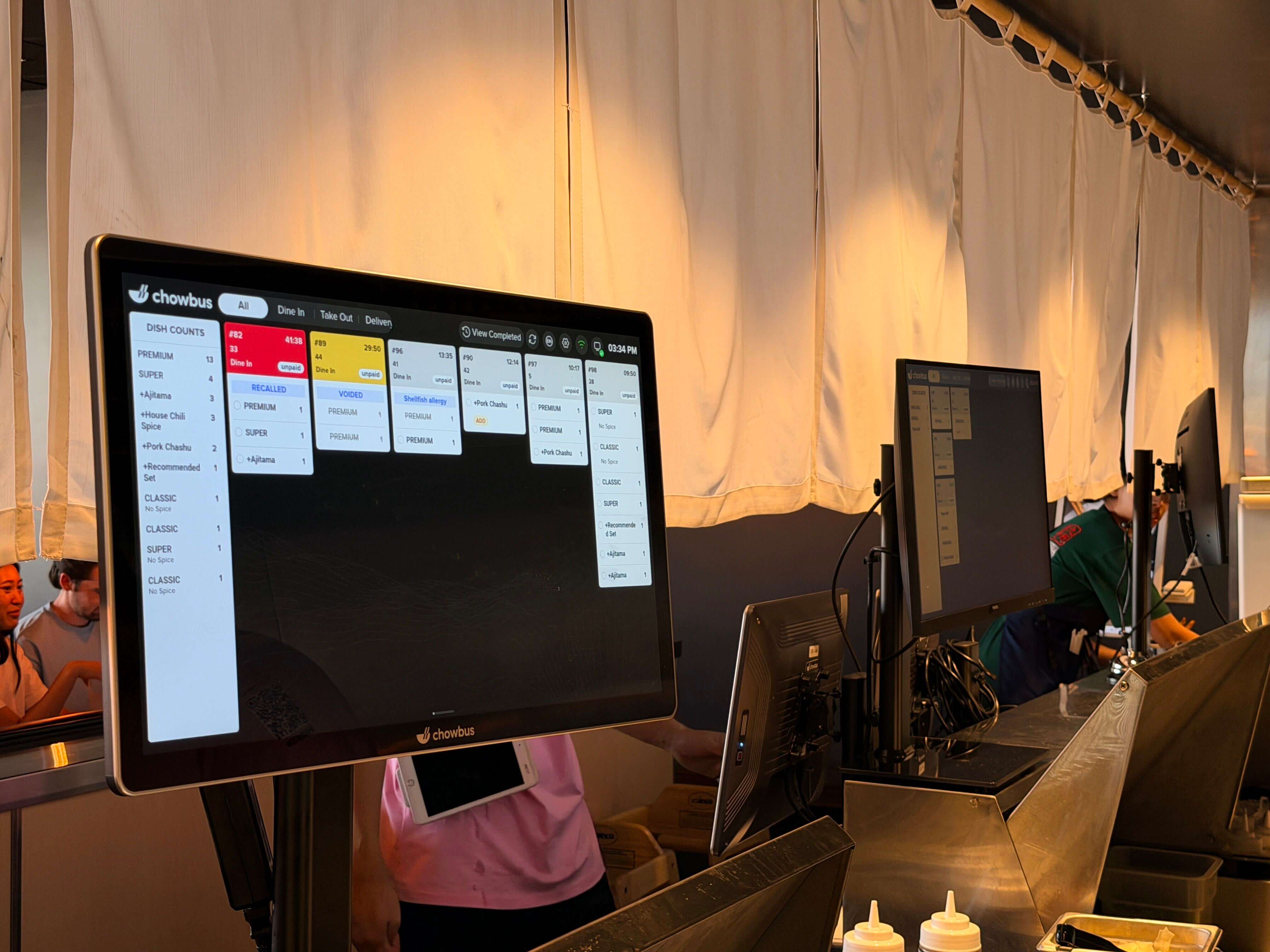
A kitchen display system, or KDS, is a screen-based setup that replaces printed paper tickets in the kitchen. When a server rings in an order at the POS, or a customer places one through online ordering, a kiosk, or a QR code table order, the ticket appears instantly on a screen mounted at the relevant station instead of printing out on a strip of thermal paper. Cooks tap or swipe to mark items "in progress" or "done," and the order automatically routes, updates, or clears from every connected screen in real time.
Paper tickets have run kitchens for decades because they're simple and cheap to start with. But they come with real costs that add up: tickets get lost, torn, smudged with grease, or buried under a stack of other orders. There's no way to flag a rush order, no way to see how long a ticket has actually been sitting, and no automatic timestamp to catch a station that's falling behind. A kitchen display system fixes all of that by turning the ticket rail into a live, organized queue that everyone in the kitchen can see at the same time.
The real value of a kitchen display shows up once you break the kitchen into stations. In a full-service restaurant, an order might touch the wok line, the fryer, the cold prep station, and the dessert counter — all before it's assembled and sent out. A modern kitchen display system routes each item to only the screen where it needs to be made, so the wok cook isn't scanning a printed ticket for the three items that are actually his, and the dessert station isn't waiting on a soggy paper strip that already got separated from the rest of the order.
When an item is marked complete at one station, the expo screen (or the manager's overview screen) updates automatically, so whoever is assembling the final plate or bagging a to-go order knows exactly what's ready and what's still cooking. Color-coded timers show which tickets are on track and which are running long, so a manager can step in before a table waits too long rather than after a complaint. For online orders, delivery orders, and dine-in orders coming from different channels, the display consolidates everything into one unified queue instead of three separate printers spitting out tickets that someone has to physically sort.

Generic POS and kitchen tools are usually built around a fairly simple American kitchen model: one line, a handful of modifiers, one ticket per table. Asian restaurant kitchens are often structured very differently, and that difference is exactly where a kitchen display system earns its keep.
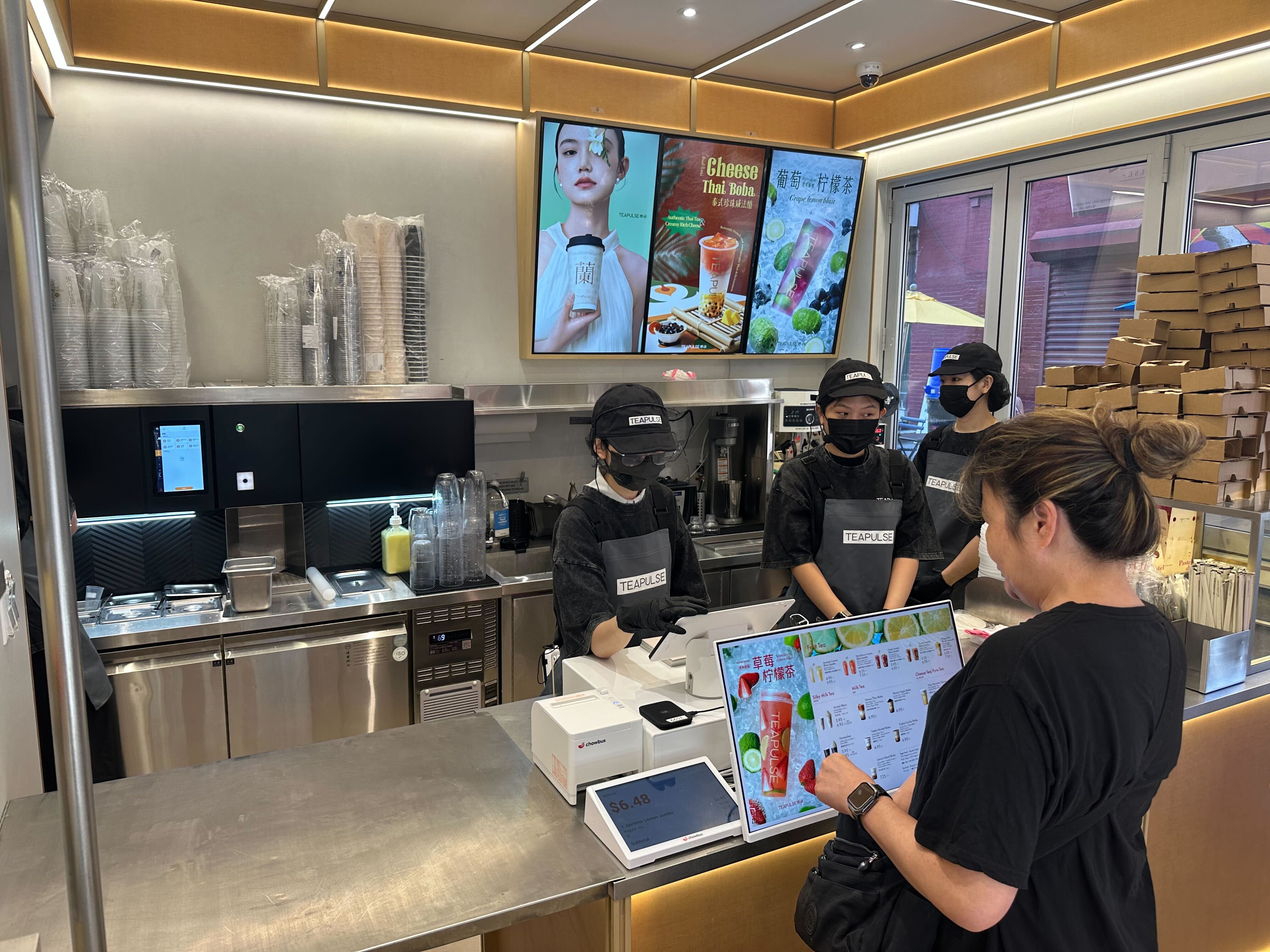
Take a hot pot restaurant: a single table might order broth bases, a dozen raw meat and seafood plates, noodles, and dipping sauces, all of which need to move to different prep areas at different speeds, and all of which need to arrive together. A wok-based Chinese kitchen often runs multiple wok stations in parallel during peak hours, each cook working from a different subset of the same order. Korean BBQ kitchens juggle marinated meat prep, banchan, and grill timing together. Bubble tea and boba counters need to track modifiers like sugar level, ice level, and topping combinations across dozens of small orders per hour, which is nearly impossible to track cleanly on paper. And all-you-can-eat (AYCE) restaurants — extremely common in the Asian dining sector — generate a much higher ticket volume per table than a typical restaurant, because guests order in multiple small rounds instead of one large order.
A kitchen display system built for this kind of complexity groups related items, flags special modifiers clearly (no shellfish, extra spicy, no cilantro), and keeps every station working off the same real-time order instead of a paper ticket that has to physically travel across the kitchen. For a sector that's grown 135% over the past 25 years and is projected to reach $240B by the end of 2026, kitchens that can't keep up with order volume and complexity are leaving real revenue on the table.
Picture a hot pot restaurant on a Saturday night with every table full and a 40-minute wait list at the door. Under a paper-ticket system, each table's order prints as one long strip, and the expo has to manually split it — broth to the soup station, raw proteins to the cold prep cutting station, noodles and vegetables to their own area — while also tracking which strips belong to which table when three tickets print back to back. It's easy for a modifier like "extra spicy broth, no cilantro" to get lost in the shuffle, or for a table's order to go out incomplete because one strip got stuck to another.
With a kitchen display system, the same order splits automatically the moment it's fired. The soup station only sees broth items, the cutting station only sees proteins and vegetables, and modifiers are displayed clearly and impossible to miss because they're not handwritten or squeezed into tiny print. The expo screen shows the whole table's status at a glance — what's done, what's still cooking, and how long each item has been in queue — so plates go out together instead of in scattered waves. That's fewer remakes, fewer "we're still waiting on the lamb" complaints, and a kitchen team that can actually keep pace with a packed dining room instead of falling behind by 9pm.
Not every kitchen display system is built the same way, and the differences matter more than they might seem at first glance.
Paper tickets are cheap upfront and require no training, but they don't scale. As order volume grows — especially with online ordering and delivery apps adding a steady stream of tickets — paper systems become a bottleneck, and there's no data trail showing where delays actually happen.
Generic, off-the-shelf kitchen display software (often bundled with a general POS built for typical American restaurant menus) handles basic order routing fine, but usually has no concept of the modifier complexity, station structure, or ticket volume patterns common in Chinese, Japanese, Korean, Vietnamese, and Thai kitchens. Multilingual support is often an afterthought, if it exists at all — which matters when kitchen staff are more comfortable working in Chinese or another language than English.
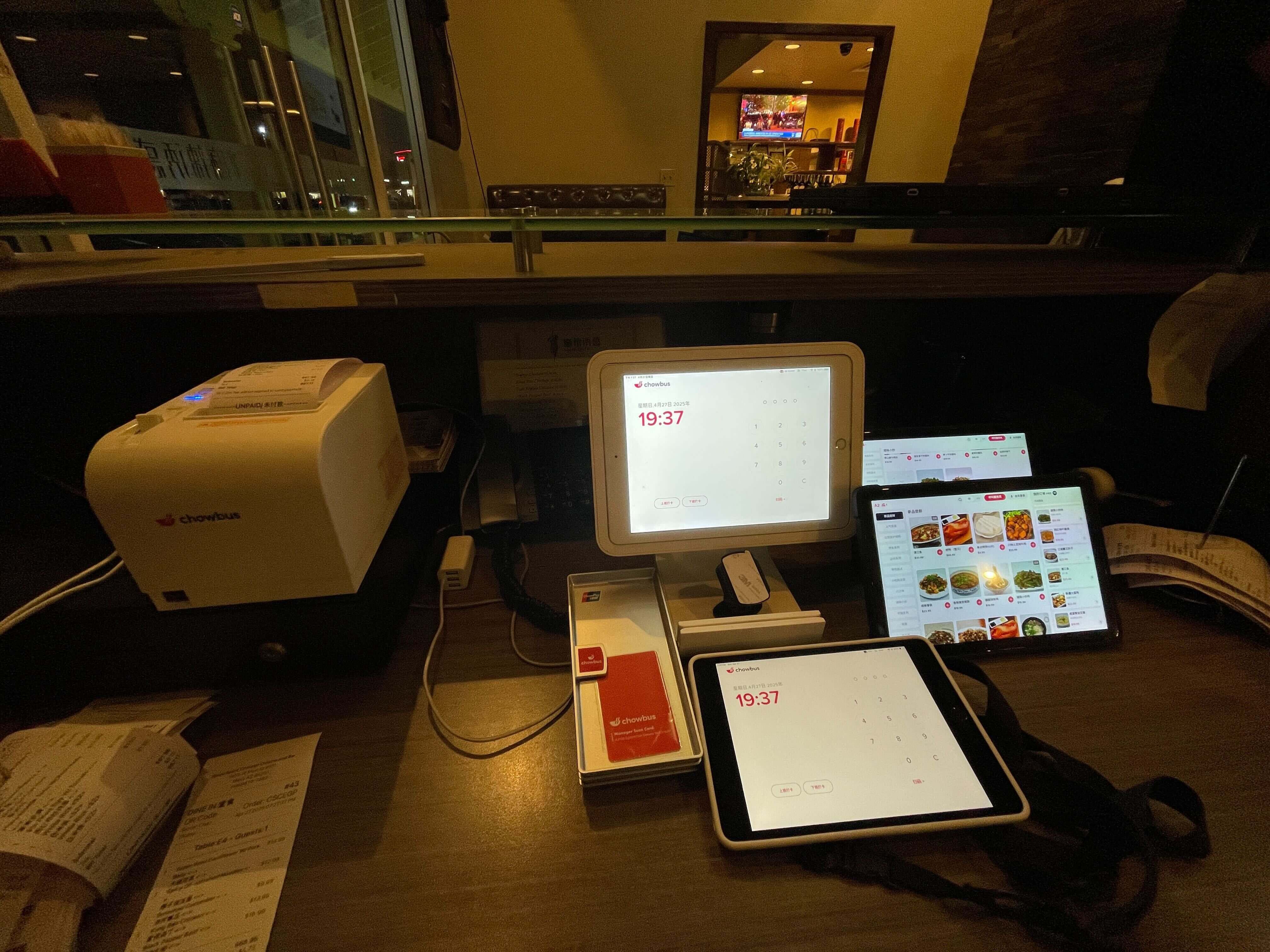
Chowbus's Kitchen Display System is built as part of an all-in-one POS platform specifically for Asian restaurants, so it's designed around exactly the workflows described above: multi-station routing for wok lines and hot pot setups, clear modifier flagging, bilingual interface support, and integration with online ordering, kiosk, and delivery channels so every order — no matter where it comes from — lands in the same organized kitchen queue. For an owner comparing options, the question isn't just "screen versus paper," it's whether the system actually understands how your kitchen is built.
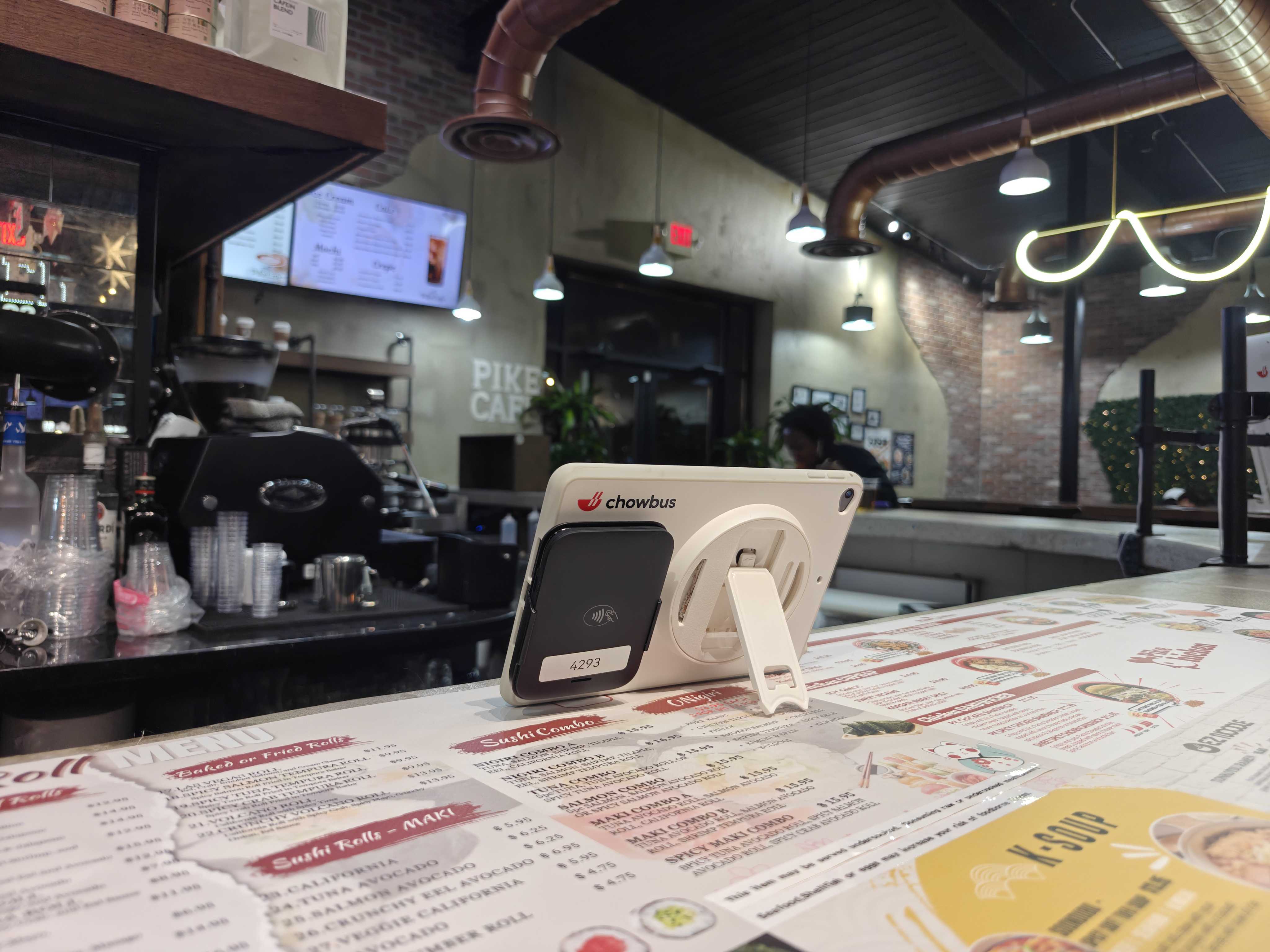
If you're evaluating kitchen displays for your restaurant, a few things matter more than flashy features. First, check whether the system supports multi-station routing that matches your actual kitchen layout, not a generic one-line setup. Second, confirm it consolidates orders from every channel — dine-in, online ordering, kiosk, and third-party delivery — into a single queue, since managing three separate ticket streams defeats the purpose of going digital in the first place. Third, ask about language support for your kitchen staff, since a display that only works in English doesn't solve the communication problem it's meant to fix. Fourth, look at hardware durability, since kitchen environments involve heat, grease, and steam that consumer-grade tablets weren't built to handle.
Chowbus's Kitchen Display System addresses each of these directly as part of its broader POS system, built specifically with Asian restaurant kitchens in mind, and backed by 24/7 bilingual support in English, Chinese, and Spanish if something needs troubleshooting at 7pm on a Friday. It's worth a look as one piece of a broader kitchen and front-of-house setup rather than a standalone gadget bolted onto whatever system you already have.
What exactly is a kitchen display system?A kitchen display system (KDS) is a screen that replaces printed paper tickets in a restaurant kitchen, showing incoming orders in real time as they're rung in through the POS, online ordering, or a kiosk. Cooks mark items complete directly on the screen, and the order updates automatically across every connected display. It's designed to reduce lost tickets, missed modifiers, and the manual sorting that paper-based kitchens rely on.
How do I set up a kitchen display system in my restaurant?Setup typically starts with mapping your kitchen stations (wok line, fry station, cold prep, expo, etc.) so the system knows how to route each item correctly. Screens are then mounted at each station and connected to your POS, online ordering, and any kiosk or delivery integrations so all order channels feed into one system. Chowbus handles this setup as part of onboarding, configuring station routing around your actual kitchen layout rather than a generic template.
Is a kitchen display system actually better than paper tickets?For any kitchen doing meaningful volume, yes — a kitchen display reduces lost or misread tickets, shows real-time timing so managers can catch slow orders before they become complaints, and consolidates multiple order channels into one queue instead of several printers. Paper tickets can work for very low-volume operations, but most restaurants outgrow them quickly once online ordering and delivery apps add extra order volume on top of dine-in.
How much does a kitchen display system cost?Cost varies based on the number of screens and stations you need, plus whether it's part of a broader POS package or a standalone add-on. Chowbus's Kitchen Display System is offered as part of its all-in-one POS platform, so restaurants get order routing, online ordering, and kitchen display working together rather than paying for separate systems that don't talk to each other. It's best to get a quote based on your specific station count and order volume.
Can a kitchen display handle a hot pot or AYCE restaurant with a lot of small orders per table?Yes — this is exactly the scenario a well-built kitchen display system is designed for. It automatically splits a single table's order across multiple stations (broth, protein, vegetables, sauces), flags modifiers clearly, and tracks each round of ordering common in AYCE service, so the kitchen doesn't fall behind as orders come in faster than a paper system can keep up with.
How do I get started with a kitchen display system for my restaurant?The most practical first step is to look at where your current ticket process breaks down — lost tickets, slow expo, unclear modifiers — and match that against what a kitchen display system solves. Chowbus's Kitchen Display System, part of its hardware lineup for Asian restaurants, is built to plug into an existing POS setup, and the team can walk through your specific kitchen layout to show how routing would work station by station.
A kitchen display system isn't a nice-to-have gadget — it's one of the more direct ways to fix the everyday friction that quietly costs restaurants money: lost tickets, missed modifiers, slow expo, and a kitchen team working from incomplete information during the exact hours when the restaurant needs to be running at its best. The gap between a paper-ticket kitchen and a screen-based one shows up most clearly on your busiest nights, which is also when mistakes are most expensive.
If your kitchen runs multiple stations, handles a high volume of modifiers, or juggles orders from dine-in, online ordering, and delivery apps all at once, a generic one-line kitchen display probably won't match how your restaurant actually operates. That's a common story for hot pot restaurants, wok-line kitchens, Korean BBQ spots, bubble tea counters, and AYCE operations — the kind of restaurants a lot of off-the-shelf tools weren't built around in the first place.
Whether you're replacing paper tickets for the first time or upgrading from a generic display that never quite fit your kitchen, it's worth walking through your actual station layout and order volume before choosing a system. Chowbus's Kitchen Display System was built around exactly these kitchen structures, and looking at how it would route orders in your specific kitchen is a reasonable next step before your next Saturday rush hits.