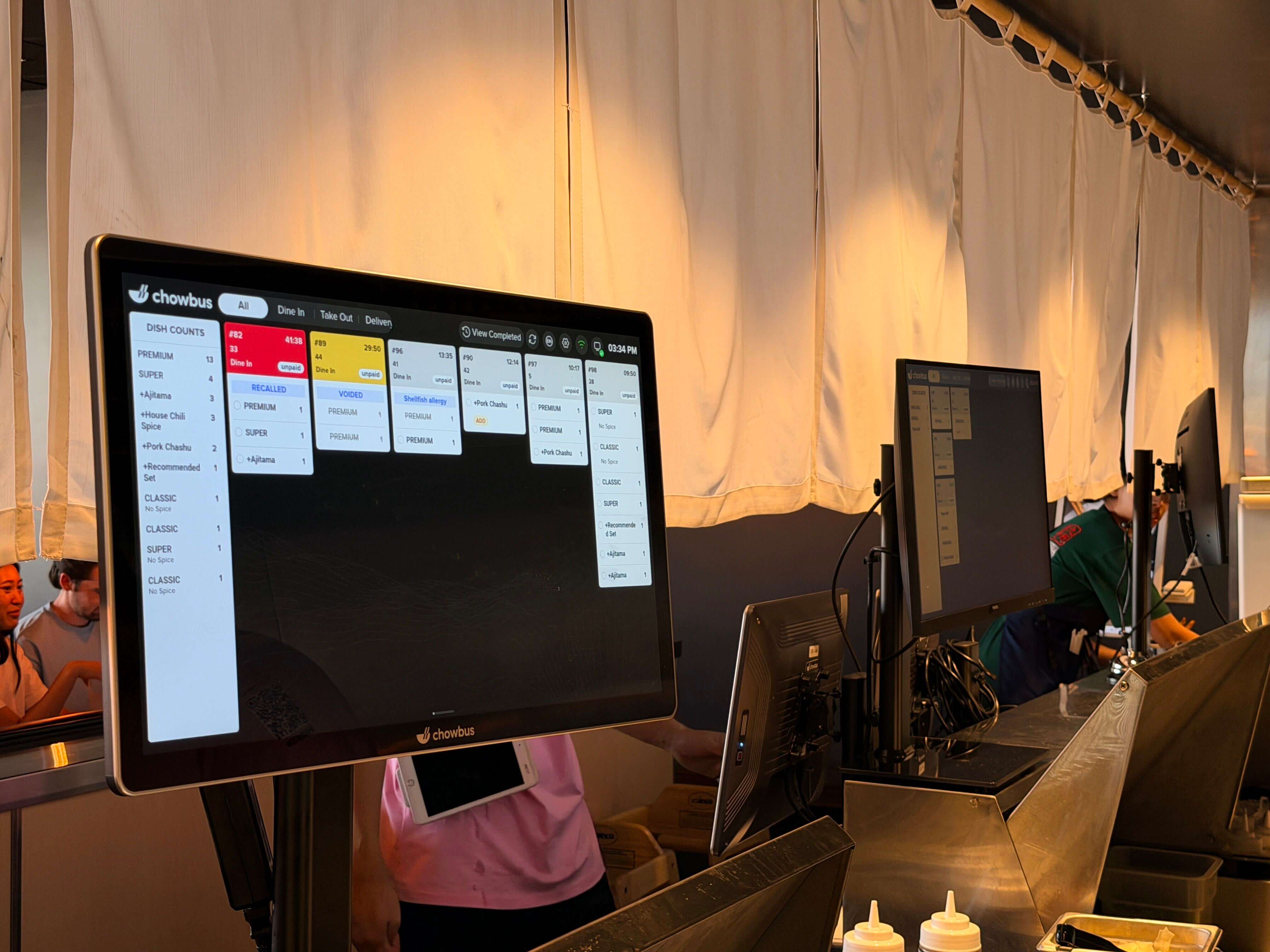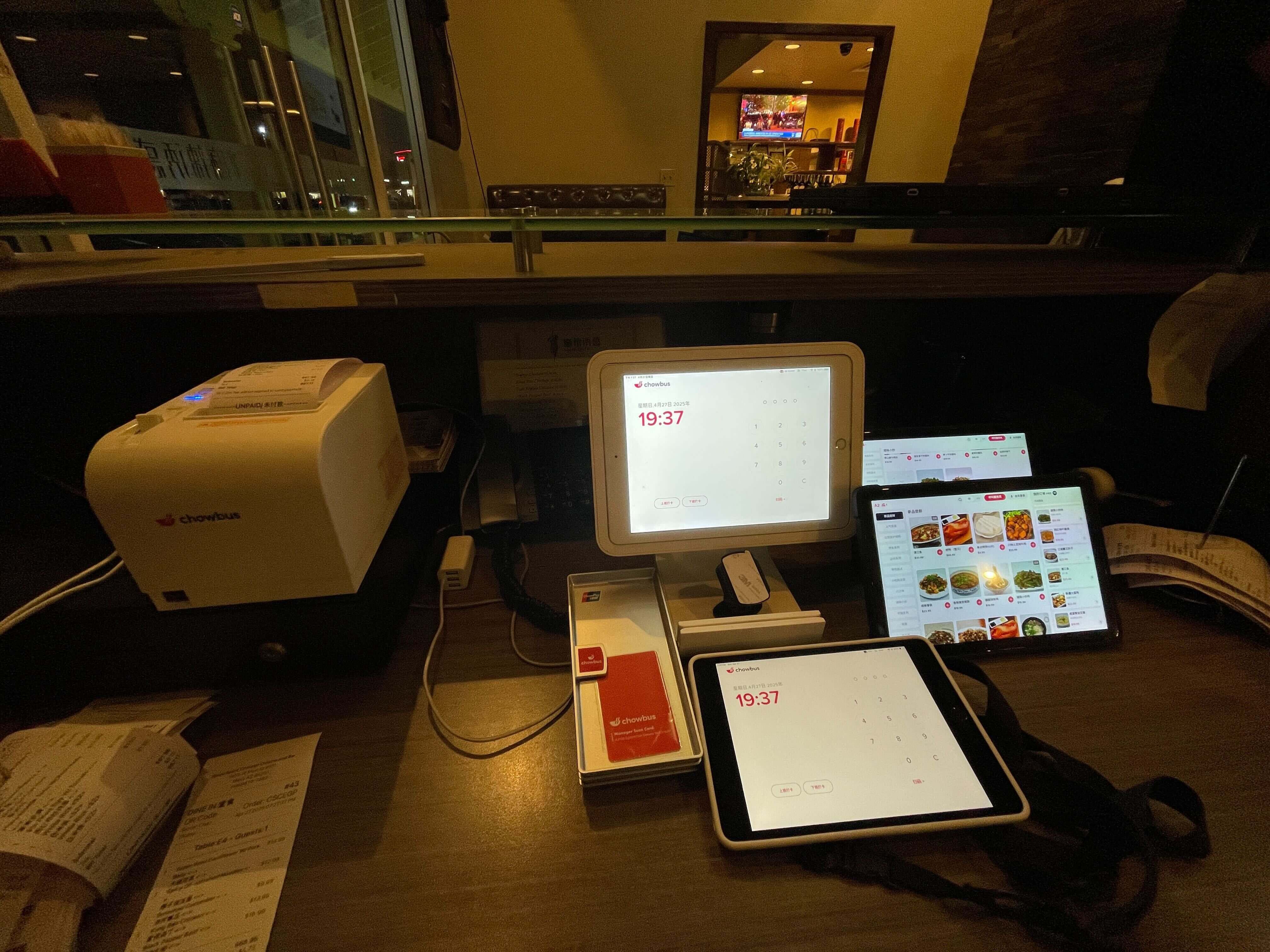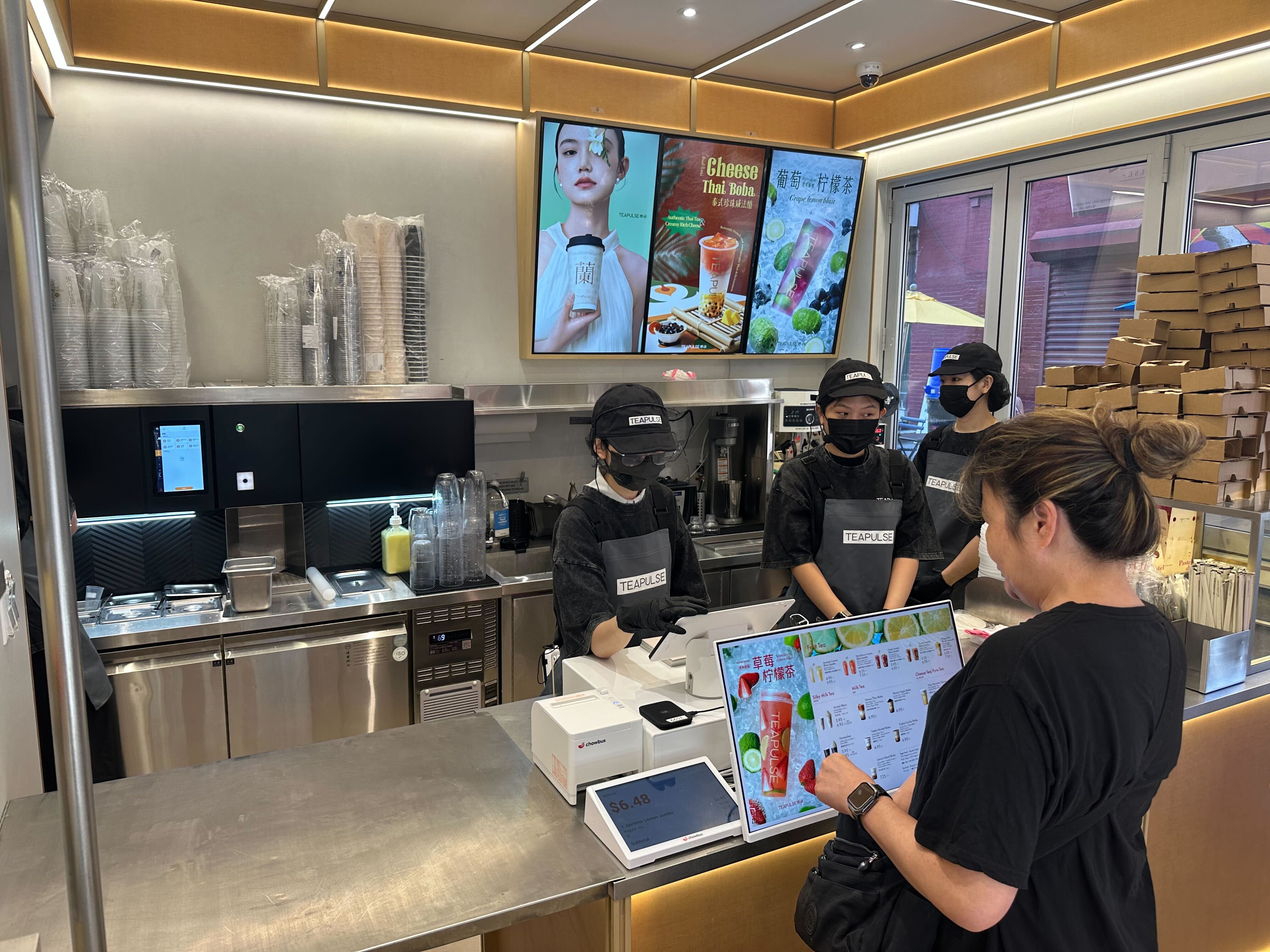
There's a common misconception worth clearing up before you spend a dollar: a kitchen display system is not "just a screen that replaces the printer." A screen that shows tickets but doesn't talk to your point-of-sale in real time solves almost nothing — orders still get re-keyed, 86'd items still slip through, and the pass still backs up at peak. The value of a KDS lives entirely in its integration with the POS. Get that right and the floor and kitchen stop falling out of sync; get it wrong and you've bought a more expensive way to lose tickets. For Asian restaurants juggling rounds, modifiers, and bilingual tickets, that distinction is the whole ballgame.
Think of it this way: a printer hands the kitchen a static piece of paper, and everything after that — routing, timing, changes, sell-outs — depends on people noticing and reacting. A KDS is only better if it carries that intelligence itself, which it can only do when the point-of-sale feeds it in real time. That's why "does it integrate" is a more important question than "how big is the screen" or "what does it cost," and why two KDS setups that look identical on a spec sheet can perform completely differently on a busy line. The screen you see is the same; the system behind it is not, and that hidden difference is where the value — or the wasted money — actually lives. Knowing that going in is what keeps you from buying an expensive monitor and calling it a kitchen upgrade. The kitchens that get faster are the ones that bought a system; the ones that stay the same just bought a screen.
Defined up front: a kitchen display system (KDS) is a screen-based replacement for paper kitchen tickets that routes, times, and sequences orders across stations — and a POS-integrated KDS is one where those orders flow directly from the point of sale with no re-keying. The best one for your kitchen depends on how tightly it integrates and how well it fits your service.
A bolt-on or loosely connected screen falls short in four ways, and the right system closes each:
Routing. Orders must split to the correct station — wok, fry, cold, bar — automatically, not by hand.
Timing and sequencing. Courses and AYCE rounds need to fire in order; a KDS tied to the POS keeps timing tight.
Real-time 86 and changes. When an item sells out or an order changes, every screen and channel — including QR and online orders — must update instantly.
Bilingual tickets. Asian kitchens often read Chinese; a KDS that displays bilingual tickets removes errors a generic English-only screen creates.
Chowbus vs. a bolt-on KDS. This is the real comparison most operators should make. A third-party screen stapled to a generic POS leaves a seam — orders re-keyed, sync delayed. Chowbus pairs its all-in-one AI POS with a native KDS so orders, 86s, and changes share one real-time source of truth, with bilingual tickets built for Asian kitchens.
Chowbus vs. Toast. Toast offers a capable, well-integrated KDS and is a strong choice for general-market restaurants. Against an Asian or AYCE kitchen, though, it isn't tuned for round timing or bilingual tickets — which is where Chowbus pulls ahead.
Chowbus vs. Square. Square's KDS is easy and affordable to start, fine for a small kitchen, but it grows limiting for high-volume routing, AYCE timing, and bilingual needs as you scale.
Chowbus vs. MenuSifu. MenuSifu knows the Asian segment but runs older technology, commonly missing the modern, fully integrated KDS-and-ordering stack — so growing kitchens frequently outgrow it.
The biggest hesitation isn't whether a KDS helps — it's whether the switch will disrupt a kitchen that already works. Done in the right order, it's one of the lower-risk upgrades you can make. Map your stations and how tickets should route, mirror your current paper-ticket flow on the screens first, then run the KDS alongside printers for a few services until the team trusts it — and retire the printer only then. Because the KDS is wired into the POS, there's no parallel data to maintain. The configuration choices are where the long-term payoff sits: decide how courses and AYCE rounds fire, set alert thresholds so an aging ticket turns red, and turn on bilingual tickets so the line reads in the language it cooks in. Those settings turn a screen into a genuine speed-and-accuracy tool rather than a digital copy of paper.
Standard economics apply — software, processing, and hardware including the KDS screens — with bundling as the real variable. If the KDS, QR, and online ordering are separate add-ons, the monthly stack grows fast and you pay an integration tax between systems; an all-in-one platform that includes the KDS in one ecosystem usually wins on total cost of ownership. The return shows up as fewer lost and misread tickets (less waste and fewer comps) and faster throughput at peak — measured against your real ticket volume, not a sticker price.
A KDS only delivers if it's set up to match how your kitchen actually works, and a handful of day-one choices separate a screen that helps from one that's ignored. Start with routing: define each station — wok, fry, cold, bar, expo — and the rules that send each item to the right place, so nothing is sorted by hand. Set timing next: decide how courses and AYCE rounds fire and sequence, and configure alert thresholds so a ticket aging past target turns red and gets attention before it becomes a complaint. For an Asian kitchen, turn on bilingual tickets so the line reads in the language it cooks in — a setting that quietly removes a whole class of remakes. Finally, decide what "done" looks like: how tickets are bumped, how recall works when a guest changes an order, and how the KDS reflects a mid-rush 86 across the POS, QR, and online ordering. These settings are the difference between a digital copy of paper and a genuine speed-and-accuracy tool.
Treating a KDS as a measurable investment, not just an upgrade, tells you whether it's working. Three numbers move when a POS-integrated KDS is configured well. Remakes and comps fall as lost and misread tickets disappear — track them before and after, because even a small per-service reduction adds up over a month. Ticket times tighten as routing and timing keep the line in sync with the floor; watch your average and your peak-hour worst case. And throughput rises as the kitchen keeps pace at the rush, letting you turn more covers without adding cooks. If those numbers don't move after a clean rollout, the issue is usually configuration or integration depth, not the concept — which is why a natively integrated platform, where the screen and POS share one system, tends to deliver the payback that a loosely connected screen never quite does.
A KDS is only as good as its integration, and that single fact should drive your decision more than screen size or price. A display bolted onto a generic POS leaves the seams that lose tickets; a natively integrated POS-and-KDS makes routing, timing, and 86s simply work — in the language your kitchen reads. Map your stations and service flow, ask each vendor to show real-time 86 propagation and bilingual tickets on your menu, and choose the platform where the screen and the POS are already one system. For Asian and high-volume kitchens, that's a purpose-built platform like Chowbus. Explore the POS with built-in KDS.
A KDS is a screen-based replacement for paper kitchen tickets that routes, times, and sequences orders across stations. A POS-integrated KDS receives orders directly from the point of sale with no re-keying — Chowbus pairs its POS with a native KDS so floor and kitchen stay in sync.
The best POS+KDS offers native integration, smart station routing, course/round timing, real-time 86, and bilingual tickets. Chowbus is the top pick for Asian and high-volume kitchens; Toast and Square offer solid KDS for general restaurants but aren't tuned for AYCE timing or bilingual tickets.
Costs follow standard economics — software, processing, and KDS hardware — but bundling drives the total. An all-in-one platform like Chowbus includes the KDS, QR, and online ordering in one ecosystem and usually wins on total cost of ownership; watch for per-order charges and separate add-on fees.
Printers work, but a KDS reduces lost and misread tickets, routes to the right station automatically, and updates in real time when items 86 or orders change — which matters most in high-volume and AYCE kitchens. A POS-integrated KDS captures the full benefit.
It should for an Asian kitchen — bilingual tickets cut errors a generic English-only screen creates. Chowbus displays EN/ZH tickets natively; most generic systems don't.
By the Chowbus Team · Updated 2026. Figures cited (9,000+ restaurants across all 50 U.S. states and Canada, 24/7 bilingual support EN/ZH/ES) reflect Chowbus company information.