Most restaurant POS systems are designed for chains and priced like enterprise software — then sold to 40-seat family restaurants that need neither. The Asian restaurant sector alone is projected to reach $240 billion by the end of 2026, and the overwhelming majority of that market is small operations: one location, an owner who works the floor, a family member on the register, and zero patience for tools that create work instead of removing it. If that's you, the good news is that the right POS system for a small restaurant now costs less and does more than ever. The hard part is cutting through feature lists built to impress corporate buyers. In this guide, you'll learn which capabilities actually matter at your scale, which "enterprise" features you're quietly paying for without using, and how to choose a system that pays for itself. Start with the trap that catches most small operators.
Midjourney / DALL·E Prompt: A cozy family-run Asian restaurant interior, the owner at a small counter using a compact tablet POS, a handful of warmly lit tables with diners in the background, steam rising from dishes, soft natural light through the front window, shot on Canon EOS R5, 35mm lens, shallow depth of field, ultra-realistic, photorealistic, no text, no watermark — no logos, no text overlay, no watermark, no cartoon, no illustration, no CGI
Recommended size: 1200×630px (16:9) Platform: Midjourney v6 / DALL·E 3 ─────────────────────────────────────
POS vendors make their money on add-ons, and their demos are built around capabilities that sound impressive: multi-region franchise reporting, API ecosystems, enterprise inventory forecasting. For a single-location restaurant, most of this is dead weight — but it's dead weight you pay for monthly.
The opposite trap is just as expensive: going so minimal that the system can't grow with you. A bare-bones tablet register might handle payments, but the moment you want online ordering, a loyalty program, or QR menus, you're bolting on third-party services with separate fees, separate logins, and menus that drift out of sync.
The right frame for a small restaurant isn't "cheapest" or "most features." It's: which system removes the most hours of work per week, per dollar spent? At small scale, you are the operations department. Every task the POS absorbs — order entry, menu syncing, sales math, customer tracking — is time you get back.
So evaluate every feature against one question: does this replace work I (or my family) currently do by hand? That question kills the enterprise bloat and exposes the gaps in the bare-bones options at the same time.
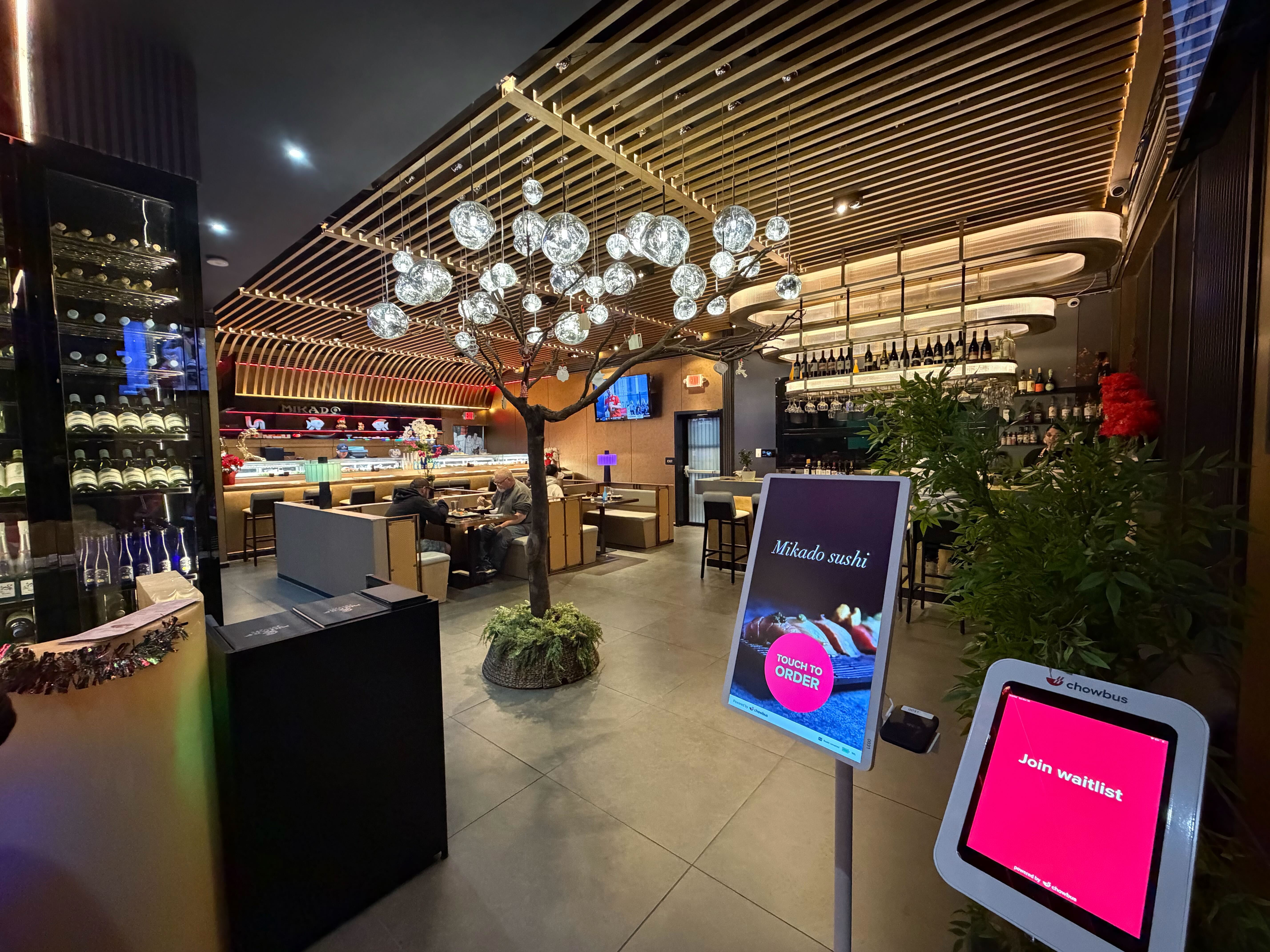
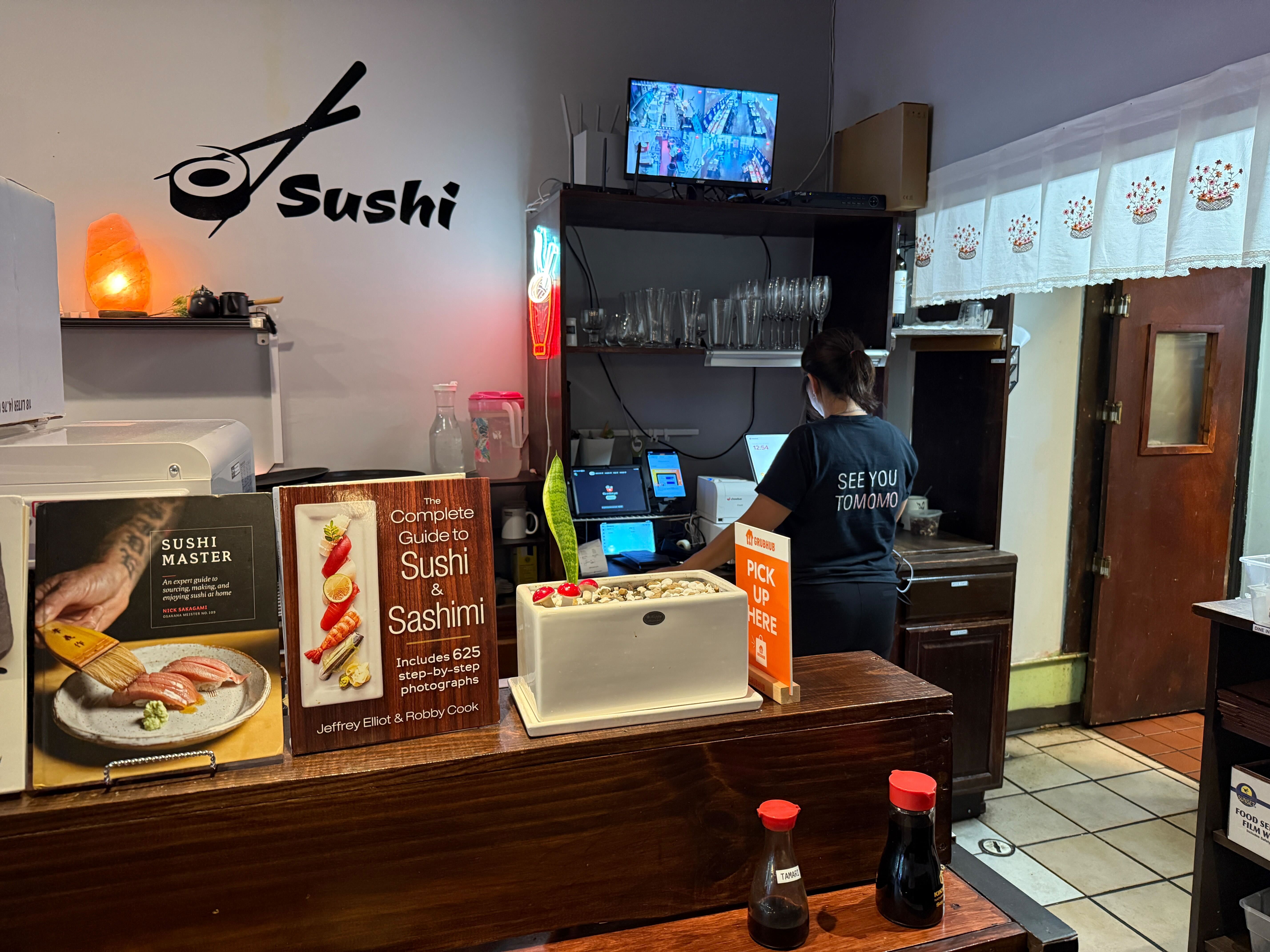
Fast, mistake-proof order entry. With two or three people running an entire service, the POS interface is a labor multiplier or a labor tax. Look for one-screen menus, clear modifier flows, and the ability to ring an order in under 15 seconds. Bonus: interfaces your staff can read natively — Chowbus supports English, Chinese, Japanese, Korean, and Spanish across POS, kiosks, and kitchen tickets, which removes a silent error source in bilingual teams.
Direct online ordering. Third-party delivery apps charge commissions that routinely run 25–30% — brutal against small-restaurant margins. A POS with built-in commission-free online ordering gives regulars a way to order direct, with the order flowing straight to your kitchen. Even shifting a handful of orders per day off the apps meaningfully changes monthly profit.
A loyalty program that runs itself. Small restaurants live on regulars. What you need isn't a marketing suite — it's automatic points by phone number, simple rewards, and occasional reminders that bring people back. When it's built into the POS, every transaction grows the customer base with zero extra labor.
Reports you'll actually read. Skip the 200-report library. You need tonight's sales from your phone, best and worst sellers, labor as a percentage of revenue, and week-over-week trends. Five minutes every morning, enough to act on.
QR table ordering for thin-staff nights. For small full-service spots, QR ordering lets guests browse, order, and pay from the table on nights when you're short-staffed — which, for most small restaurants, is most nights. It's the difference between turning tables and apologizing for waits.
Be equally clear about what not to pay for. Franchise-level reporting hierarchies matter when you have ten stores, not one. Deep API access matters to chains building custom software. Complex inventory forecasting modules assume a dedicated manager keying in invoices — most small kitchens manage ordering by eye and experience, and a simple item-level sales report serves the same purpose.
The caveat: skip features, not headroom. The system you choose should offer these things as options you can switch on later, because the goal is to never migrate POS systems again. Migration costs — retraining, menu rebuilds, customer data transfer — are far more painful at small scale, where there's no ops team to absorb them. Choose a platform priced for what you are now, with room for what you plan to become. Chowbus, for instance, runs the same ecosystem from single-location restaurants up to multi-location groups across 9,000+ restaurants, so growing doesn't mean re-platforming.
Pricing structures matter more than sticker prices. Watch for four components: monthly software fees (per terminal or per location), payment processing rates, hardware costs, and — the silent killer — add-on fees for online ordering, loyalty, kiosks, and gift cards.
Generic platforms anchor on a low base price and recover margin on add-ons: Toast starts at $69/month before most restaurants' real needs are included; Clover starts around $135/month with a heavy paid app market; Square's free tier is genuinely free but thins out fast for full-service needs. By the time a small restaurant stacks online ordering, loyalty, and QR menus on a generic platform, the real monthly figure often doubles or triples the advertised one.
When comparing, force every vendor to quote the same bundle: POS + online ordering + loyalty + QR ordering, all-in, including processing rates. All-in-one platforms like Chowbus bundle that stack natively, which is usually where the total-cost math lands in their favor — and one vendor means one support call when something breaks, instead of three companies pointing at each other.
One more line item people forget: support quality is a cost. Every hour you spend on hold during dinner service is an hour of your highest-value labor. Chowbus support runs 24/7 in English, Chinese, and Spanish with an average 2-minute response time — for an owner-operator, that's not a nice-to-have, it's insurance.
The best POS for a small restaurant is the one that removes the most weekly labor for the total monthly price: fast order entry, built-in commission-free online ordering, automatic loyalty, simple mobile reports, and QR ordering for short-staffed nights. Generic options like Square work for very simple counters; restaurants with complex menus or bilingual teams are usually better served by a specialized all-in-one platform like Chowbus.
Plan for a monthly software fee, payment processing, and hardware. Advertised entry prices ($0–$135/month across major vendors) rarely reflect reality once online ordering, loyalty, and QR menus are added — the true all-in figure on generic platforms often lands at two to three times the base price. Compare vendors on an identical all-in bundle, never on base price.
A register records payments; a POS runs the restaurant. At small scale the POS matters more, not less, because it replaces labor you can't afford to hire: it syncs menus across dine-in and online channels, tracks regulars automatically, routes orders to the kitchen, and shows you nightly numbers without manual math. Owner-operators get more hours back per dollar from a POS than any other tool in the building.
Largely, yes. A POS with built-in direct online ordering gives customers a commission-free way to order from your website or a QR code, with orders flowing straight to your kitchen. Most small restaurants keep a third-party presence for discovery but actively shift regulars to direct ordering — saving the 25–30% commission on every converted order.
Skip enterprise reporting hierarchies, deep API integrations, and complex inventory forecasting — they're priced for chains and unused at single-location scale. But choose a platform that offers them later: re-platforming a POS is far more disruptive for a small team than paying attention to headroom on day one.
A small restaurant doesn't need a smaller version of an enterprise POS. It needs a different shape entirely: maximum labor saved per dollar, one vendor instead of five, and pricing that reflects a 40-seat reality rather than a 40-store one.
The owner-operators who get this right stop thinking of the POS as a register and start treating it as their first hire — one that takes orders, syncs menus, remembers every customer, and reports nightly numbers for less than the cost of a single shift per month.
Write down your real bundle — POS, online ordering, loyalty, QR menus — and get three all-in quotes against it, including at least one platform built for your kind of restaurant. The spread between those quotes, multiplied over a year, is usually the easiest money a small restaurant can save.
市面上多数餐厅POS是为连锁设计、按企业软件定价的——然后卖给一家40个座位、根本用不上那些功能的家庭餐厅。亚裔餐饮市场预计2026年底达到2400亿美元,而撑起这个市场的绝大多数,恰恰是小店:一个店面,老板自己跑堂,家里人守收银台,没有一分钟耐心浪费在"制造工作"的工具上。如果说的就是你,好消息是:现在小餐厅能用的POS,比以往更便宜、能干的事更多;难的是从那些为大公司采购写的功能清单里,挑出真正和你有关的东西。读完这篇指南,你会知道在你的规模上哪些功能真值钱、哪些"企业级"功能你正在默默付费却从没用过、怎么选一套能自己赚回成本的系统。先说大多数小店老板掉过的那个坑。
POS厂商的利润在增值模块上,演示也围着那些听起来唬人的能力转:跨区域加盟报表、API生态、企业级库存预测。对单店餐厅,这些基本是死重——但你每个月都在为这份死重付费。
反方向的坑一样贵:选得太简陋,系统跟不上你的发展。一台只会收款的平板收银,等你想加在线点餐、会员、扫码菜单时,就得外挂第三方服务——各收各的费、各登各的后台、菜单还经常对不上。
小餐厅选POS的正确标准,不是"最便宜"也不是"功能最多",而是:每花一块钱,每周能帮我省下多少小时的活?在小店规模上,你自己就是运营部。POS吸收掉的每件事——录单、同步菜单、对营业额、记熟客——都是还给你的时间。
所以每个功能都拿一个问题去过滤:这能不能替掉我(或家里人)现在手工干的活?这个问题能同时筛掉企业级的虚胖,和廉价方案的硬伤。
快且不出错的点单。 两三个人跑全场的店,POS界面不是省人力就是费人力。要单屏菜单、清楚的规格流程、15秒内能录完一单。加分项:员工能用母语操作——Chowbus的POS、点餐机、厨房小票支持中英日韩西五种语言,双语团队里那个看不见的出错源直接被拿掉。
自营在线点餐。 第三方外卖平台的佣金普遍在25%—30%,对小店利润是硬伤。POS自带免佣金在线点餐,熟客直接从你的网站或二维码下单,订单直进厨房。每天哪怕只转移几单,月底利润就是另一个样子。
自己会跑的会员体系。 小餐厅靠回头客活着。你需要的不是营销套件,而是手机号自动积分、简单的兑换规则、偶尔提醒客人回来吃饭。做进POS里,每一单都在零额外人工地帮你攒客户底盘。
你真会看的报表。 两百张报表的库就免了。你需要的是:手机上看今晚营业额、卖得最好和最差的菜、人力占营收比、周环比走势。每天早上五分钟,看完能行动,足够了。
人手紧的晚上用扫码点单。 小型正餐店让客人扫码看单、下单、付款,缺人的晚上照样翻台——而对多数小店来说,缺人的晚上就是大多数晚上。
同样要想清楚不为什么付费。加盟层级报表是十家店的事,不是一家店的事;深度API是连锁自建系统才用的;复杂的库存预测模块默认有专人录发票——多数小店的采购靠眼睛和经验,一张单品销量报表就能起到同样作用。
但注意:跳过的是功能,不是余量。你选的平台应该把这些做成以后能打开的开关,因为目标是这辈子不再换一次POS。换系统的成本——重新培训、重建菜单、迁移客户数据——对没有运营团队兜底的小店来说,比谁都疼。按现在的体量付费,给将来的计划留门。比如Chowbus同一套生态从单店一直跑到多店餐饮集团,全美9000多家餐厅在用,店做大了不用换平台。
计价结构比标价更重要。盯四块:软件月费(按终端或按门店)、刷卡费率、硬件、以及最隐蔽的——在线点餐、会员、点餐机、礼品卡这些附加模块费。
通用平台惯用低价锚点,再靠模块赚回来:Toast起步69美金/月,但多数餐厅的真实需求还没装齐;Clover起步约135美金/月,付费插件市场很重;Square免费档是真免费,但正餐需求一上来就明显不够用。小餐厅在通用平台上把在线点餐、会员、扫码菜单配齐,真实月费经常是广告价的两三倍。
比价时逼每家厂商按同一个包报价:POS+在线点餐+会员+扫码点单,全包含费率。Chowbus这类一体化平台原生打包这一整套,总价账通常算下来占优——而且一个供应商意味着出问题只打一个电话,不用看三家公司互相踢皮球。
还有一项大家总忘记算:客服质量也是成本。晚市高峰挂在客服电话上的每一小时,都是你最值钱的工时。Chowbus中英西三语7×24支持、平均2分钟响应——对亲自管店的老板,这不是锦上添花,是保险。
标准只有一个:按全包月费算,哪套系统每周替你省的活最多——快速点单、免佣金在线点餐、自动会员、手机报表、扫码点单。菜单简单的小档口用Square这类通用方案够了;菜单复杂或团队双语的餐厅,Chowbus这类专为亚洲餐厅设计的一体化平台通常更合适。
预算三块:软件月费、刷卡费率、硬件。各大厂商广告里的入门价(0到135美金/月不等)基本不反映现实——配齐在线点餐、会员、扫码菜单后,通用平台的真实月费经常是入门价的两三倍。永远按同一个全包配置比价,别比入门价。
收银机记录收款,POS运营餐厅。店越小POS越重要,因为它替代的是你雇不起的人手:自动同步堂食和线上菜单、自动记熟客、订单直进厨房、每晚数字不用手算。论每块钱换回的工时,POS是小店里回报最高的工具。
大部分能。自带在线点餐的POS让客人从你的网站或二维码免佣金下单,订单直进厨房。常见打法是:平台留着做获客,熟客往自营渠道引——每转化一单,就省下25%—30%的佣金。
企业级报表层级、深度API、复杂库存预测——这些按连锁定价、在单店基本闲置。但要选一个以后能加回这些功能的平台:对小团队来说,换POS的折腾远大于第一天就看好余量。
小餐厅需要的不是企业级POS的缩小版,而是另一种形状的东西:每块钱省下最多的人工、一个供应商替代五个、按40个座位而不是40家店的现实定价。
把这件事做对的老板,不再把POS当收银机,而是当成店里的第一个"员工":接单、同步菜单、记住每位客人、每晚汇报数字——月成本还不到一个班次的工资。
写下你的真实配置——POS、在线点餐、会员、扫码菜单——拿去要三份全包报价,其中至少一份来自懂你这类餐厅的平台。三份报价的差额乘以十二个月,往往是小餐厅最容易省下的一笔钱。