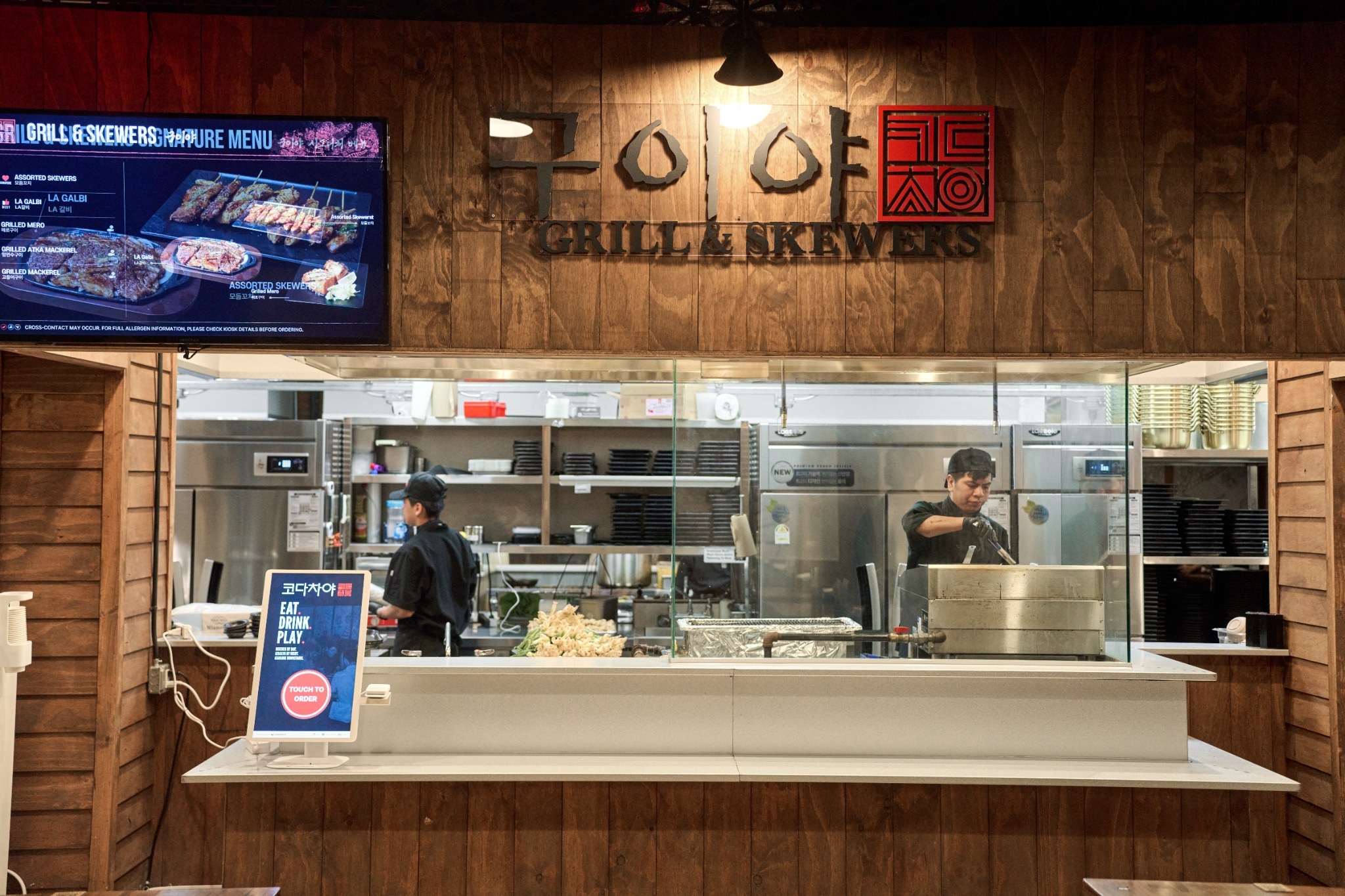
A restaurant manager POS is the part of your point-of-sale system that only managers can reach: the permissions that decide who can void an item, the approvals for comps and discounts, the cash drawer controls and the end-of-shift reports. On a quiet night these settings sit in the background. They start to matter when a dish goes back to the kitchen, a server wants to take $20 off a check, or the drawer comes up short at 10 p.m. and nobody can say why.
The idea behind all of these controls is simple: every void, comp, discount and cash drop should carry two names, the person who asked for it and the person who approved it. When that holds, a manager can run a busy shift, step away for an hour and still answer "what happened?" the next morning. To show how that works on the floor, this guide follows one manager through one Saturday, from the opening count to the last report of the night. The manager, the restaurant and every dollar figure below are illustrative.
Grace manages a 90-seat Sichuan restaurant with a busy takeout counter. She arrives 90 minutes before the doors open and logs into the POS with her own manager PIN. There is no shared code taped under the counter, and that matters later: every action she takes today will be tied to her login, and every action anyone else takes will be tied to theirs.
Her opening routine on the POS takes about fifteen minutes:
The starting cash entry is easy to skip and expensive to miss. If the opening amount lives only on a sticky note, the end-of-night drawer variance becomes a guess, and a guess is hard to act on.
Kevin, a new server, is working his second shift today. Before service, Grace confirms that his role in the POS is set to server and that nobody gave him shift lead access "just for training." A typical role setup in a full-service restaurant looks something like this:
Your split may look different, and that is fine. The principle to keep is that anything removing money from a check after the kitchen has started cooking should need a second person. Shared manager codes quietly break that rule. If Kevin learns the manager PIN in his first week because "everyone uses it," the void report will show Grace approving things she never saw. Change manager codes whenever a manager leaves, and confirm that your system records both the requester and the approver on every override. On Chowbus POS, staff management lets you configure permissions for each employee and track staff performance, so a role list like this can be set once and adjusted as people get promoted.
Lunch brings 60 covers in under an hour plus a steady line of takeout. In ten minutes, Grace sees three different requests:
Reason codes are where most of the value hides. "Server error," "guest changed mind," "kitchen error" and "quality complaint" each point to a different problem, and a week of them tells you whether to retrain a server, talk to the line or fix a menu description. Keep the list short, five or six reasons, so staff pick the right one under pressure. If "other" exists, require a short note with it.
Approval speed matters as much as approval rules. If approving a void means walking to the one manager terminal in the back office, managers will start handing out their code within a month. A PIN or card swipe at any terminal or handheld keeps the control in place without slowing the floor.
A guest at table 12 says the cumin lamb is far too salty after a few bites. The server finds Grace, and she goes to the table herself so the guest hears an apology from someone who can act on it. She offers a remake; the guest would rather have it taken off the bill.
Here the difference between a void and a comp matters. A void removes an item as if it had never been ordered. A comp keeps the item on the check at a zero or reduced price, with a reason attached. The lamb was cooked and served, so it should be comped. If it were voided, the food cost would vanish from your reports, the dish would look less popular than it is, and the chef would never learn that the lamb went back for salt.
Grace's comp is recorded with the item, the reason "quality: too salty," the server who requested it, her name as approver and the time. If the same dish shows up on the comp report three times this week with the same reason, the kitchen has something concrete to fix.
Open-amount discounts, the "just take $15 off" kind, carry the most risk of anything in the manager menu, because they can be applied to any check for any amount. Limit them to managers, set a maximum if your system allows it, and prefer a comp on a specific item whenever the problem is a specific item.
By mid-afternoon, the takeout drawer is holding more cash than Grace likes to leave at the counter. Her rule is to drop cash once a drawer holds about $400 above its starting amount. She pulls the large bills, counts them with the shift lead watching, records the drop amount in the POS, and seals the cash in a safe bag with a drop slip signed by both of them.
Recording the drop in the POS is the step that keeps the close honest. The system subtracts the drop from what the drawer is expected to hold, so the 10 p.m. count compares like with like. A drop that only exists on paper makes the drawer look hundreds of dollars short at night.
While she is at the drawer, Grace checks the no-sale count. A drawer that opened a dozen times at lunch "to make change" can be perfectly innocent, or it can be the first sign of cash going out without a sale. If drawer shortages keep repeating, the signs that a basic register setup has run its course are covered in our guide to outgrowing a cash drawer.
Grace leaves for an hour to meet a supplier, and the assistant manager runs the floor. The owner, Mr. Chen, is at his second location across town. Both of them can still see what is happening because the POS is cloud-based and syncs in real time.
The Chowbus Go merchant app is built for this part of the day. It shows real-time business data from the overview down to hourly breakdowns, order types, dishes and staff performance, and it puts the daily closing report on the owner's phone. Owners with more than one location can switch between stores with a tap. When the kitchen gets buried, a manager can also pause a delivery platform or website pickup and delivery from the app, then switch them back on once tickets clear.
Some POS systems also let a manager approve a void or comp from a phone. It is convenient, and it comes with a tradeoff: the person approving cannot see the table, the dish or the guest. A sensible policy is to allow remote approval only for small, preset amounts and to have anything larger wait for a manager on site. Before you rely on remote approvals, ask your POS provider exactly which actions can be approved off-site and how each one is logged.
Lunch servers clock out as the dinner crew arrives. Each one runs a server checkout report in the POS showing their sales, card tips, cash collected and what they owe the house or the house owes them. Grace reviews each report, settles the cash, and both sign off before the server leaves.
The takeout cashier also changes at six. Grace closes the first cashier's drawer under that employee's name, counts it, and opens a fresh drawer for the evening cashier. Two people sharing one drawer all day means any shortage belongs to nobody. Separate drawers, or at least a count at each handover, keep the responsibility clear.
After the last table leaves, Grace works through the close in the same order every night:
Tonight the evening drawer should hold $1,240 and the count comes to $1,222, $18 short. Grace checks the usual suspects in order: a cash refund, a no-sale open, a cash payment rung up as card. Small variances happen in every restaurant. What she watches for is a pattern tied to the same person or the same shift. For the card side of the close, including batches and deposits, see integrated payment processing and the end-of-day close.
Patterns only show up over several shifts, so once a week Grace and Mr. Chen look at a handful of numbers side by side:
If Kevin has three times the voids of other servers, the likely answer in his first month is training, and the right response is a conversation and a short refresher on the ordering screen. A void after payment, on the other hand, always deserves a closer look, because that is where money can leave the business without anyone noticing. For a wider look at how a manager's day changes when these reports come from one connected system, read a restaurant manager's workday with and without integrated systems.
When you evaluate a manager POS, run your own shift through it before you sign. Ask whether permissions can be set per employee, whether both requester and approver are logged, whether voids and comps report separately, whether cash drops reduce the expected drawer total, and whether the owner can see the closing report from a phone.

Q1: What is a restaurant manager POS?
It is the set of manager-level controls inside a restaurant point-of-sale system: employee permissions, approvals for voids, comps and discounts, cash drawer functions and shift reports. Most restaurant POS systems include these controls; the difference between systems is how finely you can set them and how clearly they log who did what.
Q2: How should I set up void and comp permissions?
Let servers delete items that have not been sent to the kitchen, and require a manager approval for any item that has been sent. Give shift leads preset discounts only, and keep open-amount discounts, refunds and no-sale drawer opens at the manager level. Require a reason code on every void and comp so the weekly report shows patterns.
Q3: What is the difference between a void, a comp and a discount?
A void removes an item as if it had never been ordered, which fits mistakes caught before the kitchen cooks anything. A comp keeps a prepared item on the check at a zero or reduced price, so food cost and item sales still show up in reports. A discount lowers the price of an item or a whole check, usually under a preset rule such as a coupon or a staff meal.
Q4: Does a POS with manager controls cost more?
Permissions, approvals and shift reports are usually part of the core software in a restaurant POS rather than a separate purchase. Costs tend to differ on the number of devices, extra modules and payment processing, so ask each provider whether manager features, the mobile app and multi-location reporting are included in the plan you are quoted.
Q5: What should a manager do when the drawer is short at close?
Recount first, then check whether every cash drop was recorded in the POS, look at no-sale opens and cash refunds, and search for cash payments rung up as card. Note the variance with the cashier's name and the shift, even if it is small. A one-time variance is usually a counting or entry error; the same person or shift coming up short repeatedly needs a direct conversation.
Q6: Where should I start if my manager controls are loose today?
Start by giving every manager their own PIN and retiring any shared code. Then set server permissions so sent items need approval, add five or six reason codes, and begin recording cash drops in the POS. After two weeks, review the void and comp report with your managers and adjust the rules based on what you see.
Manager controls in a POS do their job quietly. Grace approved a handful of voids, one comp, two cash drops and a short drawer on Saturday, and each of those moments left a record with a reason and two names on it. That record is what lets an owner trust the numbers without standing at the register all day.
If you can't answer who approved last Saturday's biggest discount, begin there. Give every manager their own login, set permissions role by role, and spend fifteen minutes each Monday with the override report. A POS that logs every override with a name and a reason makes those habits easy to keep.