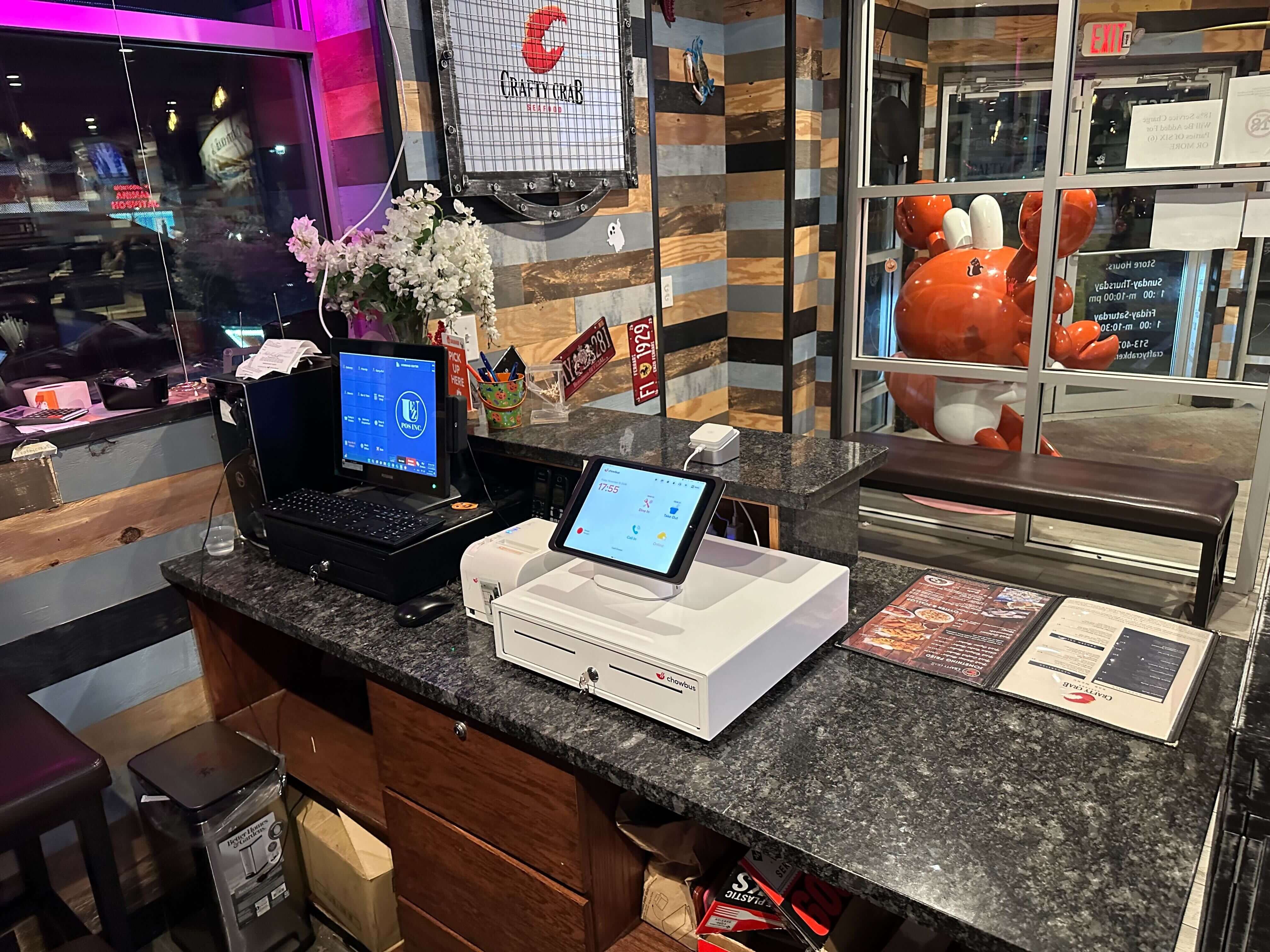
It is 10:45 PM, the last table has left, and the manager is at the back office desk with a stack of credit card slips, a cash drawer, and a printed sales report from the POS. The card terminal on the counter has its own report. The two numbers are $64 apart. Somewhere in tonight's 180 checks, a tip was entered twice, or a card was run on the terminal for the wrong amount, or a refund happened on one system and not the other. Finding it will take forty minutes, and the manager opens again tomorrow at ten.
That scene is common in restaurants where the card terminal and the POS do not talk to each other. Integrated payment processing, where card payments run through the POS itself, removes most of it. This article explains what changes at the end of the day when payments are integrated, which problems go away, which ones remain, and what a clean closing routine looks like.
With a standalone card terminal, every card payment is entered twice: once in the POS to close the check, and once on the terminal to charge the card. Each entry is a chance for a typo. A server rings $86.40 on the terminal for an $84.60 check. A tip gets added on the terminal but not in the POS, or the other way around. A refund is processed on the terminal, but the original check in the POS is never adjusted.
These errors stay hidden until closing, when the POS card total and the terminal batch total are compared. The manager then has to work backward through receipts to find which check does not match. On a holiday night with twice the usual number of checks, that search gets twice as long.
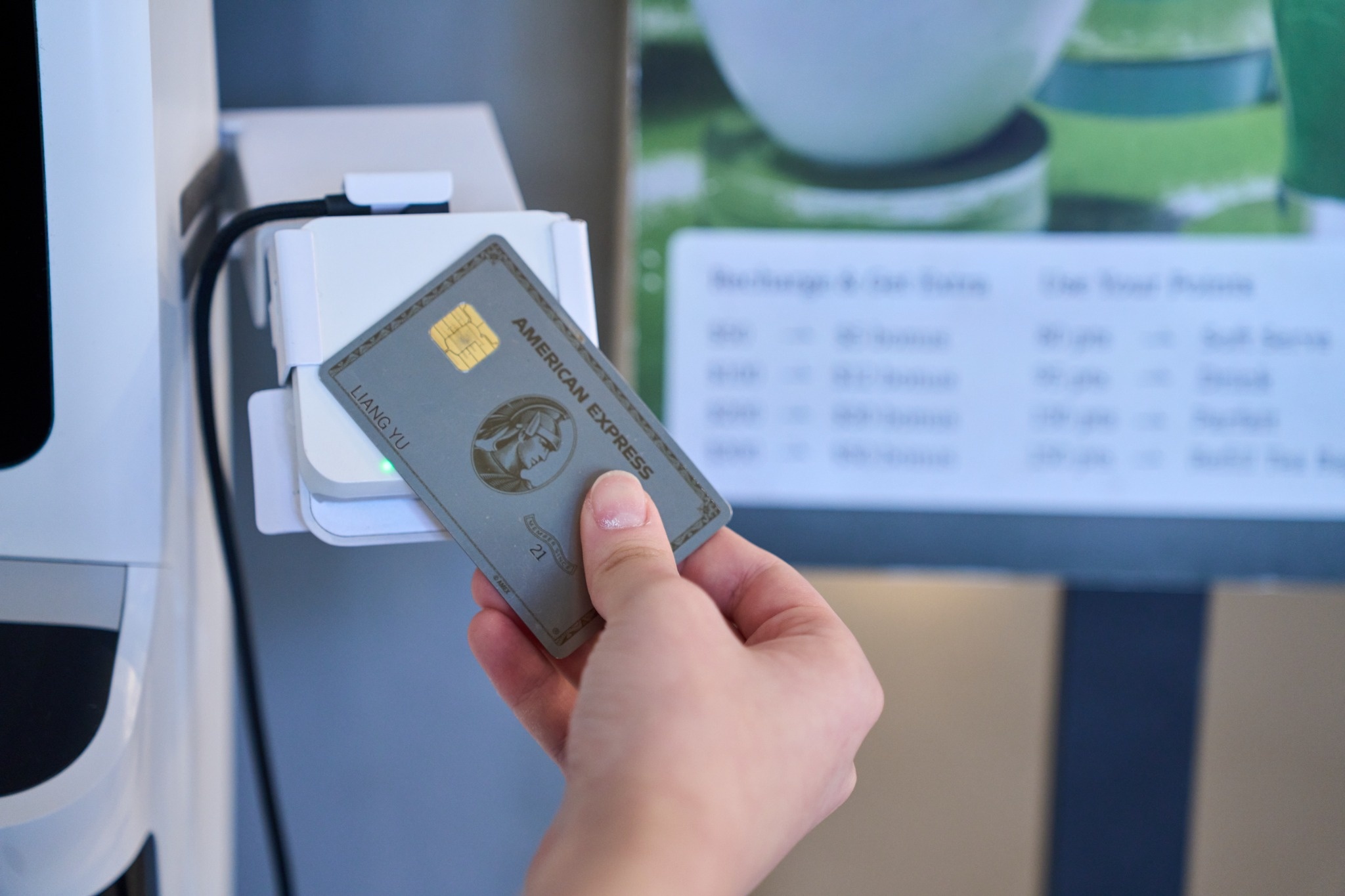
When payments are integrated, the server closes the check and charges the card in one step. The amount is sent from the check to the payment device, so there is nothing to type. Tips entered by the guest on the device, or adjusted afterward, attach to the same check. Refunds and voids are processed against the original transaction from inside the POS, so the check and the card record change together.
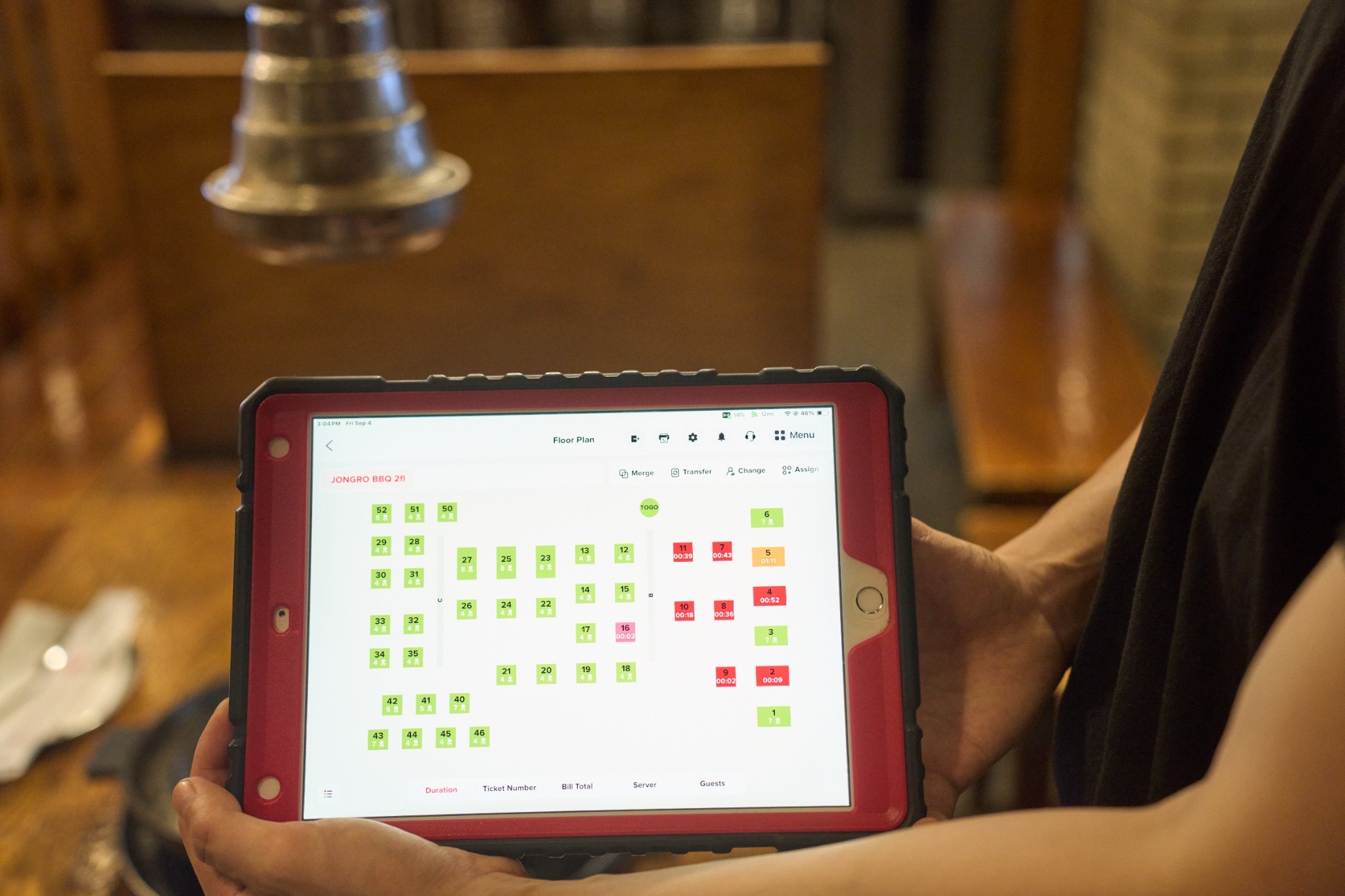
The result is one set of numbers. At closing, the POS card total and the payment batch are the same data viewed from two angles, instead of two separate records that have to be reconciled by hand. Chowbus POS, for example, takes card and Apple Pay payments at the table on the same system that holds the check, and its handheld devices capture tips at the table so servers do not have to enter tips manually after the shift ends.
Tips cause more end-of-day trouble than anything else, especially in full-service restaurants. When guests write a tip on a paper slip, someone has to enter it later, and every manual entry is a chance for a mistake or a missed slip. When tips are selected on the payment device at the table, they are recorded with the payment automatically.
Integration also makes tip reports reliable. Each server's card tips come straight from the payments they processed, which makes server checkout faster and tip pooling or tip-out calculations easier to trust. If your restaurant still uses paper slips for some tables, set a rule that all tip adjustments are entered before the server checks out, not by the manager at midnight.
Integration removes the double entry, but a good close still checks a few things. Start with open checks. A check left open at the end of the night means either a table that did not pay or a check that was paid but not closed. Most POS systems list open checks, and the close should not finish until each one is resolved.
The cash drawer needs its own attention, since integrated card processing does nothing for it. Count it, compare it with the POS cash total, and record any difference with a note. Holiday nights with more cash tips and large split checks make this count even more important.
Finally, scan voids, comps, and refunds for anything unusual: a large refund, several voids by one person, or comps without a reason entered. Integration makes these easy to see because each one is tied to a check and an employee, but someone still has to look. A quick review each night also discourages misuse, since staff know voids and comps are actually read by a manager.
With payments integrated, the end-of-day close can be short and consistent. First, confirm that all checks are closed and all servers have checked out with their tips entered. Then review the day's summary: total sales, card total, cash total, tips, and discounts. Count the cash drawer and record the result. Glance at voids and refunds for anything unexpected. Finally, confirm that the payment batch will close, either automatically at the set time or by closing it yourself if your setup requires it.
Write the routine on one page, keep it at the closing desk, and have every closing manager follow it the same way, including the newest assistant manager covering a holiday shift. A consistent close makes problems obvious: if the numbers suddenly do not match on a night when the routine was followed, something specific went wrong, and it can be found while everyone still remembers the shift.
On the busiest nights of the year, waiting until the doors lock to start the close makes it longer and more error-prone. A better approach is to close in two passes. During the evening, as each server finishes their section, check them out right away: tips entered, checks closed, cash tips recorded. By the time the last table leaves, most of the night is already reconciled, and the final close covers only the late servers, the cash drawer, and the summary.
Holiday nights also bring transactions that need extra care at closing. Large split tables can leave a small balance open on one of the splits. Reservation deposits need to be applied to the right checks. Gift cards sold as presents should appear as gift card sales, not ordinary food sales. Add a line for each of these to the closing page during the holiday weeks, so the manager on duty checks them without having to remember.
Owners who are not at the restaurant every night still want to know the day closed cleanly. A daily closing report sent to the owner's phone makes that possible without a phone call to the manager. The Chowbus Go app, for example, shows daily closing reports with core metrics and staff performance, so an owner can see the close the next morning, compare it with the bank deposit a day or two later, and ask about anything that looks off.
If you are still using a standalone terminal, a few questions help when comparing integrated options. Does the integration cover every way you take payments, including tableside, counter, online, and phone orders? Are tips captured on the device and attached to the check automatically? Can refunds and partial refunds be done from the POS against the original payment? How does the system handle payments if the internet goes down? And what does the end-of-day report look like? Ask to see a real one. Comparing a sample closing report from each option tells you more than a feature list.

Q1: What is integrated payment processing for restaurants?
It means card payments run through the POS itself rather than a separate terminal, so the check amount is sent to the payment device automatically, and tips, refunds, and voids are recorded on the same check as the payment.
Q2: How does integrated payment processing make the end-of-day close easier?
It removes double entry between the POS and a standalone terminal, so card totals and batch totals come from the same data. Managers spend their closing time reviewing exceptions instead of searching receipts for mismatches.
Q3: Does integrated processing handle tips automatically?
When guests select tips on the payment device at the table, tips are recorded with the payment and attached to the server's check, which removes most manual tip entry after the shift.
Q4: Is integrated payment processing better than a standalone card terminal?
For most full-service and busy restaurants, yes, because it reduces typing errors, tip mistakes, and reconciliation time. A standalone terminal can still make sense for very simple operations with few transactions.
Q5: What should still be checked at closing with integrated payments?
Open checks, the cash drawer count, server checkouts and tip entry, and the list of voids, comps, and refunds. Confirm the payment batch will close on schedule.
Q6: How can an owner review the daily close without being on site?
Use a POS that sends daily closing reports to a phone app. Review the summary each morning and compare it with the bank deposit a day or two later.
The end-of-day close shows whether a restaurant's systems work together. When the terminal and the POS are separate, the manager spends the last hour of the night matching two sets of numbers. When payments are integrated, there is one set of numbers, and the close becomes a short review of the exceptions that actually need attention. On holiday nights with twice the checks, that difference is felt by everyone who has to close.