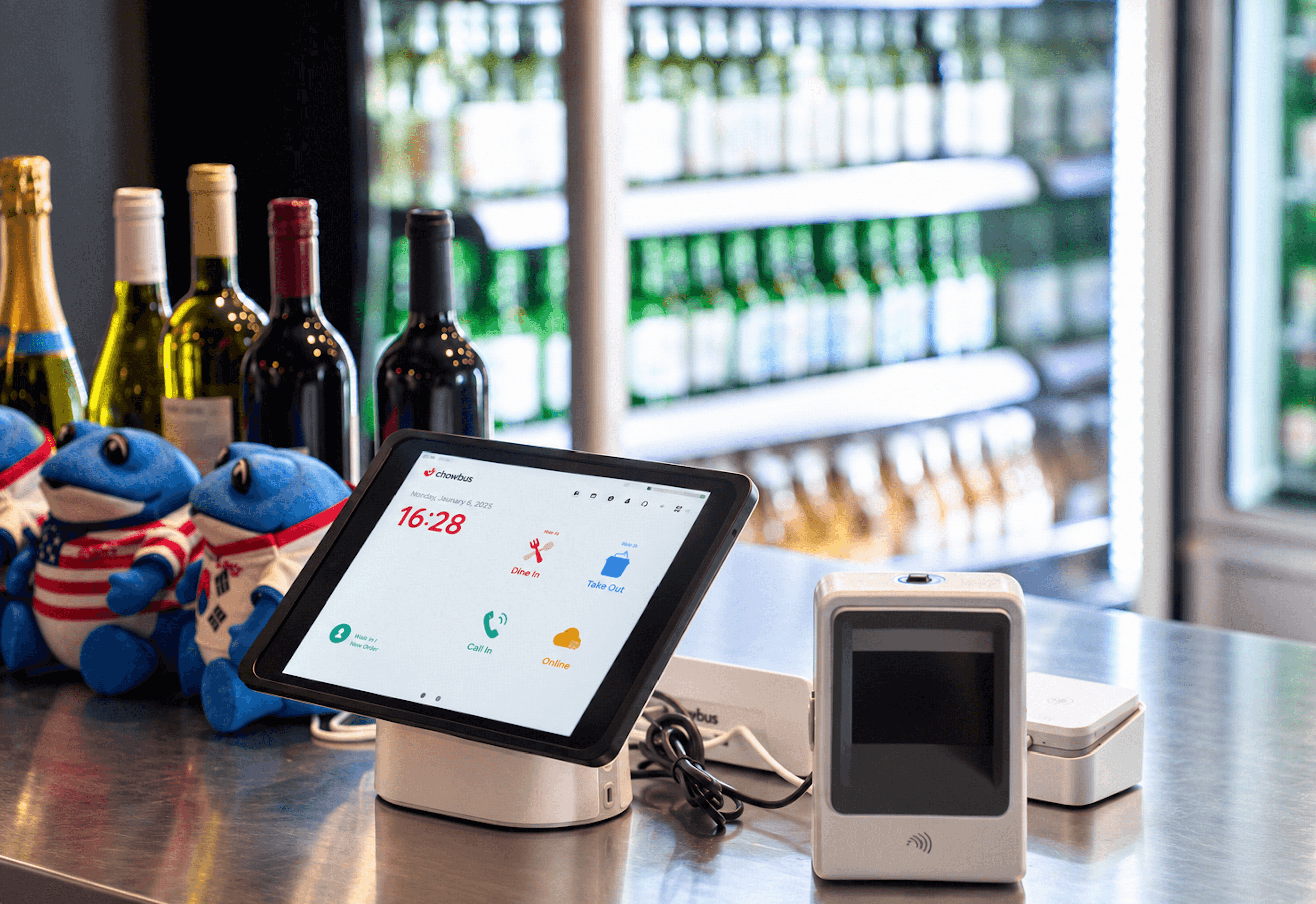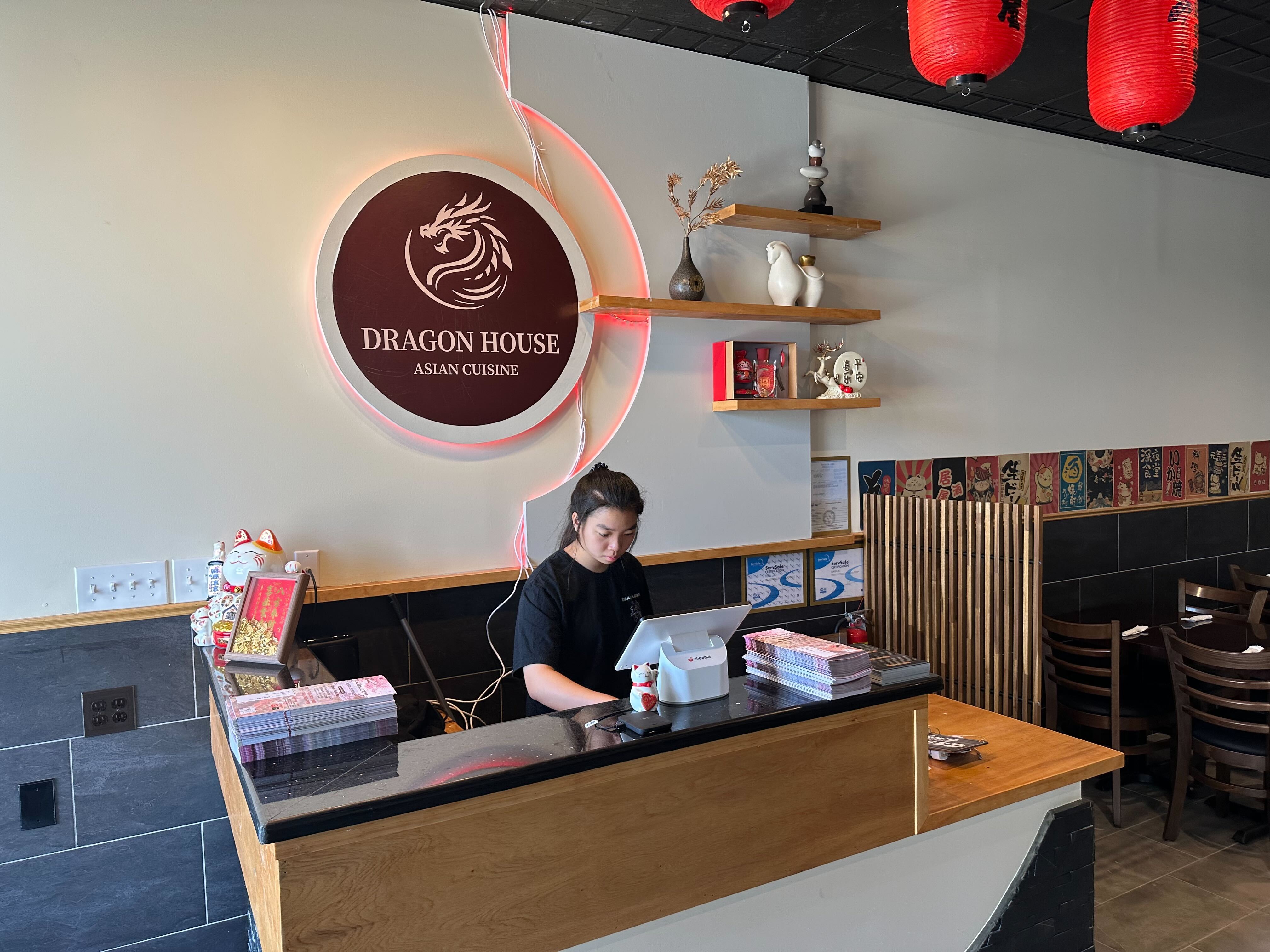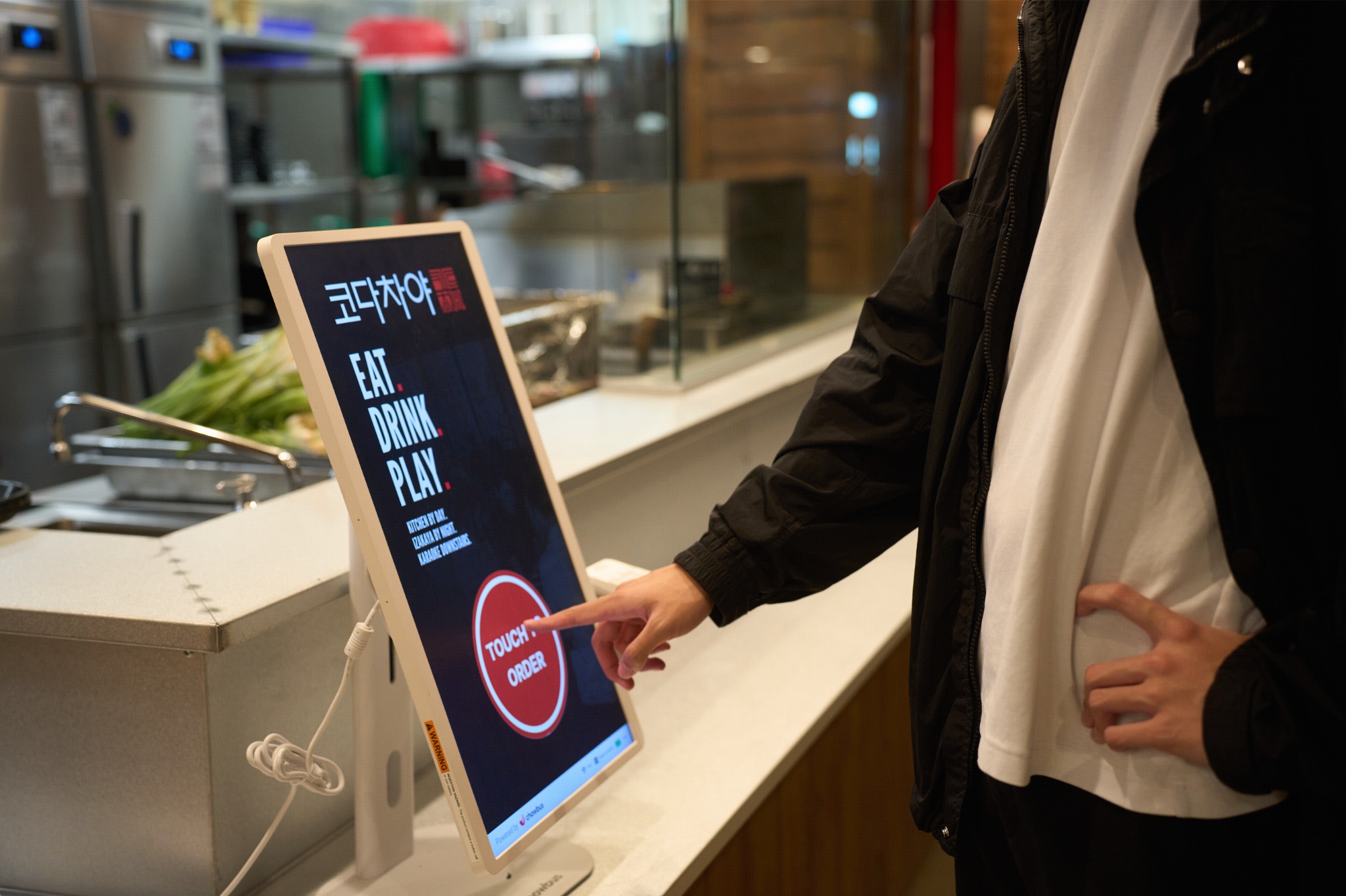
Most restaurant owners shopping for reservation software start with the same question: which platform has the best-looking booking widget. It's the wrong first question. A booking widget is the part a guest sees for ten seconds while making a reservation online; the software itself runs for hours every single night, sitting between a host stand, a dining room, and a kitchen that all need to stay in sync. The demo a salesperson shows rarely covers what actually determines whether that software earns its keep six months in — and those are exactly the questions a buyer should raise before signing anything.
The stakes are higher than a booking widget suggests. Nationally, 28% of Americans say they've missed a reservation without canceling it in the past year, according to OpenTable's research on no-show behavior — and diners who book through a dedicated reservation platform are meaningfully less likely to no-show than those who book through a restaurant's own generic website or a search engine listing. That gap alone is a reason reservation software is a real operating decision, not a nice-to-have. What follows is a working list of the questions that actually separate a system that pays for itself from one that becomes another disconnected tablet at the host stand.
Any reservation platform can accept a booking. Far fewer do anything to reduce the chance that booking turns into an empty table. The real question to ask a vendor is specific: does the system support deposit or card-on-file requirements for large parties or peak nights, does it send automated confirmation and reminder messages close enough to the reservation time to actually matter, and does it let a restaurant see a guest's no-show history before confirming their next booking. A platform that only takes the reservation and stops there is solving half the problem — the easy half — and leaving the harder half, the no-show itself, exactly where it was.
A reservation system that runs as its own separate tablet, disconnected from the POS and the waitlist a host is already managing, creates the same kind of split-attention problem that separate delivery tablets create in the back of house. A host juggling a paper waitlist, a reservation tablet, and a POS screen during a Friday rush is doing three jobs that should be one. The more useful question isn't whether the software looks polished in a demo — it's whether table status, walk-in waitlist, and confirmed reservations all live in the same view a host is already looking at, so seating a table doesn't require checking three separate systems to confirm it's actually free.
This is the question most demos never get asked, and it's often the one that matters most on a busy Friday night. A strong reservation system doesn't just record that a guest didn't show up — it flags the table as available again on a clear timer, so a host isn't manually guessing whether fifteen minutes has passed or holding a table empty out of caution. Ask specifically how the system handles a late arrival versus a confirmed no-show, and whether that decision requires a host to remember a clock or whether the system surfaces it automatically. The answer to this one question reveals more about how much a system was actually built around a real dining room than almost anything else on a features list.
For a lot of Asian restaurants, a meaningful share of guests — and often a meaningful share of staff — are more comfortable in Chinese, Korean, Japanese, or Spanish than in English. A reservation confirmation text or a waitlist notification that only exists in English is a message some guests won't fully understand even after opening it, and a host-stand interface only available in English is a tool some staff members will use more slowly and less confidently than they otherwise would. Ask a vendor about this directly and specifically, rather than assuming a major platform automatically covers it — most weren't built with this as a design requirement. Chowbus's reservation and waitlist system supports guest communication and staff-facing screens in English, Chinese, Japanese, Korean, and Spanish, which matters specifically because a system a host can't use fluently during a rush becomes a bottleneck rather than a tool.
Reservation software pricing is rarely presented as one number. A base subscription fee is the visible part; per-cover fees, SMS or notification charges, and premium features like deposit collection or advanced analytics are frequently unbundled and billed separately. The only way to compare two platforms honestly is to ask for the total monthly cost at the restaurant's actual reservation volume — not the advertised starting price — including every fee that applies once notifications, deposits, and reporting are turned on rather than left as unused features on a features page.
Reservations and walk-ins are the same underlying resource — table availability — but many platforms treat them as two separate products bolted together, which shows up the moment a restaurant tries to seat a walk-in against a table that's technically reserved for later that evening. The better question to ask is whether reservations and the walk-in waitlist share the same live table map, so a host isn't cross-referencing two separate screens to know what's actually available in the next ten minutes. Chowbus's waitlist system is built to share that same table data with the reservation book rather than running as a separate tool, specifically so a host stand isn't managing two disconnected pictures of the same dining room.
A reservation system's value isn't just about the busy Friday night — it's also about what a restaurant can learn from a full season of booking data once things slow down. Ask whether the platform makes it easy to see repeat-guest patterns, average party size trends, or which nights consistently under-book, and whether that data is actually exportable or usable, rather than locked inside a dashboard nobody has time to dig through. A system that only helps during peak hours and goes quiet the rest of the time is leaving half its potential value unused.
Before committing to a contract, get a straight answer, in writing if possible, to each of these: does it reduce no-shows through deposits or reminders, does it share live table data with the POS and the walk-in waitlist, does it handle no-show timers automatically, does it support the languages the restaurant's own staff and guests actually use, and what does the real monthly cost look like at this restaurant's specific reservation volume. A vendor that answers all five clearly and specifically, without redirecting to a features page, has usually earned a longer conversation.

Q1: What should a restaurant owner ask before buying reservation software?
The most important questions are whether it actively reduces no-shows through deposits or reminders, whether it shares live table data with the POS and walk-in waitlist instead of running separately, whether it automatically handles no-show timers, whether it supports the languages guests and staff actually use, and what the real monthly cost is at the restaurant's own reservation volume rather than the advertised starting price.
Q2: How can reservation software actually reduce no-shows?
Through deposit or card-on-file requirements for larger parties, automated confirmation and reminder messages timed close to the reservation, and visibility into a guest's prior no-show history before confirming a new booking. Simply accepting a reservation online, without any of these, does little to change no-show behavior.
Q3: Is it better to buy reservation software that's separate from the POS, or one that's integrated?
Integrated is almost always better for a restaurant with a real dining room to manage. A separate reservation tablet forces a host to check table status in one system and seating in another, which is the same split-attention problem separate delivery tablets create in the kitchen. A reservation system sharing live table data with the POS and waitlist lets a host see one accurate picture instead of cross-referencing two.
Q4: How much does restaurant reservation software typically cost?
Pricing usually isn't one number — a base subscription fee is often just the starting point, with per-cover fees, notification costs, and premium features like deposits or analytics billed separately. The only reliable comparison is the total monthly cost at a restaurant's actual reservation volume, including every add-on that would realistically be turned on.
Q5: My restaurant has a lot of Chinese-speaking guests and staff — does reservation software need to support that?
Yes, and it deserves a direct question during evaluation rather than an assumption that a major platform covers it by default. A confirmation message or waitlist alert a guest can't fully read, or a host-stand screen a staff member can't navigate as quickly in their preferred language, turns a tool meant to speed up service into something that slows it down during exactly the hours it matters most.
Q6: What's the first step to evaluating reservation software for a restaurant?
Write down the actual questions before taking any demo call: no-show reduction features, POS and waitlist integration, automatic no-show timers, language support, and total real cost at current reservation volume. Bringing that list into a sales conversation, rather than reacting to whatever the demo happens to show first, is what surfaces the gaps a features page won't mention on its own.
A reservation system that looks polished in a fifteen-minute demo and one that actually holds up on a Friday night with a full dining room and a growing waitlist aren't always the same thing. The questions above are the ones that tend to separate the two, and asking them takes no special expertise — a sales conversation simply doesn't raise them on its own unless a buyer brings them up first. A restaurant that walks into that conversation with this list already in hand ends up buying based on what the software actually does during a real rush, rather than what it looks like sitting still in a demo.