Almost every staff scheduling app looks the same in a demo. There is a weekly calendar, colored blocks for each shift, a way to drag people around, and a phone app where employees see when they work. The calendar is the easy part. What separates an app that saves a manager hours each week from one that becomes another login nobody opens is everything around the calendar: where the sales numbers come from, how shift swaps get approved, whether overtime shows up before it happens, and whether the cooks can read it in their own language.
This guide is for restaurant owners and managers comparing staff scheduling apps. It skips the features every app has and focuses on the questions that decide whether the app fits how a restaurant actually runs.
Restaurants usually go looking for a scheduling app for one of a few reasons. The schedule takes the manager too long to build each week. Labor cost runs higher than planned and nobody sees it until payroll. Shift swaps happen through text messages and group chats, and the posted schedule is never the real one. Or the restaurant has added a second location and now shares staff between them.
Write down which of these is your main problem before you book demos, and note how you will measure it, such as hours spent building the schedule or labor as a share of sales. An app that is excellent at drag-and-drop scheduling may do little for overtime control, and an app built for multi-location labor tracking may be more than a single restaurant needs. Knowing the problem keeps you from paying for features that do not address it.
The most useful scheduling apps build the schedule around expected sales as well as staff availability. To do that, they need your sales history by day and hour, ideally pulled directly from your POS. Ask each vendor exactly how this works with your POS: is there a direct integration that updates automatically, a nightly import, or a spreadsheet you upload yourself?
A direct connection matters most for labor percentage. When the app knows today's sales as they happen and who is clocked in, it can show labor cost as a share of sales during the shift, not two weeks later. Restaurants without that connection often end up comparing two separate reports at the end of the week, which is exactly the work the app was supposed to remove.
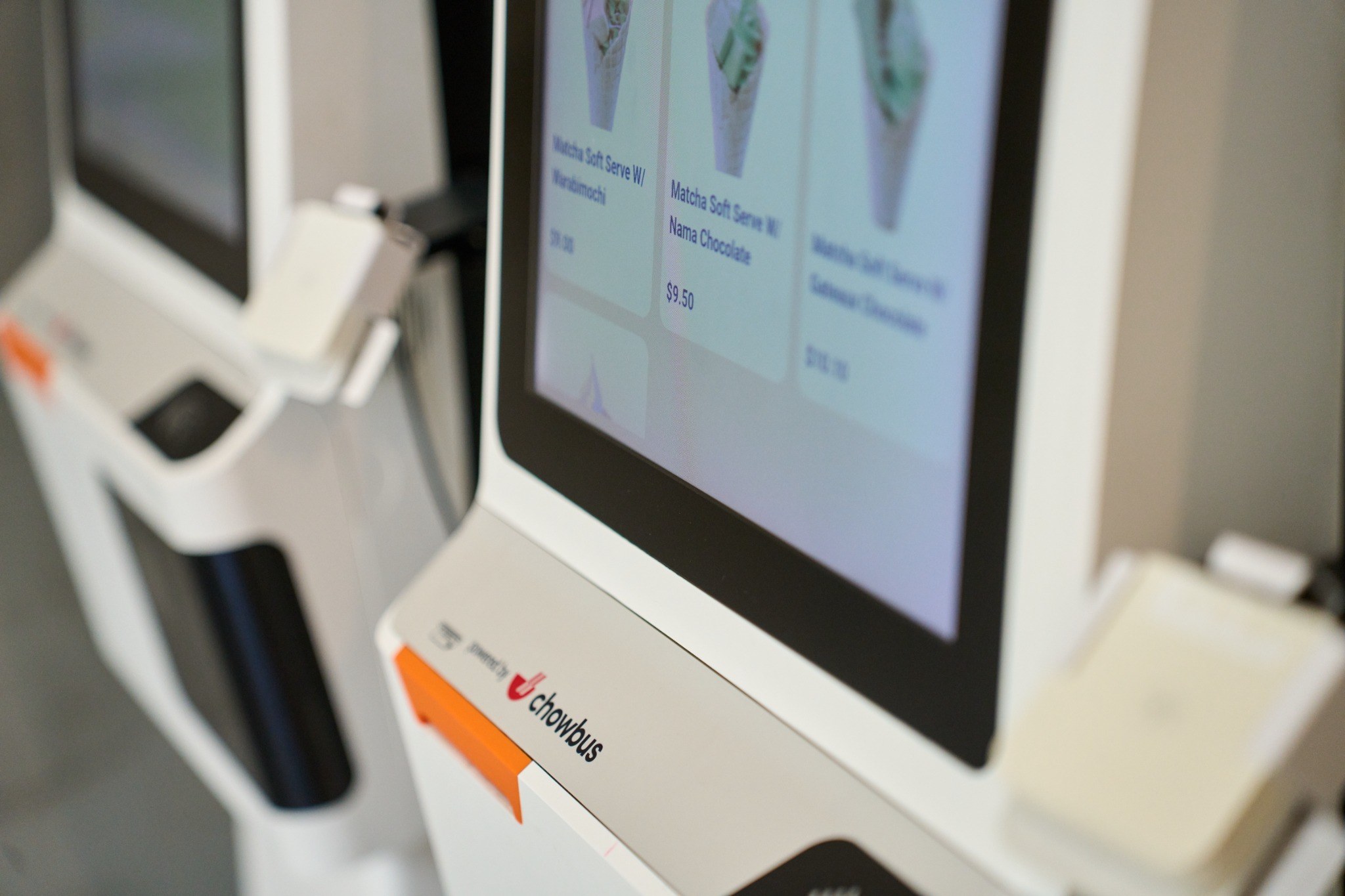
If your POS already provides detailed sales by hour and staff reporting, as Chowbus POS does, check whether the scheduling app can read that data or whether you would be maintaining two sets of numbers.
In most restaurants, the schedule changes after it is posted. Someone gets sick, someone trades a shift for a family event, someone picks up an extra Saturday. Watch how the app handles a swap from start to finish. Can an employee offer a shift, can a qualified coworker claim it, and does a manager approve it before it becomes official? Does the app stop a swap that would put someone into overtime or give a dishwasher's shift to someone not trained on the line?
Time-off requests and availability should live in the app too, with a clear record of what was approved and when. That record matters on the holidays, when several people ask for the same days off and the manager needs to show how decisions were made.
An overtime report after the week ends tells you what went wrong. A warning while the schedule is being built, or when a swap is requested, prevents it. Ask whether the app flags employees who will cross 40 hours in a week, or a daily overtime threshold in states such as California, before the schedule is published. Ask whether it alerts a manager during the week when someone is about to go over because of extra shifts or late clock-outs.
Also check how it handles break rules and minors if they apply to your staff. Many states have meal and rest break requirements, and young workers have limits on hours and times of day. An app that knows these rules for your location reduces risk, but you remain responsible for compliance, so confirm what the app actually enforces versus what it simply displays.
Several cities and states, including New York City, Chicago, Seattle, Philadelphia, and Oregon, have fair workweek or predictive scheduling laws for covered employers. These can require posting schedules in advance, offering extra hours to current staff before hiring, and paying a premium when a schedule changes on short notice. If any of your locations are covered, ask the vendor whether the app tracks advance-notice periods, records employee consent to changes, and calculates the premiums owed. This is one area where a general-purpose scheduling tool may fall short of what a restaurant in a covered city needs.
A scheduling app only works if employees open it. For many Asian restaurants, that means the app needs to be usable by kitchen staff who read Chinese, Spanish, or another language more comfortably than English. Ask which languages the employee app supports, and have one or two of your own staff try it during the trial. If a line cook cannot find next week's shifts in under a minute, adoption will be a struggle no matter how good the manager's side looks.
Check how employees receive changes. In most restaurant teams, push notifications and text messages get read quickly, while emails often sit unopened. Make sure employees can see the schedule without a computer, request a swap in a few taps, and confirm they have seen a change.
A schedule is a plan; the time clock is what actually gets paid. Ask where employees will clock in: on the POS, on their phone, or on a separate device. If they clock in on their phone, ask how the app verifies they are at the restaurant. Then follow the hours to payroll. Does the app export approved hours directly to your payroll provider, including tips and overtime, or will someone retype them?
If your staff already clock in on the POS, a scheduling app that compares scheduled shifts against POS clock-ins can flag early clock-ins and missed punches before payroll closes, which is where small daily differences add up.
Scheduling apps are usually priced per location, per employee, or both, and many offer a free plan. Free plans can be a good way to start, but look at what they leave out. Common limits include the number of employees, the absence of POS integration, no labor cost tracking, and limited support. For a restaurant whose main problem is labor cost, the features behind the paywall may be the reason to buy the app at all.
Run a real trial before committing. Build two actual weekly schedules in the app, process a few real swaps, and compare the labor report with your payroll. A one-month trial during a normal period tells you more than any demo. Ask the manager who builds the schedule to keep track of how long it takes each week, before and during the trial, so the decision rests on a real number.

Q1: What is a staff scheduling app for restaurants?
It is software that lets managers build and publish shift schedules and lets employees view shifts, request time off, and swap shifts from their phones. The more useful ones also connect to POS sales data and track labor cost during the week.
Q2: What features matter most in a restaurant scheduling app?
POS integration for sales and labor data, controlled shift swaps with manager approval, overtime warnings before the schedule is posted, support for local scheduling laws, multilingual employee access, and payroll export.
Q3: Is a free staff scheduling app good enough for a small restaurant?
It can be for basic schedule sharing. Free plans often limit employees and leave out POS integration and labor cost tracking, so if controlling labor is your main goal, compare what the paid plan adds before deciding.
Q4: How does a scheduling app help with fair workweek laws?
Some apps track advance-notice periods, record employee consent to changes, and calculate premium pay for late schedule changes. Coverage and features vary, so confirm what the app supports for your specific city.
Q5: Does Chowbus POS include staff scheduling?
Chowbus POS includes staff management features such as role permissions, employee performance tracking, and sales reports by time period. Restaurants that use a separate scheduling app should check whether it can use that POS data so the schedule and the actual numbers stay connected.
Q6: How should I test a scheduling app before buying?
Build two real weekly schedules, process several actual shift swaps and time-off requests, have a few employees use the mobile app, and compare the app's labor report with your payroll for the same weeks.
Choosing a staff scheduling app comes down to what happens outside the calendar: where the sales data comes from, how changes get approved, when overtime gets flagged, and whether employees use it. Start with the problem you want to fix, ask each vendor how their app handles your POS, your city's rules, and your staff's languages, and run a real trial before you sign. The right app gives managers time back each week and keeps labor cost visible while there is still time to act on it.