The Saturday after Thanksgiving is one of the strangest nights of the restaurant year. Relatives are in town, nobody wants to look at another plate of leftovers, and groups decide where to eat at 4:30 for a 6:00 dinner. Reservations filled days ago, so most of these guests walk in, and many of them arrive as parties of six, eight, or ten. By 6:15 the entrance is full, the host is answering the same question every two minutes, and some families quietly leave for the place down the street.
An online waitlist changes how that night feels for guests and staff. Instead of crowding the door, guests join the waitlist from their phone, wait wherever they like, and come back when a text says their table is almost ready. This article follows one busy holiday Saturday from the afternoon setup to the last table, showing where an online waitlist helps and what the host team needs to decide before the doors open.
The calmest holiday nights are the ones where the rules were decided in the afternoon. Before service, the manager and the lead host agree on a few things. How many tables are held back for reservations, and how many go to the waitlist? What is the largest party the waitlist will accept, and how will very large groups be handled? How long will the restaurant hold a table after the "ready" text before moving to the next party?
Write these on a card at the host stand. On a normal night, a host can make judgment calls. On a holiday Saturday, the same question may be asked forty times, and consistent answers keep guests from feeling treated unfairly.
This is also the time to make sure the waitlist is open on every channel you use. With Chowbus, guests can join through the Chowbus Waitlist App, Google, the restaurant's website, or by calling in, so families still at home can get in line before they leave the house. Turn on online joining early in the afternoon, and many of the 6:00 walk-ins will already be on the list by the time they arrive.
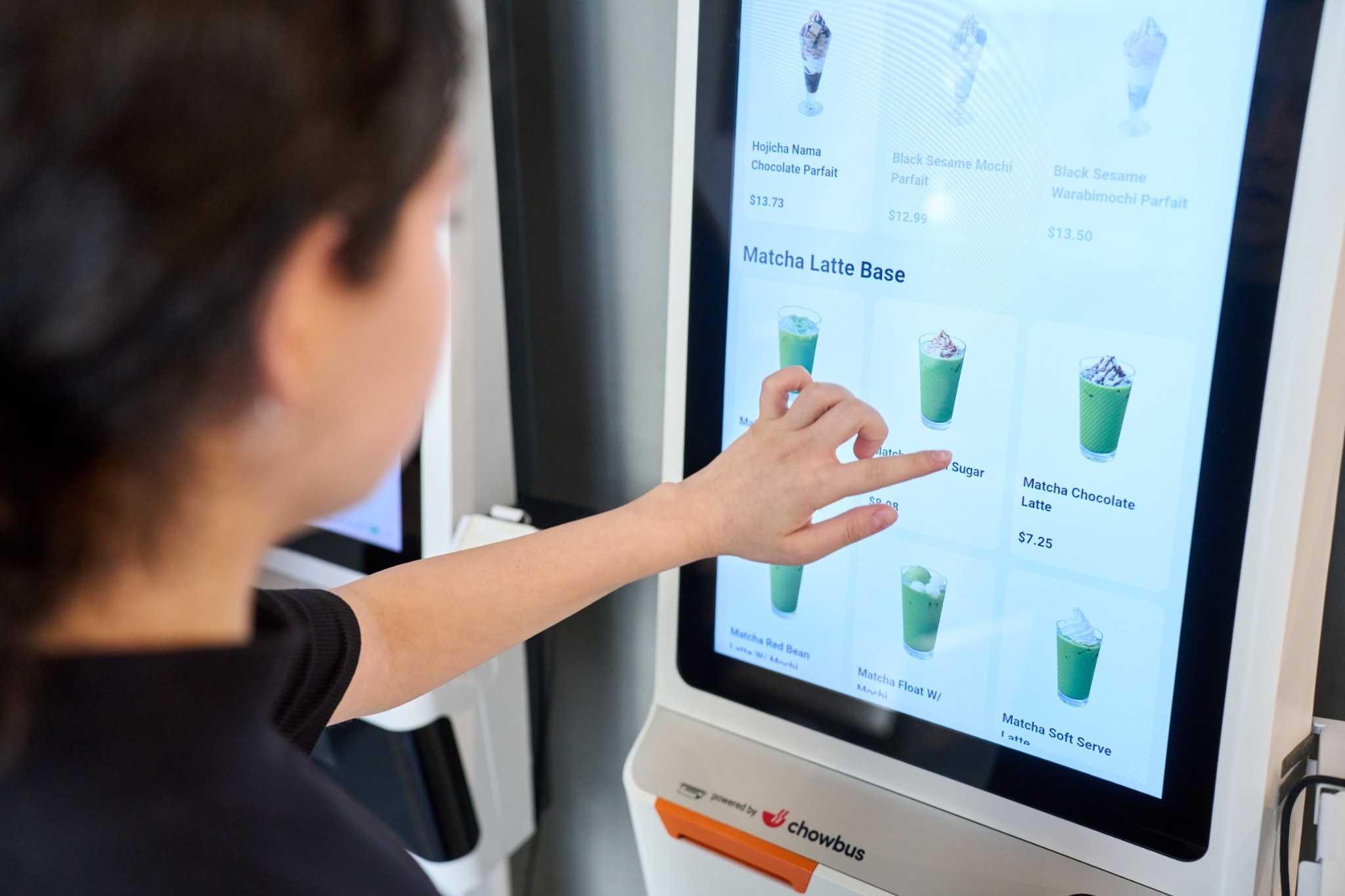
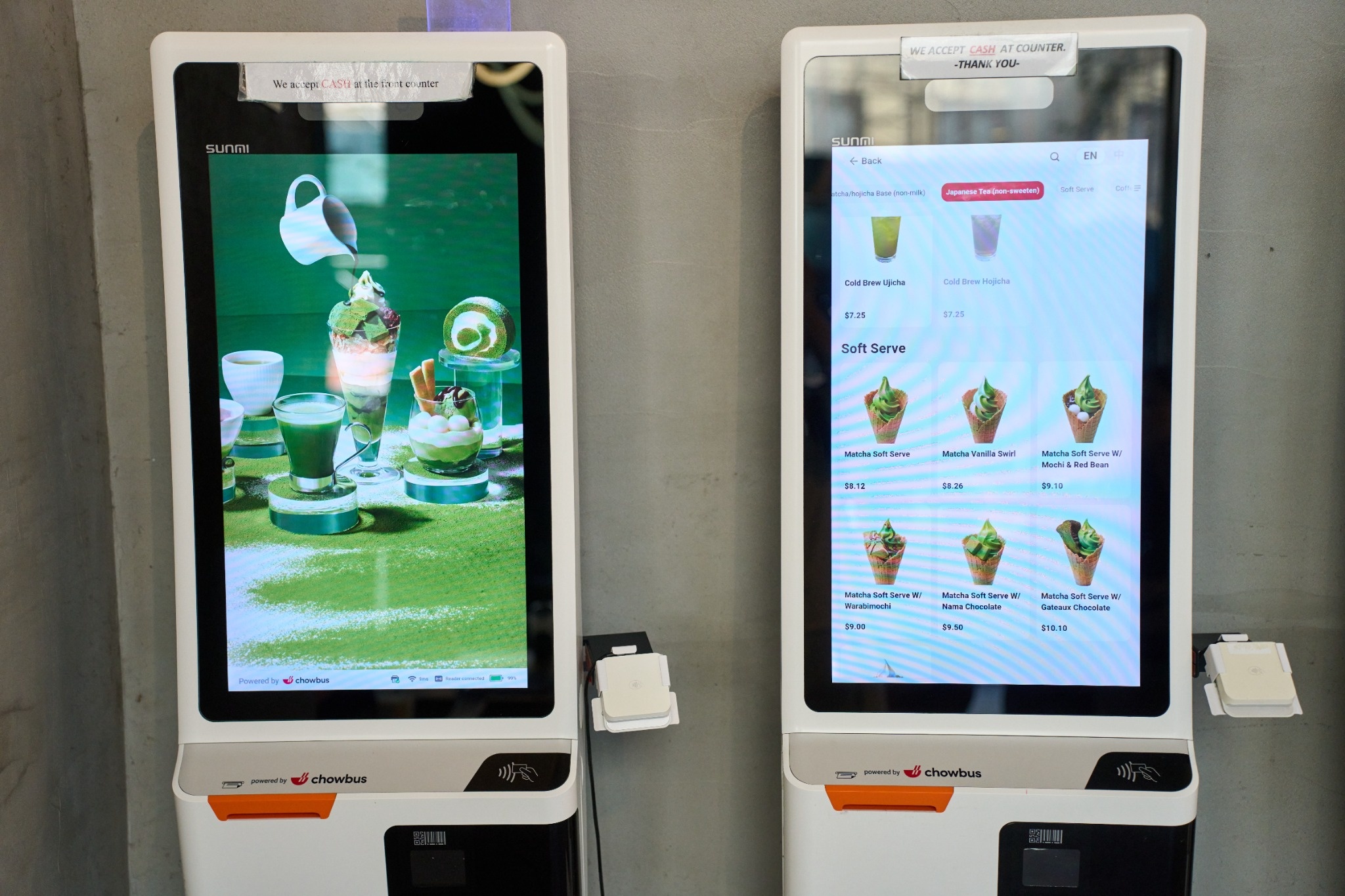
When guests join online, the first wave of the evening looks different. Instead of ten parties walking in at once and asking for the wait time, several of them arrive with a place already held, and the host's job shifts from writing names to checking people in. Guests who have not joined yet can scan a sign at the door or join at an entrance tablet, so the line at the host stand stays short even when the lobby is full.
Quote times from what the floor actually shows. A waitlist connected to the POS can show which tables are on dessert and which just ordered, which makes quoted times more accurate. On a holiday night, when tables of extended family linger, it is better to quote a little long and seat people early than the other way around. A family told 45 minutes and seated in 35 leaves happy; a family told 20 and seated in 45 often leaves a review about it.
Big groups are what make the post-Thanksgiving weekend different from a normal Saturday. A party of ten cannot take the next open four-top, and it cannot wait for three small tables to open next to each other by chance. If big groups sit in the same queue as everyone else, the list stalls behind them.
Many restaurants handle this with a separate track for large parties: a cap on group size for online joining, a note that large groups may wait longer, and one person who watches the floor plan for chances to combine tables. Asian restaurants with round tables for eight or ten have an advantage here, but only if those tables are kept for the parties that need them instead of being given to a couple during a lull.
The "your table is almost ready" text is the heart of an online waitlist. It lets families wait at a nearby shop, in the car, or at home ten minutes away instead of standing in a crowded doorway. Send it when the table is nearly clear, not when it is fully reset, so guests arrive as the table is ready rather than five minutes later.
Decide in advance what happens if a party does not come back. A common rule is to hold the table for about ten minutes after the text, send one follow-up, and then move to the next party. Telling guests this rule when they join avoids arguments later. Chowbus Waitlist sends SMS notifications and lets staff track each party's status from the POS, so the host can see at a glance who has been notified and who is on the way.
A full waitlist means nothing if the kitchen cannot keep up. Seating ten parties in five minutes because ten tables opened at once creates a rush of orders that backs up the line and slows the next turn for everyone. Hosts who stagger seating, even by a few minutes per table, keep ticket times steady and tables turning.
The host and the kitchen lead should check in at least once an hour during the peak. If ticket times are climbing, the host can slow seating slightly and quote longer waits. If the kitchen is ahead, the host can seat faster. A quick check-in like this keeps the front and back of the house working at the same pace.
On a packed night, someone will eventually come to the host stand upset that a party who arrived after them was seated first. Usually there is a reason: the other party was smaller and fit an open two-top, or they had joined online before leaving home. With a paper list, the host has to defend the decision from memory while the lobby watches. With an online waitlist, the host can show the guest when they joined, their place in line, and why a smaller table went to a smaller party.
Explain the rule calmly and give a realistic updated time. If the restaurant did make a mistake, such as a missed text or a skipped name, say so directly and seat that party at the next suitable table. A small gesture, like a free appetizer, costs far less than a family telling relatives at the holiday table about the night they were forgotten. Note what happened so the team can look at it after service.
Late in the evening, decide when the waitlist stops taking new parties so the last guests are seated before the kitchen closes. Close online joining first, then take only walk-ins who can be seated within the remaining time. Guests who cannot be seated should hear that clearly at the door, not after twenty minutes of waiting.
After service, look at the waitlist data while the night is fresh: how many parties joined, how long they actually waited compared with the quoted times, and how many left the list. Those numbers make the next holiday night easier to plan, from staffing the host stand to deciding how many tables to hold. For background on how waitlists work in general, see what a restaurant waitlist is, and for the full feature set, the Chowbus waitlist page.

Q1: What is an online waitlist for a restaurant?
An online waitlist lets guests join a restaurant's queue from their phone, through Google, the restaurant's website, or a waitlist app, instead of giving their name at the door. Guests wait where they like and receive a text when their table is nearly ready.
Q2: How do guests join the waitlist remotely?
Depending on the system, guests can join through Google, the restaurant's website, a waitlist app, or by calling. Chowbus supports all of these, plus entrance tablets for guests who arrive without joining in advance.
Q3: Is an online waitlist better than reservations on a holiday weekend?
They work best together. Reservations handle guests who plan ahead, while the waitlist captures the many groups who decide the same day, which is common the weekend after Thanksgiving. Hold some tables for each.
Q4: How should a restaurant handle large parties on the waitlist?
Set a maximum group size for online joining, tell large parties they may wait longer, and have someone watch the floor plan for tables that can be combined. Keep large round tables for the groups that need them.
Q5: How long should a restaurant hold a table after the "ready" text?
Many restaurants hold a table for about ten minutes, send one follow-up, and then move to the next party. Tell guests the rule when they join so there are no surprises.
Q6: What should I review after a busy holiday night?
Check how many parties joined, how actual waits compared with quoted times, and how many guests left the list. Use those numbers to plan host staffing and table holds for the next peak night.
The busiest holiday nights reward restaurants that move the line off the sidewalk and onto guests' phones. Decide the rules in the afternoon, let families join before they leave home, give large parties their own lane, and keep the host and kitchen talking through the peak. The night stays busy, but it feels organized, and more of those walk-in families end up at your tables instead of someone else's.