An izakaya pulling 150 covers on a Friday night can lose more money in unrung drinks than it makes in food the entire week. Bar revenue is fast, repetitive, and surprisingly fragile — one slow ticket at the well during a 9 p.m. push and a server's whole section goes sideways for the next 40 minutes.
The Asian restaurant sector has grown 135% over the past 25 years, and the bars and bar-led concepts inside it — izakayas, sake bars, Korean pojangmacha, hot-pot-with-baijiu spots — have ridden that wave even faster. The POS that worked for a bar in 2010 is the same one bleeding margin in 2026, and most operators only notice when they finally pull a real pour-cost report.
In this guide, you'll see the features that actually matter at the bar, how to set up tab management without losing checks, and how to evaluate POS systems against the metrics that move a bar's P&L.
The starting point is what bar service actually demands from a POS.
A bar isn't a small restaurant. The transactional pattern is different in every way that matters:
Tickets are smaller and more frequent. A bartender rings 60-120 tabs a shift, where a restaurant server rings 20-40. Every second of friction at the well multiplies by 60-120.
Open tabs hang around. A bar's tab management is where most POS systems fail. Pre-authorizing the card, transferring tabs between bartenders at shift change, splitting checks four ways at the end of the night — all routine, all places where a weak POS leaks money.
Inventory is liquid, literal. Spirit ounces, beer kegs, wine bottles by the glass. Pour-cost discipline lives or dies on whether the POS connects to inventory at the SKU level, not just the menu level.
Server-to-bartender handoff matters. In an izakaya or hot-pot-with-bar setup, the floor server rings drinks that the bar produces. If the order doesn't print clearly at the bar with seat positions and modifiers, the whole flow breaks.
Comp and void rates are bar-level metrics. A high comp rate at a bar is usually theft or training, not customer service. The POS needs to surface comp rates by bartender automatically — without you running a custom report every Sunday.
A POS for bars isn't a restaurant POS with a "bar mode" toggle. It's a specific workflow design, and the systems that win for bars treat it that way.
After looking at hundreds of bar operations, the features that distinguish a system worth running come down to seven items:
Fast item entry with quick-pick screens by category. Beer, wine, spirits, cocktails. Bartenders should ring a standard pour in two taps, max. Modifier-heavy custom drinks shouldn't take more than five.
Pre-auth and tab management. Card swipe at tab open, automatic pre-auth, tab visible to every authorized bartender, easy transfer between bartenders, easy split at close. Nothing held together by Sharpie on a paper slip.
Speed of payment. Tap-to-pay, contactless, mobile wallets — all native, all fast. A bar that takes 45 seconds longer to close a tab than its competitor loses one full turn per night.
Pour-cost and recipe-level inventory. The system should map each cocktail to its ingredients in fluid ounces, so 86ing an ingredient updates every cocktail that uses it, and your pour cost reflects real usage, not back-of-envelope estimates.
Drink modifier discipline. Up, neat, on the rocks, double, well, call, top-shelf. Modifiers should default sensibly and not let a bartender accidentally ring a $9 cocktail as a $4 well.
Bar-to-table integration when food is in the mix. Hot pot, izakaya, KTV — many Asian bar concepts blend food and drink. Food orders must route to kitchen, bar orders to the well, and split-check at the end should work without a manager fixing it.
Reporting by bartender and by hour. Comp rate, void rate, average tab, drinks per hour. Daily, on a phone, by name. If your POS can't show you which bartender is comping at twice the rate of the others, you don't have a POS — you have a cash register with a screen.
These seven are non-negotiable. The systems that get all seven right are also the systems that bars stop second-guessing within the first quarter of using them.
Tab management is the single biggest place a bar POS either works or fails. The setup that works:
Open tabs require a card pre-authorization for any tab over a set threshold (often $30). The card stays on file for the duration of the tab. No paper, no relying on memory.
Tab names default to the cardholder's last name plus the first three digits of the card. Bartenders can override with a custom name if needed (regulars often get nicknames).
Tabs are visible to every bartender on a shared screen. When a bartender goes on break or hands off at shift change, the next bartender sees the open tabs without any manual transfer.
Auto-close runs at the end of the night for any tab still open — the pre-auth converts to a charge, and the customer's receipt is held for next-day retrieval. This eliminates the lost-tab problem that costs bars 1-3% of revenue when it isn't controlled.
Comp and void permissions are role-based. A bartender can't comp without manager approval over a certain dollar amount. Every comp is logged with reason, item, and bartender — searchable later.
The setup matters more than the brand. A good system poorly configured will leak. A serviceable system carefully configured will hold the line.
Five questions that filter the field:
How does the system handle a 10-person tab with three different drink rounds, two food courses, and a 4-way split at the end? Watch it on demo. Don't just hear about it.
What does the bartender's screen look like during a service rush? Speed and clarity at the well matter more than any back-office feature.
How is pour cost calculated? Is it linked to recipe-level inventory, or is it a separate spreadsheet you have to maintain? The latter doesn't actually exist in practice — nobody maintains it.
What reports surface bartender-level performance? Comp rate, void rate, drinks per hour, average tab. By name, by shift, by week. If you have to build a custom report, you won't.
How does the system handle the food side if you run a bar with food? Especially for Asian concepts where food and drink share a check, the integration has to be seamless.
The systems that pass these five usually advertise the answers in their demo without prompting. The ones that don't tend to change the subject.
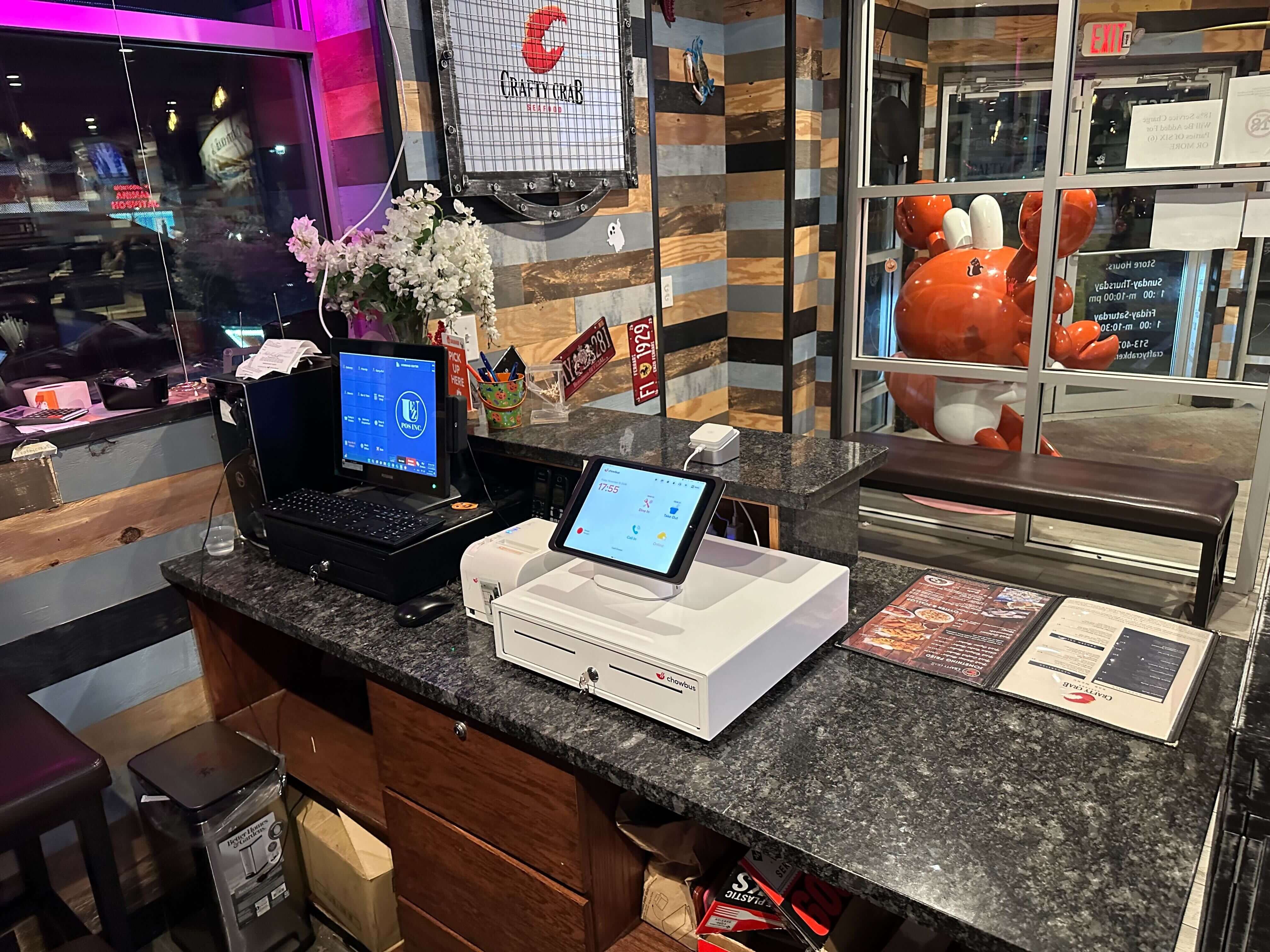
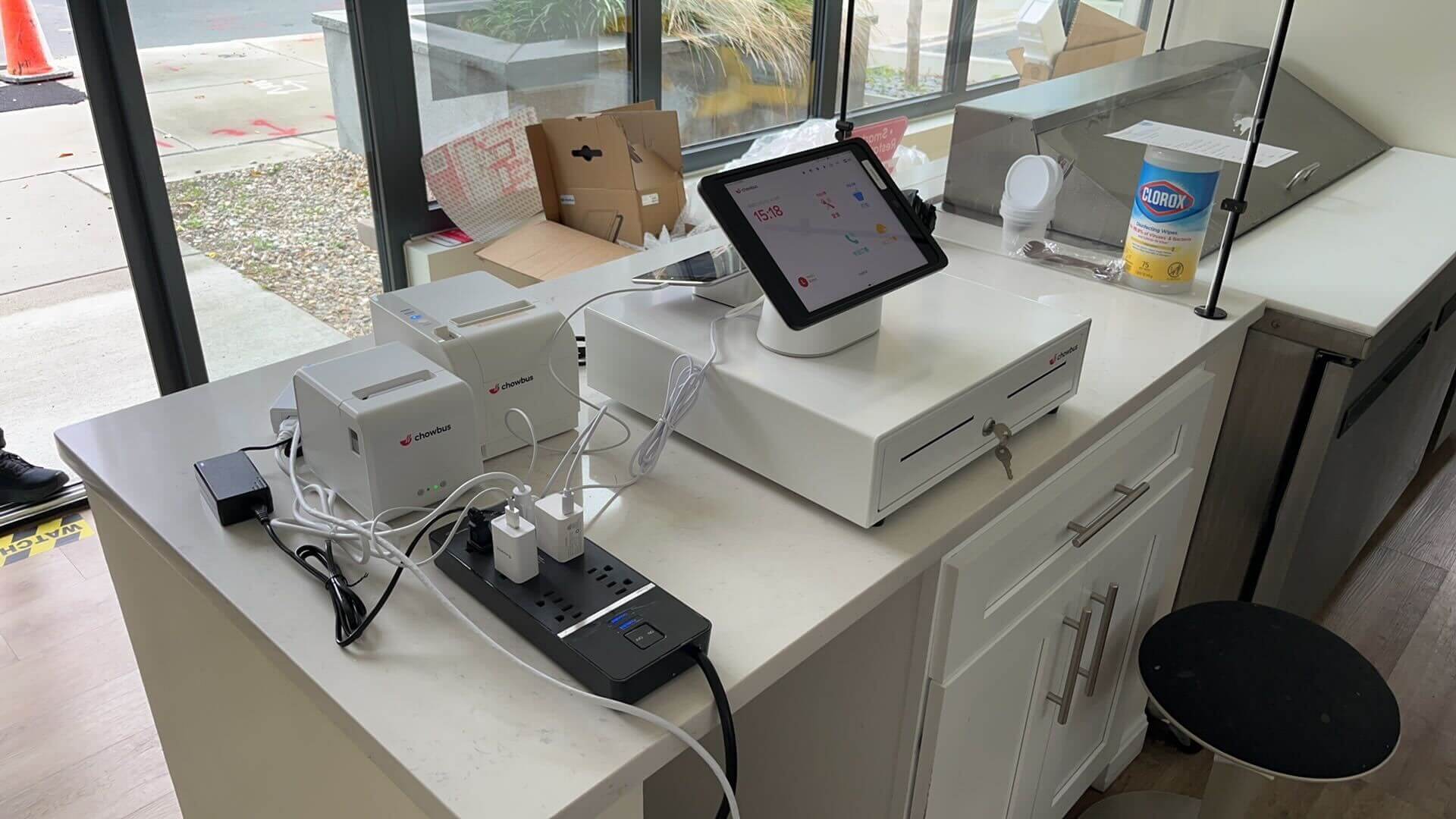
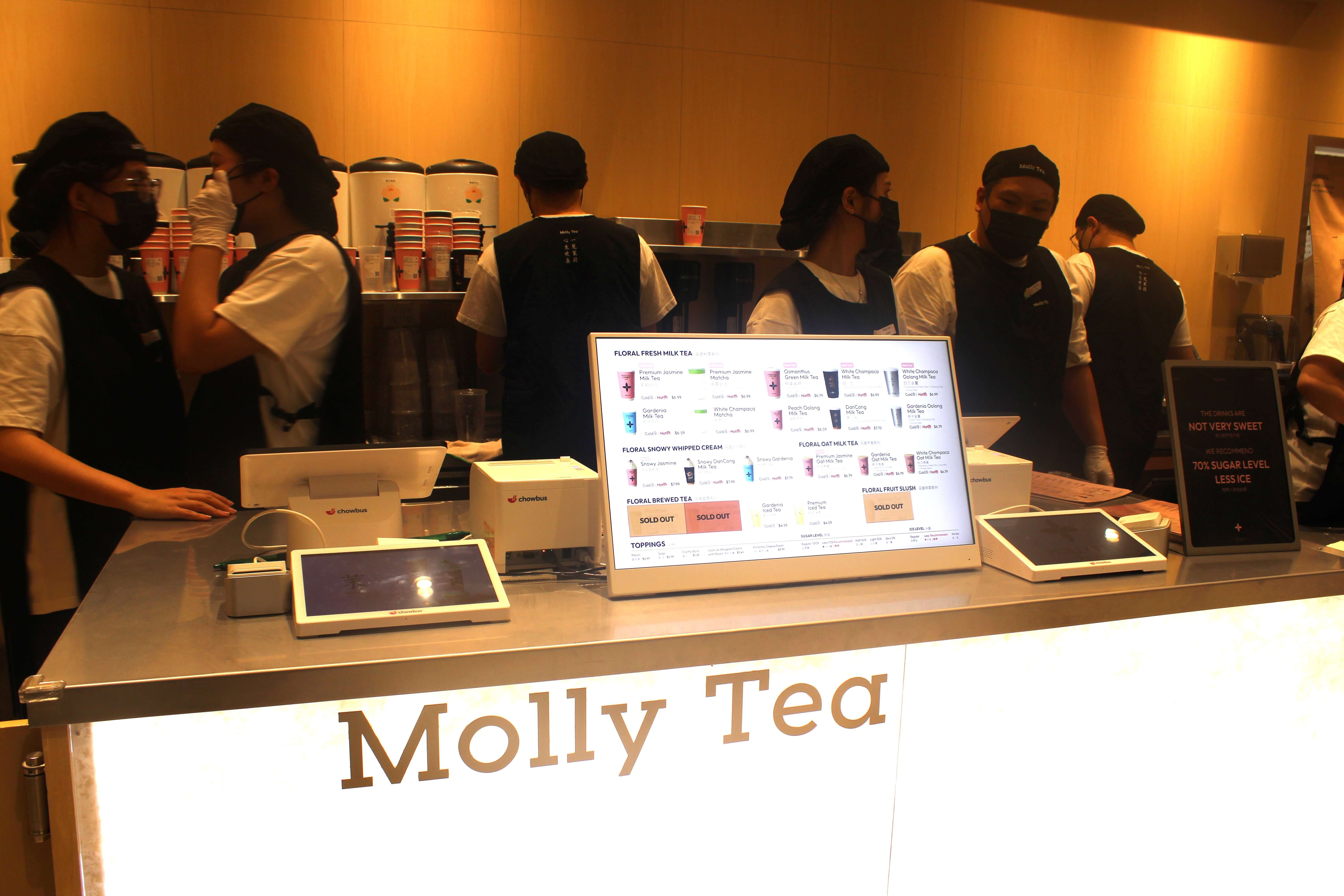
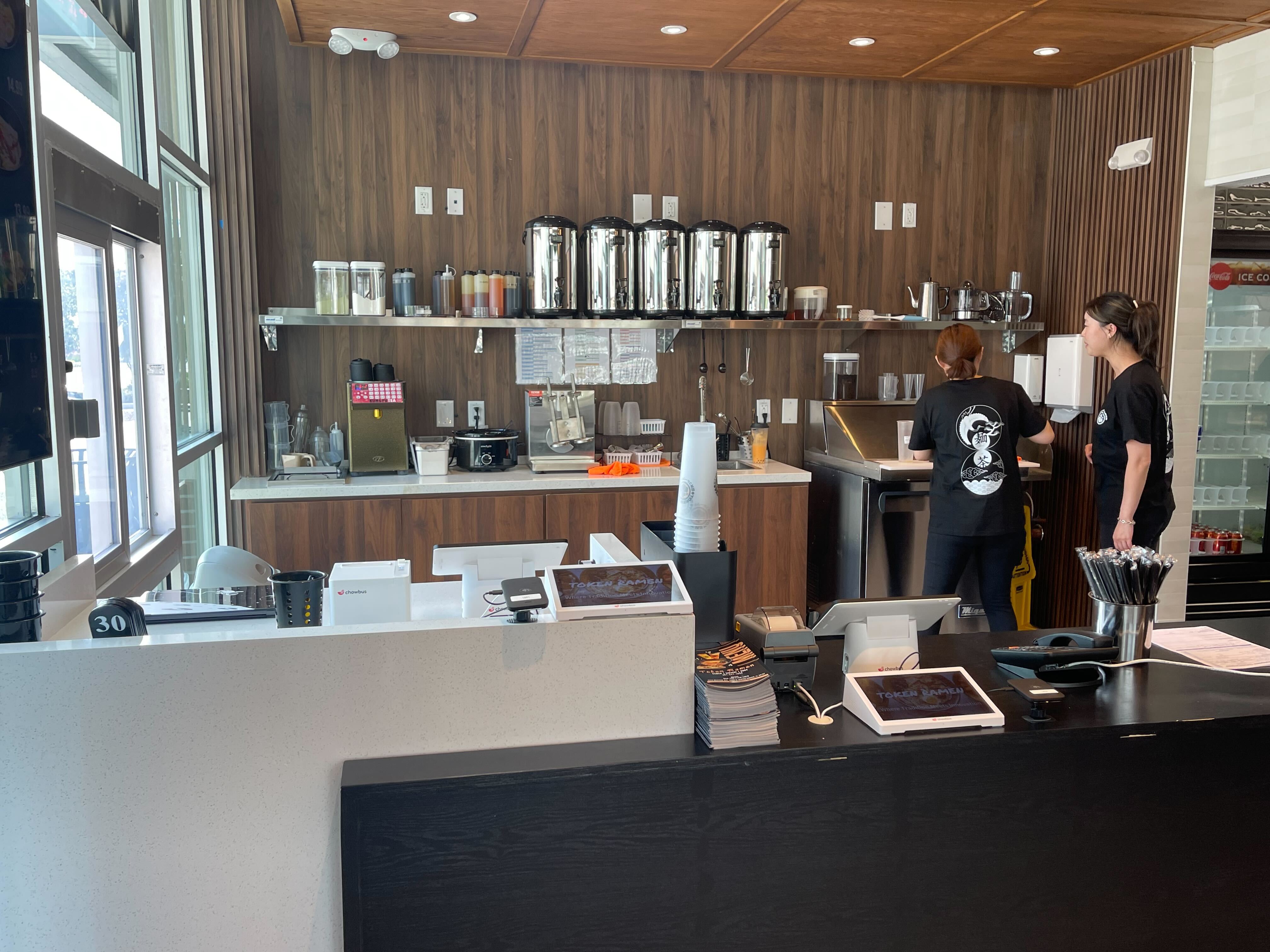
Chowbus is the only cloud-based modern POS built specifically for Asian restaurants, which makes it the category-fit answer for izakayas, sake bars, hot-pot-with-bar, Korean BBQ with drink-heavy service, and bubble tea concepts that operate with an alcohol license. The platform handles bilingual menus (EN/ZH/JP/KO) by default, has built-in AYCE controls for the food side of izakaya and hot pot, and integrates online ordering, loyalty, and bar/floor service in one workflow.
For a pure cocktail bar with no food and no Asian-specific operational needs — say, a high-volume neighborhood bar in a non-Asian concept — a general-market POS with bar specialization will serve fine. Bar-specific platforms like SpotOn and Toast have credible bar modules.
For an izakaya, a sake bar, or any Asian concept where food, drink, and bilingual menu workflow all live in the same operation, category-fit matters more than brand recognition.
A bar POS is the difference between a clean Friday night and a Sunday spent reconciling. The features that matter aren't the ones in the marketing — they're the ones at the well during the 9 p.m. push: tab speed, payment speed, split-check accuracy, and a report on Monday that tells you which shift left money on the floor.
Bars that grow without leaking aren't using better cocktails. They're using systems that don't lose checks, don't comp by accident, and don't require a Sunday spreadsheet to know what happened.
For Asian-concept bars — izakaya, sake bar, hot pot with drink-heavy service — category fit is the multiplier. The same product that handles the bilingual menu also handles the bar workflow, and that consolidation alone is usually worth the switch.
Q1: What is the best POS system for a bar in 2026? A: For general bars, Toast and SpotOn have strong bar-specific modules. For Asian-concept bars — izakayas, hot pot with bar service, bubble tea with alcohol — a category-fit system like Chowbus integrates the bar workflow with multilingual menus and Asian-specific food operations that general systems don't handle natively.
Q2: How much does a bar POS system cost? A: Software fees typically run $80–$200 per terminal per month, plus payment processing at 2.4–2.9%. Hardware varies — expect $400 for an Android tablet setup or $1,200+ for a branded terminal. For a high-volume bar, the payment processing rate matters more than the software fee.
Q3: Should a bar use a separate POS from the restaurant side? A: Almost never. Integrated bar and restaurant POS lets you split checks across food and drink, manage one customer record, and run one set of reports. Separating creates reconciliation work every night and breaks the customer experience at close.
Q4: How does a POS prevent bartender theft? A: Through role-based permissions, comp and void logging by bartender, automatic comp rate reports, and tab pre-authorization. No system stops 100% of theft — but the systems that report bartender-level metrics make patterns visible within weeks.
Q5: What's the difference between a bar POS and a restaurant POS? A: Bar POS prioritizes speed at high transaction frequency, robust tab management, pour-cost inventory, and bartender-level reporting. Restaurant POS prioritizes table management, kitchen routing, and modifier-heavy ordering. The best systems do both — but the bar-specific workflows are what separate good from generic.
Q6: Can I use the same POS for an izakaya that runs food and drinks? A: Yes — and you should. Asian concepts that combine food and drink service work best on a single integrated platform that handles bilingual menus, kitchen and bar routing, AYCE rules if applicable, and one customer record. Chowbus is built for this exact pattern.