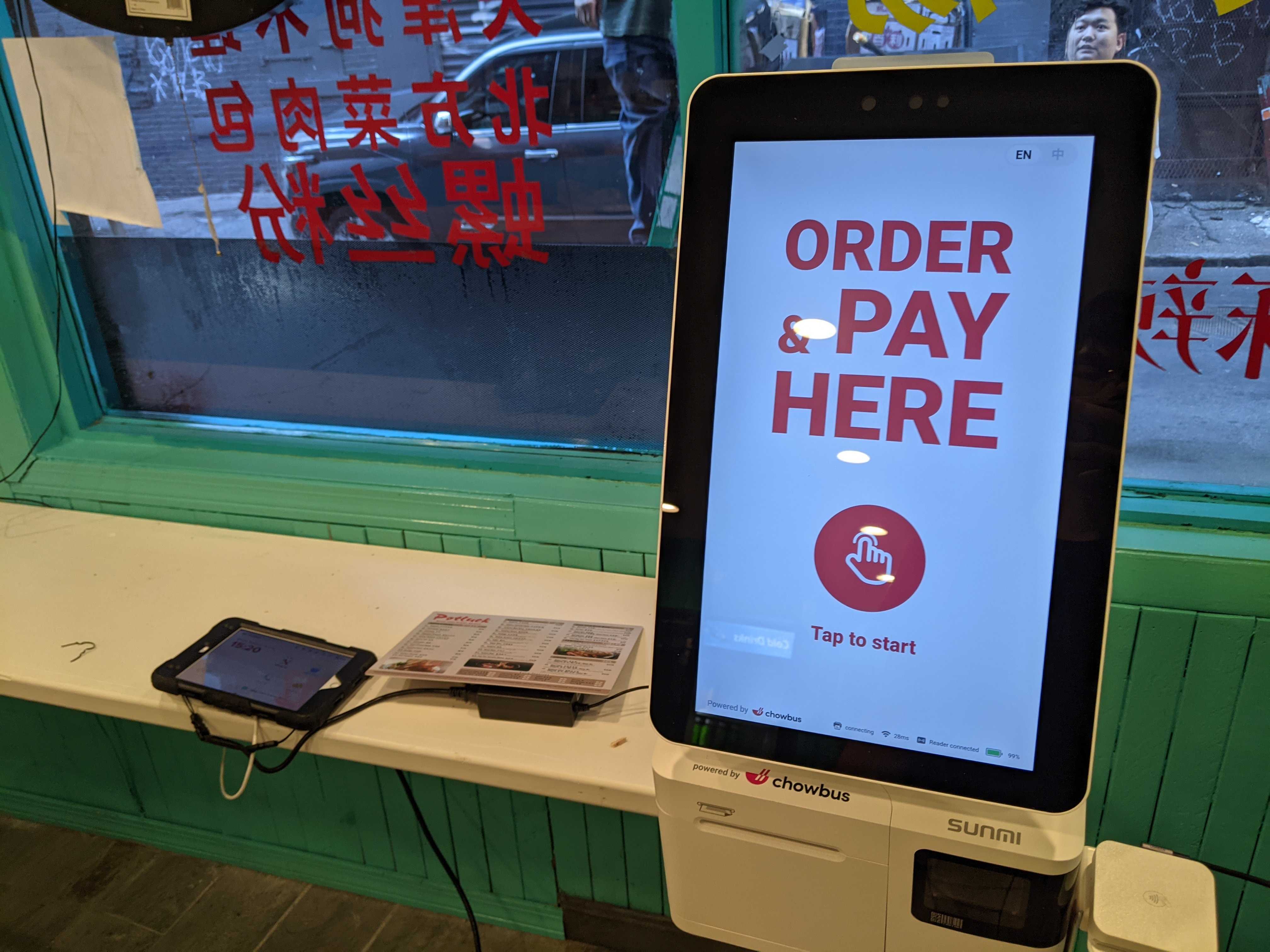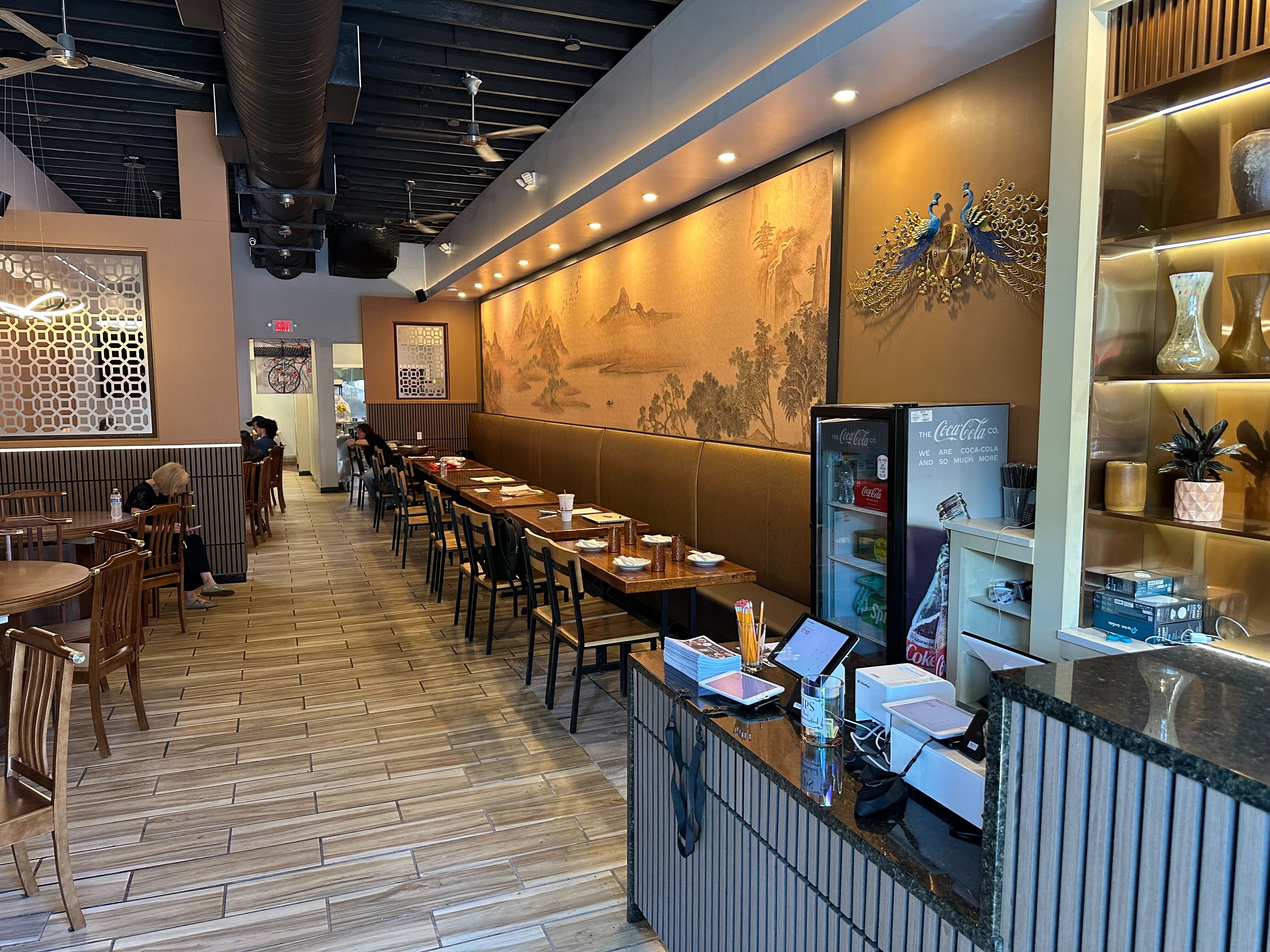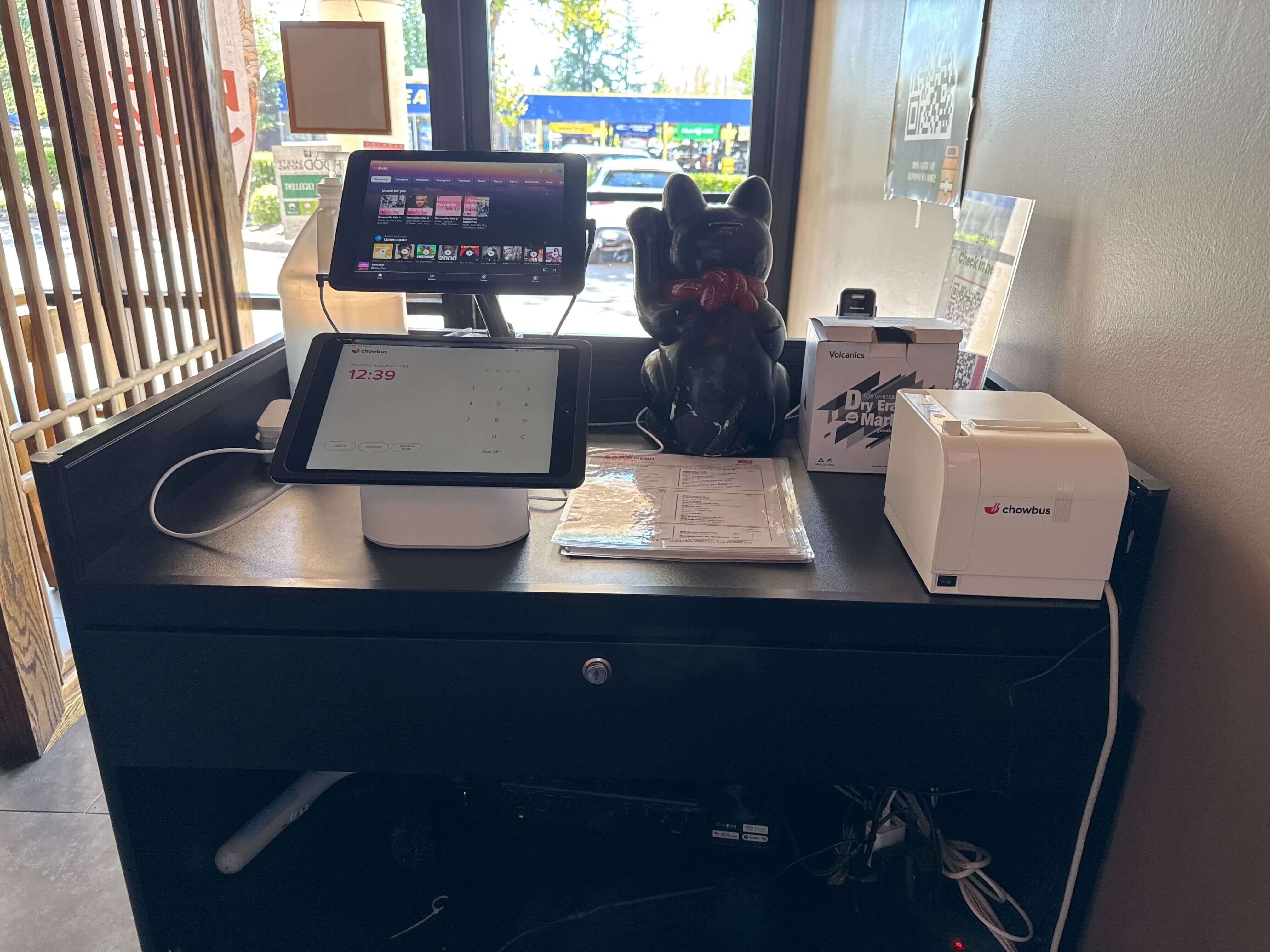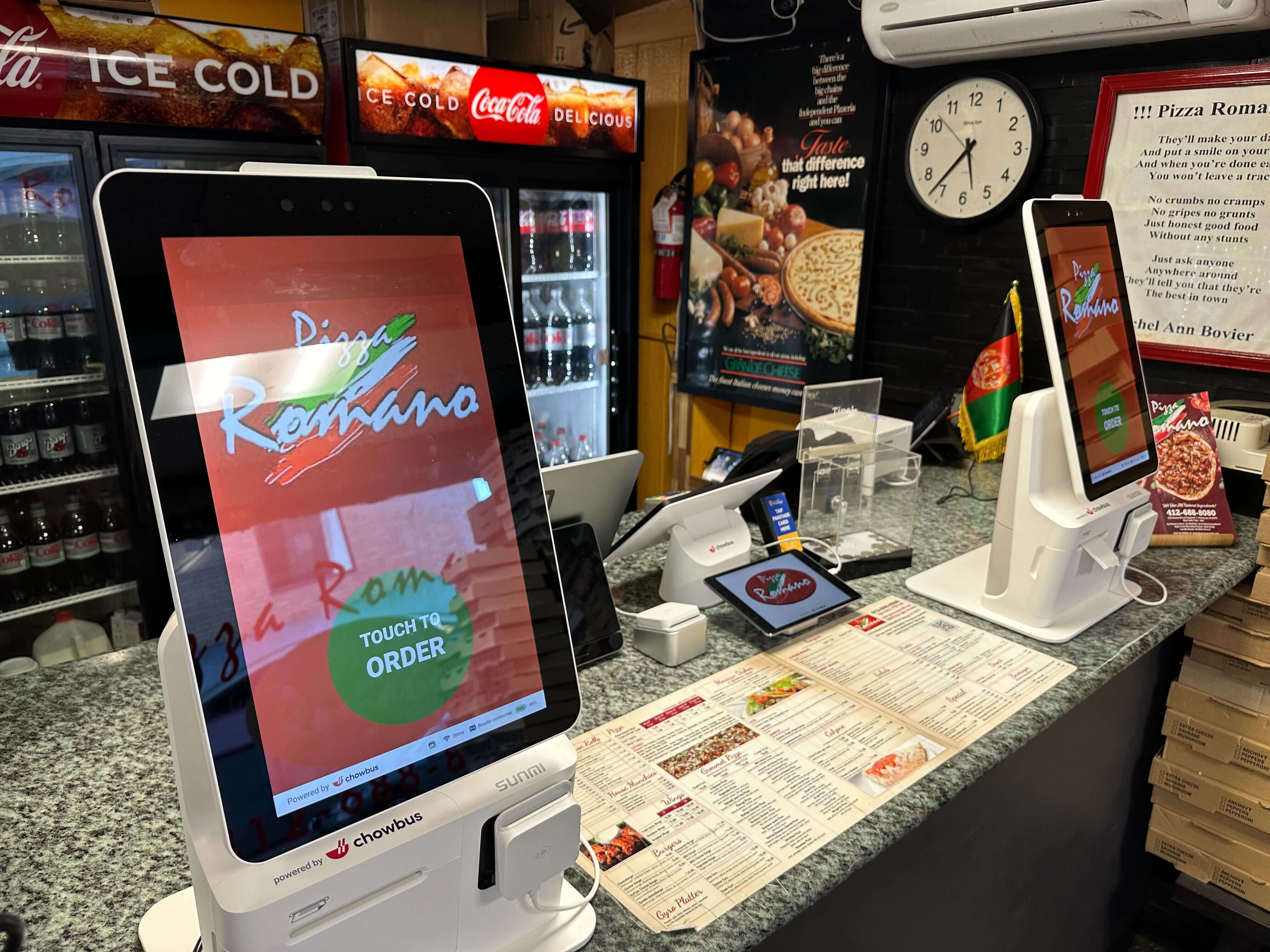
A vendor rep shows you a slide with a payback number on it — 14 months, sometimes 9. Ask where that number came from and you'll usually get some version of "industry average," which tells you nothing about whether a self-ordering kiosk pays for itself at your restaurant, or in how long. The math changes completely between a 40-seat dinner house doing two turns a night and a counter-service noodle shop pushing 300 tickets through a 90-minute window, and the case-study restaurant on the rep's laptop is neither one of yours.
Most of the payback numbers vendors quote are built on assumptions that have nothing to do with your operation: a labor rate that isn't yours, a rush period that doesn't match your ticket volume, hardware pricing that quietly excludes install fees until the invoice shows up. What actually carries over from one restaurant to another isn't the number — it's the four-part framework underneath it, and once you have it, you can run your own inputs instead of trusting someone else's.
By the end of this you'll be able to build that number yourself, with your own labor costs and your own rush-hour math. Start with the part almost every owner skips: what the thing actually costs before it takes a single order.
The number on a sales page is rarely the number on your invoice. A real kiosk quote comes in three pieces, and vendors bundle them differently enough that a "$2,000 kiosk" from one company and a "$2,000 kiosk" from another can be two completely different offers.
Hardware is the piece everyone quotes up front: the terminal, a stand or wall mount, a card reader, and a receipt printer if you're keeping paper tickets. A reasonable quote for one terminal runs around $2,400. On top of that sits a monthly software or licensing fee, usually $40 to $90 per terminal depending on what's bundled in — menu sync, reporting, integrations with the rest of your setup, which is worth comparing across a few pricing plans before you commit to one. If you're still weighing a standalone kiosk against one that's built into your existing POS, that's a separate decision worth working through on its own.
The piece that catches owners off guard is install: network drops if the spot you want the kiosk doesn't already have Wi-Fi coverage, mounting hardware, and the hours your staff spends learning menu edits and basic troubleshooting. That can run anywhere from a couple hundred dollars to well over a thousand, depending on how much rewiring your space needs.
Put two terminals in place of a second cash register at a counter-service spot and the math looks like this: two terminals at $2,400 each, a $59 monthly software fee per terminal, and a $450 one-time install charge. Upfront cost lands around $5,250, with $118 a month running forward after that. Leasing versus buying changes this meaningfully — a lease spreads $5,250 into smaller payments, which lowers your monthly threshold but stretches out the payback timeline and usually carries interest a straight purchase avoids. Get the real number in writing, itemized by these three pieces, before you commit to anything.
This is where most owners undercount, and it quietly tilts the whole calculation in the kiosk's favor. The instinct is to run the math on the posted wage — a cashier earning $16 an hour "costs" $16 an hour. It doesn't, not once you add what actually lands on your payroll bill.
Start with the employer share of FICA, 7.65% on top of wages for Social Security and Medicare. State and federal unemployment insurance adds another 1% to 4%, depending on your state and claims history. Workers' comp for front-of-house restaurant staff typically runs another 2% to 4%. Any benefits — even a modest health stipend or paid sick leave beyond what's legally required — stack on top of that. Run a $16 wage through all of it and the fully loaded cost usually lands somewhere between $18.50 and $21 an hour, not $16.
That gap matters because the entire payback calculation hinges on what an hour of order-taking labor is actually worth to you. Compare a kiosk's cost against a $16 line item that's really costing you $20, and you've understated the kiosk's value by 20% or more before you've even touched the throughput question. Pull your actual payroll numbers for one pay period, divide total employer cost by hours worked for a front-counter role, and use that real figure instead of rounding down to make the math easier.
This is the part that tends to get oversold with a specific-sounding percentage pulled from nowhere, so it's worth walking through the actual mechanism instead of a made-up figure.
More lanes, not faster lanes. A single order-taking register during a rush is a queue with one server. Whatever your average order time is, that's the ceiling on how many customers move through per minute, and everyone behind that register waits on it whether they're ordering a $9 bowl or a $40 group order. A kiosk doesn't speed up any individual order — it adds parallel lanes to the queue. Two kiosks next to one register means three points of entry instead of one, and total throughput goes up because more transactions happen at once, not because any single transaction got faster. It's the same logic behind grocery store self-checkout: not a faster cashier, more lanes.
Customers who don't wait. This one's harder to quantify precisely because it depends entirely on your own rush pattern, but the mechanism is straightforward: some share of walk-in customers who see a long line simply leave, and that's revenue that never shows up on a report because it never became an order. Adding capacity during the exact window when lines form is the direct way to claw back whatever share of that walk-away effect exists at your location — there's no universal figure for it, since it depends on your neighborhood, your competition, and how patient your customers are. Watch your own door during a rush for a week and count how many people glance at the line and turn around. If you haven't already compared a few hardware options against your specific layout, the kiosk buying guide is a reasonable next stop.
Upsells that don't get skipped. A cashier running the register during a slammed lunch is thinking about ticket time, not whether to mention the extra egg roll. A kiosk prompts the same modifier screen for every order, every time, regardless of how busy it is or how tired the person taking orders feels by hour six. It's a real effect, just not a guaranteed one — treat it as upside you measure against your own current attach rate over a month, rather than a number you plug into the math ahead of time.
Now put the three pieces together into something you can actually run. Monthly net benefit equals the value of labor hours freed up or redirected during your rush, plus a conservative estimate of recovered revenue from reduced walk-aways and any upsell lift you're confident in, minus your ongoing monthly software fee. Payback period is your total upfront cost divided by that monthly net benefit.
Work through your own rush window first. If your busiest stretch is 90 minutes and a kiosk lets you redeploy one order-taker to expo or prep instead of adding a second register, that's real labor value — calculated at your fully loaded hourly cost, not the posted wage. If you're not redeploying anyone and instead avoiding the need to hire a second person for that shift, use the loaded cost of the hire you're not making.
For the revenue side, be conservative on purpose. If you genuinely don't know how many customers you're losing to line length, run a low-end scenario using your actual observed walk-away rate over a test week, and treat anything better than that as upside rather than something you counted on going in. Same with upsell — if you don't already track attach rate on add-ons, don't assume the kiosk moves that number by any specific amount until you've measured a month against your current baseline.
Divide your monthly net benefit into the upfront cost from the first section and you'll have a payback period specific to your restaurant, not a rounded figure from someone else's deck. It might be shorter than what a vendor quoted you, or longer — especially if your rush window is short or your ticket volume doesn't create much of a line to begin with. If it comes out past 18 months or so, that's not automatically a reason to pass; it just means the case for a kiosk at your restaurant rests more on order accuracy and staffing flexibility than on hard payback math, and those are worth weighing on their own before you decide.
None of the four inputs here — hardware and install cost, fully loaded labor rate, walk-away rate, upsell lift — carry over cleanly from one restaurant to the next. A hot pot restaurant with long dine-in visits and few walk-ins has a completely different throughput picture than a bubble tea counter with a line out the door every afternoon at 3pm.
Pull your last month of payroll. Watch your rush for a week with a notepad by the door. Get an itemized quote instead of a headline price — and if a vendor won't break out hardware, software, and install separately, that's worth noting on its own. Once you have those three numbers in hand, book a demo and ask the rep to run the payback math against your actual figures instead of theirs. A quote built on your Tuesday lunch rush is worth more than any slide built on someone else's. What to ask the vendor before signing is its own worthwhile checklist.

It's the amount of time it takes for the labor savings and recovered revenue a kiosk generates to equal what you spent buying and installing it. It's calculated by dividing total upfront cost by monthly net benefit, and it's specific to each restaurant's labor rates and rush patterns rather than a fixed industry number.
Start with an itemized quote covering hardware, monthly software fees, and install costs. Then calculate your fully loaded labor cost per hour, not just the posted wage, and estimate a conservative monthly benefit from freed-up labor and reduced line abandonment during your specific rush window. Divide upfront cost by that monthly benefit to get your number.
It depends on your rush length and your local labor cost. A kiosk has a one-time hardware cost plus a small ongoing software fee and no scheduling gaps, while an additional cashier costs their fully loaded hourly rate every time they're scheduled, whether or not the rush actually shows up that day. For a short, predictable rush window, the kiosk's fixed cost often compares favorably against paying an hourly wage for the same coverage, but that comparison depends entirely on your specific numbers.
If your restaurant rarely forms a line and your single register handles order volume comfortably even during your busiest hour, the throughput and line-abandonment benefits that drive most of a kiosk's payback simply don't apply the same way. The math in this framework still works, it'll just show a longer payback period, and that's useful information in itself. A sit-down restaurant with table service and modest walk-in traffic is a different case than a counter-service spot with a visible line problem.