A single order-taking mistake during a Friday dinner rush — a missed "no peanuts," a miscommunicated spice level, a mis-heard combo number shouted over a busy counter — can cost more in remade food and refunds than a self-ordering kiosk costs to run for a week. Most restaurant owners assume kiosks are about the screen. The screen is the least important part.
The real value sits in the kiosk software behind it — the system that manages menu logic, sends orders straight to the kitchen, and integrates with the rest of the restaurant's operations. Restaurants that treat kiosks as "just a tablet with a menu" tend to be disappointed with the results, while restaurants that understand the software underneath see meaningful gains in labor cost, order accuracy, and average check size. Chowbus supports 9,000+ restaurants across all 50 U.S. states, many of them running kiosk-based ordering as a core part of daily operations.
In this guide, you'll learn what kiosk software actually needs to do well, how it plays out specifically for complex Asian restaurant menus, and what separates software that pays for itself from software that becomes another system nobody uses. First, the basics of what kiosk software really is.
The kiosk screen is just a display. Kiosk software is everything happening underneath it: how the menu is structured and displayed, how modifiers and combos are handled, how an order routes to the kitchen once submitted, how payment is processed, and how that transaction feeds back into your reporting and inventory. A restaurant can buy an attractive touchscreen kiosk with clunky, poorly built software behind it and end up worse off than not having a kiosk at all — slow menu navigation frustrates customers, and disconnected order routing means kitchen staff still have to manually re-enter or double-check orders.
Good kiosk software handles four things well: menu presentation (clear categories, appealing photos, upsell prompts at the right moment), order logic (correctly handling modifiers, combos, and special requests without creating confusion), kitchen routing (sending the order straight to the right kitchen display or printer station without a human in the loop), and data capture (feeding every kiosk order into the same reporting and customer data as every other order channel). Chowbus's KioskPRO is built around all four of these functions together, rather than treating the kiosk as a standalone add-on.
Labor is one of the largest controllable costs in a restaurant, and front-counter order-taking is one of the least efficient uses of that labor. A cashier spends time repeating menu items, clarifying modifications, and manually entering orders — time that could go toward food prep, expediting, or customer service on the floor. Kiosk software shifts that order-taking labor to the customer, who can browse a menu at their own pace, without pressure from a line forming behind them.
Order accuracy improves for the same reason. A significant share of restaurant order errors comes from miscommunication at a busy counter — mishearing a spice level, missing a "no cilantro," transposing a combo number. A well-built kiosk removes the verbal handoff entirely: the customer selects exactly what they want, confirms it on screen, and that exact order routes to the kitchen without a middleman. Fewer errors mean fewer remade dishes, fewer refunds, and fewer frustrated customers leaving negative reviews over an avoidable mistake.
There's also a quieter benefit: kiosks tend to increase average order value, because a well-designed kiosk interface can prompt an upsell (an extra topping, a larger size, a side dish) at the exact right moment — something a busy cashier under time pressure often skips simply because there's no time to ask.

Not all kiosk software is built the same, and the features that matter most for a restaurant differ from what matters for a retail or airport kiosk. Look for:
Real-time menu sync with your POS — if you 86 an item or change a price, it needs to update on the kiosk instantly, not on a delayed batch update that leaves customers ordering something you no longer have.
Modifier and combo logic that matches how your menu actually works — this matters enormously for restaurants with combo meals, build-your-own bowls, or tiered pricing (a common AYCE hot pot structure), where the software needs to handle conditional logic, not just a flat list of items.
Direct kitchen display integration — orders should route straight to a kitchen display system or printer without manual re-entry by staff, closing the loop between customer selection and kitchen execution.
Multi-language menu support — a kiosk that only displays in English underserves both English-limited staff training needs and a segment of customers who may prefer ordering in another language, particularly relevant for the Asian restaurant customer base.
Payment flexibility — support for cards, tap-to-pay, and mobile wallets without routing customers through a clunky checkout flow.
Built-in reporting — kiosk order data should appear in the same sales and item-performance reports as every other channel, not in a separate dashboard you have to check independently.
Generic kiosk software, often built first for burger chains or coffee shops, tends to struggle with the complexity of many Asian restaurant menus. A few specific patterns worth understanding:
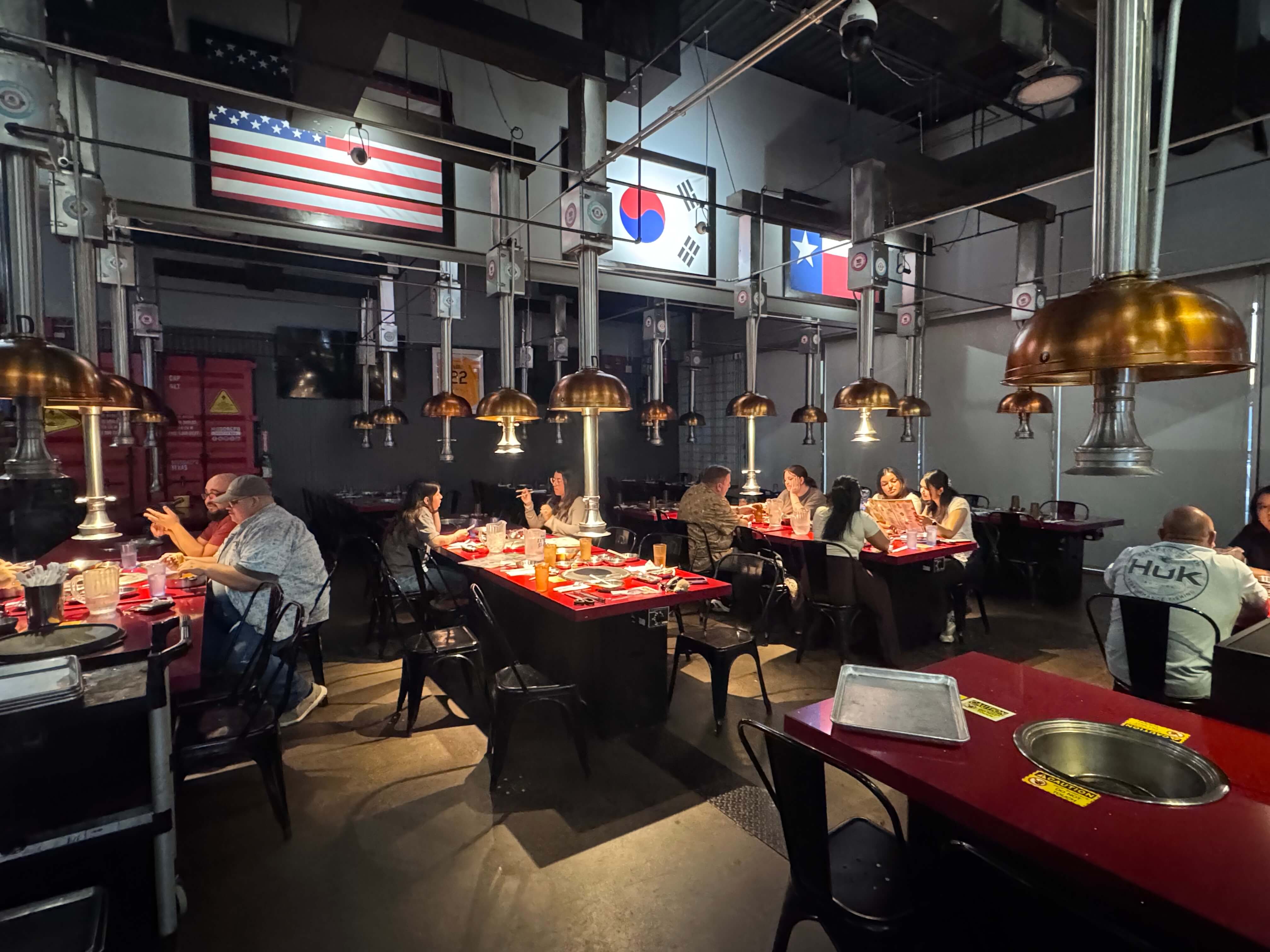
AYCE hot pot and Korean BBQ menus often involve tiered pricing (adult/child, lunch/dinner), time-limited dining windows, and per-table rather than per-item ordering — kiosk software needs to handle this structure natively rather than forcing owners to build workarounds.
Bubble tea and customizable beverage menus involve heavy modifier use — sugar level, ice level, toppings, size — often stacked three or four layers deep. Software that handles this cleanly, with clear visual steps, keeps the ordering process fast even with a complex menu; software that doesn't creates a frustrating, slow checkout experience that undercuts the entire point of self-ordering.
Bilingual menu presentation — offering the kiosk interface in both English and Chinese (or Korean, Vietnamese, depending on the restaurant) can meaningfully improve the ordering experience for both older customers and staff working the counter during peak hours, especially in neighborhoods with a large Chinese-speaking customer base. Chowbus's kiosk software was built with this bilingual capability as a core feature rather than an afterthought, reflecting its focus on Asian restaurant operations specifically.
Dish photos and descriptions matter more for cuisines where dishes may be unfamiliar to some customers — a kiosk that shows a clear photo and short description of a dish reduces hesitation and increases the likelihood a customer tries something new (and often higher-margin) rather than defaulting to the one dish they already recognize.
A meaningful decision restaurant owners face is whether to buy kiosk software as a standalone product or choose a system where the kiosk is natively built into the same platform as the POS. The difference matters more than it looks on the surface.
Standalone kiosk software that isn't integrated with your POS creates a data gap: kitchen routing might work, but sales reporting, inventory, and loyalty tracking often live in a separate system, requiring manual reconciliation or leaving you with an incomplete picture of your business. Toast and Square both offer kiosk products tied to their broader POS ecosystems, which is a reasonable general-purpose approach, though neither was built with Asian restaurant menu complexity or bilingual interfaces as a starting point. Clover offers kiosk hardware and software as well, but comes with notably higher hardware costs and a degree of lock-in that makes it harder to expand or adjust later. MenuSifu, despite serving 15,000+ Asian restaurants and having deep menu familiarity, notably lacks modern QR self-ordering capability, which limits how its kiosk and ordering tools connect to a restaurant's full order volume.
Chowbus's KioskPRO was built to sit inside the same platform as the POS, online ordering, and loyalty tools from the start, so a kiosk order, a dine-in order, and an online order all feed the same reporting, inventory, and customer profile — which matters most when you're trying to understand your business as a whole rather than channel by channel.
Owners often overestimate how disruptive a kiosk rollout will be. A realistic implementation typically involves: menu setup and testing (making sure modifiers, combos, and pricing tiers display correctly before launch), staff training (a short session on how to redirect customers to the kiosk and assist first-time users), and a transition period (usually one to two weeks) where staff actively encourage kiosk use until customers form the habit on their own.
The biggest implementation mistake is under-communicating the change to regular customers. A brief, friendly nudge from staff during the first few weeks — "you can order right here, it's quick" — does more to drive adoption than any signage.
What exactly is kiosk software, as opposed to the kiosk itself?The kiosk is the physical screen or terminal; the software is the underlying system that manages the menu, handles order logic, routes tickets to the kitchen, processes payment, and feeds data back into your reporting. The software determines whether the kiosk actually helps your restaurant or just becomes an expensive, frustrating tablet.
How does kiosk software actually reduce labor costs?It shifts order-taking time from staff to customers, who browse and select at their own pace. That frees front-counter staff to focus on food prep, expediting, and customer service instead of repeating menu items and manually entering orders — a meaningful labor efficiency gain during peak hours.
Which kiosk software is best for a restaurant with a complex menu, like AYCE hot pot or a bubble tea shop?Look for software with strong modifier and combo logic (not just a flat item list), since these formats depend heavily on tiered pricing and layered customization. Chowbus's KioskPRO was built with these exact menu structures in mind, which is why it tends to outperform generic kiosk software on complex Asian restaurant menus.
How much does restaurant kiosk software cost?Pricing varies by vendor and whether it's bundled with POS hardware or sold standalone; standalone software products can add ongoing licensing fees on top of hardware costs, while POS-integrated kiosk software, like Chowbus's, is typically priced as part of your existing POS relationship rather than a separate system.
Can kiosk software work well for a restaurant with a mostly Chinese-speaking customer base?Yes, if the software supports true bilingual display rather than just English with a translation plugin. A kiosk that presents the full menu clearly in Chinese as well as English, with dish photos, tends to see far higher adoption among Chinese-speaking customers and staff than an English-only interface.
What's the first step to evaluating kiosk software for my restaurant?Start by listing your menu's actual complexity — modifiers, combos, tiered pricing — and test whether a candidate software handles it cleanly rather than forcing workarounds. From there, check whether the kiosk software integrates with your existing POS or creates a second, disconnected data system.
Kiosk software matters more than the hardware sitting on the counter, because the software is what determines whether a kiosk actually reduces labor cost and order errors, or just becomes an expensive, glorified menu board. The restaurants seeing real returns from kiosks aren't the ones with the flashiest screens — they're the ones whose kiosk software correctly handles their specific menu complexity and feeds data back into the rest of their operations.
If you're running a restaurant with a menu that involves combos, modifiers, tiered AYCE pricing, or a customer base that would benefit from bilingual ordering, the generic kiosk software built for a coffee shop or burger counter probably won't handle your menu the way it needs to be handled. That gap is usually where kiosk projects underdeliver.
Before choosing a kiosk system, it's worth testing how the software specifically handles your actual menu — not a demo menu — and checking whether it connects to the POS and reporting tools you already rely on, since a kiosk that operates in isolation rarely delivers on its promise.