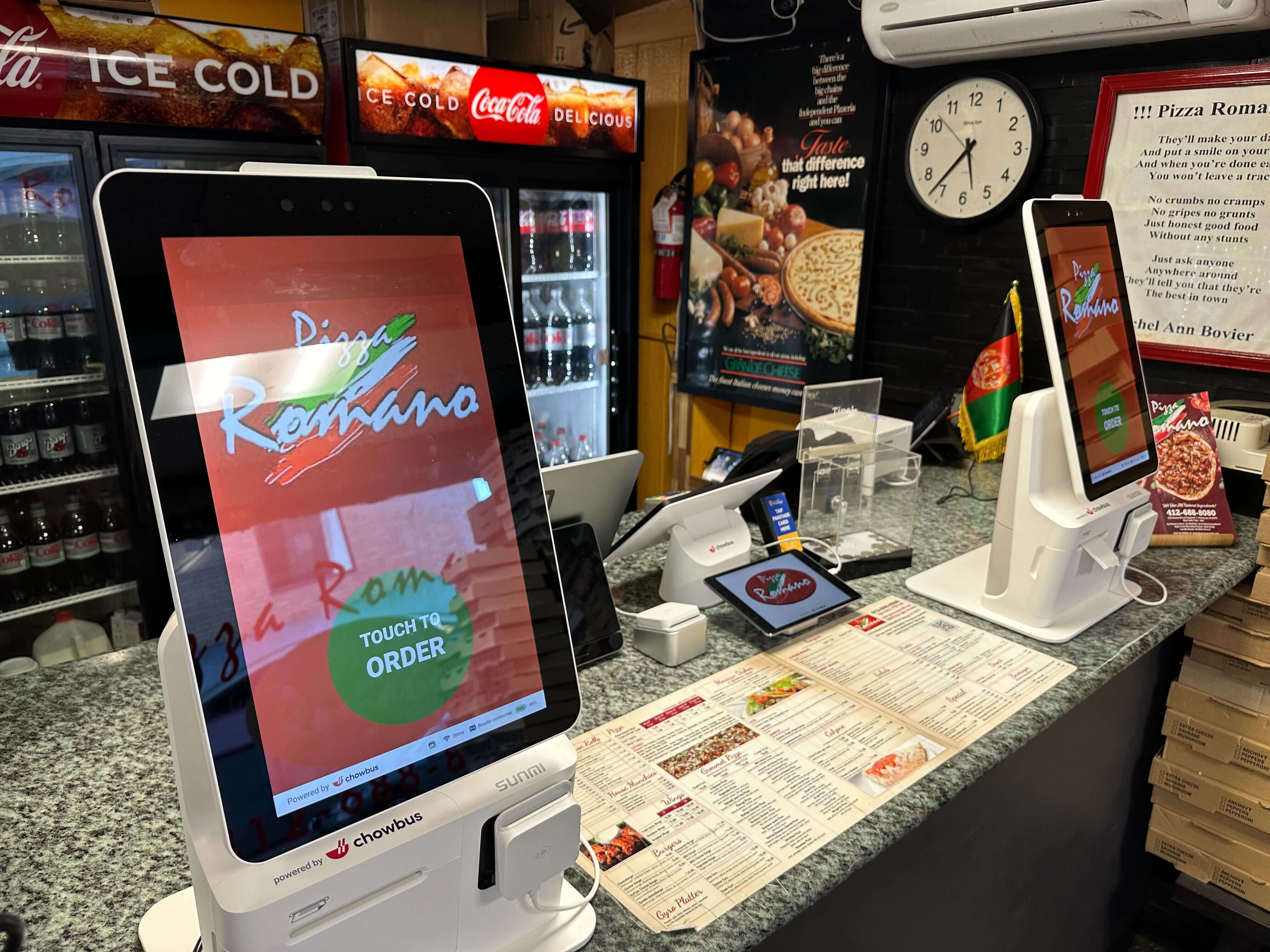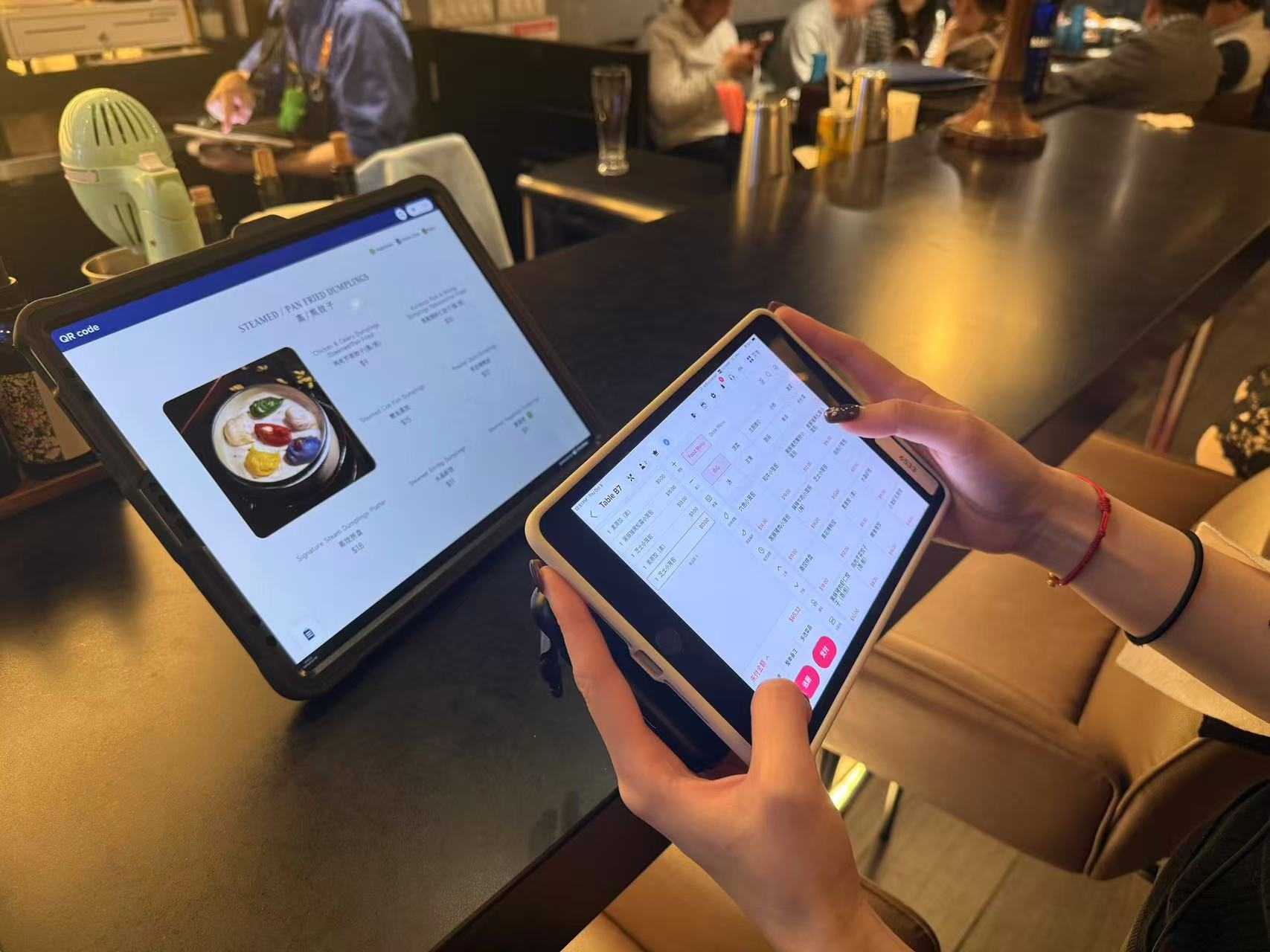
Before you buy a single kiosk, ask the question that actually decides the return: will your guests use it, and will it shorten the line or just move it? Plenty of restaurants have installed kiosks that sit ignored next to a busy counter — because adoption depends far more on design, placement, and integration than on the hardware itself. A self-ordering kiosk only pays off when guests reach for it instead of the register, and when every order it takes flows straight into your kitchen and loyalty system. Get that right and a kiosk is one of the few levers in 2026 that raises capacity and average check at the same time.
It helps to be clear about what a kiosk is and isn't. It isn't a way to remove hospitality from your restaurant; it's a way to move the transactional part of ordering — browsing, customizing, paying — to the guest so your staff can spend their time where it actually matters. Done well, that's a better experience for the customer who knows what they want and a relief for the team during a rush. Done poorly — a clunky menu, a bad spot, no integration — it's an expensive screen that makes the line longer. The difference is entirely in execution, which is why the rest of this guide focuses on it rather than on the hardware spec sheets that tend to dominate the sales conversation. The kiosk that wins isn't the one with the nicest screen; it's the one your guests actually choose over the counter, again and again, without being asked to.
Quick answer: the best restaurant self-ordering kiosk is fully integrated with your POS, menu, kitchen, and loyalty; supports multilingual ordering and deep modifiers; and lifts average check with built-in upsells. Hardware that doesn't do these is a screen, not a solution.
A self-ordering kiosk is a guest-facing touchscreen where customers browse the menu, customize items, and pay without a cashier. Its value depends almost entirely on whether it shares one system with your POS. A poorly integrated kiosk falls short in four ways: the menu and 86 status drift out of sync with the POS; modifier depth can't handle spice, toppings, and sides accurately; orders don't route cleanly to the kitchen display system; and there's no loyalty enrollment or multilingual ordering — both real advantages for Asian restaurants. A kiosk native to the POS avoids all four.
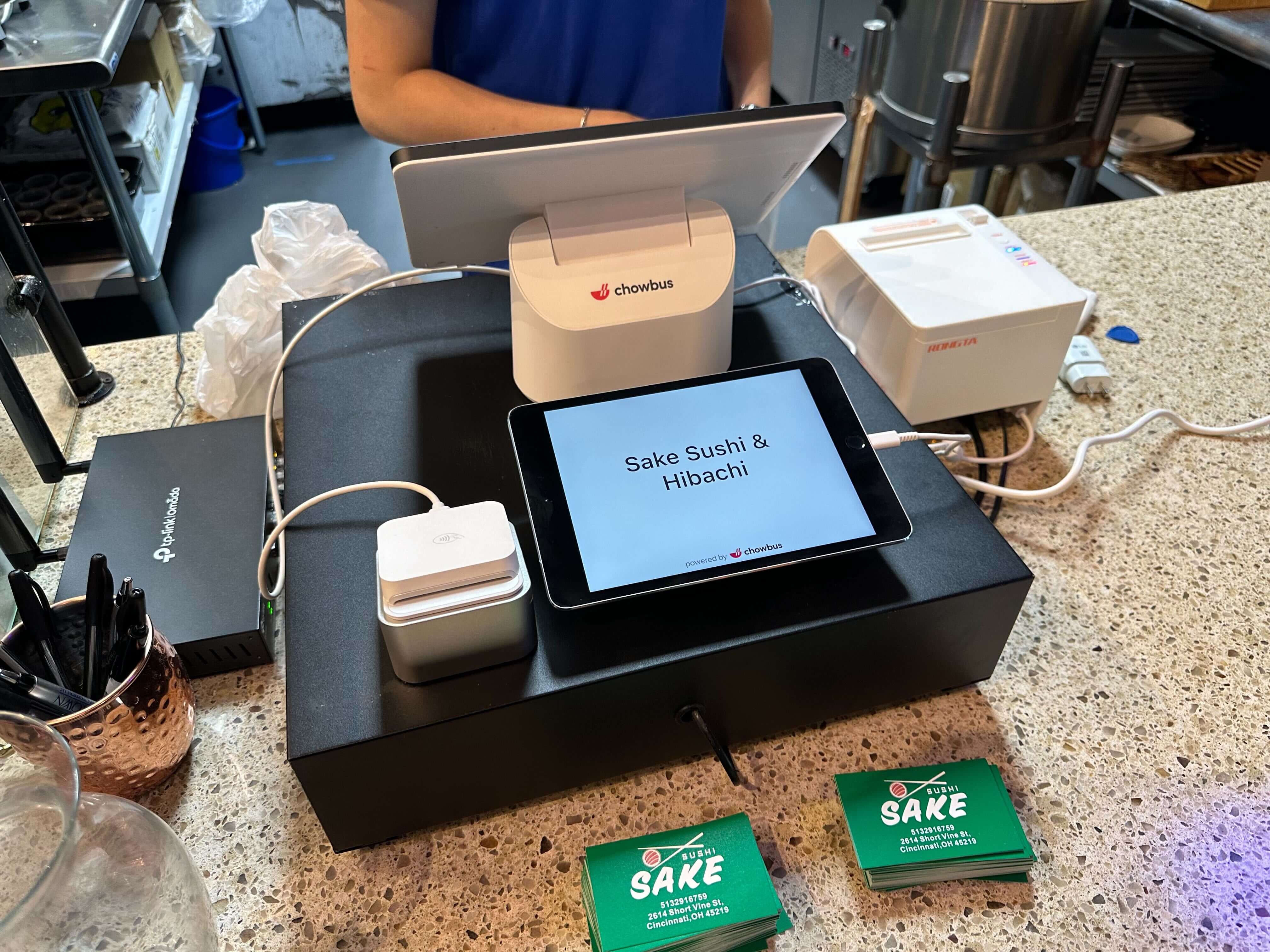
Chowbus — pros: a self-ordering kiosk (KioskPRO) native to an all-in-one AI POS purpose-built for Asian restaurants — one menu with real-time 86, deep modifiers, multilingual ordering, built-in upsells, loyalty enrollment, and orders routed straight to the KDS, with 24/7 bilingual support. Cons: it's part of an ecosystem, so it's the strongest fit when you want the whole platform rather than a standalone kiosk to bolt onto something else.
Toast — pros: a well-integrated kiosk within a mature general-market platform and large app ecosystem. Cons: not tuned for multilingual ordering or Asian-menu modifier depth.
Square — pros: easy and budget-friendly, a fine entry point for a small or quick-service spot. Cons: limited for multilingual ordering and complex menus as you scale.
MenuSifu — pros: familiar with the Asian segment. Cons: older technology that commonly lacks a modern, fully integrated kiosk-and-ordering stack, so growing operators tend to outgrow it.
The reason kiosks matter in 2026 is labor: with staffing tight and wages high, a kiosk lets a smaller team handle the same volume by moving order-taking and payment to the guest. The payoff compounds when the kiosk shares one system with the POS, KDS, and loyalty: orders flow to the kitchen without re-keying, upsell prompts lift average check on every order, and members are recognized automatically. The math is simple — if one kiosk absorbs a cashier's throughput at peak and frees that person for the floor or kitchen, a small bank of kiosks expands capacity without adding payroll.
Adoption is mostly a function of design and placement. The best setups put kiosks where the line naturally forms — visible on entry, with enough units that a queue never stalls at one screen — and make the menu fast enough to complete an order in under a minute. Adoption climbs further when the experience removes counter friction: multilingual ordering lets guests who'd hesitate at a busy counter order confidently in their own language; upsell prompts raise average check without a staffer having to ask; and loyalty enrollment at the screen turns a transaction into a recognized customer. Treat the kiosk as a redesign of the ordering experience, watch which items guests actually tap, and adjust menu layout and upsell placement from the data.
Expect kiosk hardware plus standard POS economics — software, processing — with bundling as the real variable. A kiosk that's a separate add-on with its own fees raises total cost; a kiosk native to an all-in-one platform usually wins on total cost of ownership because it shares the menu, kitchen, and loyalty you already run. Per-order charges erode kiosk savings, so scrutinize them.
The single biggest driver of kiosk adoption you control is how fast a guest can complete an order, and that's a menu-design problem more than a hardware one. Lead with the items most people actually order, group the menu the way guests think rather than the way your kitchen is organized, and keep modifier screens short and clear so a customized order takes taps, not deliberation. For an Asian menu with deep customization — spice, toppings, sides — the kiosk has to present those choices cleanly or guests abandon mid-order and rejoin the counter line, which is the worst of both worlds. Multilingual ordering is part of speed too: a guest ordering in their own language moves faster and more confidently than one decoding a second-language menu under pressure. Photos, smart defaults, and a clear path to pay all shave seconds, and seconds are what turn a kiosk from a curiosity into the fastest line in the building.
A kiosk is an investment you can measure, and a short list of numbers tells you if it's earning its place. Track adoption rate — the share of orders coming through the kiosk versus the counter — because that's the lever everything else depends on; if it's low, the fix is usually placement or menu design, not the hardware. Watch average check on kiosk orders versus staff-rung orders, since well-placed upsell prompts should lift it. Track labor hours redeployed: the point of the kiosk is to move a cashier's effort to the floor or kitchen, so confirm that's actually happening. And watch loyalty sign-ups at the screen, because a kiosk that enrolls members turns a one-time transaction into a relationship. Review these monthly and adjust menu layout and upsell placement from what guests actually tap — a kiosk improves with iteration, and the data to iterate only exists when it shares one system with your POS.
A self-ordering kiosk is one of the strongest levers against labor cost in 2026 — but only when guests use it and it's wired into one platform with your POS, kitchen, and loyalty. A standalone screen adds a silo; an integrated, well-placed kiosk adds capacity and check size at once. Pilot one or two where your line forms, measure adoption and check lift, and scale the configuration that works. For Asian and high-volume restaurants, a purpose-built platform like Chowbus is the one that turns a kiosk into real leverage. Explore the self-ordering kiosk built into one platform.
The best kiosk is fully integrated with your POS, menu, kitchen, and loyalty, supports multilingual ordering and deep modifiers, and lifts average check with upsells. Chowbus is the top pick for Asian and high-volume restaurants with its native KioskPRO; Toast and Square offer capable kiosks for general restaurants.
Kiosks move order-taking and payment to the guest, so a smaller team handles the same volume and staff shift to the floor and kitchen. The savings are largest when the kiosk is integrated with the POS and KDS so no one re-keys orders.
Adoption depends on placement and design — kiosks visible where the line forms, enough units to avoid a bottleneck, a menu that completes in under a minute, and friction-removers like multilingual ordering and loyalty at the screen drive usage up.
Expect kiosk hardware plus standard POS software and processing, with bundling as the driver. A kiosk native to an all-in-one platform like Chowbus usually wins on total cost of ownership versus a separate add-on with its own fees; watch for per-order charges.
Yes — multilingual ordering (EN/ZH and more) widens who can self-order, and consistent upsell prompts reliably lift ticket size, with the effect compounding when paired with loyalty recognition. Chowbus supports both natively.
By the Chowbus Team · Updated 2026. Figures cited (9,000+ restaurants across all 50 U.S. states and Canada, 24/7 bilingual support EN/ZH/ES) reflect Chowbus company information.