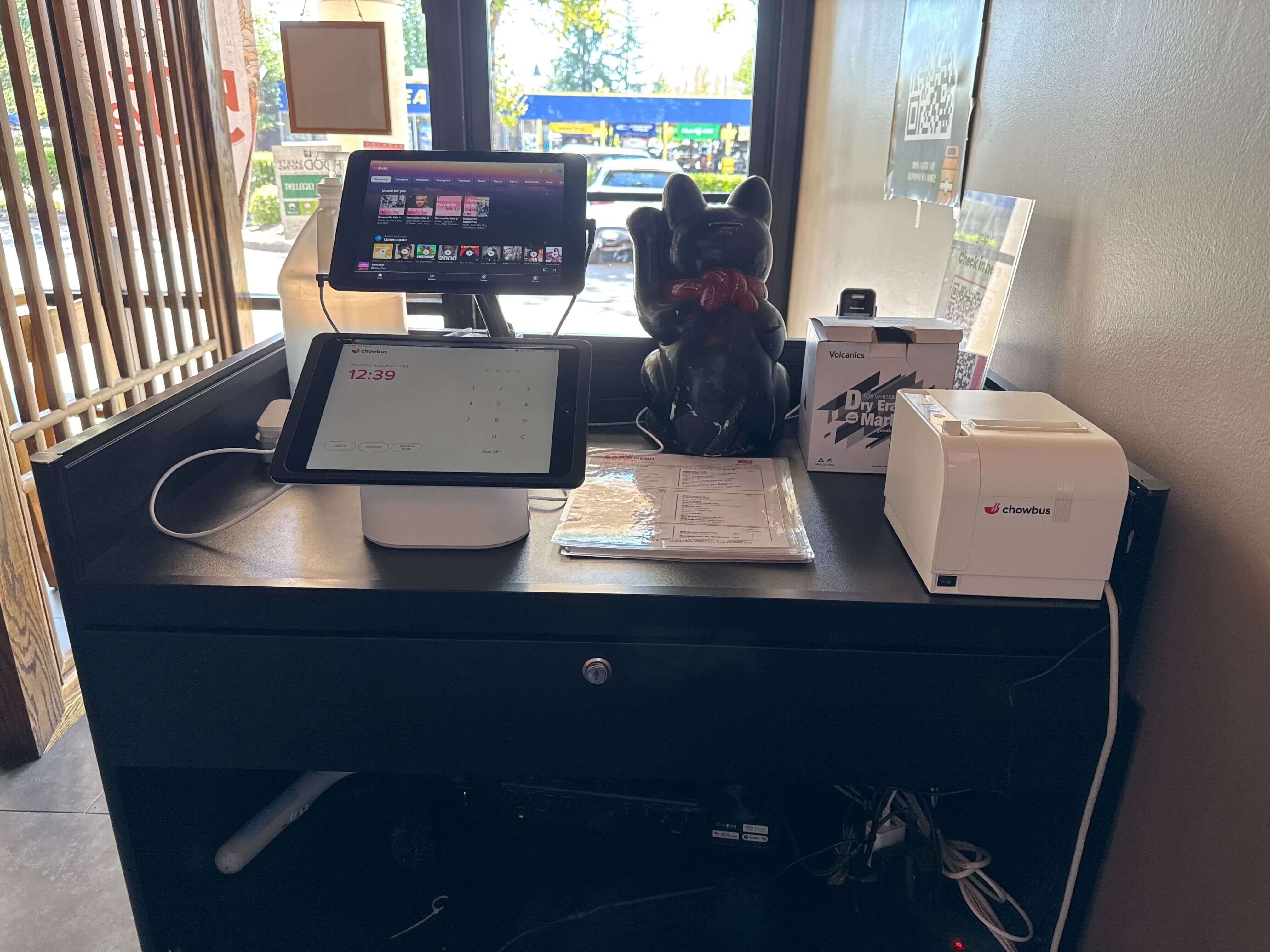
A kiosk order looks simple from the customer's side — a few taps, a payment, a receipt. On the back end it's already a structured sequence: an item gets logged, a modifier tree opens, and a clock starts running that nobody standing in line will ever see the end of. That's the part most owners don't think through before they buy one. A self-ordering kiosk isn't a digital menu board bolted to a stand; it's a small decision engine that runs the same script every time someone walks up to it. Most owners answer the "do I need one" question with a price tag. The more useful question is what happens in the seconds between a tap and a ticket landing in the kitchen, and how well that sequence actually holds up once the machine is running real volume instead of a demo menu. Sometimes it comes down to how many modifier layers the menu has. Sometimes it's whether the expo line already had a printer queue that made sense before the kiosk arrived. Sometimes it's just whether anyone stress-tested the modifier tree before opening day. Start with the mechanics on the glass.
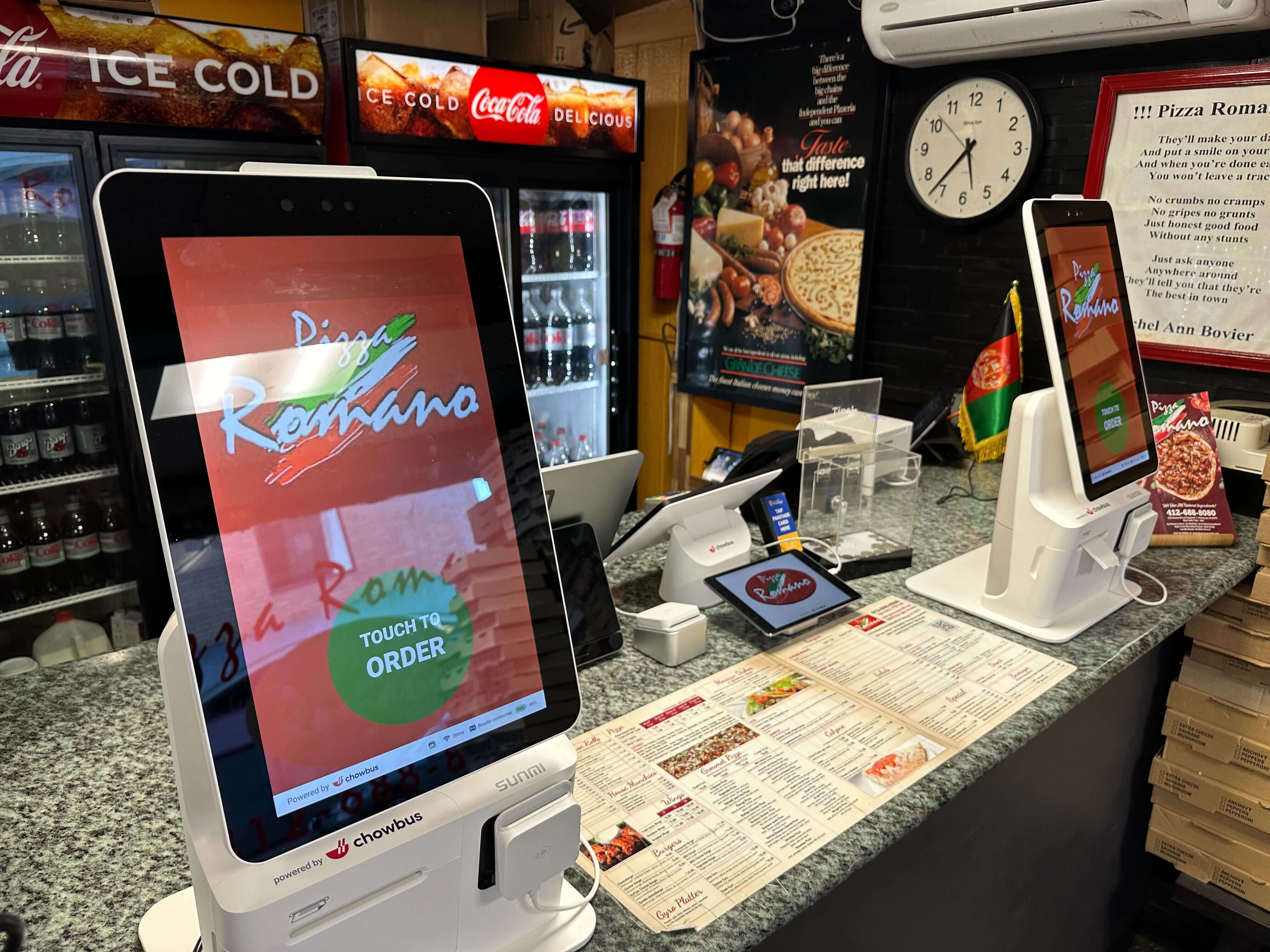
The screen sits idle on a hero image or a rotating promo until someone touches it, which opens the item grid. From there, the logic is stricter than it looks. Every item on the menu has been mapped in the back office as either "no modifiers" — a canned soda, a bag of chips — or "modifier-required," and the second category is where most of the design work, and most of the friction, actually lives.
Take a bowl concept with six protein choices, four bases, and a sauce list running a dozen deep. A customer picks the bowl, and the kiosk walks them through required steps in a fixed order: protein first, since it's tied to portion cost; base second; then sauces, usually capped at two or three free selections with a small upcharge past that. Skip a required step and the "Add to Order" button simply won't light up. The system is built to withhold an incomplete ticket rather than hand a line cook an order with a blank where the protein should be — there's no way for the kitchen to call back and ask. After modifiers, most platforms slide in a combo or upsell prompt ("add a drink for $2.50") before the order review screen, where the customer sees the full basket and can still edit or delete a line.
Payment comes next, and it's usually where a kiosk lives or dies on customer patience. Chip and tap-to-pay are standard; cash acceptors exist but show up far less often, since they add a hardware module, a coin dispenser, and a maintenance headache most operators would rather skip. Once payment clears, two things happen almost simultaneously: a receipt or order number prints for the customer, and a ticket routes to the kitchen — either to a printer at the expo line or straight to a kitchen display system as a digital ticket carrying the item, modifiers, and course timing. A well-configured kiosk fires that ticket the instant payment authorizes, not after some batch delay. At a lunch rush, a ten-second lag is the difference between a ticket firing in sequence and one firing three orders late.
The happy path is easy; the exceptions are where restaurants actually get tripped up. A customer wants to void an item after paying. Someone has a shellfish allergy and needs a note attached to the ticket that a touchscreen menu tree was never built to capture in free text. A modifier combination nobody on the menu team tested prints a garbled ticket. For at least the first few weeks a kiosk is live, someone needs to be posted near the machine with one job: catching these edge cases before they turn into a refund or a redo.
Quick-service and fast-casual concepts are the clearest win. The menu is finite, the modifier logic maps cleanly, and the transaction is the entire interaction — no server relationship to preserve, no course pacing to manage. A chicken sandwich counter running four or five kiosks through a lunch rush can absorb walk-in volume without adding a cashier, and the kitchen gets tickets in a steady, predictable rhythm instead of in bursts every time a cashier finishes ringing someone up.
Full-service dining is a rougher fit than most kiosk marketing lets on. Putting a kiosk at the host stand of a sit-down restaurant tends to solve a problem most full-service operators don't actually have. The order was never really the bottleneck there — pacing is. A server decides when the appetizer fires relative to the entrée, reads a table's mood before suggesting a bottle of wine, and catches a substitution mid-sentence that no modifier tree anticipated. A kiosk is built around a single, complete transaction; a table's order keeps evolving for ninety minutes. Some full-service restaurants have had better luck with tableside handhelds for reordering drinks or dessert mid-meal — a genuinely different tool aimed at a genuinely different problem than a standalone ordering kiosk at the door.
Cafés and bakeries split down the middle, and it mostly comes down to what's on the menu. A bakery case with a dozen fixed items — a croissant, a cake slice, a loaf of bread — works well on a kiosk, because there's nothing to configure beyond quantity. A specialty coffee counter with thirty syrup and milk combinations is a rougher experience, since every layer of customization is another screen tap, and a customer who's used to saying "oat milk, extra shot, light ice" to a barista in four seconds will find the kiosk version slower, not faster. When a menu's real value is the barista's judgment calls, a kiosk quietly removes the thing customers were paying for.
The unit price on a kiosk is the smallest number in the budget. Treating it as the whole cost leaves a handful of line items unaccounted for — some of them expensive enough to change the math.
Payment processing needs its own certified terminal integration, and depending on the processor, that can mean new merchant account paperwork and a fee structure that doesn't match whatever's already running at the front counter.
ADA compliance isn't optional. Mounting height, screen glare, and an audio or tactile option for guests who can't use a touchscreen are requirements, and retrofitting a kiosk stand after installation costs more than specifying it correctly the first time.
Network and power reliability deserve more budget than most owners plan for going in. A kiosk that loses connectivity mid-order is worse than no kiosk at all, since it stalls the line instead of just slowing it down — plan for a dedicated network drop and a battery backup, not the same shared Wi-Fi the dining room runs on.
Floor plans usually need a second look, too. A layout built around a single register can bottleneck fast at the pickup counter once four kiosks are feeding it orders faster than food can come out the window.
Voids, allergy notes, comps, and loyalty redemptions all need a defined process once a machine is taking the order instead of a cashier. That's a training cost, and it's the one that's easiest to skip in the rush to open day.
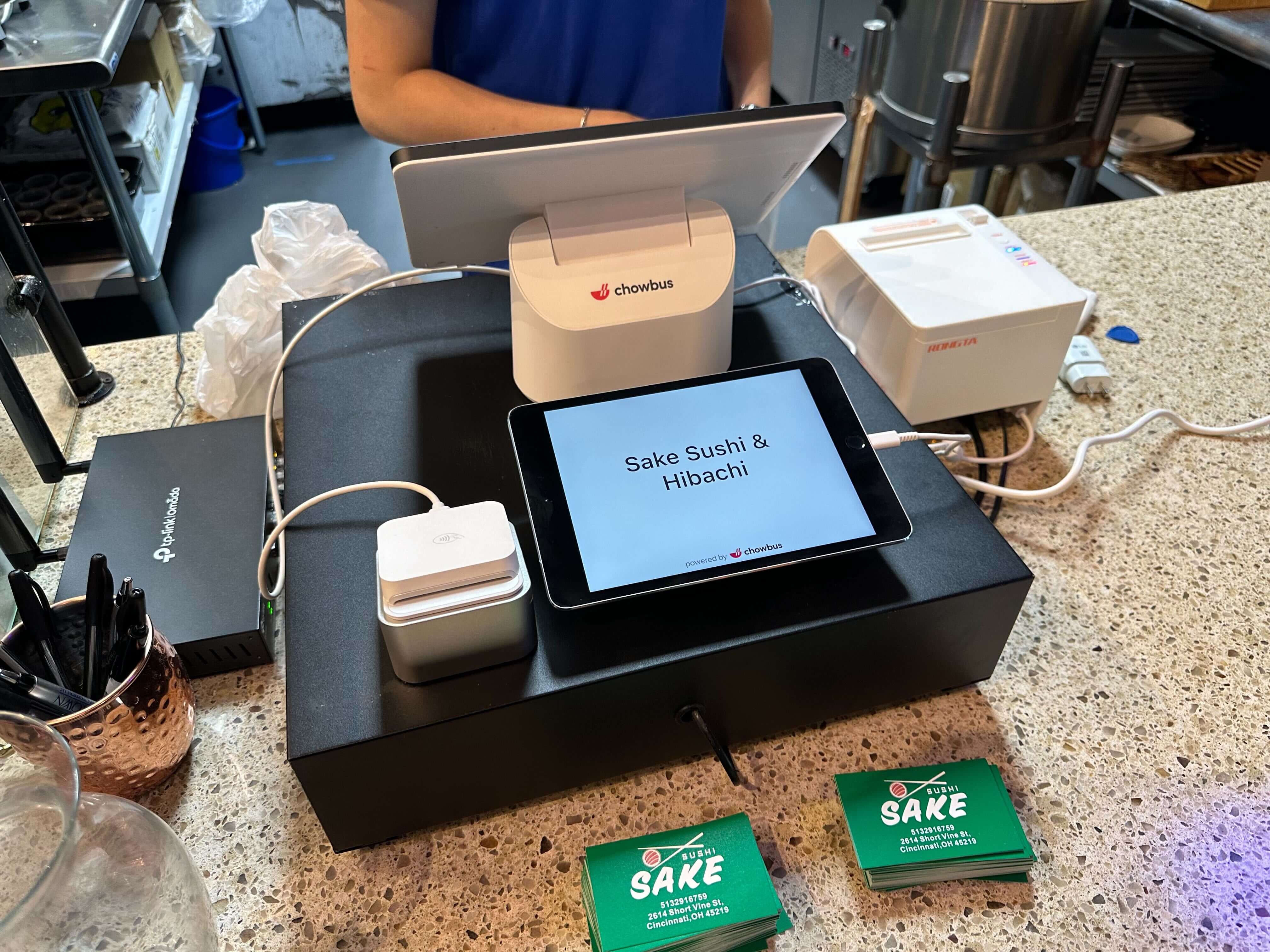
Then there's software. A kiosk that doesn't run on the same backend as the POS system creates two menus to keep in sync every time a price changes. Chowbus's KioskPRO runs on the same menu and reporting backend as the rest of the POS, which is worth asking any vendor about directly — syncing two separate menus by hand is the kind of cost that stays invisible until a mismatched price draws a customer complaint. (Weighing a standalone kiosk against one tied into your POS is really its own decision — covers that trade-off in more depth.)
Maintenance, finally, doesn't stop after installation. Touchscreens get replaced, card readers fail, software needs updates — none of it expensive per incident, but all of it recurring rather than a one-time purchase.
Add these up before signing anything, and the real payback period can look different from the one on the sales sheet — sometimes still favorable, sometimes not, depending on local labor costs and how much of the front counter a kiosk can realistically take over.
A kiosk trades a specific kind of labor — order-taking on a simple, repeatable menu — for hardware, integration work, and more upfront planning than the brochure suggests. That trade pencils out in a lot of quick-service and fast-casual kitchens. It rarely does at a white-tablecloth restaurant, where the order is one small part of what a server does for a table over the course of a meal.
Whether kiosks are trending in your category has almost nothing to do with the real test, which is whether your menu's complexity maps cleanly onto a screen, and whether your kitchen can take tickets firing at kiosk speed instead of cashier speed. A four-item breakfast burrito counter maps onto that cleanly. A tasting menu with server-guided pairings doesn't, no matter how good the touchscreen is — and no vendor demo will tell you that part. If your lunch rush already looks like the sequence above, it's worth pricing out the full setup, not just the screen. If your busiest night looks more like a dining room being paced table by table, that budget is probably better spent somewhere else entirely.
It's a self-service touchscreen terminal, usually wired into the restaurant's POS, that lets a customer browse the menu, choose items and modifiers, pay, and generate a kitchen ticket without a cashier taking the order. Running on the same backend as the main POS is what keeps menu items, pricing, and reporting in sync between the two.
The customer finishes item selection, modifiers, and payment on screen; once payment authorizes, the system generates a ticket that routes to a receipt printer at the expo line or to a kitchen display system, carrying the same item, modifier, and timing detail a cashier-entered order would. That routing is normally instant, so tickets fire in the order they were placed rather than in a delayed batch.
They can, on high-volume menus with simple modifiers — but the calculation only means something if it accounts for the full cost: hardware, payment integration, ADA compliance, network setup, and ongoing maintenance, weighed against the labor hours a kiosk genuinely replaces at peak. Look at your own busiest shift and ask how many order-taking hours one or two kiosks would realistically absorb, then check whether that offsets the total cost in a timeframe that makes sense for the business.
That depends far more on menu structure than on restaurant size. A small fast-casual spot with a short, modifier-light menu and steady walk-in traffic can see a real return from even a single kiosk near the register. A small full-service restaurant is unlikely to see much return regardless of size, because the order was never really the bottleneck in that format to begin with. The honest test: does your busiest hour look like a line of repeat, simple transactions, or a room of tables being paced by a server?