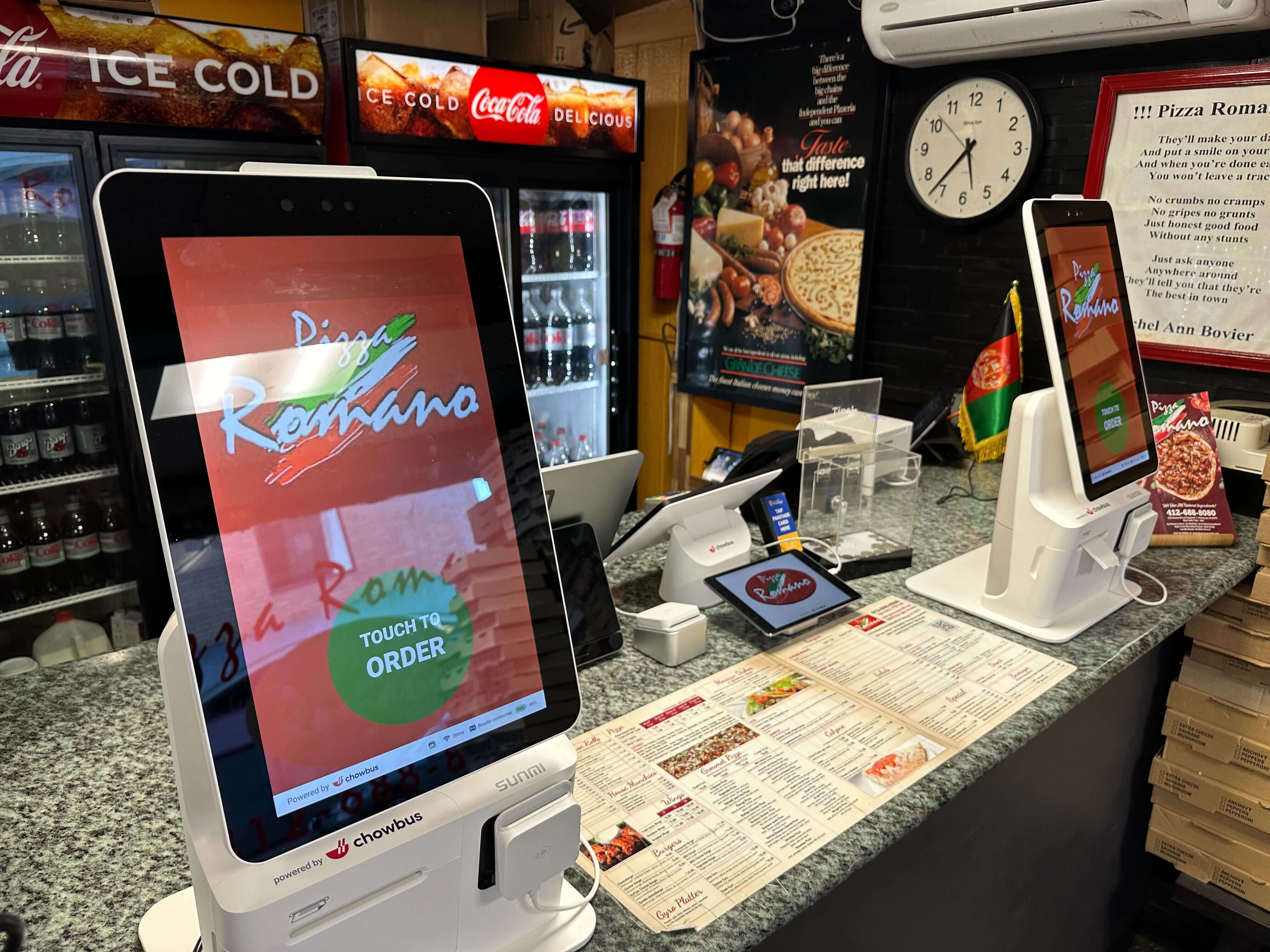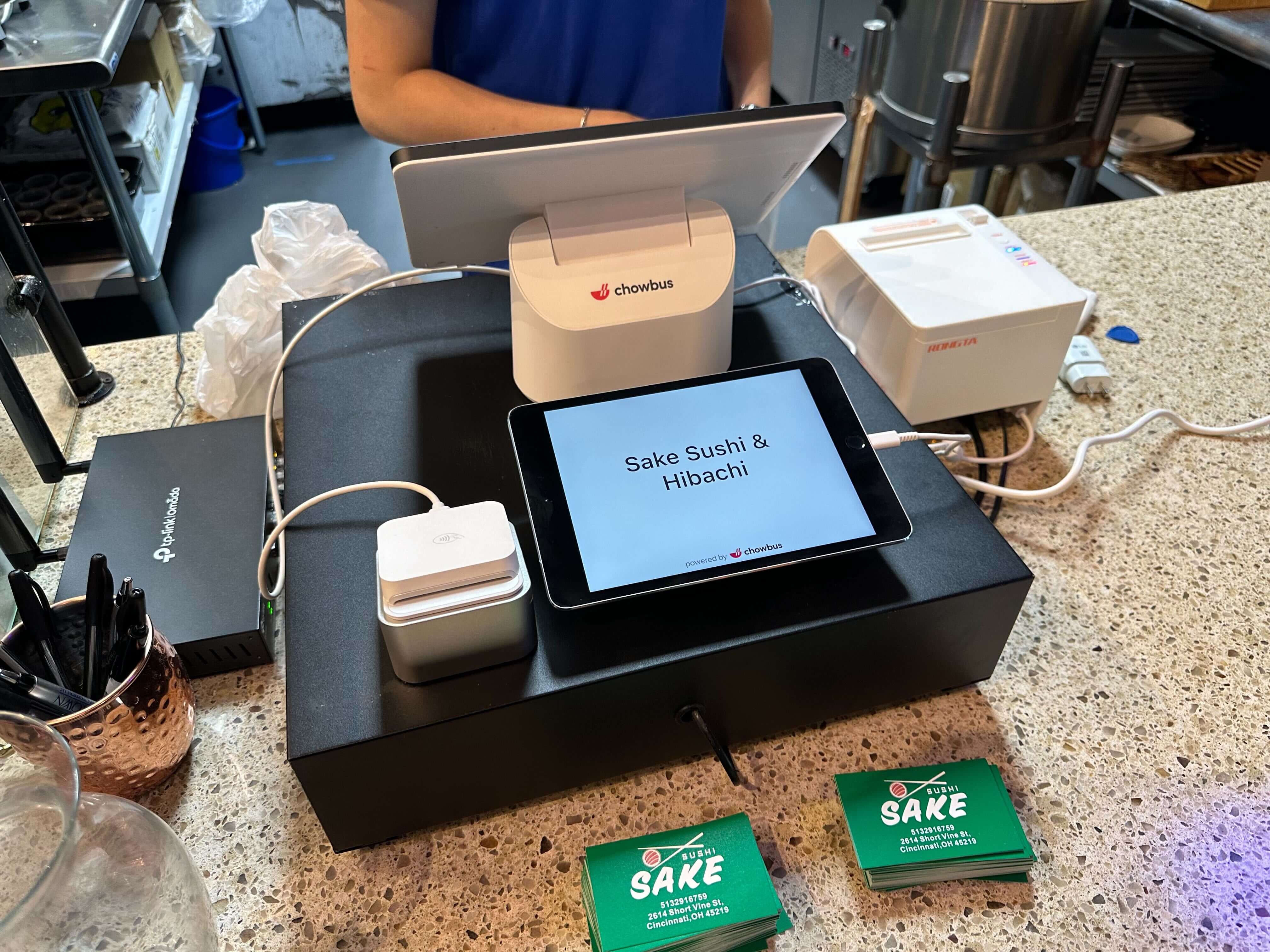
Every kiosk demo looks about the same: an order screen, modifier buttons, a card reader, a receipt printer. Whether the company selling it builds full POS systems or only builds kiosks, the walkthrough on the sales floor is nearly identical. What's not identical is what's happening behind that screen, and that's the part almost nobody spells out unprompted. A self-ordering kiosk is either reading its menu live from your point-of-sale system, or it's keeping a separate copy of that menu somewhere else — one that a person has to update by hand every time something changes. Same hardware on the counter, two very different systems underneath it, and the gap between them rarely shows up in a demo. It shows up weeks later, the first time a price or an item changes on one system and not the other.
Here's what actually separates the two architectures, and what to ask before signing with either kind of vendor.
Before getting into hardware specs or pricing on the next vendor call, ask one question: "If I 86 an item on my POS on a Saturday night, does the kiosk know?" On a POS-integrated kiosk, the answer is yes, almost immediately, because the kiosk has no menu of its own — it's reading straight from the same database the register uses. Change it once, and it's changed everywhere.
On a standalone kiosk, the menu lives in a second system. Someone — usually a manager — has to log into a separate portal and repeat the same edit there. For restaurants running seasonal items, weekend specials, or anything sold in limited daily quantities (a sushi counter doing a set number of a specialty roll before switching to a backup filling, say), that means keeping two menus in agreement at all times, by hand, indefinitely.
This is a complaint that comes up often enough in restaurant-owner discussions of kiosk problems to be worth naming directly: a customer orders something on the kiosk that the kitchen already ran out of. In most of those cases, the problem traces back to a standalone system running on a menu that never got updated, not a mistake in the kitchen.
The second place the architecture shows up is month-end, when you're trying to work out how much revenue actually came through the kiosk versus the counter versus online orders. On a POS-integrated system, kiosk sales land in the same reporting dashboard as everything else — one login, one sales total, one item-performance report with kiosk orders sitting right next to register orders.
Standalone kiosks keep their own transaction history in their own back end. Getting a complete picture of the day means pulling a report from the kiosk vendor's portal and a separate one from the POS, then reconciling the two by hand — or handing that job to a bookkeeper. Some owners do it weekly. Some let it slide to monthly once weekly stops being sustainable. Either way, it's ongoing manual work that a connected system simply doesn't create in the first place.
There's a tax and inventory dimension too. If kiosk sales don't feed into the same place inventory counts live, cost-of-goods numbers are only as reliable as whoever remembers to reconcile both systems — and that gap tends to surface at tax time, when an accountant asks why kiosk revenue isn't showing up in the same export as everything else.
This is the scenario that separates the two architectures in practice more clearly than any spec sheet. The fryer goes down 90 minutes into a lunch rush, and every fried item needs to come off every ordering channel right now — not after the shift.
On a POS-integrated kiosk, one edit on the register or a manager's tablet propagates everywhere at once: registers, kiosks, online ordering, a branded app if the restaurant has one. Thirty seconds, and it's handled.
On a standalone kiosk, there are two options, and neither is good mid-rush. Log into the kiosk vendor's separate portal on a phone while running food and make the same edit there, hoping nothing gets fat-fingered in the process — or leave the item live on the kiosk and post someone next to it to intercept anyone who orders it, which erases the entire reason for having a kiosk take pressure off staff. Owners who've lived through this once tend to remember it specifically, because it's the moment a "separate system" stops being an abstract concern and starts costing an actual table turn.
Kiosk vendors quote hardware plus a software fee, and on that line alone, standalone systems sometimes come in cheaper — particularly from companies that only sell kiosk hardware and price aggressively to win the deal. But the sticker price isn't the total cost. Add up what a standalone system runs over two years: its own software subscription, a second support contract (the kiosk vendor's team doesn't know your POS and vice versa, so a broken kiosk means calling a different help line than a broken register), plus the manager-hours spent keeping two menus in sync and reconciling two sets of reports every month.
A POS-integrated kiosk is typically priced as an add-on to an existing POS plan — sometimes per terminal, sometimes a flat rate for unlimited kiosk stations. Check current plans and pricing before comparing quotes. Either way, there's no second support relationship or second menu database to maintain, because there isn't a second system. It's worth running the numbers before signing anything: take the quoted kiosk cost, add a rough estimate of 2–3 hours a week of staff time for dual-menu upkeep and reconciliation at a manager's hourly rate, and multiply by 24 months. For a lot of independent operators, that changes which option actually comes out ahead.
There's a harder-to-quantify cost on top of that: not being able to see kiosk performance next to register performance in one place means menu and staffing calls get made on partial information, and that shows up over time as slower course-correction on what's actually working.
A kiosk doesn't operate in isolation — it has to hand orders to the kitchen, and in most restaurants now, coexist with online and third-party delivery orders too. A POS-integrated kiosk routes tickets straight into the same kitchen display system every other order channel uses, in the same format, with the same modifier logic. Line cooks see one ticket queue, not three.
Standalone kiosks vary a lot here. Some print to their own receipt printer near the kitchen, which means a KDS — if the restaurant has one — never shows kiosk orders at all, leaving one channel on paper while everything else runs on screens. Others advertise KDS integration but route through a third-party bridge that adds a few seconds of latency per ticket and occasionally drops a modifier during an update. If a restaurant already runs a KDS or takes online orders, it's worth asking a kiosk vendor exactly how tickets reach the kitchen — same queue and system, or a separate feed someone has to keep an eye on.
None of this makes standalone kiosks a bad choice across the board. A single counter-service concept with a simple menu that barely changes, no KDS in place, and a meaningfully lower quote from a kiosk-only vendor is a reasonable case for going standalone — there's less to sync and less to reconcile when the menu itself barely moves.
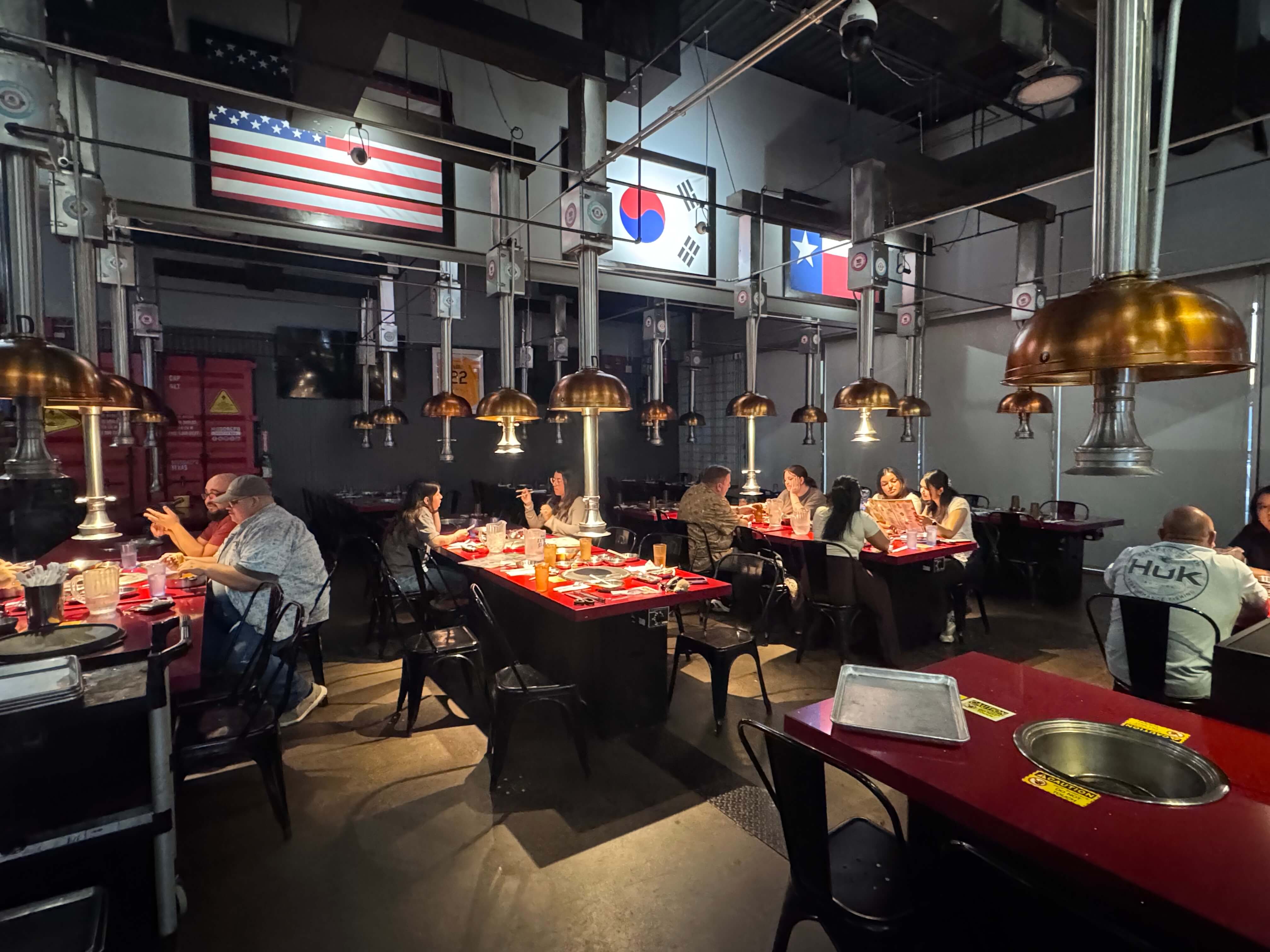
The case for integration gets stronger fast once any of the following is true: the menu changes daily or weekly, items get 86'd often, a KDS or online ordering is already in place and a single order queue matters, or the restaurant runs more than one location and needs sales data to roll up automatically instead of getting stitched together by hand every week. That covers a lot of hot pot, all-you-can-eat, and à la carte restaurants where 86'ing happens constantly and menu accuracy on the kiosk isn't optional — it's closer to a baseline operational requirement than a nice-to-have.
And for anyone who's already been sold something on a kiosk that the kitchen didn't have, this stops being a minor technical detail fast. It tends to become the first question asked on every vendor call after that.
Ask every vendor the same thing before signing anything: show, live, what happens on their system the moment a price changes. A vendor who can demo that in under a minute has already told you which architecture is on the table.

The screen itself won't tell you — ask the vendor to change a price or 86 an item live and show how long it takes to appear on the kiosk. A POS-integrated system updates in seconds because it's reading the same database as the register; a standalone one requires a separate edit in its own portal, which the vendor will usually have to switch screens to show you.
Not necessarily, and the upfront quote alone doesn't settle it either way. Standalone systems often carry costs that don't show up on the initial invoice — a separate support contract, plus the staff hours spent keeping two menus and two reports aligned. Comparing the two-year cost, not just the monthly fee, usually gives a clearer answer than the sticker price does.
Yes. A standalone kiosk means logging into a separate portal and reconciling reports at every location, and that workload scales with store count. A POS-integrated kiosk rolls sales data from every location into one dashboard automatically, which tends to matter a lot more once a group passes two or three sites.