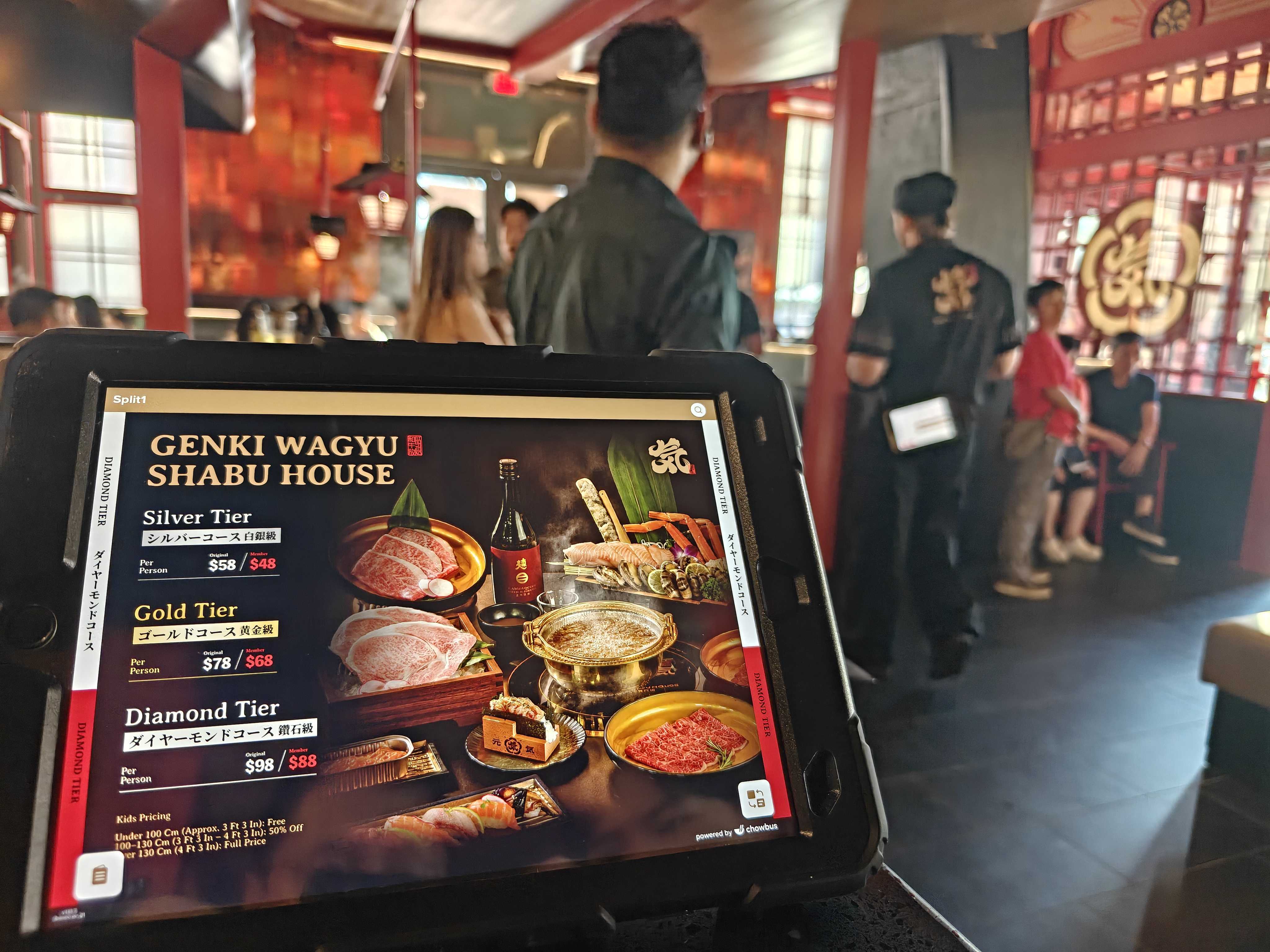
POS pricing pages are built to get you on a demo call, not to describe what your first year actually costs. The quoted monthly rate — often $69 or $79 — usually covers software alone, and by the time hardware, card processing, and the modules you inevitably add are all sitting on the invoice, most independent restaurants end up paying somewhere between $1,500 and $12,000 in year-one costs, depending on size and setup. That total comes from five places: hardware, software, processing, add-ons, and the fine print buried in the contract. Here's each one in order, starting with the cost most owners don't budget for until it's already on the invoice: hardware.
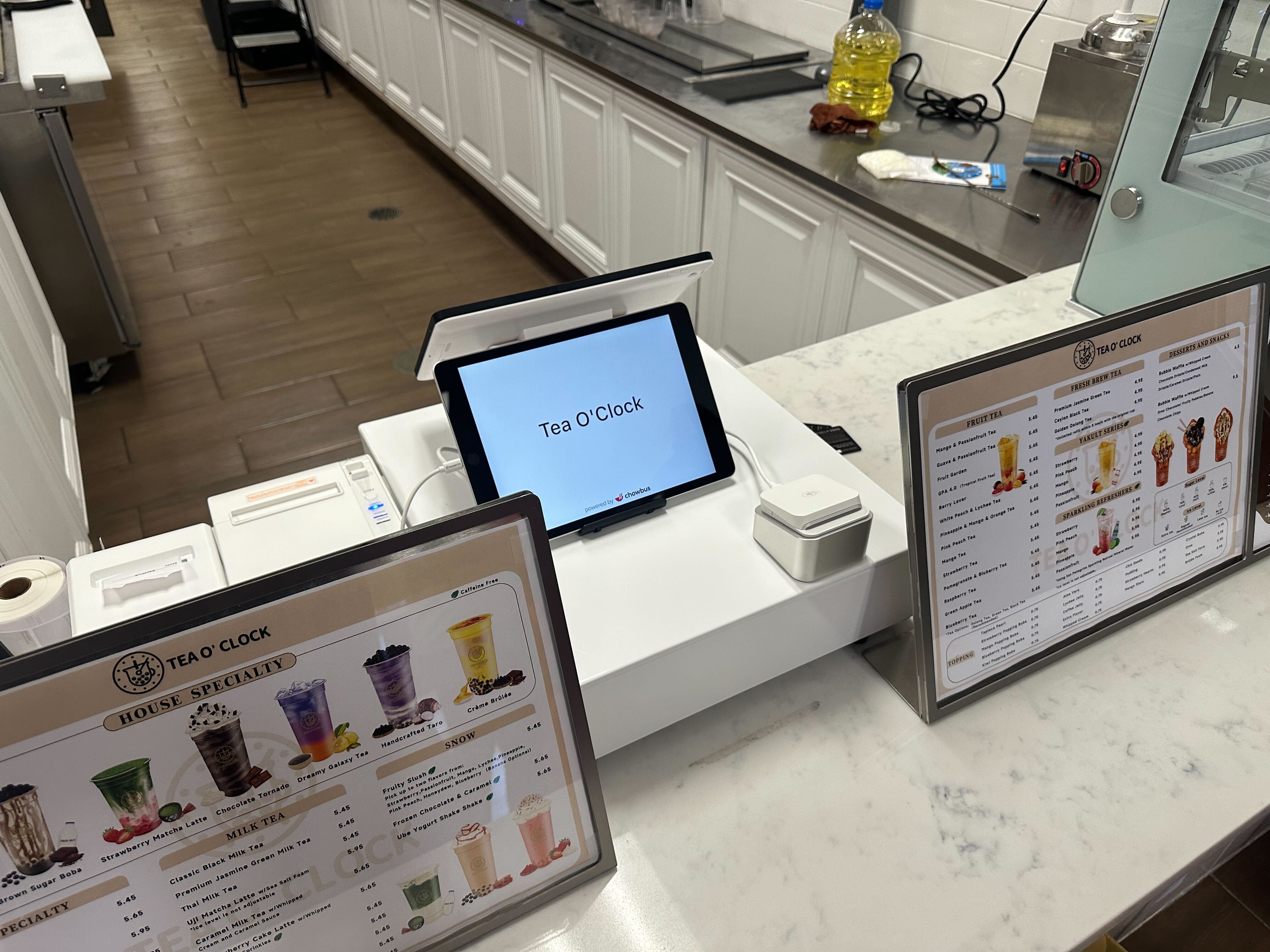
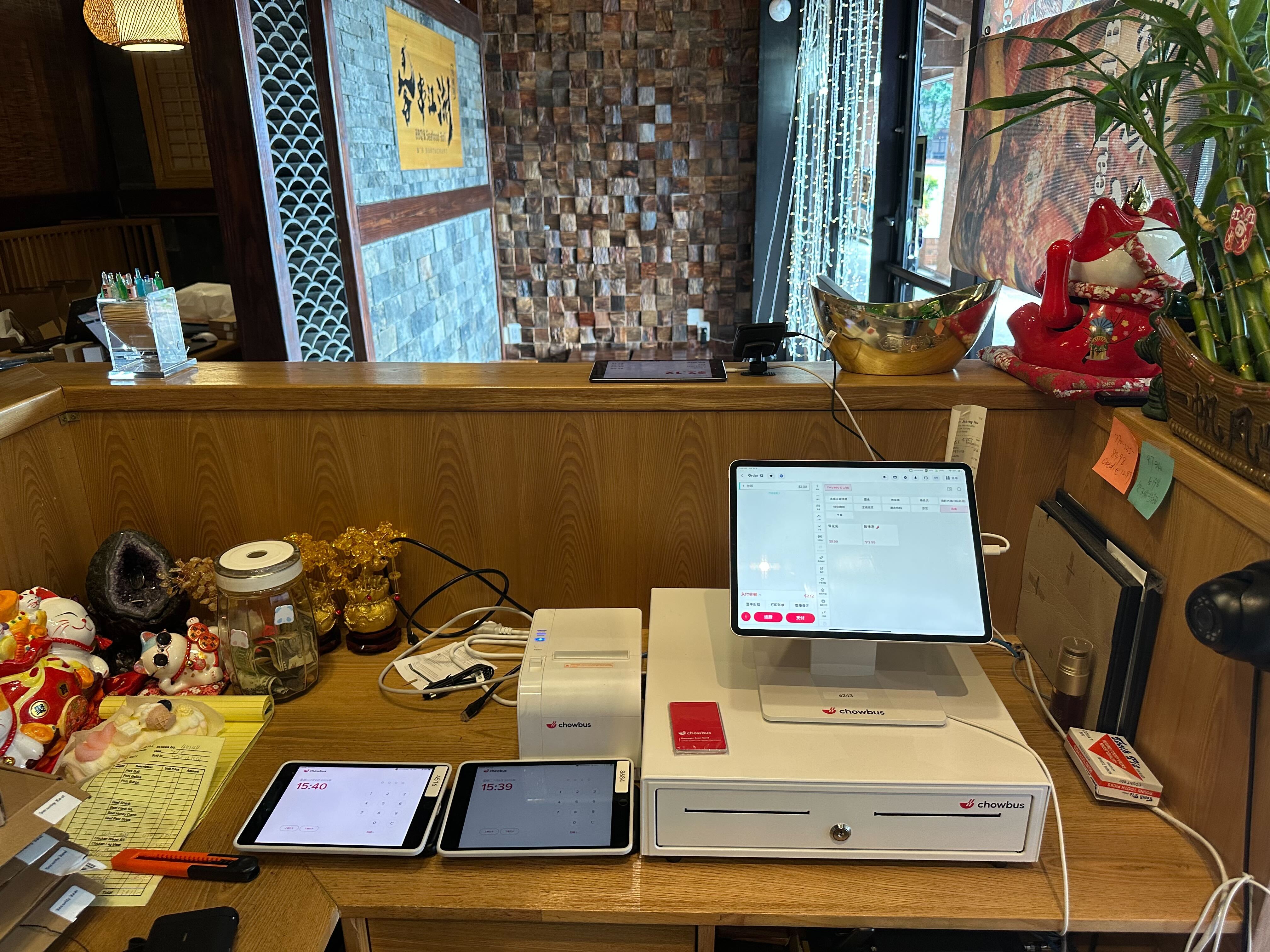
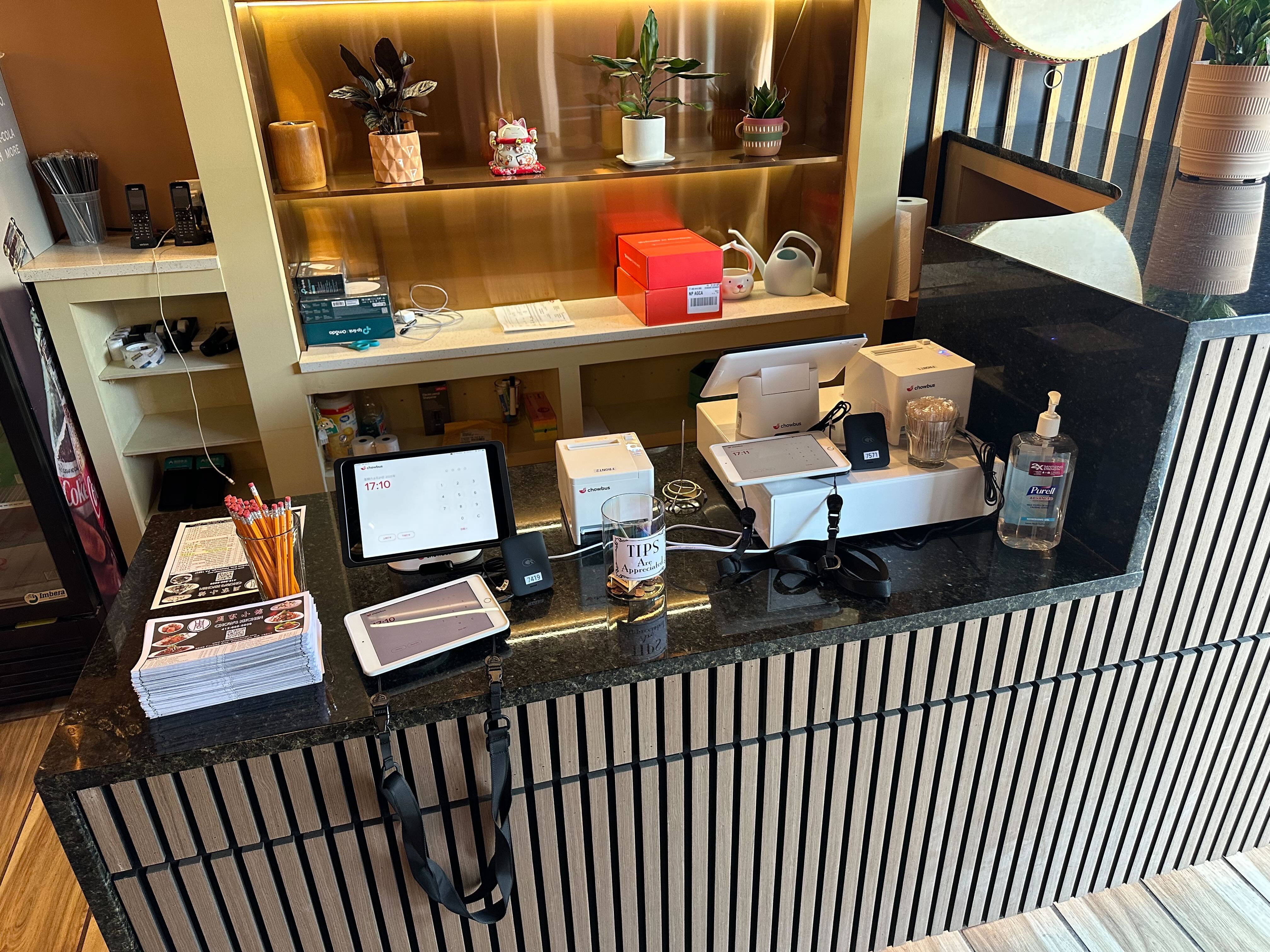
The subscription fee is billed monthly. The hardware bill is due immediately, usually before your system is even installed. A single countertop terminal with a card reader runs $600–$1,200 if you buy it outright, and several providers require you to buy theirs specifically — no bringing your own iPad or a cheaper reader from another vendor, because the software is locked to their hardware.
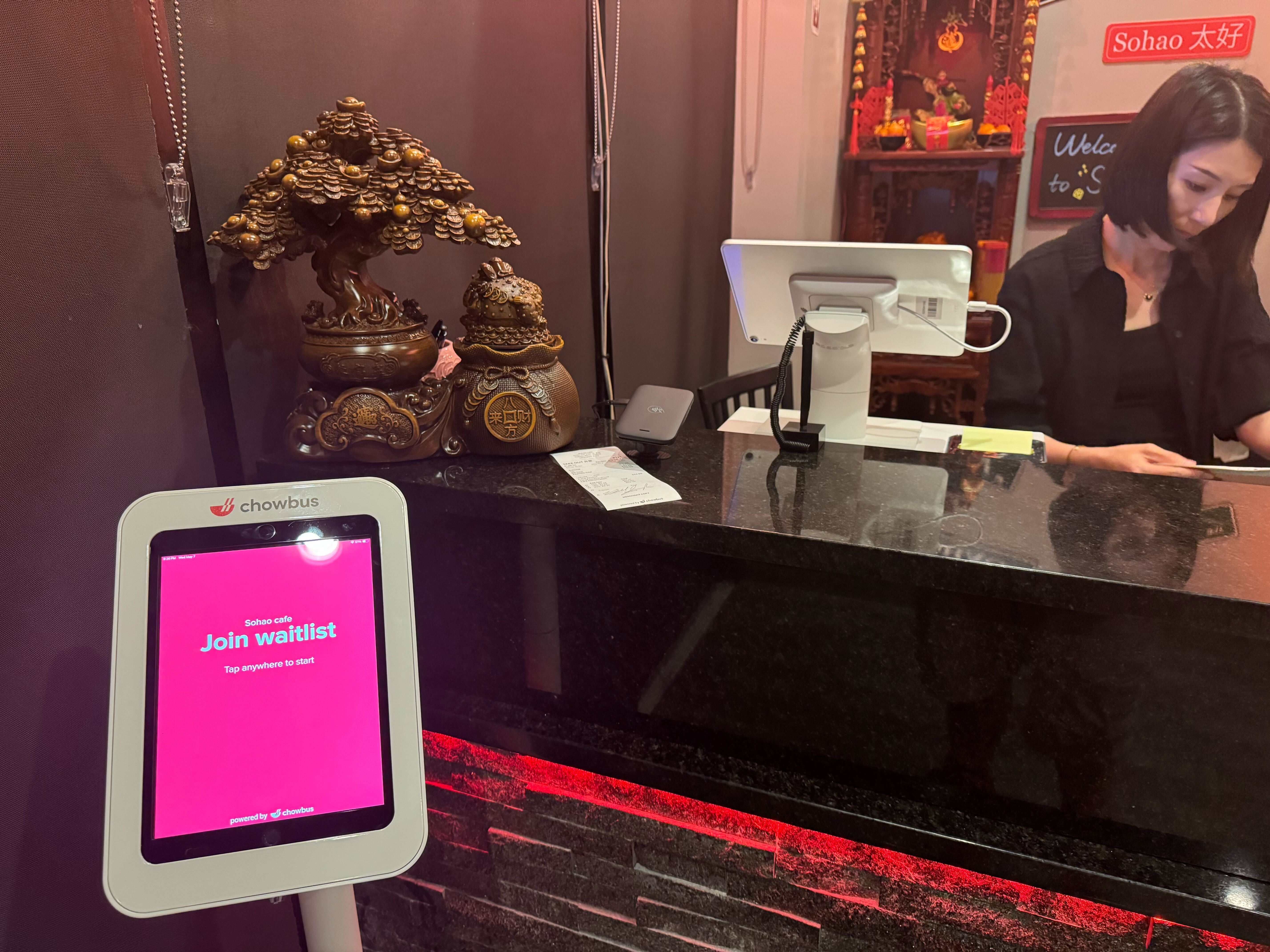
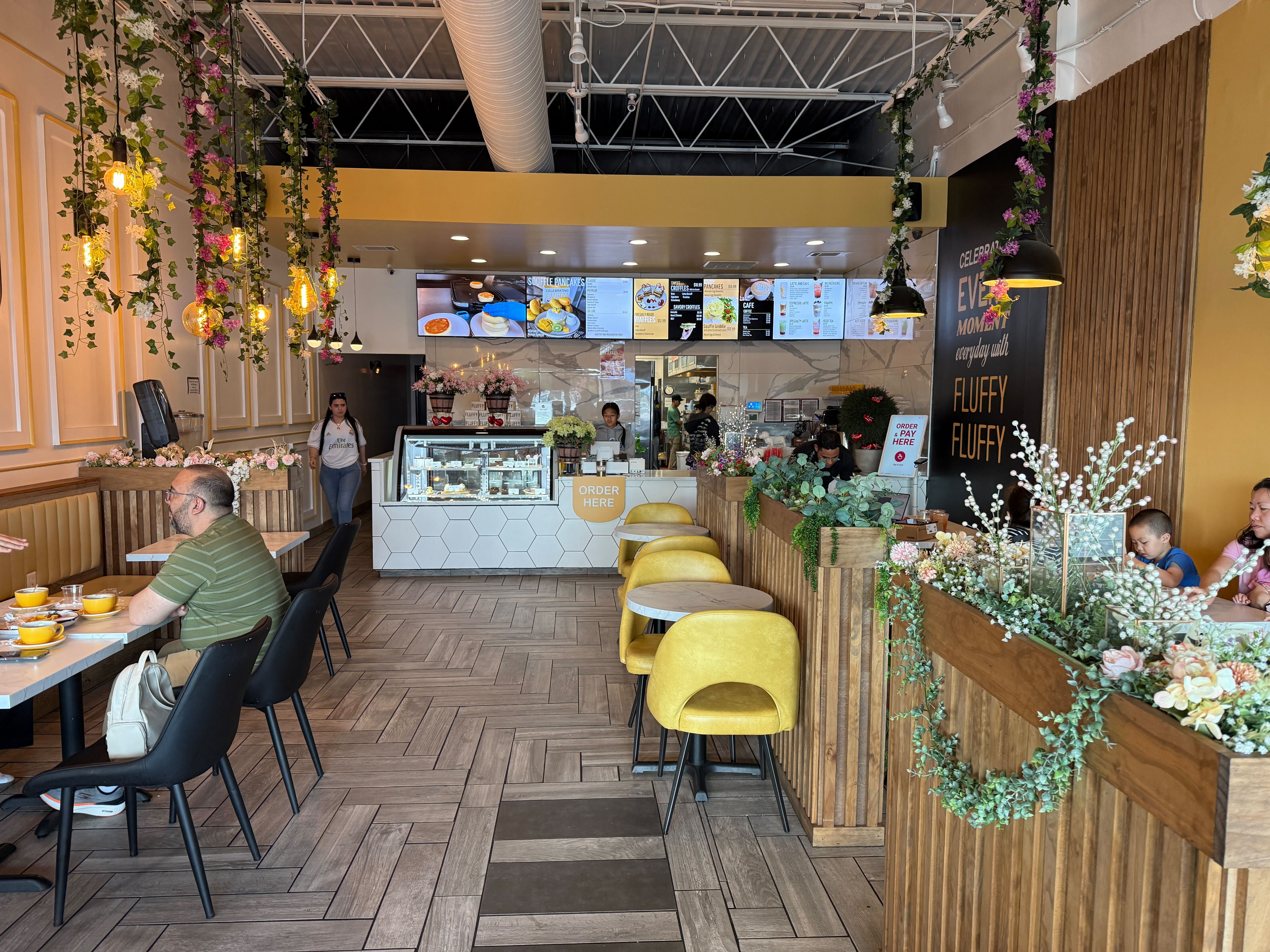
Almost no restaurant runs on one terminal, though. A 40-seat hot pot restaurant with a counter register, an expo station printer, and one handheld for tableside ordering needs three to five hardware components before opening day. A kitchen display screen to replace paper tickets adds another $800–$1,500. A self-ordering kiosk at the counter — now close to standard for quick-service and counter-service concepts — runs $1,500–$2,500 per unit on its own.
Some vendors offer to fold hardware into a lease, or advertise it as "free with contract." Read that contract closely before counting on the word free: a vendor who waives a $1,000 terminal fee usually recoups it somewhere else — a longer commitment term, a processing rate that sits half a point above market, or an early-termination fee steep enough to make switching providers later expensive even if the software itself is disappointing you.
This is the part that actually shows up on the marketing page, and it's the smallest surprise on this list because at least it's disclosed upfront. Toast's base plan starts around $69 a month. Clover starts closer to $135. Both are entry-tier prices — the plan that adds online ordering, loyalty tracking, multi-location reporting, or advanced kitchen routing costs more, and most restaurants need at least one of those modules within the first year.
Read the contract for what counts as one "terminal" or one "location." Some pricing structures charge per register, so a restaurant running three terminals pays three times the base software fee even though it's one physical location under one owner. Others price per location regardless of terminal count. Neither model is wrong, but they produce very different totals depending on how your floor is laid out — and the "starting at" price on the website never tells you which one applies to you.
Contract length changes the math too. Month-to-month plans cost more per month but let you leave if the system doesn't fit your kitchen's workflow. Annual contracts are cheaper on paper but often carry an early-termination fee running into the thousands — the kind of fee that becomes real if you discover in month three that ticket routing can't handle your menu's modifiers correctly.
This is usually the single biggest cost in the whole system, and the one owners think about least, because it's charged as a percentage instead of a flat monthly line. A typical card-present processing rate runs 2.3%–2.9% plus a per-transaction fee of 10–15 cents. On a restaurant doing $40,000 a month in card sales, that percentage alone comes to roughly $1,000–$1,200 a month — more than most software subscriptions combined.
The rate itself isn't the only variable. Some POS providers require you to use their in-house processor exclusively, with no option to shop around, and that processor's rate can sit noticeably above what an independent processor would charge for the same volume. Others let you bring your own processor or negotiate the rate based on your monthly volume, which matters if you're running a heavy dinner rush against a lighter lunch crowd.
Watch for the fees stacked on top of the headline rate: PCI compliance fees (often $10–$30 a month), batch or settlement fees charged per day you close out the register, chargeback fees when a customer disputes a charge, and equipment rental fees if the card reader is leased rather than owned. None of these show up in the "2.6%" quoted on the phone. Ask for a full sample processing statement before signing, not just the headline rate — a real statement itemizes each of these separately, and a vendor unwilling to show you one is worth being cautious about.
The base package rarely covers everything a working restaurant needs within its first six months. Extra terminals cost extra, whether priced per device or per month. A second kitchen display system for an expanded menu or a second prep line adds another few hundred dollars monthly plus its own hardware cost. Online ordering integration — connecting your POS to a branded ordering page or to third-party delivery platforms — is sometimes bundled and sometimes a separate paid module, and the gap between those two setups can run a few hundred dollars a month on its own.
Integrations with accounting software, payroll, or inventory management often carry their own fee, either from the POS provider or from the third-party tool itself, plus sometimes a one-time setup or API connection charge. Multi-language menu support, where staff or customers need it, is sometimes a baseline feature and sometimes a paid tier upgrade — worth confirming directly rather than assuming it's included, especially for restaurants where English isn't the primary language spoken on the floor.
Support itself can be an add-on. Some providers include phone and chat support in the base subscription; others charge extra for anything beyond basic email tickets, or for support outside standard business hours — which matters more than it sounds for a restaurant whose kitchen printer jams at 7:45 on a Friday night, not at 10 a.m. on a Tuesday.
Two POS quotes with different-looking monthly numbers are close to useless to compare until you force them into the same shape. Ask every vendor for the same five figures, in writing:
- total hardware cost for your exact terminal count
- all-in monthly software cost, including every module you'll actually use
- the full processing rate breakdown — percentage, per-transaction fee, and any monthly compliance charges
- every add-on fee that applies to your specific setup
- the early-termination cost if you sign an annual contract and need to leave in month four
Ask what happens to your menu data, customer list, and sales history if you switch providers later — some systems export cleanly, others make it deliberately hard, and you usually don't find out which until you're already trying to leave. Ask for three references from restaurants of similar size and cuisine type, and actually call them; a vendor confident in its pricing hands these over without hesitation.
The pricing breakdown Chowbus publishes is one place to start pulling those figures from directly, so you're comparing two itemized totals instead of a headline rate against someone else's real number — which is usually how restaurants end up choosing on gut feeling instead of on cost.
Then run the math on total first-year cost, not monthly cost, for every quote: hardware, plus twelve months of software, plus processing estimated against your actual monthly card volume, plus any add-ons you already know you'll need. That single number tends to separate vendors more clearly than any feature list, and it's the number most sales conversations are structured to keep off the table until after you've signed.
Vendors ranked by their advertised monthly price and vendors ranked by real first-year cost don't always land in the same order. A system with a low headline rate but exclusive processing and per-terminal software fees can cost more over a year than one with a higher sticker price and flat per-location pricing. Pulling the numbers above is what surfaces that difference before you've signed rather than after.
If you're in the middle of comparing vendors right now, the practical move is to build a one-page spreadsheet with that breakdown for each one you're considering — it takes an afternoon, and it's the version of "shopping around" that actually catches the gap between the quote and the invoice. If you'd rather start from a system where hardware, processing, and add-on modules are priced together instead of scattered across five different line items, book a demo and get an itemized quote to run through the same spreadsheet.
The monthly fee typically covers core software — order entry, basic reporting, and menu management. It usually doesn't include hardware, processing rates, PCI compliance fees, or advanced modules like loyalty programs, multi-location reporting, or delivery integration, even when a sales demo walks through those features.
Convert both to total first-year cost: hardware, twelve months of software at the tier you'll actually need, processing fees estimated against your real monthly card volume, and any known add-ons. Ask each vendor for those figures in writing rather than comparing the advertised monthly rate alone, since that rate rarely reflects your actual setup.
Not necessarily. Square for Restaurants has a genuinely useful free tier for very small or new operations, but costs climb once you add locations, staff accounts, or higher transaction volume, and it wasn't built around features like all-you-can-eat billing controls or multilingual menus. A platform like Chowbus, where POS, online ordering, and loyalty run on one connected system, can cost less over a year than stitching together several separate low-cost tools.
Prioritize the terminal count you actually need on day one, not the number a salesperson upsells toward, and negotiate the processing rate before signing — that line item has the most room to move. Kiosks, extra kitchen displays, and marketing modules can usually wait until month three or four, once the core system is proven out on the floor.
Get the full first-year cost in writing — hardware, software, processing, and every add-on you already know you'll need — and ask what an early exit actually costs. Request a live demo run on your own menu during a busy-hour scenario, not the vendor's sample data, so you can watch how tickets, modifiers, and kitchen routing behave under real conditions.