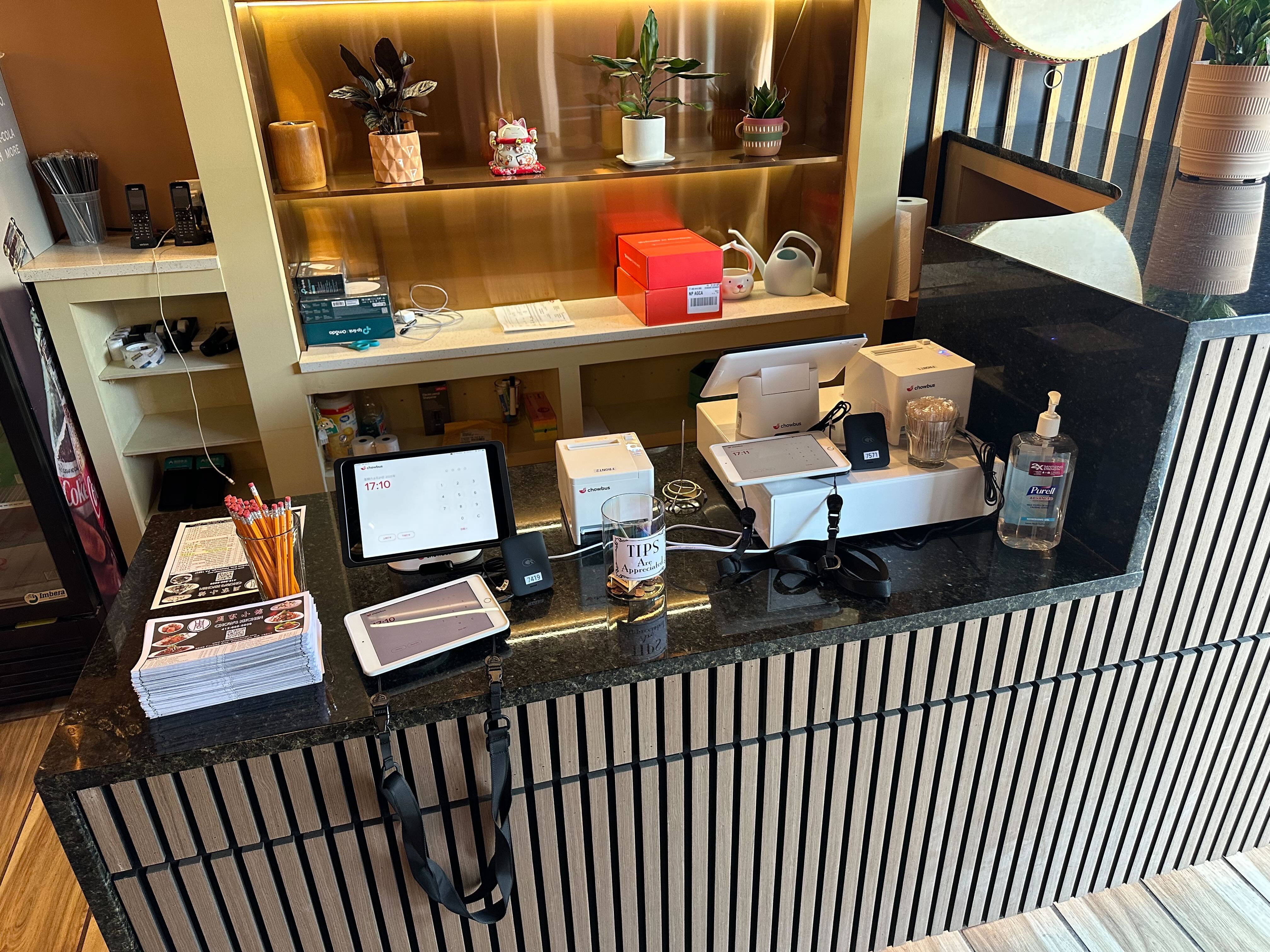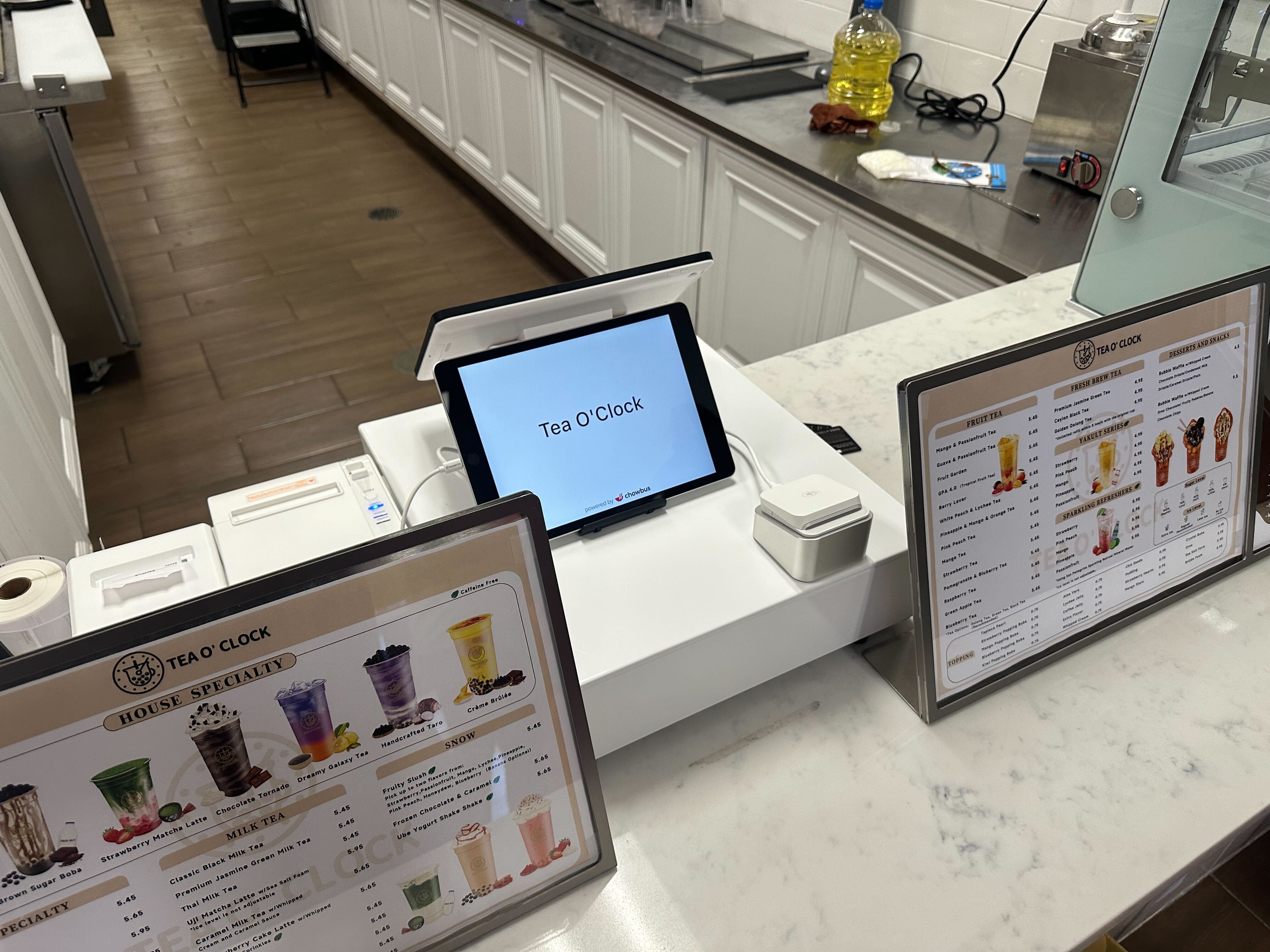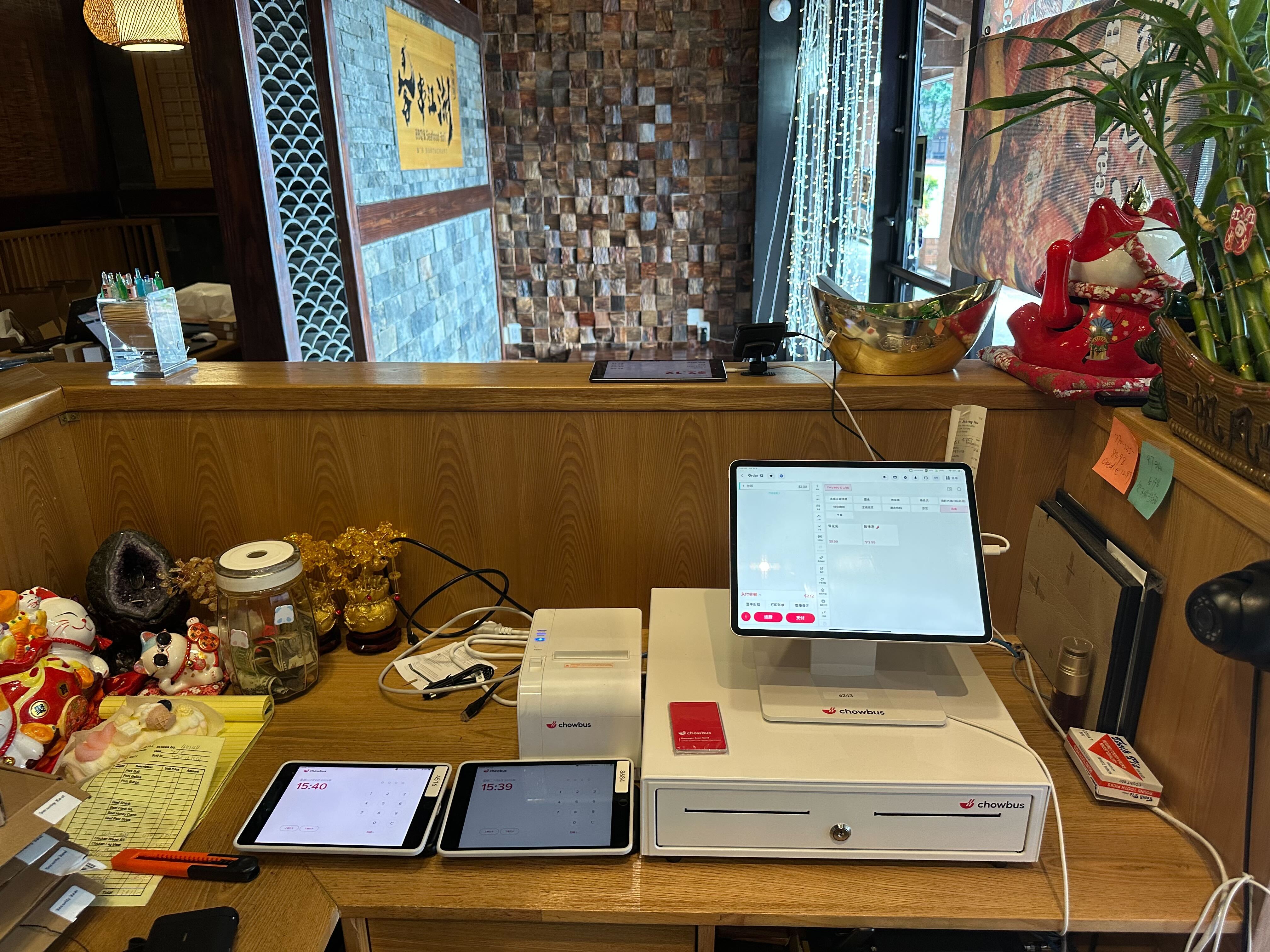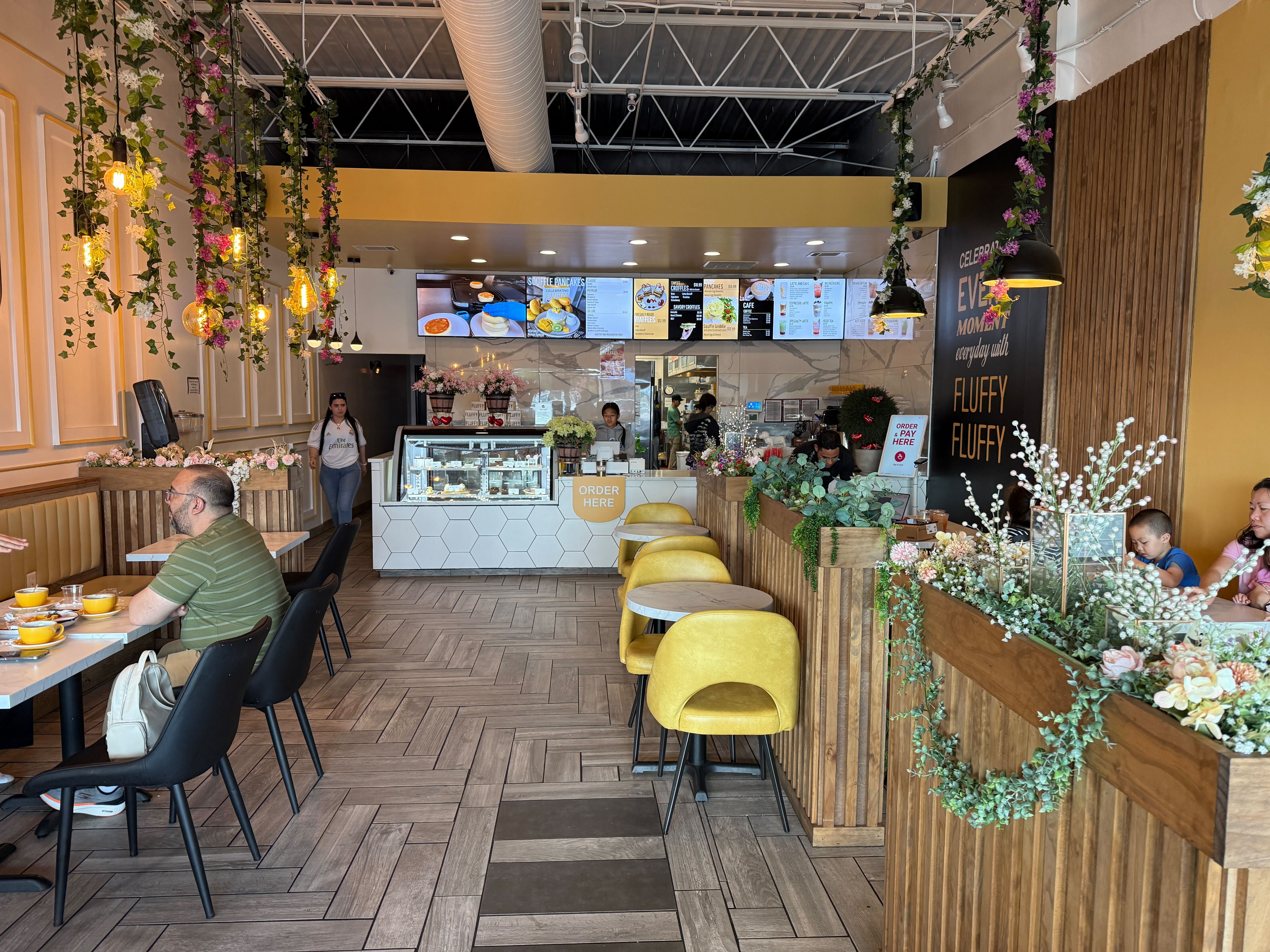
Ask ten restaurant owners what their POS system actually does, and you'll get ten different answers — payments, sure, but also inventory, staff schedules, online ordering, and the thing that keeps the kitchen from making the wrong dish. That's because "POS system" has quietly grown from a cash register replacement into the operational backbone of most restaurants, and the gap between a basic and a genuinely good one shows up in daily labor cost, order accuracy, and customer retention.
Restaurants are also one of the most operationally demanding businesses to run software for — multiple order channels, real-time kitchen coordination, and menus that change by day or season. That complexity is part of why purpose-built restaurant POS platforms now serve a large share of the industry directly: systems like Chowbus alone support 9,000+ restaurants across all 50 U.S. states, a scale that reflects how much restaurants have moved away from generic, retail-first software.
In this guide, you'll get a clear picture of what a restaurant POS system actually does, what separates a good one from a mediocre one, and how the calculus changes if you run an Asian or multi-cuisine concept — so you can make a confident decision instead of guessing from a features page. Before comparing specific systems, it's worth understanding what a restaurant POS is actually responsible for today.
The term "POS" undersells what these systems handle in a modern restaurant. At minimum, a restaurant POS manages:
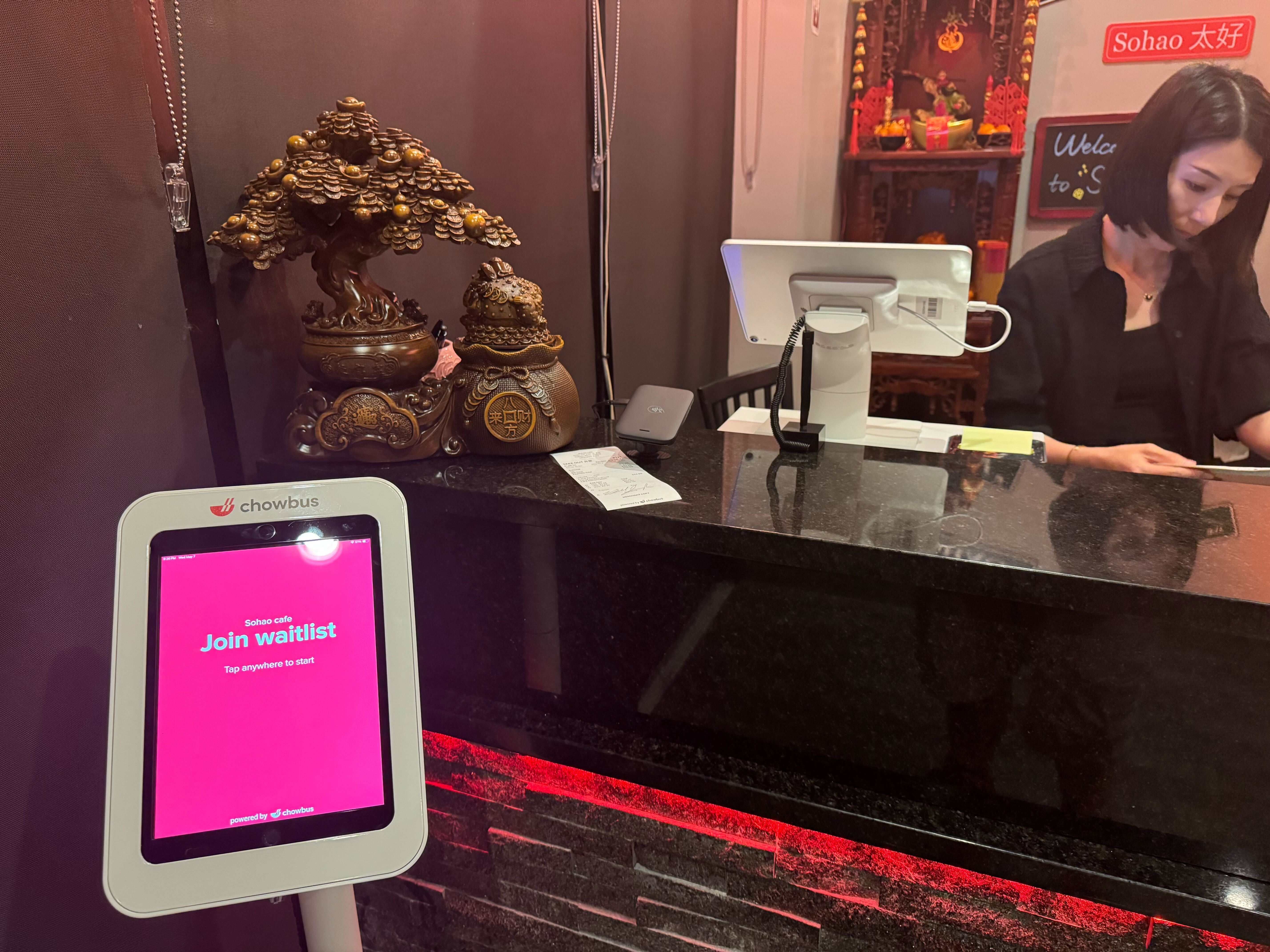
Where restaurants differ from most other small businesses is channel complexity: a single restaurant might be taking dine-in orders, counter pickup, third-party delivery, and direct online orders simultaneously, all of which need to land in one coherent system rather than five separate tablets.

Not all restaurant POS systems are built the same way, and understanding the categories helps frame what you're actually comparing:
The trend across the industry has been a clear shift toward cloud-based systems, largely because they support multi-location management, remote reporting, and faster software updates without a technician visiting each site.
This is where the "one size fits all" promise of generic POS systems tends to break down. A few specific gaps show up repeatedly:
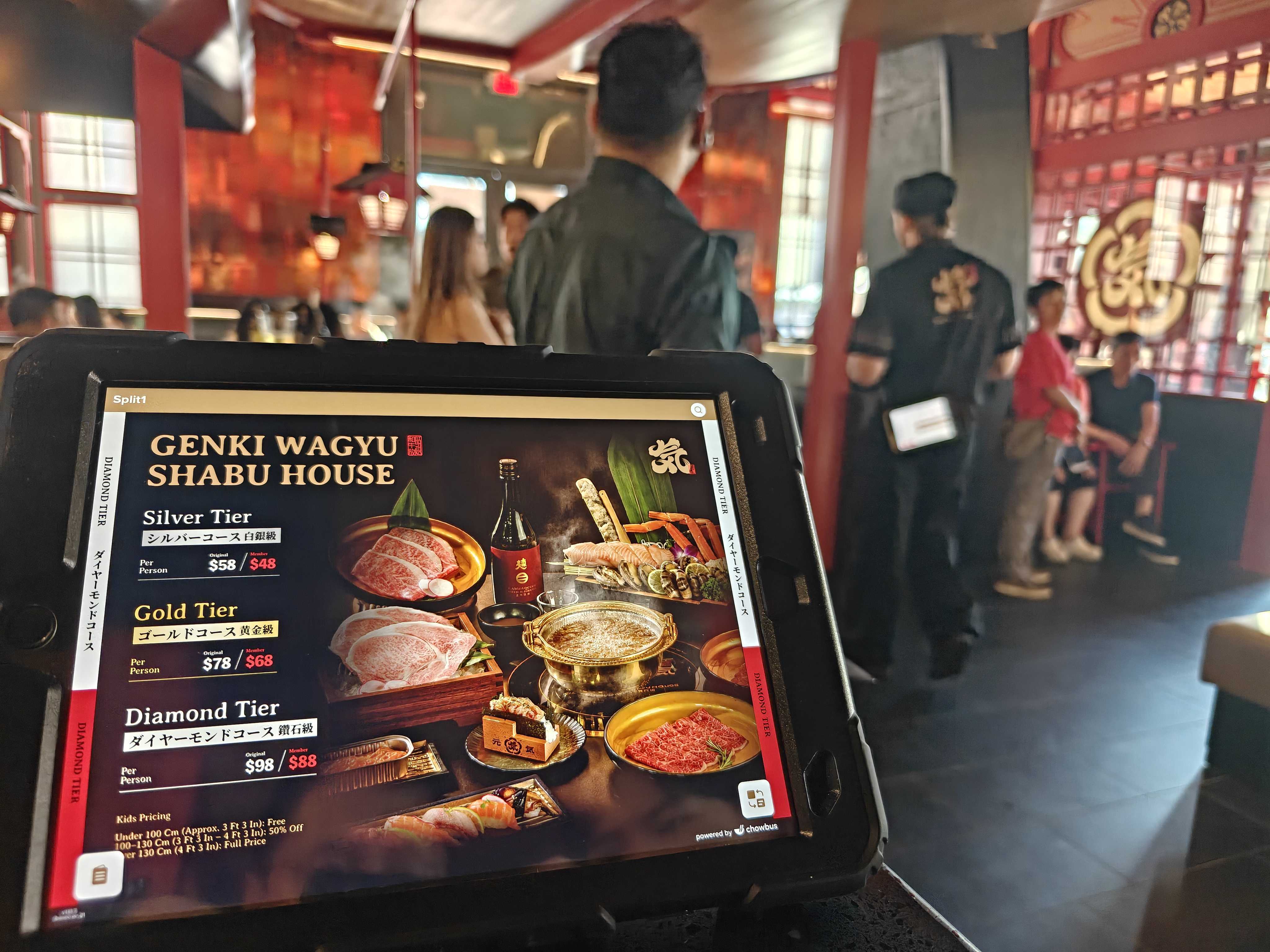
Purpose-built platforms like Chowbus were built specifically around these mechanics — bilingual back-office support, combo/set pricing logic, and table-side ordering through TablePRO for hot pot and AYCE formats — rather than adapting a generic retail POS after the fact.
When restaurant owners research "POS systems for restaurants," they typically end up comparing a similar set of names, each with real trade-offs:
None of these are universally "best" — the right choice depends on your menu complexity, service style, language needs, and how many separate tools you're currently trying to stitch together.
A restaurant POS budget typically includes four components:
It's worth specifically asking whether per-order fees apply on top of the base subscription — some legacy Asian-restaurant-focused platforms charge this way, which can add up meaningfully at high order volumes. Always request an all-in monthly estimate based on your actual transaction volume rather than comparing base advertised prices.
Rather than starting with a feature checklist, work backward from your actual operations:
This framework surfaces the practical fit issues that a generic comparison chart tends to hide.
What is the best POS system for restaurants?There's no single best system for every restaurant — it depends on service style, menu complexity, and language needs. Toast leads the general restaurant POS market, Square suits simple, low-volume operations, and purpose-built platforms like Chowbus tend to fit better for Asian and multi-cuisine concepts with complex modifiers, combo pricing, and bilingual staff.
How much do restaurant POS systems typically cost?Expect $50-$200+ per month per location for software, plus hardware costs (often $500-$2,000+ per terminal) and payment processing fees. Some providers also charge per-order fees on top of subscription costs, so always ask for an all-in monthly estimate based on your actual order volume.
What's the difference between a generic POS and a restaurant-specific POS system?A generic POS (often adapted from retail) handles basic transactions well but frequently lacks deep modifier support, kitchen display integration, table management, and multi-channel order consolidation — all of which restaurant-specific systems are built around from day one.
Which POS system is best for hot pot or all-you-can-eat restaurants?Look specifically for table-side ordering via tablet, per-person pricing, and time-limit tracking — features that generic POS platforms rarely support natively. Chowbus's TablePRO was built specifically for this kind of table-side, per-person service model.
How long does it take to switch to a new restaurant POS system?A supported switch typically takes one to three weeks, covering menu build, hardware installation, and staff training. Providers with dedicated onboarding assistance for menu building tend to shorten this timeline and reduce early-week errors.
Do restaurant POS systems integrate with delivery apps like DoorDash and Uber Eats?Most modern cloud-based restaurant POS systems do, consolidating delivery orders into the same ticket stream as dine-in and takeout. This is worth confirming directly, since some older or Asian-restaurant-focused platforms, such as MenuSifu, historically lack this integration.
A restaurant POS system is no longer just a way to take payment — it's the system that determines how smoothly your kitchen runs, how accurately orders get fulfilled, and how much repeat business you can build from every transaction. The "best" system isn't a fixed answer; it's whichever platform actually matches your menu complexity, service style, and the languages your team works in.
If you're running an Asian or multi-cuisine restaurant, pay close attention to how a system handles combo pricing, deep modifier trees, table-side or AYCE service, and bilingual support — these are the daily operational details that generic, retail-first POS platforms consistently underserve. A system that gets these right from the start will save you hours of manual workarounds every week.
Before signing with any provider, ask to see a live demo built around your actual menu, get a clear all-in cost estimate at your real transaction volume, and test how support responds to a real question. Those three steps will tell you more about whether a system fits your restaurant than any comparison chart.