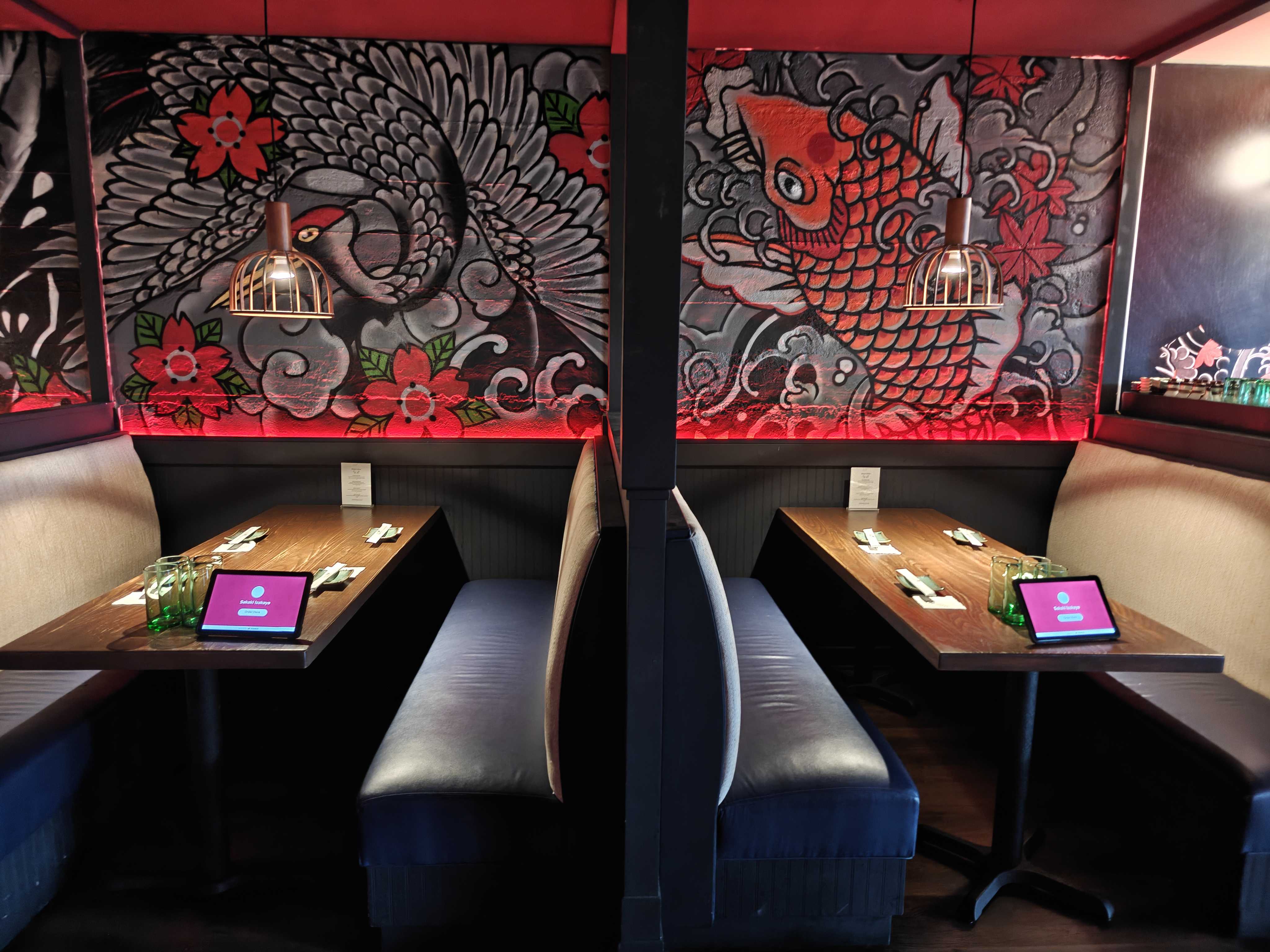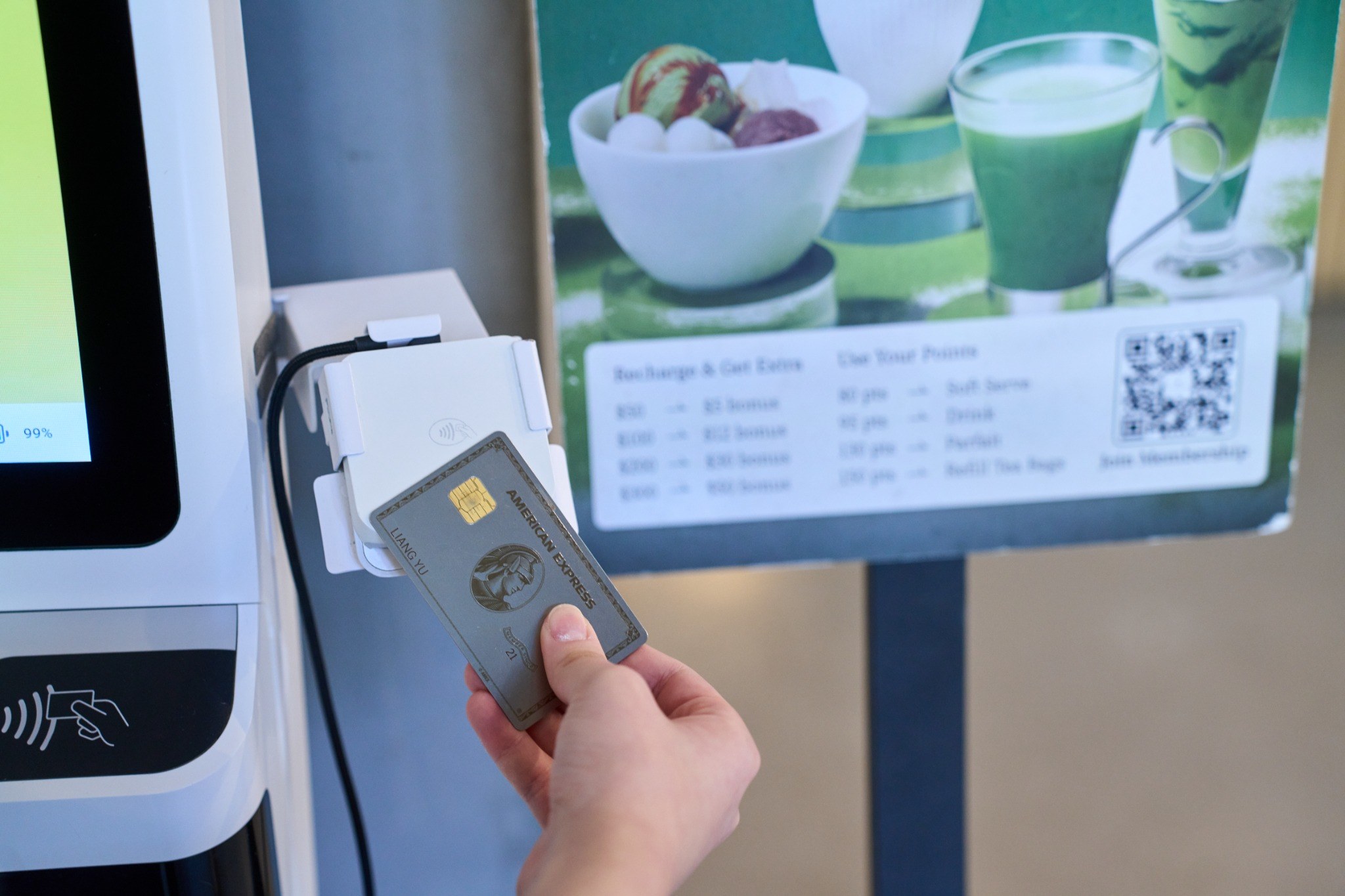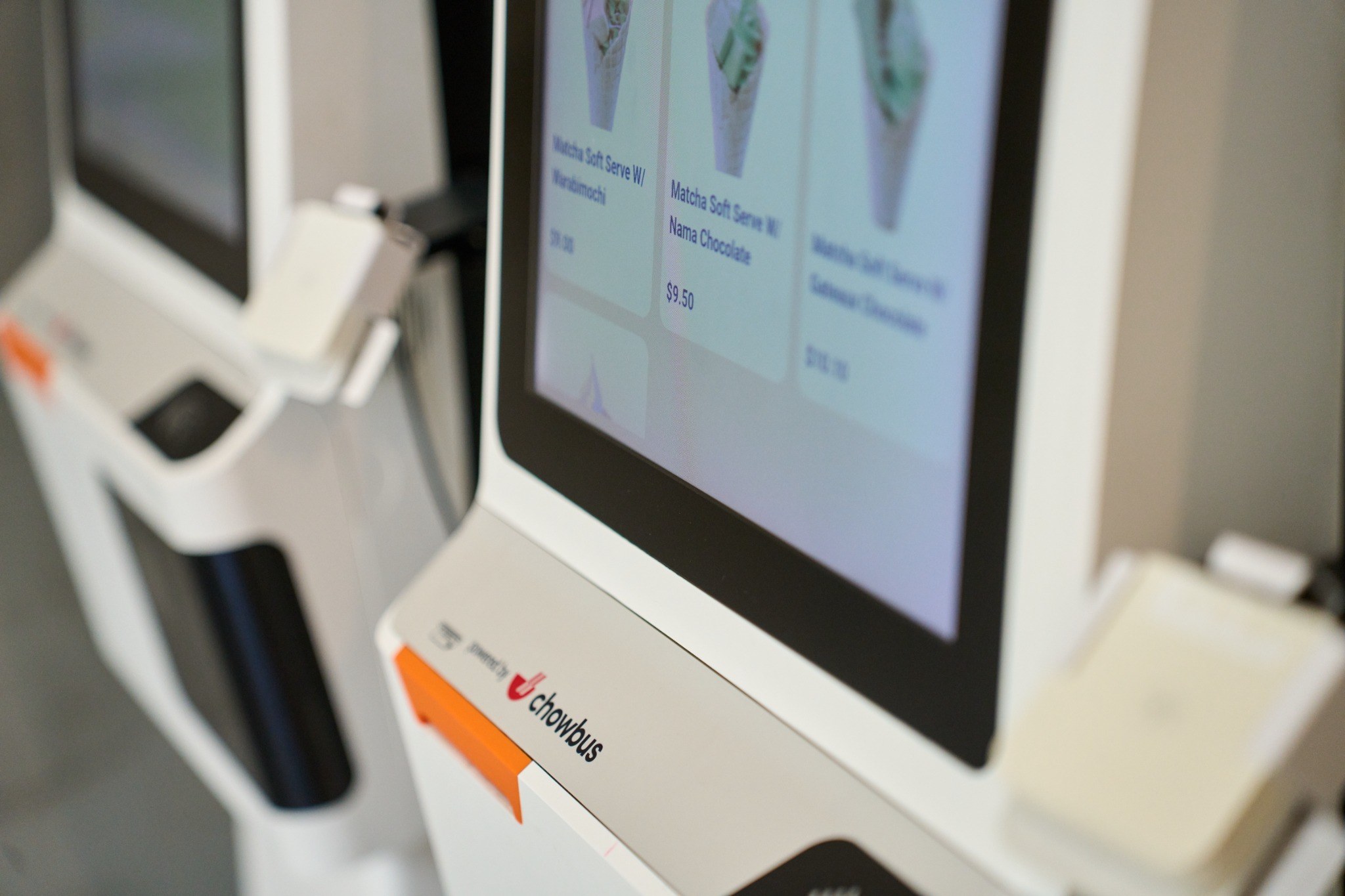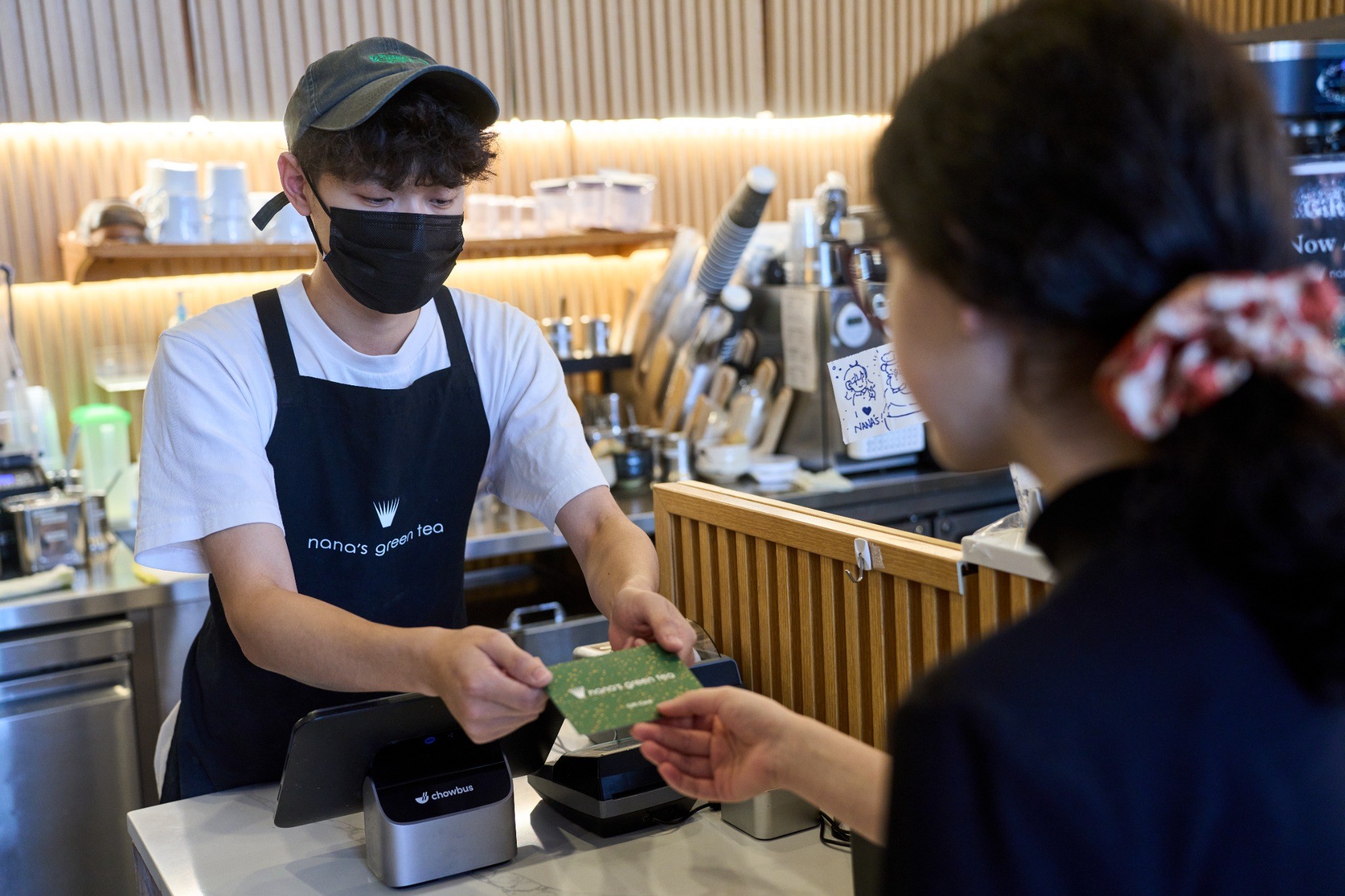
When every minute counts and expectations keep rising, even small changes to how guests order can make a big difference. A contactless menu QR code helps you speed up service, cut printing costs, and give guests more control, all without overhauling your entire setup.
If you’re looking for a simple, flexible way to improve how you serve, this post breaks down how QR menus work, why they’re effective, and what to know before rolling them out.

A contactless menu QR code is a simple, scannable code that opens your restaurant’s menu directly on a guest’s phone. No app required. It’s a fast, accessible way to present your full menu without printing anything.
Each QR code links to a digital menu that’s tied to a specific table or area. Once scanned, guests can:
You can update your digital menu at any time. Need to change a price, swap an item, or highlight a special? Edit once and it's live everywhere. No reprinting. No delays.
This setup gives guests more control and cuts down on service time. It also frees up your team to focus on food prep and hospitality instead of taking manual orders.
A contactless menu QR code helps you modernize service, reduce printing costs, and keep things moving without making big changes to your operations. It’s efficient, easy to use, and works for a variety of restaurant formats.
A contactless menu QR code helps simplify day-to-day operations while improving how you serve guests. Whether you're managing a small team or running multiple locations, digital menus let you stay flexible, fast, and focused.
Running a lean operation means every minute and dollar counts. With a contactless menu QR code, you can:
Menus no longer need to be reprinted or re-explained. If something sells out, you update it once, and it’s live across all devices.
Managing consistency across multiple locations can slow things down. A contactless menu QR code brings centralized control:
When all locations follow the same process, it’s easier to train staff, stay on brand, and scale.
Speed drives your business. A contactless menu QR code helps you serve more guests in less time:
The entire flow, from selection to checkout, stays quick and self-directed.
Busy nights and limited staff make it hard to keep up with orders. A contactless menu QR code can ease the load:
It’s easier for guests to stay engaged and keep the orders flowing without constant staff intervention.
A well-placed QR menu keeps your bar running smoothly, even on your busiest nights.
A contactless menu QR code becomes more powerful when it connects directly to your POS. It keeps orders moving without manual steps and helps your team stay focused.
Here’s how it works:
POS integration isn’t just a nice feature. It’s what helps the entire ordering process run cleanly from start to finish. Guests stay in control. Staff stay on task. Operations stay smooth.
Not every QR menu system works the same way. Some offer basic scanning that links to a static PDF. Others connect directly to your POS, sync orders in real time, and give you more control over updates and analytics.
Here’s what to focus on when choosing the right platform:
Choose a solution that connects with your POS. This lets orders flow directly to the kitchen or bar without manual entry. It keeps everything in sync, reduces errors, and saves time during service. Without POS integration, you’re just replacing a printed menu with a digital version, nothing more.
Look for an easy-to-use backend that lets you:
You shouldn’t have to contact support or wait hours to make small changes.
A good platform should let guests:
These features increase average check size and reduce time spent on order-taking.
Choose a platform that tracks guest behavior and order trends. Data like top-selling items, add-ons, or repeat visits helps you fine-tune your menu and marketing. Insights from QR menu usage can guide pricing, promotions, and more.
Before you commit, ask:
Start with a platform that supports both your day-to-day operations and your long-term goals. That way, you’ll spend less time managing the tech and more time serving guests.
Rolling out a contactless menu QR code can be quick and effective when done right. Here’s how to make the experience smooth for your staff and guests from day one.
Make the code easy to find. Place it where guests naturally look once seated—on the table, menu stand, or tent card. Avoid spots that get covered or are hard to scan. Use high-quality prints with a short instruction, such as “Scan to view menu,” so guests know exactly what to do.
Train your staff to explain the QR code process in a simple way. Have them try it themselves so they can answer questions confidently. If guests look confused, a quick “You can scan this code to order” helps guide them without needing a full tutorial.
Let guests know scanning is an option, not a requirement. You can also point out features like being able to order together at the table or seeing photos of the dishes. A clear visual menu and smooth order process usually win them over quickly.
Make the digital menu easy to read and scroll on a phone. Use clear sections, short item names, and concise descriptions. Add photos where it helps with decision-making. Avoid clutter and keep the most popular or profitable items easy to find.
Change pricing or item availability in just a few clicks. No need for reprints. Digital menus should reflect real-time options, especially during busy hours. Guests appreciate accuracy, and you avoid explaining unavailable items.
Scan from different devices and lighting conditions to make sure everything loads quickly. Run through a full test order to check that it routes correctly to the POS and kitchen. A few minutes of prep ensures fewer disruptions during service.
Adding a contactless menu QR code isn’t a trend; it’s a smart upgrade that drives measurable results. Restaurants using QR code ordering are seeing smoother operations, faster table turns, and happier staff. Here’s how it’s working in real settings:
At Chubby Skewer, the team adopted scan-to-order to better serve guests in tight dining spaces. The owner shared:
“Chowbus's smart ordering system is our top choice at Chubby Group. It adapts to any restaurant, with scan-to-order perfect for compact tables, reducing server workload efficiently.”
By letting guests place orders directly from their phones, staff spend less time taking orders and more time delivering food and building rapport. It’s a clean, efficient system that helps reduce wait times without sacrificing quality of service.
Fuchunju wanted a contactless solution that matched their restaurant’s atmosphere. They also needed a menu that supported visual ordering to help reduce questions about ingredients or portions. The result?
“Chowbus's elegant QR displays blend perfectly with our décor. Customers scan to view photo menus and order independently, improving experience while reducing service questions.”
Guests order with confidence. Staff answer fewer menu-related questions. And with real-time updates, the restaurant keeps its digital menu current without printing anything.
These examples reflect what’s possible when a contactless menu QR code fits into your workflow. Faster ordering. Lower stress. More time to focus on delivering great food and service.

Adopting a contactless menu QR code helps simplify how guests order and how your team operates. With faster service, easier updates, and fewer manual tasks, you can focus more on the guest experience while reducing overhead. Whether you’re managing a few tables or multiple locations, this approach supports better flow, fewer delays, and smarter use of staff time.
Chowbus QR Code Ordering connects guests directly to your menu, supports ordering and payment from their phones, and syncs with your POS without extra hardware. You can make instant updates, serve more guests with fewer steps, and save thousands in labor costs each month.
Book a free demo with Chowbus POS to see how easy it is to streamline service and grow your restaurant on your terms.

Got questions about QR code menus? Here are quick answers to help you set up, manage, and get the most out of your contactless menu experience.
When customers scan the QR code with their smartphone camera, it opens a digital menu in their browser—no app needed. They can view items, place orders, and sometimes pay, all from their device.
Yes, you can easily create a QR code for your menu using a QR code generator. Simply upload your digital menu (PDF, image, or URL), generate the code, and print it for customers to scan with their smartphones.
Yes, digital menus often increase sales by encouraging guests to explore more items, view images, and order add-ons at their own pace. Many restaurants see higher average order sizes and more frequent upsells with a contactless menu QR code.
Yes, customers increasingly prefer digital menus. They streamline the ordering process by letting guests view the menu instantly on their own phones. This contactless method offers greater convenience, promotes a sense of safety, and allows for easy updates to items and prices.
For more updates, insights, and how-to guides, visit our blog section.

Recommended Articles: