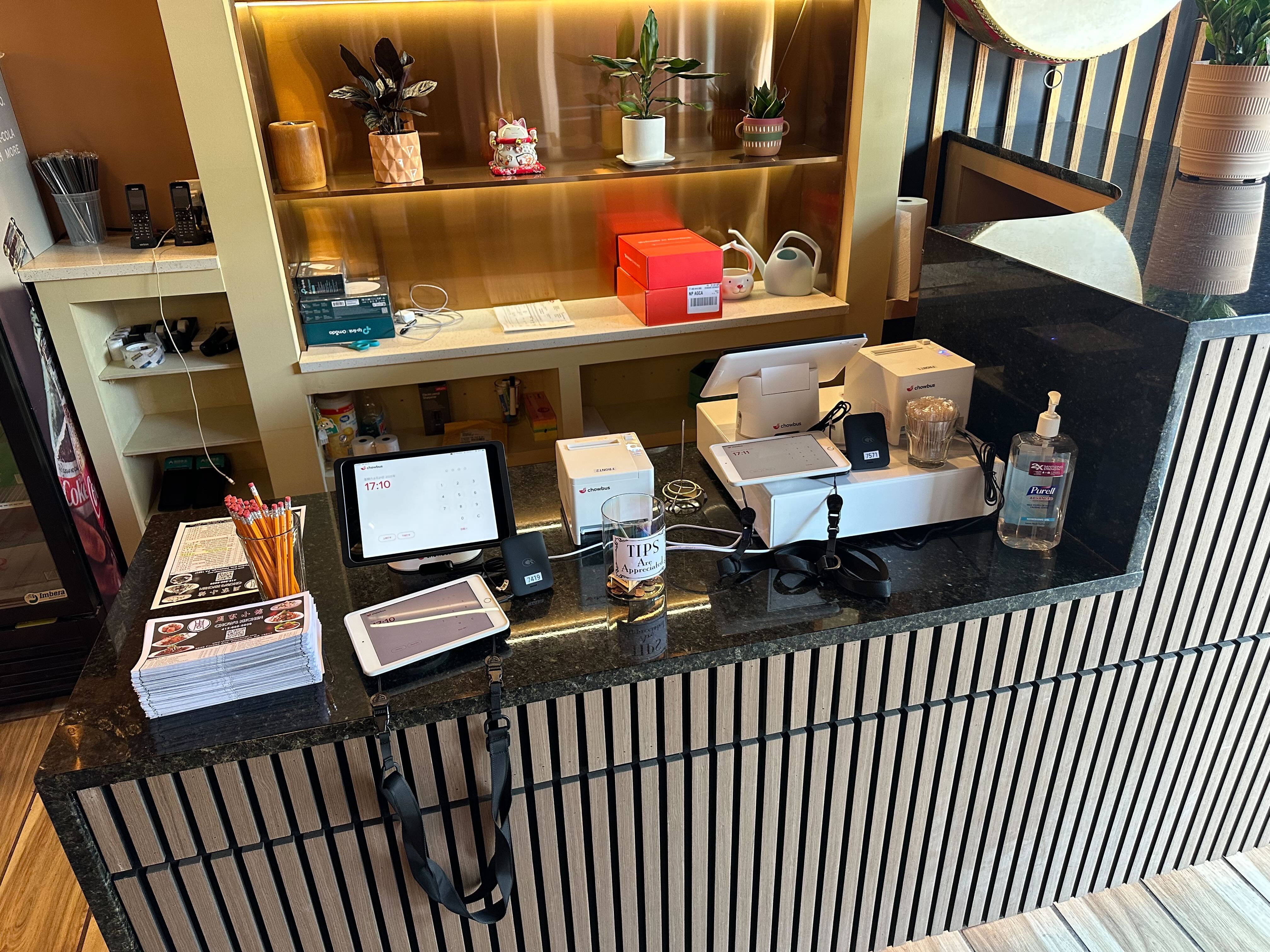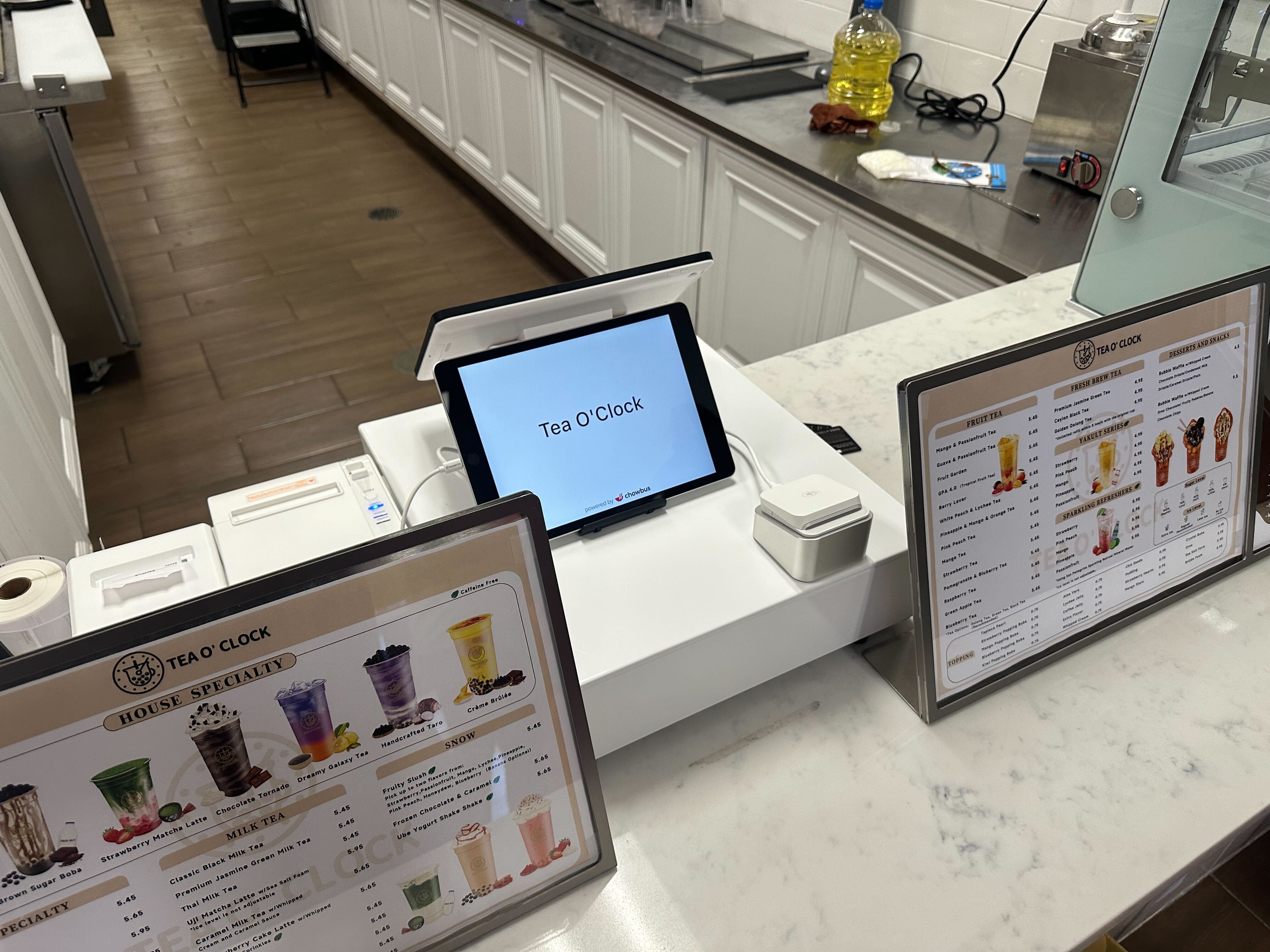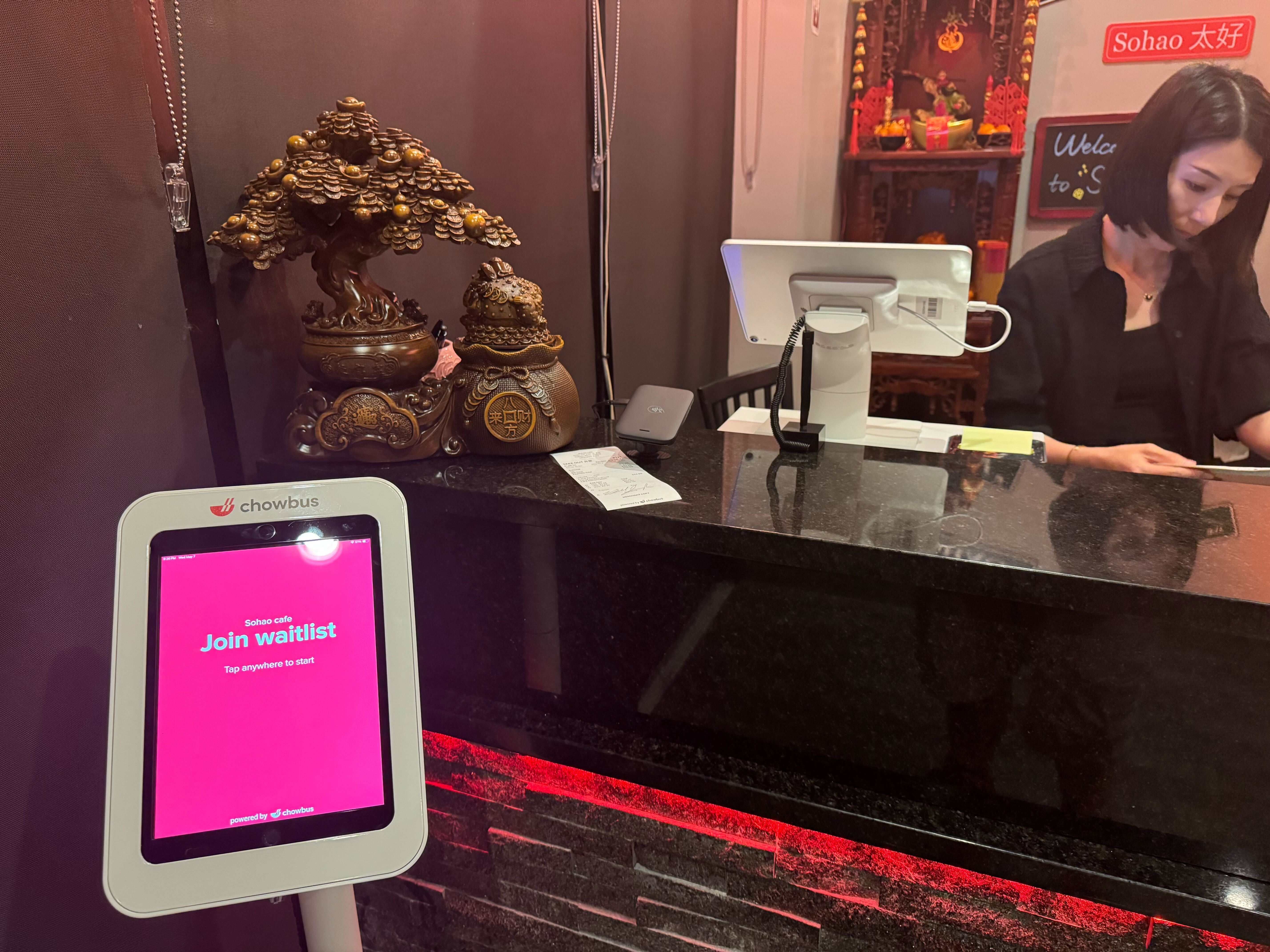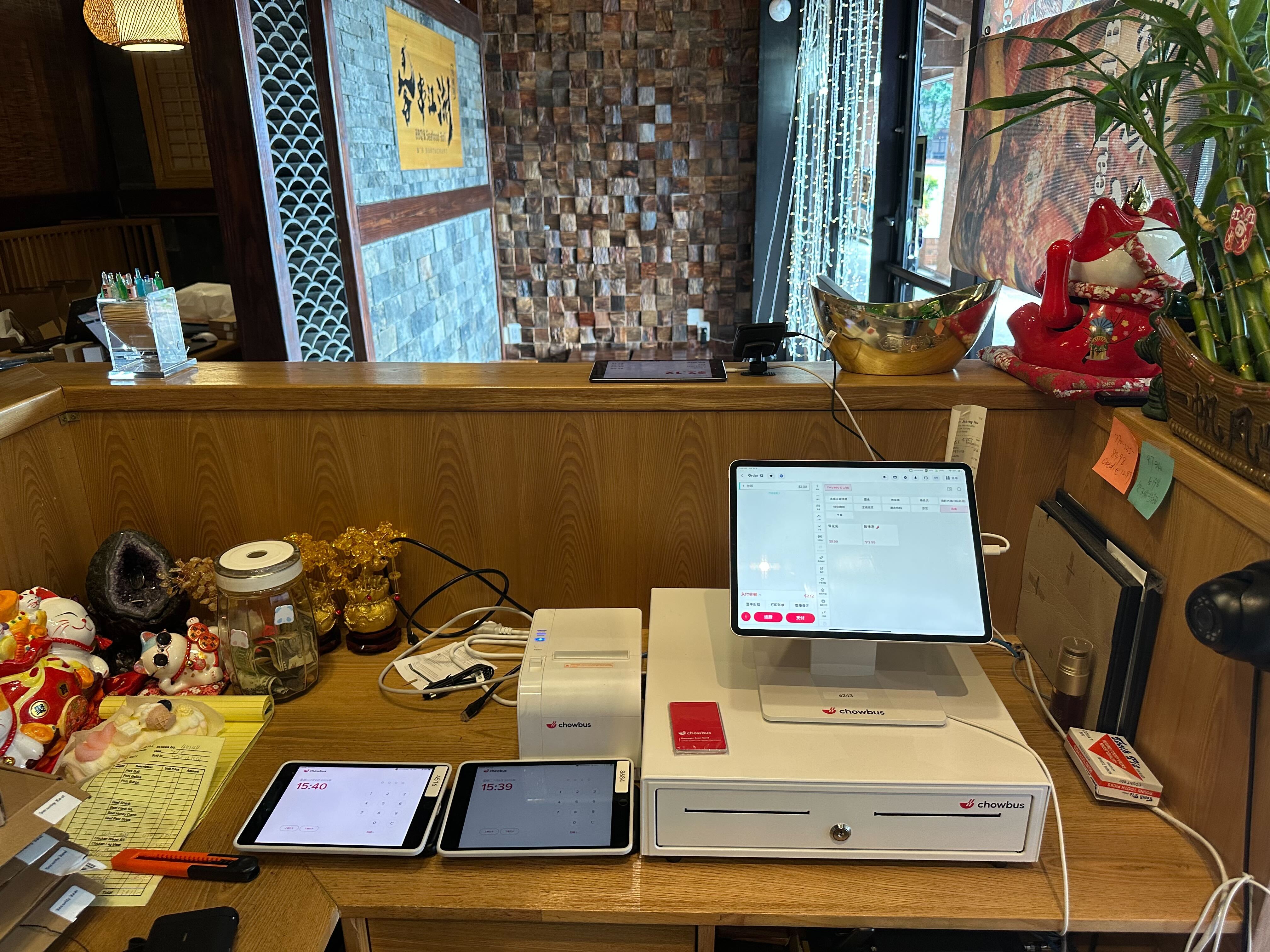
Walk into almost any restaurant opened before 2018 and you'll find the same thing behind the counter: a POS terminal that stores everything on a machine in the back office — and tells you nothing once you walk out the door. Across 9,000+ restaurants in all 50 states, the operators growing fastest have made the same move: they replaced that locked-in-the-building system with a cloud-based restaurant POS they can run from anywhere. The difference isn't cosmetic. It changes how you see sales, how you update menus, how you manage multiple locations, and how much you pay when something breaks. In this guide, you'll learn exactly what a cloud-based restaurant POS system is, how it compares to legacy systems, and what to look for when choosing one — so you can make a decision based on how your restaurant actually runs. Start with the question most vendors never answer plainly.
A cloud-based restaurant POS system stores your data — sales, menus, inventory counts, customer profiles, staff hours — on secure remote servers instead of a computer inside your restaurant. Your terminals, kiosks, and handheld devices connect to that data over the internet, and so can you, from a laptop at home or a phone on vacation.
A legacy (on-premise) system works the other way around. Everything lives on a local server in your back office. If you want to check yesterday's sales, you drive to the restaurant. If you want to change a price across three locations, you change it three times. If the local machine fails, your data may fail with it.
The practical distinction comes down to three things. First, access: cloud systems let you see real-time sales, labor, and inventory from anywhere, while legacy systems require you to be physically present. Second, updates: cloud software updates automatically overnight, while legacy systems often need a technician visit and a fee. Third, resilience: cloud data is backed up continuously off-site, while on-premise data lives and dies with your local hardware.
One common worry deserves a direct answer: what happens when the internet goes down? Any serious cloud POS today runs in offline mode — terminals keep taking orders and payments locally, then sync automatically once the connection returns. The "cloud means fragile" objection was valid a decade ago. It isn't anymore.
The shift to cloud POS isn't being driven by technology enthusiasm. It's being driven by problems that legacy systems can't solve.
When you strip away vendor marketing, the comparison looks like this:
There is one scenario where on-premise still gets defended: restaurants in areas with genuinely unreliable internet. But with offline mode now standard on quality cloud systems and cellular backup routers costing less per month than a single delivery order, that case has become hard to make.
Not all cloud systems are equal, and the gaps show up after you've signed. Evaluate against these criteria:
Migration fear keeps many owners on systems they dislike. A competent vendor makes the transition routine. The sequence that works: first, menu and data migration — the vendor rebuilds your menu, modifiers, and pricing in the new system and imports historical data where possible. Second, parallel setup — new hardware is installed and tested while your old system keeps running. Third, staff training — good vendors train your team on real workflows in their language, not from a generic manual. Fourth, go-live with on-site or live support during your first services, ideally mid-week when volume is manageable.
Ask any vendor two questions before signing: "Who rebuilds my menu, and how long does go-live support last?" The answers tell you more than the demo did.
The cloud versus legacy decision used to involve real trade-offs. It mostly doesn't anymore. Cloud-based restaurant POS systems now match legacy systems on reliability, beat them decisively on access, cost structure, and multi-location control, and keep improving automatically while installed systems age in place.
If you're running your restaurant on a system you can only touch from the back office, every week brings small invisible costs: decisions made late, menu changes that don't happen, reports nobody pulls. Those costs don't show up on an invoice, which is exactly why they're easy to ignore.
The practical next step is simple: list the three things your current POS makes hard, then demo two or three cloud systems against that list — including at least one built for your restaurant type. The right system will make those three things feel effortless in the first ten minutes.
Q1: What is a cloud-based restaurant POS system?
A: It's a point-of-sale system that stores your sales, menu, inventory, and customer data on secure remote servers rather than on a computer inside your restaurant. You and your terminals access that data over the internet, which means you can manage your restaurant from anywhere, and your data survives local hardware failures.
Q2: How is a cloud POS different from a traditional restaurant POS?
A: A traditional (on-premise) POS keeps all data on a local server in your restaurant — you must be on-site to see reports or make changes, and updates usually require technician visits. A cloud POS gives you real-time access from any device, updates itself automatically, and backs up your data continuously off-site.
Q3: What happens to a cloud POS when the internet goes down?
A: Quality cloud POS systems include offline mode: terminals continue taking orders, sending tickets to the kitchen, and processing card payments locally, then sync everything once the connection returns. Ask any vendor to demonstrate offline mode before you buy — it's the single most revealing test of system quality.
Q4: How much does a cloud-based restaurant POS system cost?
A: Most cloud POS systems charge a monthly subscription per location or per terminal, plus hardware. Total cost varies with how many add-ons you need — online ordering, loyalty, kiosks are often separate fees on generic platforms. All-in-one platforms like Chowbus bundle these into one ecosystem, which typically lowers the combined monthly total compared to stacking separate vendors.
Q5: Is a cloud POS secure enough for payment data?
A: Reputable cloud POS providers are PCI-compliant and encrypt payment data end to end, and centralized cloud infrastructure is generally patched faster than aging on-premise servers. Your biggest practical security risk is usually an outdated local system, not the cloud.
Q6: Can a cloud POS handle multiple restaurant locations?
A: This is where cloud systems are strongest. You manage menus, pricing, promotions, and reporting for every location from one dashboard, see consolidated or per-store numbers in real time, and roll out changes everywhere at once — something on-premise systems simply cannot do without duplicating work at each store.