Walk into any high-performing boba shop on a Friday night. The wait is short, the orders are right, and the staff isn't frantically rereading handwritten tickets. The difference isn't the people — it's the system they're working with, and specifically the physical and digital setup that turns a customer's request into a finished drink without friction.
The boba beverage market's continued growth means more competition, not less — and in a competitive market, the operators who run the tightest operations win the repeat customers. Operational tightness starts with having the right hardware and software stack in place from day one.
In this guide, you'll get a complete breakdown of what a boba shop POS system involves — hardware, software, integrations — and how to evaluate whether your current or planned setup is actually optimized for the way a bubble tea shop runs.
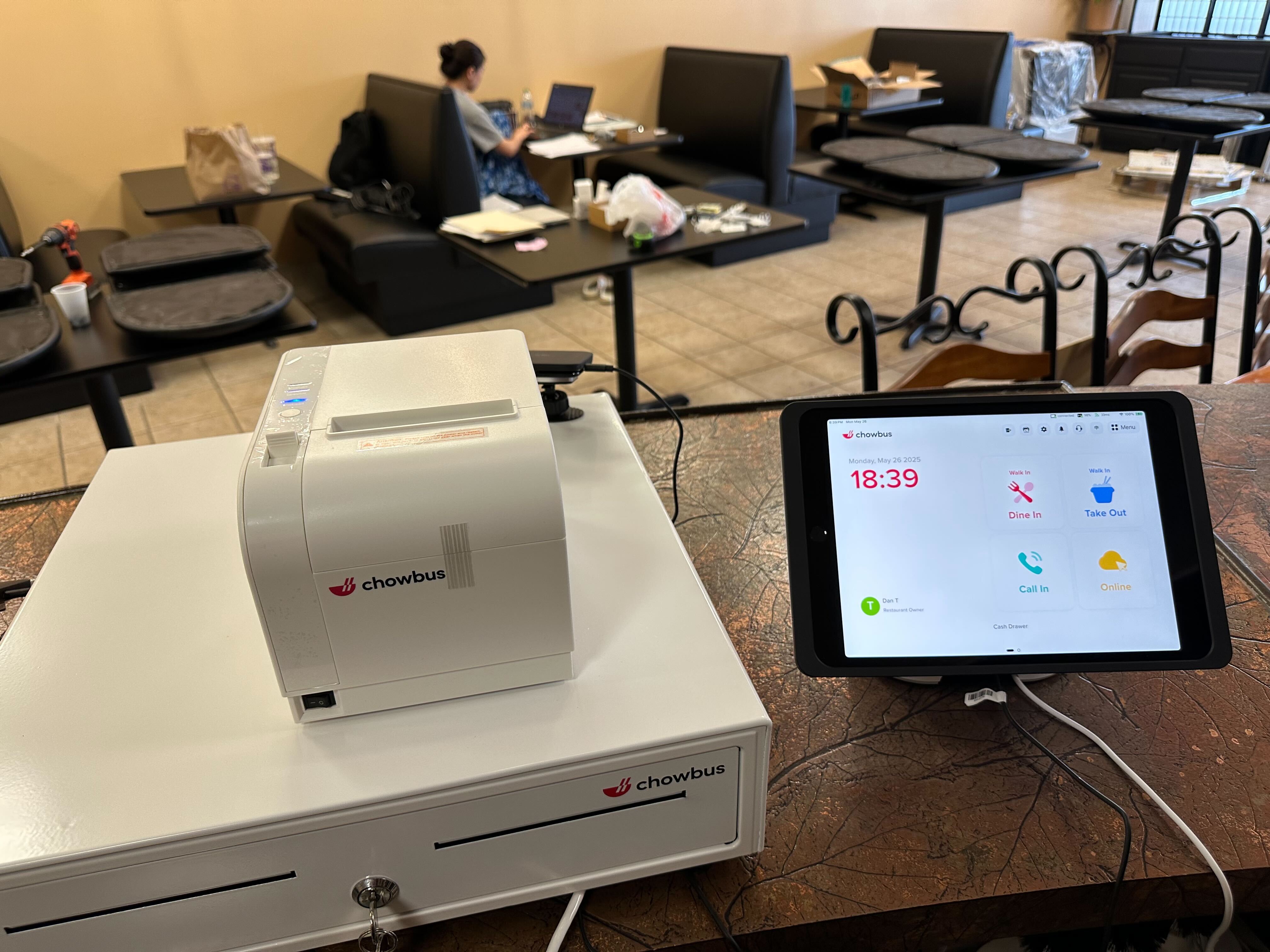
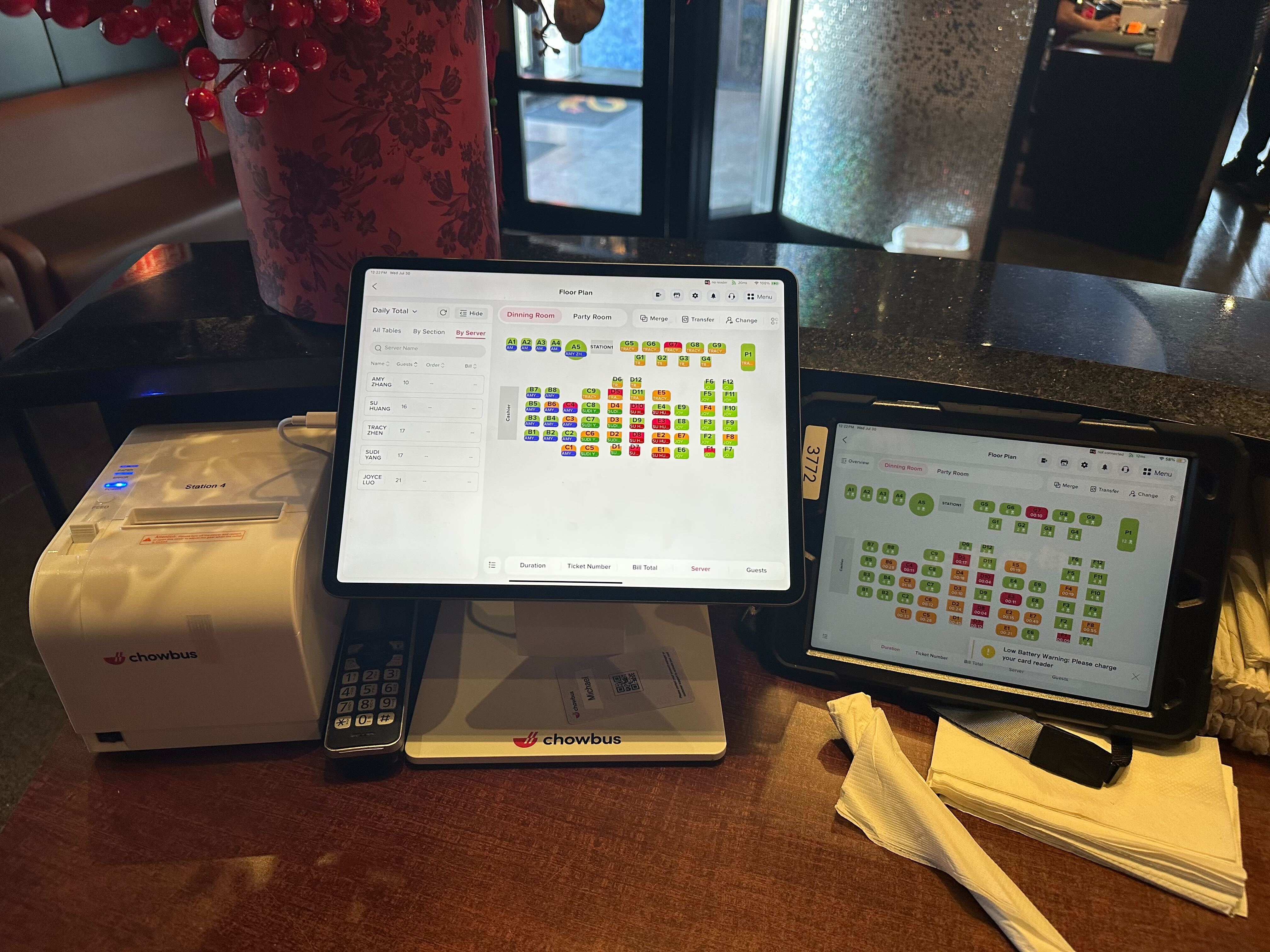
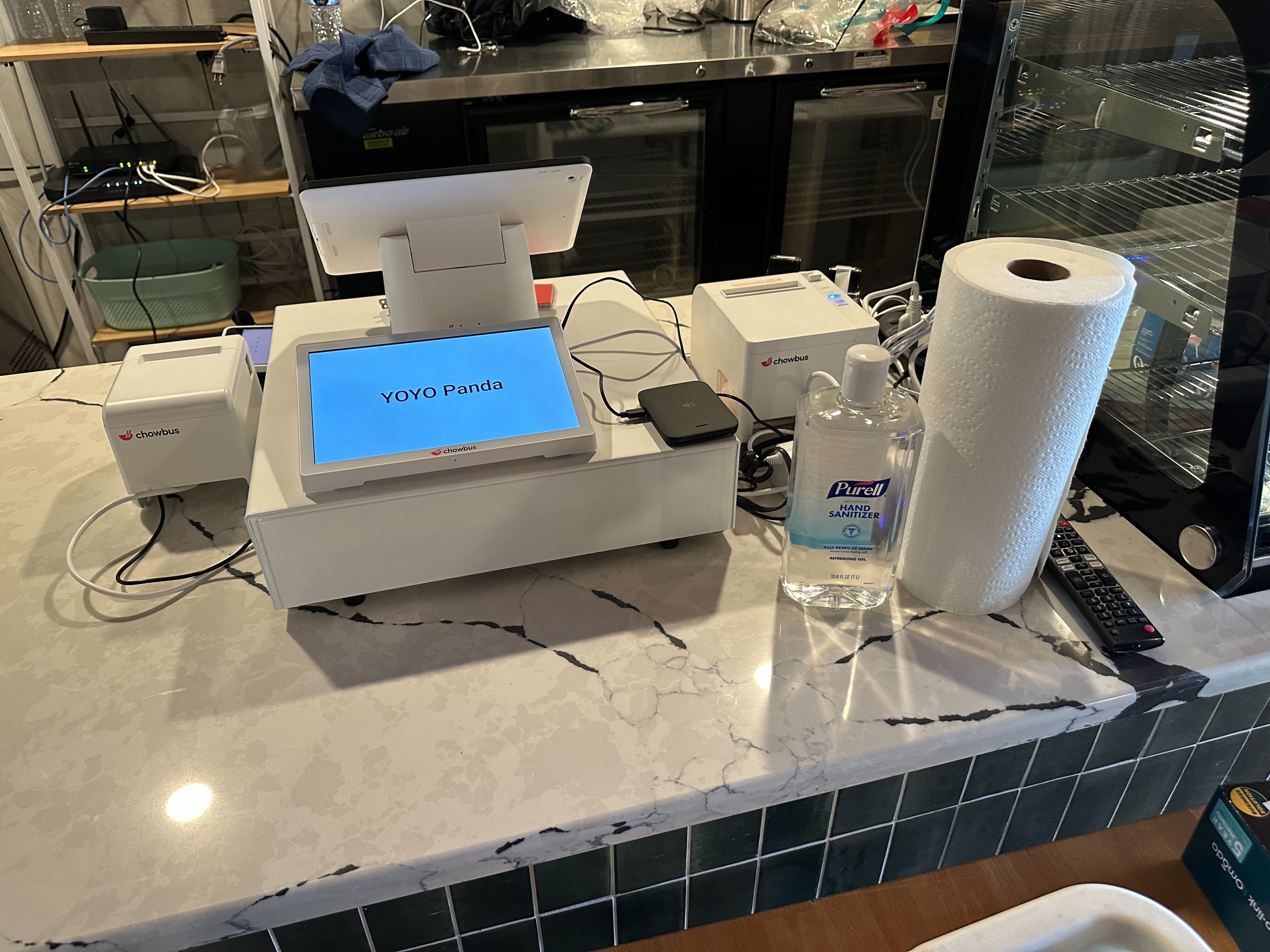
The physical hardware setup for a bubble tea shop POS has five core components, each with specific requirements driven by the boba service format.
Counter POS tablet or terminal: The primary order-entry device. iPad-based systems (running POS software) offer flexibility and familiarity — most staff already know how to use a touchscreen tablet. Dedicated POS terminals (purpose-built hardware from the POS vendor) offer more durability and often better screen brightness for direct-sunlight visibility. For boba shops with heavy modifier entry, screen size matters: a 10-inch screen is workable; 12-inch is preferable for complex drink customization without excessive scrolling.
Bar display system (BDS): A screen mounted at the preparation station that receives orders directly from the POS and displays them in queue order. This is the component that eliminates paper tickets and verbal relay — critical for any shop doing over 80 transactions per day. The display should show the full modifier specification for each drink, mark orders in progress, and allow staff to mark orders complete.
Payment terminal: A separate card reader or integrated contactless terminal. For boba shops, contactless payment (tap-to-pay, Apple Pay, Google Pay) should be the default — not a secondary option. The terminal should also support QR code payment methods popular with Chinese-speaking customers (WeChat Pay, Alipay) if your customer base includes that demographic.
Receipt printer: Either a thermal receipt printer at the counter or a system configured for digital receipts by default. Many boba shops are moving to digital-first receipt delivery (text or email) to reduce paper costs and speed the transaction close. If you use printed receipts, ensure the printer is Bluetooth-capable to reduce counter cable clutter.
Customer-facing display: An optional but increasingly common addition — a small screen on the customer side of the counter that shows the order being built and the total. This reduces order confirmation questions and speeds payment initiation. For shops with significant non-English-speaking customer traffic, a display that shows order details in the customer's preferred language is a practical service improvement.
The hardware is only as useful as the software running on it. For a boba shop, the non-negotiable software capabilities are modifier management (covered extensively in other guides), cloud synchronization (all terminals and the back office share the same real-time data), menu management (update items, prices, and availability from any device instantly), and sales reporting (daily and hourly breakdowns without manual export).
Beyond the core, the software capabilities that matter most for boba shop growth: loyalty and CRM (customer-level visit tracking and points), online ordering integration (direct orders into the POS queue), inventory management with recipe-level tracking (ingredient deductions per modifier selection), and multi-location management if you operate or plan to operate more than one shop.
The critical question when evaluating any POS software: which of these capabilities are native (included in the base platform) and which require add-on modules at additional cost? A platform that charges separately for loyalty, online ordering, and inventory management may cost significantly more than its advertised monthly rate.
A boba shop POS must be reliable during peak hours — which is exactly when internet connectivity issues are most likely to cause problems. The requirements: the system must have offline capability (processing orders and payments locally when connectivity drops), all devices must communicate via the local network (so the bar display updates instantly when a counter order is placed, without depending on external servers), and the system should resume cloud sync automatically when connectivity is restored without manual intervention.
Connectivity setup for a boba shop typically involves a dedicated business-grade router (not a consumer router shared with office or residential traffic), a wired connection for the bar display if possible (more reliable than Wi-Fi for a display that must update in real time), and a cellular backup connection for payment processing in case the primary internet goes down.
The hardware choice between iPad-based POS systems and proprietary (vendor-specific) hardware has long-term operational implications.
iPad-based systems use standard Apple hardware running the POS software as an app. Benefits: replacement hardware is available at any Apple store or retailer, the interface is familiar to most staff, and you're not locked to the vendor for hardware purchases. Consideration: iPad cases and mounts need to be selected for durability in a high-traffic service environment.
Proprietary hardware is purpose-built by the POS vendor for their software. Benefits: optimized for the specific software, often includes integrated card readers and purpose-built mounts. Consideration: replacement hardware, accessories, and repairs are vendor-dependent — if the vendor discontinues a hardware model, your options are limited.
For most independently owned boba shops, iPad-based systems offer better long-term hardware flexibility. For high-volume operators who want an integrated, minimal-setup experience, proprietary terminals are worth considering.
%20(1).png)
A complete boba shop POS installation — from hardware delivery to first live transaction — typically takes two to five days for a new setup. The steps: hardware configuration and network setup (half day), menu building with all items and modifier groups (one to two days for a menu of 30–50 items), staff training (one shift per staff group), and a soft-launch period running both the new system and a parallel backup for the first one to two shifts.
The vendor's onboarding support quality matters significantly here. A vendor that provides a dedicated onboarding specialist who manages menu migration, hardware setup, and initial training delivers a faster, lower-error launch than a vendor who provides documentation and a support hotline.
The hardware and software of a boba shop POS form a single operational system. When every component — counter tablet, bar display, payment terminal, and back-end software — works as one integrated unit, the shop runs with a smoothness that customers experience as simply "good service" without knowing why.
Getting the setup right from opening day is significantly less expensive than retrofitting the wrong system six or twelve months in. Proprietary hardware lock-in, inadequate modifier support, and missing integrations are all easier to avoid at the selection stage than to escape once you're live.
The operators who run the tightest boba shops selected their POS system the way they selected their recipe: with attention to every detail, and with the customer experience as the final measure.
Q1: What hardware does a boba shop POS system need? A: The five core components are: a counter tablet or terminal for order entry, a bar display system at the preparation station, a contactless payment terminal, a receipt printer or digital receipt configuration, and optionally a customer-facing display. All should connect through the POS platform and share real-time data.
Q2: Is an iPad a good POS device for a boba shop? A: Yes — iPad-based POS systems are widely used in boba shops and work well for modifier-heavy ordering. Benefits include hardware availability, staff familiarity, and flexibility. Use a purpose-built POS stand and protective case to ensure durability in a high-traffic service environment.
Q3: Does a boba shop POS system need to work without internet? A: Yes. Offline capability is required — the system must process orders and payments locally when connectivity drops, then sync automatically when restored. Verify that offline mode fully supports payment capture, not just order logging.
Q4: How long does it take to set up a boba shop POS? A: Full setup from hardware delivery to first live transaction typically takes two to five days: half a day for hardware and network, one to two days for menu building, one shift for staff training, and one to two shifts of parallel operation before full cutover. A vendor with dedicated onboarding support significantly reduces this timeline.
Q5: What should I look for in boba shop POS software? A: Native modifier management (no add-on required), cloud sync across all terminals, real-time sales reporting, loyalty and CRM, online ordering integration, and ingredient-level inventory tracking. Verify which features are included in the base price versus charged as add-ons — the total monthly cost often differs significantly from the advertised rate.