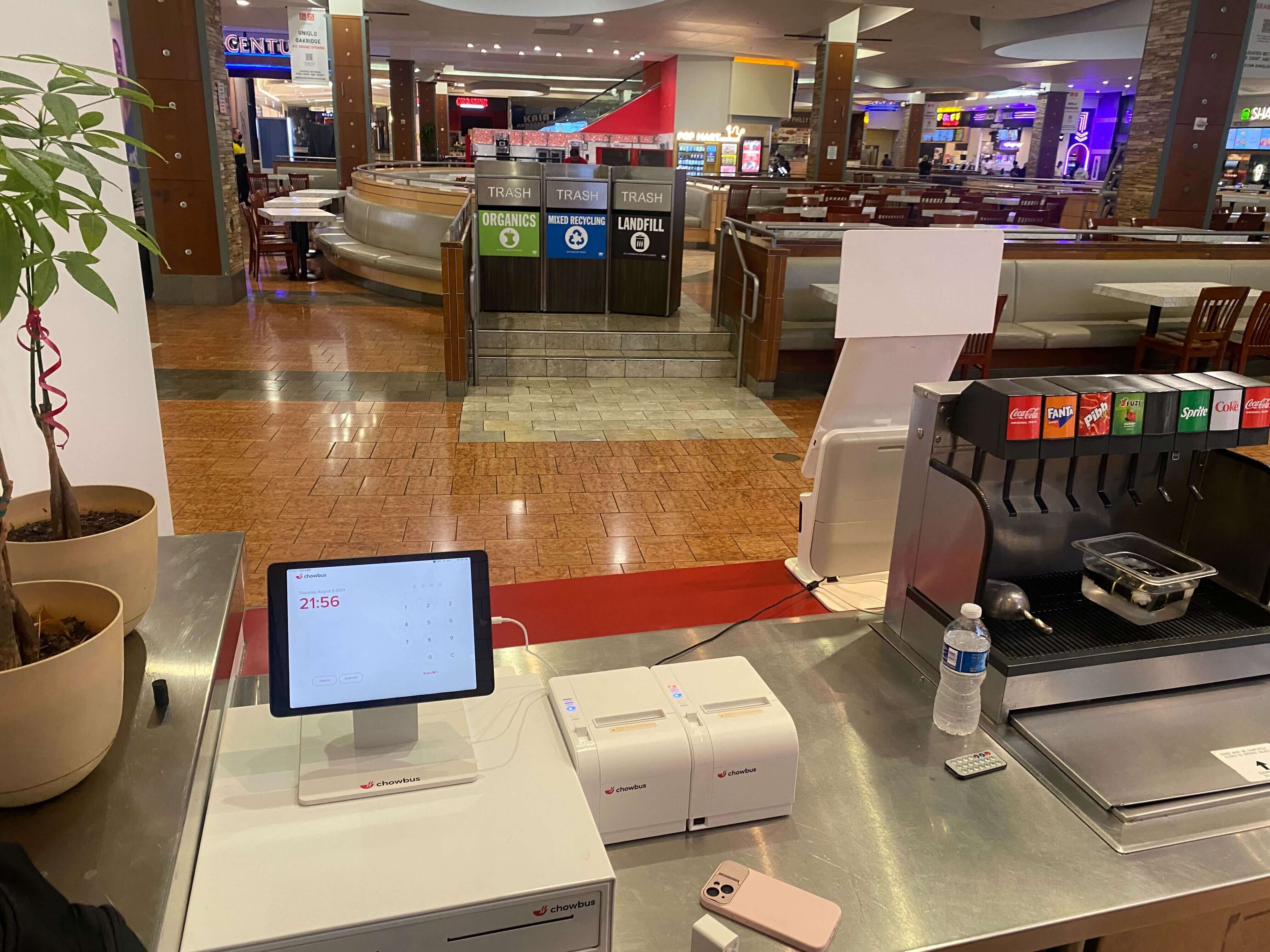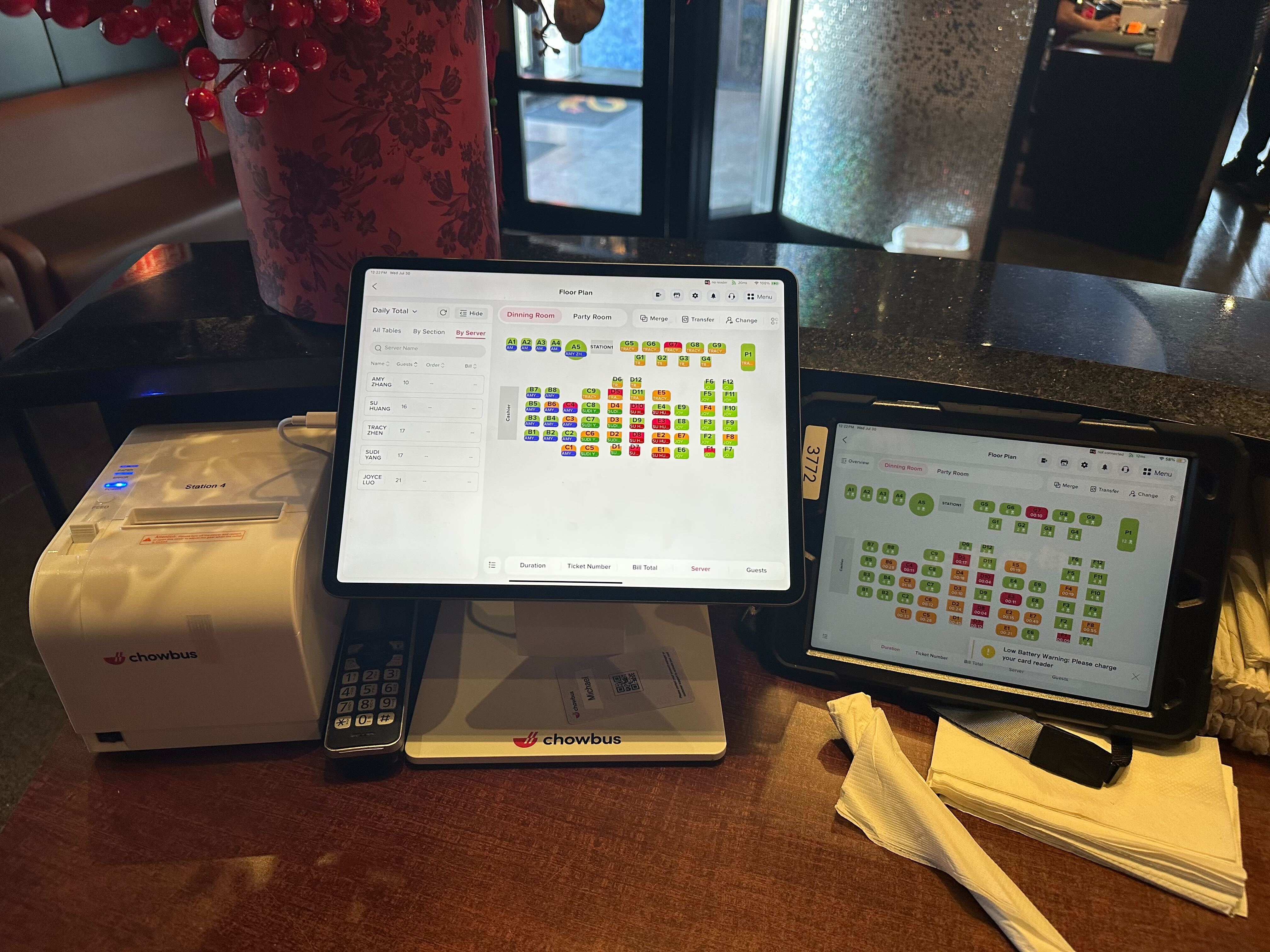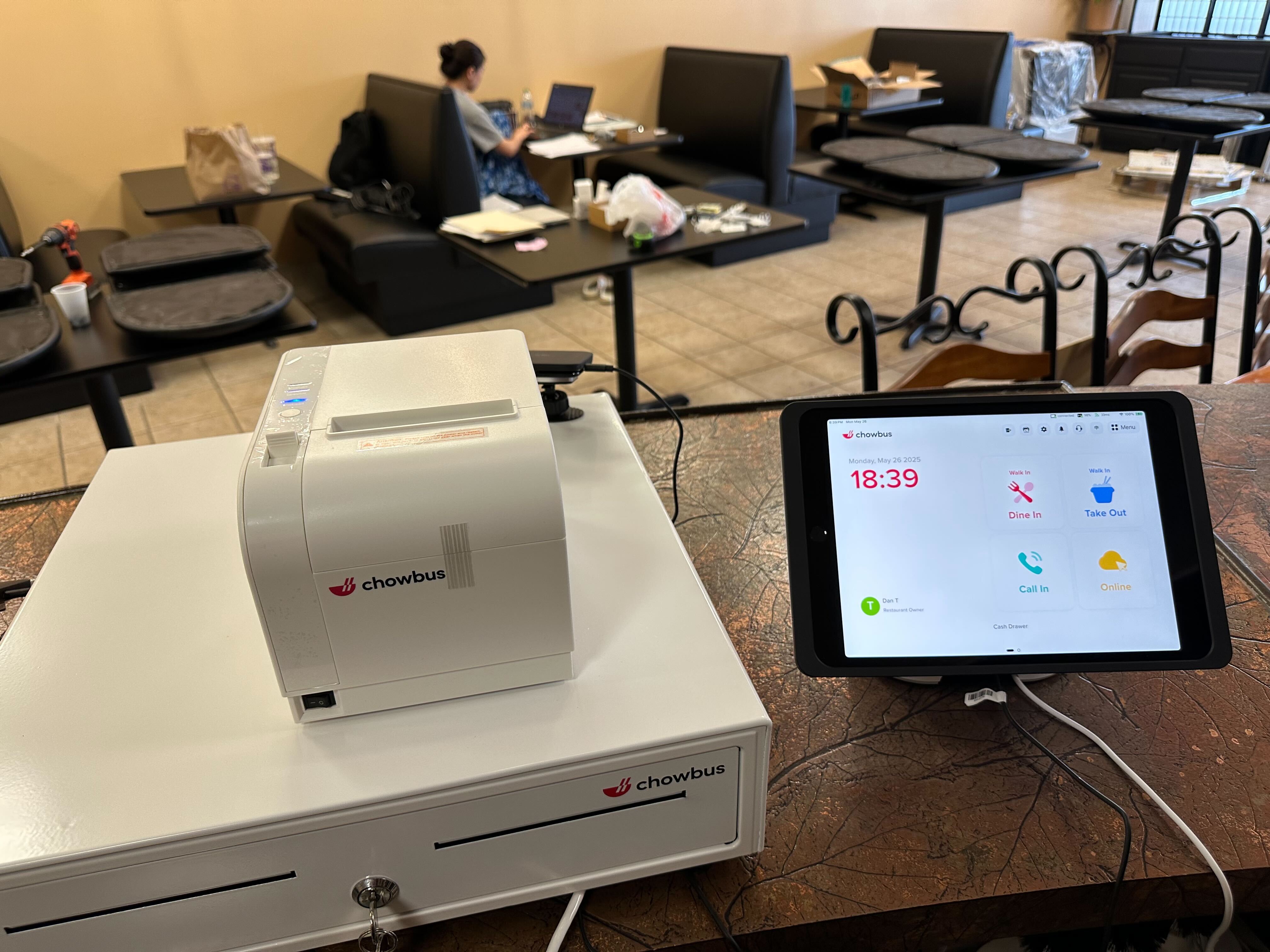
The real cost of bad quick-service software almost never shows up on the software invoice. It shows up on the ticket that gets voided at 12:47pm because someone re-typed a customer's modifier wrong, copying it off a delivery tablet propped against the soda machine. It shows up in the eleven minutes a shift lead spends every night exporting a report to Excel just to figure out whether Tuesday's labor number was actually bad, or just felt bad.
None of that lands on a single line item, which is exactly why it survives. Think of it less like a bill and more like a slow leak in a tire: the store opens fine, closes fine, and somewhere in between, a little air got out through friction nobody wrote down anywhere. Do that enough times across one lunch rush — a wrong modifier here, a cashier pulled off the line there — and a slow Tuesday turns into a bad month that nobody can quite explain. Multiply a five-minute fix by every lunch rush of the week and it stops being an abstraction: wasted labor, tossed food, a slower line that costs you the next three people who walk in, see the wait, and walk back out.
Read through the seven signs below and you'll probably know within five minutes whether your current setup is working against you, and roughly where the leak starts. Start with the one that's most likely happening in your kitchen right now, during today's lunch rush.
Walk behind the counter of a lot of quick-service spots at 12:30pm and you'll see the same thing: three or four tablets lined up, each buzzing with a different delivery app, and a cashier bouncing between them and the POS, retyping every order by hand. Take a two-location bánh mì and rice bowl counter doing roughly 90 tickets an hour at lunch — it's not unusual for 35 to 40 of those to be manually re-keyed off the tablets alone, order by order, modifier by modifier.
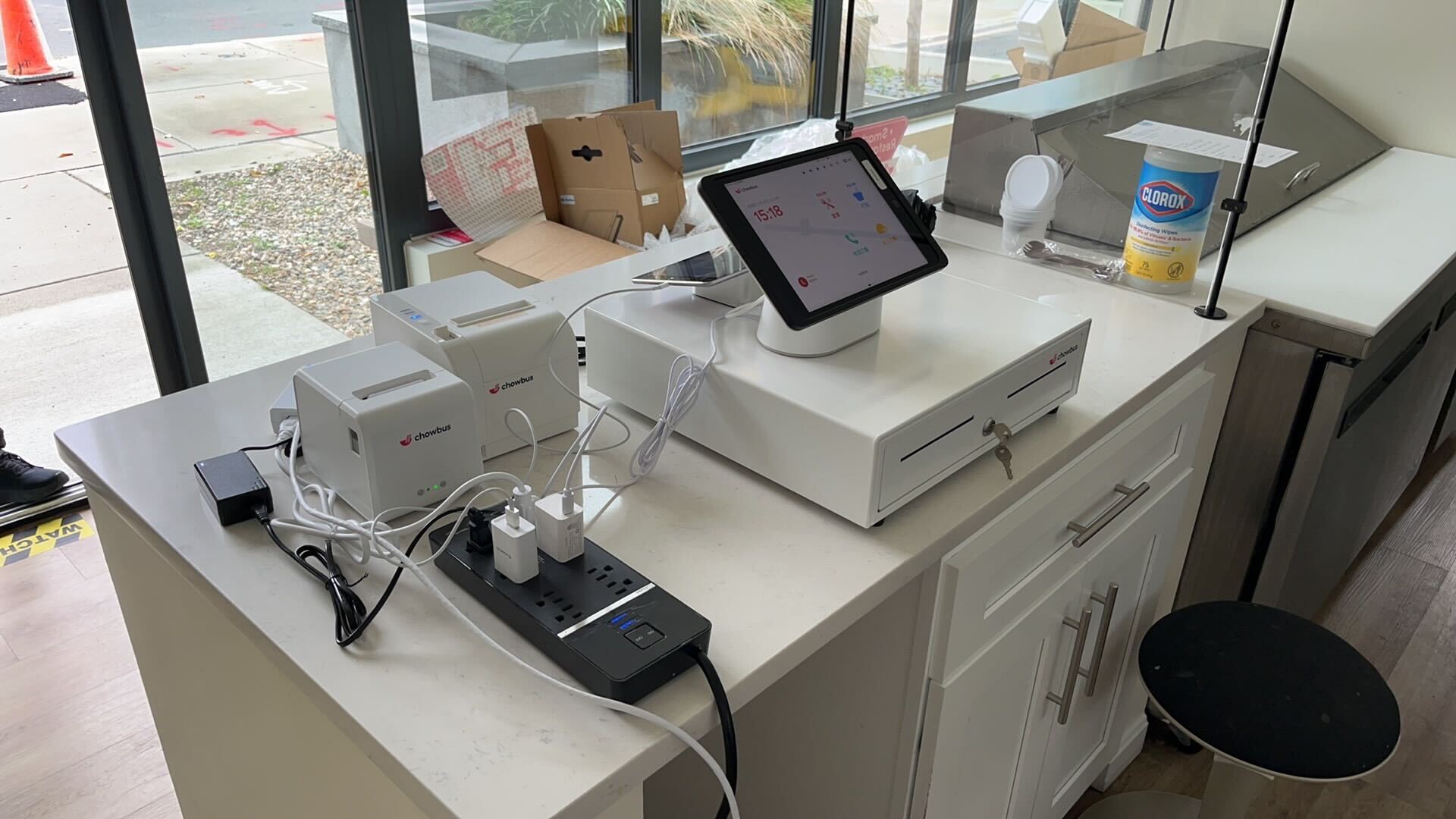
Every manual entry is a chance to fat-finger a size, miss an allergy note, or drop a modifier. That's the error rate, and it's only half the story. The bigger cost is the person standing at the tablet bank instead of running food or taking the next walk-in — right when you need every set of hands on the line, not on a keyboard. This is one of the more fixable gaps out there: a genuinely connected quick-service POS system routes delivery orders straight into the same ticket queue as dine-in and pickup, no re-keying required.
Most quick-service software will eventually tell you what labor cost against sales for the day. The problem is "eventually." If that number only surfaces after close — or worse, after someone builds a report the next morning — the mistake has already been paid for.
A shift that's overstaffed at 2pm because the lunch rush ended early is money walking out the door in real time. There's no catching it without a system that shows sales-per-labor-hour while the shift is still running. Owners who manage this well aren't smarter; they just have a screen that tells them at 1:45 that they can cut a closer early, instead of finding out at 11pm that they paid four hours of wages against a rush that ended at noon.
Here's a fair test: can you, standing at the counter mid-shift, actually answer "which daypart is underperforming this week" without opening a spreadsheet? A lot of POS systems technically have reporting. What they don't have is reporting a busy owner can read on the fly. If the routine is export CSV, build a pivot table, then finally see the answer, that's not a reporting feature — it's a second job nobody's paying you for.
It gets worse with more than one location. Comparing store performance across a chain shouldn't require someone with spreadsheet chops stitching together three exports every Monday morning. By the time that comparison exists, the week it describes is already over, and whatever it should have driven — more staff on Fridays, fewer on Mondays — has already been missed once.
Ask any multi-location quick-service owner how long it takes to raise the price of a topping across every store, and watch the pause before they answer. In a lot of setups, that means calling each location, walking someone through the menu editor on-site, and hoping nobody fat-fingers it or forgets a size variant.
Sold out of a protein on a Saturday? That should be off the menu at every register within a minute, not by the third phone call. Running a limited-time item for two weeks? It should come off automatically on day fifteen, not linger another week because nobody remembered to pull it. When a single price change still means a group text and a prayer, the software is turning a five-minute task into a full day of admin work — which is, functionally, the opposite of what a modern restaurant POS system is supposed to do for a growing chain.
Most quick-service menus have some version of a combo, an add-on, or a suggested upsell built into the ordering flow. Very few owners can say, with a straight answer, which of those actually get taken and which ones just sit on the menu board unread. A combo pulling a 4% attach rate isn't earning its spot. A $1.50 add-on that gets taken on one in three tickets is quietly one of the best-performing items on the menu, and plenty of owners don't even know it. Without attach-rate data broken out by daypart, pricing and menu design run on instinct — and instinct is a lot less reliable at 12:15 on a Thursday than it feels while you're building the menu on a slow Sunday afternoon.
A surprising number of quick-service operators build next week's schedule in a tool that has no idea what last week's sales actually looked like, hour by hour. The schedule gets built off gut feel, or off a spreadsheet someone maintains from memory, while the sales data that should be informing it sits untouched in the POS a few feet away.
The gap widens with every additional location. A schedule built without last Tuesday's actual sales curve in front of you is a guess dressed up as a plan. And when a manager has to log into one app to check sales, then switch to another to adjust staffing, that's a second system to maintain, a second login to remember, and one more opportunity for labor and sales — the two numbers that matter most — to drift apart from each other, quietly, until the P&L makes it obvious.
This is the sign that costs the most in the moment it happens. A terminal locks up at 12:30 on a Friday, the line is out the door, and whoever calls support gets a ticket number and a promise that someone will follow up. Every minute that terminal is down is a minute of customers walking out and a line that's getting longer, not shorter.
This is one of the few places where who's actually on the other end of the support line matters as much as the software itself. Chowbus runs 24/7 bilingual support, in part because restaurant emergencies don't keep 9-to-5 hours, and they don't happen in just one language behind the counter either. If your current provider's idea of urgent is a callback within two business days, that's not a minor inconvenience — it tends to be among the more expensive kinds of downtime a quick-service operation runs into, precisely because it lands at the busiest, least forgiving moment of the day.
None of these seven signs looks like an emergency on its own. That's exactly why they survive so long in so many kitchens — each one is small enough to shrug off in the moment, and the cost never arrives as a single number anyone can point to. But stack them across a week, a month, three locations, and the shape changes: labor that runs a little too high on slow days, an upsell nobody promotes because nobody can prove it works, a menu that's quietly wrong at half your locations on any given afternoon. If two or three of these sounded uncomfortably familiar, that's not a coincidence, and it's not something more effort inside the same system is going to fix.
Start by picking the one sign that cost you the most last week — not all seven at once. Fix the biggest leak first, watch what changes over the next two weeks, and then decide whether the rest of the stack needs the same conversation.

It's the combined system a fast-casual or QSR operation uses to run the front counter, kitchen, and back office in one place — order entry, kitchen display, reporting, and often menu and staffing tools. The distinction that matters isn't whether you have it; most operators do, in some form. It's whether the pieces actually talk to each other or just sit next to each other doing separate jobs.
Pick one lunch rush and time how many delivery orders get manually re-keyed instead of flowing in automatically, then check how long your last menu price change took to go live across every location. Those two numbers alone usually reveal whether the problem is a minor annoyance or a real leak. If you can't pull last week's labor-versus-sales by hour without exporting to a spreadsheet first, that's a third data point worth writing down.
Rank the seven signs by how directly each one touches labor hours or lost customers, not by which feels most annoying day to day. For most operators, the manual delivery re-keying and the mid-rush support gap sit at the top of that list because they cost money in real time, every single shift. The signs further down — reporting, scheduling, menu sync — tend to compound more slowly, which makes them easier to fix second rather than first. Whether the eventual fix is a single add-on or a broader platform change is a separate question worth revisiting once you know exactly which gap is costing the most.
Start with whichever one is costing the most labor hours or walked-out customers right now — for most quick-service operators, that's the manual delivery re-keying or the mid-rush support gap. If it would help to have someone look at your current setup with you, you can book a free demo and walk through where the leak actually is before deciding on anything.