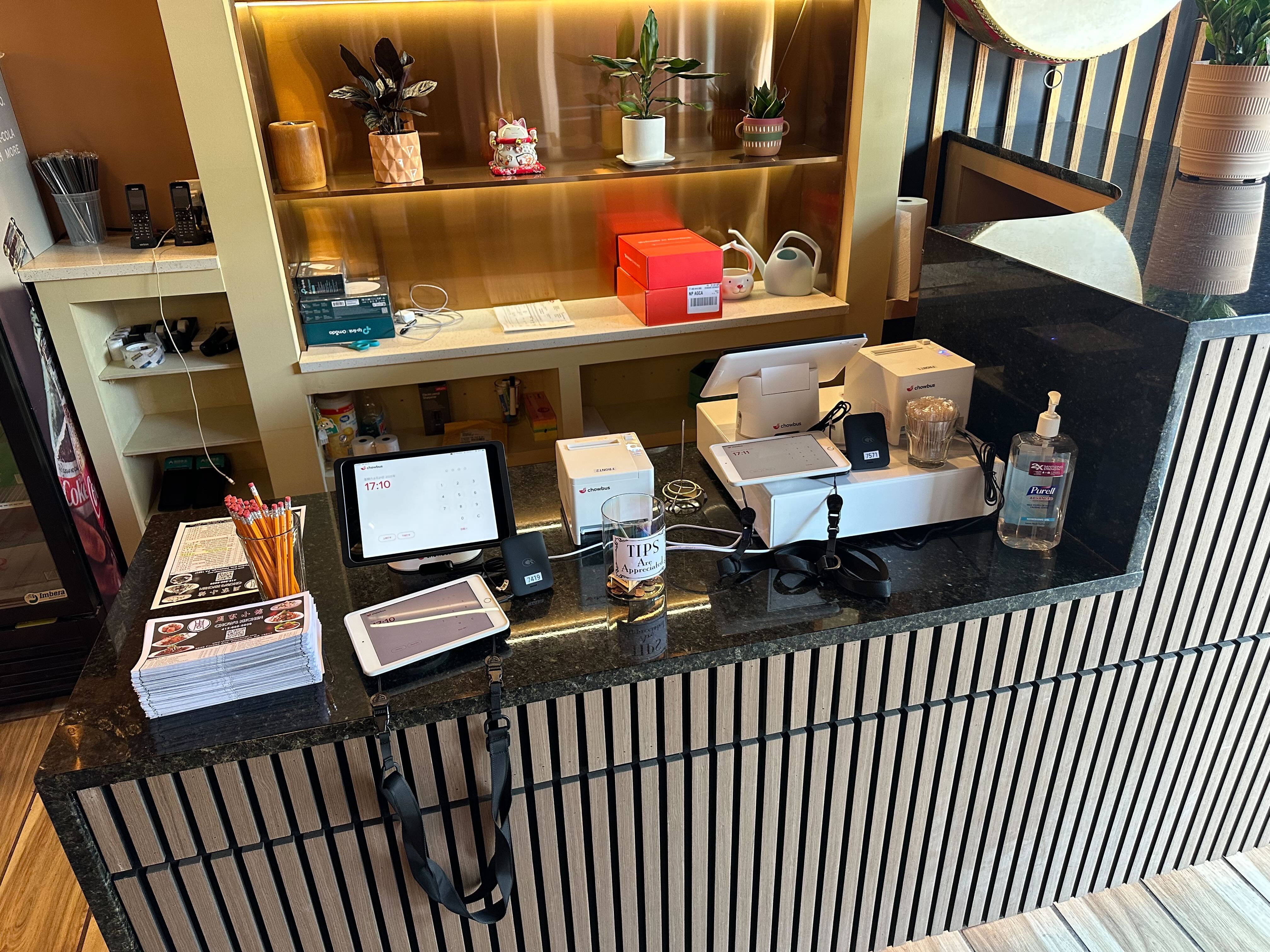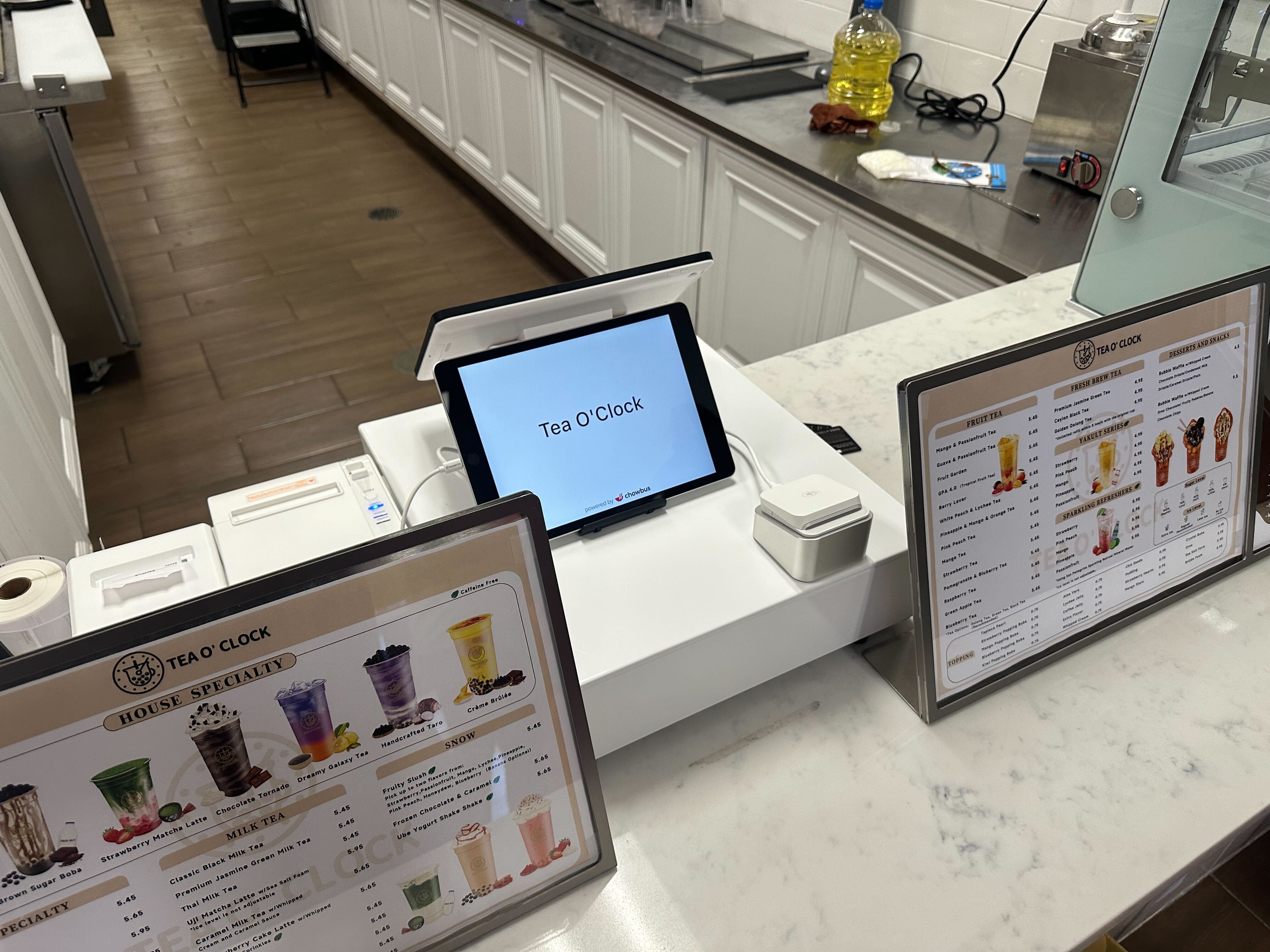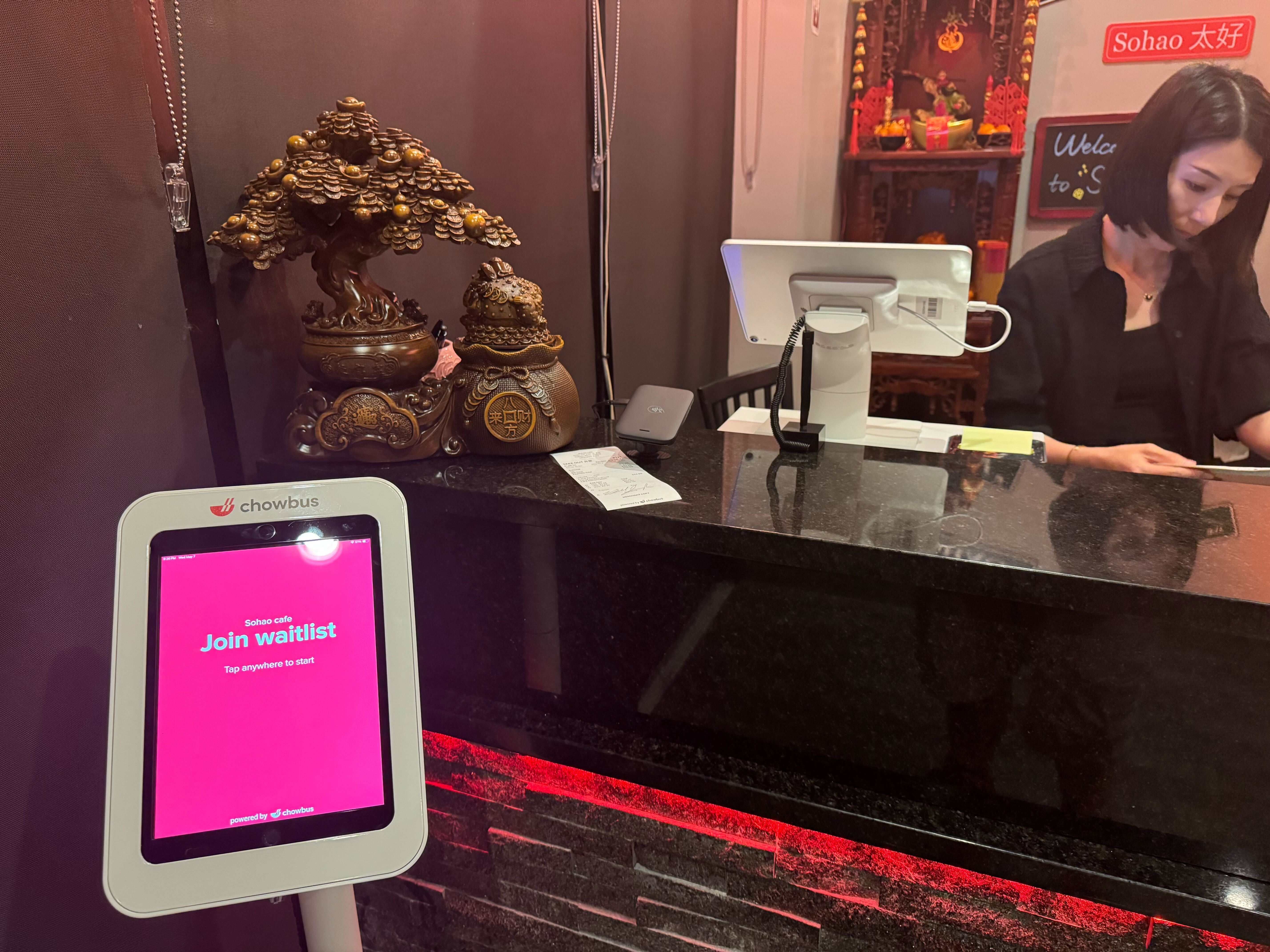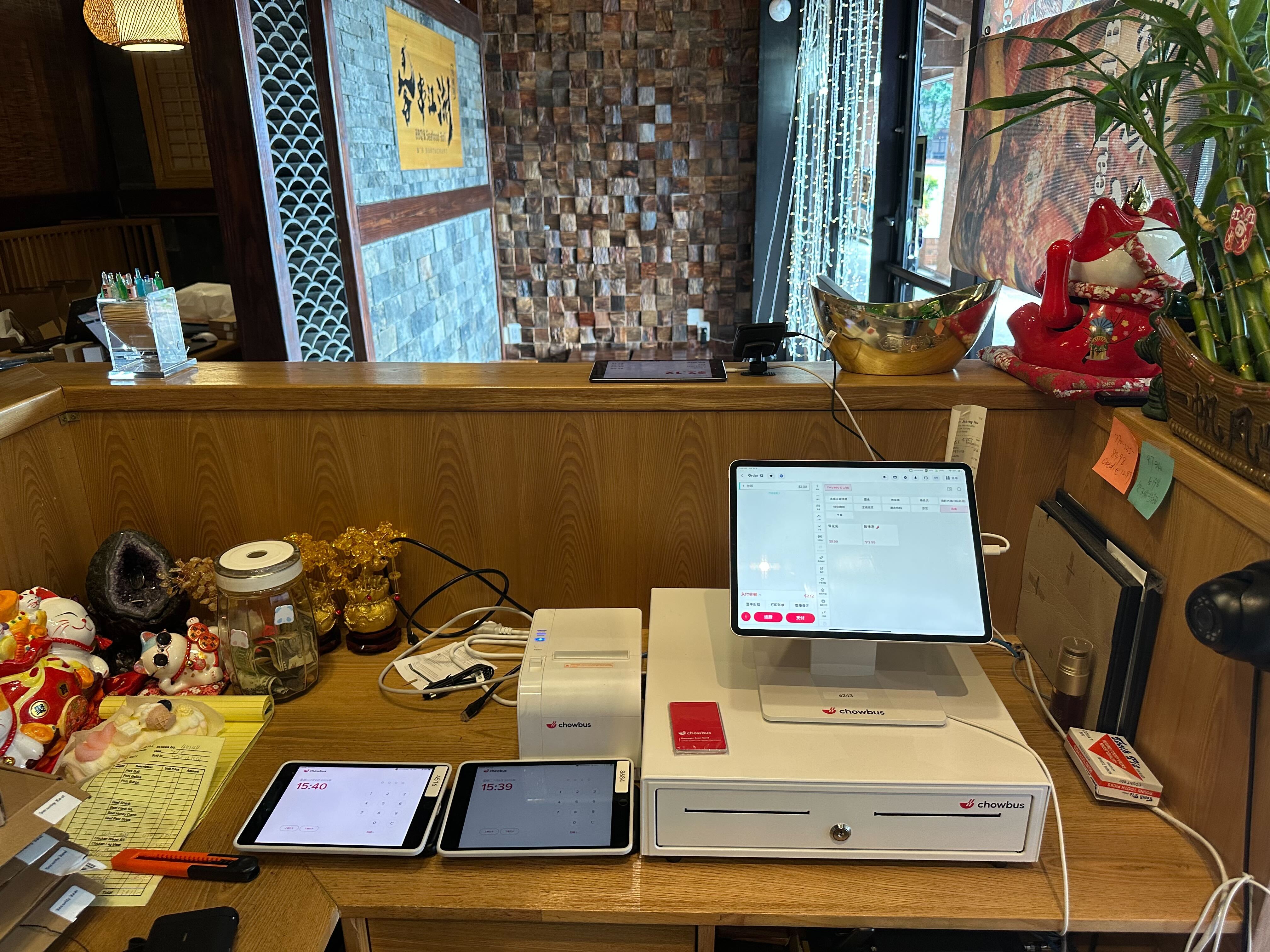
In today’s restaurant landscape, operational efficiency is no longer a “nice-to-have”—it’s a competitive advantage. With fluctuating labor availability and rising guest expectations around speed and accuracy, many restaurants are rethinking traditional service models.
Among the most impactful tools driving this shift are handheld restaurant POS systems—mobile devices that allow staff to take orders, send them instantly to the kitchen, and accept payment without returning to a stationary register.
In this article, we’ll dig into what these systems really do, why they matter, and how to evaluate them based on real-world operations rather than marketing claims.
A handheld restaurant POS system refers to a portable point-of-sale device—often a dedicated handheld terminal or a rugged tablet running specialized POS software—that connects wirelessly to your restaurant’s central system.
Unlike conventional countertop terminals, these devices move with your staff:
This mobility translates directly into operational advantage.
To understand their value, it helps to see how these systems operate during a service:
Servers can enter orders directly at the table, eliminating manual note-taking and reducing transcription errors.
Once entered, orders are automatically sent to the kitchen display system (KDS), shortening the time between order placement and preparation.
Mobile payments—whether card, contactless, or digital wallet—are processed at the table, accelerating check closure.
Sales, item popularity, and labor allocation data update in real time, helping managers make informed decisions fast.
This end-to-end flow removes unnecessary trips to a fixed POS station and reduces friction at every step.
Rather than focusing on feature checklists, operators should consider capabilities that actually improve staff performance and business outcomes.
Eliminates lines at fixed terminals and enables parallel service.
Crucial for restaurants with customizable menus or dietary preferences.
Accelerates guest turnover and reduces wait times.
Managers can monitor busy periods, track best-selling items, and optimize staffing based on real data.
Each of these contributes to improved throughput and better table management.
Industry research shows that labor often accounts for 30–35% of total restaurant costs. By reducing unnecessary movement and improving order accuracy, handheld POS systems help staff do more with less.
Faster service and fewer errors boost guest perception of quality, which correlates with repeat visits and positive reviews. Dinner guests, especially in full-service environments, often rate speed of service as a top driver of overall satisfaction.
Today's guests increasingly prefer mobile and contactless interactions. A system built from a mobile-first perspective aligns with these expectations organically.
Handheld POS systems fit a variety of restaurant types—but the reasons they succeed can vary:
Servers can take orders and payments in one interaction, which tightens service flow and reduces table idle time.
Parallel order capture across multiple teams prevents lines from building and spreads service load efficiently.
In expansive seating configurations, reducing staff walking distance saves significant time and energy every shift.
Temporary or high-turnover venues benefit most from systems that require minimal setup and offer flexibility.
When comparing options, focus less on feature lists and more on operational fit:
Can this handheld POS ecosystem communicate with your kitchen display system, inventory, online ordering, and backend reporting all in one seamless flow?
If training is cumbersome or the interface is overly complex, staff adoption will lag and you won’t realize the system’s benefits.
Handheld devices used in service environments must withstand daily wear, variable connectivity, and long battery life.
As restaurants add services like curbside pickup, QR-code ordering, or tableside pay-at-table options, your POS should be extensible—not a dead end.
Not all handheld POS solutions provide the same level of integration or durability, so operators need to think ahead about how they plan to grow.
Curious how handheld POS systems can transform your restaurant workflows and service delivery?
See how mobile ordering and payment tools integrate with daily operations without adding complexity.
1. Can a handheld restaurant POS system work in a small restaurant?
Yes—many small and independent restaurants adopt handheld systems to increase flexibility without adding staff.
2. Do handheld POS systems replace stationary terminals entirely?
Not necessarily—some restaurants use a hybrid approach, combining fixed stations with mobile devices for optimal coverage.
3. Are handheld POS devices secure for payment processing?
Reputable handheld POS setups follow PCI compliance and use encrypted transmission to protect card data.
4. Can handheld POS systems handle both dine-in and online orders?
Many modern systems sync dine-in, takeout, and delivery orders in a single unified database.
5. How long does it take to train staff on handheld POS devices?
Most systems are designed for intuitive use, and teams often become comfortable within a few shifts.
A handheld restaurant POS system is more than a technology choice—it’s a strategic response to today’s service pressures:
In an industry where margins are tight, and guest expectations are high, operational clarity becomes a competitive advantage.
Thinking about how handheld POS systems could fit your restaurant?
Request a demo or contact our team to explore solutions that align with your operations needs.
Beyond the Punch Card: How to Increase Customer Loyalty in Restaurant Settings for Long-Term Growth
Blueprint for Success: How to Start a Restaurant Business Plan in 2026
How the Right Restaurant Ordering System Drives Growth in 2026
National Restaurant Association Show Exhibitor List: Navigating NRA 2026 for Success
How to Reach New Restaurant Customers: Practical, Proven Strategies That Actually Work
How Modern Restaurants Choose the Best Restaurant Ordering System to Grow
How to Start a Restaurant Business—and Actually Make It Last
How to Open a Restaurant Without Losing Control in the First Year
How to Choose the Best POS System for a Restaurant Without Overcomplicating Your Operations
How Handheld POS Systems for Restaurants Are Reshaping Daily Service and Guest Experience