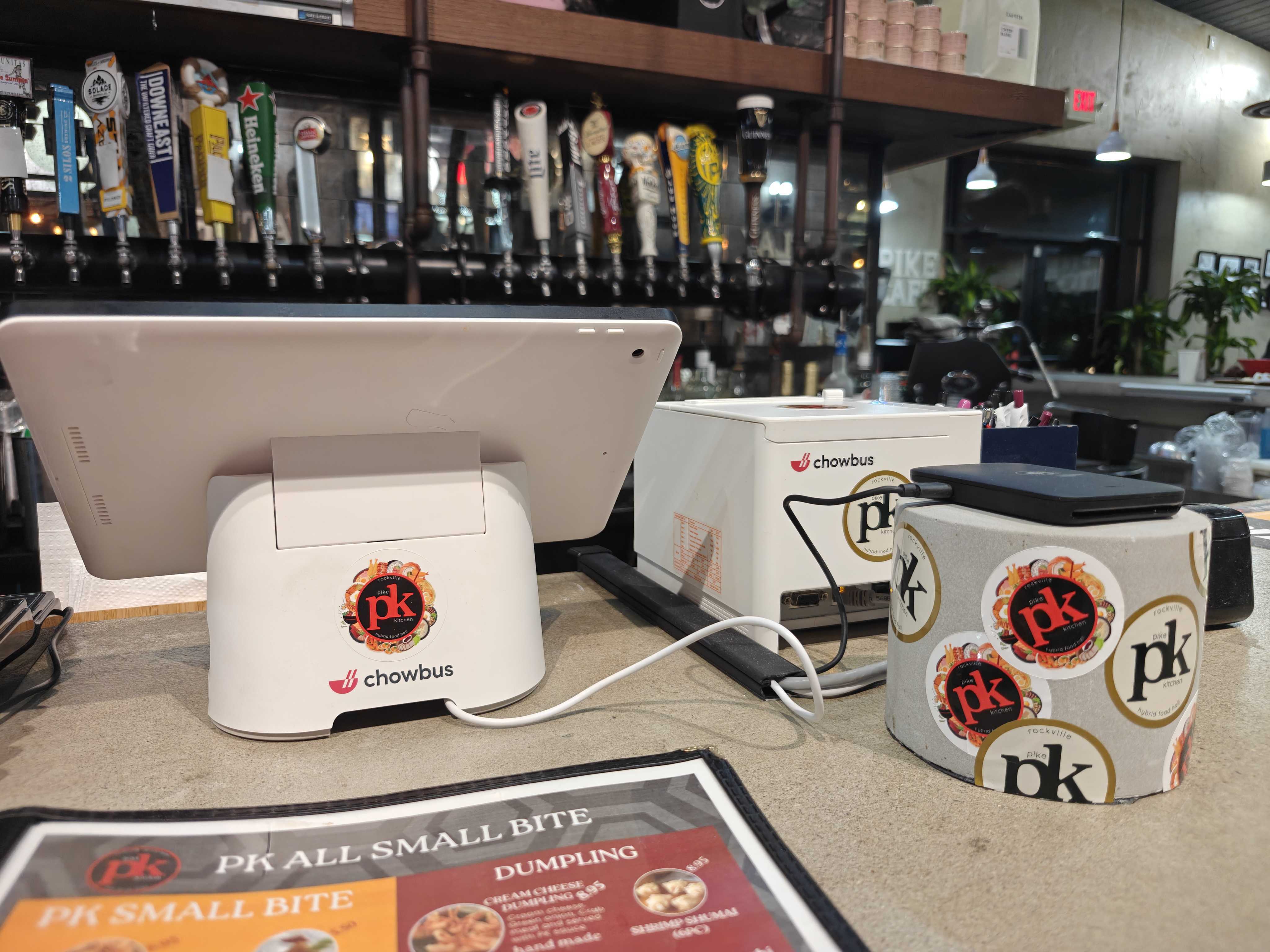
Most restaurant POS systems are designed for chains and priced like enterprise software — then sold to 40-seat family restaurants that need neither. The Asian restaurant sector alone is projected to reach $240 billion by the end of 2026, and the overwhelming majority of that market is small operations: one location, an owner who works the floor, a family member on the register, and zero patience for tools that create work instead of removing it. If that's you, the good news is that the right POS system for a small restaurant now costs less and does more than ever. The hard part is cutting through feature lists built to impress corporate buyers. In this guide, you'll learn which capabilities actually matter at your scale, which "enterprise" features you're quietly paying for without using, and how to choose a system that pays for itself. Start with the trap that catches most small operators.
A cozy family-run Asian restaurant interior, the owner at a small counter using a compact tablet POS, a handful of warmly lit tables with diners in the background, steam rising from dishes, soft natural light through the front window, shot on Canon EOS R5, 35mm lens, shallow depth of field, ultra-realistic, photorealistic, no text, no watermark — no logos, no text overlay, no watermark, no cartoon, no illustration, no CGI
POS vendors make their money on add-ons, and their demos are built around capabilities that sound impressive: multi-region franchise reporting, API ecosystems, enterprise inventory forecasting. For a single-location restaurant, most of this is dead weight — but it's dead weight you pay for monthly.
The opposite trap is just as expensive: going so minimal that the system can't grow with you. A bare-bones tablet register might handle payments, but the moment you want online ordering, a loyalty program, or QR menus, you're bolting on third-party services with separate fees, separate logins, and menus that drift out of sync.
The right frame for a small restaurant isn't "cheapest" or "most features." It's: which system removes the most hours of work per week, per dollar spent? At small scale, you are the operations department. Every task the POS absorbs — order entry, menu syncing, sales math, customer tracking — is time you get back.
So evaluate every feature against one question: does this replace work I (or my family) currently do by hand? That question kills the enterprise bloat and exposes the gaps in the bare-bones options at the same time.
Be equally clear about what not to pay for. Franchise-level reporting hierarchies matter when you have ten stores, not one. Deep API access matters to chains building custom software. Complex inventory forecasting modules assume a dedicated manager keying in invoices — most small kitchens manage ordering by eye and experience, and a simple item-level sales report serves the same purpose.
The caveat: skip features, not headroom. The system you choose should offer these things as options you can switch on later, because the goal is to never migrate POS systems again. Migration costs — retraining, menu rebuilds, customer data transfer — are far more painful at small scale, where there's no ops team to absorb them. Choose a platform priced for what you are now, with room for what you plan to become. Chowbus, for instance, runs the same ecosystem from single-location restaurants up to multi-location groups across 9,000+ restaurants, so growing doesn't mean re-platforming.
Pricing structures matter more than sticker prices. Watch for four components: monthly software fees (per terminal or per location), payment processing rates, hardware costs, and — the silent killer — add-on fees for online ordering, loyalty, kiosks, and gift cards.
Generic platforms anchor on a low base price and recover margin on add-ons: Toast starts at $69/month before most restaurants' real needs are included; Clover starts around $135/month with a heavy paid app market; Square's free tier is genuinely free but thins out fast for full-service needs. By the time a small restaurant stacks online ordering, loyalty, and QR menus on a generic platform, the real monthly figure often doubles or triples the advertised one.
When comparing, force every vendor to quote the same bundle: POS + online ordering + loyalty + QR ordering, all-in, including processing rates. All-in-one platforms like Chowbus bundle that stack natively, which is usually where the total-cost math lands in their favor — and one vendor means one support call when something breaks, instead of three companies pointing at each other.
One more line item people forget: support quality is a cost. Every hour you spend on hold during dinner service is an hour of your highest-value labor. Chowbus support runs 24/7 in English, Chinese, and Spanish with an average 2-minute response time — for an owner-operator, that's not a nice-to-have, it's insurance.
A small restaurant doesn't need a smaller version of an enterprise POS. It needs a different shape entirely: maximum labor saved per dollar, one vendor instead of five, and pricing that reflects a 40-seat reality rather than a 40-store one.
The owner-operators who get this right stop thinking of the POS as a register and start treating it as their first hire — one that takes orders, syncs menus, remembers every customer, and reports nightly numbers for less than the cost of a single shift per month.
Write down your real bundle — POS, online ordering, loyalty, QR menus — and get three all-in quotes against it, including at least one platform built for your kind of restaurant. The spread between those quotes, multiplied over a year, is usually the easiest money a small restaurant can save.
What is the best POS system for a small restaurant?
The best POS for a small restaurant is the one that removes the most weekly labor for the total monthly price: fast order entry, built-in commission-free online ordering, automatic loyalty, simple mobile reports, and QR ordering for short-staffed nights. Generic options like Square work for very simple counters; restaurants with complex menus or bilingual teams are usually better served by a specialized all-in-one platform like Chowbus.
How much does a POS system for a small restaurant cost?
Plan for a monthly software fee, payment processing, and hardware. Advertised entry prices ($0–$135/month across major vendors) rarely reflect reality once online ordering, loyalty, and QR menus are added — the true all-in figure on generic platforms often lands at two to three times the base price. Compare vendors on an identical all-in bundle, never on base price.
Do small restaurants really need a POS system, or is a cash register enough?
A register records payments; a POS runs the restaurant. At small scale the POS matters more, not less, because it replaces labor you can't afford to hire: it syncs menus across dine-in and online channels, tracks regulars automatically, routes orders to the kitchen, and shows you nightly numbers without manual math. Owner-operators get more hours back per dollar from a POS than any other tool in the building.
Can a small restaurant avoid third-party delivery commissions with a POS?
Largely, yes. A POS with built-in direct online ordering gives customers a commission-free way to order from your website or a QR code, with orders flowing straight to your kitchen. Most small restaurants keep a third-party presence for discovery but actively shift regulars to direct ordering — saving the 25–30% commission on every converted order.
What POS features should a small restaurant skip?
Skip enterprise reporting hierarchies, deep API integrations, and complex inventory forecasting — they're priced for chains and unused at single-location scale. But choose a platform that offers them later: re-platforming a POS is far more disruptive for a small team than paying attention to headroom on day one.