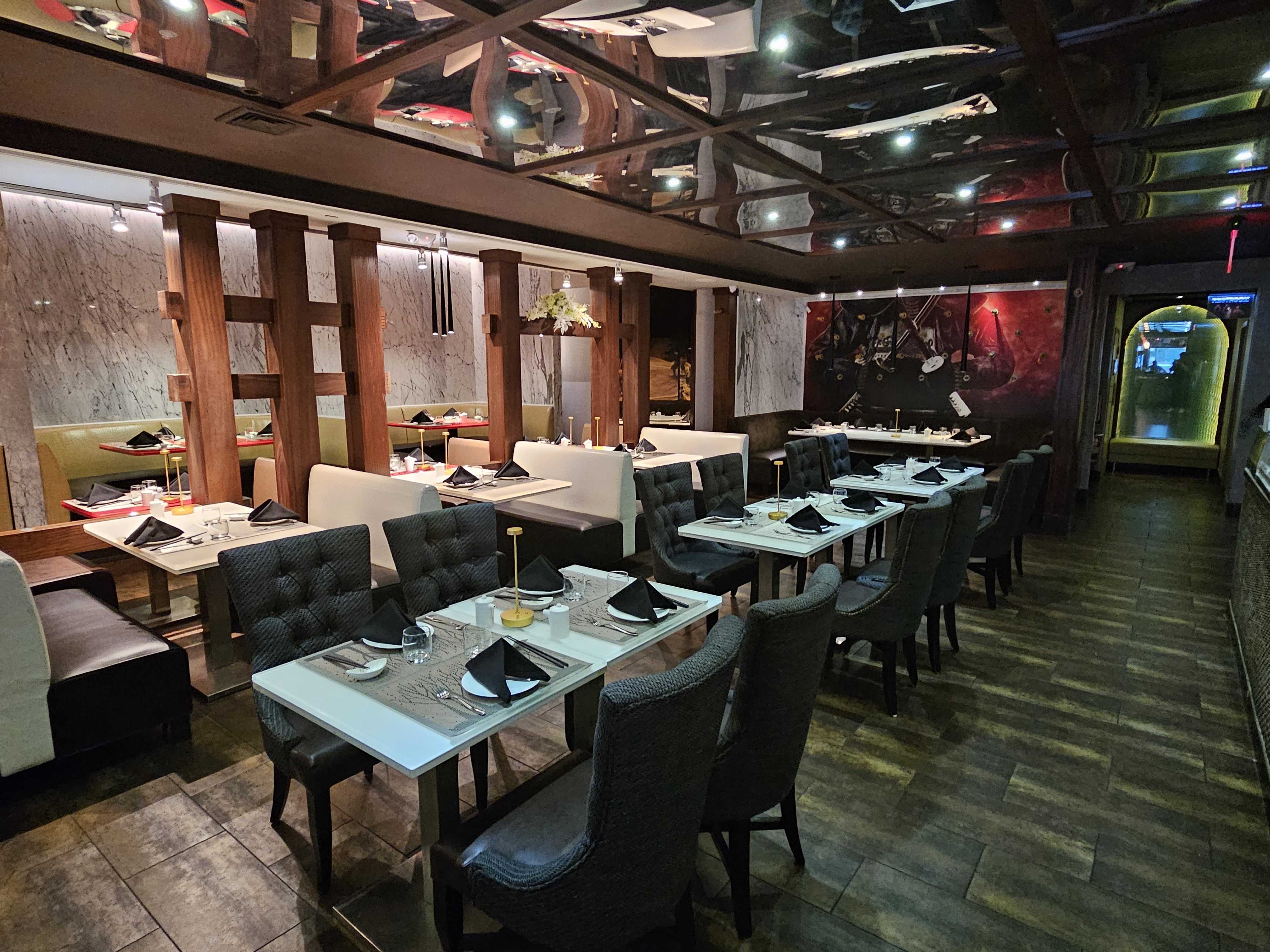
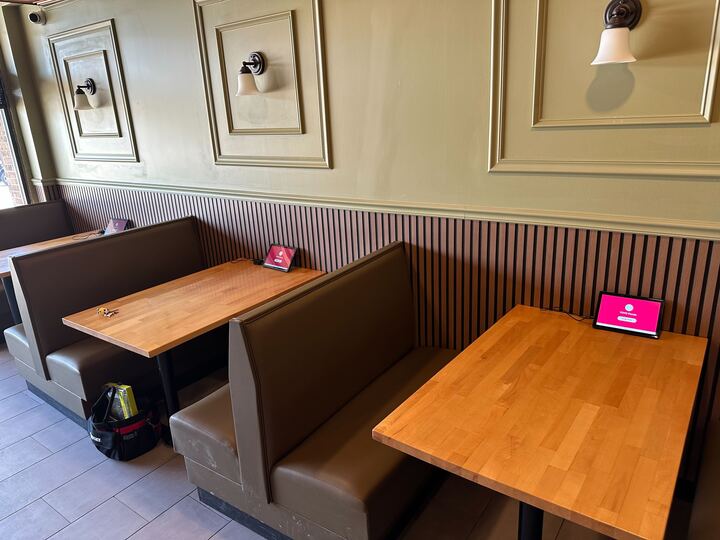
A fixed cash register makes an assumption that a lot of modern food businesses can no longer make: that the customer will come to you. Hot pot restaurants take orders at the table over hours of continuous cooking. Food trucks and pop-ups have no fixed counter at all. Bubble tea shops line-bust during rush hours with a staff member walking the queue. None of these scenarios work well with a system bolted to a counter, which is exactly why mobile POS has gone from a nice-to-have to a core requirement for a growing share of food service businesses.
The shift toward mobile ordering isn't a trend restricted to a few trendy concepts — it reflects a broader move across the restaurant industry toward cloud-based systems that work anywhere staff and customers actually are. Platforms serving this shift at scale, such as Chowbus with 9,000+ restaurants across all 50 U.S. states, have built mobile and tableside ordering directly into their core product rather than treating it as an accessory.
In this guide, you'll learn what a mobile POS system actually needs to do well, and how it applies specifically to tableside service, food trucks, and pop-ups — so you can choose hardware and software that holds up under real operating conditions instead of failing at the worst possible moment. Before getting into use cases, it helps to define what "mobile POS" actually covers.
A mobile POS system is point-of-sale software that runs on a handheld device — typically a tablet or smartphone — rather than (or in addition to) a fixed terminal. It still needs to do everything a countertop system does: process payments, communicate with the kitchen, apply the right pricing and modifiers, and sync with reporting and inventory. The difference is that it needs to do all of that reliably without a stable power source, a fixed internet connection, or a controlled indoor environment.
That distinction matters because "mobile" gets used loosely to describe two very different things:
The second category is where most of the hard technical and operational problems live, and it's the one worth evaluating carefully if your business actually needs staff moving with the device rather than standing behind it.
Hot pot and all-you-can-eat restaurants have a service model that fixed POS terminals were never designed around. Customers sit at a table for an extended period, ordering ingredients continuously throughout the meal, often with per-person pricing and time limits that need to be tracked accurately. A server walking the floor with a tablet, taking orders directly at the table and sending them straight to the kitchen, removes an entire layer of friction and error compared to writing orders by hand and walking them to a register.
Specifically, tableside ordering for this service style needs to handle:
This is a specific, well-defined use case that generic mobile POS add-ons often don't handle correctly, because per-person and time-based pricing logic isn't a standard feature in most retail-oriented systems. Chowbus's TablePRO was built specifically around this kind of table-side, continuous-ordering, per-person pricing model, rather than being a generic tablet ordering app adapted after the fact.

Food trucks and pop-up concepts face a different but related set of demands: no fixed power outlet guarantee, inconsistent cellular or Wi-Fi connectivity, and the need to set up and tear down a full ordering and payment system in minutes rather than once and permanently. For this category, the priorities shift toward:
A mobile POS built for fixed indoor counters but marketed as "mobile" because it runs on a tablet often falls short here — true mobility for a food truck means the software and hardware were tested for exactly this kind of unpredictable environment, not just designed to be portable in theory.
For coffee shops, bubble tea shops, and quick-service restaurants, mobile POS plays a different role: line-busting during peak hours. A staff member walks the queue with a handheld device, taking and processing orders before customers even reach the counter, which shortens the perceived and actual wait time significantly during rush periods.
For this to work well, the mobile device needs to:
Done well, this turns a single register into an effectively multi-lane operation during rush hours without needing to build out additional physical counter space.
Mobile POS hardware fails differently than fixed terminals — it gets dropped, rained on, run out of battery, and taken out of Wi-Fi range in ways a countertop system never experiences. When evaluating a mobile POS system, ask specifically about:
This is where support quality becomes a real differentiator rather than a marketing bullet point. Systems offering 24/7 bilingual support with fast average response times — Chowbus, for instance, offers 24/7 English, Chinese, and Spanish support with an average 2-minute response time — matter significantly more in a mobile context, where field issues tend to happen at the worst possible moment with no backup terminal nearby.
A mobile POS system earns its keep the moment your business model requires staff to go where the customer is, rather than the other way around — at the table for a hot pot restaurant, in line for a busy bubble tea counter, or at whatever curb a food truck parks on that day. The right system handles the pricing logic, connectivity gaps, and durability demands specific to that use case, rather than being a countertop system that simply happens to run on a tablet.
If your restaurant relies on tableside service, continuous ordering, or per-person pricing — hot pot and AYCE concepts especially — look closely at how a mobile system handles those mechanics specifically, since this is exactly where generic solutions tend to fall short. If you're running a food truck or pop-up, prioritize offline functionality and hardware durability over software features you'd never actually use in that environment.
Before committing to any mobile POS setup, test it under the conditions it'll actually face: a full rush at the table, a dropped connection, a device running on battery for six hours straight. How it holds up under those conditions will tell you far more than any product page ever could.
What is a mobile POS system?A mobile POS system is point-of-sale software running on a handheld device like a tablet or smartphone, allowing staff to take orders and process payments away from a fixed counter — at a table, in a line, curbside, or from a food truck with no fixed location at all.
How much does a mobile POS system cost?Costs are generally similar to standard POS systems: a software subscription (often bundled with the core POS platform rather than priced separately), tablet or handheld hardware (typically $300-$800+ per device), and payment processing fees. Ask specifically whether tableside/mobile ordering is included in your base plan or billed as an add-on module.
Is a mobile POS good for hot pot or all-you-can-eat restaurants?Yes, and it's arguably one of the strongest use cases for mobile POS — these service models need per-person pricing, time-limit tracking, and continuous tableside ordering that a fixed register handles poorly. Chowbus's TablePRO was built specifically for this kind of service model.
Can a mobile POS system work without internet access?A well-built one should offer offline functionality that lets staff keep taking orders and processing certain payments during a connectivity drop, syncing everything once the connection returns. This matters most for food trucks and outdoor pop-ups, where connectivity can't be guaranteed.
How is a mobile POS different from a regular countertop POS?The core functions are the same — payments, order routing, reporting — but a mobile POS needs to handle unreliable connectivity, battery life, and physical durability in ways a countertop terminal never has to. Not every "tablet-based" system is genuinely built for true mobile use; some are just tablets sitting at a fixed counter.
Should a food truck or pop-up use the same POS as a sit-down restaurant?Not necessarily the exact same setup, but using the same underlying platform across a food truck and a permanent location (if you operate both) keeps reporting, inventory, and customer data consolidated in one system rather than split across two unrelated tools.