Mobile devices get sold into restaurants as a blanket upgrade — faster service, happier tables, done. In practice they earn their cost in a narrower set of situations than the sales pitch suggests, and skip earning it in plenty of others. The variable that actually matters isn't restaurant size or even ticket volume — it's the physical and logistical gap between where an order gets taken and where your payment terminal actually sits. When that gap is short, a handheld solves a problem you don't have. When it's long — a patio across a breezeway, a truck with no fixed terminal at all, a wedding forty minutes from the restaurant, a line stretching past the door at 3pm — the gap costs you something every time it opens. That cost rarely shows up as its own line anywhere; instead it shows up as a table that turns twice in a night instead of three times, a server's tip shrinking because they never made it back to close the check before the group left cash on the table, or a customer at the host stand who got tired of waiting and walked. Nobody logs that as a loss, which is exactly why restaurants tend to underestimate it until they measure it directly.
The four situations below are where that gap shows up most often and most predictably. If your operation matches one or two of them, a handheld device is usually worth pricing out. If none apply, it's fine to leave it on the maybe-later list.
Patios rarely get planned into a restaurant's original layout — most get added years later, after the city approves a sidewalk permit or after a parking lot that turned into overflow seating in 2020 never turned back. The dining room has a terminal. The bar has a terminal. The patio usually doesn't, and the distance between it and the nearest fixed register is where the trouble starts. Thirty or forty feet doesn't sound like much until a server is walking it six or eight times an hour on a full Friday night, weaving around the host stand and possibly cutting through the kitchen each way. On a slow Tuesday nobody notices. On a six-table patio running at capacity, those walks add up to real minutes per table, and minutes per table is exactly what determines how many parties you get through that section before close. A handheld POS lets a server ring the order, run the card, and send a digital receipt without ever stepping off the patio. The other patio-specific requirement is durability against weather — a screen that washes out in direct sun or a device that can't take a surprise sprinkle mid-shift causes its own kind of slowdown, so it's worth checking sunlight readability and a water-resistance rating before assuming any tablet in a case will do.
A truck doesn't have a back office with a hardwired terminal to begin with, so this isn't really a question of whether to add mobile POS — it's a question of which mobile setup the whole operation gets built around. The realistic version of a truck's day: one service window, a folding table for the card reader, a battery pack or generator that may or may not last through a full lunch rush, and cell signal that's fine at Tuesday's office park and unreliable at Saturday's farmers market. That connectivity gap matters more here than in any other scenario on this list, because there's no restaurant wifi to fall back on when a cell tower gets overloaded. What separates a setup that holds up from one that doesn't is whether the device can keep taking orders and payments while offline, queue everything, and sync automatically the moment signal returns — versus freezing mid-transaction and leaving a cashier to write the order on a receipt pad and re-enter it later. Pop-ups inside a brewery, a market stall, or someone else's retail space run into a version of the same problem: you're a guest on someone else's network, you're often gone again in six hours, and anything requiring real setup time or a hardwired line is the wrong tool for a single day's booking.
Off-site work exposes a different kind of gap: there's no fixed terminal because there's no restaurant on-site at all. A banquet hall rented for 120 guests, a vineyard wedding forty minutes out of town, a corporate lunch drop-off that turns into an open bar tab — none of it has your POS in the building unless someone physically brings it. Catering teams still running events on paper tickets and a card reader plugged into somebody's phone tend to lose the thread on anything added after the original invoice went out. A round of drinks poured after the toast, a dessert course nobody itemized, a headcount that changed the morning of the event — none of it reconciles cleanly without one system tracking it against what was originally quoted. A handheld running the restaurant's actual menu and pricing means the bartender working the reception rings drinks against the same system the kitchen uses for prep counts, and the event captain can close out the final bill on-site rather than estimating it and fixing the invoice later. Battery life across a full event is the practical constraint to check — a six-hour reception with the screen on the entire time draws down a battery very differently than a two-hour lunch rush does — along with a cellular hotspot as backup, since venue wifi is either unavailable or locked behind a password an AV vendor won't hand over.
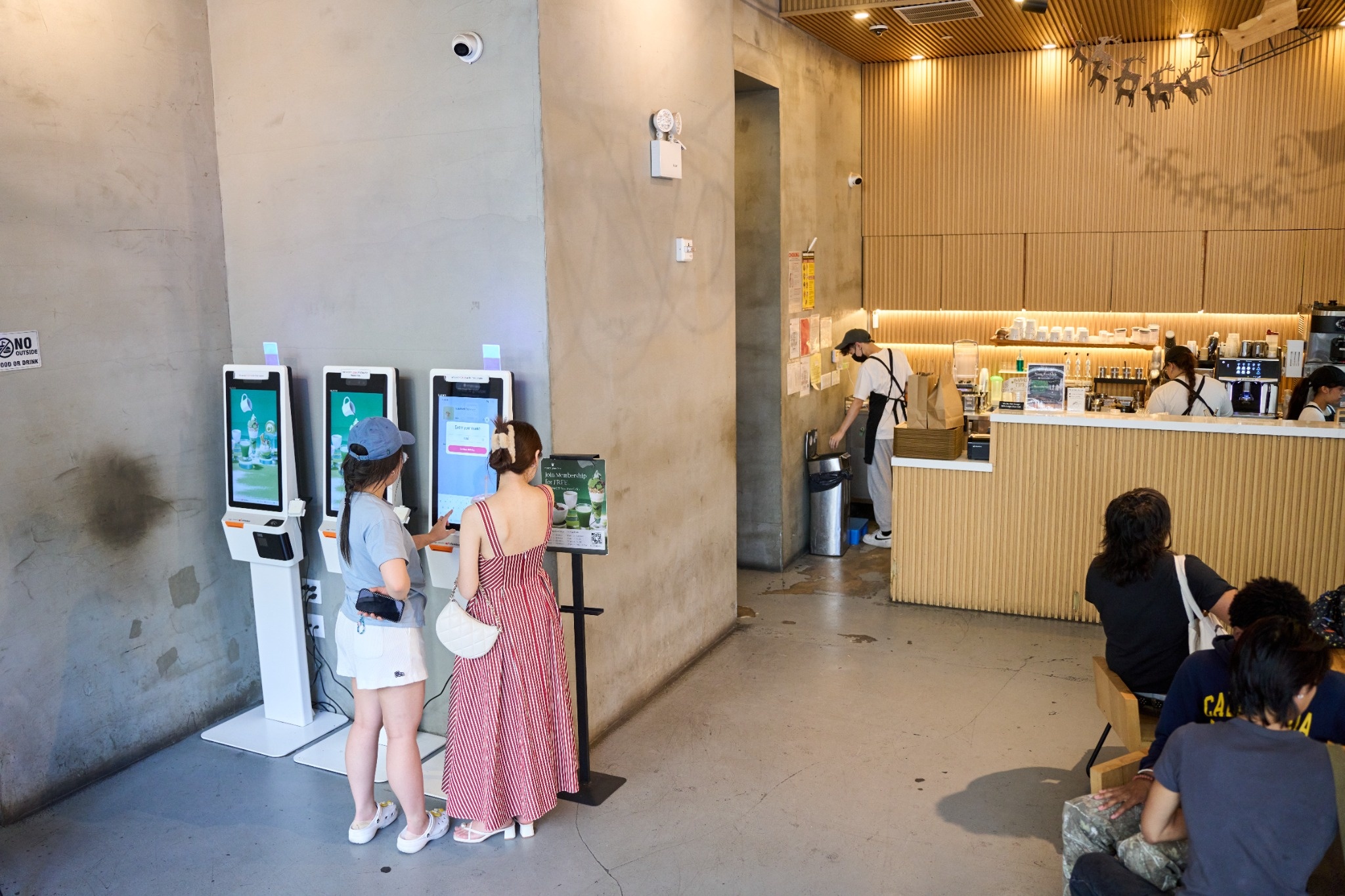
This last scenario has nothing to do with outdoor seating or off-site work — it's a line stretching past the door at 3:15 on a school-let-out afternoon, at a shop running one register. That register processes one order at a time, and every person left standing in that line past a certain point is deciding, without saying so, whether to stay or walk to whatever's next door. Line-busting means a second staff member steps into the line itself with a handheld, taking orders and payment on the spot instead of funneling everyone through a single point. It works best for menus built around a small number of fast, low-decision items — bubble tea, drip coffee, a build-your-own bowl — where an order takes fifteen seconds to key in and doesn't need a back-and-forth at the counter. The bigger win isn't just speed at the register: an order taken on a handheld can hit the kitchen display before the customer ever reaches the pickup counter, so drinks are already in progress by the time they get there instead of the whole process starting only once someone rings them up.
A handful of questions are worth working through before committing to hardware, regardless of which scenario above applies to you.
- What actually happens when the connection drops? Ask whether the device can keep taking orders and processing payments offline, queuing everything to sync automatically once signal returns — or whether it just stops. This is one of the biggest differences between devices in this category, because it's the one thing that determines whether a handheld is usable on a food truck or at a rural venue at all, versus only being useful inside a building with dependable wifi.
- What's the real battery life during a full shift with the screen on and the card reader in constant use? Manufacturer specs are usually measured under conditions nobody actually works in. Ask for runtime under active use across eight hours, and ask what the mid-shift charging plan looks like if a device does start running low.
- Is the card reader rated for where it's actually going to live? A reader that's fine sitting on an indoor counter may not hold up to direct sun and heat outdoors, to bouncing around in a truck during transport, or to getting dropped on a patio's concrete more than once a season. If the device is leaving the building, ask about its drop rating and its operating temperature range.
- Does it run on the same menu and reporting as the rest of the restaurant, or does someone have to reconcile it separately later? A handheld that pulls from a different system than the main POS creates exactly the kind of after-the-fact bookkeeping that catering teams in particular tend to get burned by.
The honest answer has less to do with restaurant size than with how far an order typically has to travel from where it's taken to where it gets paid for, and how often that distance actually costs something. A small dining room with a terminal ten feet from every table doesn't have this problem, no matter how busy it gets. A restaurant with a patio across a breezeway, a catering calendar with six off-site events a month, or a counter line that backs up every weekday afternoon usually does.
Run the numbers the way you would for any other equipment decision: estimate how many extra table turns, saved walkouts, or additional off-site bookings a handheld would realistically produce across a slow month and a busy one, then weigh that against the device cost and any connectivity plan it needs. If none of the scenarios above match your floor plan or your calendar, it's a reasonable thing to skip for now. If one or two do — and for most restaurants running a patio, a catering side, or a regular rush-hour line, at least one usually does — it tends to pay for itself faster than most other hardware on this year's list.
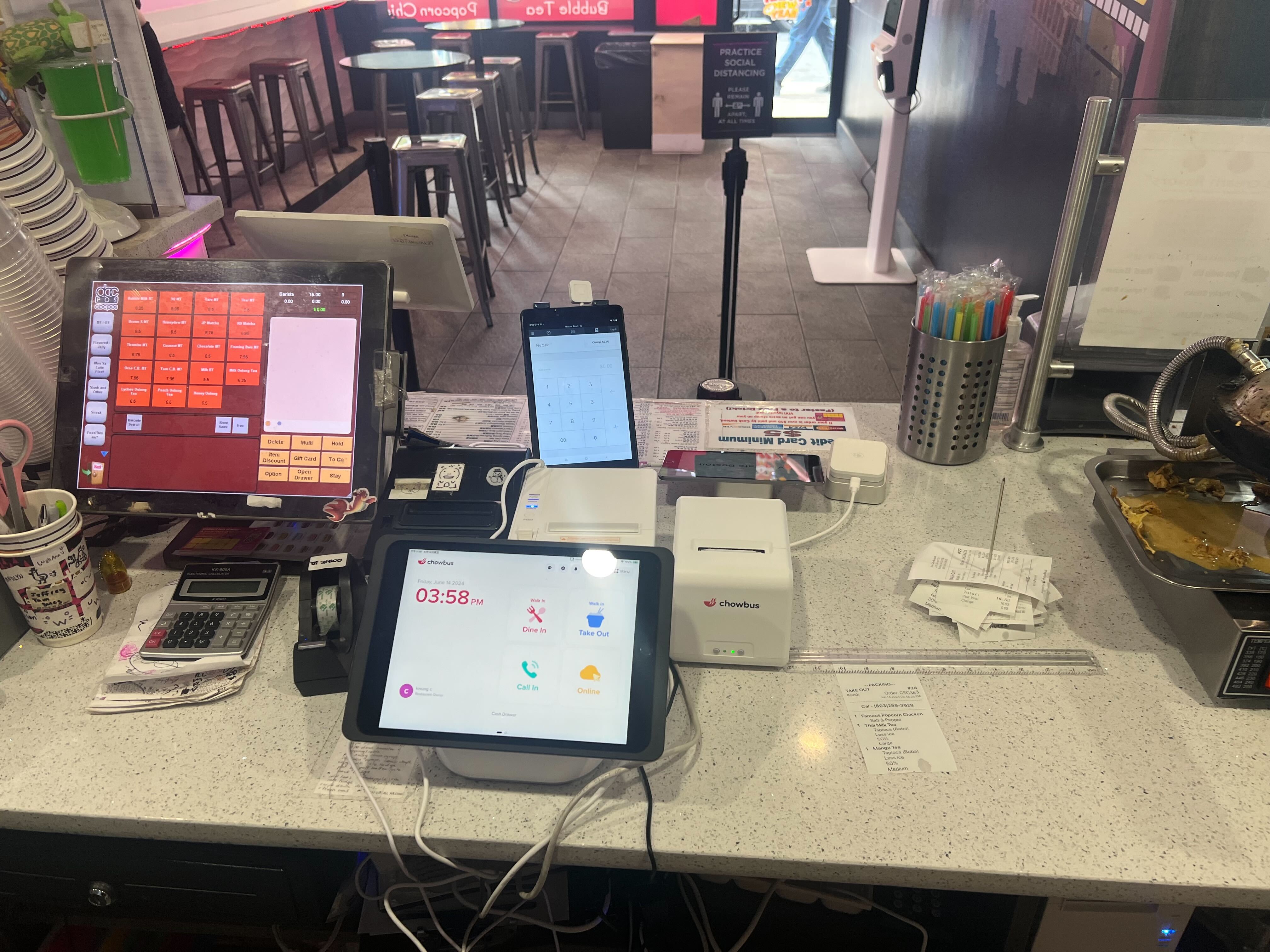
Chowbus's TablePRO handheld runs on the same menu, pricing, and reporting as the rest of the point-of-sale system, which matters most in the catering scenario above — a separate device that has to be reconciled against the main system after the fact is where most billing errors actually start. If you want to see how it handles one of the situations above on your own menu, booking a free demo is a faster way to find out than reading another article about it.

With Chowbus, a handheld device runs on the same menu, pricing, and reporting as the main POS — it's not a separate tool you have to reconcile against the register at the end of the night. That integration is exactly what removes the manual matching-up that causes billing errors in catering and off-site work.
Indoors, within range of the building's wifi, a handheld can typically run on the same network as everything else. Anywhere outside that range — a patio at the edge of signal, a food truck, an off-site venue — it needs its own cellular connection to keep working, which is usually a monthly add-on rather than something bundled by default.
Fewer than most owners assume. A single device usually covers a patio during a normal shift, and one more for a line-busting role during a predictable rush window. Catering operations tend to need one per event rather than one per venue. The pricing page breaks out device costs against different plan levels if you want to price out a specific combination.
The main tradeoffs are cost and one more device to charge, secure, and eventually replace. For a restaurant where every table is within a few steps of a fixed terminal and there's no off-site or counter-rush pressure, a handheld mostly adds overhead without solving a problem that exists. It's worth adding only where one of the four scenarios above actually applies.