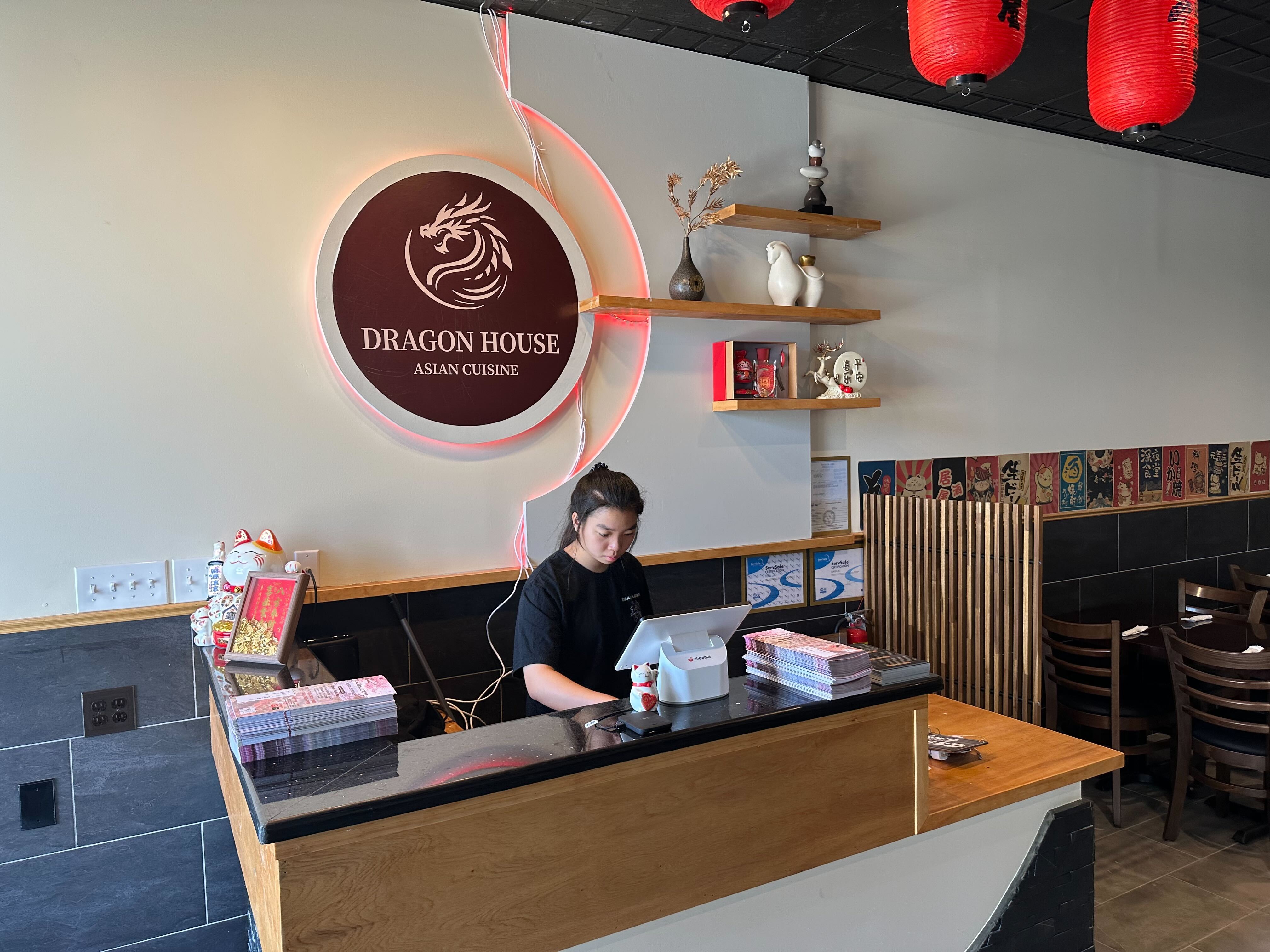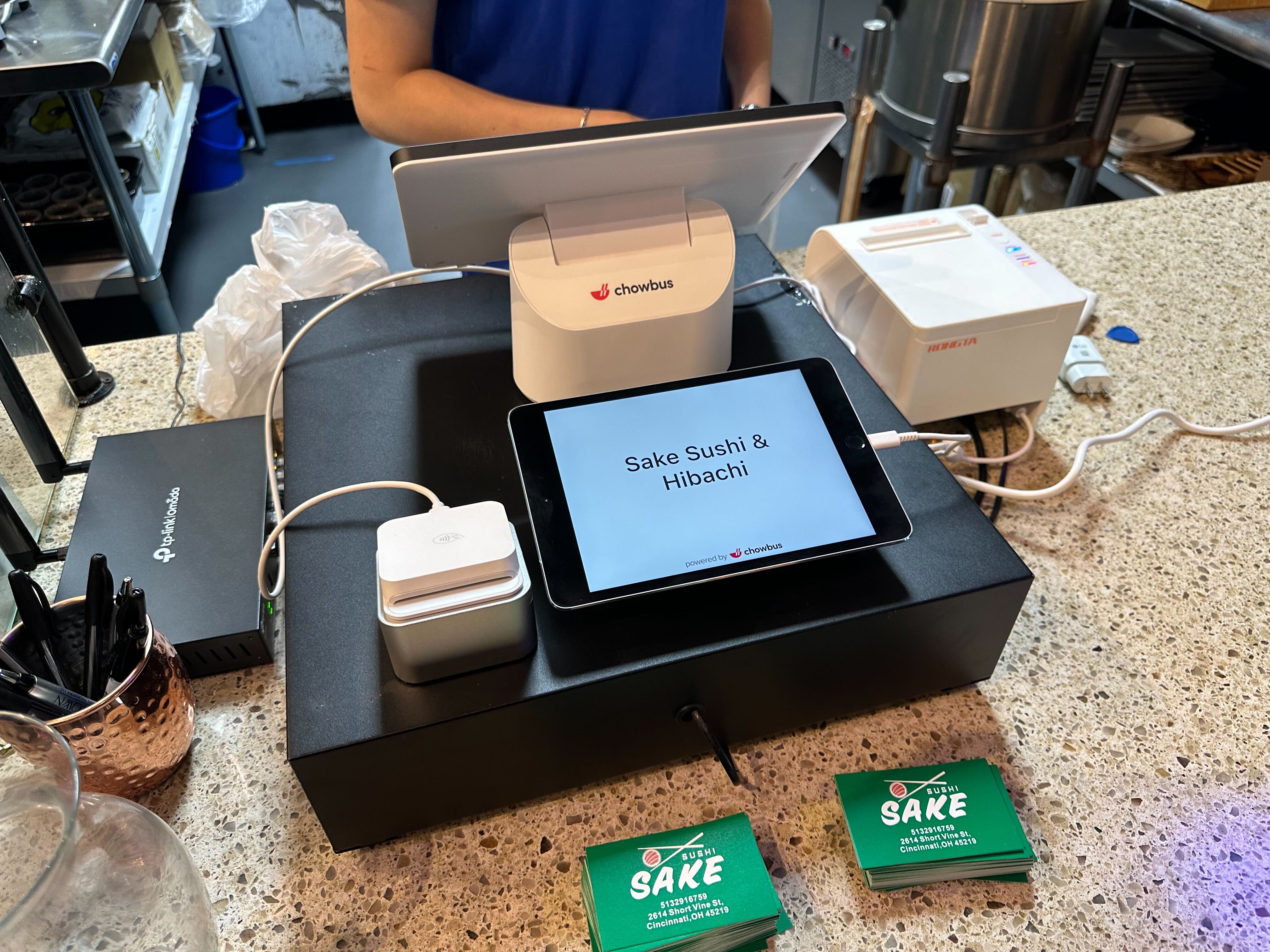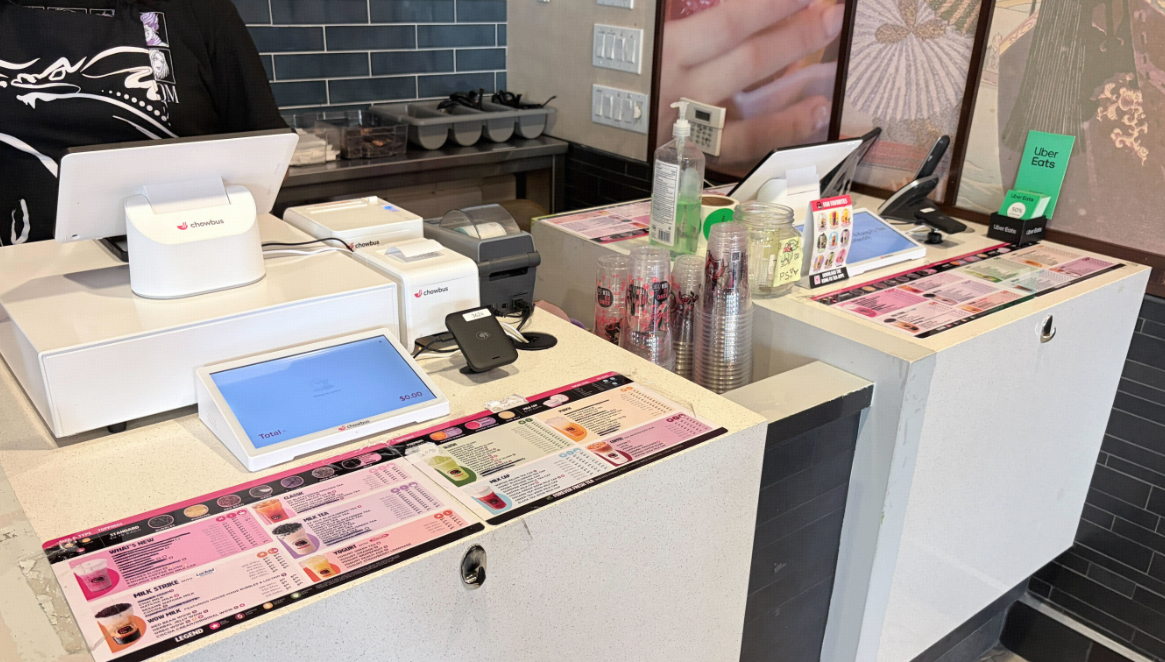
Labor is the line on a restaurant P&L that owners worry about most and control least. Wages keep climbing, staffing is hard, and the instinct under pressure is to cut hours — which usually backfires as service slips and turnover rises. The better path in 2026 isn't fewer people working harder; it's the same team doing more, because the wasted motion and friction have been engineered out. This guide breaks down where labor actually leaks in a restaurant and the practical, technology-led ways to reclaim it without gutting the guest experience.
The short version: you reduce restaurant labor cost most effectively by removing wasted steps — moving order-taking to self-serve where it fits, putting ordering and payment tableside, syncing the kitchen so nothing is redone, and scheduling to real demand. The goal is more covers per labor hour, not a thinner, more stretched team.
Before cutting anything, see where the hours really go. In most restaurants, labor leaks in predictable places: order-taking that ties a person to a register or a table when guests could self-serve; the back-and-forth of servers walking orders to a terminal and payments to a counter; kitchen rework from lost or misread tickets; interruptions ("is my order ready?") that pull staff off productive tasks; and scheduling that doesn't match staffing to demand, leaving you overstaffed in lulls and slammed at peak. Each of these is a place where the same output could happen with less labor — which is where the savings live, without touching service quality.
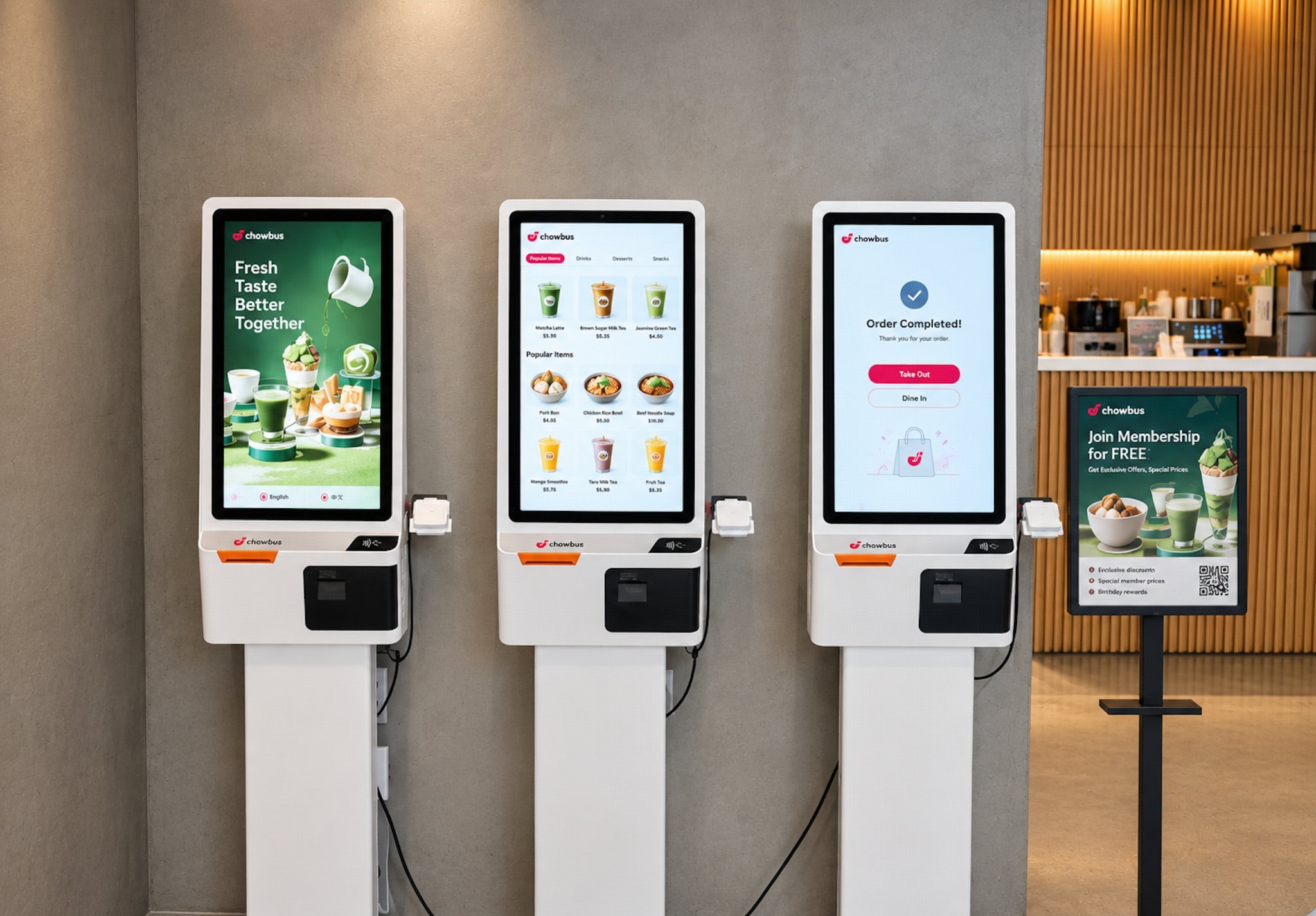
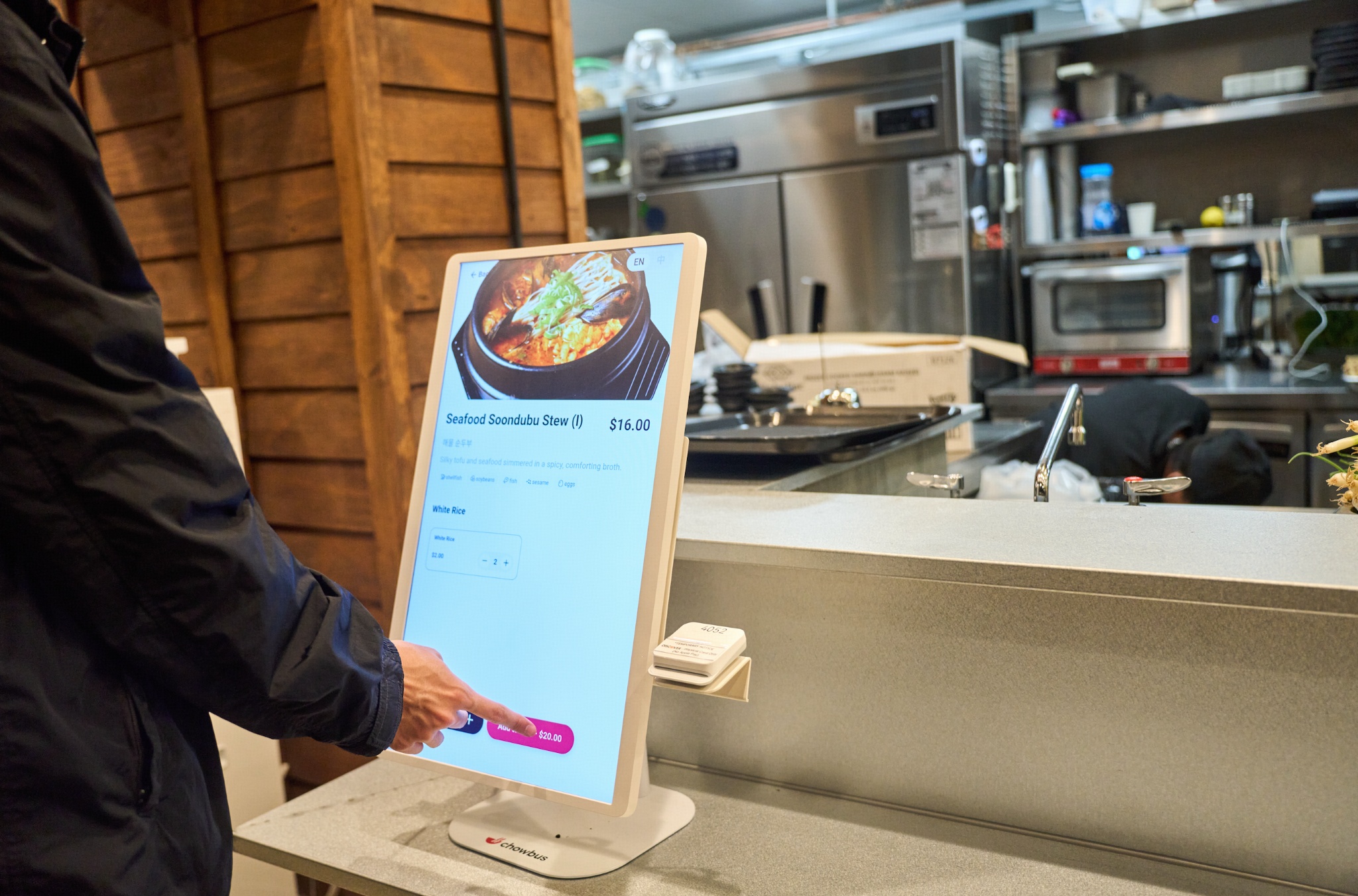
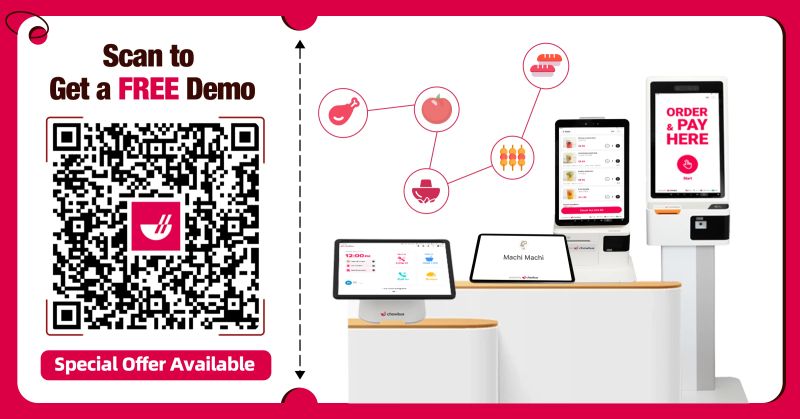
Not every order needs a staff member to take it. Self-ordering kiosks and QR ordering let guests browse, customize, and pay themselves — redeploying the labor that used to stand at a register to the floor or kitchen. The math is direct: if a small bank of kiosks absorbs the order-taking a cashier handles at peak, you've added capacity without adding payroll. This works best in quick-service, bubble tea, cafés, and high-volume formats where speed of ordering is the bottleneck; it also tends to lift average check through consistent upsell prompts, so you reduce labor and grow tickets at once.
In full-service, the biggest labor leak is motion: servers shuttling between table, terminal, and counter. A handheld POS lets servers take orders and process payment right at the table — orders fire straight to the kitchen, payment closes without a trip to the counter, and one server covers more tables comfortably. The reclaimed time isn't about cutting servers; it's about the same team turning more tables and spending their hours on guest-facing work instead of walking. On a busy floor, a few minutes saved per table compounds into real labor leverage across a service.
Rework is invisible labor cost. A lost or misread ticket means a remade dish — wasted food and wasted labor — plus a server chasing the kitchen and a guest waiting longer. A kitchen display system tied to the POS routes every order to the right station automatically, updates in real time, and cuts the remakes that quietly burn hours at peak. Fewer interruptions help too: when guests and staff can see order status (on a display) instead of asking "is it ready?", staff stay on productive tasks. Less rework and fewer interruptions are pure labor savings that also speed up service.
Even with the right tools, mismatched scheduling wastes labor — overstaffed mornings, understaffed rushes. Using your POS sales data to see your true demand curve by daypart lets you staff to it: fewer hours where they don't pay off, enough hands where they do. This is the least glamorous lever and one of the most effective, because it cuts cost without touching how any single shift runs.
Before you can tell whether labor is too high, you need a sense of what "normal" is — and labor cost is best understood as a percentage of sales, not a dollar figure. Many full-service restaurants target labor in roughly the high-20s to mid-30s percent of sales, while quick-service and counter formats often run lower because they're built around less service. But the right number for your restaurant depends on your format, menu, and market, so the benchmark that matters most is your own trend over time, not a generic rule. If your labor percentage is climbing while sales hold flat, that's the signal to act — and the goal is to bring the percentage down by increasing covers per labor hour, not by slashing hours and hoping service survives. Watch the number by daypart, too: an acceptable weekly average can hide a brutally overstaffed slow shift and an understaffed peak, and those are the specific places the levers in this guide pay off. Treating labor as a managed percentage you watch by daypart — rather than a lump sum you react to monthly — is the mindset that makes every other tactic here work. And remember that the lowest labor percentage isn't automatically the best one: cut so deep that service slips and you trade a short-term cost saving for lost covers, bad reviews, and higher turnover, all of which cost more than the wages you saved. The target is the lowest labor cost that still delivers the service your concept promises.
The worst labor decisions are made in a panic without data. Before changing anything, run a simple audit: pull your sales by hour and day from your POS, lay your labor hours next to it, and look for the mismatches. Where are you paying for hands during slow stretches? Where is the team underwater at peak (a sign you're losing covers, not saving money)? Which roles spend time on tasks that could be self-served or automated — order-taking, payment runs, chasing the kitchen? This audit almost always reveals that the problem isn't "too many people" but "people in the wrong places at the wrong times." Cutting blindly worsens service and turnover; cutting from the audit removes cost the guest never feels. Track your labor as a percentage of sales by daypart, not just as a weekly total, so you can see exactly where the leverage is before you act.
Two moves multiply the savings. The first is cross-training: a team where servers can run food, cashiers can expedite, and most people can cover two stations needs fewer total bodies to handle the same shifts, because you're not staffing every role separately for its peak. The second is matching the right tool to your format rather than buying everything. A quick-service or boba spot gets the most from kiosks and QR; a full-service room gets the most from handhelds; a high-volume kitchen gets the most from a KDS. Buying the tool your format doesn't need wastes capital without saving labor. The cleanest path is one platform where these tools share a system, so you can turn on what your format needs and have it all connect — adding capacity where you have leaks, not complexity where you don't.
Reducing labor cost in 2026 isn't about asking people to work harder for less — that path leads to worse service and higher turnover, which costs more in the end. It's about engineering out the wasted motion: let guests self-serve where it fits, put ordering and payment tableside, sync the kitchen so nothing is redone, and schedule to actual demand. Each lever lets the same team handle more covers, which is the only sustainable way to bring labor cost down. The common enabler is one connected platform — POS, kiosks, QR, handheld, and KDS sharing one system — so the savings compound instead of creating new silos. Chowbus is the all-in-one AI POS purpose-built for Asian restaurants, with kiosks, handhelds, QR ordering, and a KDS in one platform across 9,000+ restaurants in all 50 states and Canada — built to help a team do more without doing worse.
By removing wasted steps rather than cutting people — moving suitable ordering to self-serve kiosks/QR, putting ordering and payment tableside with handhelds, syncing the kitchen with a KDS to cut rework, and scheduling to real demand. The goal is more covers per labor hour.
Yes, when ordering speed is the bottleneck. A small bank of kiosks can absorb the order-taking a cashier handles at peak, redeploying that labor to the floor or kitchen and adding capacity without adding payroll — and they tend to lift average check too.
A handheld lets servers order and take payment tableside, eliminating trips to a terminal and counter. The same team turns more tables and spends time on guest-facing work, so you gain capacity without adding staff.
A KDS routes orders automatically and updates in real time, reducing the lost/misread tickets that cause remakes — which waste both food and labor — and cutting "is it ready?" interruptions that pull staff off task.
Scheduling to real demand. Using POS sales data to staff each daypart to its actual demand curve cuts overstaffed hours without touching service quality — one of the simplest, most effective levers.
By the Chowbus Team · Updated 2026. Chowbus is the all-in-one AI POS purpose-built for Asian restaurants, used across 9,000+ restaurants in all 50 U.S. states and Canada.