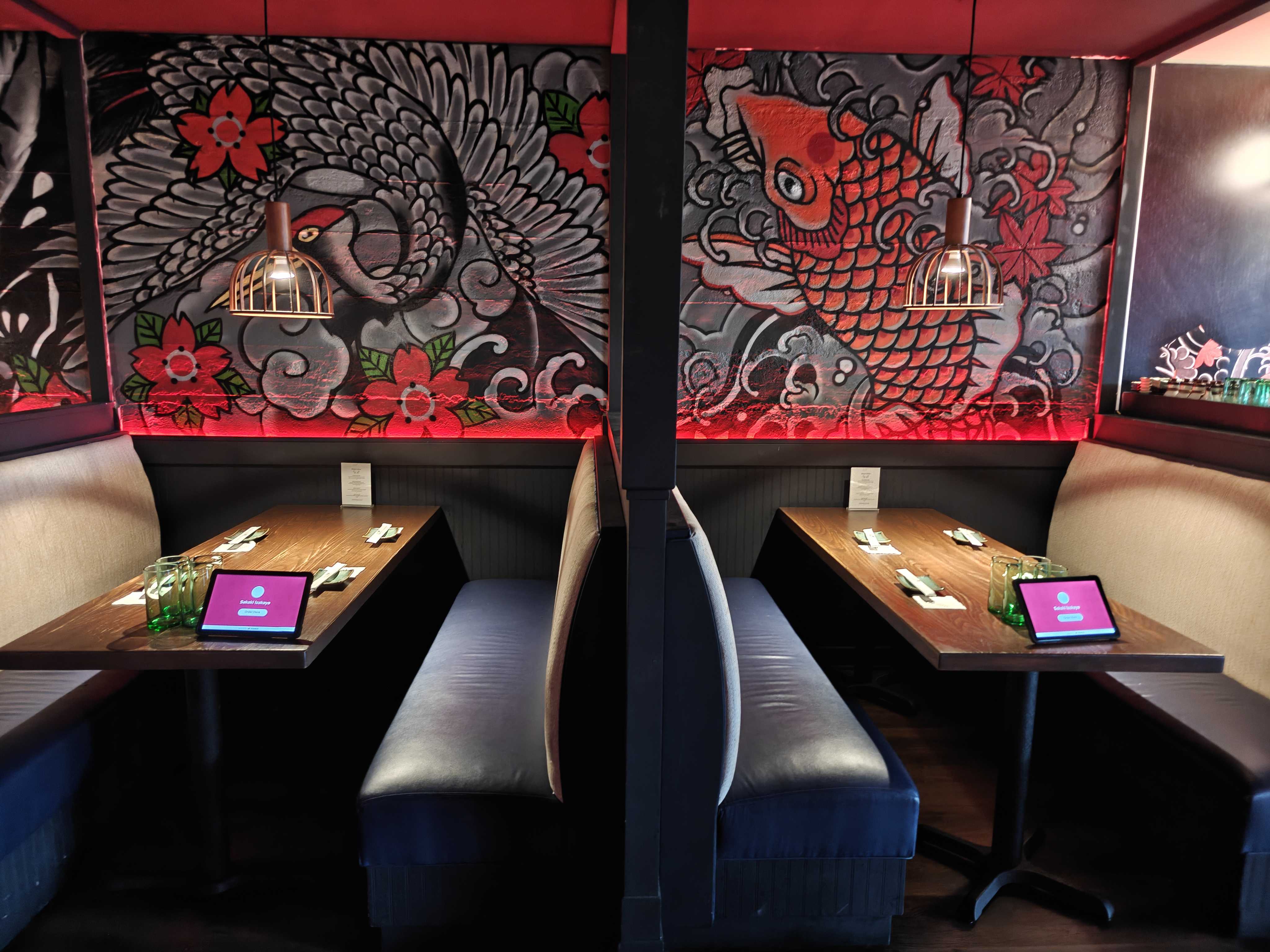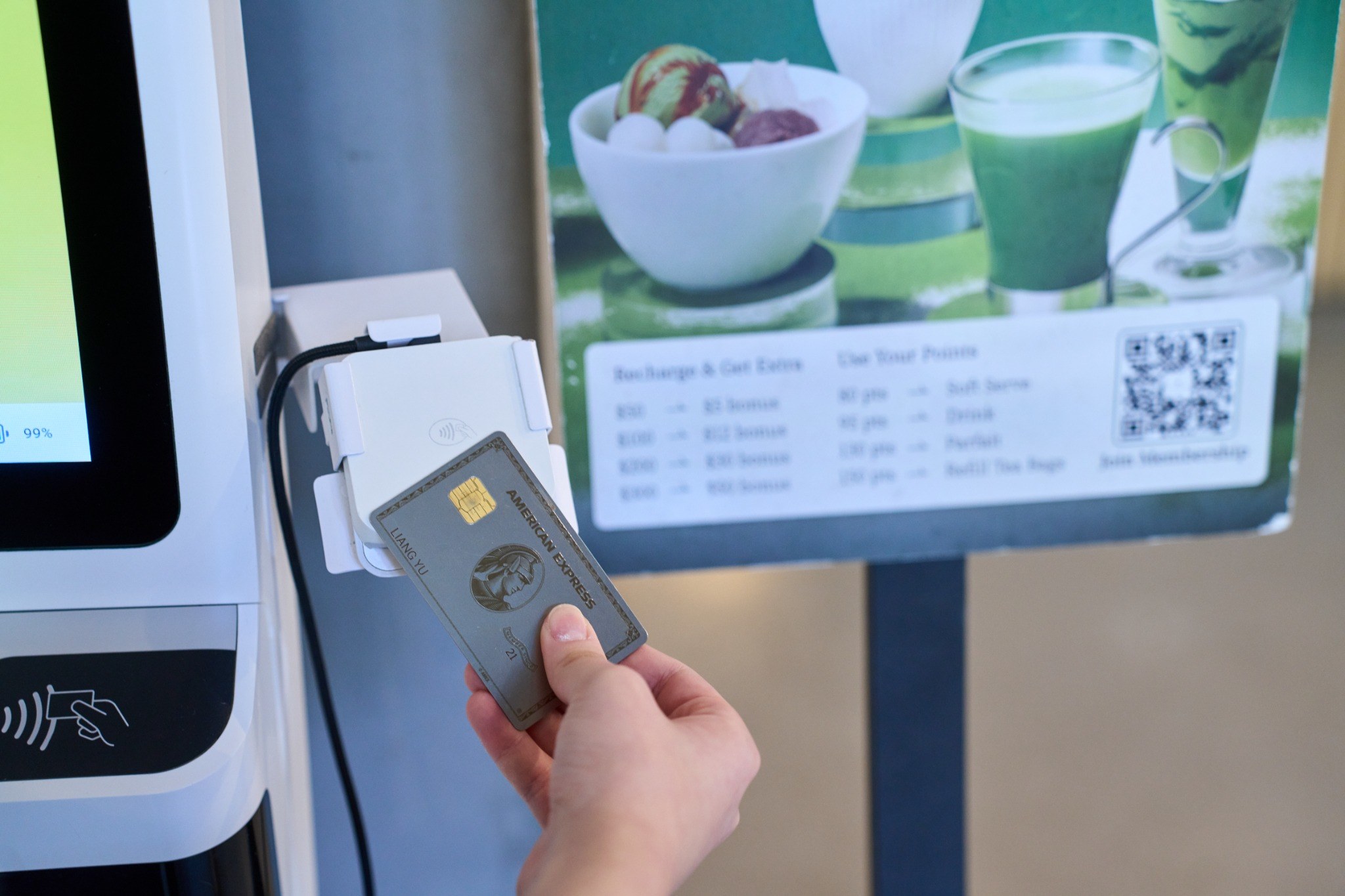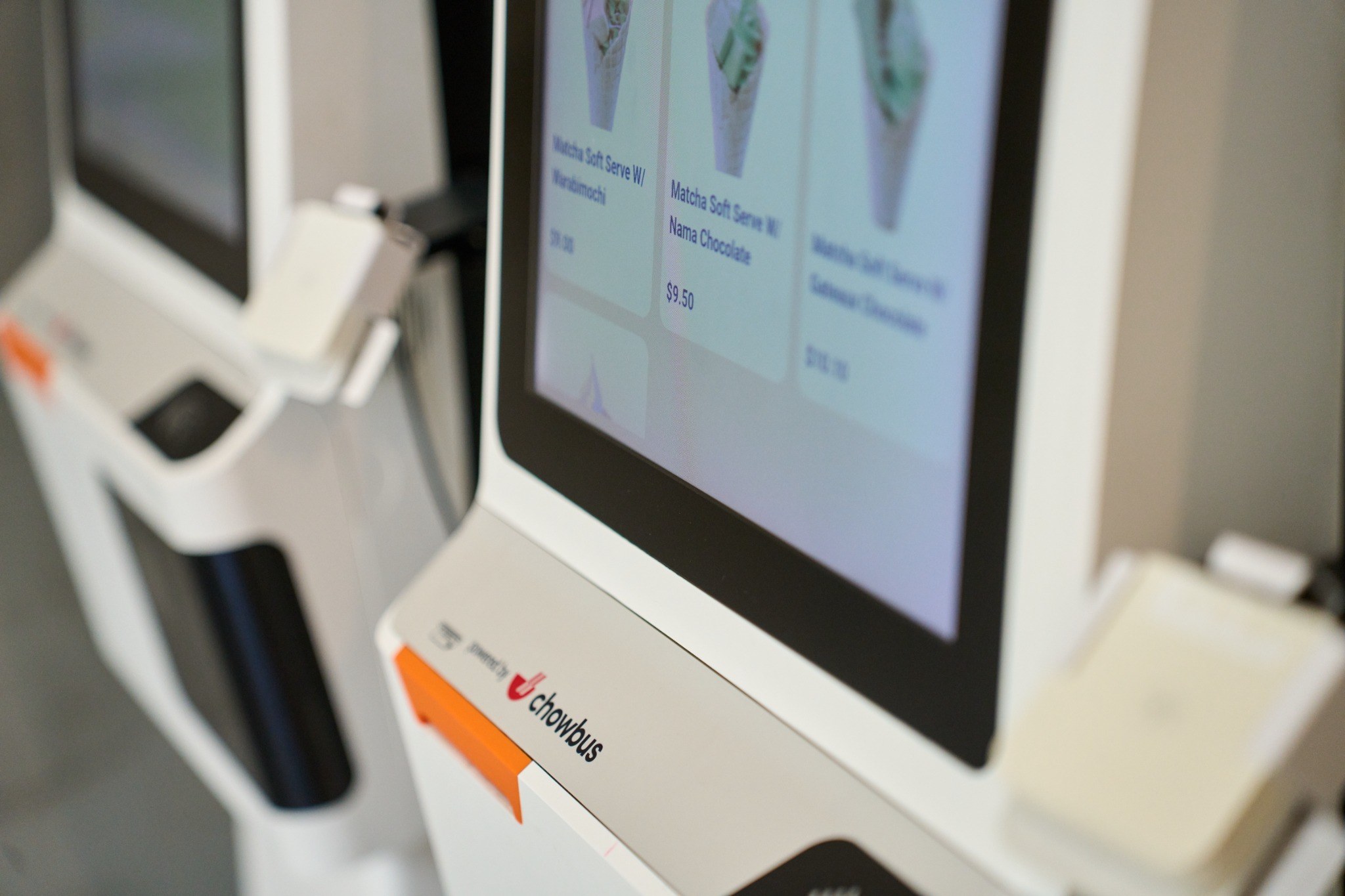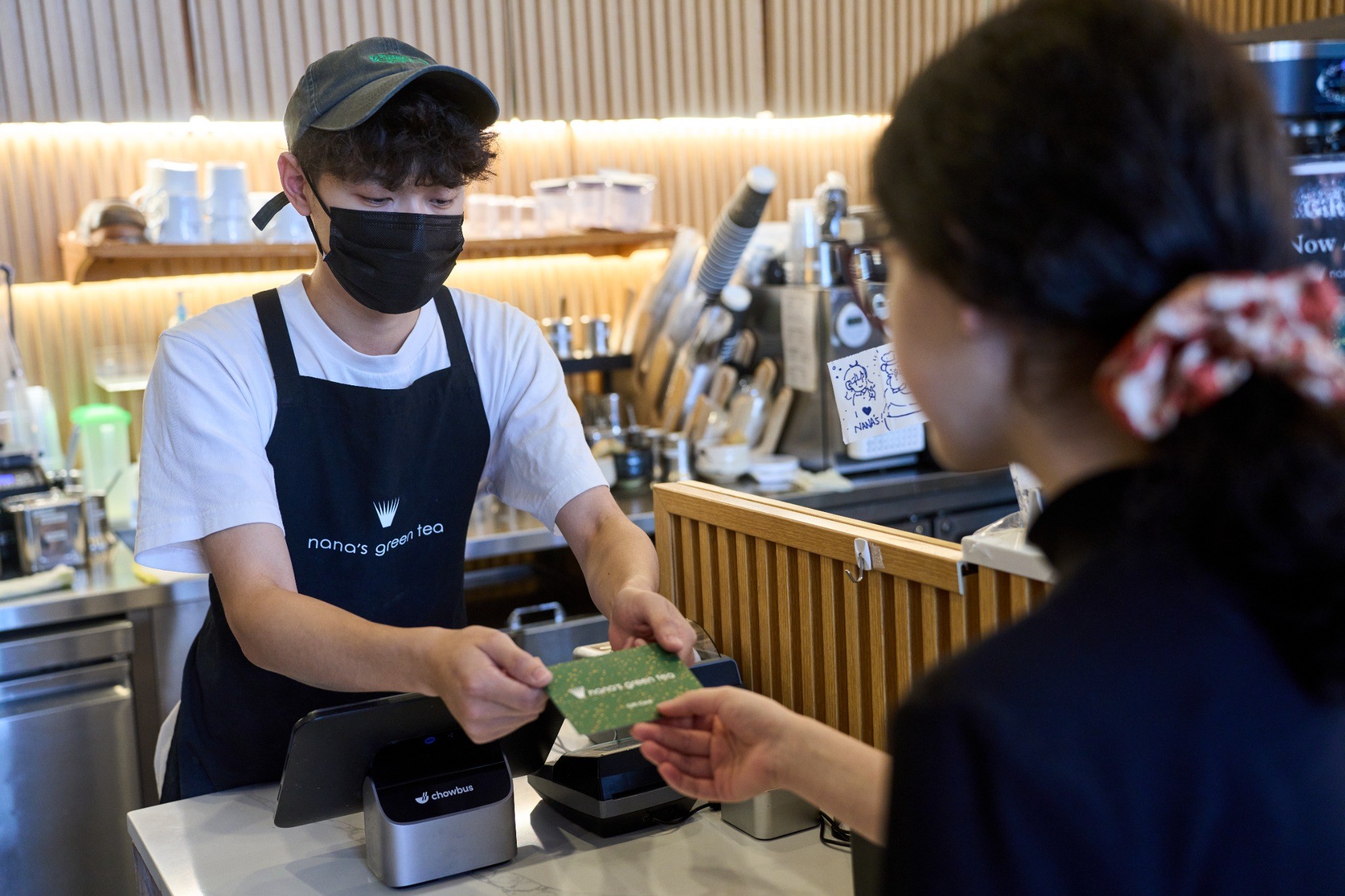
A restaurant can serve dine-in guests, accept website pickup orders, receive marketplace deliveries, and redeem loyalty rewards during the same dinner rush. The challenge is keeping menus, preparation times, kitchen routing, fulfillment status, payments, and customer records connected.
When staff must monitor separate tablets, update several menus, or re-enter delivery orders, service slows and errors increase. This guide compares five platforms through one practical test: supporting high-volume, multichannel service without disconnected workflows.
A restaurant needs a more connected system when:
● Dine-in, takeout, online, kiosk, and delivery orders follow different workflows.
● Prices, modifiers, and sold-out items require updates in several places.
● Shared dishes, timed ordering, quantity limits, or detailed modifiers are difficult to configure.
● Internet instability interrupts ordering, kitchen, payment, or reporting tasks.
● Managers cannot review sales, labor, and customer activity across locations.
● Loyalty, marketing, employee tools, and support depend on separate providers.
The comparison covers table service, takeout, delivery, modifiers, coursing, split checks, tip rules, kitchen routing, and staff permissions.
Essential ordering and kitchen functions should remain available during unstable connectivity. Menus, prices, availability, and order details should stay aligned across POS terminals, handhelds, kiosks, QR ordering, websites, and delivery channels.
Managers need sales, employee, menu-item, loyalty, and location reports. Menu setup, installation, migration, training, language support, and technical assistance also affect implementation quality.
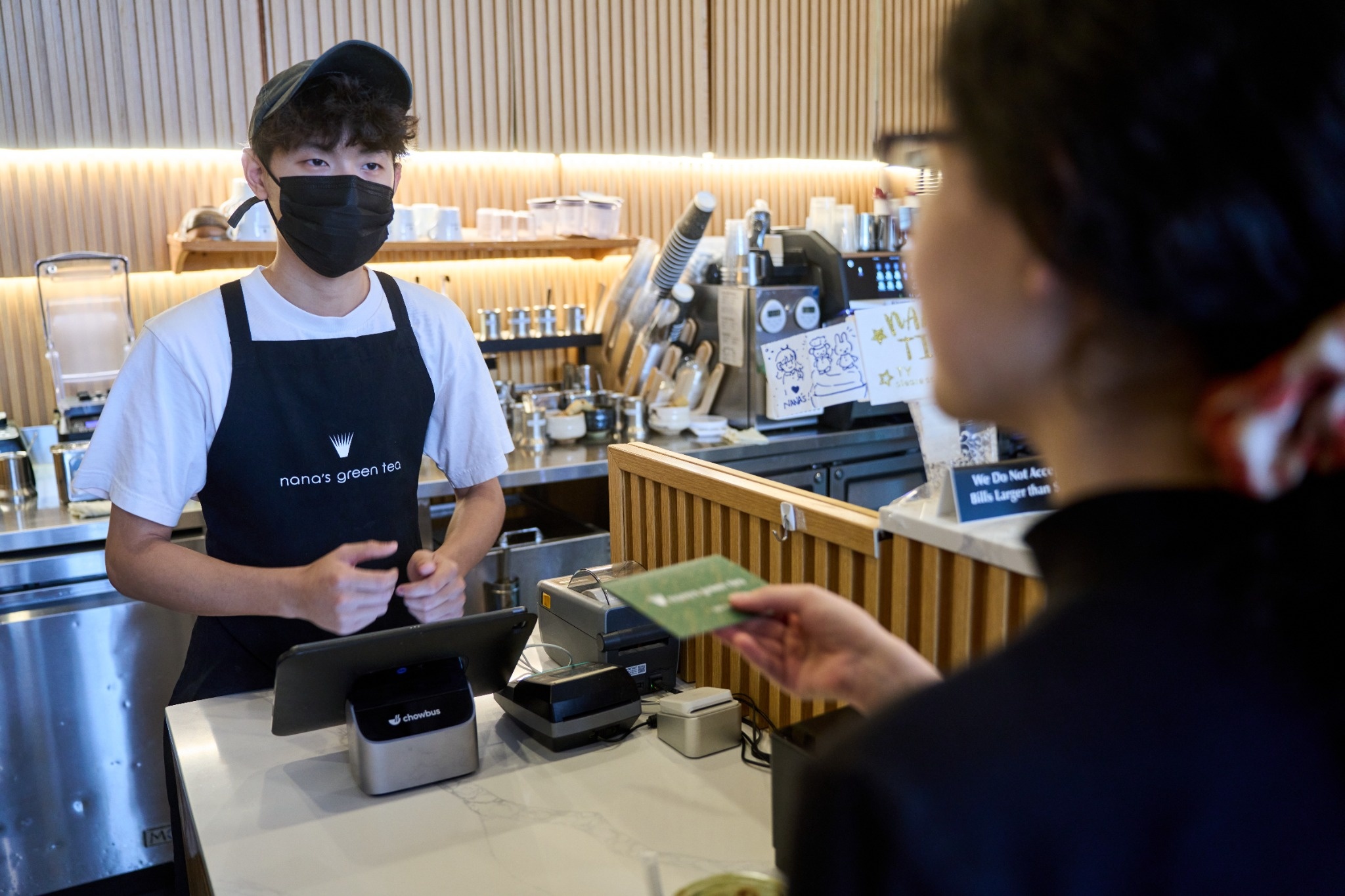
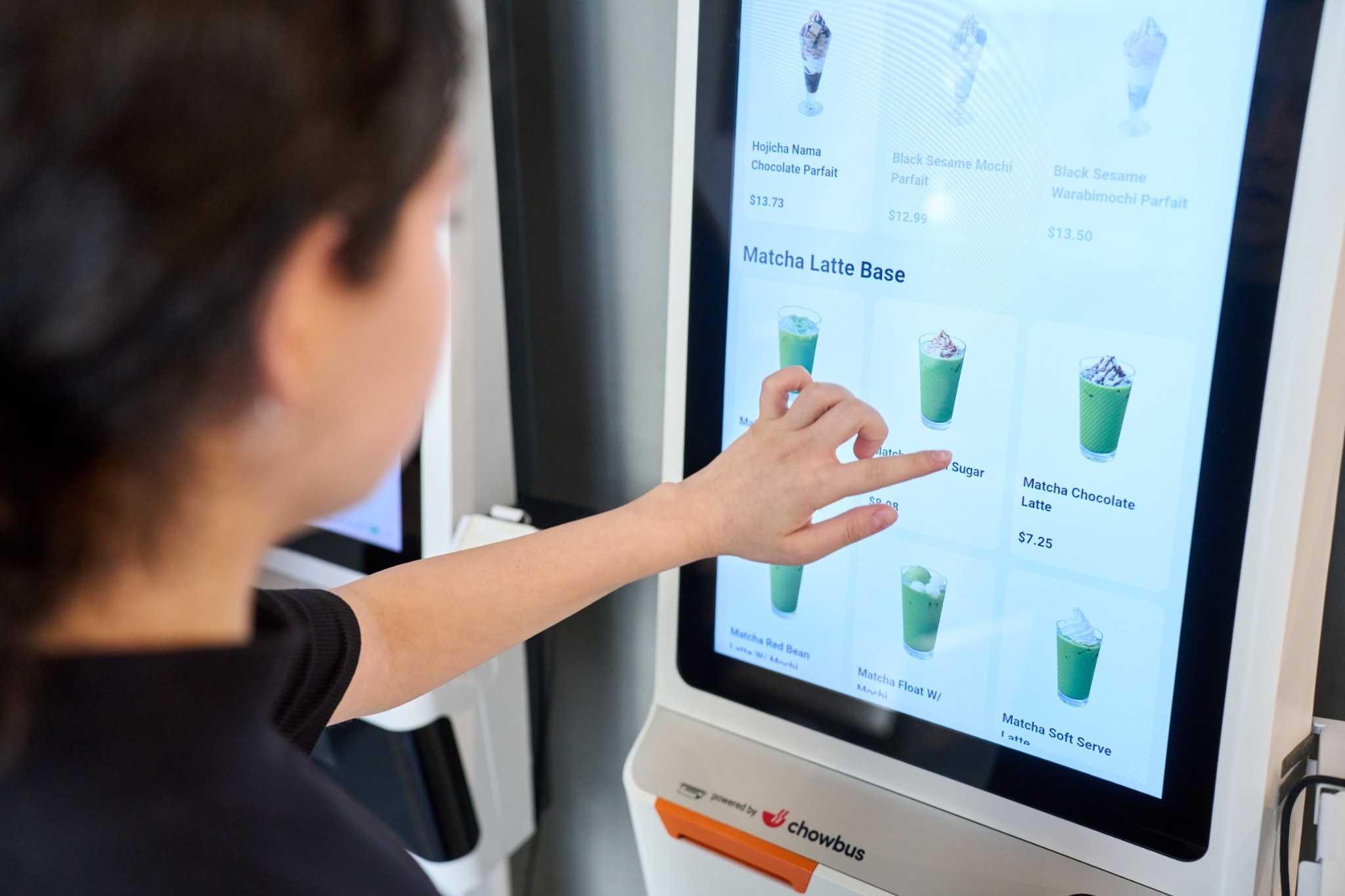
Chowbus connects POS, handhelds, kiosks, QR ordering, online ordering, delivery integrations, KDS, loyalty, reporting, and customer management in one environment. It supports detailed modifiers, shared dishes, timed ordering, quantity limits, split checks, kitchen routing, multilingual menus, and offline continuity for core workflows. Member 360 links transactions, loyalty, promotions, and customer profiles across channels.
Operational fit: Best for restaurants that need complex menu controls, delivery aggregation, KDS, customer growth tools, and multi-location management in one system.
TouchBistro focuses on tableside order entry, floor plans, check management, and server activity. Additional products can extend the system into online ordering, kitchen displays, reservations, and loyalty.
Restaurants should confirm which digital ordering, delivery, reporting, and customer functions require separate subscriptions.
Operational fit: Best where table management remains the primary workflow.
Lightspeed Restaurant provides cloud POS, menu controls, reporting, inventory tools, and multi-location administration. Online ordering, delivery, KDS, and other functions can be added through selected products and integrations.
Its flexibility supports operators that want to configure their own stack, although the final workflow depends on how each component is connected.
Operational fit: Best for groups prioritizing reporting, inventory visibility, and location management.
SpotOn combines restaurant POS, website ordering, menu administration, delivery connections, and customer-engagement tools.
Its strength is directing customers toward branded ordering channels while keeping direct digital transactions visible in the management dashboard. Marketplace consolidation and kitchen routing should be tested during the demonstration.
Operational fit: Best for restaurants focused on direct pickup and delivery orders.
GoTab supports QR ordering, mobile payments, open tabs, and flexible ordering paths. Guests can order and pay without following a traditional table-service sequence.
Operational fit: Best for breweries, food halls, entertainment venues, and hybrid concepts.
● Update one item’s price and mark another unavailable.
● Confirm both changes reach every ordering channel.
● Submit dine-in, pickup, kiosk, and delivery orders together.
● Verify that each item reaches the correct kitchen station.
● Test modifiers, timed rules, split checks, and loyalty redemption.
● Disconnect the internet and confirm which functions continue.
● Review completed transactions in sales, employee, location, and customer reports.
● Request written costs for hardware, payments, installation, training, integrations, support, and optional modules.
Choose Chowbus when one system must connect complex menus, mixed order sources, kitchen production, offline operation, multilingual workflows, employee controls, loyalty, customer data, marketing, and multi-location management.
Choose TouchBistro when table service is central. Choose Lightspeed when reporting and configuration lead the evaluation. Choose SpotOn when direct digital ordering is the priority. Choose GoTab when guests need flexible mobile ordering and payment.
Separate tablets remain common when delivery marketplaces are not connected directly with the POS and kitchen workflow. Staff must accept, review, and sometimes re-enter orders manually.
No. Similar menus can rely on separate databases. Test whether prices, modifiers, hours, and sold-out items update from one administrative source.
Chowbus is the strongest fit for detailed modifiers, multilingual menus, delivery aggregation, KDS, offline continuity, customer profiles, loyalty, reporting, and multi-location control in one environment.
Evaluate every platform during the busiest service scenario, not only through a feature list. The right system should keep menus, orders, kitchen routing, employees, reporting, and customer activity connected when volume is highest.
For restaurants managing complex menus and several order channels, Chowbus provides the most complete operating model in this comparison by combining restaurant technology, implementation support, customer growth tools, and daily operations in one ecosystem.