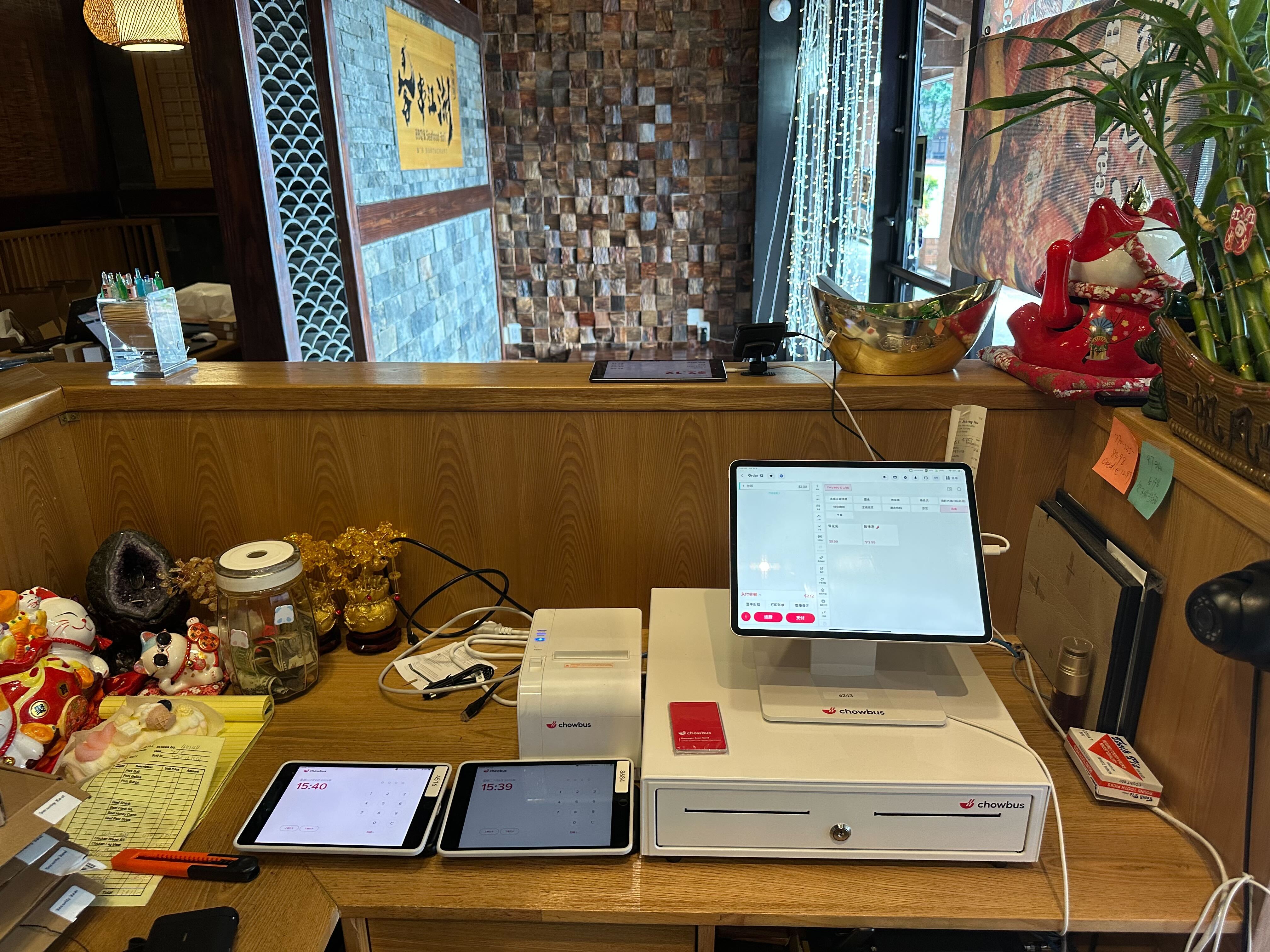
Most restaurant owners don't realize they're comparing the wrong things when they evaluate a POS system. Feature checklists are easy to find — almost every vendor publishes one. But the restaurants growing fastest in 2026 aren't choosing the system with the most checkboxes. They're choosing the one built for how they actually run.
In this guide, you'll get a practical breakdown of what separates a truly great restaurant POS from an average one — so you can make a decision that pays back in your first quarter.
The difference comes down to three things.### What "Best" Actually Means for a Restaurant POS in 2026
The word "best" gets thrown around freely in POS marketing. What it should mean in practice: the system that reduces your labor burden, eliminates order errors, keeps your front-of-house and kitchen aligned, and scales with you whether you're at one location or planning a tenth. In 2026, "best" also requires cloud-based architecture — meaning you can monitor sales, update menus, and manage staff from your phone at 2 a.m. without being on-site.
What it should not mean: the system your vendor pushes hardest, the one with the lowest advertised price hiding hardware lock-in, or the platform that works smoothly for a burger chain but collapses when you need to manage a dim sum service rotation or a Korean BBQ table timer.
The restaurants that struggle with POS choices often made the decision based on price alone. The ones that grow consistently chose based on fit — whether the system was designed for their specific service format, their customers' language, and their kitchen workflow.
A strong restaurant POS should do far more than process payments. The non-negotiables include real-time menu management that syncs instantly across all terminals, kitchen display system (KDS) integration that routes orders to the correct prep station automatically, visual table management with a floor layout, built-in online ordering that bypasses third-party commission platforms, and a loyalty program that retains customers rather than just collecting email addresses.
Beyond the core, the systems that deliver the most operational value also include QR code table ordering so guests can reorder without flagging a server, inventory tracking with low-stock alerts, multi-location management from a single dashboard, and reporting granular enough to show which menu items are dragging down your margins at the item level.
When a POS system can't handle any of the above cleanly, it creates workarounds — and workarounds in a restaurant translate directly into slower table turns, more errors, and higher labor costs.
Most POS platforms were designed around American full-service dining: seat, order, eat, pay. Asian restaurant formats frequently don't follow that model.
Hot pot restaurants need per-table countdown timers and a system that handles shared ingredient ordering with split-check logic. All-you-can-eat sushi operations need per-seat ordering controls with round limits enforced at the terminal. Dim sum floors need cart-based ordering that tracks what's been delivered to each table throughout service. Bubble tea shops need modifier depth — sugar level, ice level, temperature, topping combinations — that generic systems make clunky or simply impossible to execute at speed.
Then there's language. A restaurant serving a primarily Chinese-speaking customer base, or one where staff communicates in Mandarin, needs a POS that runs natively in multiple languages — not a translated interface bolted onto an English-only system. Bilingual operations need bilingual tools, and that gap shows up every single service.
POS pricing is rarely what it appears at first glance. Most vendors quote a monthly software fee, but the total cost of ownership includes hardware, payment processing rates, onboarding fees, ongoing support costs, and add-on modules typically sold separately.
A few specifics to verify before committing: First, the payment processing rate — even a 0.1% difference translates to thousands of dollars annually for a restaurant doing $1M+ in revenue. Second, whether hardware is proprietary — if you're locked into buying tablets, printers, and payment terminals from the POS vendor at their pricing, you've permanently lost negotiating leverage. Third, how support is billed — a system that charges per support call costs you money every time something goes wrong during dinner service, which is exactly when you can least afford a meter running.
The right question to ask any vendor isn't "what's your price?" It's "what is the total cost for a restaurant doing our volume over three years?"
Toast is the U.S. market leader and covers general restaurant needs reliably — but it runs exclusively on Android hardware and offers no multilingual menu support, which limits its utility for Asian restaurant operators.
Square for Restaurants is accessible and free to start, making it a reasonable option for new operators testing the market. It lacks depth for high-volume service formats and has no Asian-specific features.
Clover starts at $135/month before hardware and has drawn consistent criticism in 2026 for proprietary hardware lock-in and mandatory paid add-ons.
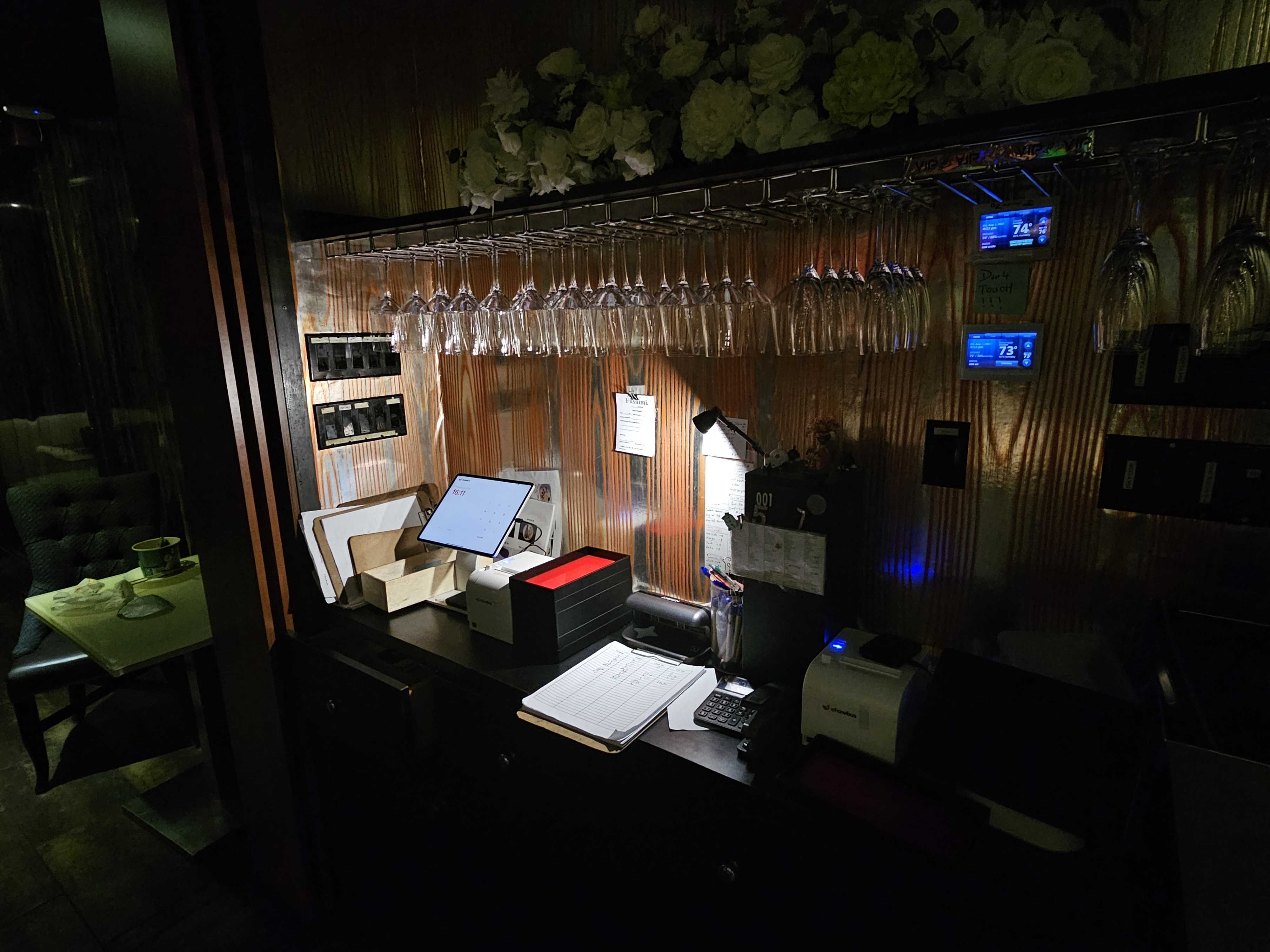
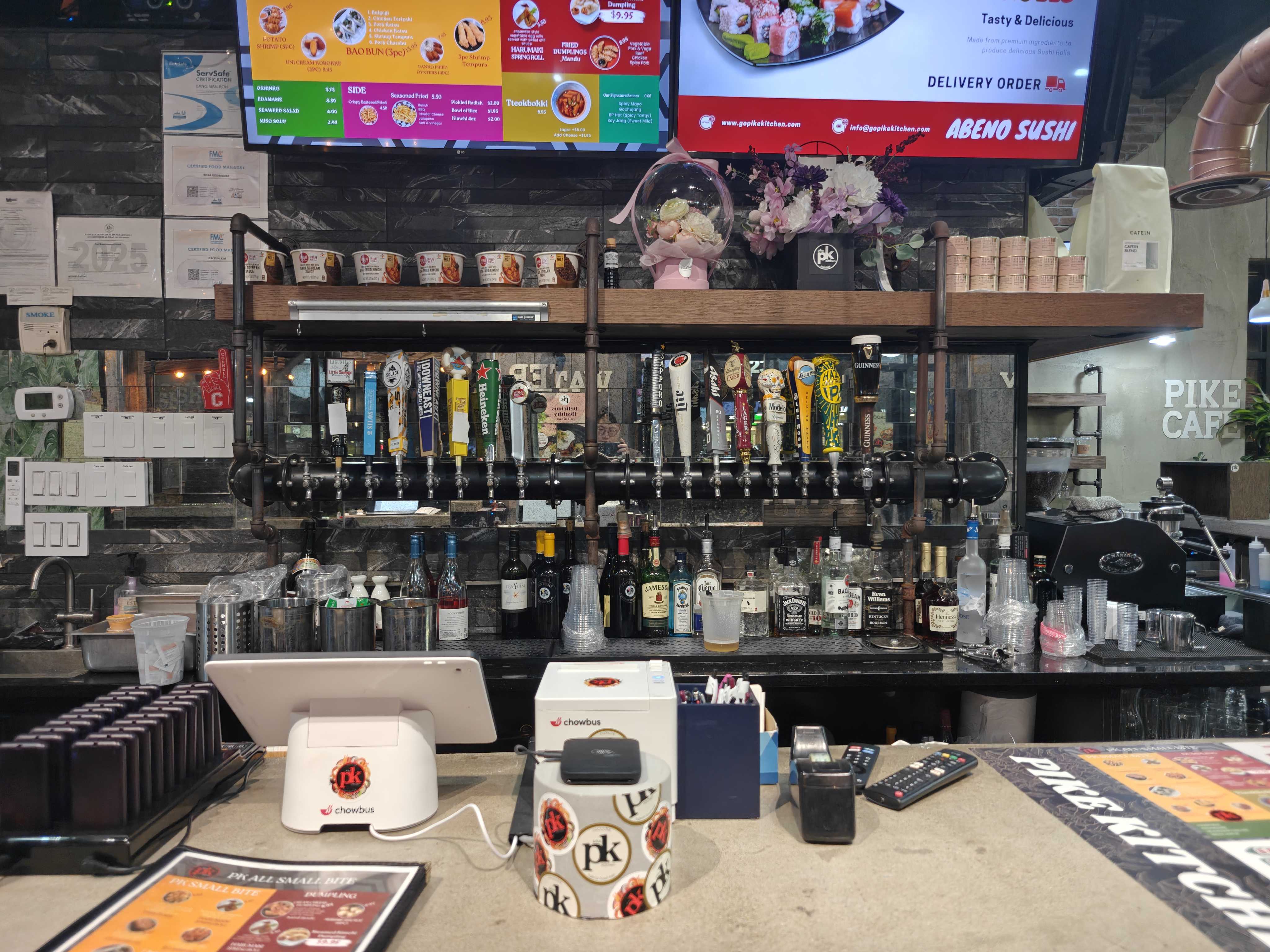
Chowbus was built specifically for Asian restaurants — it is the only cloud-based POS with multilingual menus natively in English, Chinese, Japanese, Korean, and Spanish, plus built-in AYCE and hot pot controls, QR table ordering, AI-powered advertising tools, and 24/7 support in English, Chinese, and Spanish. Serving 9,000+ restaurants across all 50 U.S. states, it has the operational track record to match its feature depth.
Switching POS systems is often delayed because operators fear downtime. Done correctly, a migration doesn't require closing for a day or retraining your entire staff from scratch.
The key is sequencing: complete menu migration before go-live, run parallel systems for one or two shifts if possible, and prioritize getting kitchen display and payment processing working correctly before layering in loyalty integrations or advanced reporting. A reliable provider handles migration as part of onboarding — they don't hand you a setup guide and disappear.
When evaluating systems, ask specifically: how long does onboarding take, who manages the menu import, and what support is available during your first week of live service? Those three answers reveal more about a vendor than any product demo.
The best POS system for your restaurant isn't the one with the highest review score or the lowest advertised rate. It's the one that reduces friction in your specific service format — from the moment a guest sits down or places an order to the moment revenue closes in your nightly report.
If you run a standard American full-service format, you have capable options across the market. If you run an Asian restaurant — hot pot, AYCE sushi, dim sum, bubble tea, ramen, or any combination — the decision space narrows significantly. The number of systems actually designed for how you operate is small.
The operators who switch to a system purpose-built for their restaurant type consistently report fewer errors, faster table turns, and sharper financial visibility. That's the operational logic of using the right tool for the job you actually have.

Q1: What is the best POS system for restaurants in 2026? A: The best POS depends on your restaurant format. For Asian restaurants, Chowbus is the only purpose-built cloud-based option with multilingual menus, AYCE and hot pot controls, and 24/7 bilingual support. For standard American full-service dining, Toast is the market leader. For small or new operators, Square offers a low-cost entry point. Evaluate based on your specific service model and format — not just listed price.
Q2: How much does a restaurant POS system cost per month? A: Monthly POS software costs range from $0 (Square free tier) to $135+ (Clover). Total cost of ownership including hardware, payment processing fees, and support is usually higher — a mid-size restaurant's complete system typically runs $200–$600/month depending on provider, volume, and hardware configuration.
Q3: What's the difference between a cloud-based and a legacy POS system? A: A cloud-based POS stores data online and can be accessed or updated remotely from any device. A legacy system stores data on a local server at your location. Cloud-based is now the standard because it enables real-time menu updates, remote sales monitoring, and automatic software upgrades — all of which matter every week of operation.
Q4: Can a restaurant POS system handle both dine-in and online ordering? A: Yes — modern systems should handle both natively. The key detail is ensuring online orders route directly into your kitchen display without a third-party intermediary taking 25–30% commission per transaction. Chowbus includes built-in online ordering as part of its core platform.
Q5: How long does it take to set up a new restaurant POS? A: Basic setup can be completed in one to two days. A full deployment with menu migration, hardware configuration, and staff training typically takes one to two weeks. A reliable provider should project-manage this process and provide dedicated onboarding support rather than handing you documentation and stepping away.