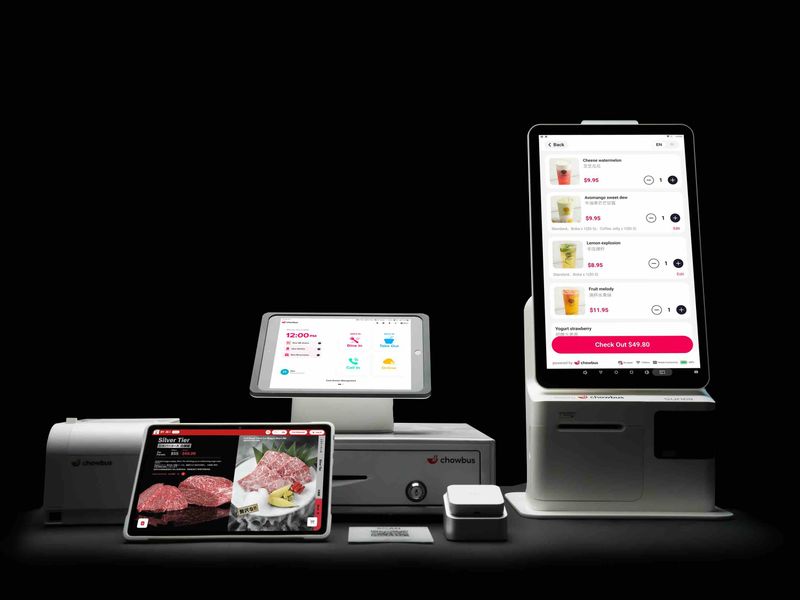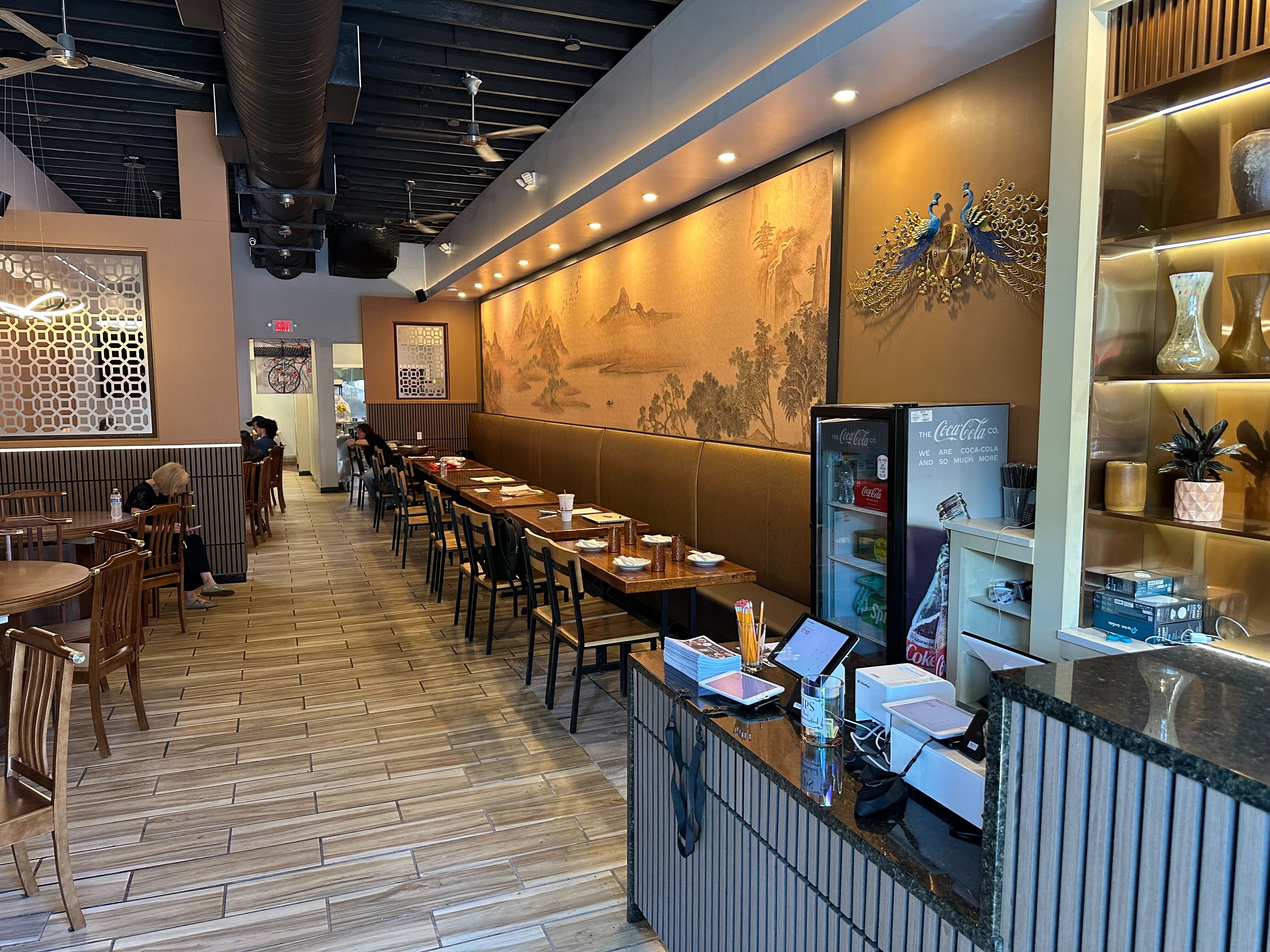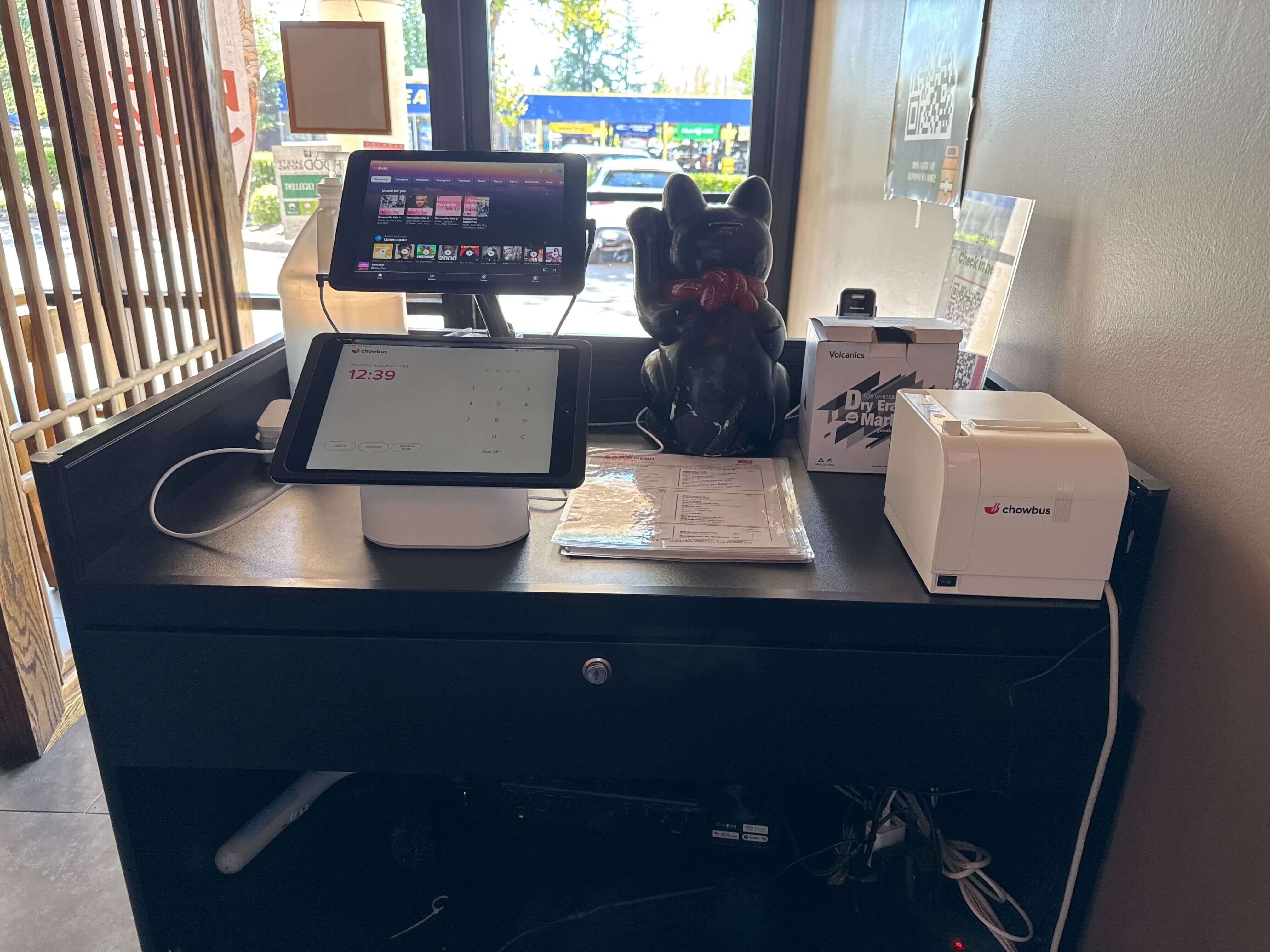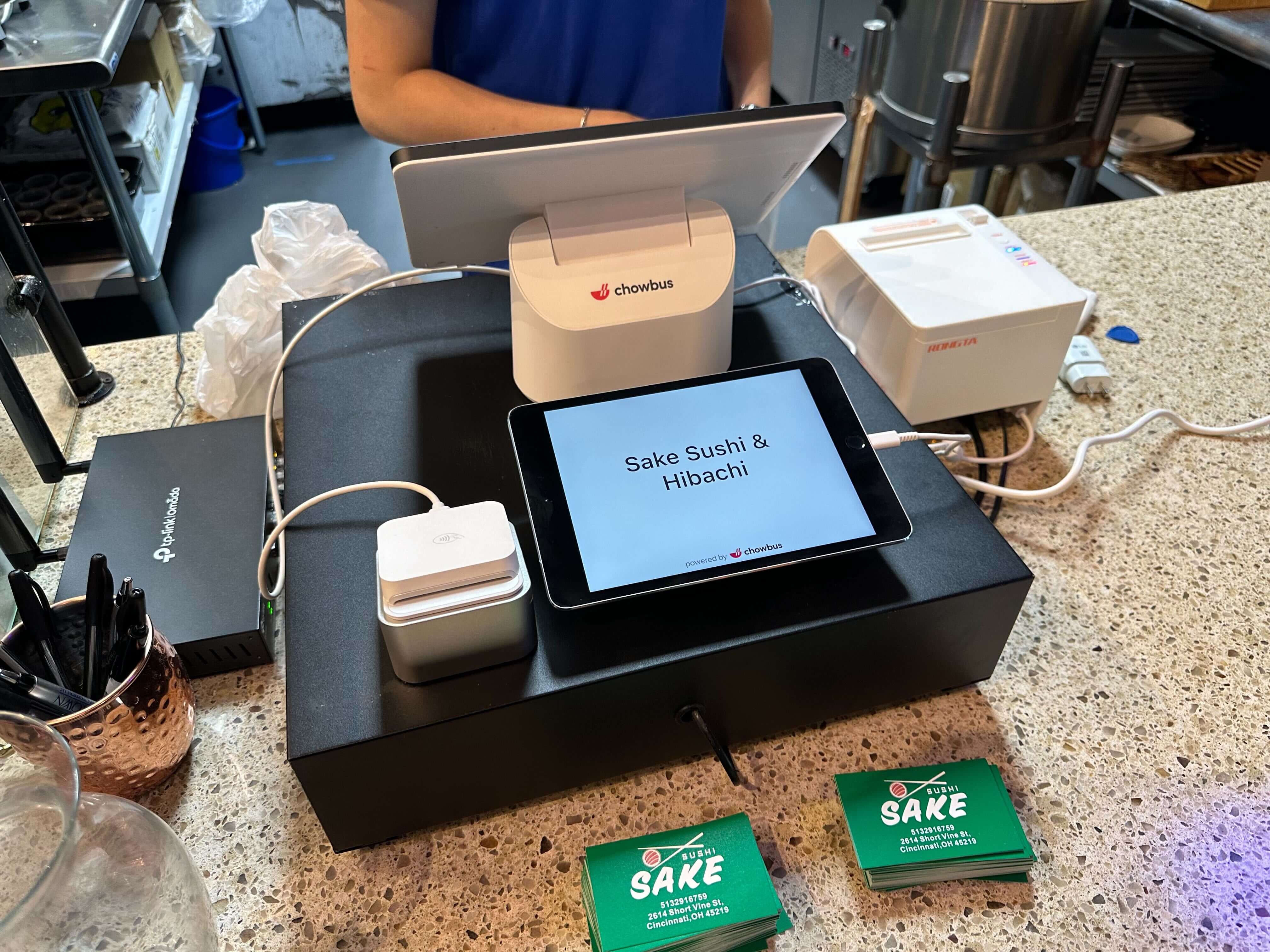
In 2026, kiosk hardware has largely become standardized. The real competitive difference lies in the software layer: how it connects to POS systems, how it manages menu logic, how it handles data, and how seamlessly it fits into daily restaurant workflows. Understanding that distinction is critical before making an investment decision.
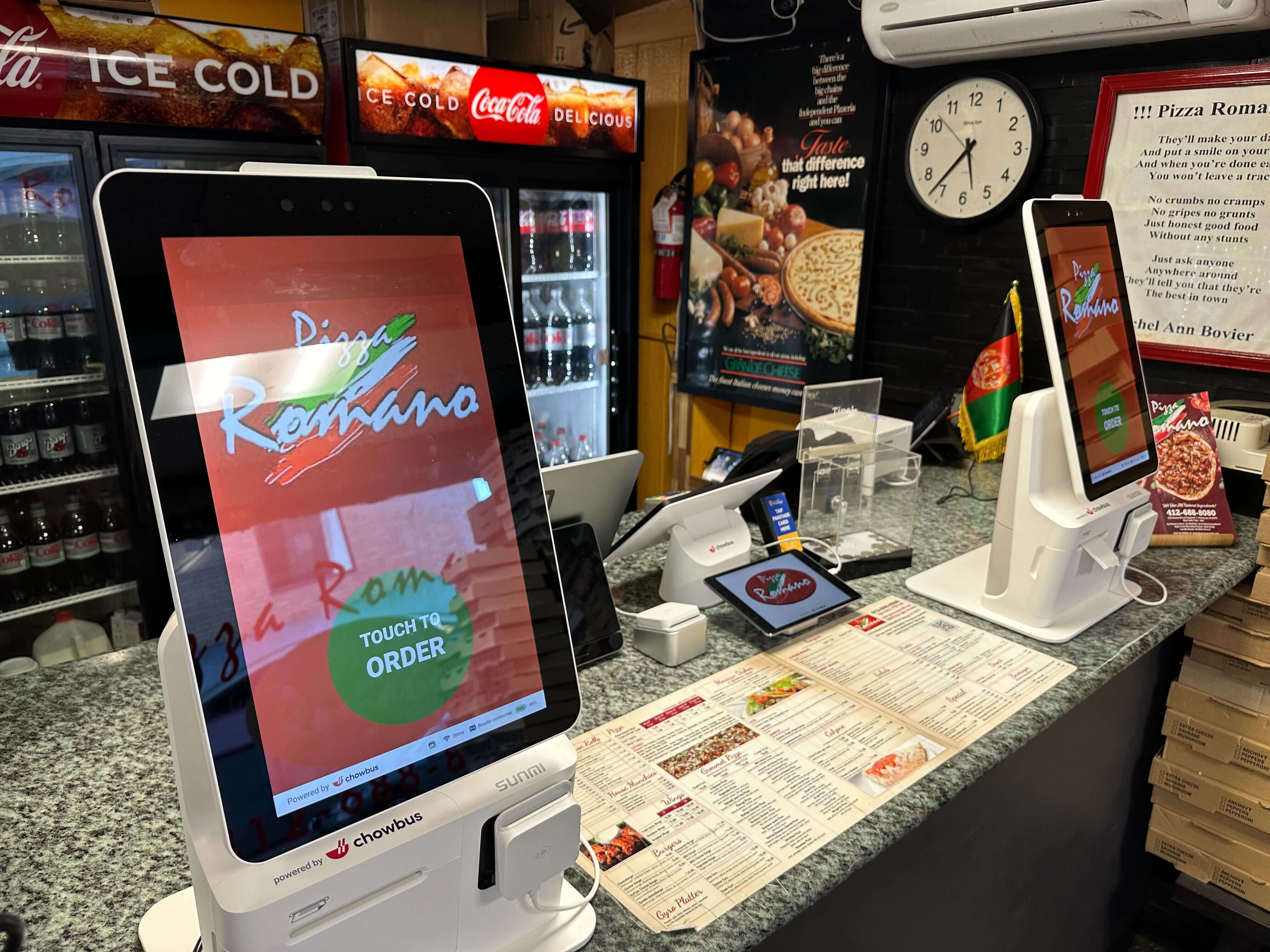
At its core, self ordering kiosk software is the operating system that powers the customer-facing ordering experience. However, defining it only as “ordering software” significantly underestimates its strategic role.
Modern kiosk software controls menu structure, modifier logic, pricing updates, promotions, payment processing, loyalty integration, and order routing to the kitchen. More importantly, it determines how data flows between the kiosk, the POS, reporting dashboards, and sometimes even marketing systems.
If the software is disconnected or poorly integrated, the kiosk becomes an isolated device that creates operational friction. If the software is deeply integrated, it becomes a revenue-driving extension of your restaurant management infrastructure.
To understand its value, operators need to look at how kiosk software interacts with the broader restaurant management system.
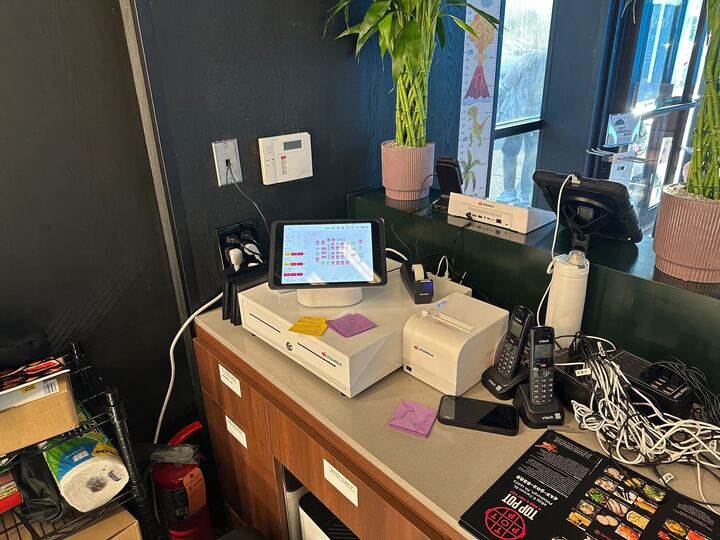
When a guest places an order at a kiosk, the software should instantly sync with the POS. This ensures inventory updates, kitchen tickets, and sales reports remain consistent across all channels. The most efficient systems eliminate the need for manual menu duplication or separate backend dashboards.
Advanced platforms also allow centralized menu management across multiple locations. For growing restaurant groups, this means promotions, pricing updates, and seasonal changes can be deployed instantly without technical bottlenecks.
The best self ordering kiosk software operates not as a standalone ordering tool, but as an intelligent layer within the broader technology stack.
Hardware often attracts attention because it is tangible and visible in the dining room. However, long-term ROI depends far more on software capability than on screen size or enclosure style.
The software determines whether you can:
A kiosk with weak software functionality may process transactions, but it will not optimize them. In contrast, robust kiosk software can consistently increase average ticket size by guiding customers through intelligent ordering pathways.
Operators often ask whether kiosks increase revenue. The more accurate question is whether the software driving the kiosk is designed to influence customer decision-making.
Research across the quick-service industry shows digital ordering environments frequently lead to higher average ticket sizes because customers feel less rushed and are more open to visual upselling prompts. The software plays a crucial role in sequencing modifiers and presenting add-ons at the right moment.
Additionally, integrated reporting enables owners to measure ROI directly. When kiosk data flows into POS analytics, operators can evaluate labor savings, peak-hour efficiency improvements, and sales attribution in one unified dashboard.
Without this integration, understanding performance becomes fragmented and difficult to manage.
Self ordering kiosk software also impacts labor structure in meaningful ways. While kiosks are sometimes framed as labor replacement tools, their greater value lies in labor reallocation.
Effective software allows restaurants to redesign workflows. Instead of dedicating multiple employees to order-taking during peak hours, staff can shift toward food quality control, order accuracy, and guest assistance. This shift improves throughput without sacrificing hospitality.
In environments where labor costs represent 30% or more of total revenue, even small efficiency gains can significantly impact margins. The software’s stability, uptime reliability, and ease of backend management directly influence whether those efficiencies are realized.
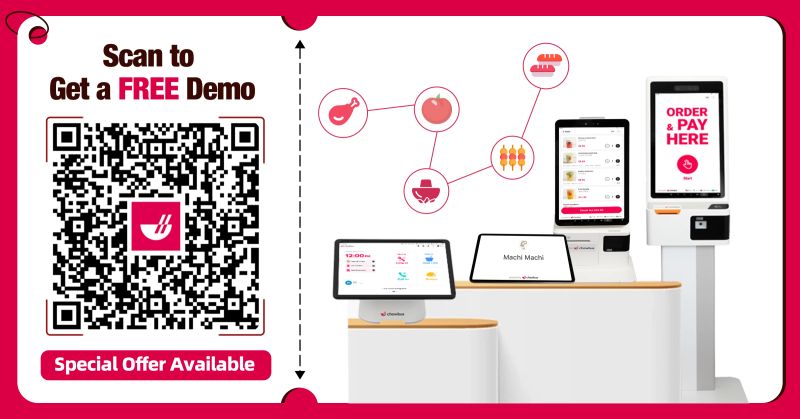
If you're evaluating how self ordering kiosk software could fit into your current POS and operational structure, it may help to explore how fully integrated systems manage orders, data, and reporting in one ecosystem.
Before committing to a self ordering kiosk software solution, operators should consider several deeper factors beyond feature checklists.
First, examine integration depth. Does the kiosk run on the same database as your POS, or does it rely on API connections that may introduce latency or inconsistencies? Native integration often reduces technical risk.
Second, evaluate scalability. If you plan to expand locations, the software should support centralized control and multi-store reporting without complexity.
Third, assess analytics transparency. A sophisticated dashboard that connects kiosk sales to overall performance is essential for long-term optimization.
Finally, consider user interface design flexibility. Your kiosk is an extension of your brand. Software that allows design customization without developer dependency offers meaningful strategic value.
In some cases, yes. However, the most efficient solutions operate on a unified system where kiosk and POS share the same backend database, reducing duplication and improving reporting accuracy.
Monthly subscription costs typically range from $75 to $250 per kiosk, depending on integration depth, reporting tools, and multi-location capabilities.
Modern systems often allow loyalty and CRM integration, enabling customers to earn and redeem rewards directly at the kiosk without additional steps.
While most common in quick-service and fast casual settings, kiosks can be adapted for hybrid or limited-service models, particularly in high-volume environments.
Reputable systems comply with PCI standards and support EMV and contactless payments. Security depends largely on the provider’s infrastructure and compliance protocols.
Self ordering kiosk software should not be evaluated as an accessory feature. It is infrastructure. It determines how orders flow, how data is captured, and how revenue is optimized.
Restaurants that treat kiosks as isolated ordering stations often see limited gains. Those that implement deeply integrated software solutions tend to unlock sustained improvements in efficiency, guest experience, and profitability.
If you’d like to better understand how self ordering kiosk software can align with your restaurant’s operational goals, consider scheduling a short demo or consultation. Seeing how the system functions within a complete management ecosystem can provide clearer insight than feature lists alone.